


You sign up for Bill.com to simplify bookkeeping, but after a year or two, the monthly fees pile up. Every new team member, every extra client, every added integration, they all cost more. And if you want to leave, your data is stuck behind their paywall. Sound familiar?
Bookkeeping pros know the real price of rented software. QuickBooks Online and Xero give you more flexibility, FreshBooks is friendlier for small teams, and Gusto nails payroll. But every SaaS alternative means you rent forever, with surprise increases looming. In this post, you'll get the honest rundown on the top Bill.com alternatives for bookkeeping services, including the only option where you own the code: a custom Devaims build.
Why bookkeeping services look for Bill.com alternatives
Bookkeeping platforms like Bill.com helped thousands of firms move away from manual spreadsheets and paper checks. But as digital bookkeeping matured, the cost and control trade-offs became harder to ignore. Here’s why so many firms now search for Bill.com alternatives:
- Per-user and per-transaction fees climb fast: Bill.com’s pricing model, like many SaaS tools, charges for each user, each client, and often each transaction. As your firm grows, so does your bill, sometimes unpredictably. Many firms find that their monthly spend doubles simply by adding a few team members or taking on more clients. If you run a high-volume practice, transaction fees can quickly eat into margins.
- Locked-in features and forced upgrades: Advanced reporting, workflow automations, or integrations with CRMs and payroll tools are often locked behind higher subscription tiers. As your needs evolve, you’re forced into more expensive plans, whether you need the extra features or not. Sometimes, even basic features like multi-currency support or custom user roles are withheld unless you upgrade.
- Limited customization and workflow friction: SaaS platforms must serve thousands of customers, so they offer standardized workflows. If you want to automate a niche process, integrate a legacy system, or enforce custom approval chains, you’re boxed in by what the vendor allows. Workarounds add friction, and unique workflows are often unsupported.
- Data ownership is not in your hands: When your data lives on someone else’s servers, full export is rarely as simple as pressing a button. Attachments, audit trails, and detailed histories often remain locked in proprietary formats. Firms who try to switch platforms after several years frequently discover that only summary data is exportable, and even then, manual cleanup is required.
- Support and uptime limits: SaaS platforms can experience outages or slowdowns, and support queues are unpredictable. If your firm has a time-sensitive payroll or client reporting deadline, waiting for a support ticket can be costly. Bill.com’s support reviews are mixed, and many competitors are similar.
For many, these pain points are why "Bill.com alternatives" is a top search, firms want better cost control, flexibility, and true ownership of their data and workflows.
Quick comparison of the best Bill.com alternatives
| Tool | Best for | Starting price | You own it? |
|---|---|---|---|
| QuickBooks Online | General bookkeeping | Reported $30/mo | No, SaaS |
| Xero | Multi-currency bookkeeping | Reported $15/mo | No, SaaS |
| FreshBooks | Small business invoicing | Reported $19/mo | No, SaaS |
| Botkeeper | AI-powered bookkeeping | Reported $155/mo | No, SaaS |
| Pilot | Startups, VC-backed | Reported $499/mo | No, SaaS |
| Bench | Hands-off bookkeeping | Reported $299/mo | No, SaaS |
| Synder | Ecommerce automation | Reported $48/mo | No, SaaS |
| Gusto | Payroll and HR | Reported $40/mo + $6/user | No, SaaS |
| Devaims (custom) | Owning your platform | One-time build | One-time build, you own it |
Always confirm current pricing before you decide, rates change fast, and add-ons or per-user fees can flip the math.
The 9 best Bill.com alternatives
1. QuickBooks Online (all-purpose bookkeeping)
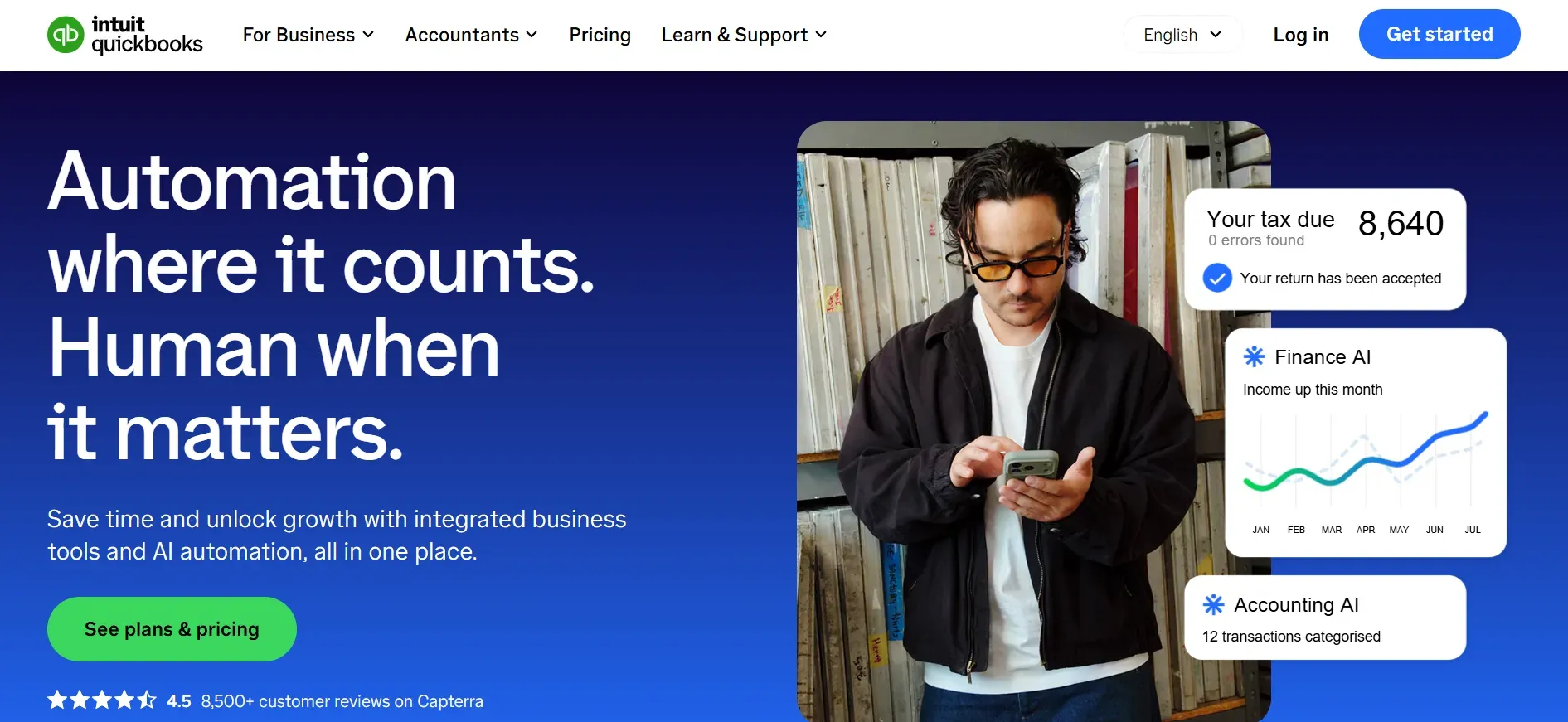
QuickBooks Online is the industry standard for digital bookkeeping, with a user base ranging from solo bookkeepers to large firms. Its core features include invoicing, expense tracking, bank reconciliation, basic inventory, and extensive reporting. QuickBooks supports hundreds of integrations, from payroll processors like Gusto to CRM solutions like Salesforce and payment gateways such as Stripe and PayPal. The QuickBooks App Store offers add-ons for time tracking, project management, and more.
Migration from Bill.com to QuickBooks Online is generally straightforward for basic bookkeeping data, but complex payment workflows or custom fields may not transfer cleanly. QuickBooks' API is strong, but customizing beyond what’s available often means third-party middleware or manual work. The user interface is familiar to most accountants, but can feel cluttered for new users. Data export is possible, but full record sets (including attachments or detailed audit logs) may require manual intervention. QuickBooks offers tiered plans, each unlocking more features, but per-user pricing means costs rise as your team grows. For firms with multiple companies or client files, costs multiply quickly.
Concrete use cases: QuickBooks Online excels for firms needing standardized bookkeeping, regular reporting, and integration with major banks and payment processors. It’s suitable for accounting practices serving diverse industries, but less ideal for firms with highly specialized workflows or regulatory needs.
Pricing: Starts at $30/month per company file, with additional fees for users and advanced features.
- Key limitations:
- Costs rise with each user or company file
- Limited deep customization without third-party tools
- Full data export can require manual work
- Strengths:
- Broad feature set and integrations
- Familiar interface for most accountants
- Strong support and documentation
Devaims can help you automate custom workflows that QuickBooks doesn't support out of the box.
2. Xero (multi-currency and global firms)
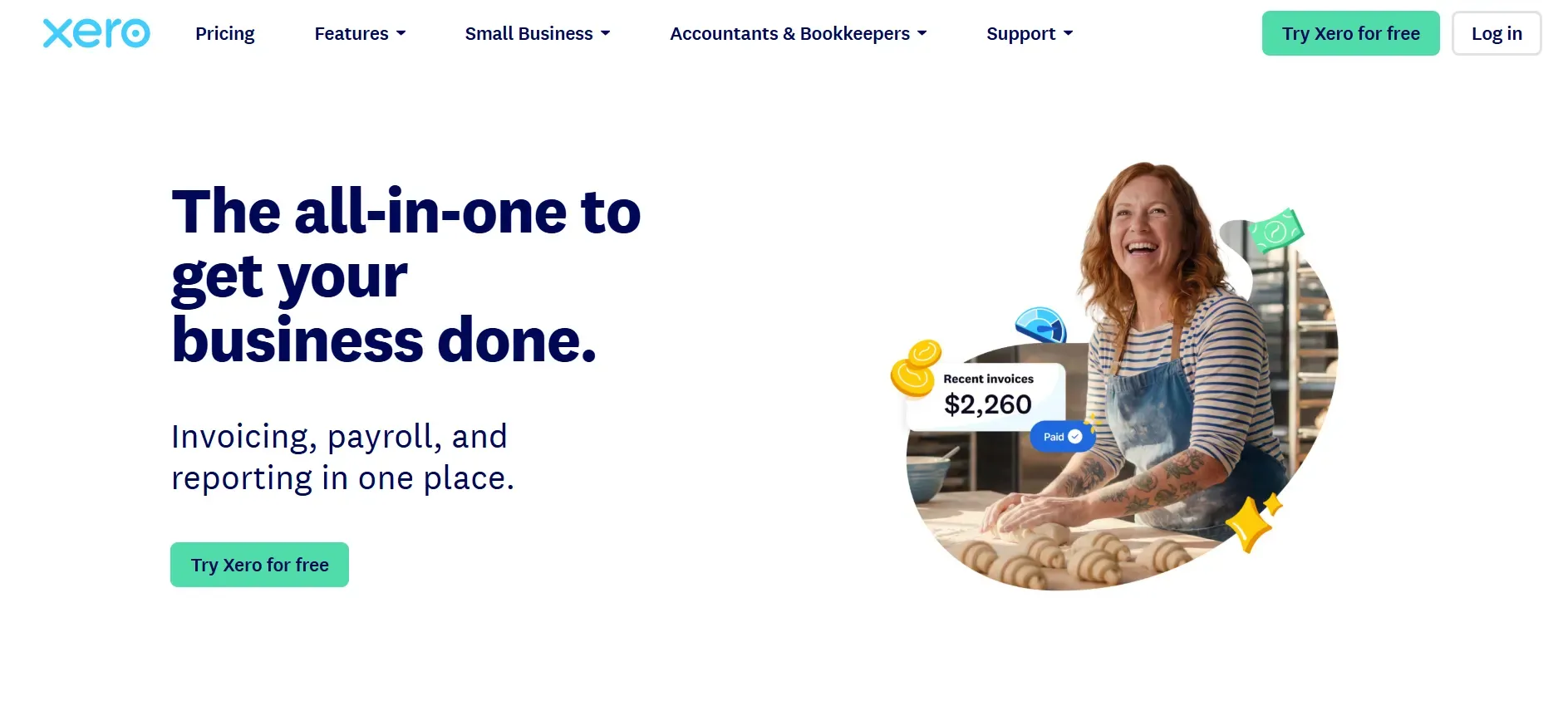
Xero is a favorite among firms with international clients, thanks to its built-in multi-currency support, strong bank feed connectivity, and open API. Its interface is modern and clean, with a dashboard that surfaces cash flow, invoices, and bills at a glance. Xero’s ecosystem includes hundreds of integrations, spanning inventory management (like DEAR Systems), payroll, and ecommerce. The Xero Marketplace is a hub for automation tools, reporting extensions, and data sync with platforms like Shopify and WooCommerce.
Migration from Bill.com to Xero is relatively smooth for core financial data, as Xero supports data import templates. However, advanced transaction histories, custom field mappings, or attachments may require assistance or manual steps. Xero’s API is more open than some competitors, but deep customization often still requires developer involvement. Lower-tier plans limit the number of invoices or bills per month, and multi-currency support is only available on the most expensive plan. Per-user pricing applies, and additional costs for expense claims or project tracking can surprise firms scaling up.
Concrete use cases: Xero is ideal for firms with cross-border operations, those needing to handle multiple currencies, and practices that want to automate with open APIs. It is also popular with ecommerce businesses and digital agencies operating globally.
Pricing: Starts at $15/month, with higher tiers for multi-currency and advanced features.
- Key limitations:
- Multi-currency only on highest plan
- Invoice/bill limits on lower tiers
- Custom reporting requires add-ons
- Strengths:
- Excellent for global and multi-currency firms
- Modern, intuitive interface
- Open API and strong integration ecosystem
If you need custom integrations beyond Xero's API, Devaims can build them to your exact requirements.
3. FreshBooks (small business invoicing)
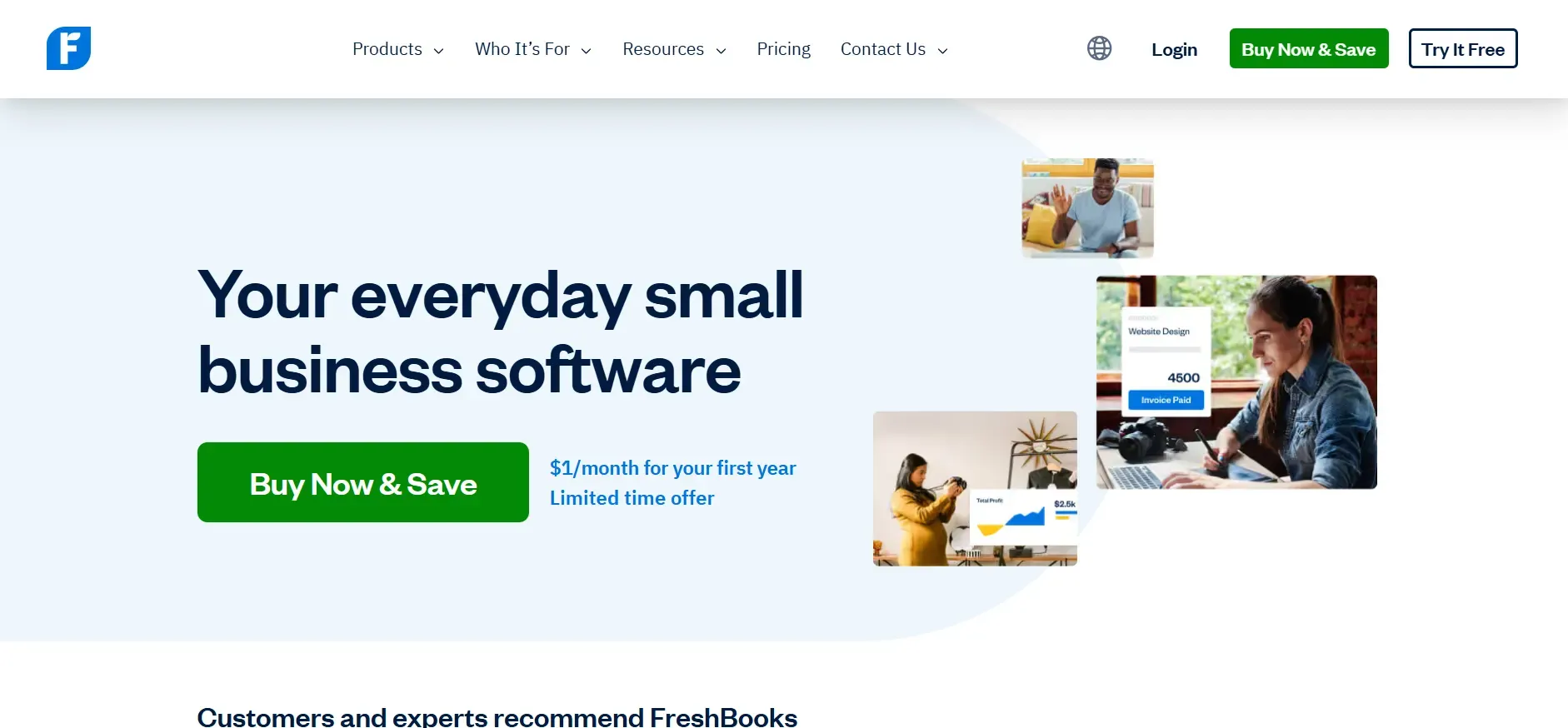
FreshBooks is designed for freelancers, consultants, and small agencies focused on time tracking, invoicing, and expense management. Its interface is exceptionally friendly for non-accountants, making it easy to send invoices, track billable hours, and accept online payments. FreshBooks integrates with platforms like G Suite, Stripe, and Gusto, but its ecosystem is smaller than QuickBooks or Xero. The mobile app is a standout for on-the-go expense capture and client management.
Migration from Bill.com to FreshBooks is possible for basic client and invoice data, but detailed payment histories, custom workflows, or attachment records may not be transferable. FreshBooks limits the number of billable clients on lower-tier plans, and batch operations (like mass invoice generation or reconciliation) are missing. Custom reporting is basic, and firms needing advanced analytics or bulk automation may outgrow the platform quickly.
Concrete use cases: FreshBooks is ideal for solo practitioners, micro-businesses, and small agencies who value ease of use over deep customization. It excels at straightforward invoicing, expense tracking, and time billing, especially for service-based businesses.
Pricing: Starts at $19/month, with client limits on lower tiers.
- Key limitations:
- Client limits on entry plans
- Limited batch operations and automation
- Basic reporting only
- Strengths:
- User-friendly interface
- Great for solo and small teams
- Strong mobile app
For firms that outgrow FreshBooks, Devaims can build a platform that scales with your client base.
4. Botkeeper (AI-powered bookkeeping)
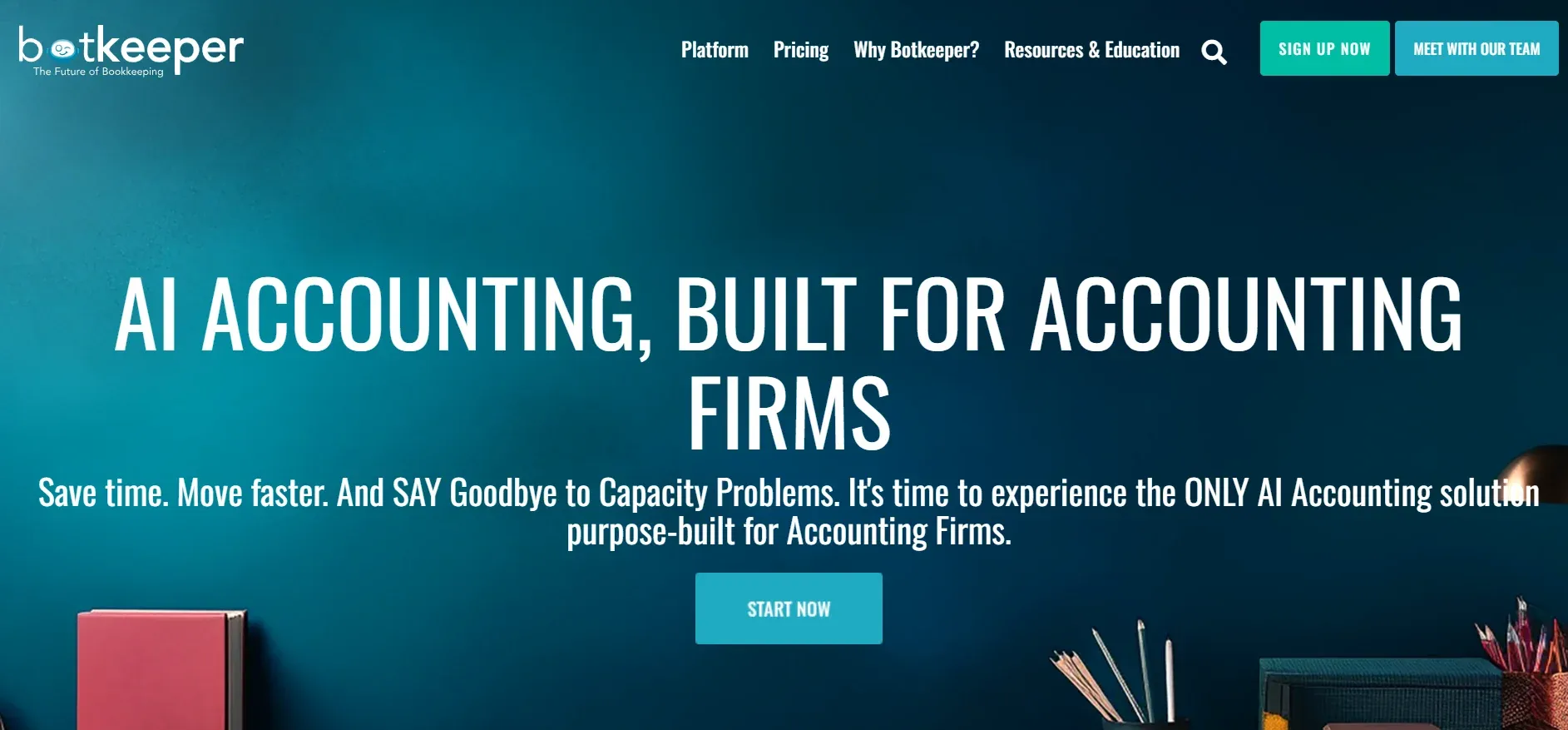
Botkeeper combines machine learning with human oversight to automate bookkeeping tasks for accounting firms. Its platform ingests bank feeds, receipts, and invoices, and uses AI to categorize transactions, reconcile accounts, and generate reports. Each client account is supported by a Botkeeper team for quality assurance. Botkeeper integrates with QuickBooks Online and Xero, as well as payroll and tax solutions. The AI engine is designed to learn as you use it, improving transaction categorization and reducing manual review over time.
Migration from Bill.com to Botkeeper is service-driven: the Botkeeper team onboards your data, configures AI rules, and sets up integrations. However, migration friction comes from needing compatible systems, if your process includes niche tools or custom data fields, you may need manual work to bridge the gap. Botkeeper’s automations are powerful but limited to supported workflows; truly custom automations or integrations require negotiation or manual intervention. Pricing starts high, with monthly minimums making it cost-prohibitive for small firms.
Concrete use cases: Botkeeper is best for accounting firms managing multiple client books, high transaction volumes, or looking to reduce manual data entry. It shines in environments where speed and scale matter more than deep customization.
Pricing: Starts at $155/month, with pricing based on client volume and features.
- Key limitations:
- High minimum monthly cost
- Custom automations limited to supported workflows
- Data export can be complex
- Strengths:
- AI-driven automation
- Human review for accuracy
- Integrates with major accounting platforms
When you need automations tailored to your firm, Devaims can deliver custom logic and integrations.
5. Pilot (bookkeeping for startups)
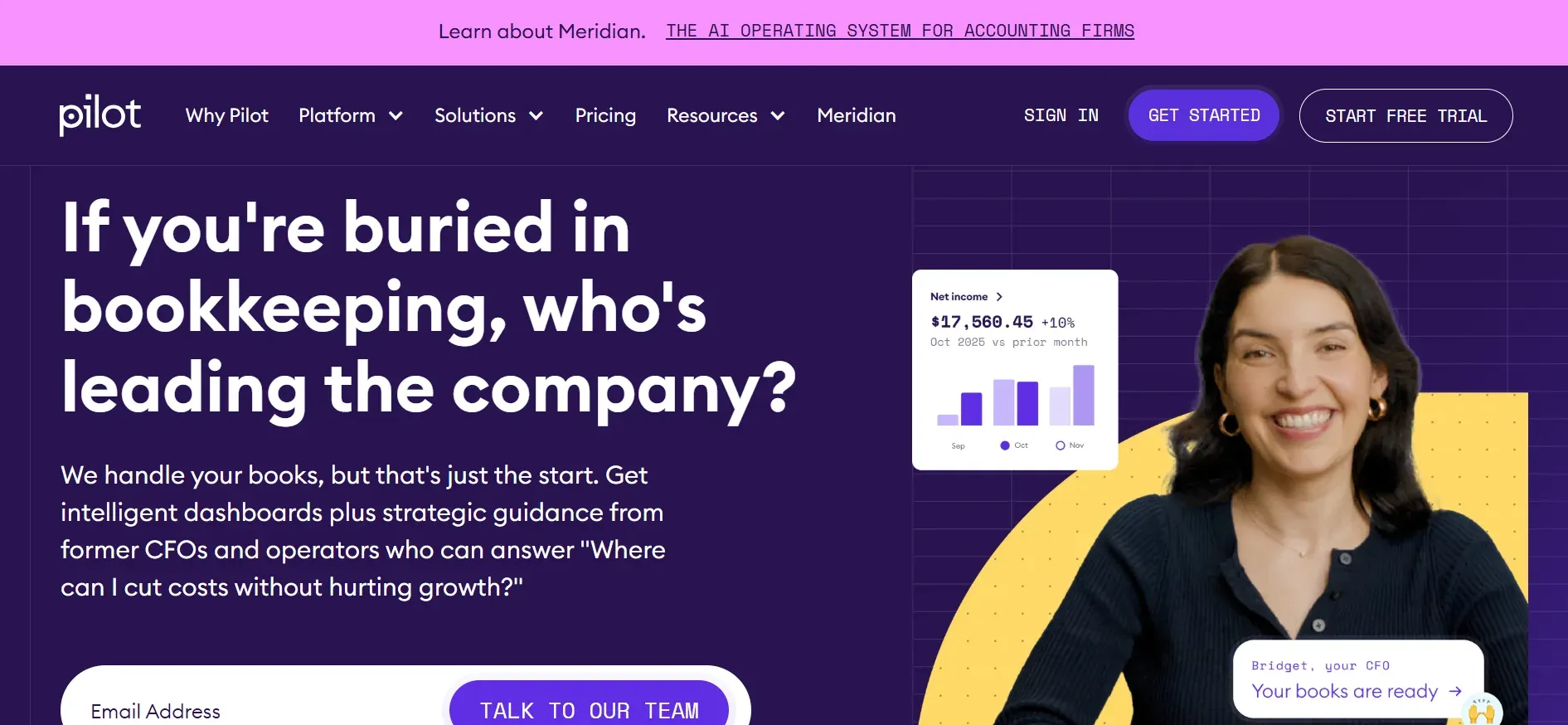
Pilot is a full-service bookkeeping and CFO solution tailored for startups and venture-backed companies. Its team handles all bookkeeping, payroll, and tax prep, and provides strategic financial guidance. Pilot’s platform integrates with QuickBooks Online, Gusto, Stripe, and popular SaaS tools. Startups appreciate Pilot’s focus on accrual accounting, fundraising compliance, and financial modeling. The service is white-glove: you interact with a dedicated financial team who manage your books and provide monthly insights.
Migration from Bill.com to Pilot is handled by Pilot’s onboarding team, who move your financial data and set up integrations. However, firms lose direct control over their day-to-day bookkeeping platform, relying instead on Pilot’s team. Custom workflows are limited to what Pilot supports; if you need highly specific approval chains or niche integrations, you may be out of luck. Pricing is among the highest in the category, justified by the strategic advisory layer and dedicated service team.
Concrete use cases: Pilot is ideal for fast-growing startups, SaaS firms, and tech companies who want to outsource their financial back office and receive investor-grade reporting.
Pricing: Starts at $499/month, with higher tiers for additional services.
- Key limitations:
- Very high monthly cost
- Limited workflow customization
- Data ownership remains with Pilot
- Strengths:
- Dedicated financial team
- Investor-grade reporting
- Handles compliance and tax
For firms wanting to bring financial operations in-house, Devaims can build a platform tailored to your growth and compliance needs.
6. Bench (hands-off bookkeeping)
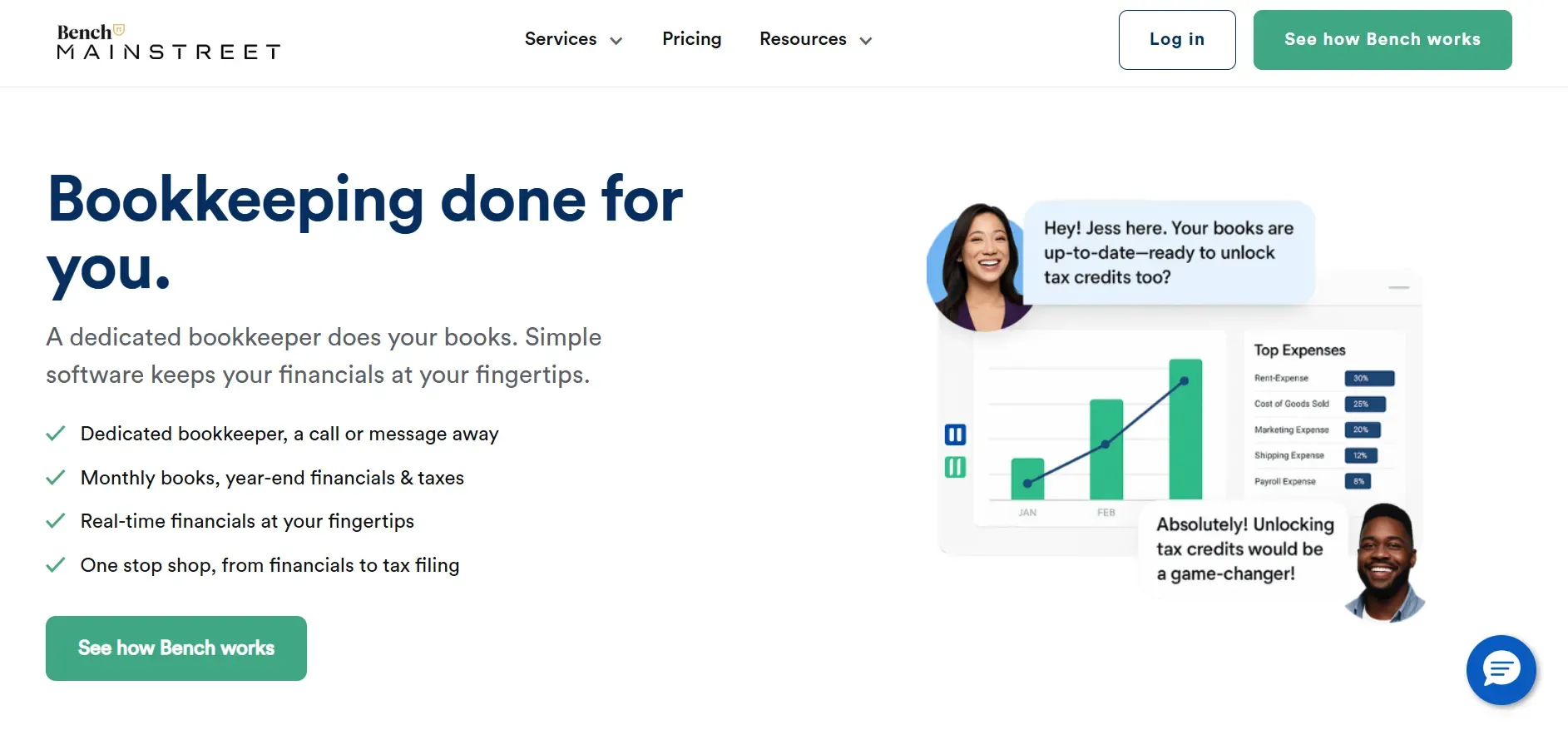
Bench provides hands-off bookkeeping for small businesses who want to delegate categorization, reconciliation, and reporting. Bench’s subscription includes a dedicated team that manages your books and delivers monthly reports. The platform integrates with major banks and payment processors, but customization is minimal. Bench’s software is proprietary, and while you can view reports and communicate with your Bench team, you cannot customize workflows or reporting templates.
Migration from Bill.com to Bench is guided by Bench’s onboarding team, but only standard bookkeeping data is migrated. If you have complex workflows, custom fields, or require access to detailed audit trails, you may face data loss. Bench’s focus is on simplicity: you upload your documents, and the Bench team handles the rest. Tax support and year-end reporting are available as add-ons, and the platform is praised for its ease of use and responsive support.
Concrete use cases: Bench is perfect for small businesses, consultants, and solopreneurs who want to offload bookkeeping and receive ready-to-file financial statements each month.
Pricing: Starts at $299/month, with add-ons for tax support.
- Key limitations:
- Minimal workflow customization
- Data export can be incomplete
- Higher cost for hands-off service
- Strengths:
- Dedicated bookkeeping team
- Simple, hands-off process
- Responsive support
Devaims can help you automate and customize workflows as your firm grows beyond Bench's limits.
7. Synder (ecommerce bookkeeping automation)
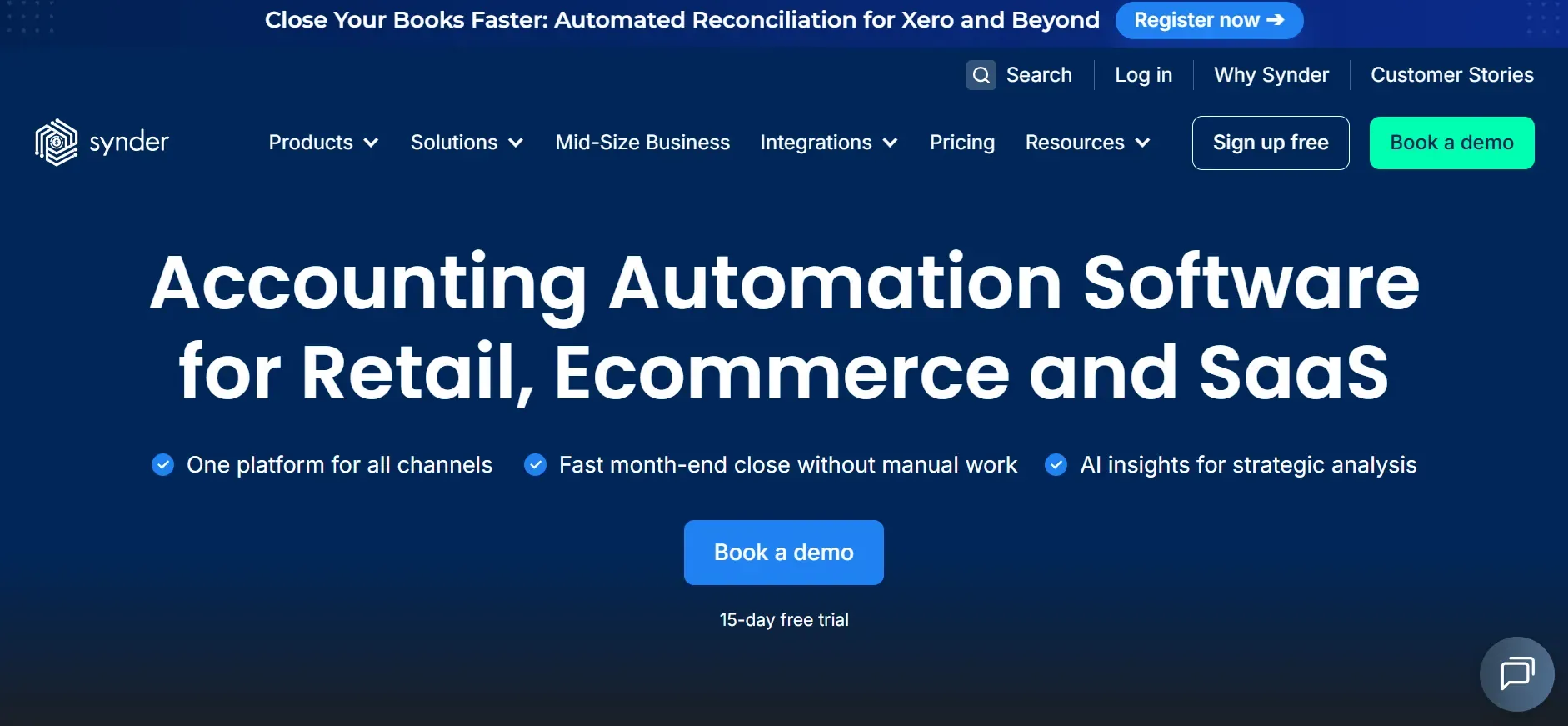
Synder is purpose-built for ecommerce businesses and accountants managing online sellers. Its core function is to sync sales, fees, and payouts from platforms such as Shopify, Amazon, eBay, Etsy, Stripe, and PayPal directly into QuickBooks or Xero. Synder automates reconciliation, categorization, and sales tax tracking, making it a favorite for firms with high transaction volumes and multiple sales channels. The platform supports automatic invoice creation, payment matching, and multi-currency processing.
Migration from Bill.com to Synder is possible for ecommerce data, but Synder is an add-on rather than a full bookkeeping system. You’ll still need a primary accounting platform. Pricing scales with the number of connected channels and transaction volume, and add-ons (like inventory sync or advanced reporting) can increase costs. Synder’s integrations are deep for ecommerce, but limited outside that space.
Concrete use cases: Synder is best for ecommerce firms selling across multiple platforms, accountants managing online retailers, and businesses needing automated reconciliation of complex sales flows.
Pricing: Starts at $48/month, with costs rising for more channels and transactions.
- Key limitations:
- Not a full accounting system
- Costs rise with volume and channels
- Limited outside ecommerce
- Strengths:
- Deep ecommerce integrations
- Automates reconciliation and tax tracking
- Works with QuickBooks and Xero
For ecommerce firms needing more than Synder's scope, Devaims can build a unified platform for all your channels and workflows.
8. Gusto (payroll and HR automation)
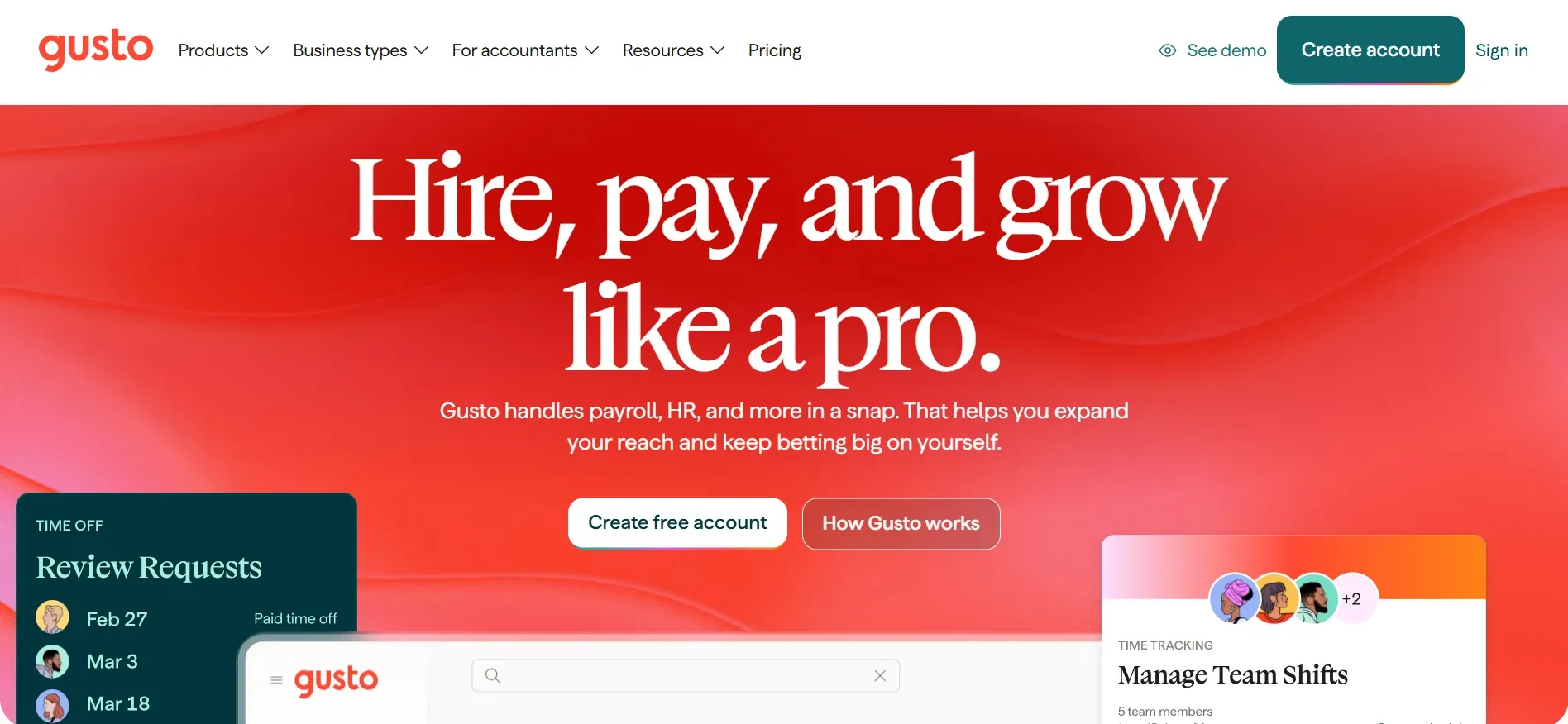
Gusto is a leader in payroll and HR automation for small and midsize businesses. Gusto handles payroll processing, tax filings, benefits administration, onboarding, and compliance reporting. It integrates natively with QuickBooks, Xero, FreshBooks, and other accounting platforms, and offers an open API for custom integrations. Gusto’s onboarding is streamlined, with guided employee self-service and digital document management. The platform supports multi-state payroll, 1099 contractors, and benefits administration in all 50 states.
Migration from Bill.com to Gusto is focused on payroll and HR data. Gusto’s support team assists with data import and compliance setup. However, Gusto is not a full bookkeeping platform, so you’ll need to maintain an accounting system in parallel. Per-employee pricing means costs rise as you add staff, and some features, like time tracking, performance reviews, or advanced reporting, are only available on higher tiers. Customization is limited to available integrations and API endpoints.
Concrete use cases: Gusto is ideal for firms needing streamlined payroll and HR management, especially those with distributed teams or complex compliance needs.
Pricing: Starts at $40/month base plus $6 per employee.
- Key limitations:
- Not a full bookkeeping solution
- Costs rise with each employee
- Advanced features on higher tiers
- Strengths:
- Streamlined payroll and HR
- Integrates with major accounting tools
- Strong compliance support
Devaims can build payroll and HR modules into your owned bookkeeping platform, eliminating per-employee fees.
9. Devaims (bookkeeping software you own)
Devaims builds custom bookkeeping and automation platforms designed around your unique workflows, integrations, and reporting needs. Unlike every SaaS tool above, you get the source code, full data ownership, no per-user or per-transaction fees, and a system you can adapt as your business grows.
Migration from Bill.com or any SaaS tool is handled as part of the Devaims engagement. The Devaims team maps your existing data, workflows, and integrations, then designs a platform that replicates and improves your processes. All data, including attachments and audit trails, are migrated and stored in your own environment. You decide the features, user roles, and automation logic. Integrations with banks, payment processors, CRMs, or custom legacy systems are built to your spec. Ongoing maintenance is flat-rate, and you own the platform forever, with no vendor lock-in.
Concrete use cases: Devaims is ideal for firms with complex workflows, regulatory requirements, large teams, or the need for deep automation. It is also the solution for practices who want to future-proof their tech stack, integrate multiple data systems, or offer white-label bookkeeping to clients.
- You own the code and dataUnlimited users and integrationsCustom workflows and automation
- You own the code and data
- Unlimited users and integrations
- Custom workflows and automation
Other Bill.com alternatives worth knowing
- Dext (Receipt Bank): Focused on automating receipt capture and expense data extraction. Dext is a strong add-on for accountants but not a full bookkeeping system. Integrates well with Xero and QuickBooks, and supports batch document uploads. Lacks full general ledger functionality.
- Karbon: Workflow management for accounting firms, not a core accounting platform. Karbon excels at managing client tasks, communication, and internal processes, but you’ll still need an accounting tool for financial data.
- Zoho Books: An affordable, cloud-based accounting solution with basic invoicing, expense tracking, and multi-currency support. Integrates within the Zoho suite, but custom automation and deep third-party integrations are limited compared to Xero or QuickBooks. Good for startups or micro-businesses.
- Wave: Free for core accounting and invoicing, but lacks advanced automation, integrations, and reliable support. Suitable for very small businesses or freelancers who want to minimize costs, but not scalable for growing firms.
Some tools listed are best as add-ons, not full alternatives to Bill.com for core bookkeeping.
How to choose the right Bill.com alternative
- Budget and total cost of ownership: Look beyond sticker price. Calculate per-user, per-client, and per-transaction fees over several years. SaaS pricing can escalate quickly as your firm grows. For custom builds, factor in upfront cost, hosting, and ongoing support, but remember you keep the system forever.
- Industry and workflow fit: Not all platforms are created equal. Ecommerce-focused tools like Synder excel for online sellers, while Gusto is strong for payroll and HR. Identify your firm’s unique workflows, do you need multi-currency, deep reporting, or niche integrations?
- Data ownership and export options: If retaining full data history is important, check what each platform allows for exports. Many SaaS vendors restrict attachment exports, detailed logs, or custom field data. A custom platform ensures your data stays in your hands.
- Integrations and automation: Does the tool connect with your CRM, time tracking, banks, or other core systems? Are automations customizable, or limited to prebuilt options? For complex stacks, custom integration is often the only way to avoid manual workarounds.
- Scalability: What happens when you double your number of users or clients? SaaS fees typically grow linearly (or worse), while an owned platform keeps costs flat as you scale.
If you want to stop renting and actually own your core bookkeeping system, it might be time to look at a custom build.
Stop paying rent on software you could own
The core problem with Bill.com and every SaaS alternative is simple: rent. Every month, you pay for access. Add a user? More rent. Need a new integration? That’s an upsell. Five years later, you’ve shelled out tens of thousands and still own nothing, switching means starting over.
Devaims builds bookkeeping platforms you own. We design every feature around your workflows, automate the data flows you want, and hand you the source code. Your data, your rules, your upgrades, no forced subscriptions, no surprise price hikes, no gatekeeping.
- No more monthly rent: A one-time build replaces endless SaaS fees. Your only ongoing cost is flat-rate maintenance, not per-user or per-integration surcharges.
- Full data ownership: Your records stay yours, with no export headaches. All client, transaction, and audit trail data is stored in your environment, accessible in standard formats.
- Unlimited users and integrations: Scale your team or connect new systems at zero extra cost. Add as many users, clients, or workflow automations as you need, with no SaaS penalty.
- Custom workflows: Automate exactly what your firm needs, not what a vendor allows. Build niche approval chains, client onboarding flows, or regulatory reporting unique to your practice.
| Tool | Pricing model | Data ownership | Customization | Contract? |
|---|---|---|---|---|
| Bill.com | Monthly per-user/transaction | No | Limited | Yes |
| QuickBooks Online | Monthly per-user/plan | No | Some | Yes |
| Botkeeper | Monthly per-client | No | Limited | Yes |
| Gusto | Monthly base + per-employee | No | No | Yes |
| Devaims (custom build) | One-time build + flat maintenance | Yes, you own the code | Full | No |
Here’s what five years really costs for a firm with 10 users, 100 clients, and moderate automation needs:
| Year | Rent: SaaS (avg $400/mo) | Own: Devaims ($28,000 build + $180/mo) |
|---|---|---|
| 1 | $4,800 | $30,160 |
| 2 | $9,600 | $32,320 |
| 3 | $14,400 | $34,480 |
| 4 | $19,200 | $36,640 |
| 5 | $24,000 | $38,800 |
With most SaaS platforms, you're locked into rent forever, and the total bill only grows. Devaims clients keep their software and control the future, no more forced migrations, no more price hikes. The break-even point comes fast, and every year after, owning wins by a wider margin. For example, a 15-user firm with 200 clients often reaches break-even in under four years, and every new user or integration accelerates the savings.
Bookkeeping firms with steady client loads, complex automations, or custom workflows stand to save the most by owning. If you're tired of paying for every seat and upgrade, let's run your numbers and see if building your own platform pays off.
How to switch from Bill.com
- Export all your data from Bill.com, clients, invoices, payments, and audit trails if possible. Review Bill.com’s export documentation and request a full export from their support team if needed.
- Choose your new bookkeeping tool or custom platform. Evaluate migration support, data compatibility, and integration options before committing.
- Import data and verify records are complete and accurate. For SaaS tools, use their import templates; for custom builds, your provider should map and validate all fields, attachments, and histories.
- Reconnect payment gateways, banks, and third-party integrations. Test each connection to ensure automated feeds and workflows function as expected.
- Train your team on new workflows and permissions. Provide documentation, video walkthroughs, or hands-on training to minimize disruption.
- Run both systems in parallel for a full cycle to ensure accuracy. Compare reports and transaction logs to identify and resolve discrepancies.
- Review your Bill.com contract and cancel once migration is confirmed. Confirm all data is backed up before closing your account.
With a custom Devaims build, the migration is handled as part of the project, including data mapping, integration setup, and user training.
Frequently asked questions
What is the best Bill.com alternative for most bookkeeping firms?
QuickBooks Online and Xero are top picks for general bookkeeping, with broad feature sets and integration ecosystems. FreshBooks is simpler and more approachable for small teams or solo practitioners. However, all are subscription-based and mean you rent your software. For firms that want to fully control costs, data, and workflows, a custom Devaims build is the only true alternative where you own the platform outright.
Which Bill.com alternative is cheapest for a small business?
Wave offers free core accounting and invoicing, but lacks advanced features, automation, and reliable support. FreshBooks and Xero have low entry tiers, but monthly fees rise rapidly with more clients or users, and essential features are often locked behind higher plans. For small firms with steady growth, owning your system with Devaims may cost more upfront, but is usually cheaper over 3-5 years, especially if you avoid per-user or per-client fees entirely.
Is there a free Bill.com alternative?
Wave is the main free alternative for basic bookkeeping, but it is best suited for freelancers or very small businesses. Its automation, reporting, and integration features are limited. Most full-featured Bill.com alternatives charge monthly. Building your own custom platform with Devaims is the only way to eliminate monthly rent long-term for growing firms.
What’s the best alternative for payroll and HR?
Gusto is the most widely used payroll and HR automation platform for small to midsize businesses. It streamlines onboarding, tax filings, and benefits, and integrates with major accounting platforms. However, you pay per employee per month, and advanced features require higher-tier plans. A custom Devaims build can deliver payroll and HR modules tailored to your needs, with no per-head fees and full data ownership.
Can I keep my Bill.com data if I switch?
Bill.com allows export of basic records (clients, invoices, payments), but attachments, audit trails, and custom fields may be difficult or impossible to export in bulk. Always back up your data before canceling. For a seamless transition, work with your new provider (or Devaims) to ensure all essential data, especially historical records and supporting documents, is migrated and accessible in your new system.
When is it worth building my own bookkeeping platform?
If you’re paying for multiple users, handling complex integrations, or frustrated by recurring SaaS fees and feature gating, a custom Devaims build is usually cost-effective in under five years. Firms with unique workflows, regulatory or security requirements, or ambitions to white-label their platform for clients also benefit. Devaims will run a detailed cost analysis using your actual usage and growth projections before you commit to a build.
Are Bill.com alternatives hard to migrate to?
Migration requires careful planning. Most SaaS alternatives offer basic data import tools, but complex records, attachments, or custom workflows may need manual effort. Retraining staff and reconnecting integrations are common friction points. Choose a provider that offers migration support. Devaims includes full migration, data mapping, and team training in every custom project, minimizing disruption.
The bottom line
QuickBooks, Xero, FreshBooks, and more let you escape Bill.com, but every SaaS tool means renting. Devaims is the only alternative where you own the platform, the code, and your future. The key decision is not just features, but long-term cost and control: add up all the subscription, per-user, and per-integration fees you’ll pay over five years. If that total could build you a platform you own, you’re already losing money by renting. When you’re ready to keep what you build, Devaims makes it possible.
Looking for more insights? Visit the Devaims blog, or see our other comparisons like QuickBooks Online alternatives, Xero alternatives, and FreshBooks alternatives. For additional research, see resources from AccountingWEB, CPA Practice Advisor, and G2's accounting software reviews.