


You log in, send an invoice, and there it is: another upsell, another new fee, another feature locked behind a higher FreshBooks tier. Month after month, you pay for the privilege of using your own numbers, never quite owning your system. Sound familiar?
Most bookkeeping services outgrow FreshBooks because of these headaches, not because it is a bad product. QuickBooks Online and Xero are the obvious FreshBooks alternatives, but every subscription tool shares the same problem: rent forever, and you never really control your own platform. If you want out of the rent loop, there is only one way, build what fits and own it. Here’s how the best options stack up, including the only one that lets you keep the code for good.
Why bookkeeping services look for FreshBooks alternatives
Per-seat and per-client fees add up fast: As your client list grows, so does your monthly bill. FreshBooks, like many SaaS accounting tools, charges extra for every team member or accountant you add. This can put a real strain on firms with expanding teams, especially those with fluctuating seasonal staff or multiple bookkeepers sharing clients. Over time, the per-user fees can easily overtake the core subscription cost, making budgeting unpredictable for growing practices.
Surprise price hikes and forced upgrades: SaaS providers regularly update their pricing models, sometimes with little warning. You may start on a starter plan, but find that key features, such as advanced reporting, project tracking, or automated workflows, are locked behind higher tiers. Many users discover that features previously included are now considered "premium," forcing an unplanned upgrade. This can double or triple costs just to maintain the same functionality, eroding trust and making financial planning more complex.
Limited customization for unique workflows: Out-of-the-box solutions like FreshBooks are designed for the average user, not for firms with unique processes. If your bookkeeping business serves a niche industry, manages multi-entity consolidations, or requires custom approval flows, you may find yourself cobbling together workarounds or relying on manual steps. These inefficiencies slow your team and can introduce errors, costly for a service where accuracy is everything.
Integration headaches with other software: Modern bookkeeping rarely exists in a vacuum. Firms need seamless connections to payroll, payment processors, CRM, and document management tools. With FreshBooks, these integrations often require third-party connectors or add-ons, each with its own subscription, reliability issues, and support headaches. Integration failures can break automations, delay reconciliation, and frustrate clients.
Data lock-in and ownership worries: Your client data is your business’s lifeblood. Yet, most SaaS tools make it difficult to export your full history in a usable, structured format. When you’re ready to leave, extracting all your records, especially attachments, notes, and audit trails, can be a time-consuming project. Some platforms restrict exports to summary data, making a clean transition nearly impossible without data loss. This is a core reason so many search for real FreshBooks alternatives.
Quick comparison of the best FreshBooks alternatives
| Tool | Best for | Starting price | You own it? |
|---|---|---|---|
| QuickBooks Online | Most small businesses | Reported $30/mo | No |
| Xero | Global operations | Reported $13/mo | No |
| Botkeeper | Firms wanting automation | Reported $155/mo | No |
| Pilot | Tech startups | Reported $599/mo | No |
| Bench | Hands-off bookkeeping | Reported $299/mo | No |
| Synder | E-commerce integrations | Reported $48/mo | No |
| Gusto | Payroll + HR | Reported $40/mo + $6/user | No |
| Bill.com | AP/AR automation | Reported $45/mo | No |
| Devaims | Owning your bookkeeping platform | One-time build | One-time build, you own it |
Always confirm current pricing before you decide. Most tools adjust plans every year. Check for hidden costs like add-ons, integrations, and migration support, which can significantly impact your total spend.
The 9 best FreshBooks alternatives
1. QuickBooks Online (Most small businesses)
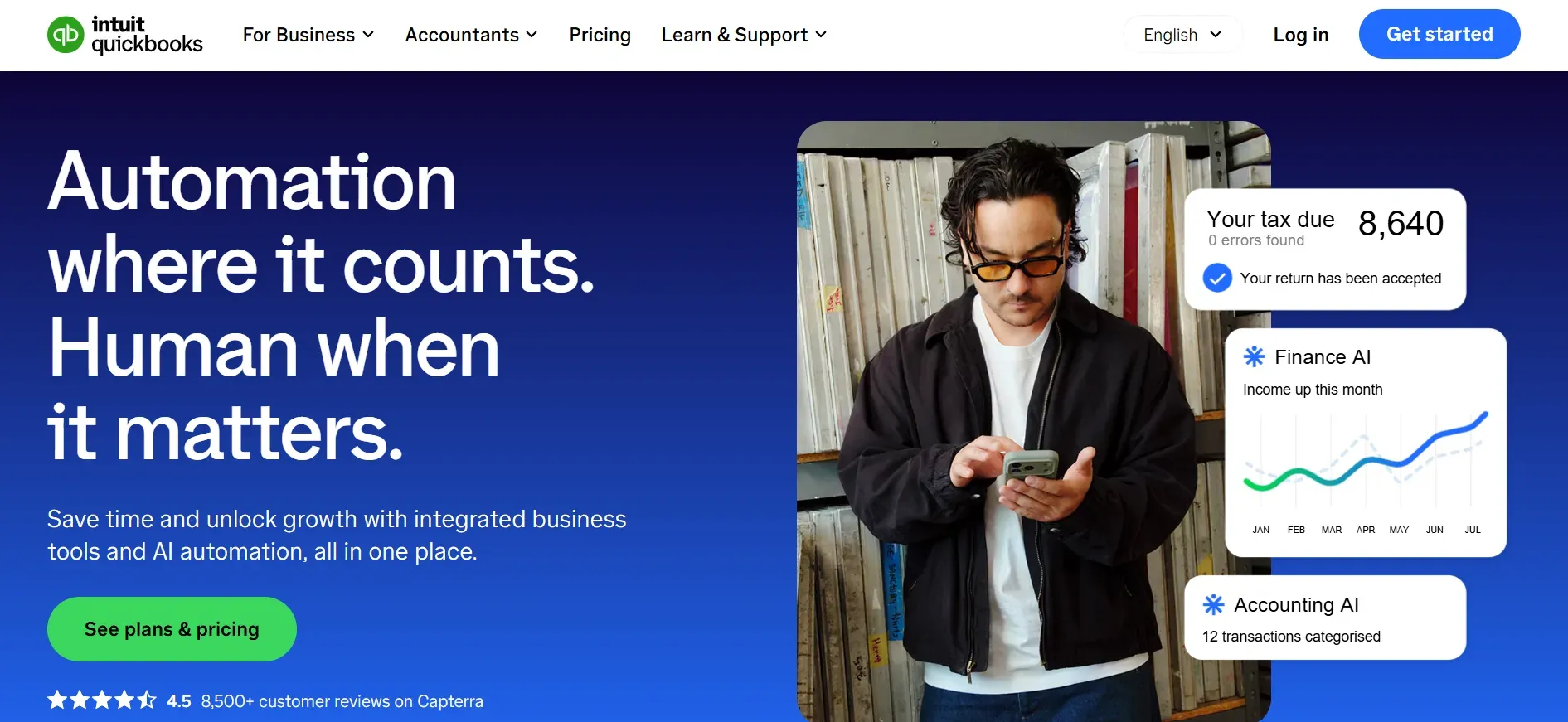
QuickBooks Online (QBO) is the gold standard for small business bookkeeping in North America. Its popularity is due in part to its comprehensive feature set, deep integrations, and wide acceptance among accountants and tax professionals. Unlike FreshBooks, which is geared toward invoicing and basic expense tracking, QBO is a full double-entry accounting platform.
Pricing: Starts at $30/month, with higher tiers for advanced features and additional users.
- Comprehensive accounting and reporting features
- Large ecosystem of integrations and accountant support
- Widely recognized and trusted by professionals
- Per-user pricing increases costs as your team grows
- Advanced features require higher-tier plans
- Customization limited to marketplace integrations
When your platform is built for you, there is no extra fee for adding a new staff member. That’s the Devaims difference.
2. Xero (Global operations)
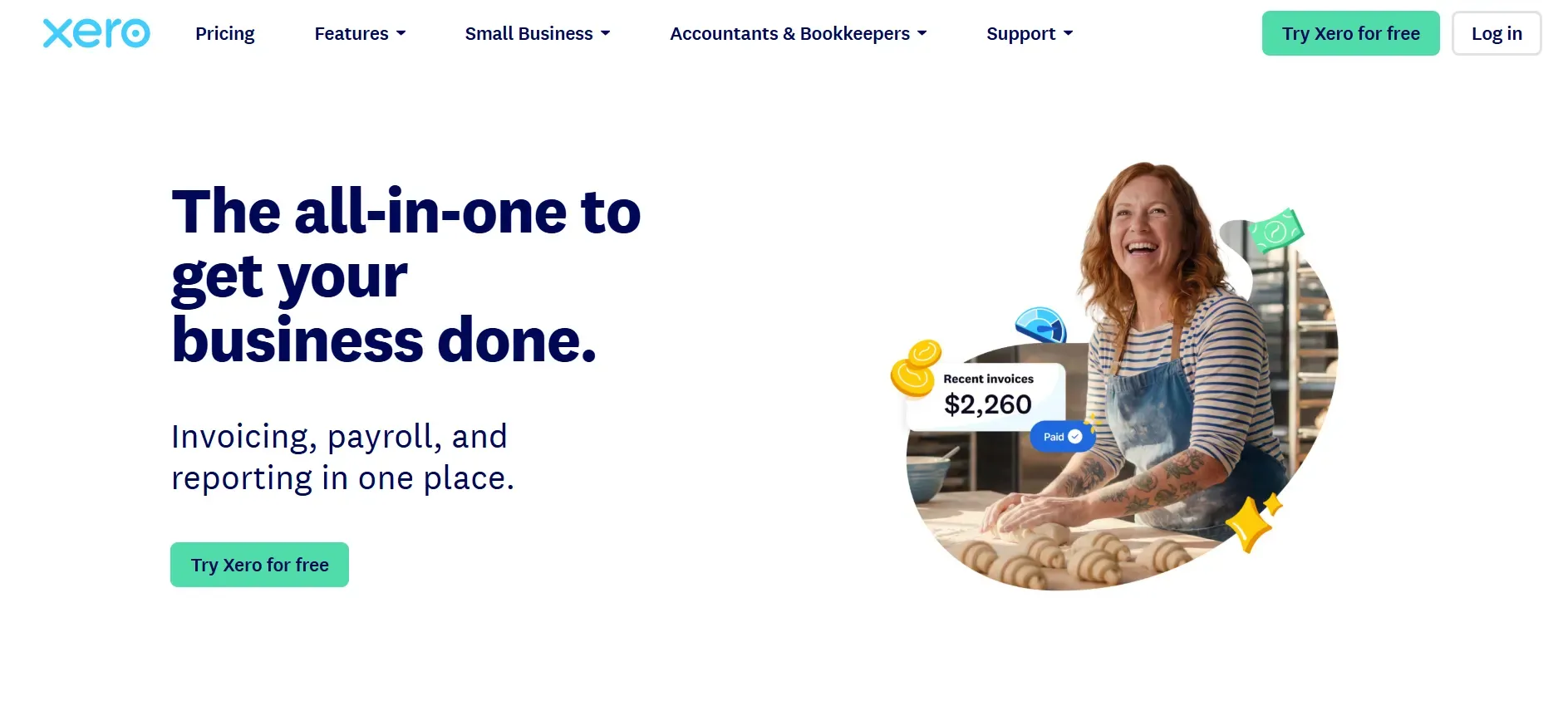
Xero is the top FreshBooks alternative for firms operating globally. Its platform is designed with international compliance in mind, supporting multi-currency transactions, VAT/GST rules, and country-specific reporting out of the box. The user interface is modern, with a focus on collaboration and cloud-first workflows.
Pricing: Starts at $13/month, with additional fees for payroll and advanced features.
- Excellent for international and multi-currency needs
- Highly customizable reporting and dashboard
- Large integration marketplace
- Entry-level plans restrict invoice and bill volume
- Payroll only available in select countries
- Some U.S. users find workflows less familiar
With a custom stack, you own your data and can shape reporting to fit any country’s rules.
3. Botkeeper (Firms wanting automation)
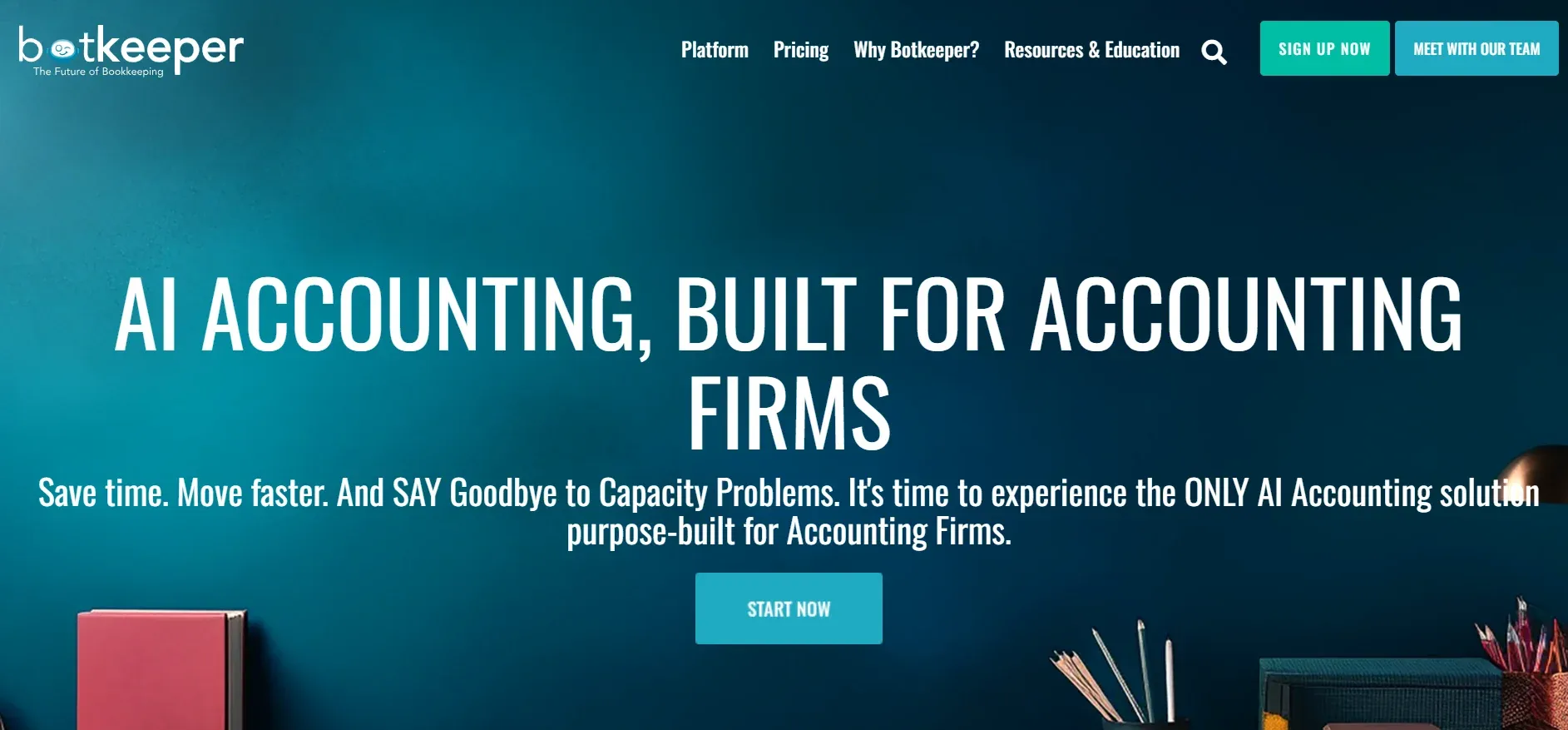
Botkeeper is designed for bookkeeping firms looking to scale through automation. Its platform blends AI-driven data processing with human oversight, automating routine transactions, categorization, and reconciliations. Unlike manual-heavy platforms, Botkeeper aims to minimize human touchpoints in the bookkeeping workflow.
Pricing: Starts at $155/month, with pricing scaling based on client volume and services.
- Automates high-volume, repetitive bookkeeping tasks
- White-label option for accounting firms
- Blends automation with human oversight
- Pricing can be opaque and scales with client volume
- Customization of automation logic is limited
- AI categorization requires periodic human review
On software you own, you set the automation rules, and your costs don’t scale with the number of clients.
4. Pilot (Tech startups)
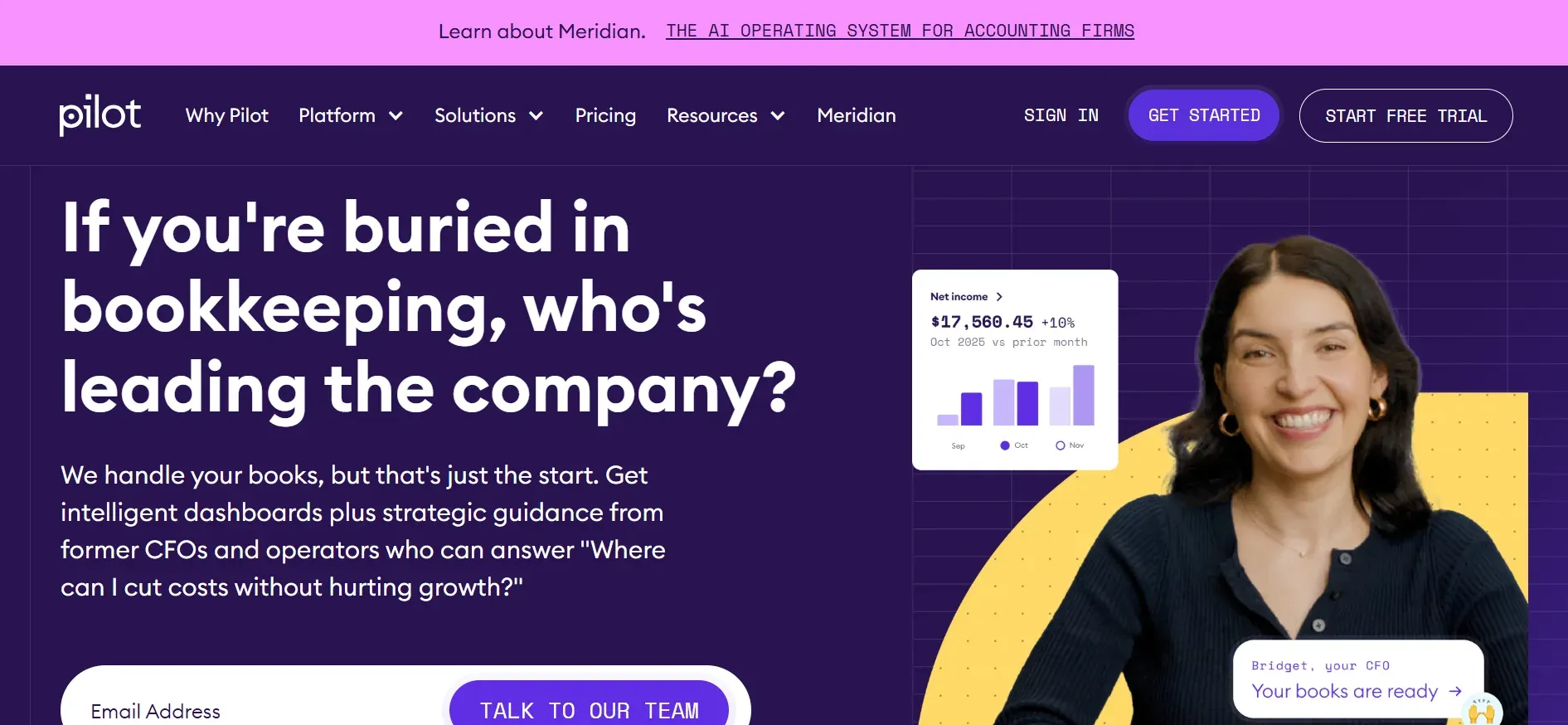
Pilot is a managed bookkeeping and CFO service aimed at startups and fast-growing tech companies. Rather than providing software for your team to use, Pilot’s team handles your books using their proprietary platform, combining automation with human expertise. This hands-off model appeals to founders who want to stay out of the accounting weeds.
Pricing: Starts at $599/month, with add-ons for CFO services and tax support.
- Dedicated finance experts and support
- Ideal for startups preparing for funding or audits
- Hands-off, managed service model
- High pricing compared to DIY tools
- Limited customization of workflows and reporting
- Data ownership and export options are restricted
5. Bench (Hands-off bookkeeping)
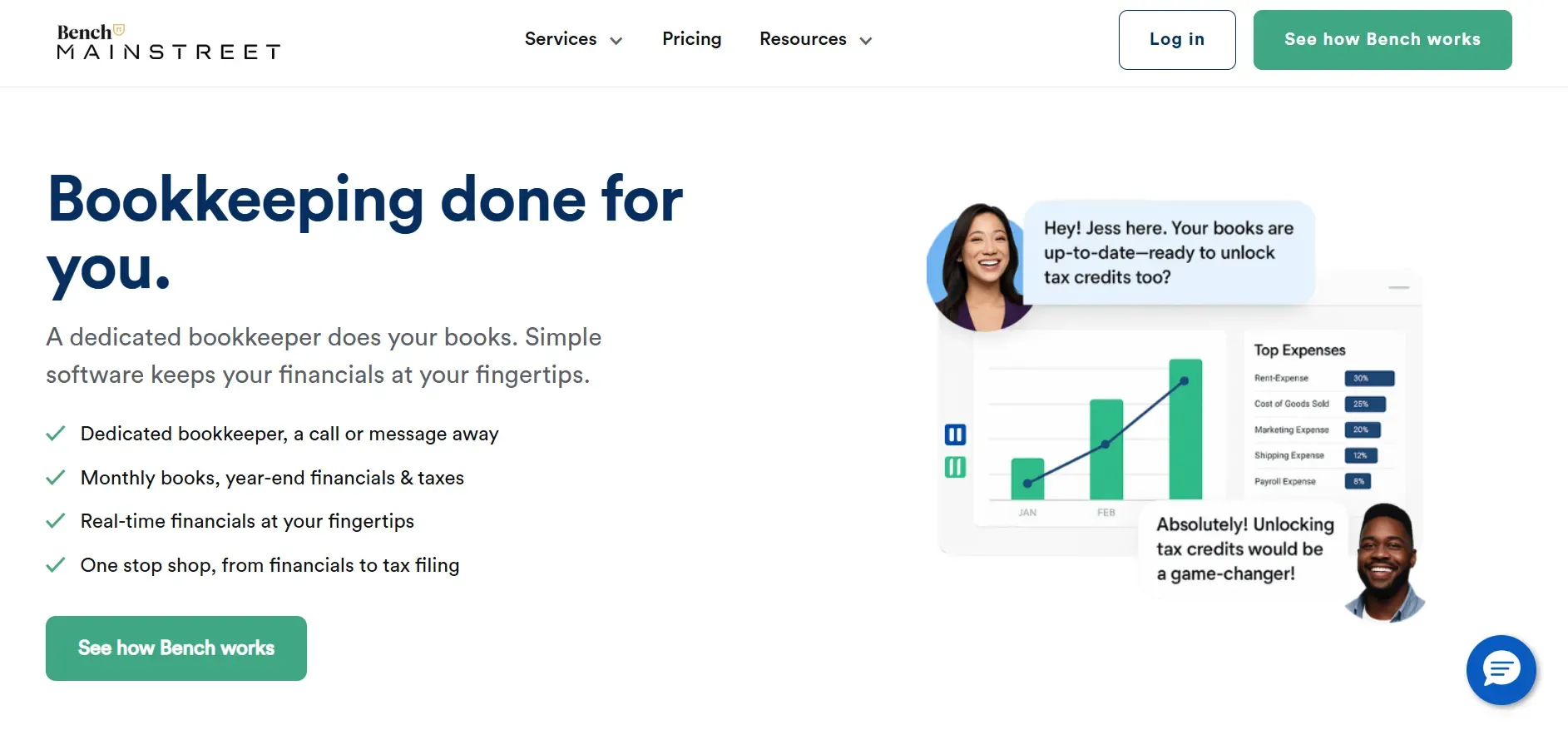
Bench offers a similar hands-off bookkeeping experience, but is focused on small businesses and solo entrepreneurs in the U.S. Each client is assigned a dedicated bookkeeper, and the platform provides a simple dashboard for tracking finances and communicating with your team. Bench is not a general ledger system; it’s built for business owners who want to outsource the grunt work and get clean books at tax time.
Pricing: Starts at $299/month, with optional tax filing add-ons.
- Dedicated bookkeeper and simple dashboard
- Clear, predictable pricing for small businesses
- Streamlined for U.S. tax prep
- Lacks customization and deep integrations
- Not suitable for international or complex businesses
- Data export options are limited
6. Synder (E-commerce integrations)
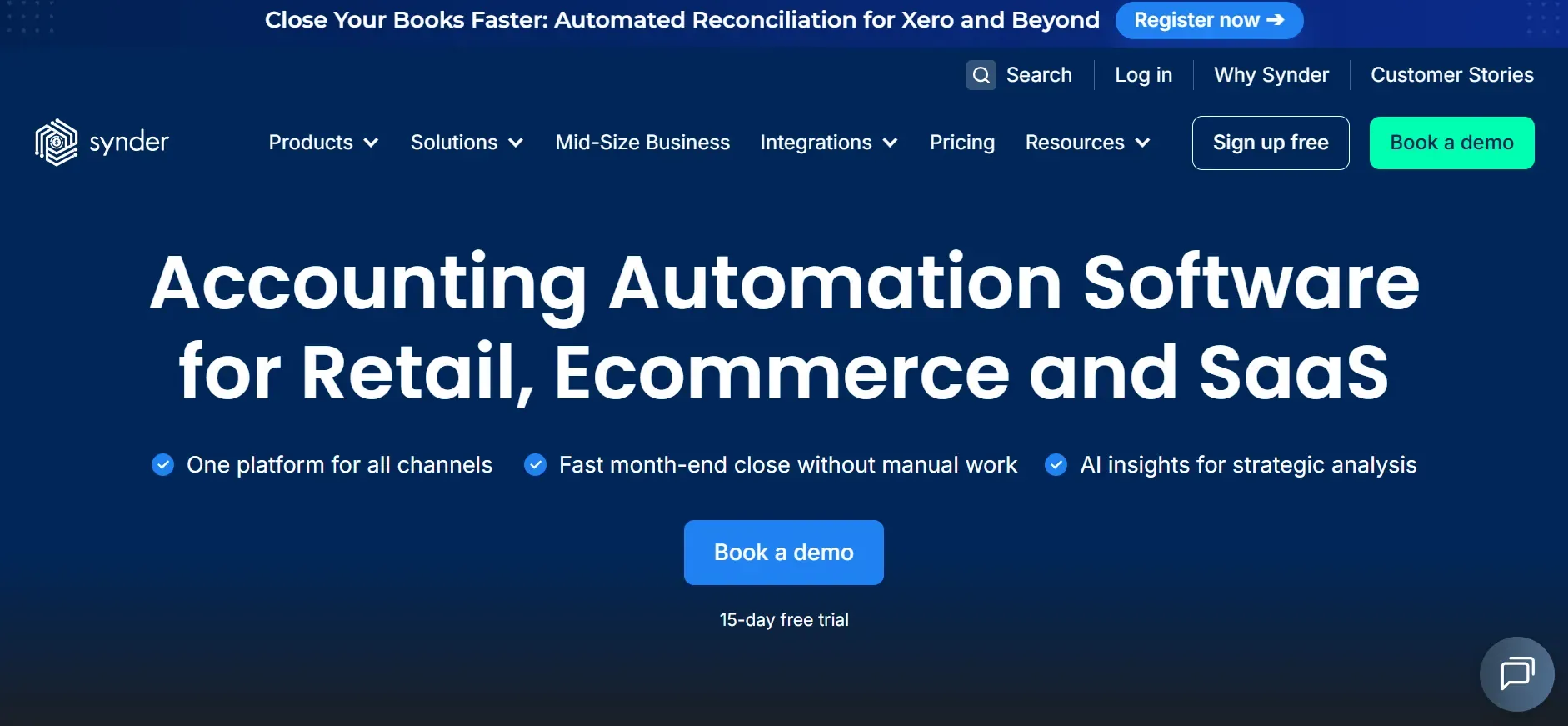
Synder is a specialist tool for e-commerce businesses with complex sales channels. Its main function is to automatically sync transactions from platforms like Shopify, Amazon, Stripe, and PayPal into your accounting software, matching payouts, fees, and refunds with high accuracy.
Pricing: Starts at $48/month, with pricing based on transaction volume and integrations.
- Automates multi-channel sales reconciliation
- Supports a wide range of e-commerce platforms
- Reduces manual entry for high-volume sellers
- Not a standalone bookkeeping platform
- Per-channel pricing can add up for multi-store sellers
- Complex sales tax scenarios may need manual adjustments
7. Gusto (Payroll + HR)
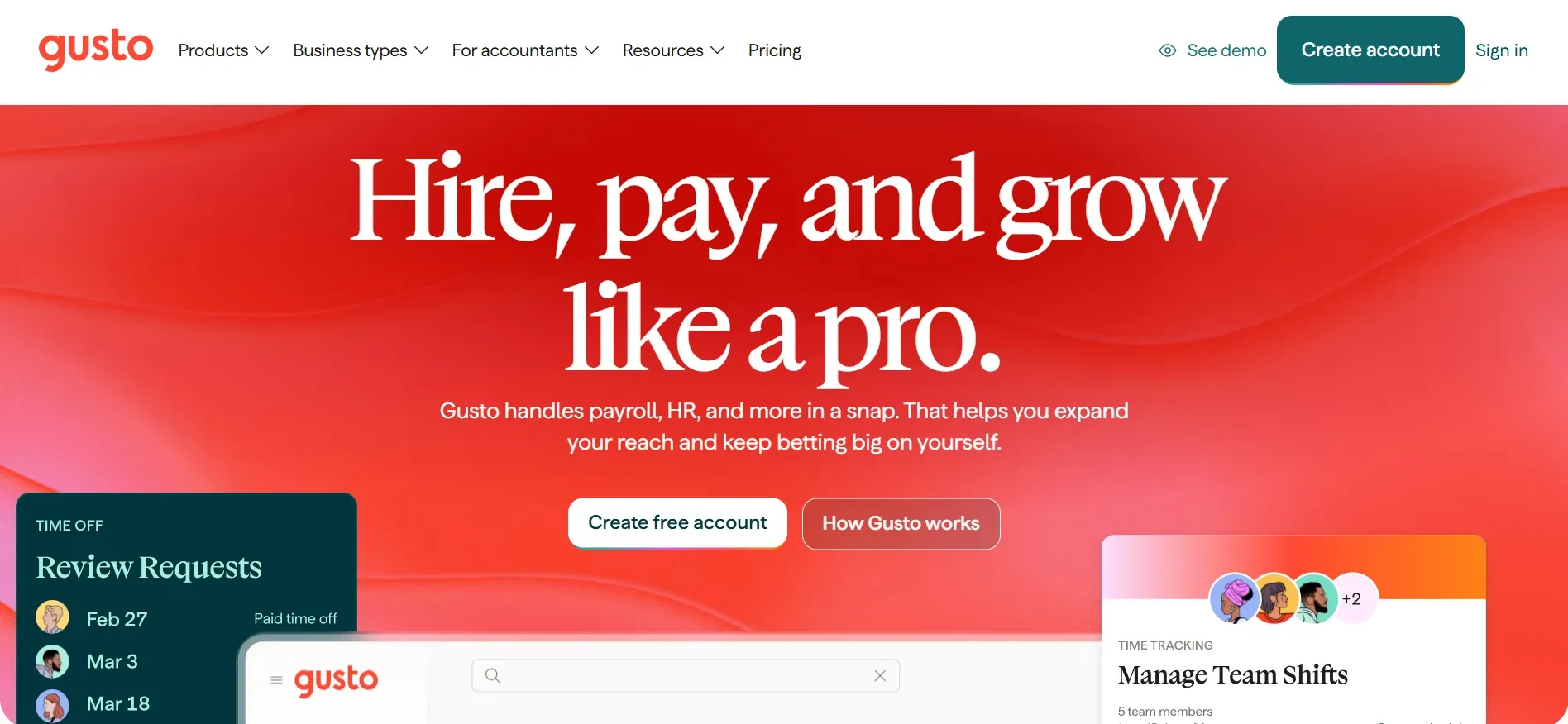
Gusto is a payroll and HR platform that also offers basic bookkeeping integrations. It is best for firms with significant payroll needs, such as professional services, agencies, or small businesses with growing teams, who want HR, compliance, and benefits management in one place.
Pricing: Starts at $40/month base plus $6/user/month.
- Comprehensive payroll and HR features
- Automated tax filings and compliance tools
- Integrates with major accounting platforms
- Per-employee fees increase costs as your team grows
- Bookkeeping features limited to payroll exports
- Custom payroll workflows may require engineering support
With Devaims, payroll logic can be tailored to your exact process, with no per-employee fees.
8. Bill.com (AP/AR automation)
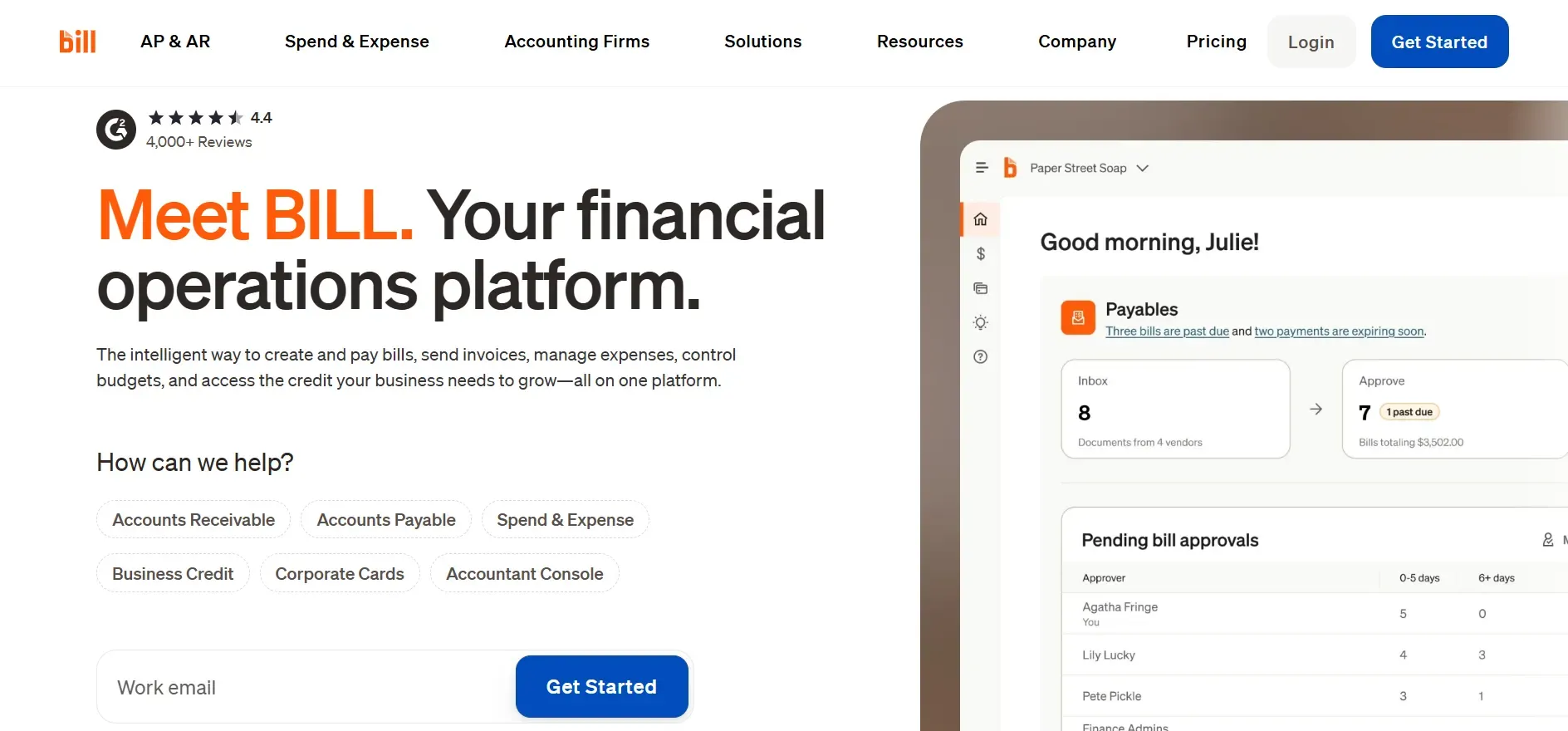
Bill.com is an automation platform focused on accounts payable and receivable. It streamlines bill entry, approvals, payments, and cash flow tracking. While not a full bookkeeping system, it is a critical tool for firms managing complex AP/AR workflows or needing to automate vendor payments at scale.
Pricing: Starts at $45/month, with additional fees for users and transactions.
- Automates AP/AR workflows and approvals
- Integrates with leading accounting platforms
- Reduces manual entry and fraud risk
- Not a full bookkeeping solution, requires another platform
- Per-user and transaction fees increase with scale
- Advanced analytics and reporting are limited
9. Devaims (Owning your bookkeeping platform)
Devaims is the alternative for firms that want out of the rental loop. We build custom bookkeeping software tailored to your workflows, hand you the source code, and you own the platform outright. No per-seat fees, no forced upgrades, no lock-in. Whether you need complex reporting, deep integrations, or automation built your way, it’s your stack, your rules, and your data.
- Fully custom features and integrations for your workflow
- You own the code, data, and platform with no recurring per-user fees
- Migration, training, and support handled as part of the project
Other FreshBooks alternatives worth knowing
- Dext (Receipt Bank): Great for receipt capture and data extraction, especially for accountants managing many small clients. Not a full accounting platform, but a powerful add-on for automating document workflows.
- Karbon: A practice management tool for accounting firms, with strong workflow automation but no built-in bookkeeping. Useful for managing tasks and client communications alongside your accounting stack.
- Wave: A free platform for basic bookkeeping and invoicing. Good for freelancers and microbusinesses, but lacks phone support and advanced features. Payments and payroll are paid add-ons.
- Sage Business Cloud: Offers global features, complex reporting, and payroll, but can be expensive and has a steeper learning curve. More suited to larger or international firms with advanced needs.
How to choose the right FreshBooks alternative
- Budget: Add up true costs, including add-ons, per-seat fees, and integration charges. What looks cheap at first can double at scale. Consider migration costs and long-term maintenance.
- Required features: Do you need multi-currency, consolidated reporting, payroll, or deep automation? Some tools excel at one feature but fall short elsewhere. List your must-haves before deciding.
- Growth plans: Will you add more staff, clients, or locations? Some platforms penalize growth with per-user or per-client fees. Choose a system that scales with you, not against you.
- Ownership: If you want to control your data, workflows, and integrations, renting may never quite fit. Consider whether you’re comfortable with ongoing fees and lock-in, or if owning makes more sense for your business model.
- Industry fit: E-commerce, professional services, and international firms all have unique needs. E-commerce requires deep integrations and reconciliation; service firms need project tracking and time billing; international businesses need multi-currency and local compliance. Match your choice to your industry’s demands.
If you’re tired of patching together rented tools, there’s a smarter way, one you own from day one.
Stop paying rent on software you could own
Every tool above, FreshBooks, QuickBooks, Xero, shares one problem: you’ll pay them every month, forever. Add a user, connect a new bank, or want a feature? That’s another fee, and you still don’t own your system. With Devaims, your bookkeeping platform is yours to keep.
Devaims builds custom bookkeeping, billing, and reporting platforms specifically for your business. You get the source code, full control, and zero lock-in. It’s not another subscription, it’s an asset you own, no more per-seat or per-client fees, ever.
- No more per-user or per-client fees: Add staff or clients without your bill climbing.
- Custom features built for your workflow: Reporting, integrations, automation, yours from day one.
- Zero lock-in, full data ownership: Take your data anywhere, anytime, in any format.
- Flat, predictable maintenance: You decide how and when to upgrade.
| Tool | Ownership | Monthly/Annual Cost | Customization |
|---|---|---|---|
| FreshBooks | Rented | Reported $30-60/mo + add-ons | Limited |
| QuickBooks Online | Rented | Reported $30-60/mo + extras | Some, via marketplace |
| Xero | Rented | Reported $13-37/mo base | Some, via add-ons |
| Devaims | Owned | One-time build, flat maintenance | Fully custom |
Here’s how the five-year math works for a mid-sized firm (10 users, a few add-ons):
| Year | Rented (FreshBooks/Xero/QBO) | Owned (Devaims) |
|---|---|---|
| 1 | $8,400 | $32,760 |
| 2 | $16,800 | $35,520 |
| 3 | $25,200 | $38,280 |
| 4 | $33,600 | $41,040 |
| 5 | $42,000 | $43,800 (now ahead) |
For most bookkeeping services, owning breaks even just after year 4, then the gap widens every year you keep renting. If you want a true ROI, we’ll run your real numbers for free.
How to switch from FreshBooks
- Export all your client, invoice, and transaction data from FreshBooks (CSV or Excel format where possible). Be sure to include attachments, custom fields, and notes if your new platform supports them.
- Choose your new platform and set up your account (or start your custom build with Devaims). For SaaS tools, onboarding wizards can help, but review settings for taxes, currencies, and permissions.
- Import your historical data into the new tool, checking for compatibility or formatting issues. Some platforms offer automated importers, but expect to manually map fields for complex data.
- Reconnect your bank feeds, payment processors, and any integrations. For custom builds, Devaims will configure these as part of your project.
- Train your team on the new workflows and platform features. Provide step-by-step guides or video walkthroughs to speed adoption.
- Test everything in parallel for a month to catch issues before going live. Run both systems side by side and compare outputs for accuracy.
- Review and cancel your FreshBooks contract once you’re confident in the new system. Ensure you retain access to your old data for audits or historical reference.
With a custom Devaims build, the migration is handled as part of the project, including data validation, user training, and post-launch support.
Frequently asked questions
What is the best FreshBooks alternative for small businesses?
QuickBooks Online is the most popular alternative for small businesses, offering flexible features, deep integrations, and strong accounting support at a similar price point to FreshBooks. Its widespread use means you’ll easily find accountants or bookkeepers familiar with the system. Xero is a close second, especially for firms with international clients or those wanting a modern, cloud-first experience. Both platforms provide more comprehensive accounting than FreshBooks, but come with their own per-user pricing and add-on costs.
What is the cheapest FreshBooks alternative?
Wave offers a free plan for basic bookkeeping, invoicing, and receipt scanning, making it the cheapest option for small firms with simple needs. However, support is limited to email, and advanced features like payroll or payment processing come with fees. Xero’s entry plan is also affordable, but watch for per-user, payroll, and integration add-ons, which can make the total cost higher than it appears at first glance.
Is there a free FreshBooks alternative?
Wave provides free bookkeeping for small firms needing only essentials, invoice creation, expense tracking, and basic reporting. It’s ideal for freelancers, solo consultants, or very small businesses. However, if you require features like multi-currency, inventory, or payroll, you’ll need to pay for add-ons or consider a paid tool. Free plans also typically lack priority support and advanced automation.
What’s the best FreshBooks alternative for e-commerce?
Synder is built for e-commerce integrations, automating sales sync from platforms like Shopify, Amazon, Stripe, and PayPal. It dramatically reduces manual entry by reconciling sales, fees, and refunds across channels. For full bookkeeping coverage, pair Synder with QuickBooks or Xero. This combination is popular among online retailers, agencies managing multiple stores, and accountants serving digital sellers.
When should I switch from FreshBooks?
If you’re frustrated by rising per-seat fees, locked features, or lack of control over your data, it’s time to consider FreshBooks alternatives, especially if your business is growing, adding staff, or requires custom workflows. Signs it’s time to switch include frequent workarounds, integration failures, difficulty exporting data, or costs rising faster than your revenue. The earlier you switch, the easier the migration will be.
Can I keep my FreshBooks data when switching?
You can export invoices, clients, and transactions from FreshBooks, usually in CSV or Excel format. However, some data, such as attachments, custom fields, or detailed audit trails, may not export cleanly. Plan for some manual cleanup and validation when importing into your new system. With Devaims, data migration is built into your project plan; we ensure your full transaction history, documents, and metadata are retained.
Which FreshBooks alternative lets me own my platform?
Devaims is the only FreshBooks alternative on this list that builds a bookkeeping platform you own outright, handing you the code and total control over workflows and data. This means no recurring per-seat or per-client fees, full data portability, and the ability to adapt your platform as your business evolves.
The bottom line
QuickBooks, Xero, and Bench are strong FreshBooks alternatives, but all keep you renting. The real decision: what will owning your platform actually save you?
Add up your current per-user and per-client fees. Multiply by five years. If the number would cover a custom build, you already know what to do. Renting works until it doesn’t, then owning wins.
Want more ownership insights? Visit the Devaims blog, or check out our deep dives on QuickBooks Online alternatives, Xero alternatives, and Bench alternatives. For more on SaaS costs, see Software Advice’s accounting software cost guide and Capterra’s accounting software directory.