


There’s a moment every growing business hits with Botkeeper: the numbers work until your client list grows, then those per-client fees and support escalations start to sting. Suddenly, you’re paying hundreds a month just to keep your own books, without even owning the system. If you’ve ever squinted at your invoice and thought, "How much of this is just rent?", you’re in the right place.
QuickBooks Online and Xero are the obvious Botkeeper alternatives, with FreshBooks and Gusto rounding out the field. But every cloud platform comes with the same catch: you’re renting access, not building equity. For owners who want control (and to stop paying for every new user), custom software from Devaims is the alternative you actually keep. Let’s break down the real options, including the hidden costs, migration challenges, and real-world fit for each tool.
Why bookkeeping services look for Botkeeper alternatives
Per-client pricing adds up fast: SaaS bookkeeping platforms like Botkeeper often start at a competitive rate, but as your client roster grows, your costs can balloon. If you’re running a bookkeeping firm or managing books for multiple entities, the per-client pricing model means that each new client or business line directly increases your monthly bill. For firms scaling up, this can mean costs that multiply unpredictably, making budgeting harder and eroding margins.
Locked into their workflow: Most out-of-the-box platforms impose their own way of doing things. While Botkeeper and its competitors offer some customization, you’ll find limits on how deeply you can tailor automations, approval flows, or reporting. Firms with unique workflows or regulatory requirements often find themselves changing processes to fit the software, not the other way around. This can hinder efficiency or compliance, particularly if you serve specialized industries.
Exporting data is a pain: The promise of SaaS is access from anywhere, but getting your data out is another story. Many platforms allow basic report exports, but full data export, especially attachments, transaction histories, and audit trails, can be complex or require support intervention. This friction becomes a real problem if you ever want to switch vendors, run deep analysis, or maintain a full historical archive outside the platform.
Add-ons and integrations cost extra: Essential features like payroll, advanced analytics, bill payment automation, or multi-currency handling are frequently paywalled behind higher subscription tiers or sold as separate products. As your needs grow, so does your monthly spend, and combining several tools can create a fragmented, expensive stack that’s tricky to maintain.
No ownership, just endless rent: The SaaS model gives you access, not ownership. After years of payments, you’re left with no equity in your tech stack and little leverage if a vendor raises prices, sunsets features, or changes terms. For firms that value control over their data, workflow, and future, this is the critical tradeoff that sparks the search for alternatives.
Quick comparison of the best Botkeeper alternatives
| Tool | Best for | Starting price | You own it? |
|---|---|---|---|
| QuickBooks Online | All-purpose bookkeeping | around $30/mo | No |
| Xero | Businesses with global clients | around $15/mo | No |
| FreshBooks | Small service businesses | around $19/mo | No |
| Pilot | Startups and tech | reported $599/mo | No |
| Bench | Hands-off bookkeeping | reported $299/mo | No |
| Synder | Ecommerce transactions | around $48/mo | No |
| Gusto | Payroll integration | reported $40/mo + $6/user | No |
| Dext (Receipt Bank) | Document capture & expense management | around $30/mo | No |
| Devaims | Owning your bookkeeping system | One-time build, you own it | Yes |
Always confirm current pricing before you decide. Tiers and add-ons change often, and many platforms have region-specific pricing or promotions for startups and accountants.
The 9 best Botkeeper alternatives
1. QuickBooks Online (All-purpose bookkeeping)
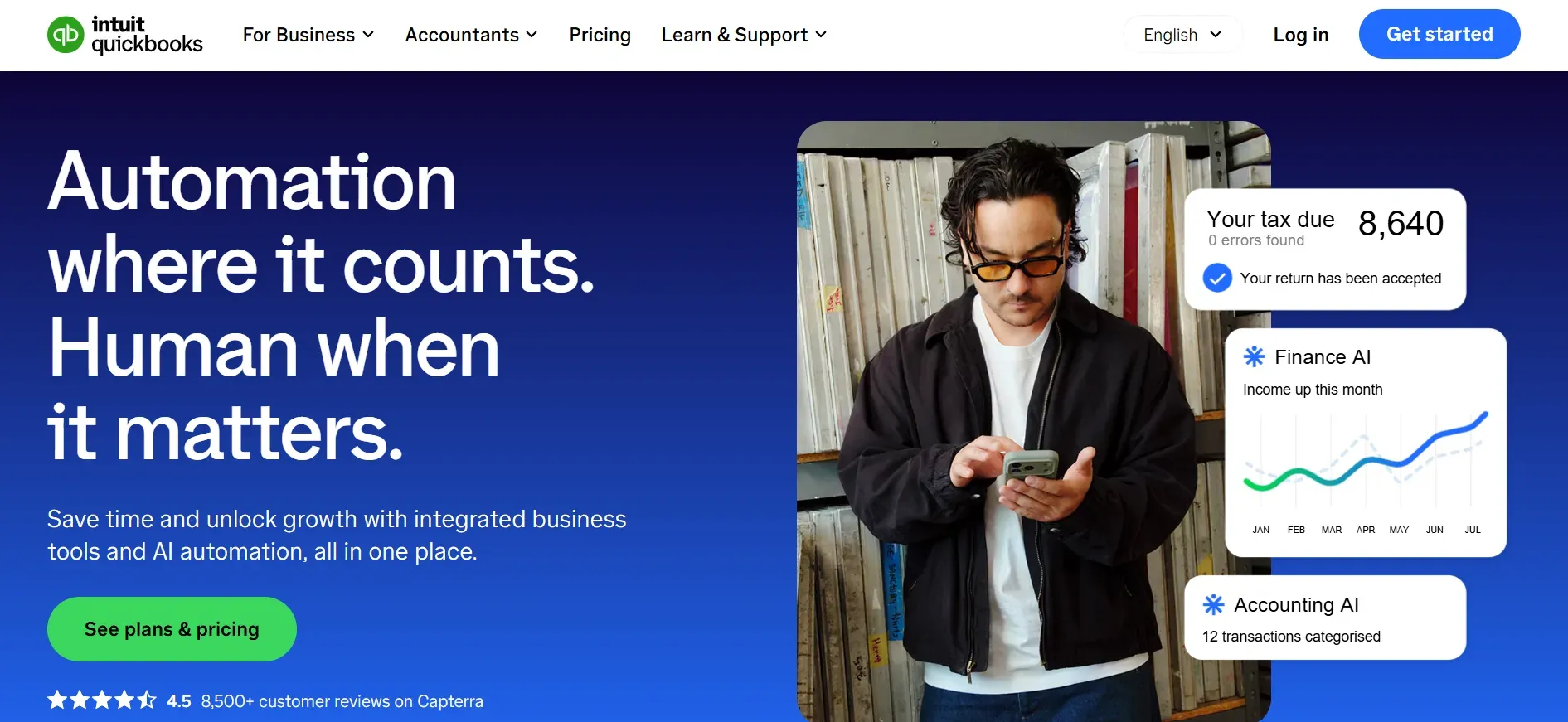
QuickBooks Online (QBO) dominates the small business accounting market in the US and much of the world. It’s become the default for firms that want a broad feature set, bank integrations, and a deep ecosystem of add-ons. QBO is cloud-based, which means your data is accessible anywhere, and its popularity ensures accountants and bookkeepers are familiar with the workflows.
Specific features: QBO offers invoicing, expense tracking, bank reconciliation, bill payments, customizable chart of accounts, and solid reporting. Higher plans add time tracking, inventory management, and advanced analytics. The QuickBooks App Store features hundreds of integrations, from CRM to e-commerce to payroll providers like Gusto and ADP.
Integrations: QBO connects natively to most major banks and credit card providers for automatic transaction imports. Its API and marketplace make it possible to plug in tools like Shopify, Stripe, PayPal, and Zapier, automating data flows across your business stack.
Migration friction: Moving to or from QBO is relatively well supported, but not always painless. Importing transaction history, attachments, and custom fields can require cleanup or manual intervention. Exporting all your data, including attachments and audit trails, can be challenging, especially if you’re leaving for a custom or less common platform.
Concrete use cases: QBO is a good fit for small to mid-sized businesses, multi-entity firms, and agencies that need a standardized, supported bookkeeping platform. Many accounting firms use QBO as their client-facing portal due to its familiarity and support network.
- Extensive integrations and app marketplace
- Widely supported by accountants and bookkeepers
- Cloud-based access from anywhere
- Per-user and per-client fees increase costs as you grow
- Advanced automation and reporting require higher tiers or add-ons
- Full data export can be complex if you migrate away
If you want to avoid per-user fees and own your platform, Devaims is the only route to full control.
Pricing: Starts around $30/month for Simple Start; higher tiers and add-ons cost extra. See current pricing.
2. Xero (Businesses with global clients)
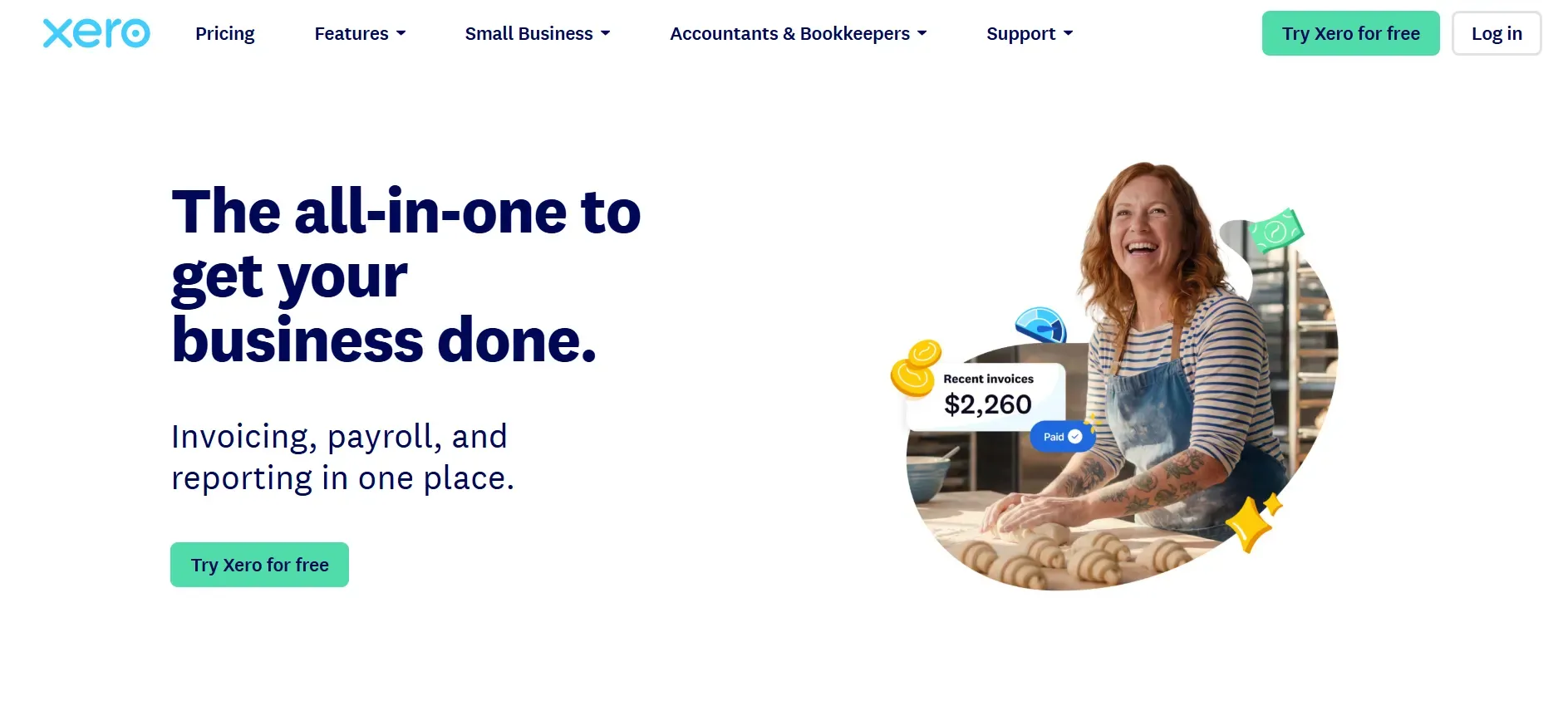
Xero is a cloud accounting platform built for a global audience. Its standout feature is deep multi-currency support, making it a favorite among businesses with international operations or clients. Xero’s clean, modern interface is often cited as more intuitive than QuickBooks for new users.
Specific features: Xero covers invoicing, expense management, bank feeds, bill pay, payroll (in select regions), and inventory tracking. Its strength lies in flexible multi-currency handling, recurring billing, and a large app marketplace for connecting to hundreds of business tools.
Integrations: Xero’s open API and app ecosystem are strong, with integrations to Stripe, PayPal, Shopify, Hubdoc, and project management tools like Trello. The platform is especially friendly to accountants, with partner programs and bulk client management features.
Migration friction: Xero supports CSV imports for most data, but historical transaction migration and document attachments can be tricky. While Xero provides guides and migration support, full data portability (especially if you’re leaving) is not guaranteed. Some users report issues with custom field mapping or loss of recurring invoice setups.
Concrete use cases: Xero is ideal for consulting firms, agencies, and ecommerce businesses with overseas clients or suppliers. Its flexible permissions make it a good fit for distributed teams and multi-entity organizations.
- Excellent multi-currency and global support
- Modern, user-friendly interface
- Large app marketplace and open API
- Key features like project tracking require higher tiers
- Payroll is only available in select countries
- Data export and migration can be challenging
For unlimited users and true data ownership, Devaims is the only alternative that puts you in full control.
Pricing: Starts around $15/month for Early plan; higher tiers add features. See pricing.
3. FreshBooks (Small service businesses)
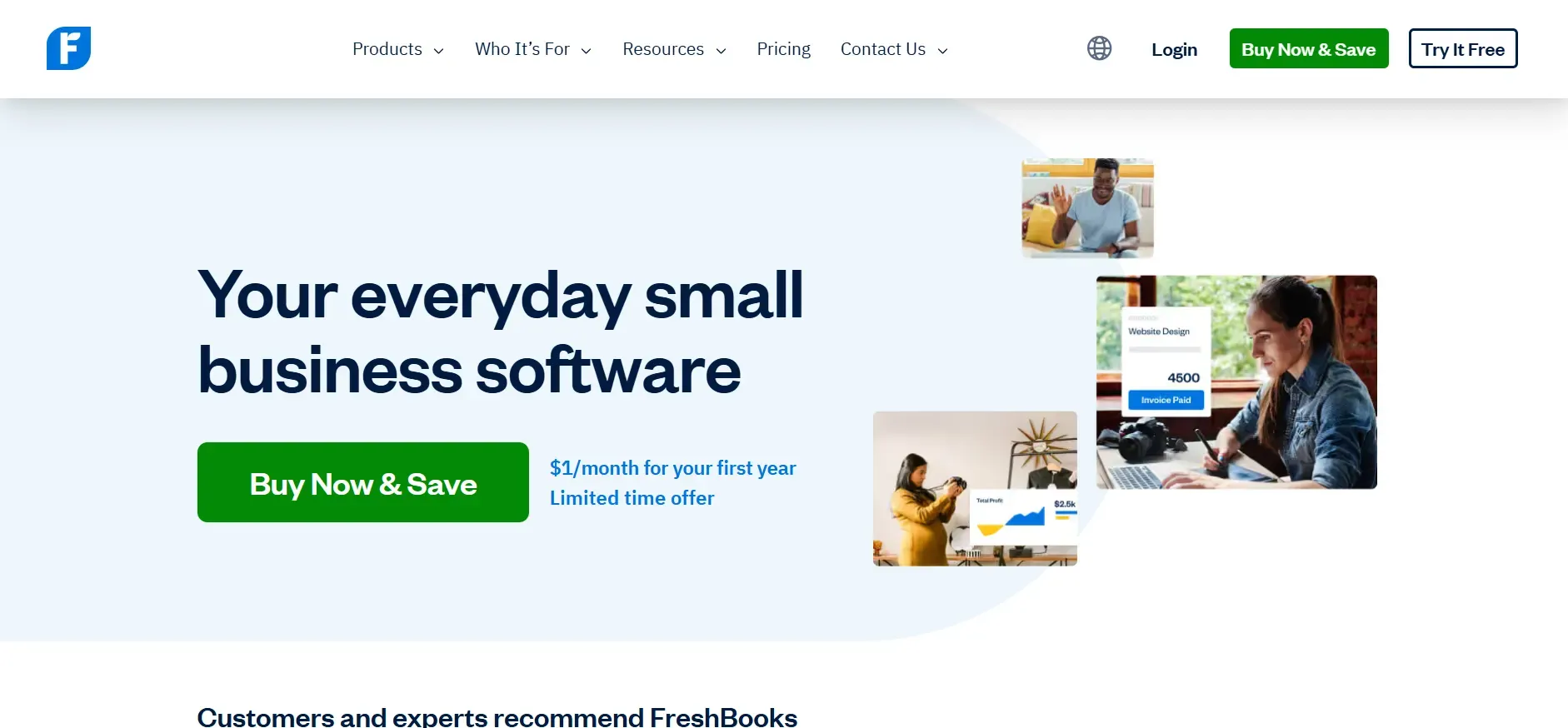
FreshBooks is designed for freelancers, consultants, and small service businesses that need simple invoicing and client management. Its interface is beginner-friendly, and setup is fast, making it a strong choice for solo operators or small agencies getting started.
Specific features: FreshBooks covers invoicing, expense tracking, time tracking, project management, and basic reporting. Its client portal allows clients to view invoices, make payments, and communicate directly. Integrations with Stripe, PayPal, and G Suite are available.
Integrations: FreshBooks connects to payment providers, Zapier, and a selection of CRM and project management tools. However, its app marketplace is not as deep as QuickBooks or Xero, and some integrations require manual setup or premium plans.
Migration friction: Moving to FreshBooks is simple if you’re starting fresh, but importing large amounts of historical data (transactions, attachments, or custom fields) can be limited. Exporting data for migration to another tool is possible, but may require manual re-entry for complex records or workflows.
Concrete use cases: A solo consultant, design agency, or tradesperson needing easy invoicing, expense tracking, and client collaboration will find FreshBooks a strong fit. It’s also popular for firms that want a simple, attractive client-facing portal.
- Easy to use and quick to set up
- Client portal for collaboration and payments
- Good fit for freelancers and small agencies
- Per-client fees above 5 clients increase costs
- Customization and automation are limited
- Advanced reporting requires higher tiers
If you want to serve unlimited clients at a fixed cost, Devaims can build you a platform with no per-client fees.
Pricing: Starts around $19/month for Lite; plus per-client fees above 5 clients. See pricing.
4. Pilot (Startups and tech)
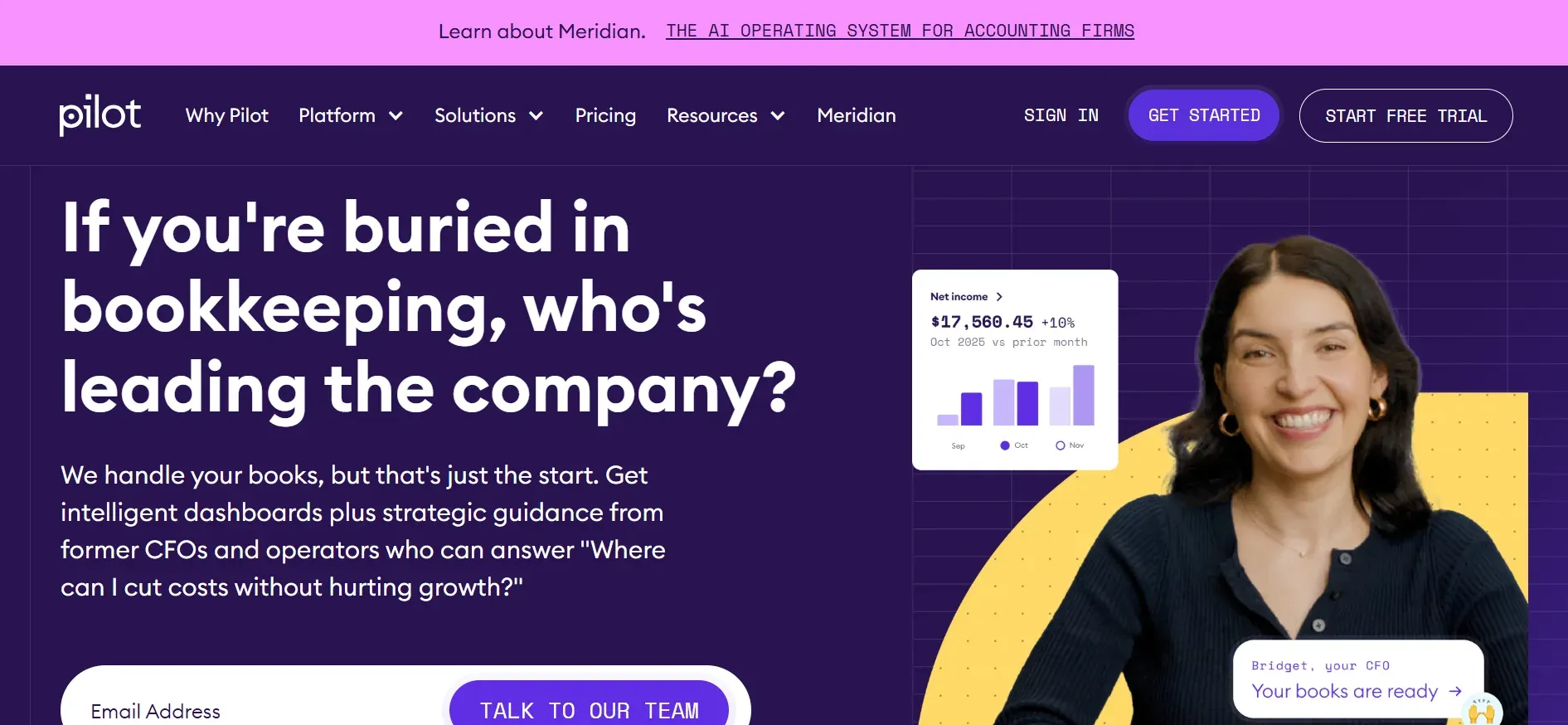
Pilot is a tech-forward, full-service bookkeeping solution built for startups and fast-growing SaaS companies. Instead of just providing software, Pilot combines a team of accountants with proprietary technology to handle your books for you. Their value proposition is hands-off, accurate bookkeeping that scales with your business.
Specific features: Pilot manages your monthly bookkeeping, prepares financial statements, and offers add-on services like R&D tax credits, CFO services, and tax filing. Their platform provides a dashboard for document uploads, communication, and status tracking, but you don’t get access to the underlying accounting software.
Integrations: Pilot connects to major banks, credit cards, payroll providers, and SaaS revenue platforms like Stripe and Gusto. This makes it especially appealing for venture-backed startups with complex revenue models.
Migration friction: Pilot handles onboarding for you, but moving away from Pilot can be challenging. Since you don’t own the software, exporting full transaction histories and attachments may require custom exports, and replicating their workflow in another tool takes planning.
Concrete use cases: Seed and Series A startups, fast-growing SaaS companies, or founders who want to focus on growth instead of managing the books. Pilot is also popular with venture capital firms who require standardized financials from their portfolio companies.
- White-glove, hands-off bookkeeping service
- Specialized for startups and SaaS companies
- Integrates with major banks and revenue platforms
- High starting price compared to DIY tools
- No software ownership or direct access to underlying data
- Customization is limited to their workflow
For deep customization and ownership, Devaims is the only alternative that puts you in charge of your stack.
Pricing: Starts at $599/month for basic bookkeeping; scales with transaction volume. See pricing.
5. Bench (Hands-off bookkeeping)
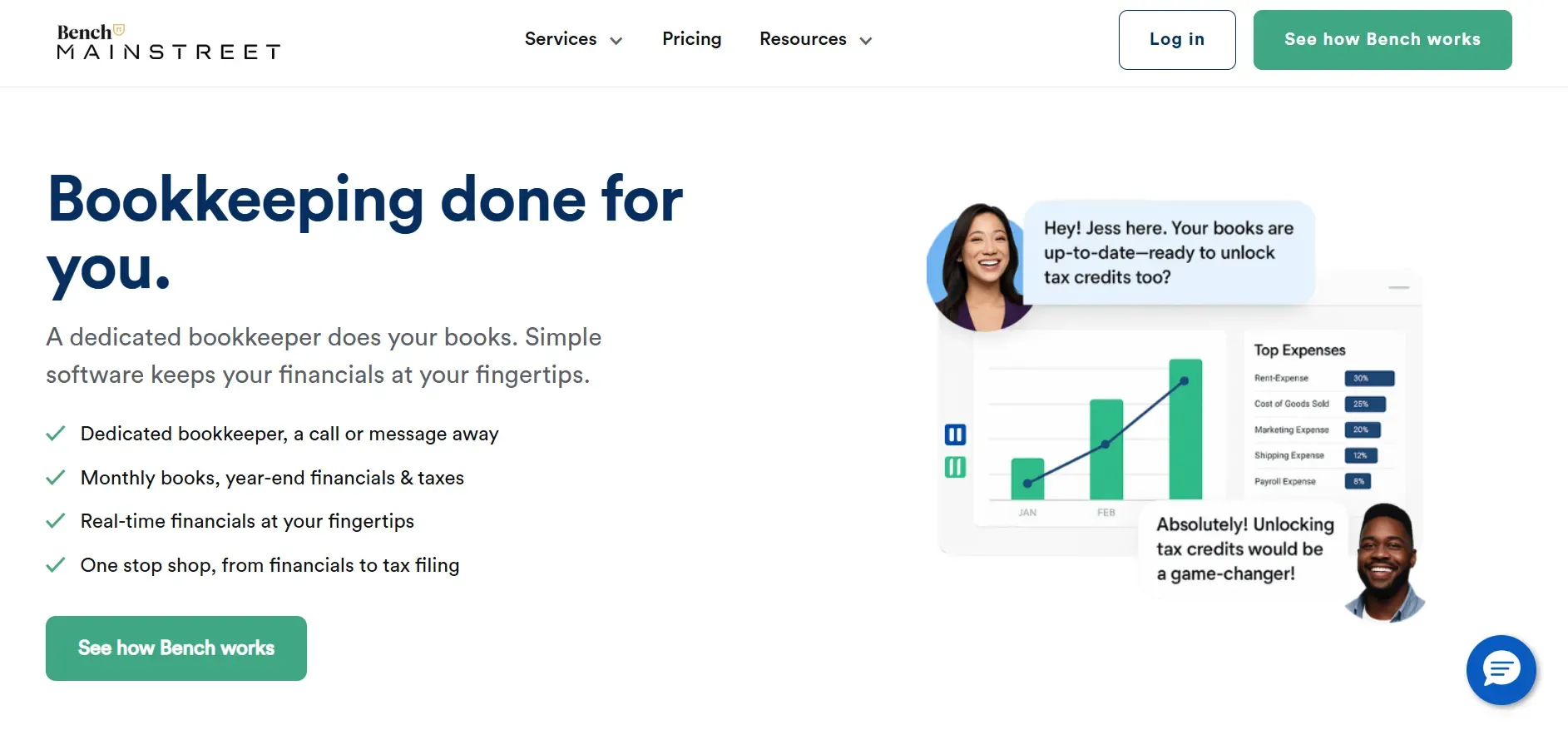
Bench offers a hybrid bookkeeping service: their team handles your books using proprietary software, and you interact via a web portal. This model is attractive for business owners who want to outsource bookkeeping entirely but still have real-time visibility into their numbers.
Specific features: Bench manages monthly bookkeeping, financial statement generation, and year-end financial packages. They also offer tax filing services for an additional fee. The platform presents a clean dashboard for document uploads, messaging, and reports.
Integrations: Bench connects to most major banks and credit card providers for transaction imports, but integration with third-party business tools is limited compared to QBO or Xero. There is no open API, and syncing with other platforms like CRM or inventory systems requires manual workarounds.
Migration friction: Onboarding is supported, but exporting data out of Bench is difficult. You don’t have access to the underlying accounting platform, and while Bench provides reports and statements, full transaction exports, attachments, and audit trails are not always available in a portable format.
Concrete use cases: Small businesses or solopreneurs who want to hand off bookkeeping to a dedicated team and don’t require complex integrations or custom workflows. Bench is often chosen by owners who dislike accounting and want a simple, managed solution.
- Managed bookkeeping with real-time dashboard
- Simple onboarding and communication
- Ideal for owners who want to outsource bookkeeping
- Limited integrations and no open API
- Data export and portability are restricted
- Costs can rise as your business grows
If you want to own your workflow and data, Devaims can build a custom system tailored to your needs.
Pricing: Starts at $299/month for core bookkeeping. See pricing.
6. Synder (Ecommerce transactions)
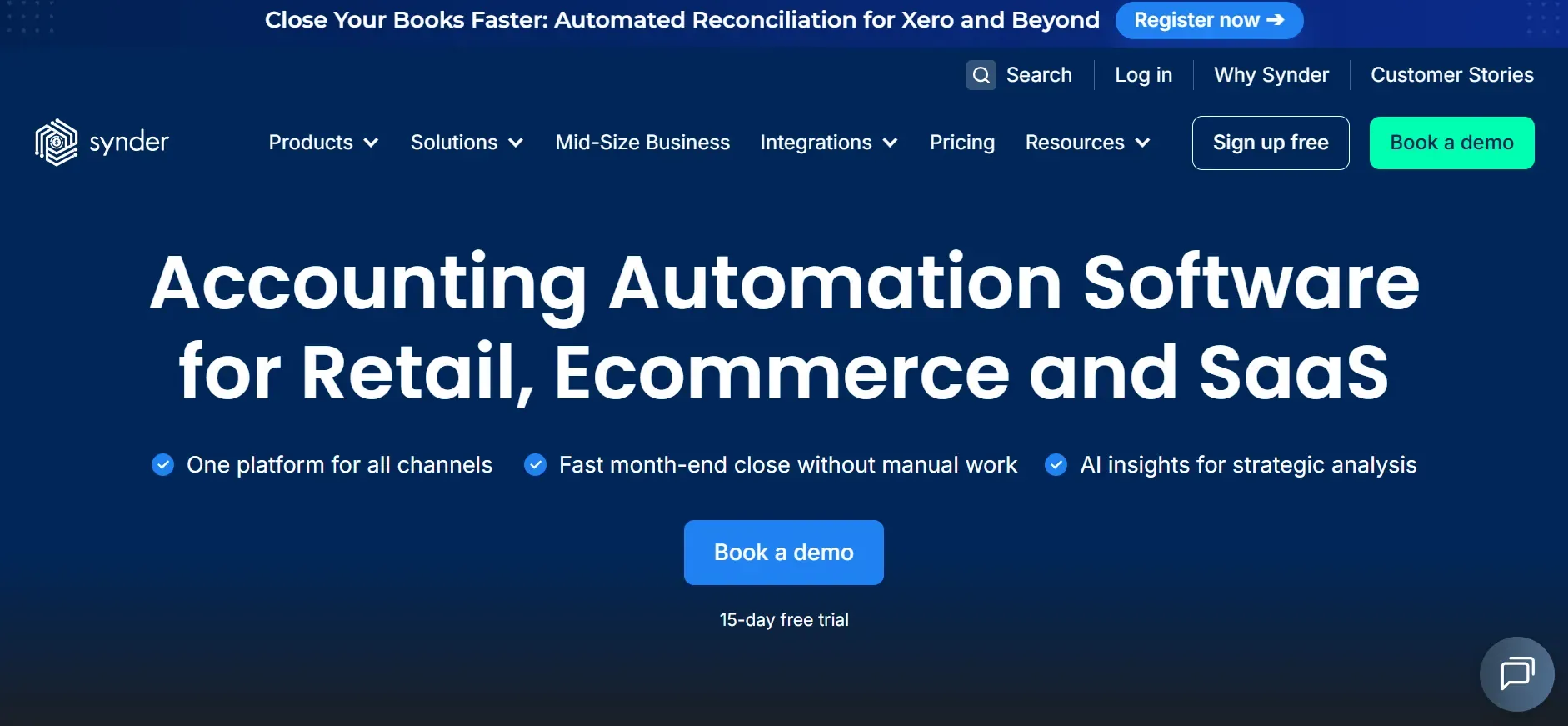
Synder is purpose-built for ecommerce businesses that need to reconcile large volumes of transactions across multiple sales channels. Its core offering is automated syncing of platforms like Shopify, Amazon, Etsy, Stripe, and PayPal into your accounting system, reducing manual entry and errors.
Specific features: Synder imports transactions, categorizes them, reconciles payments and fees, and creates accounting-ready records in your chosen platform (QuickBooks, Xero, or Synder’s own ledger). It offers sales tax tracking, multi-currency support, and automated invoice creation. Advanced plans include smart rules for categorization and duplicate detection.
Integrations: Synder boasts direct integrations with major ecommerce, payment, and accounting platforms. Its list includes Shopify, WooCommerce, BigCommerce, Amazon, Square, PayPal, Stripe, QuickBooks, and Xero. This breadth makes it a favorite for multi-channel sellers.
Migration friction: Adding Synder is usually a supplement to your main accounting tool, so migration is straightforward. However, if you later switch accounting platforms or want to move away from Synder, you’ll need to ensure clean handoff of transaction data and reconciliation records.
Concrete use cases: Ecommerce brands, accounting firms serving online retailers, and agencies managing books for multi-channel sellers. Synder shines for businesses dealing with high transaction volumes, international sales, or complex fee structures.
- Deep integrations with ecommerce and payment platforms
- Automates transaction imports and reconciliation
- Ideal for high-volume, multi-channel sellers
- Pricing based on transaction volume can increase costs
- Some features require premium plans
- Reporting customization is limited
For unlimited transactions and custom workflows, Devaims can build a platform tailored to your ecommerce needs.
Pricing: About $48/month for the Medium plan (up to 500 transactions). See pricing.
7. Gusto (Payroll integration)
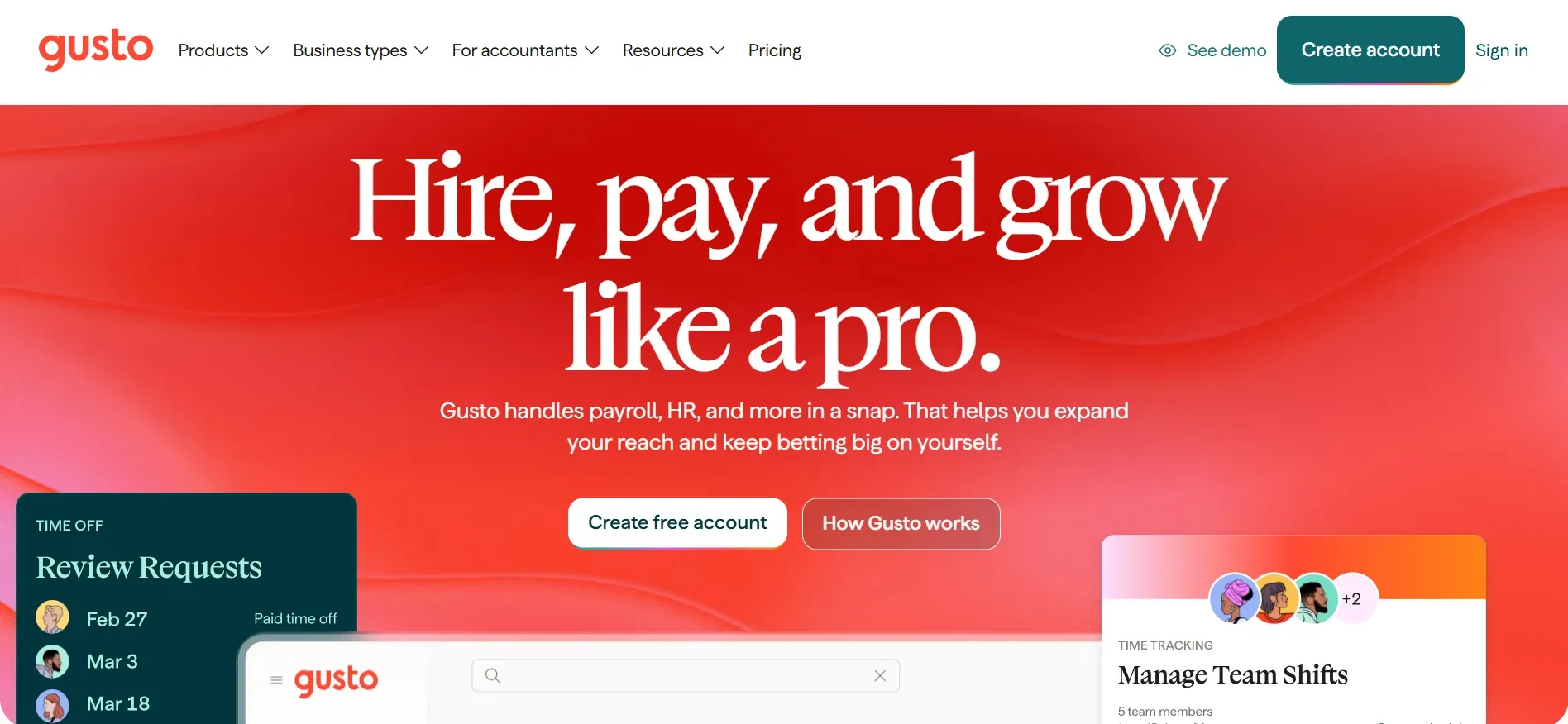
Gusto is widely known as a payroll platform, but it has expanded to offer basic bookkeeping, HR, and benefits administration features. For businesses with payroll complexity, multiple states, contractors, benefits, Gusto is a leader in automation and compliance.
Specific features: Gusto automates payroll runs, tax filings, benefits administration, and employee onboarding. Its bookkeeping features include basic expense tracking, contractor payments, and integration with QuickBooks and Xero for full accounting.
Integrations: Gusto connects directly to popular accounting platforms (QuickBooks, Xero), time-tracking tools, HR systems, and benefits providers. Its API enables custom integrations, and the platform is often used as a "hub" for employee data across systems.
Migration friction: Gusto’s onboarding is guided, with support for importing employee and payroll data. If you leave Gusto, exporting full payroll histories and HR records is possible but may require support assistance and data cleanup.
Concrete use cases: Small businesses with employees in multiple states, startups scaling headcount quickly, and firms needing integrated payroll and benefits. Gusto is a popular choice for firms that want to automate compliance and avoid payroll errors.
- Automated payroll and compliance
- Integrates with leading accounting platforms
- Streamlines HR and benefits administration
- Bookkeeping features are basic compared to full accounting platforms
- Per-employee pricing increases costs as you grow
- Customization is limited outside payroll and HR
For unlimited users and deeper accounting workflows, Devaims can build a system that grows with your team.
Pricing: $40/month plus $6/user. See pricing.
8. Dext (Receipt Bank) (Document capture & expense management)
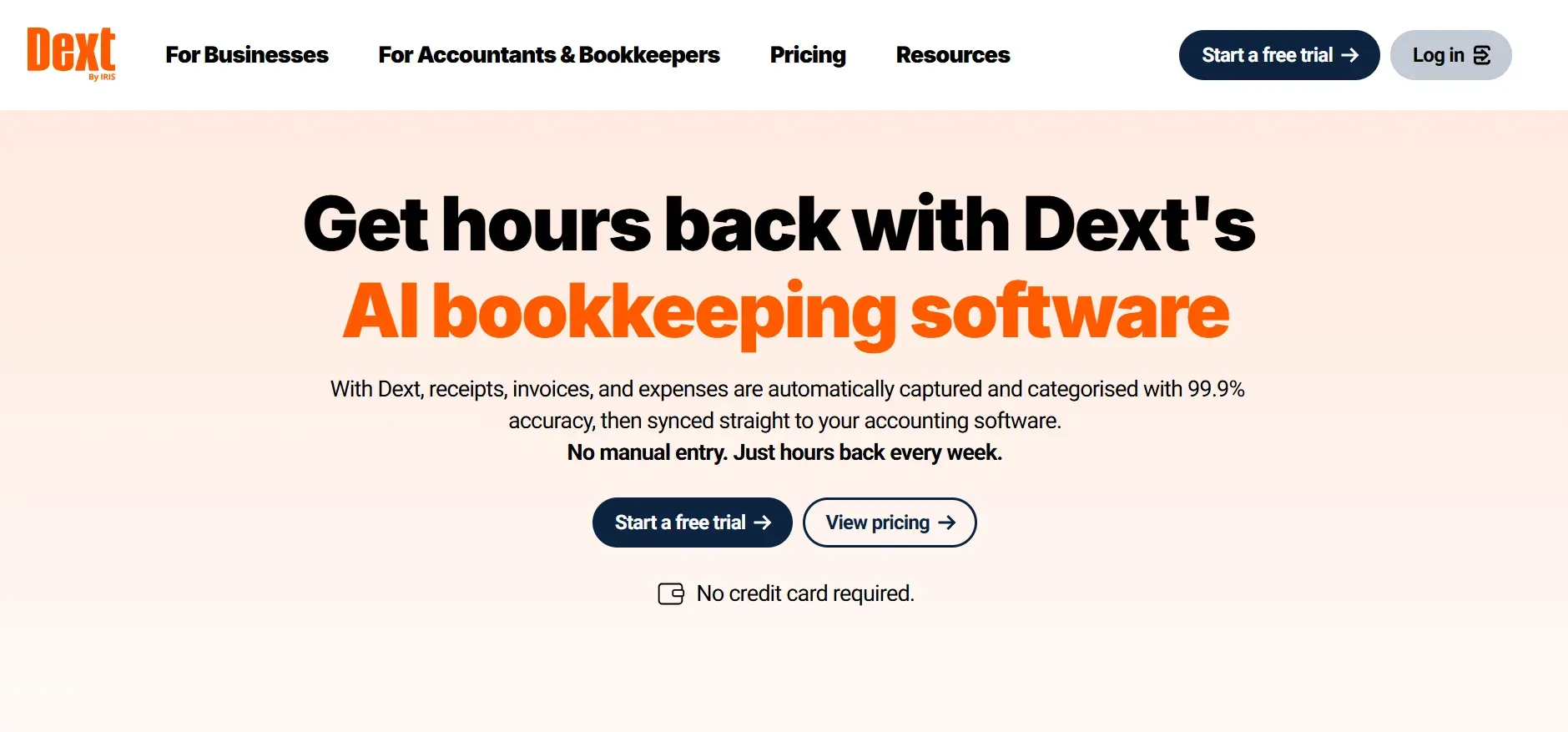
Dext (formerly Receipt Bank) specializes in automating the collection, extraction, and management of receipts, invoices, and expense documents. Its core value is saving time on manual data entry and reducing errors in expense tracking.
Specific features: Dext uses OCR (optical character recognition) to process uploaded or emailed documents, extracting key data and pushing it into your accounting software. It supports multi-user collaboration, approval flows, and offers mobile apps for on-the-go capture. Advanced plans include expense reporting and supplier management.
Integrations: Dext integrates with QuickBooks, Xero, Sage, and several other accounting platforms. It can also connect to cloud storage providers like Dropbox, Google Drive, and OneDrive for document archiving.
Migration friction: Dext is typically used as a supplement to core accounting tools, so adding or removing it is straightforward. Exporting captured documents and extracted data is possible, but some metadata or workflow history may not transfer cleanly between platforms.
Concrete use cases: Bookkeeping firms handling large volumes of client receipts, businesses with distributed teams submitting expenses, and organizations needing to automate invoice capture and entry.
- Automates document capture and data extraction
- Integrates with major accounting and storage platforms
- Reduces manual entry and errors
- Not a full accounting solution, so you’ll need another platform
- Lower tiers limit document volume
- Advanced automation may require custom development
For fully integrated document workflows, Devaims can build custom capture and approval features into your system.
Pricing: Pricing is custom, but typically starts around $30/month. See pricing.
9. Devaims (Owning your bookkeeping system)
Devaims offers a fundamentally different path: custom bookkeeping software that you own outright. Instead of renting access to a SaaS tool, Devaims builds a platform to your exact specifications, integrating the workflows, automations, and reporting you need, with no per-user, per-client, or per-transaction fees.
Specific features: Every build is unique, but common features include customizable chart of accounts, multi-entity consolidation, role-based permissions, automated transaction imports, tailored dashboards, and bespoke reporting. If you need advanced automation, regulatory compliance, or deep integrations, it’s built for you.
Integrations: Devaims can connect any tool or API you use: banks, payroll, ecommerce, payment processors, CRM, or industry-specific platforms. Unlike SaaS tools, integrations are built to fit your stack.
Migration friction: Migration and onboarding are managed as part of the project. Devaims handles data extraction from your legacy system, mapping, and import, minimizing disruption. You get a test environment to validate data before going live, and full support for workflow training.
Concrete use cases: Growing bookkeeping firms, accounting agencies, multi-entity businesses, and organizations with unique compliance or workflow needs. Devaims is also ideal for those who want to future-proof their business and own their data and tech stack.
- Fully tailored workflows and reporting
- You own the platform and all your data
- No per-user, per-client, or per-transaction fees
Unlike any SaaS on this list, Devaims hands you the keys to your bookkeeping system, your stack, your rules.
Other Botkeeper alternatives worth knowing
- Karbon: Project management for accounting teams, not a full bookkeeping solution, but a strong supplement for workflow and communication.
- Hubdoc: Focuses on document collection and OCR, better as a supplement to your accounting platform. Now part of Xero, it’s well integrated for document automation.
- Zoho Books: Affordable, with strong automation, multi-currency, and a robust API, but not as widely adopted in the US. Worth exploring for tech-savvy firms.
- Wave: Free for basic invoicing and accounting, but limited support and features for larger firms. See Wave.
How to choose the right Botkeeper alternative
- Budget: Calculate your true monthly and annual spend, including all add-ons, per-user, and per-client fees. Factor in the cost of integrations or workflow automations you need.
- Feature set: Identify your "can’t-live-without" features: do you need automated bank feeds, deep reporting, multi-currency, payroll, or project tracking? Make a checklist and compare platforms head-to-head.
- Scalability: Look at the pricing model. Will your costs spike as you add clients, users, or transaction volume? SaaS tools can become expensive over time.
- Data control: Ask about data export options, data ownership, and how easy it is to migrate if you outgrow the platform. Some SaaS tools make this harder than others.
- Industry fit: Some platforms are best for ecommerce, others for professional services, agencies, or global businesses. Consider your vertical and regulatory needs.
If none of the SaaS tools fit your workflow or you’re tired of monthly rent, it’s time to look at what owning your bookkeeping system could mean for your business.
Stop paying rent on bookkeeping software you could own
Every Botkeeper alternative listed so far rents you access, layering on per-client or per-seat fees, and locking essential features behind higher tiers. Five years in, you’ve paid thousands and walked away with nothing but exported reports. Devaims is the only alternative that hands you the keys to your bookkeeping platform, code and all.
Devaims is a custom software development agency that builds web, mobile, and business platforms you actually own. That means you keep the source code, the data, and the freedom to run your business your way. No contracts, no hidden fees, just a system tailored to your exact workflow.
- Per-client and per-user fees disappear: Your cost is fixed, no matter how many clients you serve or team members you add. This is critical for firms planning to scale. If you’re managing books for 50 or 500 clients, your marginal cost is zero after launch.
- Integrations and automations are yours: If you need a feature, it’s built for you, not locked to a premium SaaS tier. Want a custom dashboard, regulatory export, or integration with a niche platform? It’s part of your system, not an expensive add-on.
- Full data ownership and portability: You control where your data lives and how you use it, with no barriers to export or customization. This is crucial for compliance, audit, or switching service providers in the future.
- No surprise price hikes: Your stack is yours to run, upgrade, or expand as your business grows. You’re insulated from SaaS vendor price increases or feature changes.
| Tool | Ownership | Monthly/Annual Cost | Fees |
|---|---|---|---|
| Botkeeper | Rented | $300/mo | Per-client, per-add-on |
| QuickBooks Online | Rented | $85/mo (Plus tier with add-ons) | Per-user, per-feature |
| Xero | Rented | $62/mo (Premium with payroll) | Per-user, per-integration |
| Devaims | You own it | One-time $30,000 build, $200/mo maintenance | None |
| Year | Rented cumulative | Owned cumulative |
|---|---|---|
| 1 | $3,600 | $32,400 |
| 2 | $7,200 | $34,800 |
| 3 | $10,800 | $37,200 |
| 4 | $14,400 | $39,600 |
| 5 | $18,000 | $42,000 |
If you have 10 staff or 100 clients, at $300/month you’ll pay $18,000 over five years and still have nothing to show for it. With Devaims, you invest once, then own your system, your data, and your future. We can run your real numbers to see when ownership wins for your business.
How to switch from Botkeeper
- Export all your bookkeeping data and documents from Botkeeper. This includes ledgers, invoices, attachments, and audit trails. Be thorough, as some platforms limit export formats or require support tickets for full data access.
- Choose your new tool (or custom build) and confirm import options. Not all platforms support all data fields, so review their documentation and consider a test import before finalizing your choice.
- Import your data into the new system, mapping fields as needed. This may involve data cleanup, reformatting, or manual entry for unsupported fields.
- Reconnect your bank feeds, payroll, and any integrations. Be sure to test automated imports and workflow automations for accuracy.
- Train your team on the new workflow. Provide documentation and internal support for the first month to ensure adoption and catch issues early.
- Test everything in parallel for a full cycle to catch issues. Run the new system alongside your current one if possible, and compare results before making a complete switch.
- Review and cancel your Botkeeper contract once migration is complete. Save all export receipts and confirmations for compliance records.
With a custom Devaims build, the migration is handled as part of the project, including data mapping, import, and training.
Frequently asked questions
What is the best alternative to Botkeeper for most bookkeeping firms?
QuickBooks Online and Xero remain the most popular alternatives for most bookkeeping firms. Both offer strong features, wide support among accountants, and extensive integrations. QuickBooks Online is often preferred in the US, while Xero has a strong following in global and multi-currency environments. However, both are subscription tools with ongoing fees and limited ownership. If you want to break out of the SaaS rent cycle and fully control your stack, Devaims is the only alternative where you own the software, data, and roadmap.
Which Botkeeper alternative is the cheapest?
Xero’s entry plan is among the lowest at around $15/month, but it restricts the volume of invoices and bills, making it best for solopreneurs or small firms. Wave is free for basic invoicing and accounting, but it lacks support, advanced features, and scalability. Over the long term, consider not just the sticker price but how costs scale with your business, per-user, per-client, and add-on fees can make "cheap" tools expensive as you grow.
Is there a free Botkeeper alternative?
Wave offers a free plan for basic bookkeeping and invoicing, and is suitable for freelancers or very small businesses. However, it does not offer the depth, integrations, or support needed by most growing firms. Free tools often monetize through payment processing fees or paid support, so evaluate carefully before relying on them for mission-critical accounting.
Which alternative is best for ecommerce businesses?
Synder is the standout for ecommerce bookkeeping, offering deep integrations to Shopify, Amazon, Stripe, WooCommerce, and other major platforms. It automates transaction imports, categorization, and reconciliation, saving hours of manual work and reducing errors. For high-volume sellers, Synder’s transaction-based pricing can be more predictable than per-client fees, but keep an eye on your transaction count. For businesses with unique ecommerce needs, a custom Devaims build can integrate any channel or workflow you require.
Can I migrate my Botkeeper data to a new tool?
Yes, but the process can be tricky. Most SaaS platforms let you export basic reports, but full data migration, including attachments, audit trails, and custom fields, often requires support tickets or manual work. Plan your migration carefully, back up all data, and test imports in your new system before going live. If you opt for a Devaims custom build, the migration process is managed for you, ensuring data integrity and workflow continuity.
When should I switch from Botkeeper to another option?
If you’re paying more than $250/month, adding lots of clients or users, or need features only available in higher tiers, it’s time to research Botkeeper alternatives. Other triggers include workflow bottlenecks, lack of integrations, or concerns about data ownership. If you want to own your system and data, Devaims is the only route to real ownership and long-term control.
The bottom line
QuickBooks, Xero, and FreshBooks all make solid Botkeeper alternatives, but you’re still renting. Here’s the decision rule: add up what you’ll pay over five years. If that number is closing in on the cost to build your own platform, you’re past the break-even point.
Owning your bookkeeping system means no more per-user fees, no more feature restrictions, and your data stays yours. That’s the real alternative to SaaS rent.
Read more on the Devaims blog, or see related guides like QuickBooks Online alternatives, Xero alternatives, and FreshBooks alternatives. For in-depth reviews and user feedback, see also Capterra's Botkeeper alternatives and G2's Botkeeper Alternatives.