


Ever felt your subscription bill creep up, month after month, for bookkeeping software you never truly own? QuickBooks Online has a knack for making small shops feel big with slick tools, until you hit the next-tier wall or get blindsided by another per-user fee. You’re not alone. By the third year, most owners realize: I’m renting my own books back from someone else, and the meter never stops running.
There’s no shortage of QuickBooks Online alternatives, such as Xero, FreshBooks, Bench, and Pilot. All promise easier books or cleaner dashboards. But here’s the quiet truth: every one of them rents you the same core features you could own outright. The best picks below? Xero for flexibility, Pilot for automation, and Devaims for those ready to stop paying rent forever.
If you’re weighing a switch, or just want to see what owning your own bookkeeping platform looks like, this guide breaks down your real options and the true long-term math.
Why bookkeeping services look for QuickBooks Online alternatives
Nickel and dime fees: Every new staff seat, bank connection, or feature stack adds another monthly charge. What starts as $30/month can spiral into $200+ for a growing shop. SaaS models incentivize vendors to upsell, not to optimize your experience. As you add team members, expand to new service lines, or need more advanced reporting, you’re often forced into higher-priced tiers or new add-ons. This can double or triple your spend within a few years, without any increase in ownership or control.
Locked features and forced upgrades: Most SaaS bookkeeping tools use tiered pricing, so “advanced” features (custom reports, multi-entity support, advanced permissions) are only unlocked by upgrading to a pricier plan. Even then, you may find critical workflow elements missing, or discover that integrations you need require yet another subscription. The inability to pick and choose features means you’re paying for a bundle, not a solution tailored to your business.
Data lock-in: Migrating off QuickBooks Online can be a slog. Your data exports incomplete, and integrations often break. Vendors have little incentive to make leaving easy, so historical data, attachments, and custom fields may not export cleanly. This can create costly migration projects, and may force you to rebuild reports or lose historical audit trails.
Limited customization: SaaS bookkeeping tools are built to serve the masses. If you have industry-specific workflows, regulatory needs, or unique approval chains, you’ll likely be forced into awkward workarounds. Even if APIs are available, customizing integrations can be limited by what the vendor exposes. For firms in verticals like legal, real estate, or multi-entity franchises, these gaps can mean real productivity loss.
Perpetual rent, never ownership: Every alternative rents you the same core features. Over five years, the rent nearly always outweighs a custom build you could keep. That’s why so many search for QuickBooks Online alternatives. Owning your platform means you accumulate value over time, instead of just paying for access.
Quick comparison of the best QuickBooks Online alternatives
| Tool | Best for | Starting price | You own it? |
|---|---|---|---|
| Xero | Cloud flexibility | Reported $15/mo | No, SaaS |
| FreshBooks | Invoicing & freelancers | Reported $19/mo | No, SaaS |
| Botkeeper | Automation at scale | Reported $155/mo | No, SaaS |
| Pilot | Tech-forward bookkeeping | Reported $499/mo | No, SaaS |
| Bench | Hands-off service | Reported $249/mo | No, SaaS |
| Synder | E-commerce automation | Reported $48/mo | No, SaaS |
| Gusto | Payroll integration | Reported $40/mo + $6/user | No, SaaS |
| Bill.com | AP automation | Reported $45/mo | No, SaaS |
| Dext | Receipt management | Reported $20/mo | No, SaaS |
| Devaims | Owning your bookkeeping stack | One-time build | One-time build, you own it |
Always confirm current pricing before you decide. SaaS tiers change often and some vendors only reveal full pricing after a sales call. Scrutinize included features, hidden add-on costs, and per-user fees to avoid surprises.
The 10 best QuickBooks Online alternatives
1. Xero (Cloud flexibility)
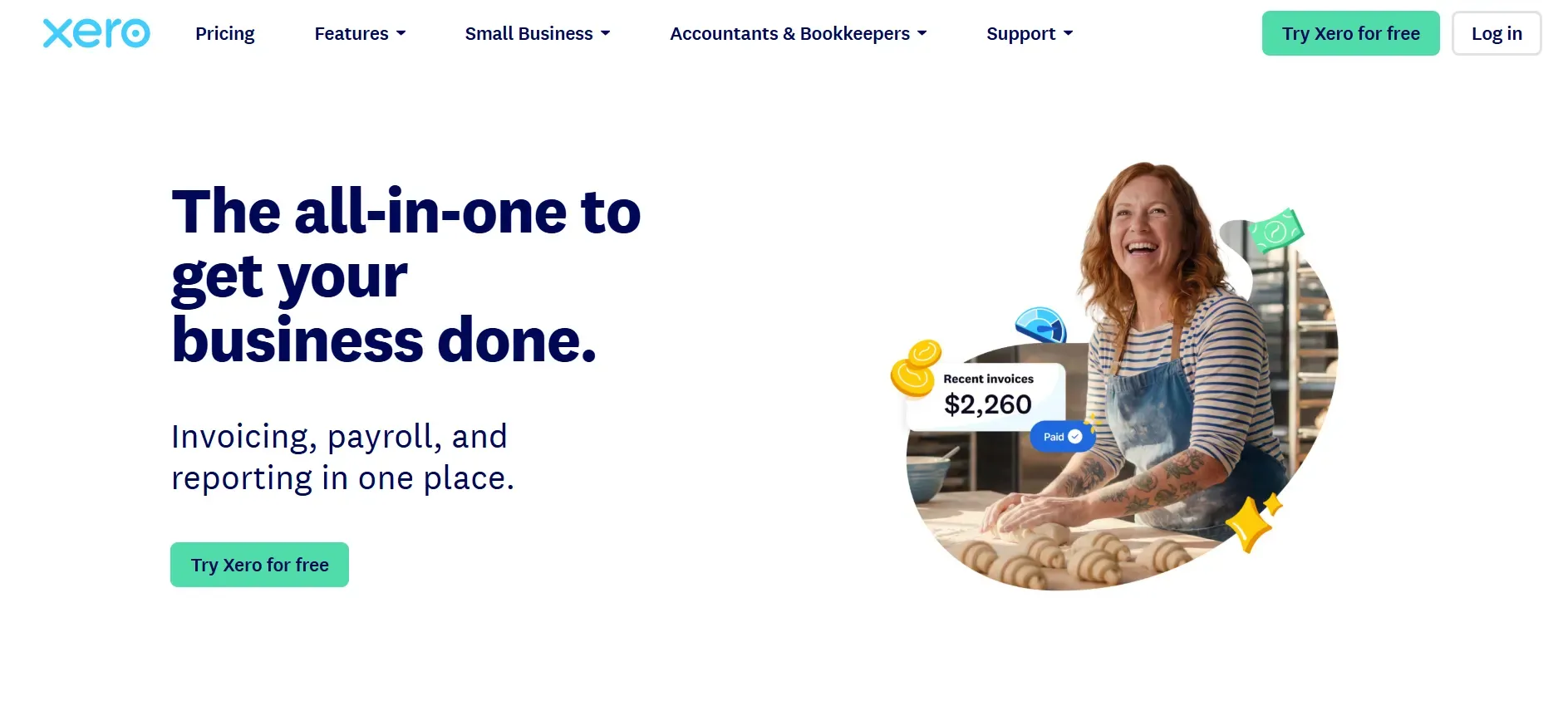
Xero is widely considered the leading cloud-based alternative to QuickBooks Online, especially for firms that value open integrations and international capabilities. Xero’s platform is praised for its clean UI, strong mobile apps, and an API that supports a large ecosystem of add-ons (including payroll, CRM, and inventory management). If you rely on third-party tools, such as Expensify, Stripe, Shopify, or Gusto, Xero’s open approach can be a major advantage.
Features: Xero covers core bookkeeping (invoicing, bank feeds, reconciliation, reporting), with extras like multi-currency support, project tracking, and built-in quotes/estimates. The dashboard is configurable, and you can invite accountants or advisors at no extra cost. The Xero Marketplace offers hundreds of integrations for everything from POS to payroll to industry-specific tools.
Integrations: Xero’s open API is a major advantage. It connects easily to Stripe, PayPal, Square, Shopify, and a variety of payroll, HR, and reporting apps. This makes it especially appealing for firms with a diverse tech stack or international operations. However, some integrations require separate subscriptions or incur additional fees.
Migration friction: Xero offers migration tools and guides, but moving from QuickBooks Online still takes planning. Transaction histories, attachments, and custom fields may need manual review. Some integrations and custom reports may need to be rebuilt after migration. For complex migrations, Xero partners or consultants are often required.
Concrete use cases: Xero is popular among tech-forward accounting firms, international consultancies, and service businesses that need flexibility and frequent integration with other SaaS tools. Firms with clients in multiple currencies or jurisdictions find Xero’s global features a major advantage.
-
Key limitations:
- Still a SaaS rental, not owned
- Advanced features and payroll require add-ons
- Costs rise with users and integrations
-
Strengths:
- Open API and large integration ecosystem
- Clean UI and strong mobile apps
- International and multi-currency support
Pricing: Starts around $15/month for the Early plan (see Xero pricing), but most businesses will need the Growing or Established plan ($42 to $78/mo as of 2024), plus add-ons for payroll and advanced analytics.
When you hit a feature wall, owning your stack with Devaims means you control every report and workflow. No forced upgrades, no per-user fees.
2. FreshBooks (Invoicing & freelancers)
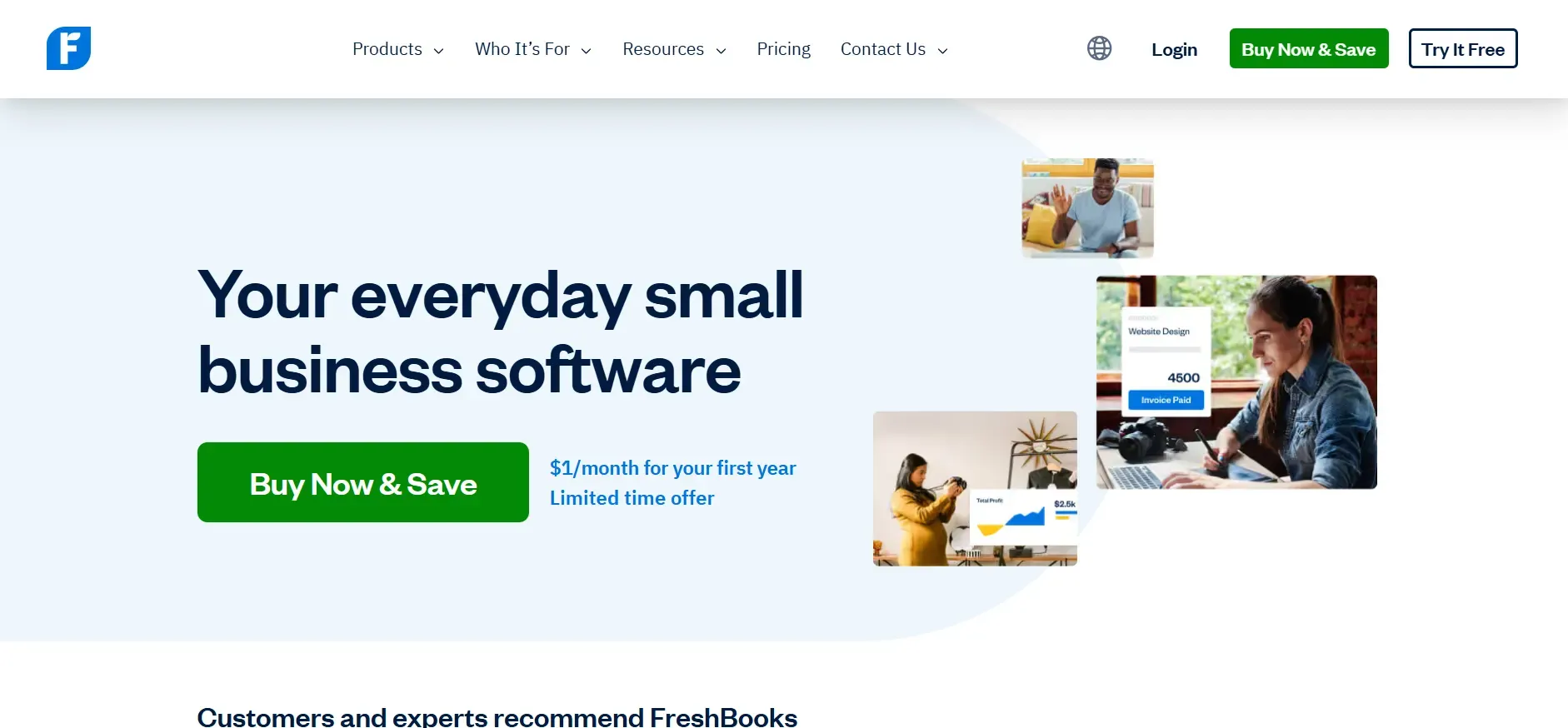
FreshBooks is purpose-built for freelancers, micro-firms, and small agencies. It’s known for its user-friendly interface, intuitive invoicing, and time tracking. If you’re a service business that needs to bill clients quickly and track expenses with minimal fuss, FreshBooks is a solid choice.
Features: Core functions include invoicing, expense tracking, time tracking, light project management, and basic reporting. FreshBooks automates payment reminders, late fees, and recurring invoices. Payments are accepted via credit card or ACH, and the platform integrates with Stripe, PayPal, G Suite, and other common tools.
Integrations: FreshBooks connects to over 100 third-party apps, including Shopify, Gusto, Zapier, and HubSpot. Integration depth varies. Some are native, others rely on Zapier or similar middleware. Inventory and advanced accounting features are limited compared to Xero or QuickBooks Online.
Migration friction: Moving from QuickBooks Online to FreshBooks is feasible for small shops, but data imports are limited, especially for historical transactions or custom fields. You may need to manually re-enter or clean up data, and integrations may need to be rebuilt.
Concrete use cases: Solo consultants, design agencies, and freelancers who want fast invoicing and basic bookkeeping without hiring a full-time accountant. FreshBooks is also a good fit for businesses that don’t need detailed inventory or multi-entity accounting.
-
Key limitations:
- Limited for large teams or complex accounting
- Advanced reporting and inventory are basic
- Costs rise with more clients and users
-
Strengths:
- Intuitive invoicing and time tracking
- User-friendly interface
- Good for freelancers and micro-firms
Pricing: Starts around $19/month (see FreshBooks pricing), but team members and advanced payments are extra. Most growing firms will need the Plus or Premium plan ($33 to $60/mo), with additional fees for more billable clients.
3. Botkeeper (Automation at scale)
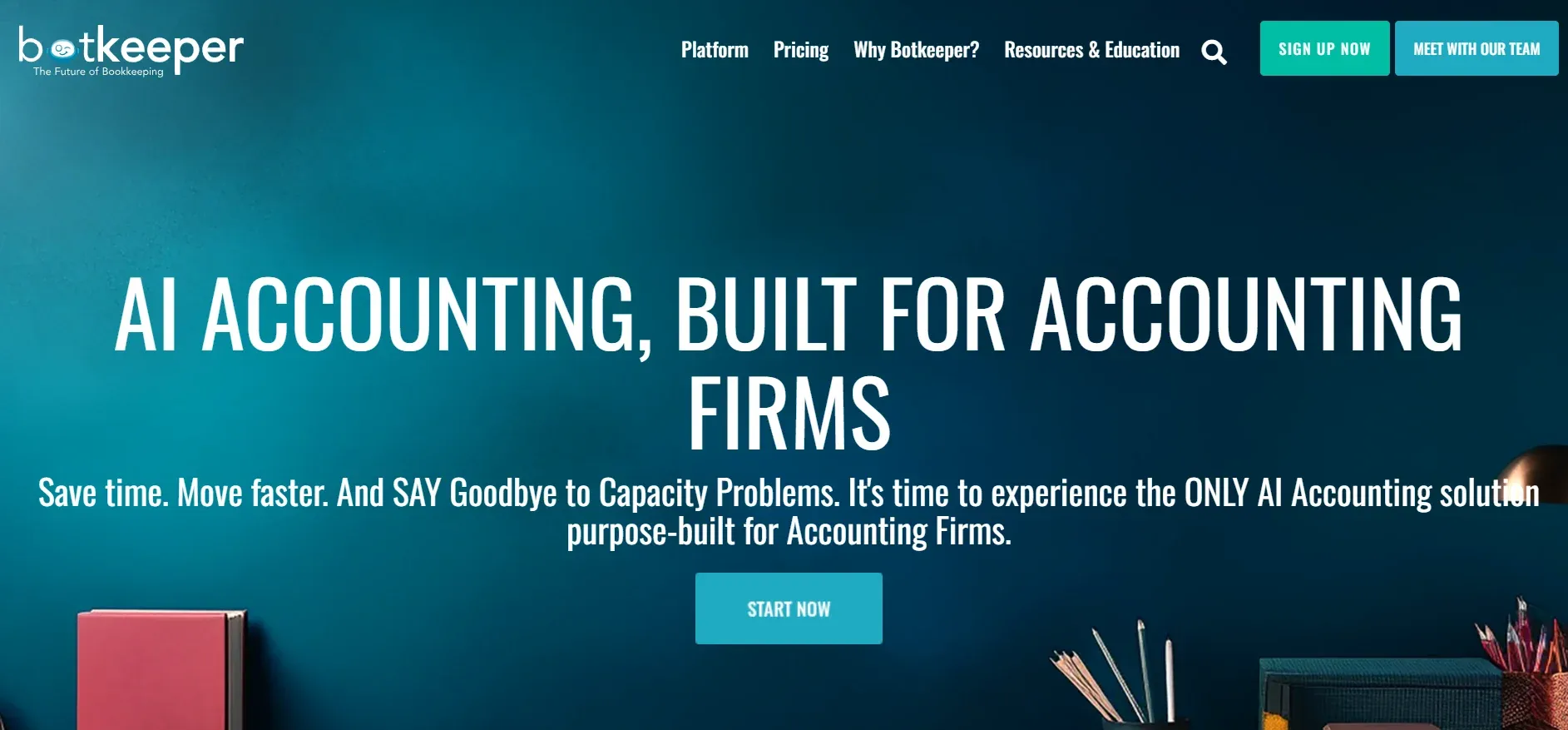
Botkeeper is a hybrid platform that combines AI-driven automation with outsourced bookkeeping professionals. It’s designed for firms ready to automate routine bookkeeping at scale, such as multi-entity businesses, franchises, or accounting firms serving many clients.
Features: Botkeeper automates transaction categorization, bank reconciliation, expense tracking, and financial reporting. AI handles the bulk of data entry and matching, while human accountants review exceptions and ensure accuracy. Dashboards offer real-time visibility into all connected accounts.
Integrations: Botkeeper integrates with QuickBooks Online, Xero, Bill.com, Gusto, and other common accounting and payroll tools. API access is limited, so custom integrations may require additional development or vendor support. It’s designed to plug into your existing SaaS stack rather than replace it.
Migration friction: Botkeeper can import data from QuickBooks Online and Xero, but migration for historical data can be complex, especially for firms with custom fields or industry-specific workflows. Botkeeper staff typically assist with onboarding, but expect a learning curve as you adapt to their workflow.
Concrete use cases: Accounting firms serving dozens or hundreds of small business clients, multi-location businesses, franchises, or any organization looking to automate high-volume, repetitive bookkeeping tasks.
-
Key limitations:
- Software and data pipeline are not owned
- Pricing increases with transaction volume
- Custom workflows are limited
-
Strengths:
- AI-driven automation for routine tasks
- Human review for accuracy
- Scales for high-volume firms
Pricing: Starts at around $155/month (pricing depends on transaction volume and complexity, see Botkeeper pricing). Larger firms can expect to pay $500+/month.
4. Pilot (Tech-forward bookkeeping)
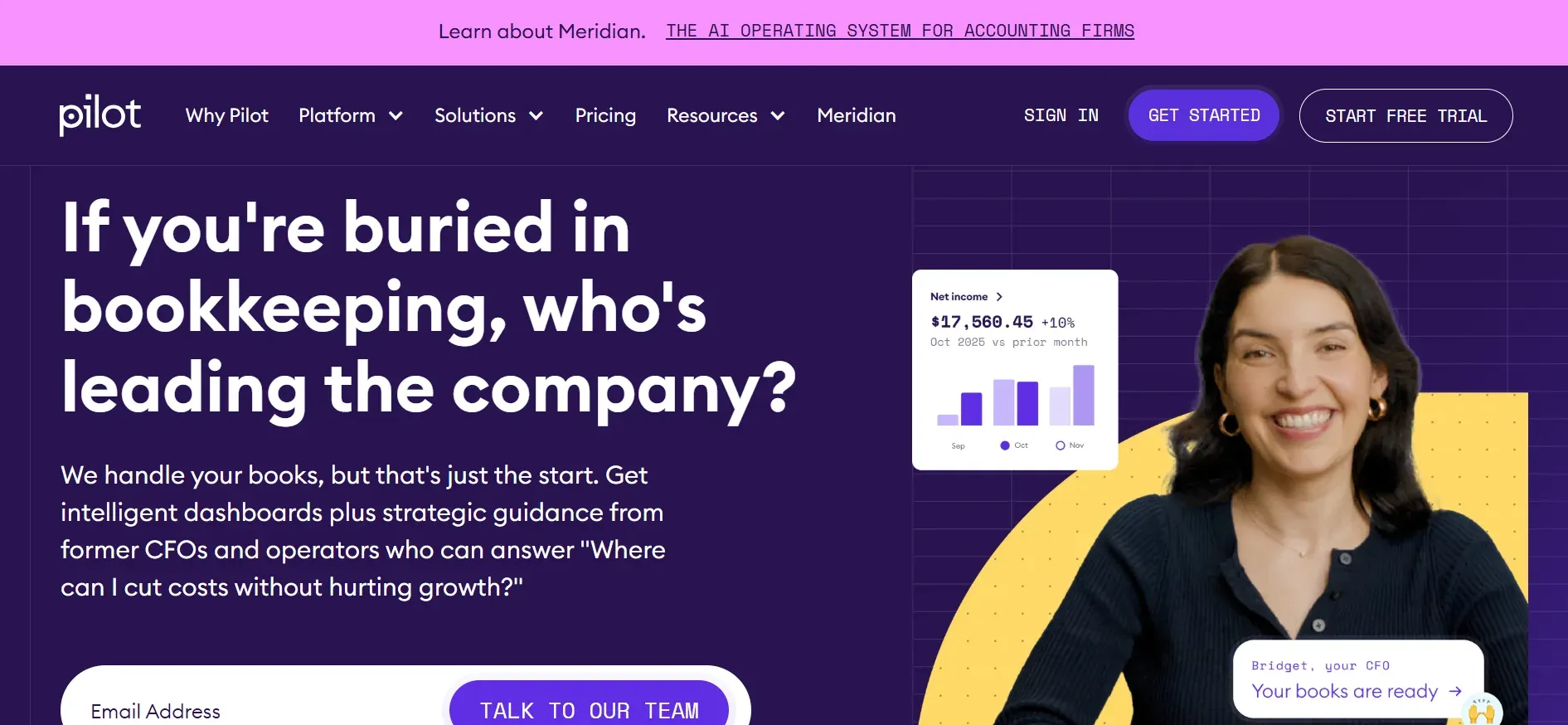
Pilot is a high-end bookkeeping service that combines automation with hands-on support from dedicated bookkeepers. It’s especially popular with startups, SaaS companies, and venture-backed businesses that want accurate, hands-off bookkeeping and robust financial reporting.
Features: Pilot provides full-service bookkeeping, monthly reconciliation, financial statements, and CFO-level reporting. The platform automates bank feeds, categorization, and integrates with payroll, expense, and billing systems. Dedicated Pilot staff handle onboarding, customization, and ongoing support.
Integrations: Pilot integrates with QuickBooks Online, Xero, Gusto, Stripe, Expensify, Bill.com, and other common SaaS tools. It can import data from most major banks and payment processors. Custom integration options are limited to what Pilot’s API supports, and not all niche tools are supported.
Migration friction: Pilot’s onboarding team assists with data migration, but the process can be involved for businesses with complex legacy data. Custom reports and workflows may need to be rebuilt, and some historical data may not transfer perfectly.
Concrete use cases: Fast-growth startups, SaaS businesses, and technology companies that need accurate, audit-ready books and want to outsource bookkeeping. Pilot is also used by multi-entity firms that need consolidated reporting.
-
Key limitations:
- Expensive for small or complex businesses
- Extra fees for special reporting or tax services
- Platform is not owned
-
Strengths:
- Dedicated support and onboarding
- Automation plus human expertise
- Strong for startups and SaaS
Pricing: Starts at around $499/month (see Pilot pricing), with higher tiers for larger or more complex businesses.
If Pilot’s pricing climbs as your books grow, a Devaims-owned platform means your cost stays flat. No per-transaction or per-seat surprises.
5. Bench (Hands-off service)
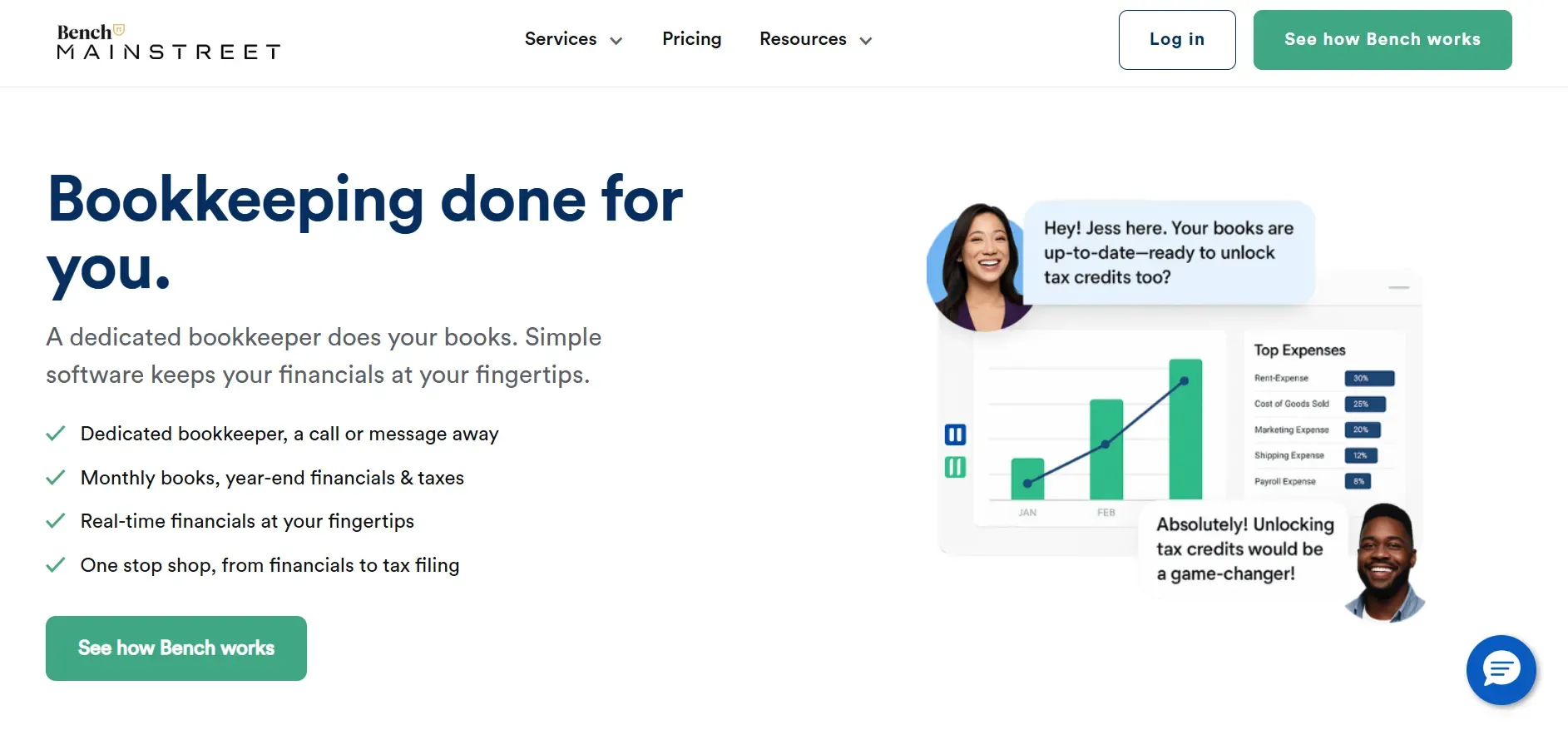
Bench offers a blend of software and real bookkeepers. For owners who want to think about books as little as possible, it’s a strong QuickBooks Online alternative, so long as you’re okay with a subscription and limited custom features.
Features: Bench provides full-service bookkeeping, financial statement preparation, and tax-ready financials. Each client is assigned a dedicated bookkeeper, with communication managed via the Bench app. The platform automates transaction import and categorization, but complex workflows may require manual intervention.
Integrations: Bench integrates with most major banks and credit cards for transaction syncing. However, integrations with other SaaS tools (like payroll, inventory, or CRM) are limited. Bench does not natively support QuickBooks Online or Xero data formats, making migration tricky.
Migration friction: Bench imports transaction data and basic account information, but detailed historical data, custom fields, and attachments may not transfer. If you have a complex chart of accounts or require detailed audit trails, expect additional manual work during migration.
Concrete use cases: Small business owners, consultants, and solopreneurs who want to outsource bookkeeping without hiring in-house staff. Bench is also used by firms seeking a hands-off, white-glove experience for basic bookkeeping and reporting.
-
Key limitations:
- Limited integrations and customization
- Data extraction can be challenging
- Not a full accounting suite
-
Strengths:
- Dedicated bookkeeper included
- Simple, hands-off experience
- Tax-ready financials
Pricing: Starts at around $249/month (see Bench pricing), with additional charges for catch-up bookkeeping or specialized services.
6. Synder (E-commerce automation)
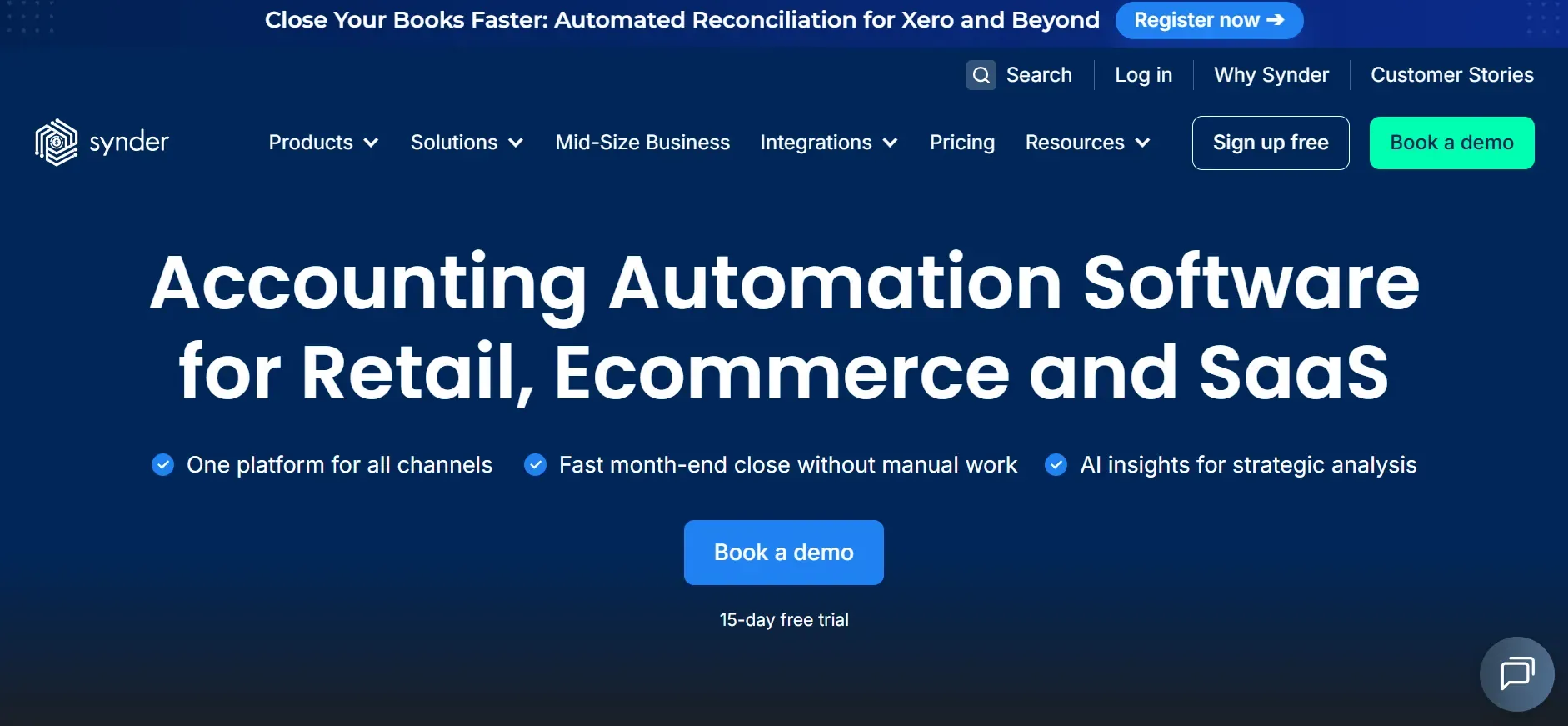
Synder specializes in automating e-commerce transaction syncing across platforms like Shopify, Amazon, Stripe, Square, and PayPal. It’s not a full accounting suite, but it excels at consolidating multi-channel sales and automating reconciliations for online sellers.
Features: Synder connects your e-commerce and payment platforms to your bookkeeping software, automatically syncing transactions, fees, and payouts. It supports multi-currency, inventory, and tax mapping. Synder also offers real-time reconciliation and detailed sales analytics.
Integrations: Native integrations include Shopify, Amazon, WooCommerce, Stripe, PayPal, Square, QuickBooks Online, and Xero. Synder acts as a bridge, pushing clean, categorized data into your core bookkeeping system. Zapier support expands integration possibilities.
Migration friction: Synder is easy to set up for new transactions, but importing historical data requires careful mapping. If you’re coming from QuickBooks Online, you may need to clean up old records or re-map SKUs and product categories.
Concrete use cases: E-commerce businesses selling on multiple platforms, agencies managing clients’ online stores, or any firm needing to automate reconciliation of thousands of transactions per month.
-
Key limitations:
- Not a full bookkeeping solution
- Pricing increases with transaction volume
- Customization limited to supported integrations
-
Strengths:
- Excellent for multi-channel e-commerce
- Automates reconciliation and syncing
- Supports many payment platforms
Pricing: Starts at around $48/month (see Synder pricing), with plans scaling by transaction volume. High-volume sellers can expect to pay $200+/month.
On an owned Devaims build, every integration is tailored to your exact channel mix. No per-transaction premium, and full control over reconciliation logic.
7. Gusto (Payroll integration)
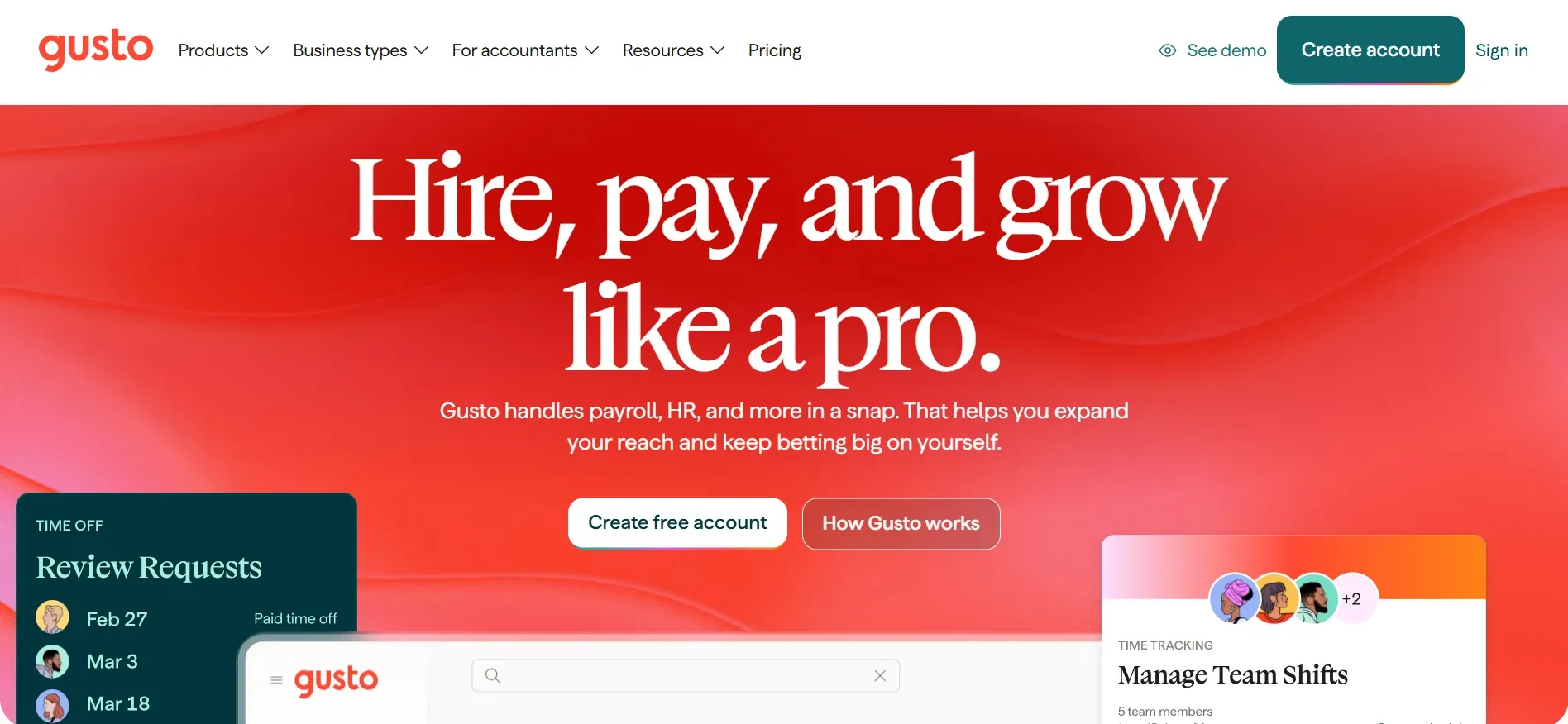
Gusto is a payroll-first platform with built-in HR, benefits, and compliance features. For firms where payroll is the biggest bookkeeping headache, Gusto can automate wage calculations, filings, garnishments, and benefits administration.
Features: Gusto automates payroll runs, tax filings (federal, state, local), benefits management, new hire reporting, and year-end forms (W-2, 1099). Employees get a self-service portal for pay stubs, benefits enrollment, and time off requests. HR tools include onboarding checklists and compliance resources.
Integrations: Gusto integrates with QuickBooks Online, Xero, FreshBooks, Expensify, Deputy, and many time-tracking and HRIS platforms. Integration depth varies by provider. Some sync only payroll journals, others support deep two-way data flows.
Migration friction: Gusto’s onboarding is streamlined for small businesses, but importing historical payroll data or integrating with custom systems may require manual setup. Multi-state or international payroll is not fully supported.
Concrete use cases: Small to midsize businesses that want to automate payroll, benefits, and HR compliance. Gusto is also popular among firms that want to minimize time spent on tax filings and employee onboarding.
-
Key limitations:
- Not a full bookkeeping suite
- Per-employee pricing adds up
- Some features limited by state or tier
-
Strengths:
- Automates payroll and compliance
- Employee self-service portal
- Integrates with major accounting tools
Pricing: Starts at $40/month plus $6 per employee (see Gusto pricing). Higher tiers unlock more HR features.
8. Bill.com (AP automation)
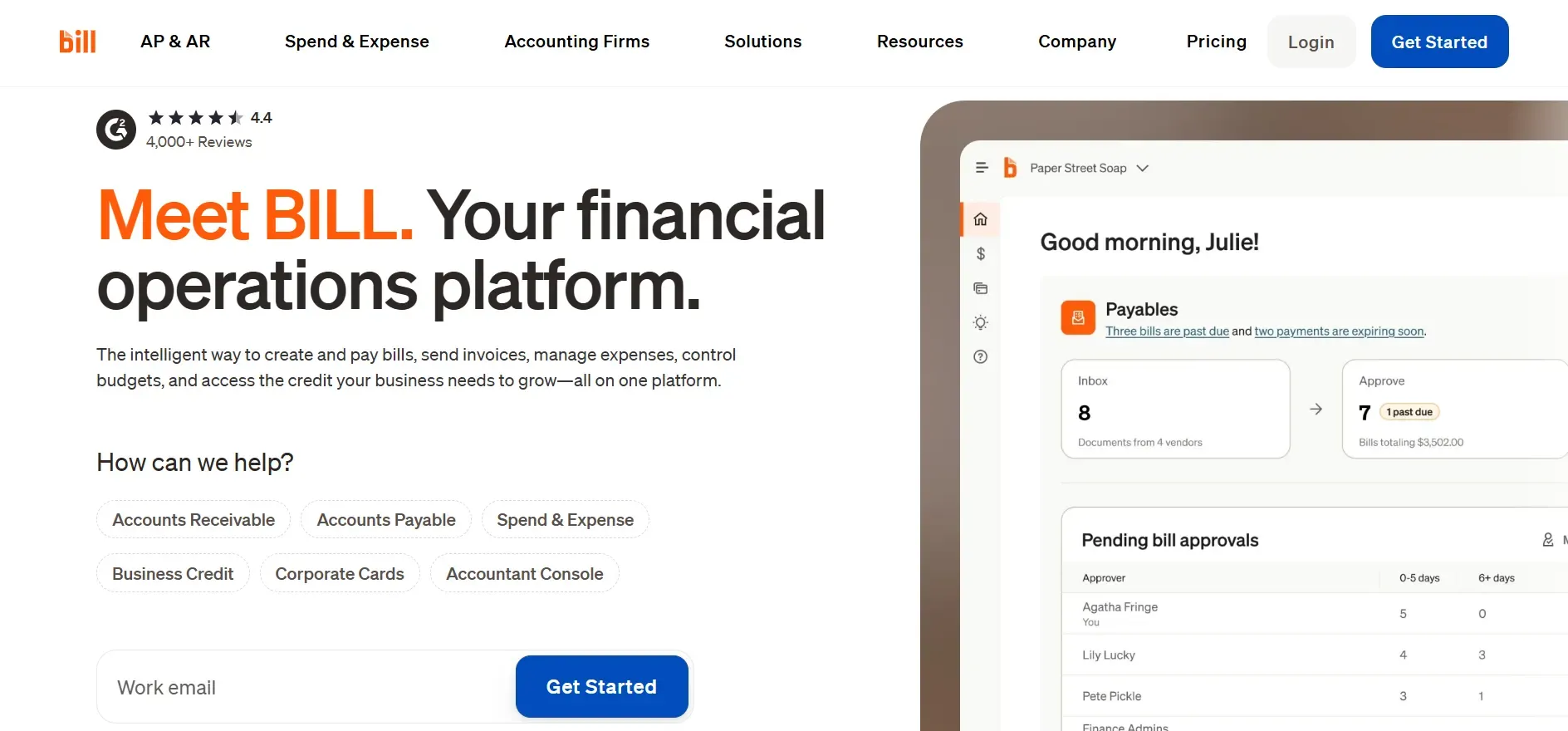
Bill.com automates accounts payable (AP) and receivable (AR) workflows, streamlining bill payments, approvals, and vendor management. It’s not a full bookkeeping system, but it’s a popular add-on for firms overwhelmed by manual invoice processing.
Features: Bill.com digitizes incoming bills, automates approval workflows, schedules payments (via ACH, check, or virtual card), and syncs with your accounting system. It includes a secure audit trail for compliance and offers vendor self-service portals.
Integrations: Native integrations include QuickBooks Online, Xero, Sage Intacct, NetSuite, and others. Bill.com can push and pull data (bills, payments, vendor info) in real time, reducing manual data entry. Some integrations require additional configuration for custom fields or workflows.
Migration friction: Adding Bill.com to an existing stack is straightforward, but migrating historical AP data or custom approval chains may require manual work. If you switch accounting platforms, integrations may need to be rebuilt.
Concrete use cases: Firms with high invoice volume, multi-step approval chains, or remote teams that need secure, auditable bill payment workflows. Bill.com is also favored by accounting firms managing AP for multiple clients.
-
Key limitations:
- Focused on AP/AR, not full accounting
- Transaction fees can add up
- Advanced reporting is limited
-
Strengths:
- Automates bill payments and approvals
- Integrates with major accounting platforms
- Secure audit trails for compliance
Pricing: Starts at $45/month (see Bill.com pricing), plus transaction fees and higher-tier features.
9. Dext (Receipt management)
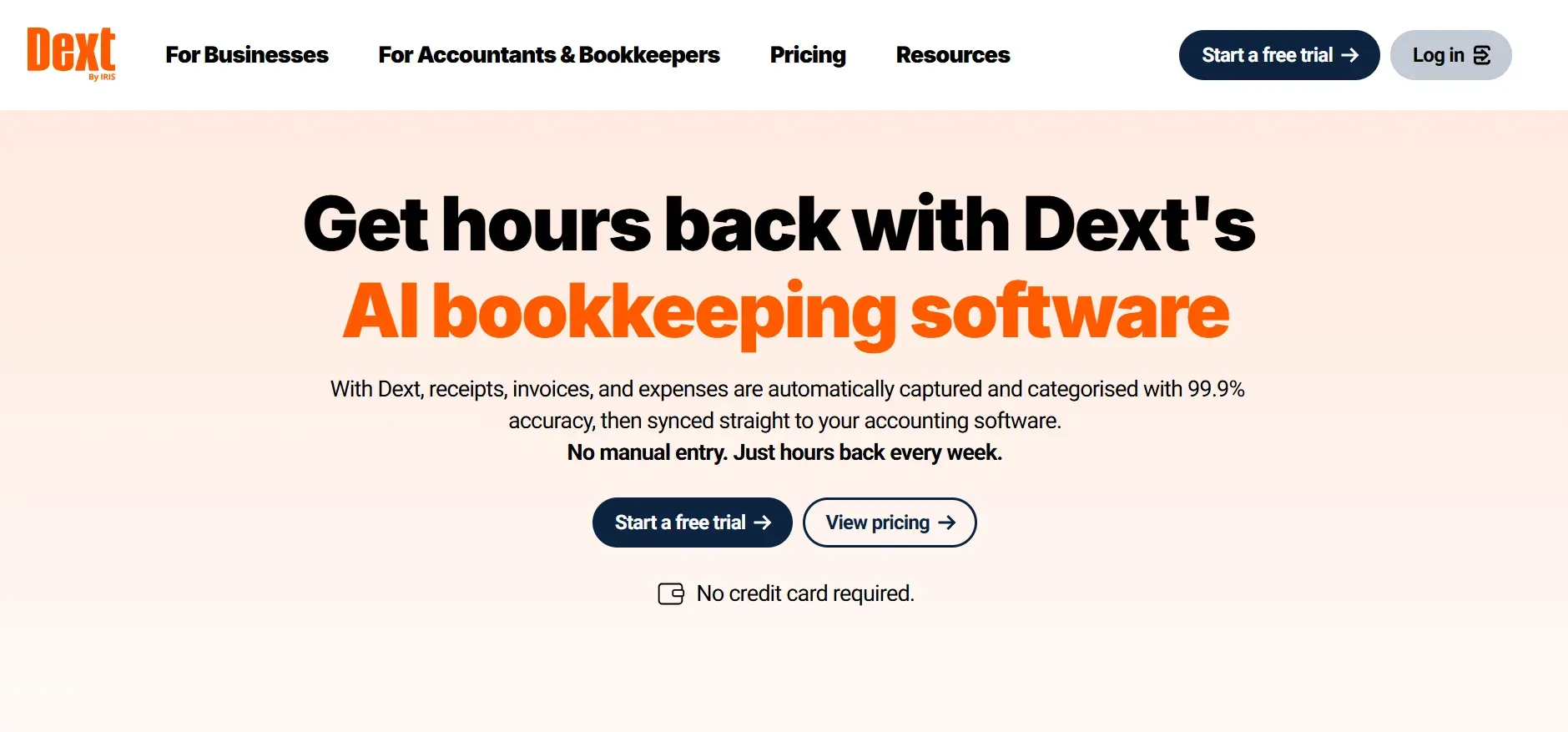
Dext (formerly Receipt Bank) is designed to automate receipt and expense entry. It uses OCR (Optical Character Recognition) to extract data from receipts, invoices, and bills, pushing clean data into your bookkeeping platform.
Features: Dext offers mobile receipt capture, bulk document upload, automated data extraction, and smart categorization. It supports multi-currency, multi-client, and approval workflows for expense management. Dext can also extract line items and match receipts to bank transactions.
Integrations: Dext integrates with QuickBooks Online, Xero, Sage, FreshBooks, and over a dozen other accounting tools. It also connects to cloud storage providers like Dropbox and Google Drive for document management.
Migration friction: Dext is typically added alongside your core accounting system, so migration is minimal. However, if you want to import historical receipts or expense data, some manual work is required.
Concrete use cases: Firms processing large volumes of receipts, field teams needing mobile capture, or accounting practices serving multiple clients. Dext is also popular for audit-heavy industries where document retention and matching is critical.
-
Key limitations:
- Not a full accounting suite
- Subscription fees scale with usage
- Custom workflows limited by API
-
Strengths:
- Automates receipt and expense entry
- Mobile capture and bulk upload
- Integrates with major accounting tools
Pricing: Starts at around $20/month (see Dext pricing), with higher tiers for more users and advanced features.
10. Devaims (Owning your bookkeeping stack)
Devaims builds custom bookkeeping, accounting, and reporting platforms that you own outright. No monthly user fee, no feature locked behind a paywall, and no forced upgrades. Instead of renting the same SaaS tools as your competitors, you get a system built around your workflows, handed over with the source code to keep forever.
Features: Every Devaims build is tailored: custom chart of accounts, advanced reporting, integrations with any bank or SaaS, role-based permissions, workflow automation, document management, and industry-specific requirements. You decide which features matter, and they’re built to fit your process.
Integrations: Devaims builds direct integrations for banks, payroll, e-commerce, CRM, or any third-party API you need. Unlike SaaS tools, you’re not limited by what a vendor supports. If you have legacy systems or unique data sources, Devaims can connect them. Integrations are owned by you, so you control updates and data flows.
Migration friction: Migration is handled as part of the project. Devaims will map, clean, and import your data from QuickBooks Online (or any legacy system), including historical transactions, attachments, and custom fields. The process is consultative, with hands-on support to ensure a smooth transition.
Concrete use cases: Scaled bookkeeping services, multi-entity or franchise operators, businesses with strict compliance needs, or any firm that wants full control and ownership over their financial data and platform. Devaims is also ideal for companies with unique workflows or those building a new service line that SaaS tools cannot support.
- Full ownership of code and dataUnlimited users and integrationsCustom features and workflows
- Full ownership of code and data
- Unlimited users and integrations
- Custom features and workflows
Pricing: One-time build (from ~$27,000), then flat monthly maintenance. You own the code and data, with no ongoing SaaS rent.
On software you own, every new seat or workflow costs you nothing. It's your platform, not a rental.
Other QuickBooks Online alternatives worth knowing
- Karbon is a workflow and practice management tool for accounting firms, but does not handle core bookkeeping. It’s best used alongside Xero, QuickBooks Online, or a custom platform.
- Hubdoc automates document collection and data extraction, but requires a full accounting suite for reconciliation and reporting.
- Wave offers free basic bookkeeping and invoicing for micro-businesses, but is limited for scaled firms or those needing advanced features and integrations.
- Zoho Books is an affordable SaaS bookkeeping solution with strong automation, but customization and ownership are limited. It’s popular for small businesses and startups on a budget.
How to choose the right QuickBooks Online alternative
- Budget: Add up all-in costs, including per-user and add-on fees, not just the base tier. Ask vendors for a five-year total cost of ownership (TCO) estimate, factoring in growth, integrations, and maintenance.
- Workflow fit: Does the tool flex for your unique process, or will you be stuck with workarounds? Map your key workflows and see how each platform supports or limits them.
- Scalability: If you triple in size, what does that do to your monthly bill? SaaS models often penalize growth with per-seat, per-client, or per-transaction fees. Owned solutions like Devaims are flat-cost, so scaling is never penalized.
- Data control: Will you have full access, or are you locked into someone else’s export format? If regulatory compliance, audits, or data residency matter, make sure you can export everything in a standard, open format.
- Ownership: Do you want to rent forever, or keep the code and data as your asset? Ownership means you set the roadmap and never face feature deprecation or forced upgrades.
If you’re ready to see what owning your bookkeeping stack can look like, Devaims specializes in exactly that.
Stop paying rent on software you could own
Every QuickBooks Online alternative on this list is rented. The names and dashboards change, but the math is the same: pay monthly, forever, for a tool that never truly fits your business. With Devaims, you own the code, the database, and the roadmap for good.
Devaims builds custom bookkeeping, reporting, and accounting platforms that match your exact workflows. You pay a one-time build fee and a flat monthly maintenance for updates, not per-user, per-seat, or per-transaction rent. The system is yours to keep and adapt as you grow.
- No more feature walls: Every report, workflow, and integration is built around you, not the other way around. If your business model changes, your platform adapts with you.
- Predictable costs: After the build, maintenance stays flat. No hidden fees, no surprise hikes. You can add users, integrations, or new services with zero incremental cost.
- Full data and code ownership: Move, adapt, or expand on your schedule, not a vendor’s contract cycle. If you need to switch hosting or integrate a new tool, you have the keys.
- Your platform, your rules: Add users, automate processes, or launch new services without watching your bill climb. Build proprietary features your competitors cannot replicate.
| Platform | Ownership | Monthly cost (scaled) | Custom fit? |
|---|---|---|---|
| QuickBooks Online | No | $200+ | No, SaaS limits |
| Xero | No | $120+ | Partially |
| Pilot | No | $499+ | Service, not custom |
| Devaims (owned) | Yes | One-time build, then flat maint | Fully custom |
Here’s what your 5-year cost looks like at scale (say, 8 users, several integrations, and premium features):
| Year | QuickBooks Online (cumulative) | Devaims (owned, cumulative) |
|---|---|---|
| 1 | $2,400 | $27,000 |
| 2 | $4,800 | $28,800 |
| 3 | $7,200 | $30,600 |
| 4 | $9,600 | $32,400 |
| 5 | $12,000 | $34,200 (break-even after year 4) |
For most scaled bookkeeping services, the break-even is just after year 4. From year 5 on, you’re saving thousands every year, and everything you build is yours to keep, adapt, or expand. If you want to run your real numbers, Devaims will map it out for free.
How to switch from QuickBooks Online
- Export all your QuickBooks Online data: Download transactions, contacts, chart of accounts, and documents. Review what exports cleanly, and note items (like custom fields or attachments) that may require manual intervention.
- Choose your new platform and map workflows: Define user roles, permissions, and key workflows. Create a mapping document for how data fields and processes will translate to the new platform.
- Import historical data: Use import tools (or work with your new provider) to bring in transactions, balances, and contacts. Test for completeness and accuracy, and pay special attention to reconciliations, opening balances, and historical attachments.
- Reconnect integrations: Link payment processors, banks, payroll, and any other SaaS tools. Test each integration to ensure data flows as expected.
- Train your team: Provide onboarding sessions and documentation for new workflows, dashboards, and reports. Assign champions for each department or location.
- Test in parallel: Run your new system alongside QuickBooks Online for at least one full cycle (month or quarter). Compare reports, catch errors, and fine-tune workflows before fully switching over.
- Review contract obligations: Check QuickBooks Online’s cancellation policy to avoid double-billing or loss of access during the transition. Archive any final reports or documents you may need.
With a custom Devaims build, the migration is handled as part of the project, including data mapping, import, and user training.
Frequently asked questions
What is the best QuickBooks Online alternative for bookkeeping services?
The strongest QuickBooks Online alternatives are Xero for flexibility and integrations, Pilot for automation and hands-off service, and Devaims if you want to own your stack outright. Each serves a different type of firm. Xero is ideal for tech-forward or international businesses, Pilot suits fast-growth startups, and Devaims is the best fit for firms seeking control, ownership, and long-term savings.
Which QuickBooks Online alternative is cheapest over five years?
If you plan to scale (more users, more clients, more integrations) or need many custom features, an owned Devaims build is usually the cheapest long-term. While SaaS may be cheaper in year one, recurring fees, add-ons, and per-user charges quickly outpace the fixed cost of ownership by year four or five, especially for firms with complex needs.
Is there a truly free QuickBooks Online alternative?
Wave offers basic bookkeeping for free, but lacks the features, automation, and integrations needed for most scaled bookkeeping services. Free tools often monetize through payment processing fees or limit advanced features. For most professional firms, expect to pay for the capabilities you need.
Which alternative is best for e-commerce bookkeeping?
Synder excels at integrating multiple sales channels and automating transaction syncs, making reconciliation for high-volume sellers easy. If you want every integration tailored and full control over reconciliation, a custom Devaims build is the only solution that lets you own the process entirely.
Can I keep my QuickBooks Online data when switching?
You can export most data from QuickBooks Online, but expect to clean up and re-map fields. Attachments and custom reports may require manual work or may not export perfectly. For a Devaims build, migration, including cleaning and mapping, is handled for you as part of the onboarding process.
When should I consider owning my own bookkeeping platform?
If monthly costs are creeping up, or you’re building workarounds for missing features, or if data control and custom workflows matter, owning makes sense. QuickBooks Online alternatives all rent you the same core tools. A custom Devaims build is the only way to own the entire stack and set your own roadmap.
Are there QuickBooks Online alternatives with better automation?
Botkeeper and Pilot lead in automation, but both are subscription services. If you want automation tailored to your workflow (and the ability to adapt it over time), Devaims is the only option that gives you both full automation and full ownership, with no per-transaction or per-seat fees.
The bottom line
The best QuickBooks Online alternatives, such as Xero, Pilot, Synder, and more, still rent you the basics. If you’re tired of monthly bills, locked features, and never-ending upgrades, it’s time to run the five-year math. Add up your rent. If that number could have bought you a system you own, you already know what to do next.
Owning your bookkeeping platform means you set the rules, not a SaaS vendor. Get a real asset, not a subscription.
See more expert advice on the Devaims blog. For more alternatives, check out FreshBooks alternatives, Xero alternatives, and Bill.com alternatives.