


You sign the MyCase contract thinking you are done with headaches. Six months later, you are still paying per user, the "all-in-one" plan is missing half the reports you want, and every time you grow, the bill climbs. Nothing like seeing your own data behind a paywall. Every law firm owner has felt it: SaaS starts off frictionless, then locks you in with recurring fees and slow, one-size-fits-all upgrades.
Here is the honest truth: Clio, CosmoLex, Rocket Matter, all the big names, swap one subscription for another. The top picks for most firms are Clio for deep integrations, PracticePanther for automation, and CosmoLex for built-in accounting. But every rented solution comes with the same contract, the same per-seat math, the same "you never own it" model. The only real alternative is to build your own platform once and own it forever. That is what Devaims does for law firms that want out of the rent cycle.
Why law firms look for MyCase alternatives
The legal technology landscape has changed dramatically over the past decade. Cloud-based SaaS brought rapid deployment and lower up-front costs, but the fine print is now hard to ignore. Here is why law firms are actively searching for MyCase alternatives:
Recurring per-user fees add up fast: What starts as a reasonable $49 per user per month can quickly escalate as your firm grows. Add one paralegal, a billing specialist, a new associate, and suddenly you are staring at a four-figure bill every month. This cost is not an investment, it is pure overhead, with no asset to show for it.
Locked-in features and forced upgrades: SaaS vendors are experts at tiered pricing. The feature you need, custom reports, advanced document automation, or a client portal, often lives on a higher-priced plan. You end up paying for capabilities your firm does not need, or worse, doing without the tools you require most.
Limited customization and workflow bottlenecks: Every law firm runs differently. SaaS platforms make you bend your process to fit their defaults. Maybe your intake workflow is unique, or your state requires specific trust accounting logic. SaaS offers templates, but true customization is rare and usually limited to what the platform allows.
Data access is never truly yours: Exporting case files and billing history is possible, but never painless. Your own data sits behind a login, not on your desk. If you ever want to leave, you are at the mercy of CSV and PDF exports, often with gaps or formatting issues, and usually without your full historical audit trail.
Contract lock-in and slow support: Annual commitments and slow response times can turn a minor software hiccup into a week-long business bottleneck. When you need a fix, you are a ticket number in a queue, and your business can grind to a halt while you wait for a vendor update or data export.
These pain points are not just about cost, they impact your firm’s autonomy, security, and ability to deliver client service. That is why so many are now searching for real MyCase alternatives.
Quick comparison of the best MyCase alternatives
| Tool | Best for | Starting price | You own it? |
|---|---|---|---|
| Clio | Integrations | Reported $39/user/mo | No |
| PracticePanther | Automation | Reported $49/user/mo | No |
| Lawmatics | CRM & Intake | Reported $99/user/mo | No |
| CosmoLex | Accounting | Reported $89/user/mo | No |
| Rocket Matter | Billing | Reported $39/user/mo | No |
| Smokeball | Document Automation | Reported $99/user/mo | No |
| AbacusLaw | On-premises option | Reported $69/user/mo | No |
| ProLaw | Enterprise | Reported quote-only | No |
| Filevine | Case management | Reported quote-only | No |
| Devaims | Owning your platform | One-time build, you own it | Yes |
Always confirm current pricing before you decide. Rates change, and add-ons can multiply your costs fast. Beyond price, look closely at what each platform actually delivers in daily practice: integrations, migration support, and the real limits of customization.
The 10 best MyCase alternatives
1. Clio (Integrations leader)
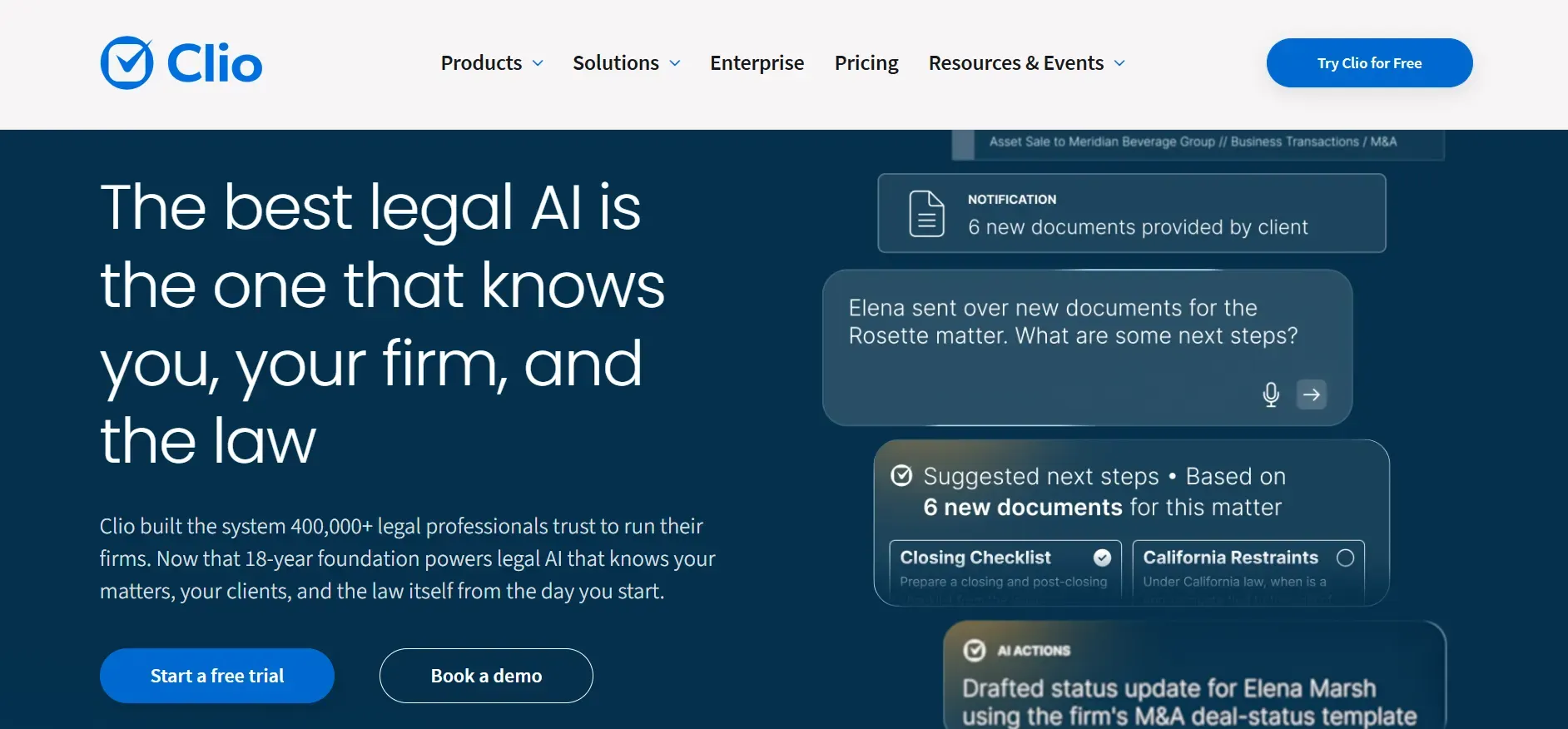
Clio is widely regarded as the market leader in law practice management software. Its biggest draw is the breadth of integrations, over 200, including QuickBooks, Google Workspace, Microsoft 365, Dropbox, and Zapier. This makes Clio a strong fit for firms that already rely on other cloud tools or want to automate tasks across platforms.
Features: Clio covers case management, time tracking, billing, calendaring, document management, e-signatures, and secure client portals. The Clio Grow module adds CRM and intake features, but it is a separate product with its own fee. Clio’s App Directory lets firms connect legal research, accounting, e-discovery, and even phone systems. The platform’s open API means you can build lightweight custom integrations, but deep workflow customization is still limited to what Clio’s architecture allows.
Integrations: Clio’s third-party ecosystem is unmatched, with plug-and-play connections to LawPay, Xero, NetDocuments, and more. This makes it appealing for firms that want to avoid double entry or who need to connect with specific legal tech vendors. However, some integrations require additional licenses or subscriptions, which can increase your total cost.
Migration friction: Clio offers data import support, but the process often requires mapping fields and cleaning up legacy data. If you are coming from MyCase, expect to spend time reconciling contacts, matters, and billing entries. Some firms report needing vendor or consultant help for more complex migrations.
Concrete use cases: Clio works best for multi-practice firms who want to streamline operations and connect their legal platform to established business tools. Solo and small firms benefit from the out-of-the-box setup, but the true value comes for those with more complex needs and multiple staff roles.
Pricing: $39 to $119 per user per month, depending on tier. See Clio pricing.
- Key limitations:
- Per-user pricing increases costs as your team grows
- Advanced features require higher-tier plans
- Customization limited to platform capabilities
- Strengths:
- Unmatched integrations with 200+ apps
- Strong support and onboarding resources
- Open API for lightweight custom connections
If you ever want a feature tailored to your firm, owning makes more sense. Devaims can build for your exact workflow.
2. PracticePanther (Workflow automation)
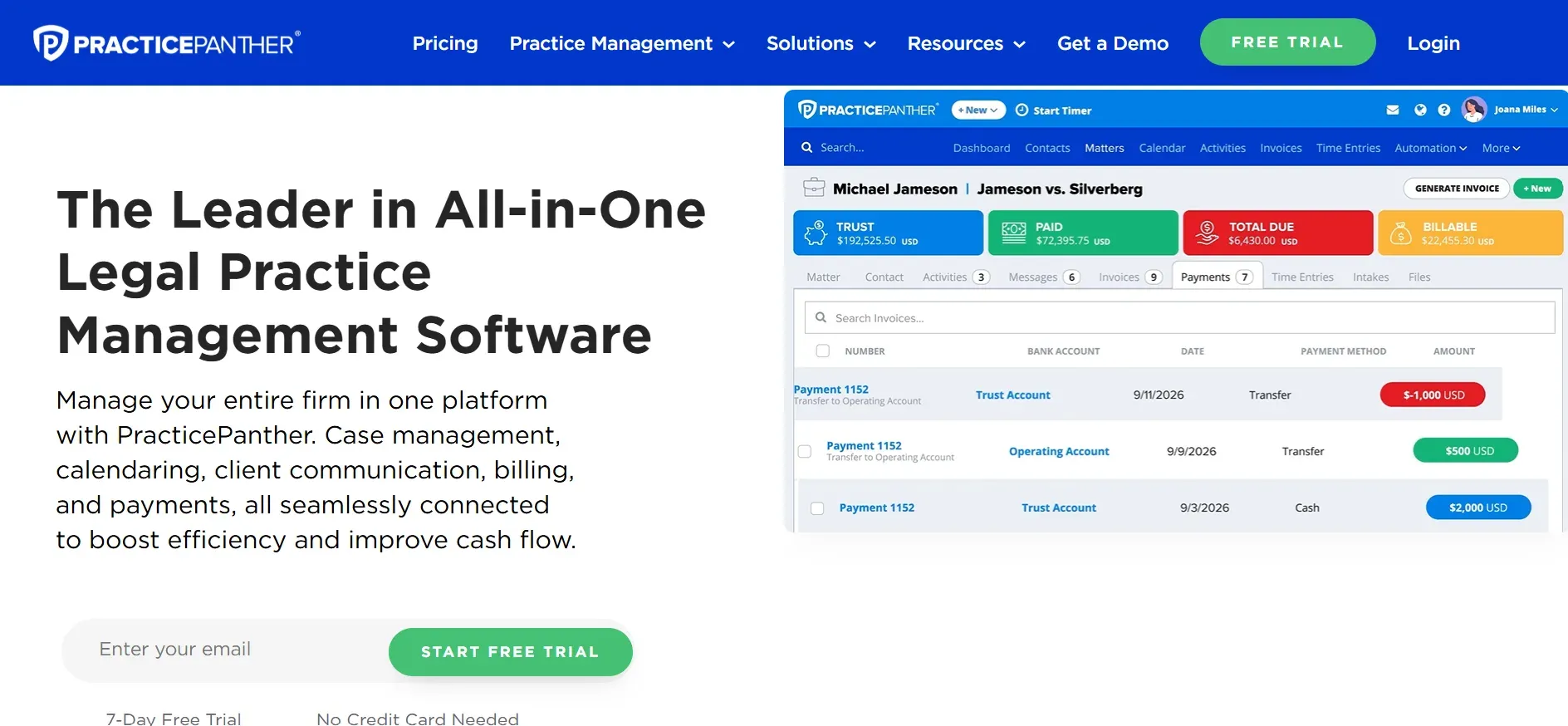
PracticePanther is known for automation and ease of use. Its biggest selling point is workflow automation, triggered tasks, reminders, and billing events that reduce manual work. The platform also offers strong client communication tools, including a secure portal and built-in e-signature support.
Features: Core features include matter management, time and expense tracking, billing, calendaring, document management, and a customizable client portal. PracticePanther’s workflow automation lets you set up rules such as "when a new matter is created, send an intake form and schedule a call", useful for firms handling high case volume or repeatable processes.
Integrations: Connects with QuickBooks Online, LawPay, Google Calendar, Dropbox, and Zapier for automations. The Zapier integration opens the door to hundreds of other tools, though you may need technical help to create complex automations. Some integrations, like phone or text messaging, may require additional fees.
Migration friction: PracticePanther provides import tools and onboarding support, but as with most SaaS, you will need to clean and map data from MyCase. Firms report smooth transitions for basic contact and matter data, but more complex histories (like billing and custom fields) may require manual work or consulting fees.
Concrete use cases: PracticePanther is ideal for firms that want to reduce repetitive admin work. Personal injury, family law, and estate planning practices often benefit from its workflow templates and automated reminders. It is also popular with distributed teams because of its mobile-friendly interface.
Pricing: $49 to $89 per user per month. See PracticePanther pricing.
- Key limitations:
- Advanced automations require higher-tier plans
- Per-user pricing can add up for larger teams
- Customization limited to platform templates
- Strengths:
- Powerful workflow automation tools
- Easy-to-use interface and onboarding
- Good integrations for small to midsize firms
On a custom platform, automations are built to your specs, not a fixed template.
3. Lawmatics (CRM & Intake)
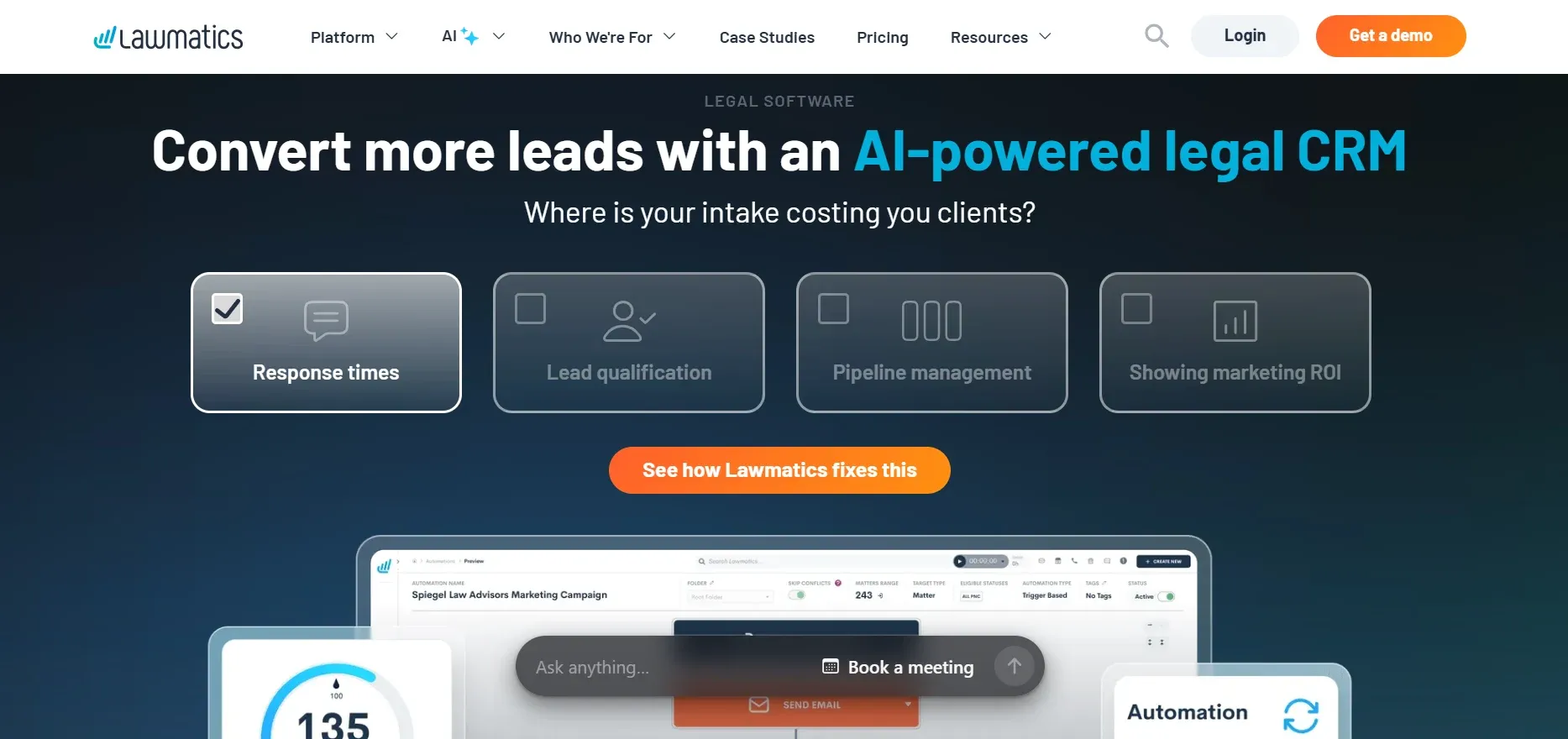
Lawmatics is unique among MyCase alternatives: it is not a full practice management suite, but a CRM and client intake automation platform built specifically for law firms. If your main pain point is lost leads, poor intake follow-up, or manual marketing, Lawmatics can fill the gap.
Features: Lawmatics offers customizable intake forms, automated email and SMS drip campaigns, lead tracking, e-signature collection, and analytics on conversion rates. Advanced features include workflow automation for onboarding new clients, and a visual pipeline for tracking leads from first contact to signed retainer.
Integrations: Lawmatics integrates with Clio, PracticePanther, Rocket Matter, and other practice management tools, as well as Mailchimp, Zapier, and payment processors. This lets you automate the handoff between intake and case management, but you will need both platforms to get end-to-end functionality.
Migration friction: Since Lawmatics is focused on intake and CRM, migration is less about moving legacy case data and more about setting up new forms and automations. Most firms start using Lawmatics alongside their existing practice management system, then gradually shift intake to the new platform. Integration with Clio and others helps, but there is still a learning curve for staff.
Concrete use cases: Lawmatics is best for firms that want to improve lead capture, automate intake, and track marketing ROI. It is especially valuable for high-volume practices such as personal injury, immigration, and criminal defense, where speed and consistency in intake are critical.
Pricing: $99 per user per month. See Lawmatics pricing.
- Key limitations:
- Not a full practice management replacement
- Requires another platform for case handling
- High per-user cost for smaller firms
- Strengths:
- Best-in-class intake and CRM automation
- Strong marketing and lead tracking tools
- Integrates with major practice management systems
4. CosmoLex (Built-in accounting)
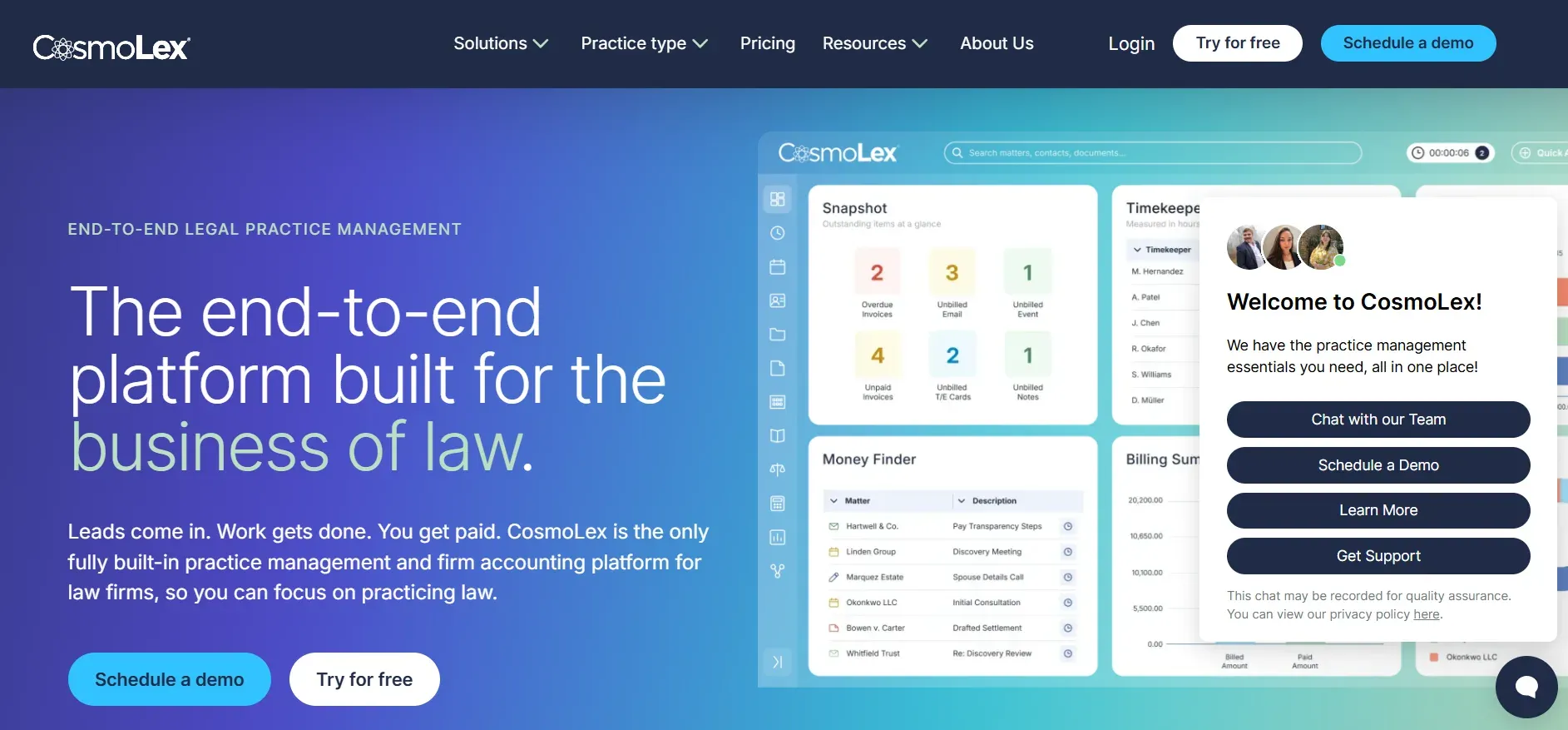
CosmoLex stands out for integrating legal accounting and trust management directly into its platform. For firms tired of juggling QuickBooks alongside MyCase, CosmoLex offers true all-in-one functionality, including compliance features for trust accounting and built-in billing.
Features: Core features include case and matter management, time and expense tracking, billing, document management, calendar, and a robust accounting engine that covers general ledger, accounts payable, and trust/IOLTA accounting. Compliance features help firms pass trust audits and manage client funds according to state bar rules.
Integrations: CosmoLex integrates with LawPay, NetDocuments, Dropbox, Office 365, and select e-signature tools. However, its accounting module is fully built-in, so it does not rely on external accounting software. This reduces double entry but can make migration from QuickBooks more complex.
Migration friction: Moving to CosmoLex from MyCase usually involves exporting matter, billing, and contact data. Migrating accounting data is more involved, and firms often need professional help to ensure trust balances and historical transactions are imported correctly. The platform offers onboarding support, but expect a learning curve for staff used to QuickBooks or other systems.
Concrete use cases: CosmoLex is a strong fit for small to mid-sized firms that want to simplify their tech stack and ensure compliance. Real estate, estate planning, and family law practices with complex trust requirements benefit most.
Pricing: $89 per user per month. See CosmoLex pricing.
- Key limitations:
- High per-user pricing with few volume discounts
- Advanced features may require higher plans
- Fewer integrations than some competitors
- Strengths:
- Built-in legal accounting and trust compliance
- All-in-one platform reduces double entry
- Strong onboarding and audit support
On software you owned, that accounting logic could match your state rules exactly, no waiting for feature requests.
5. Rocket Matter (Billing & time tracking)
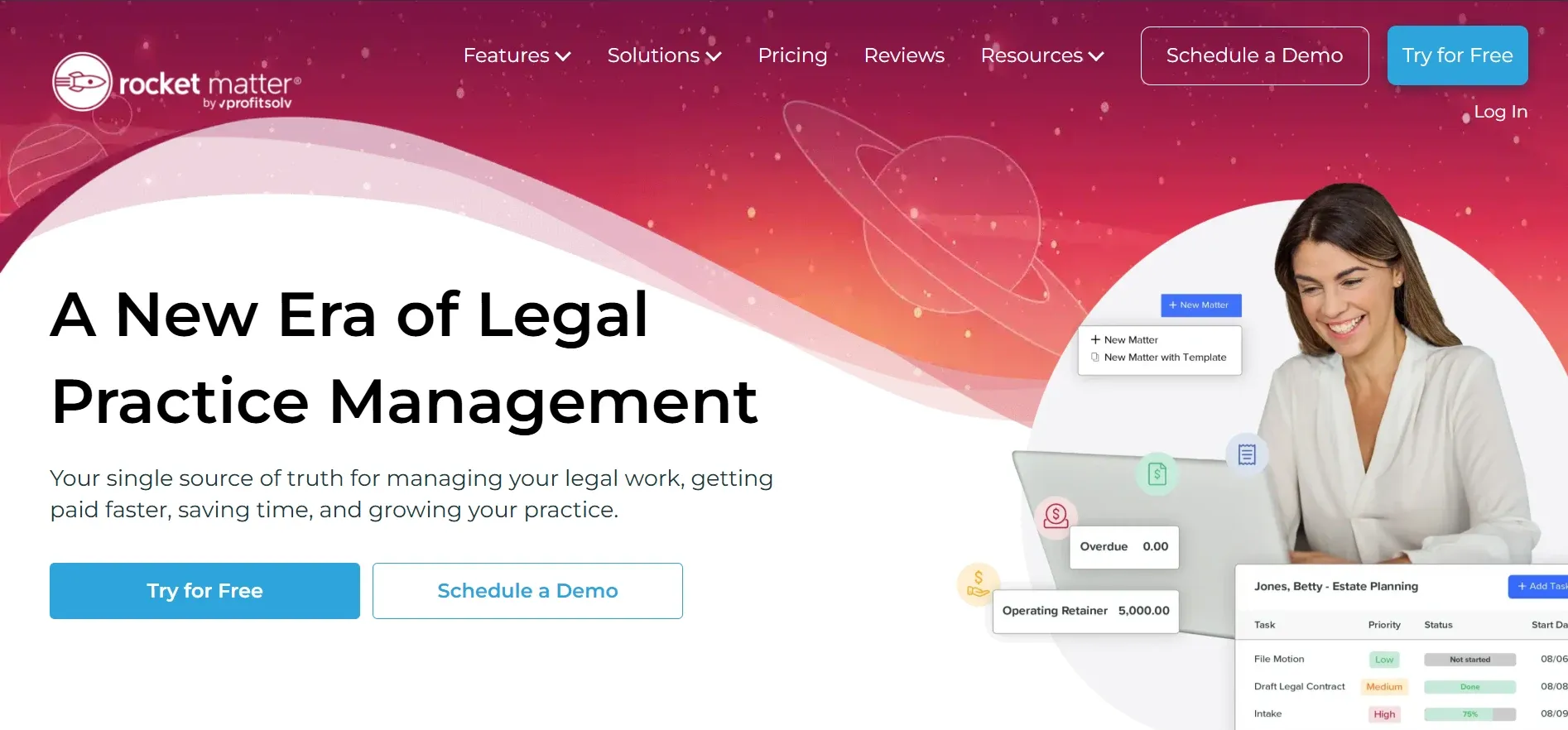
Rocket Matter focuses on streamlining legal billing and time tracking, making it a favorite for firms that bill hourly and want to minimize billing cycles. The platform is cloud-based, with a simple interface and strong mobile access.
Features: Rocket Matter delivers core case management, time and expense tracking, batch billing, trust accounting, calendaring, document storage, and customizable invoice templates. Its document automation is basic compared to Smokeball, but billing and time capture are among the best in class.
Integrations: Connects with QuickBooks, LawPay, Box, Dropbox, Office 365, and Google Workspace. The platform also offers Zapier integration for automating repetitive tasks, such as sending invoice reminders or updating matters from outside systems.
Migration friction: Rocket Matter offers guided onboarding, but importing complex billing histories from MyCase or other platforms can require manual review. The platform supports CSV imports for contacts and matters, but firms with detailed custom fields or legacy data may need to clean and map data carefully.
Concrete use cases: Rocket Matter excels for timekeepers who want fast, accurate billing and for firms with a high volume of short matters (e.g., family law, litigation, or consulting). Its mobile app is useful for attorneys who need to capture time on the go.
Pricing: $39 to $69 per user per month. See Rocket Matter pricing.
- Key limitations:
- Add-ons increase total cost for advanced features
- Limited workflow customization
- Per-user pricing applies
- Strengths:
- Excellent billing and time tracking tools
- Simple, intuitive interface
- Good mobile app for time capture
6. Smokeball (Document automation)
Smokeball is designed for firms that handle large volumes of documents and want to automate as much of the drafting and assembly process as possible. Its hybrid desktop/cloud model provides both speed and accessibility, with a heavy emphasis on document templates and activity tracking.
Features: Smokeball automates document generation, email filing, time tracking (with automatic activity capture), case management, and billing. Its template library includes hundreds of pre-built legal forms, and you can create your own templates for custom workflows. Smokeball also tracks all user activity, providing detailed productivity and profitability reports.
Integrations: Integrates with Microsoft Word and Outlook, LawPay, InfoTrack, and select e-signature providers. The desktop app is Windows-only, which may be a drawback for Mac-based firms. Cloud sync ensures access across devices, but some features require the desktop client.
Migration friction: Moving to Smokeball requires exporting matters and documents from MyCase, then importing and mapping them to Smokeball’s structure. Document templates may need to be rebuilt, and staff must adapt to the hybrid (desktop/cloud) workflow. Smokeball provides onboarding and training, but expect a steeper ramp-up than with browser-only SaaS.
Concrete use cases: Ideal for real estate, estate planning, and family law firms that generate high volumes of similar documents. Firms that want to measure productivity and profitability at a granular level find Smokeball’s reporting especially valuable.
Pricing: $99 per user per month. See Smokeball pricing.
- Key limitations:
- High per-user pricing
- Hybrid desktop/cloud model complicates IT
- Customization limited to template engine
- Strengths:
- Powerful document automation and templates
- Automatic time/activity tracking
- Detailed productivity and profitability reports
7. AbacusLaw (On-premises traditional)

AbacusLaw is one of the few legal management platforms that still offers a true on-premises deployment. This appeals to firms with strict data residency or security requirements, such as those handling sensitive government or IP matters.
Features: AbacusLaw delivers case and contact management, calendaring, billing, time tracking, accounting, and customizable forms. Its reporting engine is powerful, allowing for custom fields, forms, and templates tailored to firm needs. The software can be deployed on your own server or in a private cloud managed by AbacusNext.
Integrations: Integrates with Microsoft Office, LawPay, and select document management systems. The on-premises model allows for deeper IT-level integrations, but often requires technical assistance from IT staff or consultants.
Migration friction: Migrating to AbacusLaw means you must handle server setup, user management, and backups yourself (unless you opt for the vendor's managed cloud). Importing data from MyCase or other SaaS tools requires export, cleaning, and mapping. The process is more technical and can be time-consuming, but the upside is more control over your environment.
Concrete use cases: AbacusLaw is best for mid-sized to large firms with in-house IT resources, especially those needing to comply with strict data privacy laws or who want to avoid third-party cloud storage.
Pricing: $69 per user per month. See AbacusLaw.
- Key limitations:
- On-premises setup requires IT resources
- Recurring fees for updates and support
- Customization limited to platform
- Strengths:
- On-premises deployment for data control
- Powerful custom reporting
- Flexible deployment options
8. ProLaw (Enterprise solution)

ProLaw, developed by Thomson Reuters, is designed for large law firms, corporate legal departments, and government agencies. It combines practice management, document management, and accounting into a single enterprise-grade platform.
Features: ProLaw offers advanced matter and case management, document automation, time and expense tracking, billing, full-featured legal accounting, and customizable reporting. Its workflow engine allows for complex approval processes, multi-stage billing, and integration with legal research tools from Westlaw and other Thomson Reuters products.
Integrations: Seamless integration with the Thomson Reuters ecosystem (including Westlaw, eBillingHub, and Contract Express), as well as Microsoft Office, Exchange, and select DMS solutions. ProLaw’s open architecture allows for custom integrations, but these usually require professional services or IT staff to implement.
Migration friction: Migrating to ProLaw is a significant project, often requiring months of planning, data mapping, and staff training. The vendor offers professional migration and implementation services, but the cost and complexity are high. Firms moving from MyCase or similar SaaS will find the transition challenging, especially for accounting and document management data.
Concrete use cases: ProLaw fits best in large law firms or legal departments with complex multi-office operations, deep accounting needs, and dedicated IT resources. Its reporting and workflow tools are powerful for firms with regulatory or compliance needs.
Pricing: Quote-only, typically high five-figure annual contracts. See ProLaw.
- Key limitations:
- High total cost of ownership
- Lengthy onboarding and migration
- Customizations require vendor involvement
- Strengths:
- Enterprise-grade features and scalability
- Deep integration with Thomson Reuters tools
- Powerful workflow and reporting capabilities
9. Filevine (Case management flexibility)
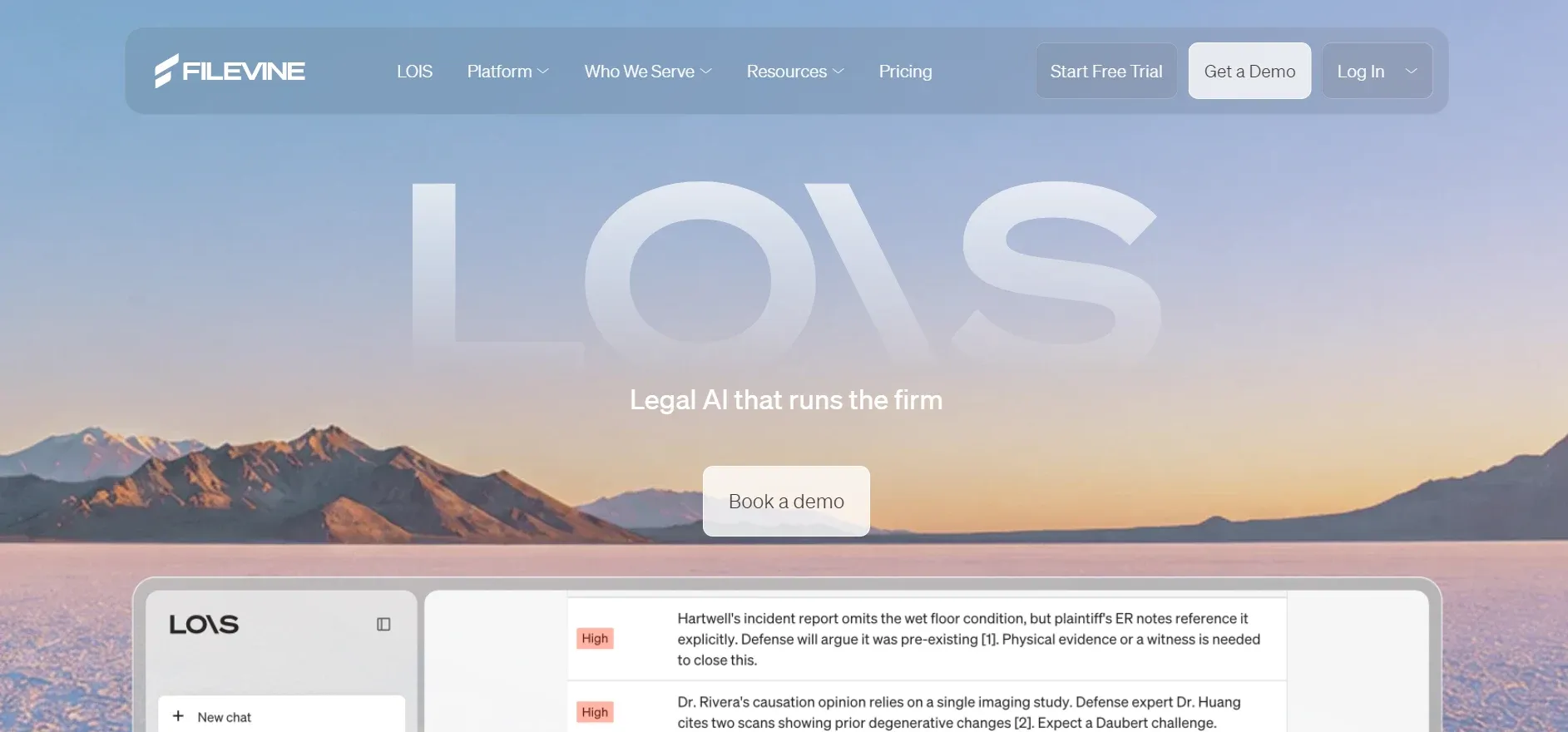
Filevine is a modern, cloud-based case management platform with a strong focus on workflow flexibility and collaboration. Its modular architecture allows firms to build custom workflows, fields, and document templates, making it attractive for practices with unique processes.
Features: Filevine covers matter management, document assembly, task tracking, time and expense capture, billing, text messaging with clients, and robust reporting. Its "Vines" feature lets firms create custom fields and automate task flows, while "DocGen" handles document automation with variable data.
Integrations: Filevine integrates with LawPay, QuickBooks, Google Workspace, Microsoft 365, Zapier, and select e-signature tools. The platform’s API allows for custom integrations, but advanced connections may require development resources or professional services.
Migration friction: Filevine offers onboarding and migration services, but moving complex data from MyCase or other platforms requires careful planning. Custom fields, workflows, and document templates must be recreated in Filevine’s system. Firms report that the transition is smoother with vendor assistance.
Concrete use cases: Filevine is popular with personal injury, mass tort, and high-volume litigation firms that need to adapt workflows to specific case types. Its collaboration and messaging features are valuable for firms with distributed teams or those who need to keep clients updated automatically.
Pricing: Quote-only. See Filevine pricing.
- Key limitations:
- Quote-only pricing, often higher than entry SaaS
- Customization limited to platform architecture
- Per-user licensing applies
- Strengths:
- Highly flexible workflow and field customization
- Strong collaboration and messaging tools
- API for advanced integrations
With true ownership, you are never boxed in by a platform's design limits.
10. Devaims (Owning your platform)
Devaims is the only option on this list that lets you truly own your law firm software. Instead of renting someone else's platform, Devaims builds a custom, end-to-end solution designed for your exact workflows, branding, and business needs. You keep the source code, control your data, and have complete freedom to evolve or expand the system over time.
Features: Every Devaims build is different, but typical features include matter and case management, custom intake and CRM, time tracking, billing, trust accounting, document automation, client portals, integrations with payment processors, and bespoke reporting. The difference: every workflow, screen, and report is tailored to your firm’s requirements, not a generic template.
Integrations: Any integration your firm needs can be built in, whether with QuickBooks, LawPay, Microsoft 365, e-signature tools, or proprietary systems. Unlike SaaS, you are not limited to an app directory or vendor roadmap. If your state bar changes trust accounting rules or you want to connect with a new tool, Devaims can adapt your platform directly.
Migration friction: With Devaims, migration is part of the project. The team handles data extraction from MyCase (or any other system), cleans and maps your records, and builds import routines to ensure your historical data is preserved. You get full access to your data, not just what a SaaS export allows.
Concrete use cases: Devaims is ideal for firms with unique workflows, complex reporting requirements, or a desire to own and control their technology. Growing firms that want to avoid ever-increasing per-user fees, or those with compliance, security, or branding needs not met by SaaS, see the greatest benefit.
- One-time build, then flat maintenance
- Fully custom workflows and integrations
- You own your data and your code, forever
Other MyCase alternatives worth knowing
- LexisNexis PCLaw, Traditional practice management, strong accounting, but aging UI and slow cloud transition.
- Needles, Case management for high-volume practices, but dated interface and limited integrations.
- Zola Suite, Modern SaaS with robust features, but follows the same per-user, rent-based model as MyCase.
- CaseFleet, Best for litigation fact management and chronology building, but not a full practice management replacement.
How to choose the right MyCase alternative
- Budget: If you want predictable costs and no per-user fees, owning may be the only real fix. SaaS can seem cheaper up front, but over five years, the costs add up quickly, especially as your team grows.
- Firm size: Larger firms with complex needs may outgrow "off-the-shelf" platforms fast. Enterprise tools like ProLaw or custom platforms from Devaims can scale with you, but require more planning and investment.
- Specialty: If you need deep accounting, CosmoLex is strong; for intake and marketing, Lawmatics excels; for document automation, Smokeball leads. Match the tool to your firm’s primary pain point.
- Customization: If your process is unique, renting will always mean workarounds and compromises. Custom builds or highly configurable SaaS like Filevine help, but only true ownership lets you dictate every detail.
- Ownership: If you want to keep your system, have full access to your data, and control your platform’s future, only a custom build delivers.
For law firms tired of per-seat pricing and rented data, owning your platform is the only way out.
Stop paying rent on software you could own
Here is what every MyCase alternative shares: you rent access, pay per seat, and every feature you want is gated by a plan. Five years in, you have paid $50,000 and own nothing but exported PDFs. Firms that want out of this cycle are switching to software they own outright. That is where Devaims comes in.
Devaims builds custom, end-to-end law firm management platforms. You get your workflows, your branding, your integrations, your reports. You keep the source code, control your data, and upgrade on your schedule, not someone else's roadmap. No recurring per-user fees. No contract lock-in. No surprise price hikes.
- Every workflow, report, or automation is built for your process, no more bending to fit a template.
- Flat, predictable costs, you pay once for the build, then a simple maintenance plan.
- Your data, your code: you can move it, expand it, or integrate as you choose.
- No per-user or per-matter fees, grow your firm without penalty.
| Platform | Ownership | Customization | Ongoing cost |
|---|---|---|---|
| MyCase | No | Low to moderate | Per user per month |
| Clio | No | Moderate | Per user per month |
| CosmoLex | No | Moderate | Per user per month |
| Devaims owned | Yes | Full | One-time build, flat maintenance |
Look at the five-year math for a 10-lawyer firm paying $69/user/mo (a common mid-tier, after add-ons):
| Year | Renting (SaaS cumulative) | Owning (Devaims cumulative) |
|---|---|---|
| 1 | $8,280 | $27,000 |
| 2 | $16,560 | $28,800 |
| 3 | $24,840 | $30,600 |
| 4 | $33,120 | $32,400 (now ahead) |
| 5 | $41,400 | $34,200 |
By year 4, owning is cheaper, and every year after, the gap widens. For firms with 10+ staff, the math is even stronger. Plus, you have a true asset that adds value to your business and can be evolved as you grow.
How to switch from MyCase
- Export all client, case, and billing data from MyCase (CSV, PDF, or API export). MyCase offers export tools, but review exported data for completeness, especially notes, attachments, and custom fields.
- Choose your new platform or custom Devaims build. Evaluate migration support and compatibility with your workflows.
- Import data into the new system, mapping fields as needed. Some platforms offer migration wizards, while others require manual mapping or vendor assistance.
- Reconnect payment processors and document integrations. This includes LawPay, QuickBooks, e-signature tools, and document storage providers.
- Train staff on new workflows and user interfaces. Schedule onboarding sessions and provide documentation to reduce disruption.
- Test in parallel for 2 to 4 weeks before shutting down MyCase access. Run real cases and billing through both systems to ensure accuracy.
- Review your MyCase contract for cancellation terms and data retention. Confirm that all data is exported and that your subscription is properly terminated.
With a custom Devaims build, the migration is handled as part of the project, with a focus on data integrity and minimizing downtime. You get documentation, training, and ongoing support tailored to your team.
Frequently asked questions
Which MyCase alternative is best for law firms?
Clio and PracticePanther are the strongest all-around MyCase alternatives for most law firms, thanks to their integrations, automation, and support. Clio excels for firms wanting broad integrations, while PracticePanther is best for automation and workflow templates. CosmoLex is strong for firms needing integrated accounting. However, all SaaS options still mean renting, not owning, your platform. If you want to break the rent cycle and fully control your software, Devaims is the only alternative that delivers true ownership and unlimited customization.
What is the cheapest MyCase alternative?
Rocket Matter and Clio both offer lower starting prices than MyCase, especially for solo or very small firms. Smokeball and Lawmatics are at the higher end. But as your team grows, per-user pricing catches up with you due to add-ons and required higher tiers. Owning with Devaims offers a lower five-year total cost for most mid-sized firms (10+ users), especially when you factor in the elimination of recurring per-user fees and the value of owning your own system.
Are there any free MyCase alternatives?
Truly free law practice management tools are rare and typically too limited for professional use. Some platforms (like CaseFox or Zoho CRM) offer free or freemium tiers, but most firms outgrow these fast due to limits on matters, users, or features. If cost is your main concern, calculate your five-year total on any SaaS, then compare to a Devaims build you own, often, the custom route is more affordable long-term and delivers more value.
What is the most customizable MyCase alternative?
Filevine and AbacusLaw offer flexible workflow builders, with Filevine allowing custom fields and task flows, and AbacusLaw enabling deep customization for on-premises deployments. However, their customization stays within platform limits and is subject to vendor updates and pricing. Only a custom Devaims build gives you full control over workflows, automations, reporting, and integrations, because you own the software, source code, and all your data.
How hard is it to switch from MyCase to another tool?
Switching usually involves exporting data, cleaning up files, and training staff on a new interface. Some tools offer migration support or paid onboarding, but expect several weeks of adjustment, especially for complex matters or accounting histories. Data mapping can be tricky, especially for custom fields or historical billing. Devaims handles migration as part of the custom build, ensuring data integrity and continuity. Expect a smoother transition with dedicated support and training.
Can I keep my historical data when moving off MyCase?
You can export most case, client, and billing data from MyCase, but formatting, attachments, and completeness can vary. Some data (such as audit trails, notes, or custom objects) may not export cleanly. If data ownership and auditability matter, a Devaims build gives you full, structured access to everything, forever, with the ability to run reports on historical data without restriction.
When should a law firm build its own platform instead of renting?
If your firm has unique workflows, is tired of per-user fees, or needs full data control for compliance or competitive reasons, building your own platform with Devaims makes both financial and operational sense. The break-even comes in around year 4 for most firms with 10+ users. It is also the right move if you want to create a long-term asset, differentiate your client experience, or need integrations that SaaS vendors cannot deliver on your timeline.
The bottom line
Clio, CosmoLex, Rocket Matter, and the rest all improve on MyCase in different ways, but they keep you on the rent treadmill. The single most useful test? Add up what you will pay these vendors over five years. If that number could have bought you software you own, you already have your answer.
Owning your platform changes the math and the power dynamic. When your firm is ready to make the switch to software that is truly yours, Devaims is the partner that delivers, helping you break free from per-user pricing, control your data, and design workflows that fit your practice, not someone else's template.
Want more? See the Devaims blog, or compare more alternatives in our other posts: Clio alternatives, CosmoLex alternatives, and Rocket Matter alternatives.