


Ever feel like your practice management system is holding your firm hostage? If you’re using PCLaw, you know the drill: old-school interface, clunky upgrades, and the creeping sense that every year you pay more for less control. Add up the fees, and you start to wonder, are you building your practice or just propping up your vendor?
You are not alone. In 2026, law firms everywhere are searching for PCLaw alternatives that fit the way they actually work. The top picks? You’ll see names like Clio, MyCase, and PracticePanther. But here’s the catch: most options still lock you into the rent-forever model. The only way off the treadmill is to own your system outright, one reason more firms are asking about a custom Devaims build. Let’s break down what you can actually get, and what it will really cost you.
Why law firms look for PCLaw alternatives
Recurring subscription fees add up fast. $100 per user per month might seem manageable, until you have a team of ten and realize you’re spending $12,000 a year just to keep the lights on. Even at lower rates, the cost of renting your core business software compounds quickly, especially as your firm grows and you add support staff, paralegals, and new attorneys. Over five years, many firms pay more in subscriptions than it would cost to build and own a custom platform.
Clunky, outdated interfaces slow down your staff. PCLaw’s design hasn’t aged well. Its menus and workflows can feel like a maze, with extra clicks and nested dialogs that burn billable minutes. Newer staff, especially those who expect modern cloud software, often struggle to get up to speed, leading to frustration and inefficiency. When time is money, an outdated interface is more than an annoyance, it’s a direct hit to productivity and morale.
Feature lock-in and upgrade hassles. Many legal software vendors use tiered pricing and feature gating to nudge firms into premium subscriptions. Need a new report or a compliance tool? That’s another upgrade. PCLaw’s major updates often require downtime and costly IT support, and even then, the new features may not fit your processes. Firms end up paying more for less flexibility, with little say in the product roadmap.
Data lock-in makes switching risky. Your client files, billing records, and matter histories are stored in proprietary formats. Exporting is often limited, incomplete, or requires expensive migration services. The fear of losing data or having to manually reconstruct years of client information keeps firms tethered to legacy systems, even when they’re dissatisfied.
Compliance and integration headaches. As privacy laws and bar regulations evolve, your system needs to keep up. PCLaw and similar legacy platforms may lag on compliance features, requiring manual workarounds or risky third-party integrations. Connecting to modern e-signature, cloud storage, or accounting tools can be clumsy or require additional paid modules. The result: more complexity, more risk, and more expense.
All this drives the search for PCLaw alternatives that actually fit a modern law firm’s needs, tools that are secure, efficient, and flexible, without the perpetual rental costs.
Quick comparison of the best PCLaw alternatives
| Tool | Best for | Starting price | You own it? |
|---|---|---|---|
| Clio | Cloud law practice management | Reported $39/user/mo | No, subscription |
| MyCase | All-in-one case management | Reported $49/user/mo | No, subscription |
| PracticePanther | Growing firms | Reported $49/user/mo | No, subscription |
| Lawmatics | Client intake/CRM | Reported $99/user/mo | No, subscription |
| CosmoLex | Built-in accounting | Reported $89/user/mo | No, subscription |
| Rocket Matter | Time tracking and billing | Reported $39/user/mo | No, subscription |
| Smokeball | Document automation | Reported $99/user/mo | No, subscription |
| ProLaw | Enterprise law firms | Custom quote | No, subscription |
| Devaims | Owning your own system | One-time build, then flat maintenance | One-time build, you own it |
Always confirm current pricing before you decide, rates change fast, and add-ons can shift your real cost. Some vendors offer discounts for annual contracts or volume, but most firms find that per-user pricing rises sharply as they grow.
The 9 best PCLaw alternatives
1. Clio (Best for cloud-based law practice management)
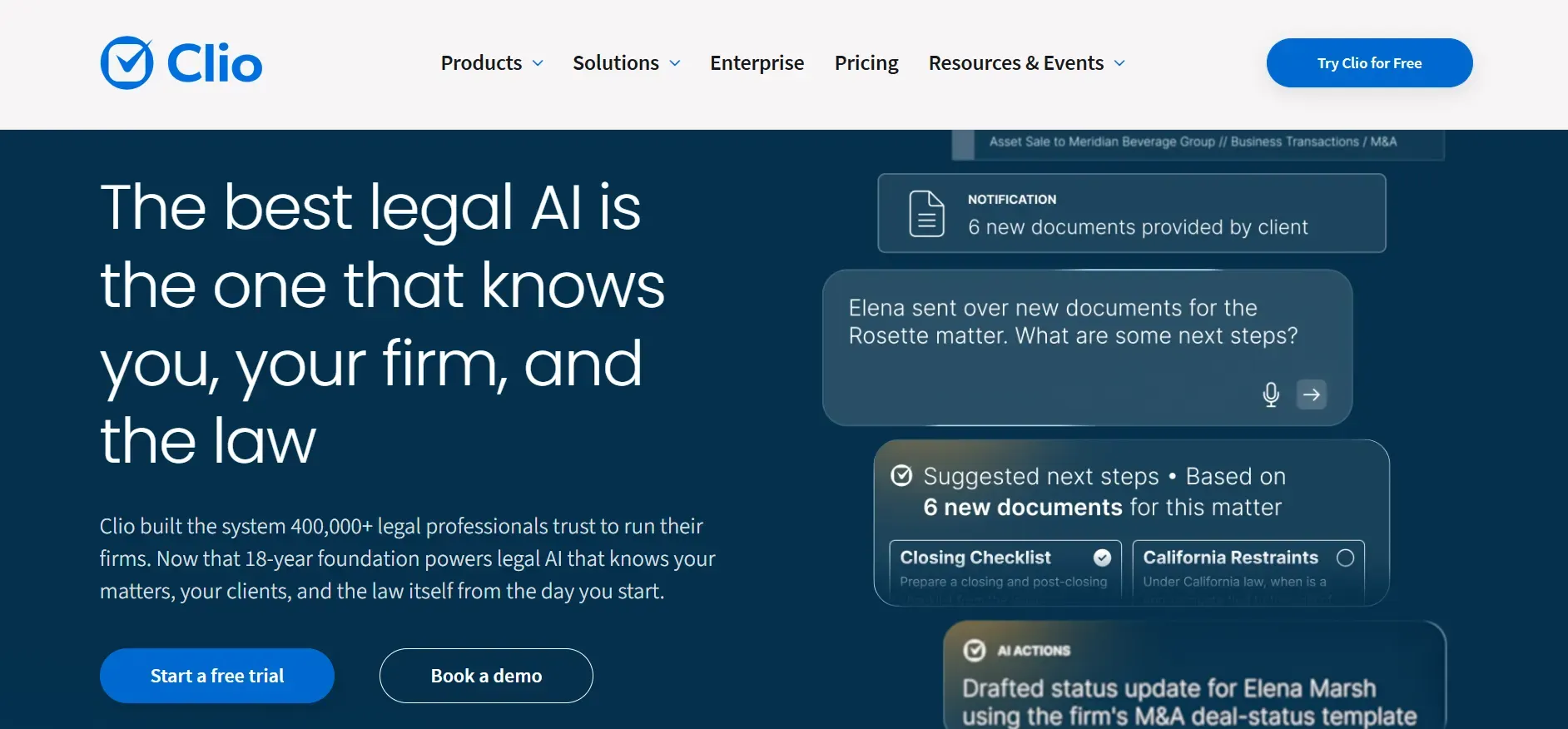
Clio is a dominant name in legal practice management, with tens of thousands of firms relying on its cloud platform. Clio’s strengths are its ease of use, broad feature set, and marketplace of integrations. It covers case management, time tracking, billing, document storage, e-signatures, calendaring, and task management, all accessible from any web browser or mobile device.
Pricing: Starts at $39/user/month, with higher tiers for advanced features.
- Modern, user-friendly interface
- Extensive integrations and open API
- Strong client portal and mobile access
- Subscription-based, access ends if you stop paying
- Advanced features require higher-tier plans
- Billing module less flexible for complex needs
Clio’s per-user pricing can add up for larger teams. If you want to avoid recurring rent, consider a system you own outright.
2. MyCase (Best for all-in-one legal management)
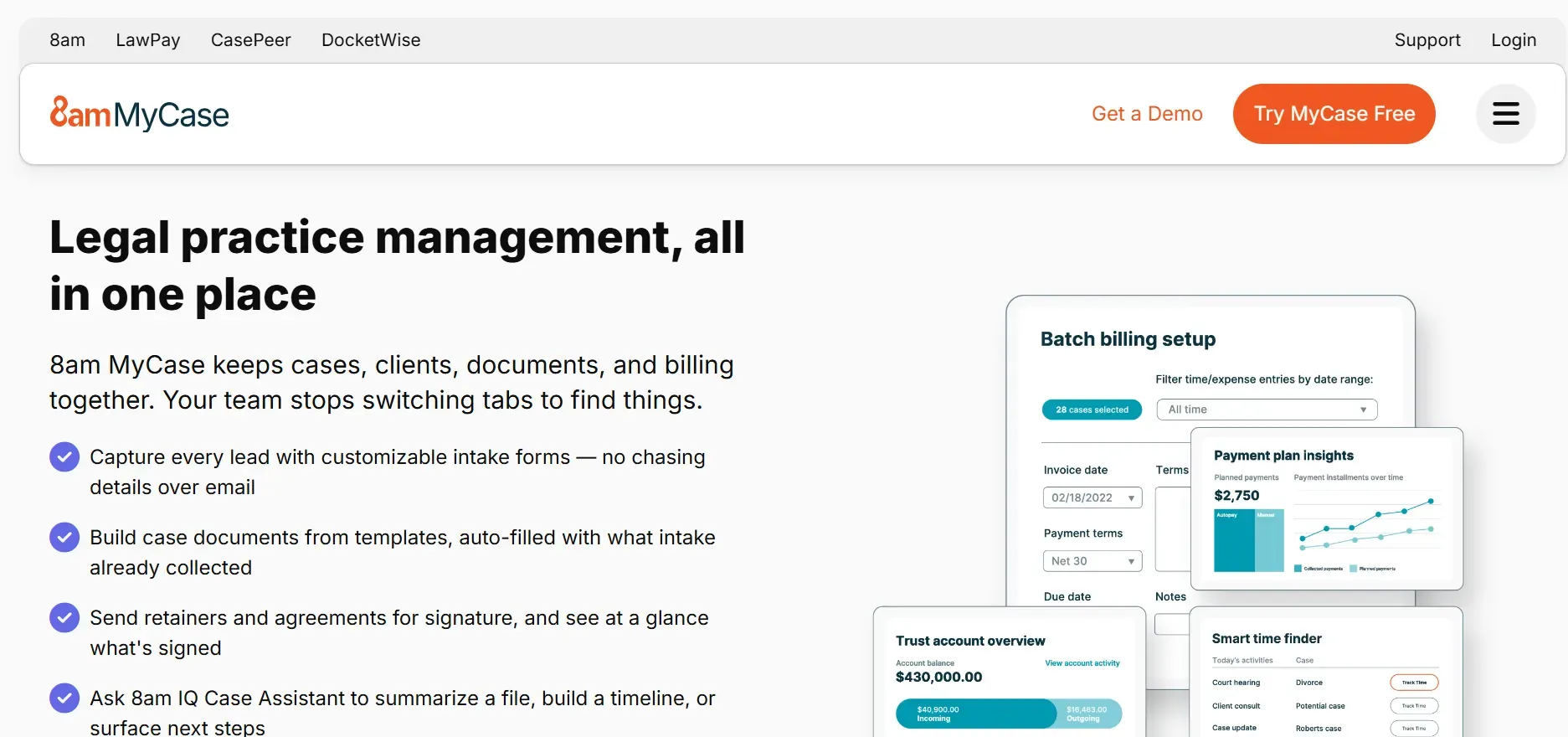
MyCase is an all-in-one, cloud-based platform designed for law firms that want everything under one roof. It covers case management, time and expense tracking, billing, document management, calendaring, and client communications. MyCase’s hallmark is its integrated client portal, which allows clients to securely send messages, upload documents, and pay invoices online.
Pricing: Starts at $49/user/month, with add-ons for advanced features.
- Integrated client portal for secure communication
- Modern dashboard and mobile app
- Streamlined billing and intake workflows
- Per-user pricing escalates with firm size
- Advanced features require paid add-ons
- Reporting less flexible for complex accounting
MyCase’s add-on costs can surprise growing firms. Owning your platform means no more per-seat surprises.
3. PracticePanther (Best for growing law firms)
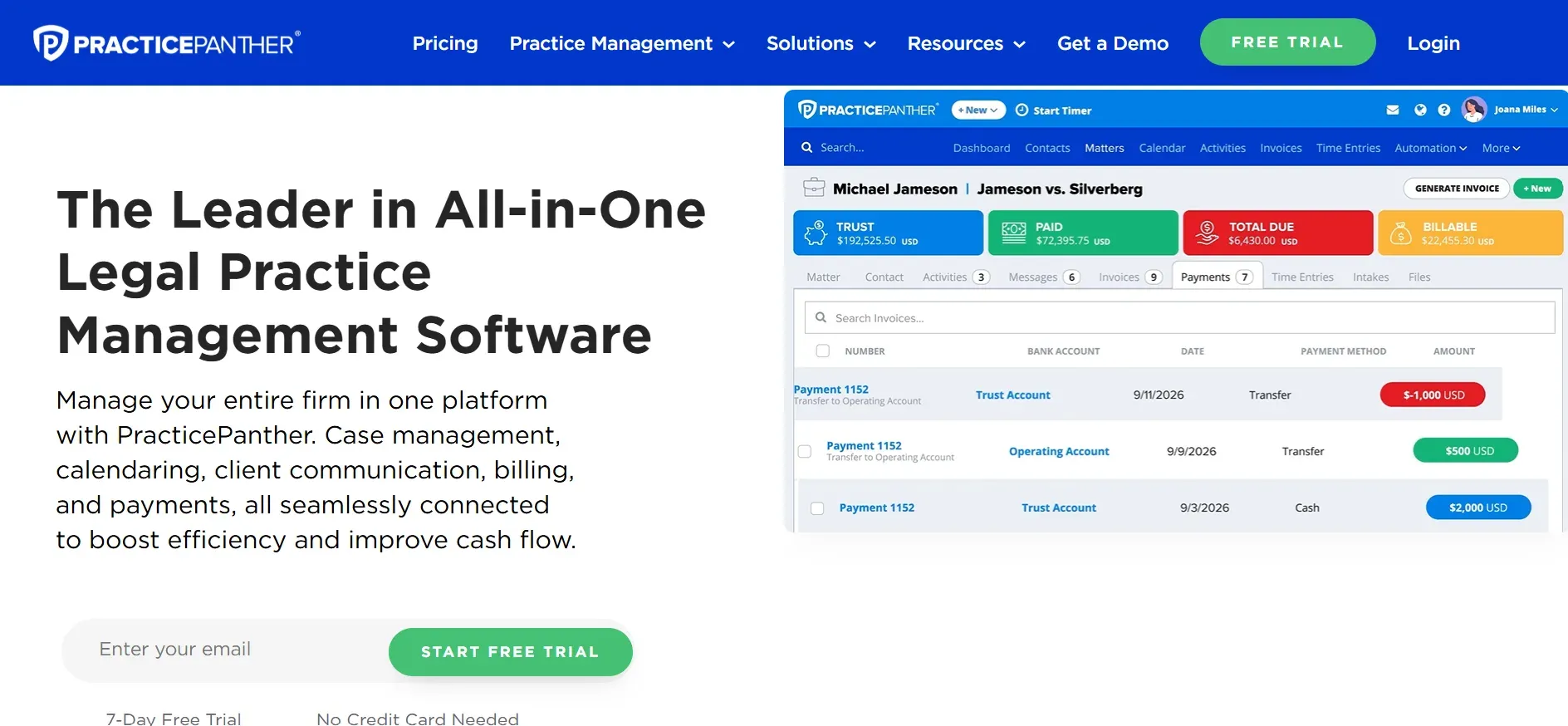
PracticePanther targets growing law firms that need automation and scalability. Its cloud-based platform covers case management, time and expense tracking, billing, calendaring, email integration, and document management. PracticePanther’s workflow automation tools are a standout, allowing firms to automate repetitive tasks, reminders, and even email sequences.
Pricing: Starts at $49/user/month, with higher tiers for automation and reporting.
- Powerful workflow automation
- Broad accounting and document integrations
- Batch billing and secure client portal
- Advanced automation requires higher-tier plans
- Customization limited to product roadmap
- Costs scale with user count
PracticePanther’s automation is strong, but true customization and ownership come with a Devaims build.
4. Lawmatics (Best for client intake and CRM)
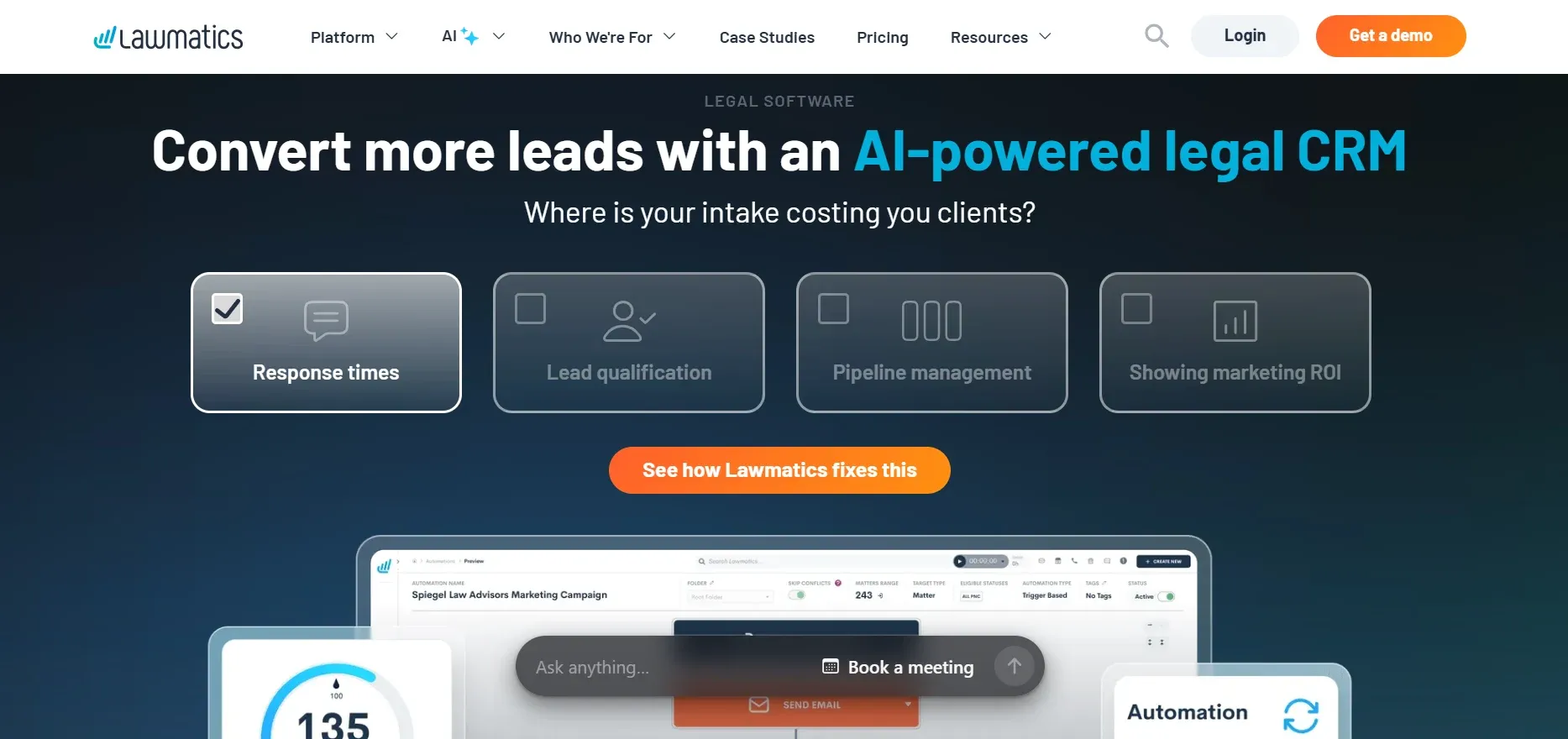
Lawmatics is not a full practice management system, but rather a legal CRM focused on client intake, marketing automation, and workflow management. It fills a gap left by legacy systems like PCLaw, which have little to no CRM or intake automation.
Pricing: Starts at $99/user/month.
- Powerful intake and marketing automation
- Integrates with leading practice management platforms
- Strong analytics for lead tracking
- Requires integration with another practice management tool
- Reporting and document management are limited
- Costly if used alongside other subscriptions
Lawmatics is excellent for intake, but owning your core system with Devaims means you can integrate CRM features directly.
5. CosmoLex (Best for built-in legal accounting)
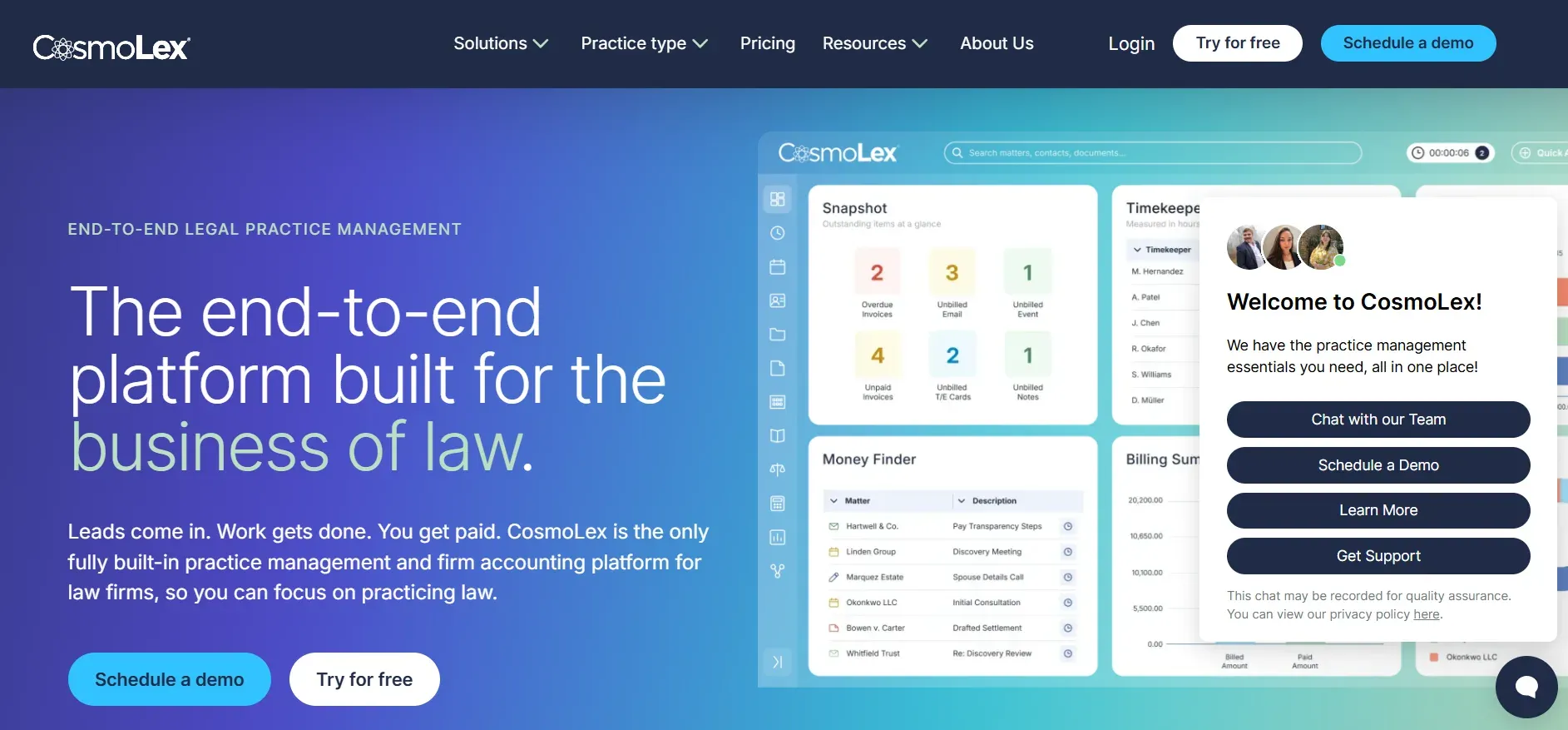
CosmoLex distinguishes itself with built-in legal accounting, trust accounting, billing, and practice management in one cloud platform. For firms frustrated with PCLaw’s accounting limitations or reliance on QuickBooks, CosmoLex’s all-in-one approach is appealing.
Pricing: Starts at $89/user/month.
- All-in-one accounting and practice management
- Compliance-first features
- Eliminates need for separate accounting tools
- High per-user pricing
- Advanced accounting setup may require expert help
- Custom workflows less flexible than custom builds
CosmoLex covers compliance, but Devaims lets you own your workflows and reporting from day one.
6. Rocket Matter (Best for time tracking and billing)
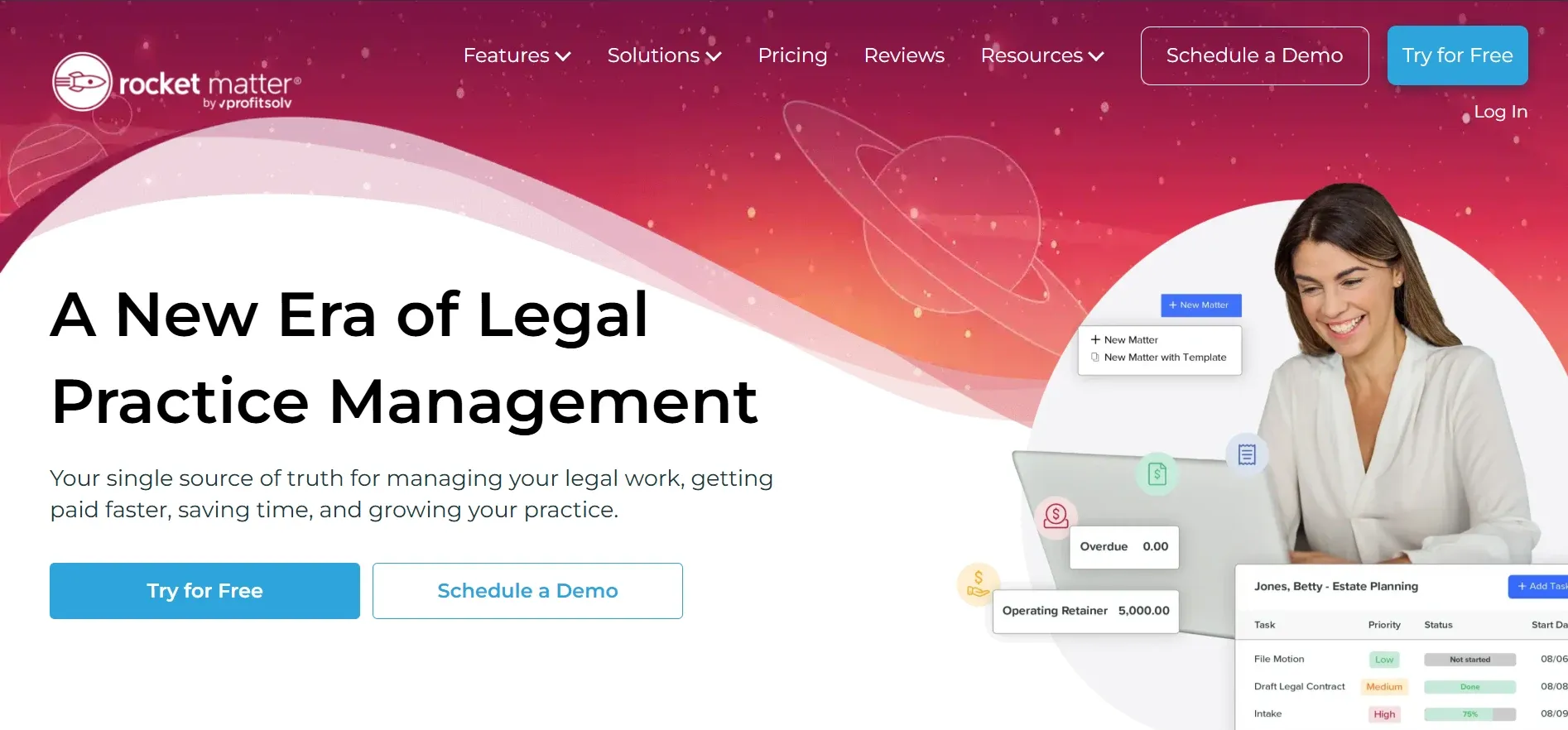
Rocket Matter is a veteran cloud platform built for law firm billing, time tracking, and matter management. Its focus is on speed and usability, with a clean interface for entering time, generating invoices, and getting paid.
Pricing: Starts at $39/user/month.
- Fast, reliable billing and time tracking
- Batch billing and trust accounting
- Solid integrations for payments and documents
- Advanced analytics require higher-tier plans
- Document management less comprehensive
- Data subject to vendor export limitations
Rocket Matter is efficient for billing, but owning your platform means no more vendor lock-in.
7. Smokeball (Best for document automation)
Smokeball is a hybrid desktop/cloud solution known for its document automation and practice-area-specific forms library. Designed for firms that create and manage large volumes of documents, Smokeball automates form filling, letter generation, and document assembly.
Pricing: Starts at $99/user/month.
- Extensive document automation and forms
- AutoTime captures billable hours automatically
- Ideal for document-heavy practice areas
- High pricing for small firms
- Advanced automation at premium tiers
- Billing and trust accounting less robust
Smokeball excels at automation, but Devaims can build custom document workflows for your exact needs.
8. ProLaw (Best for enterprise law firms)
ProLaw is an enterprise-grade platform from Thomson Reuters, blending on-premise and cloud features. It is designed for large firms with complex needs, offering deep integration with Westlaw and other Thomson Reuters products.
Pricing: Custom quote, typically high for enterprise features.
- Enterprise-grade compliance and analytics
- Deep integration with Westlaw and Practical Law
- Customizable workflows for large teams
- Opaque, high pricing and support contracts
- Customization is expensive
- Locked into Thomson Reuters ecosystem
ProLaw is powerful for large firms, but Devaims offers ownership and customization without vendor lock-in.
9. Devaims (Best for owning your law firm’s system)
Devaims builds custom legal practice management platforms that your firm owns outright. Instead of renting, you receive the source code, retain full control over your data, and dictate every feature and workflow. There are no per-user fees, no forced upgrades, and no risk of a vendor yanking access or changing terms midstream.
Pricing: One-time build, then flat maintenance. No per-user fees.
- True ownership of code and data
- Unlimited customization for your workflows
- Flat, predictable costs as your firm grows
With Devaims, you control every feature, integration, and report, no more rental treadmill.
Other PCLaw alternatives worth knowing
- Filevine: Advanced document management and collaboration, popular with larger litigation and personal injury firms. Deep integrations, but pricing and complexity are best for teams of 10+.
- Needles: Longstanding case management tool, strong for personal injury and high-volume practices. Interface is less modern, but the workflow engine is robust.
- LEAP: Cloud-based with practice-area-specific templates and forms. Good for small-to-midsize firms, but still subscription-based and best for firms in supported jurisdictions.
- Zoho CRM: General CRM, not built for legal, but highly customizable and affordable. Some small firms adapt it for intake and basic matter tracking, though compliance and legal billing features are missing.
- Zola Suite: All-in-one cloud solution with strong email integration, document management, and full accounting. Pricing is subscription-based, and customization is limited compared to a custom build.
How to choose the right PCLaw alternative
- Budget: Add up all-in costs, including per-user fees, add-ons, support, and migration. Look at the five-year spend; if it rivals the cost of building your own, ownership becomes the smarter investment.
- Feature fit: List your must-haves, billing, trust accounting, client portal, document automation, compliance reporting, and compare platforms for out-of-the-box support versus paid upgrades.
- Firm size: Per-user fees quickly erode value for larger teams. A 15-person firm can spend $1,000+ per month just on subscriptions. Midsize and enterprise firms often reach break-even on a custom build in under three years.
- Compliance: If you need airtight compliance, jurisdiction-specific reporting, or custom audit trails, most off-the-shelf tools will need workarounds or expensive modules. Custom builds let you bake compliance into every workflow.
- Integration: Will it connect to your existing tools, email, calendar, e-signature, accounting, and document storage? Check the integration list, and beware of platforms that charge extra for basic connections.
- Migration: Assess the migration process. Can you bring over all your client, billing, and matter data? Will you need to recreate templates or workflows? Some vendors offer limited import support, ask for a detailed migration plan.
- Data ownership: Clarify what happens if you leave. Do you retain access to all historical data, and in what format? If you own the code, you control your data for good.
If you’re tired of rented, generic solutions, the next section is for you.
Stop paying rent on software you could own
Every big-name PCLaw alternative, from Clio to ProLaw, keeps you on the hook for monthly fees, per-seat charges, or annual contracts. Switch vendors, and you risk losing access to your own client history. Even "on-premise" solutions still make you rent updates and support, with no guarantee of continued service or pricing stability. Owning your own system is the only way to break the cycle, and that’s what Devaims delivers.
Devaims is a custom software agency that builds legal management platforms from the ground up for your firm. You keep the source code, own your data, and never worry about a vendor shutting you out. Every workflow, report, and integration is built for your team, not the generic "average" law firm. You choose your hosting: on-premise, private cloud, or hybrid, with full control over backups, security, and integrations.
Here’s how owning with Devaims rewrites the PCLaw pain points:
- Recurring fees? Gone. You pay for the build, then a flat maintenance rate, no per-user or per-feature surprises. Your costs are predictable and decoupled from firm growth.
- Feature lock-in? Nonexistent. Every feature is built for your needs, not chosen by a SaaS product manager. If you want a new workflow, automation, or report, it can be added on your timeline.
- Data migration stress? Managed start to finish. You decide where your data lives, and it’s always accessible. Historical data is migrated with full fidelity, and you can export at any time.
- Compliance headaches? Custom compliance workflows, automated reporting, and audit trails, no more workarounds or bolt-on modules. Devaims builds to your jurisdiction’s requirements.
| Tool | Own it? | Per-user/month | Custom features? |
|---|---|---|---|
| Clio | No | $39+ | Limited, must fit their roadmap |
| MyCase | No | $49+ | Add-ons for more features |
| CosmoLex | No | $89+ | Preset, limited customization |
| ProLaw | No | Custom quote | Customizable, but at high cost |
| Devaims | Yes | One-time build, flat maintenance | Anything you need |
Cost math: What does this do to your five-year budget? Let’s run the math for a 10-user law firm, using typical per-user pricing and a custom build quote:
| Year | Rented (Clio, MyCase, etc.) | Owned (Devaims) |
|---|---|---|
| Year 1 | $5,880 | $32,000 |
| Year 2 | $11,760 | $34,040 |
| Year 3 | $17,640 | $36,080 |
| Year 4 | $23,520 | $38,120 |
| Year 5 | $29,400 | $40,160 (now ahead) |
By year five, you’ve paid more to rent than to own. After that, every year you save thousands, while your competitors keep paying forever. Larger firms hit break-even even sooner. Want to see your own numbers? We’ll run it for free, based on your actual team size and feature needs.
How to switch from PCLaw
- Export all client, billing, and matter data from PCLaw (CSV or database dump). Review exported data for completeness and accuracy, and document any custom fields or workflows.
- Choose your new system and plan your migration timeline. Consider running a pilot migration to identify data mapping challenges early.
- Map and import data into the new platform, test for integrity and completeness. This may involve working with your new vendor or a migration consultant to ensure all records (including trust balances and historical invoices) are transferred correctly.
- Reconnect payment processors, email, and calendar integrations. Test all integrations with live data before your full cutover.
- Train staff on new workflows and features. Provide hands-on training, video tutorials, and quick reference guides to minimize disruption.
- Run both systems in parallel for two to four weeks to catch issues. Monitor for missing data, integration gaps, or workflow slowdowns.
- Review and close out your old contract, then go live on the new system. Archive old data and confirm backups of your new platform.
With a custom Devaims build, the migration is handled as part of the project, including full data mapping, integrity checks, and staff training. You retain access to all historical data, and can request custom migration reports to verify accuracy.
Frequently asked questions
What is the best PCLaw alternative for small law firms?
Clio and MyCase are popular with smaller firms thanks to their simple interfaces, quick onboarding, and lower starting price points. Both support essential workflows, case management, billing, client communication, without a steep learning curve. However, you’ll still be paying per seat, and add-ons can increase your monthly bill. For small firms that want to escape subscriptions entirely and control their technology, a custom Devaims build is the only option you can truly own. The upfront cost is higher, but with fewer users, the break-even point may take longer, still, you get exactly what you want, and never pay for features you do not use.
Which PCLaw alternative is cheapest?
Rocket Matter and Clio start at about $39 per user per month, but real costs grow with team size, add-ons, and support. Entry-level plans may lack features like document automation or advanced reporting. The cheapest option over five years may actually be an owned Devaims platform, since costs don’t scale with headcount and you avoid recurring rent. For true cost savings, compare total five-year spend, including setup, support, and migration, not just monthly rates.
Is there a free PCLaw alternative?
There is no truly free law practice management solution with robust billing and compliance. Some firms attempt to cobble together generic free tools like Google Workspace, Excel, and Dropbox, but this means heavy manual work, no integrated billing, and high compliance risk. Open-source legal management platforms exist, but most lack support and require IT expertise. Devaims can build only what you need, so you never pay for features you don’t use, and your system is streamlined for your workflows.
Can I keep my case history when switching from PCLaw?
Yes, most modern alternatives support CSV or database imports, and many offer migration services, either in-house or via certified partners. That said, complex records (like custom fields, trust ledgers, or document attachments) may require manual mapping or professional help. With a custom Devaims build, your historical data is migrated as part of the project, with full validation and the ability to customize how legacy fields are handled. You keep full access to all data, and can request exports in any format, at any time.
When should a firm consider switching from PCLaw?
If you’re frustrated with recurring fees, outdated workflows, or compliance challenges, it’s time to look at PCLaw alternatives. Other triggers include: inability to integrate with modern tools, slow or unreliable support, security vulnerabilities, or vendor sunset announcements. Firms that outgrow per-user pricing or want true data control should consider owning their next platform. The best time to switch is when you have a clear migration window, budget for training, and support from firm leadership.
What’s the difference between renting and owning my law firm software?
Renting means paying monthly or yearly fees for access, with no equity, no code, and no control over future changes. If you stop paying, you lose access to your data and features. Vendors can raise prices, change features, or discontinue support at any time. Owning with Devaims means one upfront build, then flat maintenance, full code and data ownership, and no risk of losing your system. You control updates, features, and integrations, and can export or migrate your data at will.
Which PCLaw alternative is best for compliance-heavy practices?
CosmoLex and ProLaw have robust compliance features, including trust accounting, audit trails, and reporting for bar and IOLTA requirements. However, custom workflows or jurisdiction-specific reporting often require extra modules or consulting. Devaims builds compliance features tailored to your jurisdiction and reporting needs, such as automatic three-way reconciliation, audit-ready exports, and custom alerts, so you never rely on workarounds or bolt-ons.
The bottom line
Most PCLaw alternatives swap one subscription for another, different logo, same rental treadmill. If you want to break the cycle, add up your five-year spend. If the cost of renting could buy you a system you own, you already know the answer.
Owning your platform with Devaims means no more pricing games, no more feature lock-in, and no more data ransom. It’s your firm, your code, your rules. Ready to see what owning could look like?
Read more at the Devaims blog, or check out our latest alternative guides: Clio alternatives, MyCase alternatives, and PracticePanther alternatives. For in-depth vendor reviews, see LawNext and LegalTech Monitor.