


You can spot a Filevine bill from across the room: per-user charges, fees for every extra feature, and the slow drip of “add-ons” that feel more like ransom notes than real upgrades. You log in, and half the features you need are locked behind a higher tier. Before you know it, you’re spending more time managing your subscription than your caseload.
If you’re here, you already know the pain. You want a legal practice platform that works the way your firm does, without renting your own client data forever. Maybe Filevine’s pricing jumped, you hit one too many feature walls, or you’re just tired of the SaaS hamster wheel. The good news: there are Filevine alternatives that fit every size of firm. Clio, MyCase, PracticePanther, and others all aim to be “the” platform, but each has hidden costs or lock-in. There’s one honest way off the merry-go-round: own your system outright. Devaims builds your firm a platform that’s yours, source code and all.
This guide takes you deeper than surface-level comparisons. We’ll break down the real-world experience of using each alternative, including migration friction, integration realities, honest trade-offs, and what you’ll actually pay over time. We’ll also show why ownership is the only true escape from SaaS lock-in.
Let’s cut through the noise and look at the 9 best Filevine alternatives, including the only one you’ll never have to rent again.
Why law firms look for Filevine alternatives
Recurring per-user fees add up fast. Filevine’s monthly charges climb as your team grows, and every new seat costs you, even for part-timers or contractors. Many firms discover their bill doubling or tripling as they expand, with little recourse. Unlike traditional software, you can’t just buy more licenses and own them, you’re always on the meter.
Locked-in data and limited exports. Getting your case data out of Filevine can be frustrating. Exports are clunky or limited, with some formats only available to higher tiers. Critical metadata, custom fields, and attachments may require manual intervention or even paid migration services. This creates a real switching cost, especially for larger firms with years of history.
“Essential” features gated behind pricier plans. Want advanced reporting, document automation, or custom integrations? These often require a leap to premium tiers, hiking your bill unexpectedly. Many firms sign up at a base rate, only to find that must-have functions are locked behind another paywall. This tier creep is a recurring pain point across most SaaS legal platforms.
Surprise add-ons and integration fees. Need e-signatures, text messaging, or even basic API access? Those are usually extra, and the monthly total gets hard to predict. Some integrations come with third-party subscription costs, and vendors can change integration partners or pricing at any time, leaving you scrambling to adjust workflows.
Contractual commitments and opaque renewal terms. Filevine often pushes for annual contracts, and terms can shift at renewal. That makes switching costly and stressful. Some firms have been caught off guard by auto-renewals, minimum user clauses, or data export fees at contract end.
That’s why so many firms start looking for Filevine alternatives, hoping for less lock-in, predictable costs, and more control over their own data and workflows.
Quick comparison of the best Filevine alternatives
| Tool | Best for | Starting price | You own it? |
|---|---|---|---|
| Clio | General practice firms | Reported $39/user/mo | No |
| MyCase | Small and midsize firms | Reported $49/user/mo | No |
| PracticePanther | Automations and integrations | Reported $49/user/mo | No |
| Lawmatics | CRM and intake | Reported $69/user/mo | No |
| CosmoLex | All-in-one with accounting | Reported $89/user/mo | No |
| Rocket Matter | Billing-focused firms | Reported $39/user/mo | No |
| Smokeball | Document-heavy practices | Reported $99/user/mo | No |
| AbacusLaw | On-premise setups | Reported $69/user/mo | No |
| Devaims | Firms that want to own | One-time build | One-time build, you own it |
Please confirm current pricing before you decide. Listed rates are reported, and many vendors change terms regularly. Also, realize that advertised prices rarely include add-ons, API access, or premium support. Always request a real quote for your expected user count and feature set.
The 9 best Filevine alternatives
1. Clio (Best for general practice firms)
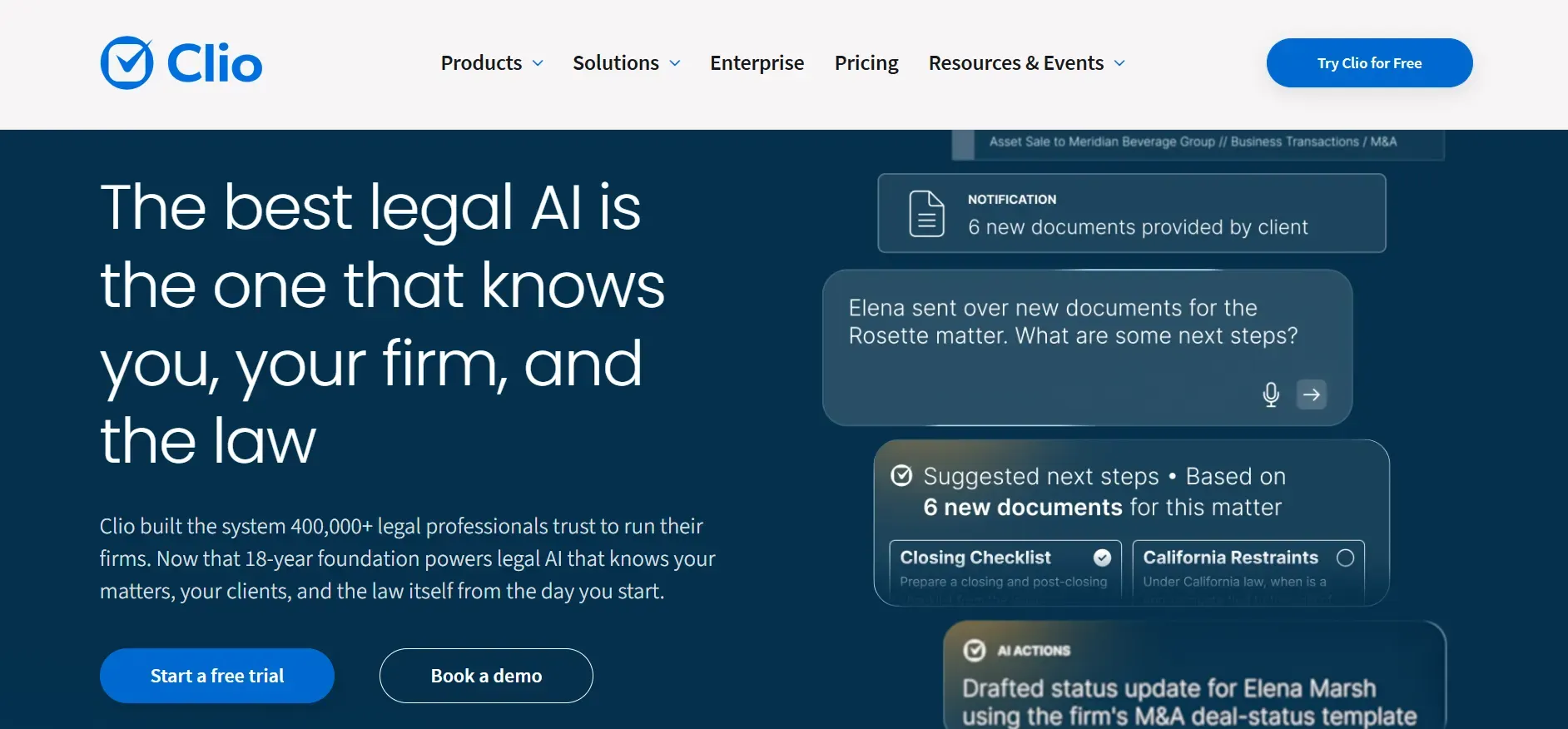
Clio is the most recognized name in legal practice management. Its cloud-based platform covers case management, time tracking, billing, document storage, calendaring, and client communication. Clio’s interface is modern and user-friendly, making onboarding relatively painless for most teams. The platform is especially strong for general practice firms that want a reliable, out-of-the-box solution with a large integration ecosystem.
Features: Clio offers both Clio Manage (for practice management) and Clio Grow (for CRM and intake). Document automation, e-signatures, and client portals are all present, though some (like Clio Grow or advanced analytics) require additional subscriptions. The Clio App Directory includes hundreds of integrations, from Office 365 and Dropbox to QuickBooks and Zapier. Clio’s API is robust and well documented, but API access is mostly reserved for higher-tier plans.
Integrations: Clio integrates with many legal and productivity tools: DocuSign, LawPay, NetDocuments, Google Workspace, and more. Many integrations require configuration or carry additional costs. For example, LawPay for payments may charge separate transaction fees, and some document management systems only sync with higher Clio tiers.
Migration friction: Clio offers migration support for new customers, including data import from CSV, Excel, and some legacy systems. However, custom fields, task templates, and detailed matter histories may require manual mapping. Firms with complex workflows or custom Filevine fields should expect some adjustment period.
Concrete use cases: Clio is best for firms that want a standard, reliable system for most practice types: litigation, family law, criminal defense, and estate planning. It is less ideal for firms with highly specialized workflows or those needing deep automation beyond what’s available in the Clio marketplace.
Pricing: Reported $39 to $129 per user/month depending on plan. See Clio pricing.
- Key limitations:
- Per-user fees increase as your firm grows
- Advanced automations and reporting require higher plans
- Data export can be limited in format and detail
- Strengths:
- Modern, user-friendly interface
- Large integration ecosystem
- Reliable support and onboarding
On a custom Devaims build, the number of users doesn’t affect your monthly cost, it’s your system.
2. MyCase (Best for small and midsize firms)
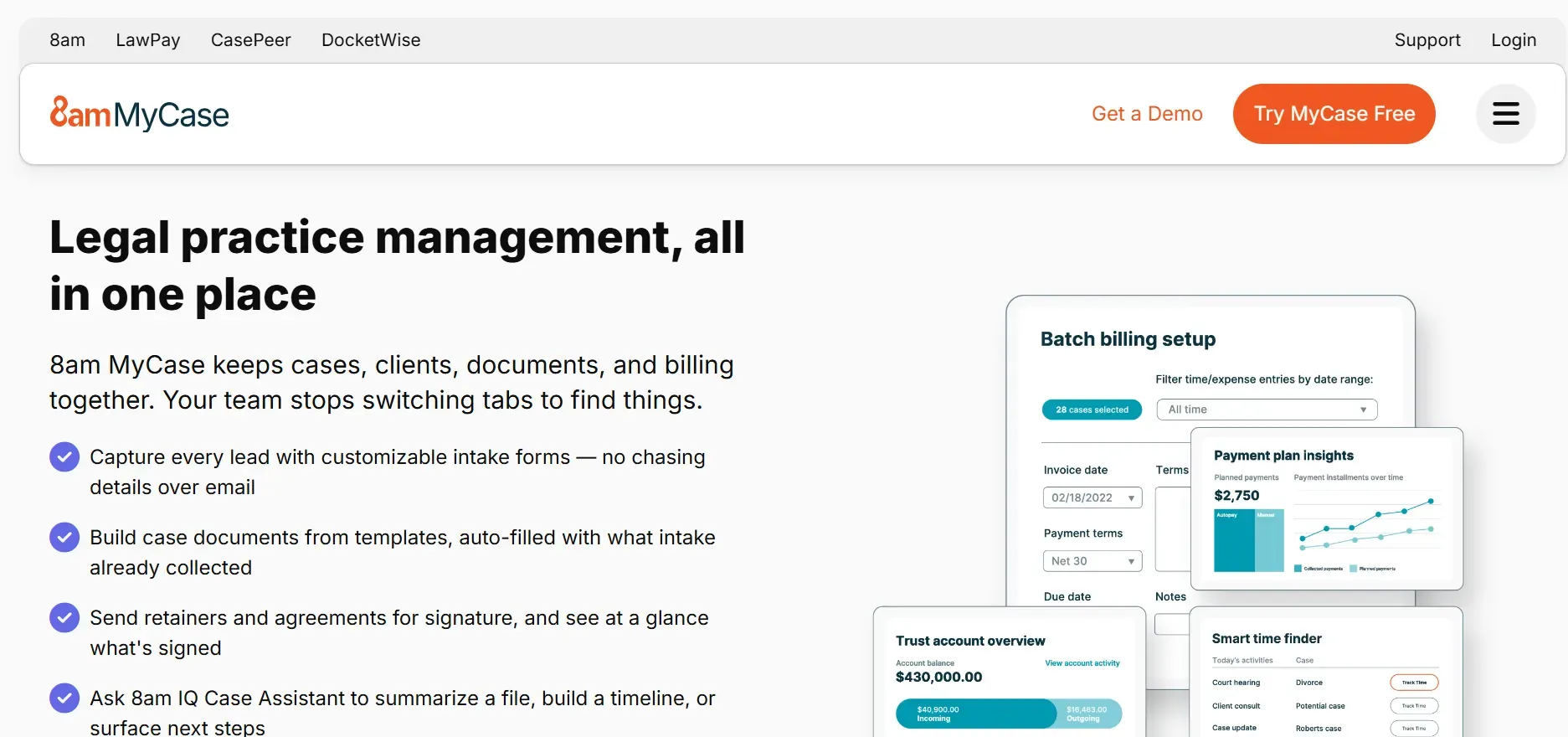
MyCase is tailored to solo practitioners and midsize law firms seeking an all-in-one solution. MyCase covers case management, billing, document storage, calendaring, client portals, and basic workflow automation. The interface is clean and approachable, with a low learning curve for new users.
Features: MyCase includes e-signatures, secure client messaging, online payments, and a native mobile app. The billing module is strong, with time tracking and batch invoicing. However, workflow automation is basic, and customization of matter types or templates is limited compared to Filevine or PracticePanther.
Integrations: MyCase supports integrations with QuickBooks, Dropbox, Google Calendar, and several payment processors, but the marketplace is smaller than Clio’s. API access is limited and not as open as some competitors, which can hinder more technical firms or those with custom needs.
Migration friction: MyCase offers migration services for new customers. Standard data such as contacts, matters, and documents import easily, but custom fields or non-standard data may need manual adjustment. If you rely on Filevine’s unique fields or workflows, expect some data cleanup.
Concrete use cases: MyCase is a solid choice for smaller firms needing a straightforward, affordable platform with reliable support. It works well for family law, personal injury, criminal defense, and estate planning practices that do not need deep automation or extensive integrations.
Pricing: Reported $49 to $89 per user/month. See MyCase pricing.
- Key limitations:
- Limited workflow automation and customization
- Premium features require higher tiers
- Costs scale linearly with each user
- Strengths:
- Simple, approachable interface
- Strong billing and invoicing
- Good support for small firms
When you own your platform, you can add features as your practice grows, no forced upgrades.
3. PracticePanther (Best for automations and integrations)
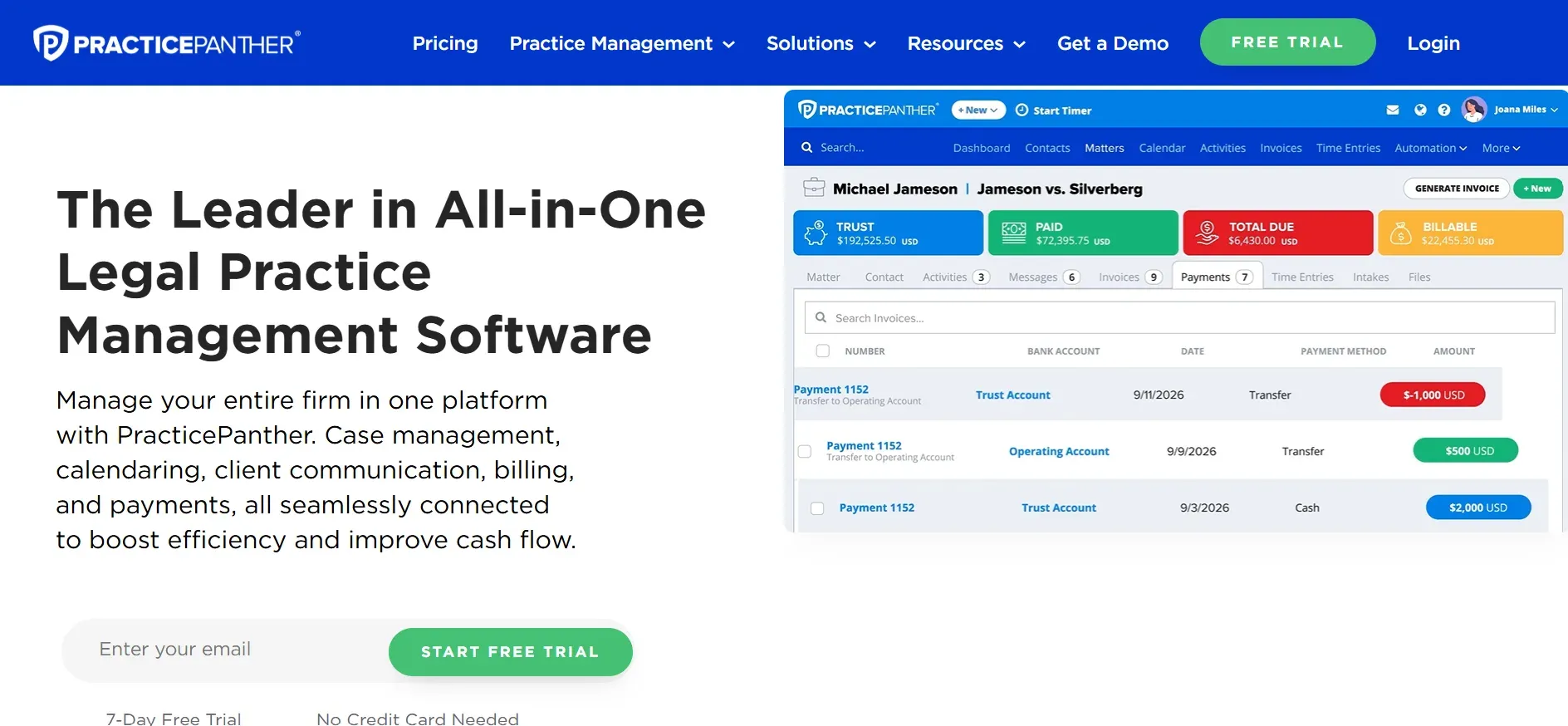
PracticePanther is designed for firms that value automation, integrations, and workflow customization. The platform includes robust case management, time tracking, billing, and a strong focus on automating repetitive tasks.
Features: PracticePanther’s workflow automation is a key differentiator. It supports triggers (e.g., "when matter is opened, assign these tasks") and can automate emails, reminders, and status changes. Document management is solid, with version control and e-signature support. The platform also offers custom fields, templated workflows, and batch operations.
Integrations: PracticePanther integrates with Zapier, enabling connections to thousands of third-party apps. Direct integrations include QuickBooks, Dropbox, LawPay, Google Workspace, and Microsoft 365. The open API allows for custom integrations, but technical expertise is required for advanced use.
Migration friction: PracticePanther provides import tools for contacts, matters, and billing data. More complex migrations (custom fields, workflow templates) may need manual mapping or vendor support. Firms moving from Filevine’s more rigid data structures may need to rethink some processes.
Concrete use cases: PracticePanther is ideal for firms with unique or evolving workflows that want to automate intake, task assignments, and communications. It also serves firms that rely on multiple external systems and need a hub for integration.
Pricing: Reported $49 to $89 per user/month. See PracticePanther pricing.
- Key limitations:
- Custom automations beyond UI may require developer help
- Advanced analytics require premium plans
- Platform limits as firm grows
- Strengths:
- Powerful workflow automation
- Open API and broad integrations
- Customizable workflows
The most powerful automation is the one built for your exact workflow, which is only possible if you own the platform.
4. Lawmatics (Best for CRM and intake)

Lawmatics is not a full practice management system but rather a legal CRM and client intake automation platform. It is built to help firms attract, qualify, and onboard new clients, filling a gap left by Filevine and similar tools.
Features: Lawmatics shines in lead capture, automated intake forms, drip email and text campaigns, and pipeline management. It also includes e-signatures, appointment scheduling, and basic document automation. Marketing analytics and campaign performance dashboards are strong features for growth-focused firms.
Integrations: Lawmatics connects with Clio, PracticePanther, MyCase, and others for seamless handoff from intake to case management. It supports Zapier for broader app connectivity. If your workflow requires deep integration between intake and practice management, Lawmatics can bridge the gap, but data sync is not always perfect.
Migration friction: Since Lawmatics is focused on CRM, migration involves importing contact and lead data. Firms moving from Filevine will need to map intake data separately from ongoing case data, which can add complexity if you want historical visibility.
Concrete use cases: Lawmatics is best for firms with high client volume, such as personal injury or immigration, that want to automate lead follow-up, qualification, and onboarding. It is also useful for firms investing in digital marketing and wanting to measure ROI.
Pricing: Reported $69 to $129 per user/month. See Lawmatics pricing.
- Key limitations:
- Not a full practice management system
- Data sync with case management can be imperfect
- Per-user fees add up for firm-wide use
- Strengths:
- Excellent intake and CRM automation
- Strong marketing analytics
- Integrates with major practice management tools
5. CosmoLex (Best for all-in-one with accounting)
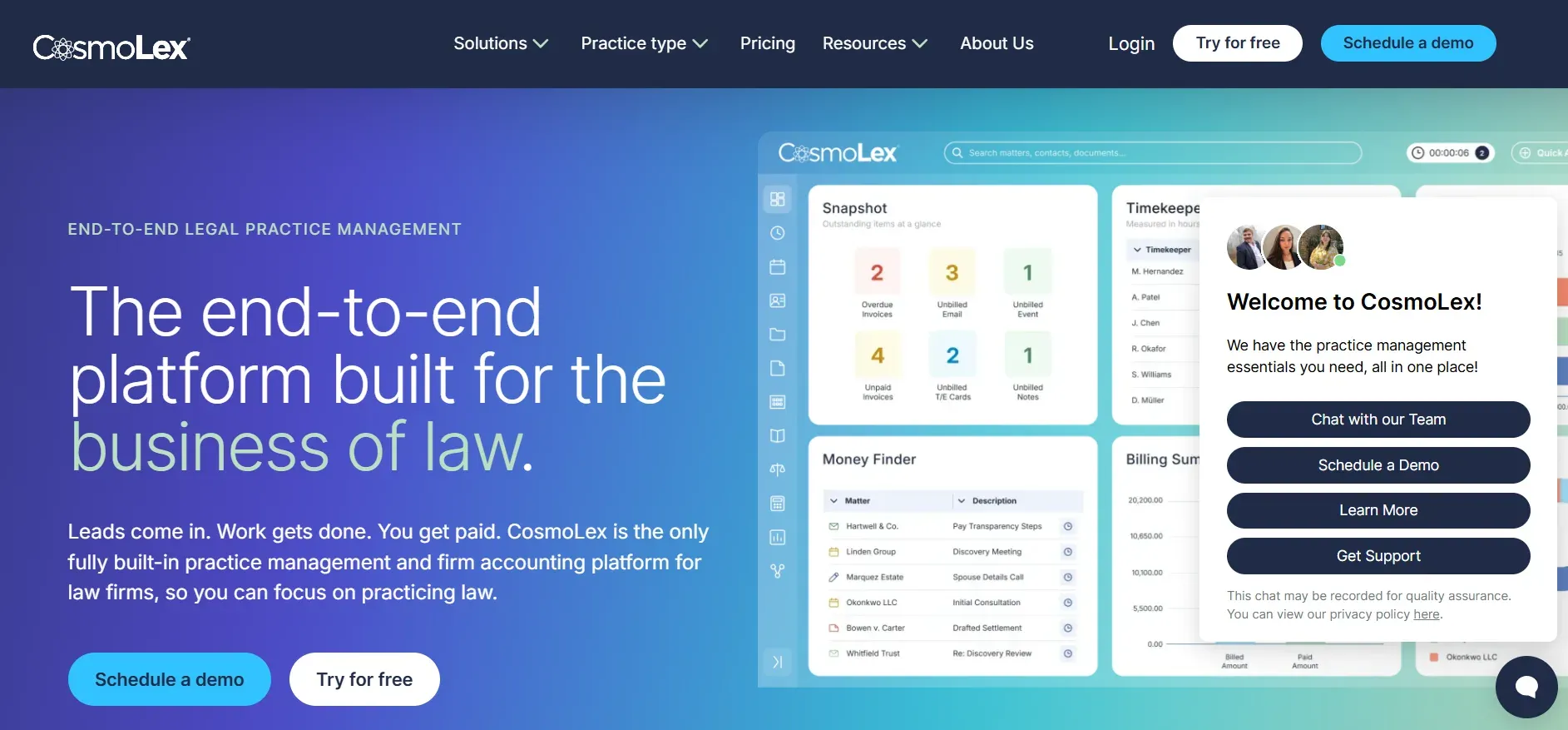
CosmoLex is unique among Filevine alternatives for its built-in legal accounting and compliance features. It is designed for firms that want to manage matters, billing, trust accounting, and compliance in one place, no need for QuickBooks or external accounting software.
Features: CosmoLex offers practice management, time tracking, billing, legal-specific accounting (including trust/IOLTA management), compliance reporting, and document management. It includes advanced billing options such as split billing, contingency fees, and batch invoicing. The accounting module is comprehensive, with built-in bank reconciliations, check printing, and compliance alerts.
Integrations: CosmoLex integrates with Office 365, G Suite, LawPay, NetDocuments, Dropbox, and more. Accounting integrations are less necessary since CosmoLex includes its own accounting engine, but some firms may still want to connect with external tax or payroll systems.
Migration friction: CosmoLex provides migration support, including data mapping for matters, contacts, and trust ledgers. Migrating from Filevine requires special attention to accounting data, as Filevine does not natively support legal accounting, so some manual work may be needed to bring over historical financials.
Concrete use cases: CosmoLex is a fit for firms that want to simplify compliance and accounting, especially those in highly regulated areas (e.g., trust-heavy practices, estate law, real estate). It is also useful for firms tired of reconciling data between multiple systems.
Pricing: Reported $89 per user/month. See CosmoLex pricing.
- Key limitations:
- Higher cost as team grows
- Limited workflow customization
- Full accounting data export can be complex
- Strengths:
- Integrated legal accounting and compliance
- Advanced billing options
- Reduces need for external accounting tools
With Devaims, your accounting workflows can be tailored exactly to your needs, no “one-size-fits-all” modules.
6. Rocket Matter (Best for billing-focused firms)

Rocket Matter is a cloud-based platform known for its billing, invoicing, and time tracking features. It is built for firms where maximizing billables and efficient payment collection are core priorities.
Features: Rocket Matter covers time tracking, batch billing, LEDES billing, trust accounting (basic), and reporting. The platform supports online payments via LawPay and integrates with QuickBooks for accounting. Document management and case management are present but less comprehensive than Filevine or Clio.
Integrations: Rocket Matter integrates with Office 365, Google Workspace, Dropbox, LawPay, and QuickBooks. The integration marketplace is smaller than Clio’s but sufficient for billing-focused workflows.
Migration friction: Migration tools exist for basic data (contacts, matters, time entries), but complex workflows or custom Filevine data will need manual mapping. Document organization and metadata may not transfer seamlessly.
Concrete use cases: Rocket Matter is ideal for small and midsize firms focused on billable hours, such as business law, litigation, or firms with a high volume of flat-fee cases. It is especially useful for firms needing LEDES billing or custom invoice formats.
Pricing: Reported $39 to $99 per user/month. See Rocket Matter pricing.
- Key limitations:
- Limited document management
- Basic workflow automation
- Costs increase with each user
- Strengths:
- Strong billing and invoicing features
- LEDES billing support
- Quick onboarding for billing-focused firms
7. Smokeball (Best for document-heavy practices)
Smokeball is a hybrid cloud/desktop solution with a major focus on document automation and productivity for law firms. It is especially strong for practices that generate large volumes of documents, such as real estate, estate planning, and litigation firms.
Features: Smokeball’s standout feature is its document automation engine, which includes a vast library of prebuilt legal forms and templates. The platform offers advanced Word integration, auto-filling fields, and batch document generation. Other features include time tracking, billing, client portals, and email management.
Integrations: Smokeball integrates with Microsoft Office (especially Word and Outlook), LawPay, InfoTrack, and a selection of court e-filing systems. However, its ecosystem is narrower than Clio or PracticePanther, and the desktop-first approach can limit access to some web-based integrations.
Migration friction: Smokeball provides onboarding support and bulk import tools for matters, contacts, and documents. However, as a Windows-centric platform, Mac users may face challenges, and custom Filevine workflows may need to be rebuilt from scratch.
Concrete use cases: Smokeball is best for firms that rely on document templates, need to generate large volumes of paperwork, or want deep integration with Microsoft Office. Real estate and estate planning practices especially benefit from its automation features.
Pricing: Reported $99 to $179 per user/month. See Smokeball pricing.
- Key limitations:
- Requires Windows for full functionality
- High per-user fees
- Limited web-based integrations
- Strengths:
- Powerful document automation
- Deep Microsoft Office integration
- Extensive legal form library
8. AbacusLaw (Best for on-premise setups)

AbacusLaw is a legacy legal practice management suite that offers both cloud and on-premise deployments. It is one of the few remaining options for firms with strict compliance or data residency requirements that cannot use cloud-only solutions.
Features: AbacusLaw covers case management, calendaring, document management, time tracking, and billing. Its reporting engine is flexible, allowing for custom reports and dashboards. The platform also includes basic workflow automation and rules-based calendaring (e.g., automatic calculation of court deadlines).
Integrations: AbacusLaw integrates with Microsoft Office, QuickBooks, and some court e-filing systems. As a legacy system, many integrations are dated or require additional configuration. The vendor offers custom integration services for firms with unique needs.
Migration friction: Migrating to or from AbacusLaw can be challenging, especially for cloud-first firms. On-premise installations require IT expertise, server hardware, and ongoing maintenance. Data import tools exist but may not map all Filevine fields or attachments perfectly.
Concrete use cases: AbacusLaw is a fit for firms with in-house IT, strict compliance (such as government contractors or highly regulated industries), or those who need to keep all data on-site.
Pricing: Reported $69+/user/month; on-premise install may be a one-time license plus annual maintenance. See AbacusLaw pricing.
- Key limitations:
- Dated interface and workflows
- Setup and maintenance require IT resources
- Updates and support may incur extra fees
- Strengths:
- On-premise deployment for compliance
- Custom reporting options
- Flexible calendaring and rules
9. Devaims (Best for firms that want to own their system)
Devaims is the only alternative on this list where your law firm truly owns the software, source code, data, and workflows. Instead of adapting to someone else’s platform, you work with Devaims to design, build, and launch a custom practice management system tailored to your exact needs. There are no per-user fees, no forced upgrades, no hidden add-ons, just a one-time build cost and optional ongoing support.
Features: With Devaims, every feature is built to your specification. Whether you need custom intake forms, advanced document automation, unique reporting, or integrations with your existing stack (e.g., legacy accounting, CRM, or court e-filing systems), it’s all possible. Features such as e-signature, secure client portals, and workflow automation are implemented to fit your processes, not a generic template.
Integrations: Devaims builds custom integrations with whatever systems you use, Office 365, Google Workspace, LawPay, NetDocuments, QuickBooks, or even legacy on-premise tools. There are no limits based on vendor partnerships. API access is included, and data can be exported in any format at any time.
Migration friction: Devaims handles the entire migration as part of the project. That includes mapping every custom field, importing all documents, and ensuring that your historical data is preserved. Complex workflows, unique practice areas, or legacy data are all accommodated, with white-glove support throughout.
Concrete use cases: Devaims is a fit for firms that have outgrown SaaS, want to stop paying per-user fees, or require unique workflows not supported by off-the-shelf tools. Firms with compliance or data residency requirements, large user counts, or a desire for true brand and process ownership are especially well suited.
- One-time cost: you own the code, workflows, and dataCustom integrations with your exact stackNo recurring seat or feature feesFully tailored to your practice and brandingSource code provided, never locked out or locked in
- One-time cost: you own the code, workflows, and data
- Custom integrations with your exact stack
- No recurring seat or feature fees
- Fully tailored to your practice and branding
- Source code provided, never locked out or locked in
Other Filevine alternatives worth knowing
- LexisNexis PCLaw: Good for firms who want integrated time and billing, but UI is dated and cloud options are limited. Migration from Filevine may require manual data mapping.
- Needles: Well-known for personal injury case management, but transitioning to "Neos" cloud version, which is SaaS and not self-hosted. Existing on-premise users may face a forced migration to cloud.
- CASEpeer: PI-focused SaaS, but like Filevine, always rented and per-user pricing can add up. Good for PI firms needing custom workflows, but exports are limited.
- Zola Suite: Modern interface and strong accounting, but still SaaS with subscription fees. Zola is growing in the midsize market, especially for firms needing integrated accounting and billing.
Some of these are niche or legacy tools that may not fit every firm’s workflow, but they’re worth a look if you have highly specialized needs. For a more detailed breakdown, see the LawSites Blog for regular updates on legal tech platforms.
How to choose the right Filevine alternative
- By budget: Calculate your real seat count, add-ons, and compliance costs over five years. Many SaaS vendors offer discounts for annual contracts, but be wary of renewal and surprise feature costs. Ownership models like Devaims require up-front investment but flatten costs over time.
- By firm size: Solo and small firms may prefer all-in-one SaaS; larger or fast-growing firms should consider ownership to control costs. As headcount rises, per-user fees often outpace the cost of a custom build within 3 to 5 years.
- By workflow needs: If you need unique automations or integrations, rented SaaS can hit limits, custom platforms win here. Assess whether existing tools can truly adapt to your process, or if you’re constantly bending your workflow to fit the software.
- By compliance/security: On-premise or owned systems offer more control for firms with strict client requirements. Some industries or clients (e.g., government, healthcare) may require data residency or on-premise options not available in most SaaS.
If you’re tired of per-user fees and want a platform that adapts to your firm, not the other way around, it’s time to look at an owned solution.
Stop paying rent on software you could own
Every Filevine alternative on this list is still rented software. The model never really changes: you pay per user, per month, for as long as you use it, and every new feature or integration tends to cost more. The lock-in is real, and the costs only go up over time. Vendors control the roadmap, and your data access is limited by their export tools and policies.
Devaims changes the equation. We build secure, custom legal platforms designed around your firm’s exact needs, and hand you the source code. You own everything: your case data, your workflows, your integrations. No subscription, no per-seat fees, and no surprises, just a one-time build and flat maintenance for bug fixes and upgrades.
- Per-user fees disappear: On owned software, every new hire is cost-free. You can add attorneys, paralegals, and staff without calling your vendor or renegotiating your contract.
- No feature locks: Every report, workflow, or dashboard you want is built for you. If your process changes, your platform adapts, no waiting for feature requests or vendor roadmaps.
- Your data, your way: All exports, all formats, whenever you need them, no premium tier needed. You decide how your data is structured and where it lives.
- No contracts, no forced renewals: You decide when and how to upgrade. There are no auto-renewal traps or hidden fees. Maintenance is optional and transparent.
| Platform | Ownership | Per-user/month | Custom features | Data export |
|---|---|---|---|---|
| Filevine | Rented | $70+ | Limited, tier-based | Partial, export fees |
| Clio | Rented | $49 to $129 | Add-on or integration | Limited |
| CosmoLex | Rented | $89 | Some, extra cost | Limited |
| AbacusLaw | Rented/on-premise | $69+ | Custom reporting | Manual export |
| Devaims (owned) | Owned | None | Fully custom | Any format, anytime |
Here’s what the five-year math looks like for a typical 12-lawyer firm (the break-even is usually year 4):
| Year | Rented (Filevine, 12 users @ $80/mo) | Owned (Devaims build $32,000 + $200/mo maint) |
|---|---|---|
| 1 | $11,520 | $34,400 |
| 2 | $23,040 | $36,800 |
| 3 | $34,560 | $39,200 |
| 4 | $46,080 | $41,600 (now ahead) |
| 5 | $57,600 | $44,000 |
Firms with more users, heavy compliance needs, or complex workflows see even bigger gains from owning. We’re happy to run your real numbers, no commitment. For more cost breakdowns and ownership math, see this LawNext analysis.
How to switch from Filevine
- Export your client, matter, and document data from Filevine (CSV, PDF, or native formats where available). Higher tiers may offer more comprehensive export tools; otherwise, you may need to export in batches or use Filevine’s API with technical support.
- Choose your new platform and map your data fields (Devaims handles this for custom builds). Pay special attention to custom fields, matter types, and document links to avoid data loss.
- Import data into your new system, testing for accuracy and completeness. Most SaaS solutions provide import wizards, but some data (like custom workflows or attachments) may require manual intervention.
- Reconnect payment processors, email, and any third-party integrations. This often involves updating API keys, credentials, and user permissions.
- Train staff and set up new workflows or automations. Allow extra time for adjustment, especially if moving to a more customizable or feature-rich platform.
- Run both systems in parallel for a short period, then fully transition and review your contract obligations with Filevine. Make sure you have a full data backup before terminating your Filevine subscription.
With a custom Devaims build, the migration is handled as part of the project, including data mapping, validation, and staff training.
Frequently asked questions
What is the best Filevine alternative for midsize law firms?
Clio and MyCase are popular Filevine alternatives for midsize firms, offering solid features, a gentle learning curve, and reliable support. They are easy to adopt and cover most standard workflows. However, as firms grow or add specialized practice areas, they often encounter SaaS limitations, per-user fees, feature gates, and limited customization. For firms that want to stop renting and gain total flexibility, Devaims is the only option that gives you full ownership, custom workflows, and the ability to scale without penalty.
Which Filevine alternative is most affordable?
Rocket Matter and MyCase have lower entry pricing and are cost-effective for very small teams. However, per-user fees add up quickly with growth. Over five years, building with Devaims is often less expensive than renting, especially if your team is growing or if you need features that push you into higher SaaS tiers. Always calculate your total cost of ownership, including add-ons and support.
Is there a free Filevine alternative?
There’s no true free alternative with comparable features and support. Some open-source legal CRMs exist (for example, Legal Case Pro or SuiteCRM), but these require substantial technical expertise, self-hosting, and ongoing maintenance. They lack legal-specific workflows out of the box. For most firms, the real choice is between renting SaaS or building your own with Devaims for true ownership and support.
Which alternative is best for document automation?
Smokeball leads in prebuilt document automation and provides a deep library of legal templates, especially for US-based practices. However, you’re tied to their desktop application, and pricing is high. If you want custom document workflows (such as unique intake forms, multi-stage approvals, or jurisdiction-specific templates), a Devaims build is the only way to own and control every step, your templates, your process, your way, without vendor limits.
Can I keep my data when switching from Filevine?
You can export data from Filevine, but the process can be manual or incomplete unless you’re on a higher tier or use their API. Attachments, custom fields, and historical notes sometimes require special handling. With Devaims, you control your data from day one, exports, backups, and integrations are all yours, in whatever format you need, whenever you need it.
When should my firm switch from Filevine?
If your monthly bill is creeping up, you’re frustrated by feature gates, or you’re planning to scale, it’s time to explore Filevine alternatives. Owning your software pays off fastest for growing or complex firms. The best time to switch is before a contract renewal, when staff is ready for change, or when you are adding new practice areas that your current system does not support.
Can I use Devaims if I have legacy data or unique workflows?
Yes. Devaims specializes in custom migration and builds platforms around your existing data and workflows, not the other way around. Whether you have years of Filevine data, proprietary intake processes, or hybrid on-premise/cloud systems, Devaims can map, import, and extend your workflows as part of the build. You get white-glove support for both migration and ongoing changes.
The bottom line
Every Filevine alternative offers a new flavor of the same deal, monthly fees, feature gates, and rented access to your own data. The real test: add up what you’ll pay over five years, then ask if that would have built you a system you own. If the answer is yes, it’s time to stop renting and start owning. Devaims is the only alternative that lets you break free from SaaS lock-in for good.
For more insights on owning your software, browse the Devaims blog or check out our latest comparisons: Clio alternatives, MyCase alternatives, and PracticePanther alternatives.