


You sign up for Lawmatics, thinking you’ve solved intake and CRM for your practice. Then the per-user fees creep up, the integrations hit limits, and suddenly the platform’s “all-in-one” promise starts to feel like a locked box. Every new associate costs more. Want a feature? That’s on the next tier. The five-year tab starts to look ugly.
This is the moment law firms start searching for Lawmatics alternatives. Clio and MyCase get the loudest buzz, but every SaaS on the list rents you features, keeps you on the hook, and owns the roadmap. The honest reason to switch? You want control, over data, cost, and growth. Here are the top 11 Lawmatics alternatives for 2026, including the one most firms never consider: owning your own system for good.
Why law firms look for Lawmatics alternatives
Recurring per-user fees add up fast. Lawmatics charges by the seat and by the feature. For growing teams, costs multiply with each new attorney or staff account. For example, a mid-sized firm with 15 users could easily see monthly costs balloon by $1,000 or more each year just by hiring and expanding.
Locked-in workflows limit flexibility. Lawmatics offers workflow templates, but tailoring matter stages, intake forms, or approval chains to your firm’s unique process can be difficult. Many law firms resort to awkward workarounds, or wait for feature updates that may never arrive. For firms with niche practice areas or complex intake requirements, this can mean lost productivity and missed opportunities for automation.
Integrations are limited or require upgrades. While Lawmatics connects with several popular tools, many integrations, such as QuickBooks, DocuSign, or advanced calendaring, are only available at higher pricing tiers or as paid add-ons. For firms with existing tech stacks, this can force process changes or create hidden costs as you pay more just to keep current workflows.
Your data lives in their cloud, not yours. Lawmatics, like most SaaS tools, stores your client data, files, and communications in its proprietary cloud. Exporting all your data (especially notes, attachments, and contact histories) can be time-consuming and sometimes incomplete. For firms with strict compliance or data sovereignty needs, this is a major concern.
Annual price hikes and contract renewal gotchas. SaaS vendors regularly adjust pricing, and some features are quietly moved between plans each year. Firms are often surprised by renewal notices with higher costs or by features they relied on now locked behind a new paywall. Combined with multi-year contracts, this can mean unexpected budget overruns and difficult conversations with partners.
When these pain points hit, firms start searching for Lawmatics alternatives that give more control for less money, and ideally, more transparency and flexibility for the years ahead.
Quick comparison of the best Lawmatics alternatives
| Tool | Best for | Starting price | You own it? |
|---|---|---|---|
| Clio | All-in-one law firm management | Reported $39/user/mo | No, SaaS rental |
| MyCase | Case management and billing | Reported $49/user/mo | No, SaaS rental |
| PracticePanther | Solo and small firms | Reported $49/user/mo | No, SaaS rental |
| CosmoLex | Integrated accounting | Reported $89/user/mo | No, SaaS rental |
| Rocket Matter | Time tracking and billing | Reported $39/user/mo | No, SaaS rental |
| Smokeball | Document automation | Reported $99/user/mo | No, SaaS rental |
| Filevine | Complex and high-volume firms | Reported $79/user/mo | No, SaaS rental |
| AbacusLaw | On-premise deployment | Reported $69/user/mo | No, SaaS or license |
| ProLaw | Enterprise and midsize firms | Reported custom pricing | No, SaaS/license |
| LexisNexis PCLaw | Legal accounting | Reported custom pricing | No, SaaS/license |
| Devaims | Owning your own platform | One-time build, then flat maint | One-time build, you own it |
Prices change and custom quotes are common. Always confirm current pricing before you decide. Some vendors offer volume discounts, but most per-user SaaS fees increase as you grow, not decrease.
The 11 best Lawmatics alternatives
1. Clio (Best for all-in-one law firm management)
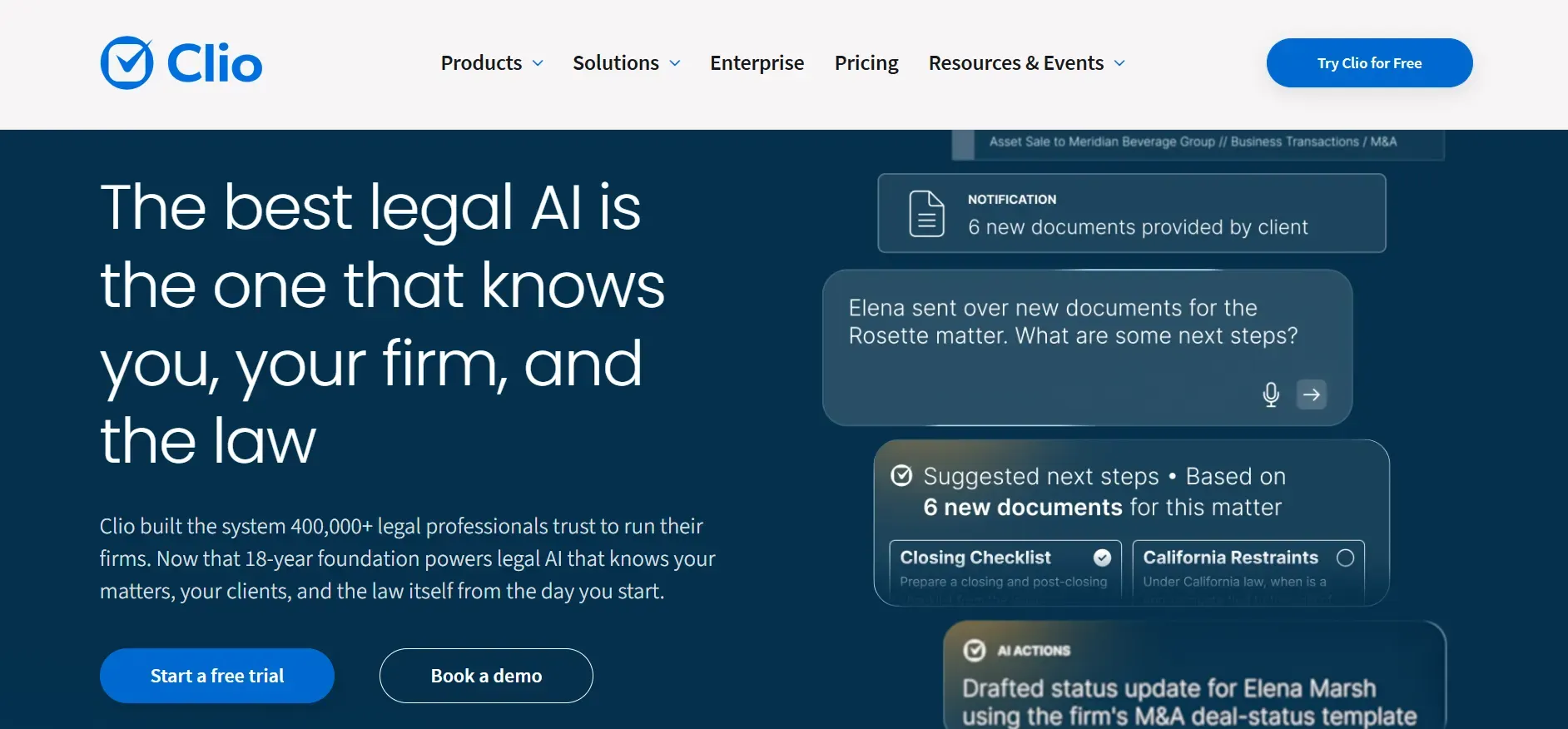
Clio leads the SaaS pack for law practice management. It covers case management, billing, calendaring, document management, and intake in one cloud platform. Clio offers Clio Grow (for intake/CRM) and Clio Manage (for practice management), which can be bundled or used separately. Compared to Lawmatics, Clio is more comprehensive for billing, trust accounting, and reporting, and its user interface is notably more polished and modern. Its marketplace of over 200 integrations means Clio can connect to most e-sign, accounting, and productivity tools out of the box.
Pricing: Starts at $39/user/month, with higher tiers for advanced features.
- Highly polished interface and mobile app
- Strong billing, trust accounting, and payments
- Large marketplace of integrations
- Per-user and per-feature pricing increases costs as you grow
- Workflow customization is limited compared to Filevine or custom builds
- Data exports may require support for full access
When per-user costs start to feel like rent, owning your own platform means every new associate is just a login, not an extra fee.
2. MyCase (Best for case management and billing)
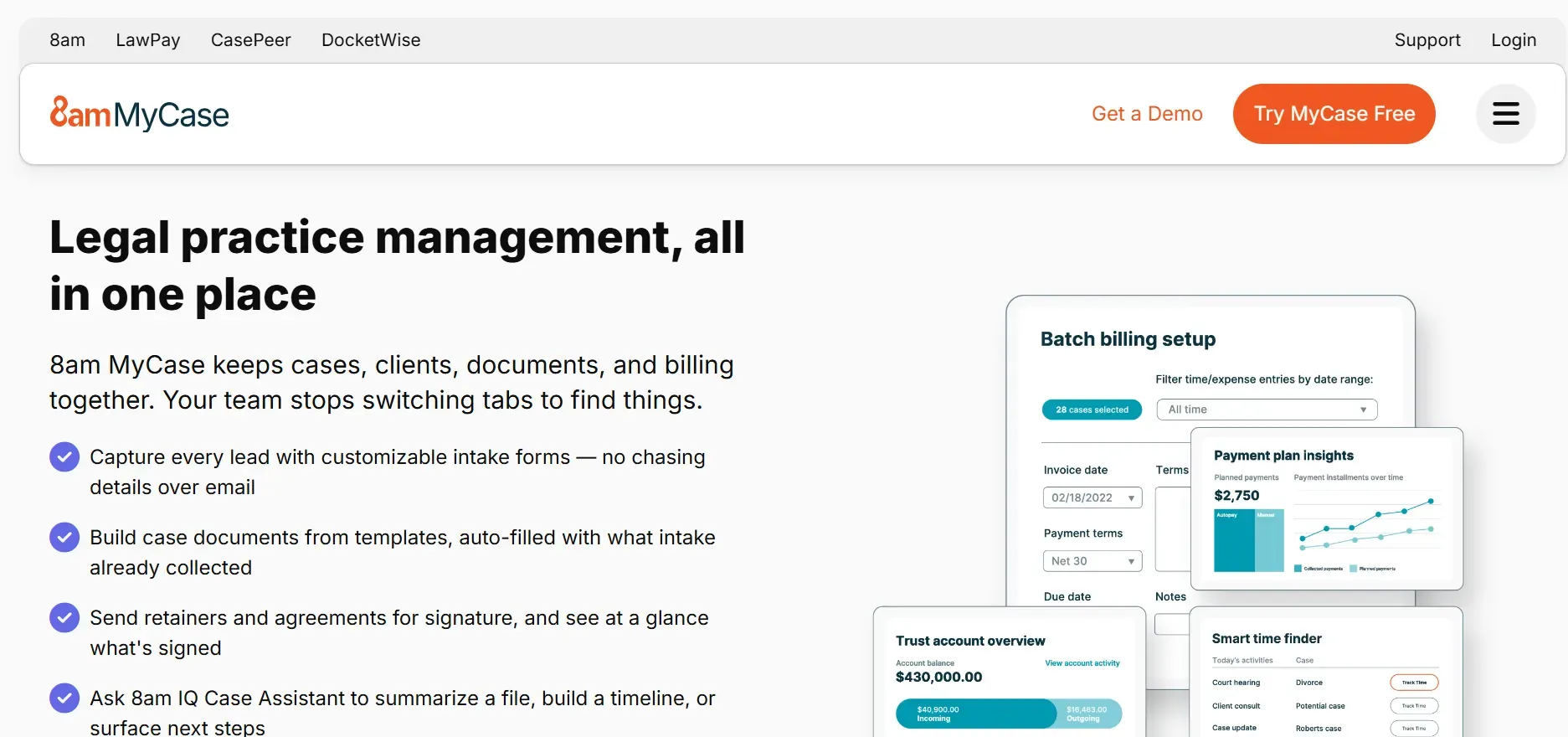
MyCase is popular with small to midsize firms for its quick onboarding, straightforward interface, and integrated client portal. MyCase offers robust case management, billing, time tracking, and client communications in a single dashboard. The client portal is a standout, allowing clients to securely upload documents, view case updates, and message their legal team, all in one place.
Pricing: Starts at $49/user/month.
- Fast setup and simple interface
- Good client communication tools
- Integrated billing and payments
- Customization is limited, especially for intake workflows
- Advanced analytics require higher-tier plans
- Integration marketplace is smaller than Clio’s
With a custom Devaims build, reporting and workflow automation are tailored to how your firm actually operates, not just what’s on the menu.
3. PracticePanther (Best for solo and small firms)
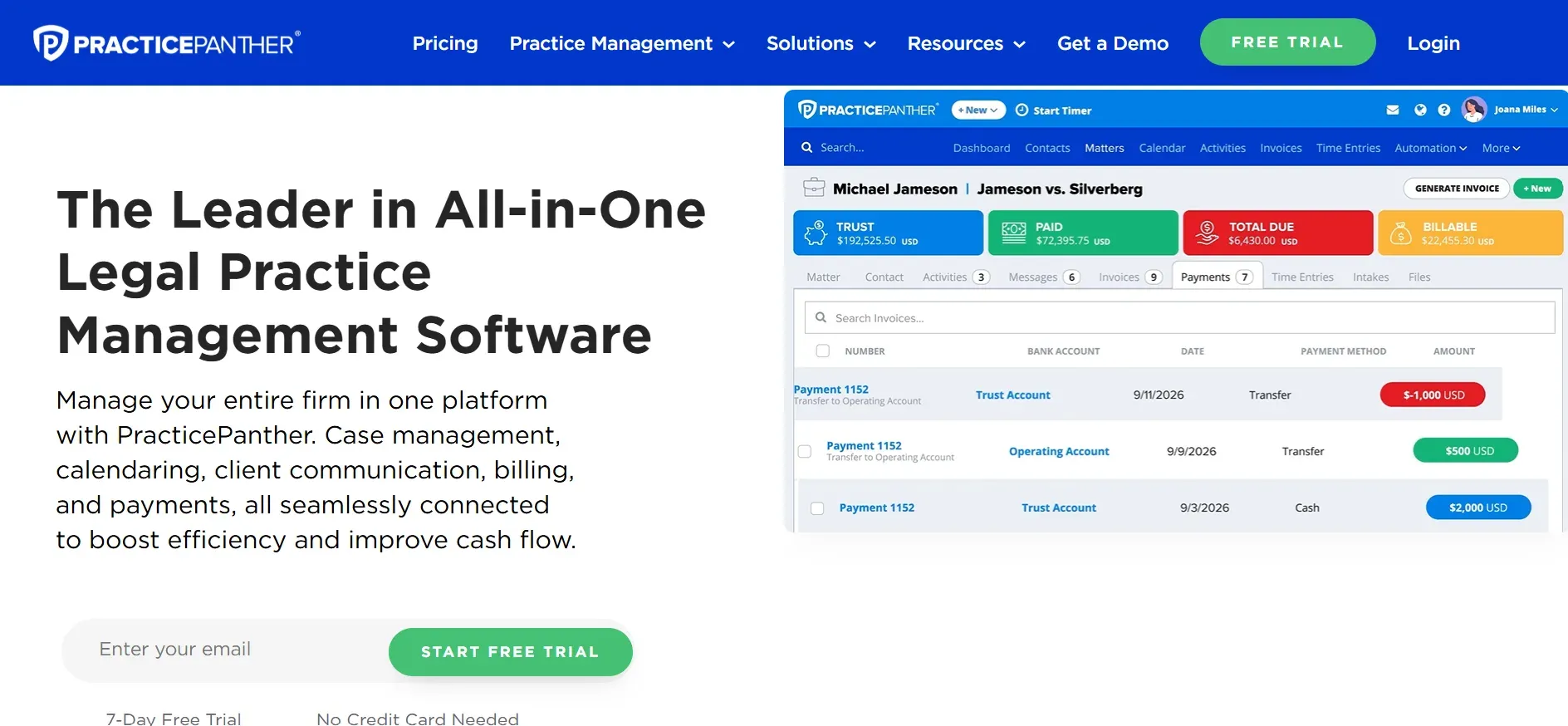
PracticePanther targets solo practitioners and small firms, offering a user-friendly dashboard for contact, case, and calendar management. Its design focuses on simplicity and rapid adoption, with most users able to get up and running in a day. PracticePanther includes built-in time tracking, expense management, and invoicing, and supports e-signatures and payment processing via LawPay.
Pricing: Starts at $49/user/month.
- Intuitive interface for quick adoption
- Automated reminders and billing
- Responsive customer support
- Feature set may feel limiting as your firm grows
- Workflow automation is basic
- Costs rise with staff count
4. CosmoLex (Best for integrated accounting)
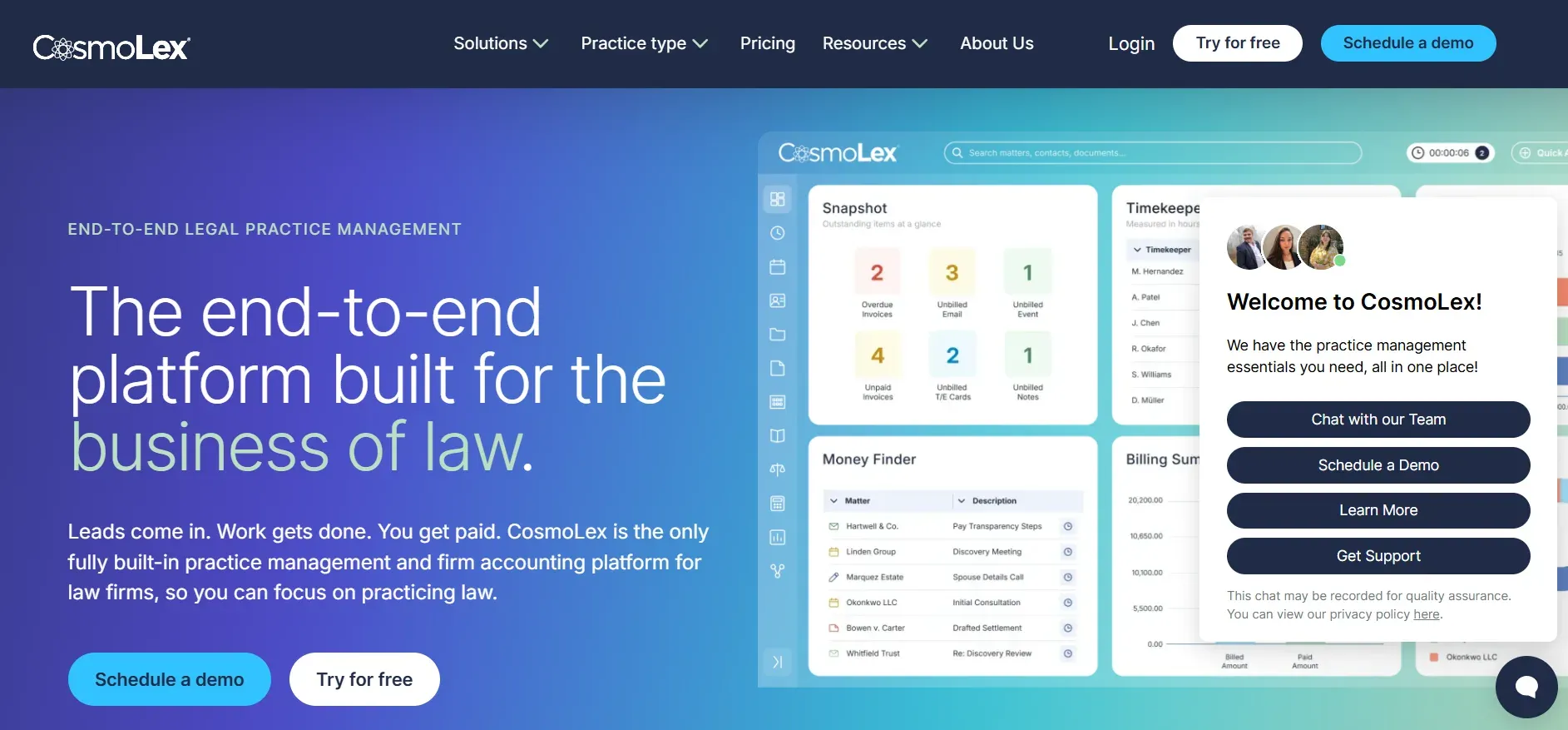
CosmoLex is unique among cloud legal platforms for its built-in, fully compliant legal accounting. Unlike Lawmatics or Clio, CosmoLex eliminates the need for QuickBooks or external accounting software, handling trust accounting, business bookkeeping, billing, and matter management in one system. Its compliance features (such as three-way trust reconciliation and audit trails) are especially popular with firms in regulated states.
Pricing: Starts at $89/user/month.
- All-in-one legal accounting
- Trust compliance built in
- Cloud access from anywhere
- Higher per-user price than most competitors
- Advanced analytics and integrations require top-tier plans
- Workflow automation tools are basic
On owned systems, trust and business accounting can be fully customized for your jurisdiction and workflow.
5. Rocket Matter (Best for time tracking and billing)
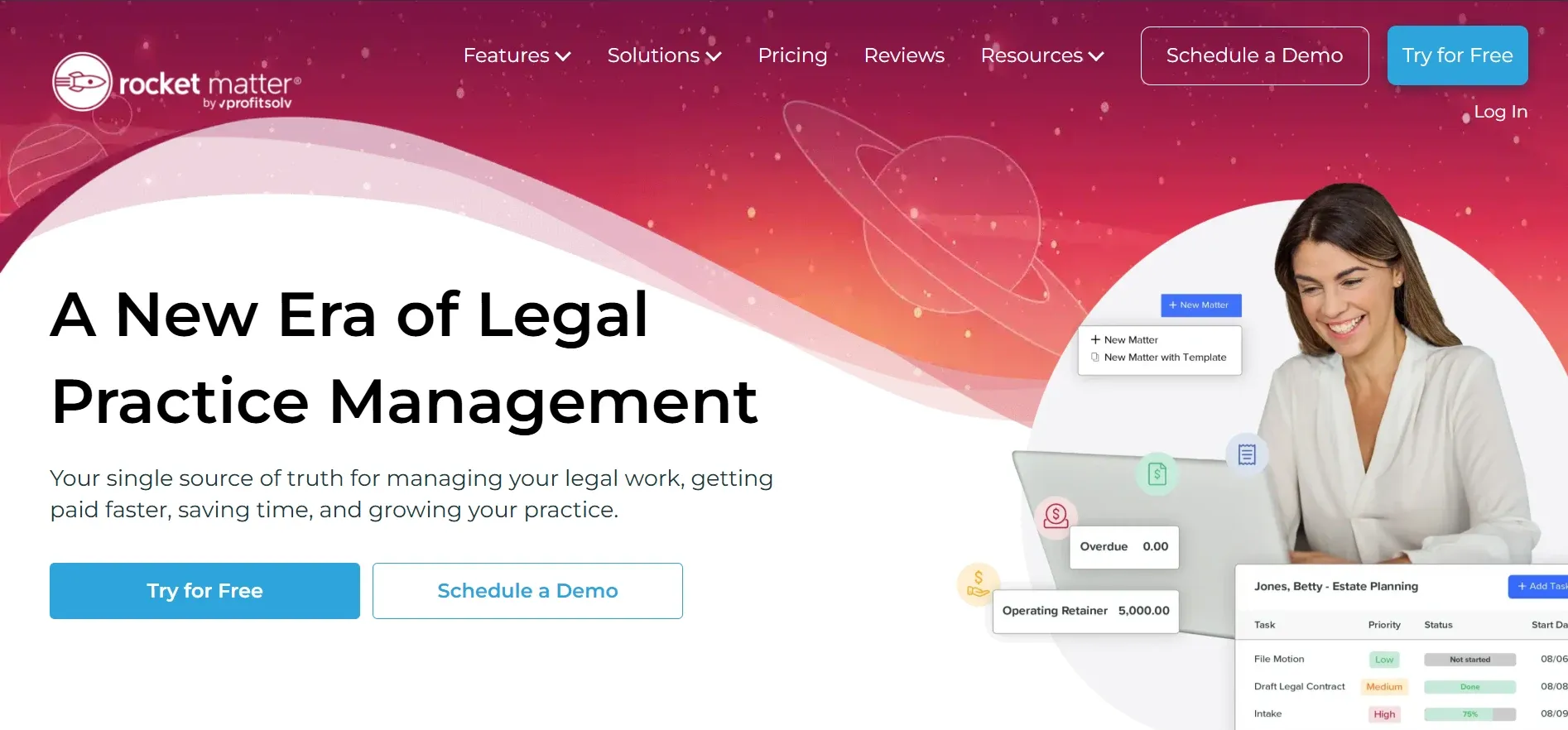
Rocket Matter is one of the oldest cloud-based legal practice management tools, known for its speed, reliability, and focus on billing and time tracking. Its dashboard is clean and optimized for quick entry of billable hours, expenses, and calendar events. Rocket Matter includes payment processing, invoicing, and batch billing, with support for LEDES billing and trust accounting.
Pricing: Starts at $39/user/month.
- Strong time tracking tools
- Mobile app for on-the-go
- Simple, clean UI
- Case management features are less advanced than some competitors
- Workflow automation is limited
- Customization options are fewer than on larger platforms
6. Smokeball (Best for document automation)
Smokeball focuses on automating document generation and tracking productivity. Its baked-in library of forms and templates covers many areas of law, and the platform can auto-populate documents with client, matter, and case data. Smokeball also tracks user activity to provide productivity insights and profitability reporting, making it a favorite for firms looking to optimize workflow and output.
Pricing: Starts at $99/user/month.
- Excellent document automation
- Built-in forms for many areas of law
- Productivity tracking
- Among the most expensive SaaS options for small firms
- Template customization is limited without paid services
- Offline use is restricted, and Mac support is limited
Custom software from Devaims means every form, template, and workflow is built to your specs, not a generic library.
7. Filevine (Best for complex, high-volume firms)
Filevine is designed for high-volume litigation, plaintiff, and case-heavy shops. Its API and workflow engine outpace Lawmatics for scale, and Filevine is known for its deep customization and automation capabilities. The platform supports custom project types, automated task flows, and granular permissions, making it a favorite for firms with complex processes or large teams.
Pricing: Starts at $79/user/month (with add-ons).
- Deep workflow customization
- API access for integrations
- Document management at scale
- Setup and training can be lengthy
- API access and some features require premium plans
- Exporting all data can be difficult if you switch again
8. AbacusLaw (Best for on-premise deployment)

AbacusLaw supports both cloud and on-premise deployments, making it a fit for firms with strict data residency or compliance requirements. AbacusLaw offers comprehensive calendaring, case management, document assembly, and time tracking. Its on-premise option appeals to firms in highly regulated fields (such as healthcare or government contracts) or those with internal IT resources.
Pricing: Starts at $69/user/month.
- On-premise option for sensitive data
- Comprehensive calendaring
- Longstanding presence in legal tech
- Still licensing the software, not full ownership
- User interface is dated compared to newer tools
- Customization often requires expensive consulting
9. ProLaw (Best for midsize to enterprise firms)
ProLaw from Thomson Reuters targets midsize and enterprise firms, with deep integration into Westlaw, Microsoft Office, and other TR products. ProLaw offers end-to-end practice management, including matter management, billing, accounting, document management, and legal research integration. Its reporting and analytics tools are enterprise-grade, and it supports complex workflow automation for large teams.
Pricing: Custom pricing, typically higher for enterprise deployments.
- Deep legal research integration
- Enterprise-grade reporting
- Customizable workflows for large teams
- High upfront and ongoing costs
- Locked into the Thomson Reuters stack
- Implementation can be lengthy and complex
10. LexisNexis PCLaw (Best for legal accounting)
LexisNexis PCLaw is a long-standing legal accounting and billing solution, often used as an add-on to other practice management tools. PCLaw is known for its compliance with legal trust accounting rules and its ability to handle complex billing scenarios for law firms of all sizes. Compared to Lawmatics, PCLaw focuses more on financial management than intake or CRM.
Pricing: Custom pricing, typically by user or license.
- Strong legal accounting and trust compliance
- Handles complex billing scenarios
- Widely used and recognized in the legal industry
- Limited practice management and intake features
- Interface is dated and less intuitive
- Integration with other tools may require additional setup
With Devaims, you can combine the accounting depth of PCLaw with fully custom workflows and intake, all in one owned platform.
11. Devaims (Best for owning your platform, custom build you keep)
Devaims builds custom law firm software you own outright, including all source code, data, and integrations. Instead of paying per user or feature, you get a tailored platform that matches your firm’s workflow and grows with you. No subscriptions, no lock-in, just software that does what you need and belongs to you forever.
- One-time build, then flat maintenance
- You keep all code, data, and workflows
- No per-user or per-feature fees
- Fully tailored to your firm, not generic templates
Other Lawmatics alternatives worth knowing
- Needles: Strong for plaintiff and PI firms, with robust case management and workflow tools, but limited for other practice areas. Needles is often chosen by firms handling mass tort or high-volume litigation.
- Actionstep: Flexible SaaS with workflow automation and reporting, but per-user pricing and no ownership. Actionstep is popular in Europe and Australia, and offers modular add-ons for different practice areas.
- Firm Central: A Westlaw product, but being sunsetted and replaced by other TR tools. Thomson Reuters offers migration paths to ProLaw and other platforms.
How to choose the right Lawmatics alternative
- By budget: Add up your five-year cost, including all per-user and add-on fees. Don’t forget to include onboarding, training, and migration costs, which can be significant for larger firms.
- By feature need: Do you need advanced intake, billing, reporting, or custom workflows? List your must-haves and check which tools deliver them natively versus via third-party add-ons.
- By firm size: Some tools charge more as you scale, while others (like Devaims) keep costs flat regardless of headcount. Check for volume discounts or fees for client/matter limits.
- By ownership and control: If you want to keep your data and own your roadmap, SaaS may never fit. Consider data sovereignty, exportability, and the ability to customize without vendor approval.
When you’re tired of paying rent for the same features each year, owning your system is the only way to take control for good.
Stop paying rent on software you could own
Here’s the problem: Every Lawmatics alternative on this list rents you a platform, stacks fees as you grow, and keeps your data in their cloud. Owning is rare, but it’s the only way to get off the subscription treadmill.
Devaims builds custom law firm platforms you own. You keep the source code, the workflows, the integrations, and every piece of data. No per-user or per-matter upcharge, ever.
- Per-user fees disappear: Add staff for free; your platform is yours. No more budgeting for extra logins or sudden headcount surges.
- Custom workflows, no workarounds: Build exactly what your firm needs, from intake to document generation, calendaring, and complex approval chains. No more hacks or waiting for vendor updates.
- No lock-in or surprise hikes: You control maintenance and upgrades. You decide when to add features, update integrations, or change the interface.
- Your data, your server (if you want): Full export, no hoops. Host your system on-premise, in a private cloud, or with Devaims, your choice.
| Tool | Ownership | Pricing model | Custom workflows? |
|---|---|---|---|
| Lawmatics | No | Subscription, per user | Limited |
| Clio | No | Subscription, per user | Limited |
| Filevine | No | Subscription, per user | Advanced, but SaaS |
| Devaims | Yes | One-time build, flat maint | Fully custom |
Here’s the real math: For a 10-person firm paying $79/user/month (Filevine tier with add-ons), that’s $790/month, or $9,480/year, almost $47,400 over five years, and you own nothing. A custom Devaims build ($32,000 one-time, $200/month maintenance) costs more upfront but flips the equation by year five, and you keep the system for good.
| Year | Rented SaaS (cumulative) | Owned (Devaims, cumulative) |
|---|---|---|
| 1 | $9,480 | $34,400 |
| 2 | $18,960 | $36,800 |
| 3 | $28,440 | $39,200 |
| 4 | $37,920 | $41,600 |
| 5 | $47,400 | $44,000 (now ahead) |
This math gets even more compelling as you grow. For a 20-attorney firm, SaaS costs double, but Devaims costs stay nearly flat. If you plan to grow, merge, or simply run your firm for years, owning becomes a strategic asset. You also gain the ability to customize, integrate, and export data without vendor approval or extra fees.
Firms planning to grow or run their own systems for years nearly always come out ahead by owning. If you want to see the numbers for your headcount, practice area, or workflow, let’s talk.
How to switch from Lawmatics
- Export all client, matter, and intake data from Lawmatics (CSV, PDF, or via API if allowed). Review all export options, including notes, attachments, and custom fields, as some data may require manual extraction or support tickets.
- Choose your new Lawmatics alternative, confirming it supports your must-have workflows. If you’re going custom with Devaims, this is when you specify exactly what you want to keep, change, or improve.
- Import data into the new system, mapping fields and attachments carefully. For SaaS, use built-in importers; for custom builds, the migration is tailored to your data structure and field names.
- Reconnect payment processors, e-sign, calendaring, and any third-party integrations. Test each integration to ensure full functionality and compliance.
- Train staff on new processes and user interfaces. Provide hands-on training, documentation, and support to minimize disruption.
- Test the system in parallel for a week or two to ensure nothing breaks. Run sample matters, billing cycles, and intake forms to confirm all workflows behave as expected.
- Review and close out your Lawmatics contract to avoid auto-renewal fees. Export a final backup of your data and confirm account closure in writing.
With a custom Devaims build, the migration is handled as part of the project, including full mapping of legacy data, testing, and staff training.
Frequently asked questions
What is the best Lawmatics alternative for midsize law firms?
Clio and Filevine are strong choices for midsize firms seeking comprehensive case management and automation. Clio is easier to set up and offers broader integrations, while Filevine offers deeper workflow customization and automation for complex litigation. For full ownership and total control, Devaims is the alternative that builds exactly what you need and lets you keep it, making it ideal for midsize firms with unique workflows or compliance needs.
Which Lawmatics alternative is cheapest for solo practitioners?
PracticePanther and Rocket Matter both offer lower entry-level pricing for solos, with essential features like billing, calendaring, and document management. However, even these add up over five years, often exceeding the cost of a custom Devaims build if you plan to grow or want to avoid monthly fees. For solos who want to stop paying per month for the same features year after year, owning a lightweight, custom system becomes cost-effective after a few years.
Is there a free Lawmatics alternative?
There are basic case management tools like ZipBooks, Trello, or open-source options such as Casebox and Kohezion, but none match Lawmatics on intake automation or legal-specific workflows. Most serious alternatives are paid SaaS or require a custom build. Free tools often lack compliance features, integrations, and support, so they are best for hobbyists or very small practices.
Which Lawmatics alternative is best for plaintiff or PI firms?
Filevine and Needles cater to high-volume plaintiff firms, with workflows for case-heavy shops, including mass tort and personal injury. Filevine’s automation and reporting are especially strong for tracking medical records, settlement negotiations, and litigation milestones. For highly specialized workflows and truly owning your process, Devaims is the best fit, especially if you require custom dashboards, multi-entity management, or integration with proprietary systems.
Can I keep my old Lawmatics data when I switch?
Most Lawmatics alternatives offer guided imports from CSV, PDF, or API exports, but some data (like notes, files, or custom objects) may need manual handling or vendor support. With a Devaims build, migration is a core part of the project so nothing is left behind. All data, including attachments, audit logs, and custom fields, can be mapped and imported into your new system, ensuring continuity and compliance.
When should I switch from Lawmatics?
If per-user fees, workflow limits, or integration headaches slow your firm down, it’s time to compare Lawmatics alternatives. The best time to switch is before your next annual renewal or major hiring push. Plan your migration during a slower season, allocate time for staff training, and ensure all data is backed up before beginning the transition.
How do Lawmatics alternatives compare on data ownership?
Nearly all SaaS alternatives keep your data in their cloud and restrict full exports. Some allow bulk CSV exports, but attachments or complex data structures may be difficult to retrieve. Devaims is unique: you keep the code, the data, and the system itself, with no vendor lock-in. This means you can back up your entire database, move to a new host, or extend the system as you see fit, true ownership for the life of your firm.
The bottom line
Clio, MyCase, and the rest offer a smoother ride than Lawmatics for many firms, but every subscription platform keeps you on the rent treadmill. The one honest way off? Own your system, and keep every feature, user, and workflow forever.
Add up what your rented tool will cost over the next five years. If that number would have built you a platform you own, and you plan to keep growing, your answer is clear.
For more expert takes, visit the Devaims blog. Related reads: Clio alternatives, MyCase alternatives, PracticePanther alternatives.