



Ever get that sinking feeling when the renewal notice hits? Another year, another price hike, and you are still renting the same old ProLaw (Thomson Reuters) install. Or maybe you hit a wall with integrations, only to find support is an upsell. If you are reading this, you know the costs add up fast, and switching is never as easy as the sales rep promised.
Law firms are waking up to the real cost of running their business on rented software. Clio, MyCase, PracticePanther, and the others all promise sleek dashboards, but every one keeps you paying monthly, forever. The honest alternatives: SaaS tools if you want predictable features, or a custom build if you want to keep your code. If you want out of the rent trap, one path means you finally own your platform.
Why law firms look for ProLaw (Thomson Reuters) alternatives
Locked into long contracts: ProLaw is notorious for multi-year contracts that are difficult to exit early. Many firms sign up expecting stability, only to find themselves locked into terms that no longer serve their evolving needs. Early termination can mean substantial penalties, and contract renegotiations rarely favor the client. If your caseload, team size, or business model changes, you may find yourself paying for seats and features you do not use.
Pricing that climbs every year: ProLaw’s annual price increases are a common complaint, and many alternatives follow a similar model. Most SaaS practice management tools use a per-user, per-month fee structure. As your firm grows, your costs can rise exponentially, especially if you require add-ons for advanced features like document automation, API access, or custom reporting. Some features you may consider essential, such as advanced reporting, integrations, or trust accounting, are often only available at premium tiers or as paid add-ons, making it difficult to predict your true total cost of ownership.
Limited integrations: Older platforms like ProLaw were not built for the modern ecosystem of cloud-based tools. Integrating ProLaw with other software often requires custom development, expensive middleware, or external consultants. Even when integrations exist, they can be brittle or lack full functionality, leading to data silos, manual workarounds, and frustrated staff. Newer SaaS solutions offer better integration marketplaces, but you still may face extra fees or technical hurdles if your firm uses specialized tools.
Rigid workflows: Every law firm is unique, but legacy systems like ProLaw typically force you to conform to their vision of case and matter management. Customizing the workflow to match your intake, billing, or document processes can require extensive (and expensive) consulting. Even then, you may only get "close enough" rather than a perfect fit. The result is often a patchwork of manual processes, inefficient workarounds, and a tool that fits no one perfectly.
Data you do not really own: While you may be able to export some or all of your data from ProLaw, the process is rarely straightforward. Exports can be incomplete, poorly structured, or require technical expertise to interpret. More importantly, you never truly control the stack, your data lives in someone else’s system, and you rely on their goodwill and support to access it on your terms. This is a key driver for firms seeking ProLaw (Thomson Reuters) alternatives that offer real data ownership and portability.
Quick comparison of the best ProLaw (Thomson Reuters) alternatives
| Tool | Best for | Starting price | You own it? |
|---|---|---|---|
| Clio | All practice sizes | Reported $39/user/mo | No |
| MyCase | Small to midsize firms | Reported $49/user/mo | No |
| PracticePanther | Growing firms | Reported $59/user/mo | No |
| Lawmatics | Firms needing CRM | Reported $99/user/mo | No |
| CosmoLex | All-in-one billing | Reported $89/user/mo | No |
| Rocket Matter | Cloud-based PM | Reported $39/user/mo | No |
| Smokeball | Document automation | Reported $99/user/mo | No |
| AbacusLaw | Custom workflows | Reported $69/user/mo | No |
| Filevine | Complex litigation | Reported $80/user/mo | No |
| Devaims | Owning your platform | One-time build | One-time build, you own it |
Always confirm current pricing before you decide, as published rates change and add-ons can add up fast. For a more detailed breakdown of hidden costs, see ABA's guide to technology costs.
The 10 best ProLaw (Thomson Reuters) alternatives
1. Clio (All-around SaaS for law firms)
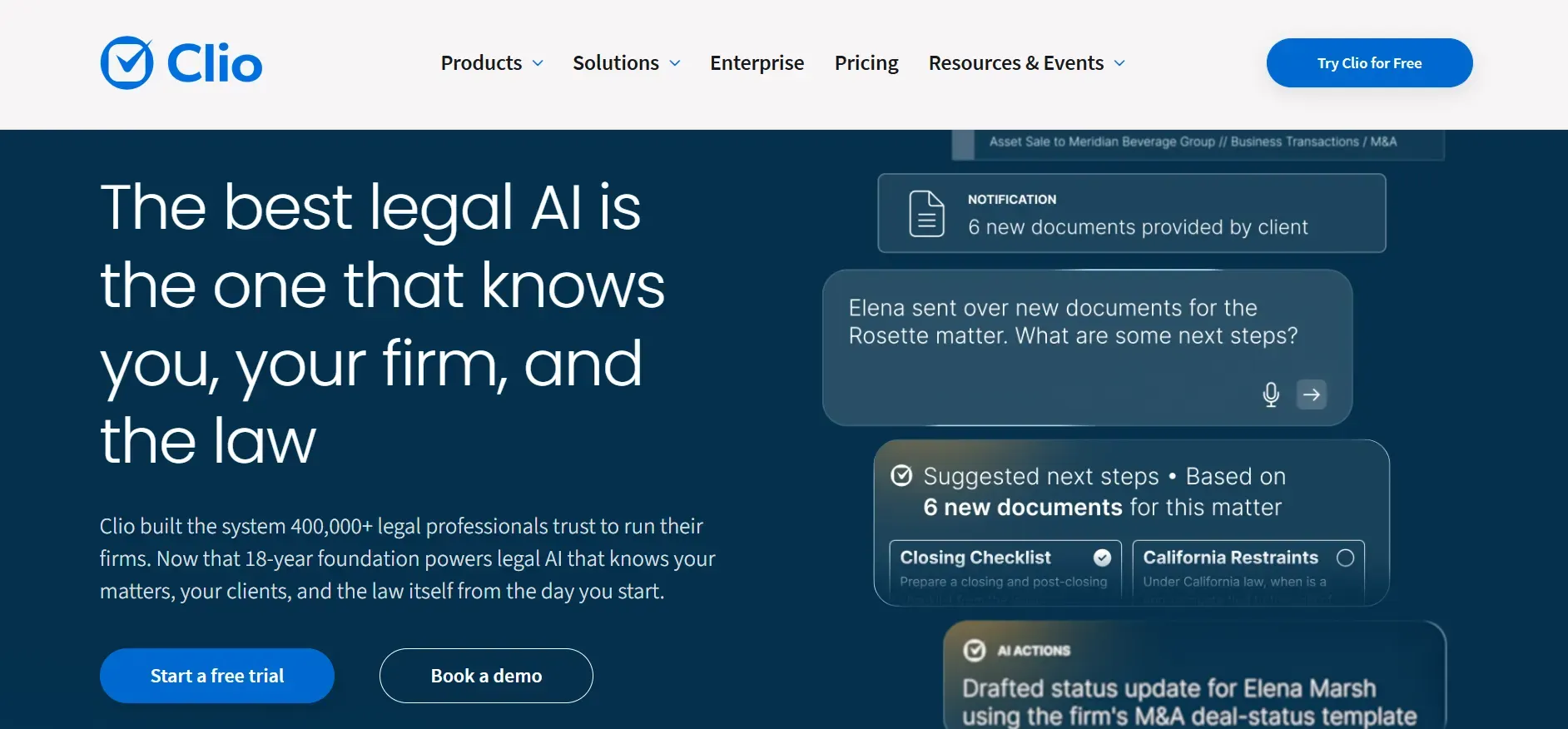
Clio is the dominant SaaS practice management platform for law firms globally, with a user base exceeding 150,000 legal professionals. Clio Manage, their flagship product, covers case management, billing, calendaring, task automation, and document storage. Clio Grow, their CRM and intake module, is available as an add-on. Clio’s app ecosystem is among the largest, with integrations for e-signature (DocuSign, HelloSign), accounting (QuickBooks, Xero), document automation (Lawyaw), and hundreds more.
Migration from ProLaw to Clio is straightforward for basic client, matter, and billing data, but complex custom fields or document histories may require manual mapping. Clio offers migration support but expects firms to handle data validation. For firms with custom workflows in ProLaw, Clio’s automation is limited to what is available in the marketplace, and advanced automations (like multi-step triggers or custom dashboards) may need third-party tools such as Zapier or Clio’s API.
Pricing: Starts at $39/user/month for the Essentials tier, with Advanced and Complete tiers offering more features at $69 and $99/user/month respectively. Clio Grow is a separate cost. See Clio pricing.
- Key limitations:
- Per-user pricing increases costs for larger teams
- Advanced features require higher tiers or add-ons
- Data export is limited to CSVs and documents, not full database
- Strengths:
- Modern, intuitive interface with mobile apps
- Large integration marketplace (250+ apps)
- Strong billing, trust accounting, and compliance tools
With a custom Devaims build, you pay once and have every feature you need, not just those in your tier.
2. MyCase (Simple all-in-one for small firms)
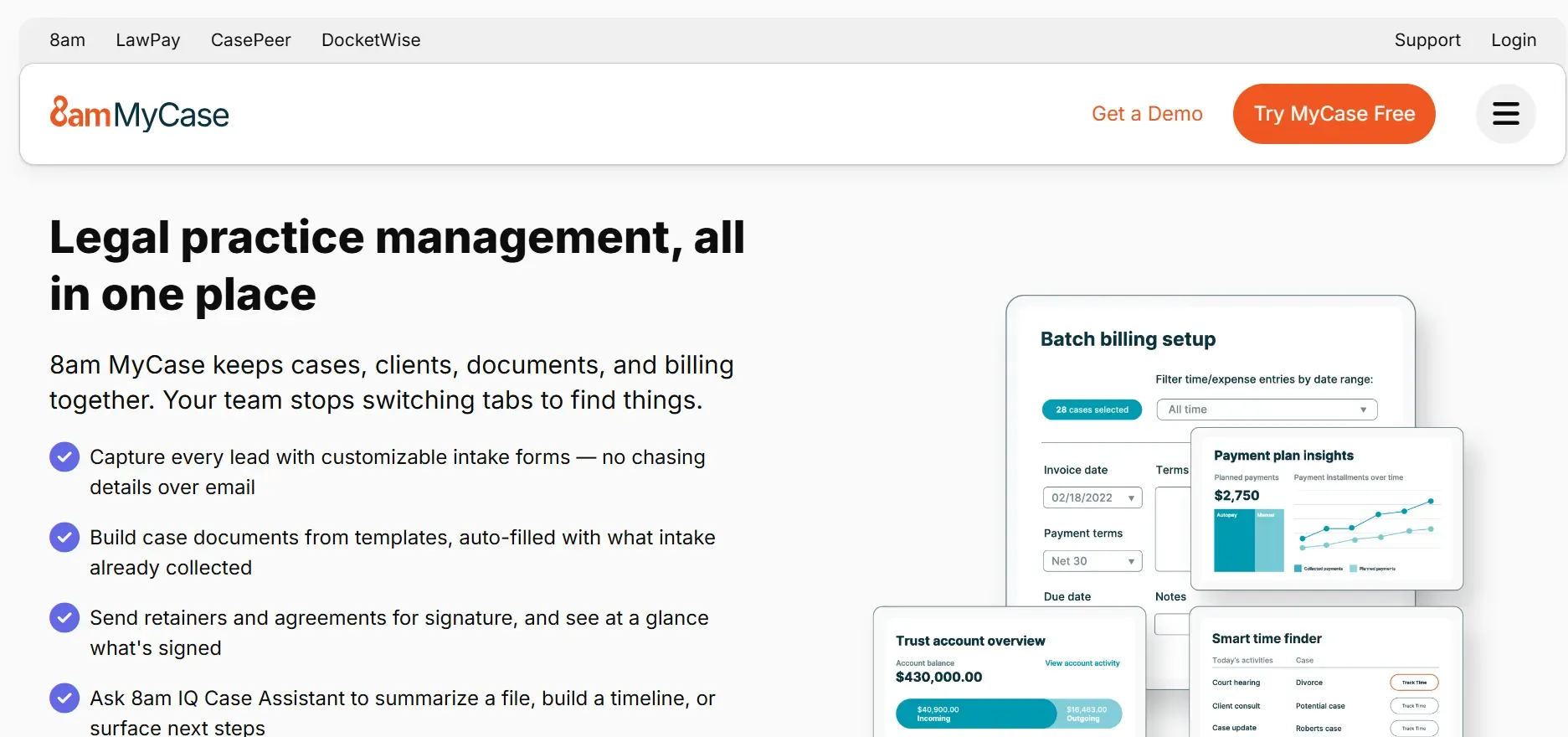
MyCase is designed for solo practitioners and small law firms that want a straightforward, all-in-one platform. Its core feature set includes case management, billing, calendaring, document management, and a secure client portal for two-way communication. MyCase has a reputation for being easy to set up and use, with minimal onboarding time.
Migration from ProLaw to MyCase is relatively simple for standard data types, but firms with complex custom fields or document structures may need to reformat data or rebuild templates. MyCase offers migration support, but does not provide a full-service data concierge. Integrations are available for payment processing (LawPay), email (Outlook, Gmail), and accounting (QuickBooks), but the marketplace is smaller than Clio’s. Deep automation or custom reporting is limited, and advanced users may find the system too simplistic.
Pricing: $49/user/month, billed annually for best rates. See MyCase pricing.
- Key limitations:
- Fewer integrations and less customization than some competitors
- Basic reporting, no custom report builder
- Client portal is not deeply branded or integrated
- Strengths:
- Easy to set up and use
- All-in-one dashboard for matters, billing, and communications
- Secure client portal and integrated e-signature
With Devaims, you get a client portal tailored to your exact workflow, not a one-size-fits-all dashboard.
3. PracticePanther (Growing teams who need automation)
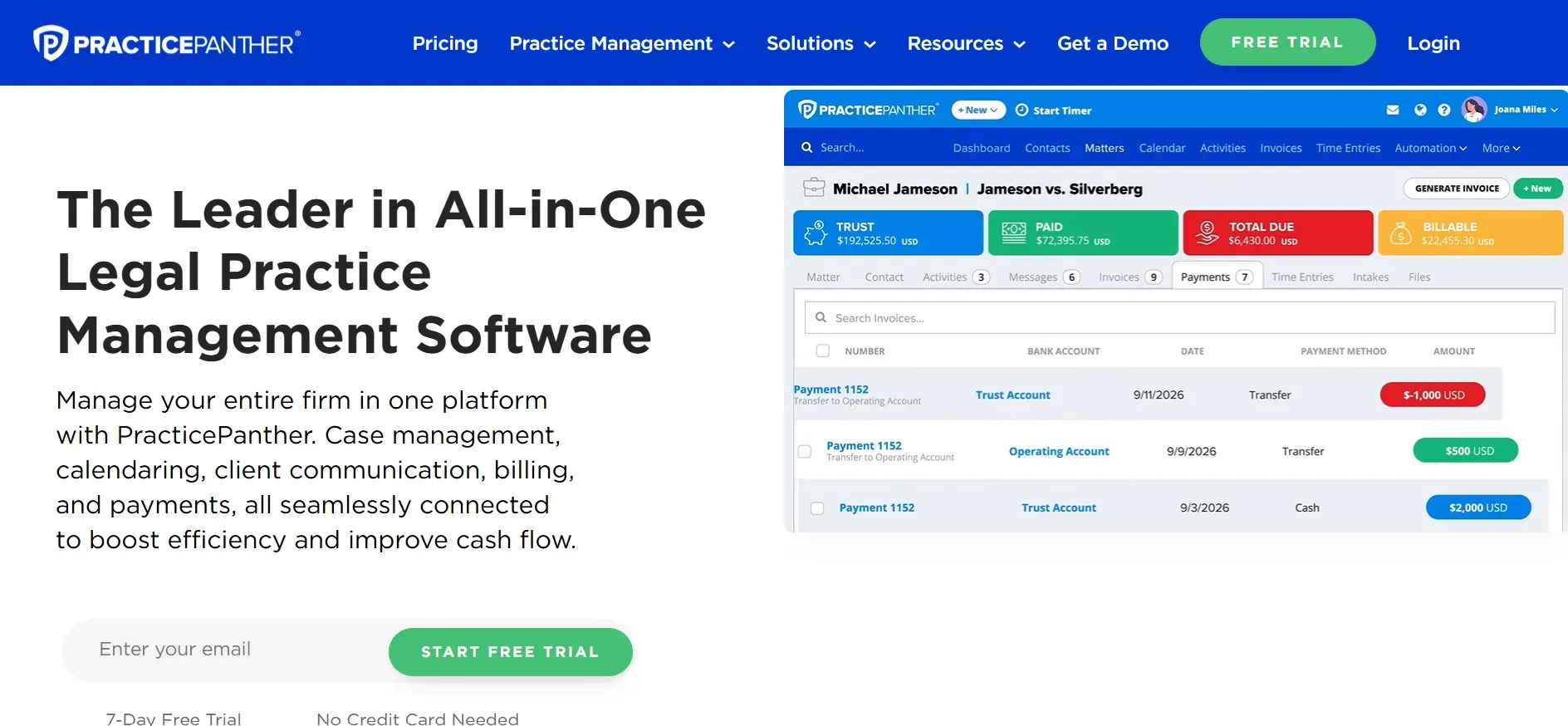
PracticePanther targets growing law firms that want to automate repetitive tasks and streamline workflows. Its platform includes case management, billing, calendaring, document automation, and a client portal. PracticePanther stands out for its workflow automation builder, which allows you to chain together tasks, reminders, and status changes based on triggers such as new matter intake or completed deadlines.
Data migration from ProLaw is supported for standard records, but custom fields, workflow automations, and historical notes may need to be recreated. PracticePanther’s integration marketplace includes Zapier, Box, Dropbox, QuickBooks, LawPay, and more, but advanced integrations (like custom triggers or API-based automations) often require technical help. The reporting module is functional but basic, with limited customization options. Advanced analytics or custom dashboards require exporting data to external tools.
Pricing: Starts at $59/user/month for the Business plan, with higher tiers unlocking advanced automation and reporting. See PracticePanther pricing.
- Key limitations:
- Advanced automation only on higher-priced plans
- Custom reporting is limited
- Some integrations require middleware like Zapier
- Strengths:
- Workflow automation builder with templates
- Time tracking, invoicing, and trust accounting
- Client portal and mobile apps
Reporting limitations disappear when you own the platform, Devaims builds the analytics you need.
4. Lawmatics (CRM and intake automation)
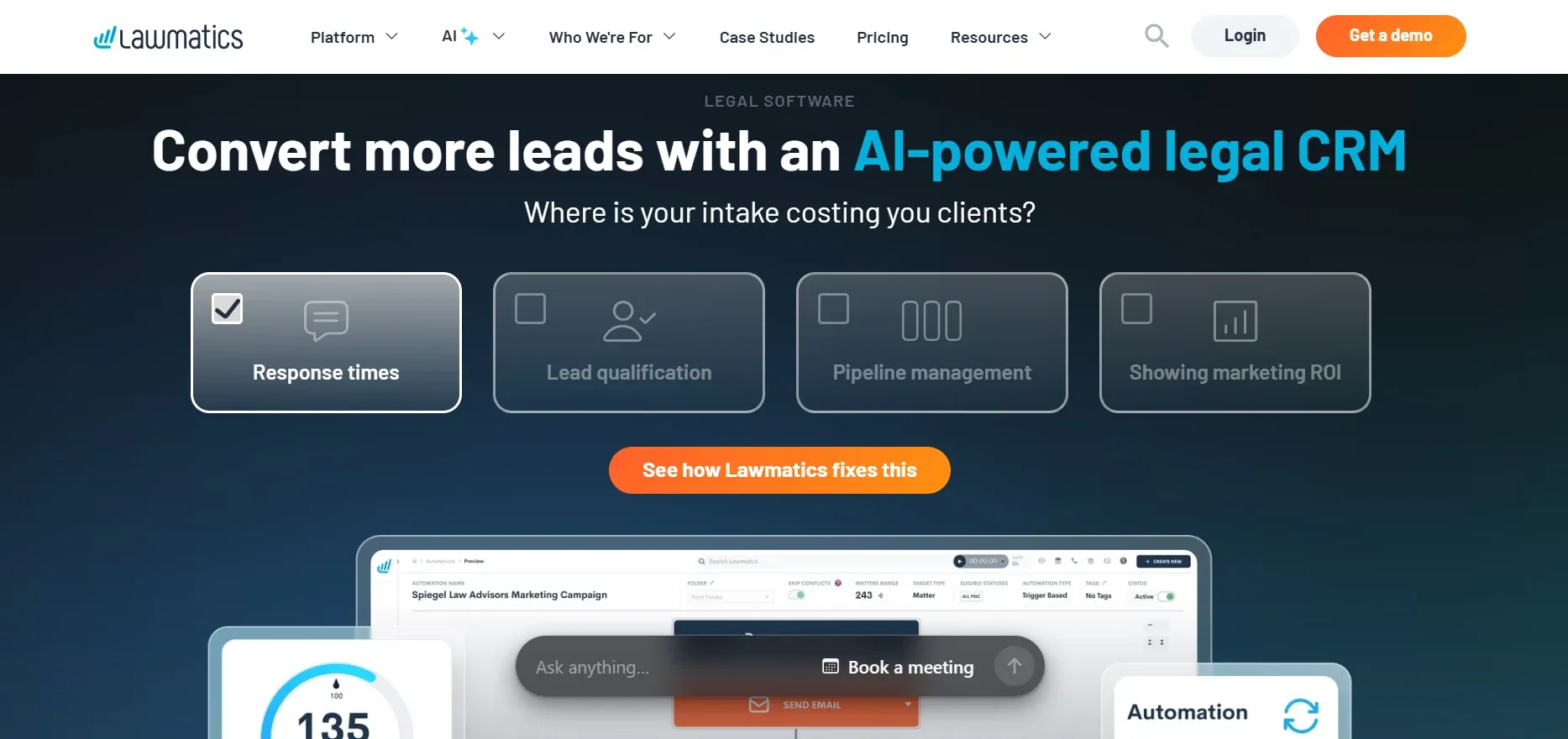
Lawmatics is unique among ProLaw alternatives as it focuses primarily on client intake, CRM, and marketing automation. It is not a full case management solution, but is often used in tandem with platforms like Clio or PracticePanther to automate lead capture, nurture, and conversion.
Lawmatics offers robust web form builders, intake workflow automation, drip email campaigns, and client satisfaction surveys. Its CRM tracks every prospective client from first touch to signed agreement. Integration with major practice management tools is available through native connectors and Zapier, enabling firms to sync new clients and matters automatically. Migration consists mostly of importing contact and matter data; however, deep integration with your existing practice management platform is key for a seamless workflow.
Pricing: Starts at $99/user/month, with additional costs for advanced automation and marketing modules. See Lawmatics pricing.
- Key limitations:
- Expensive if you only need basic intake
- Does not replace full case management
- Automation builder can have a learning curve
- Strengths:
- Customizable intake forms and workflows
- Powerful marketing automation
- CRM with analytics and pipeline management
5. CosmoLex (Built-in accounting and billing)
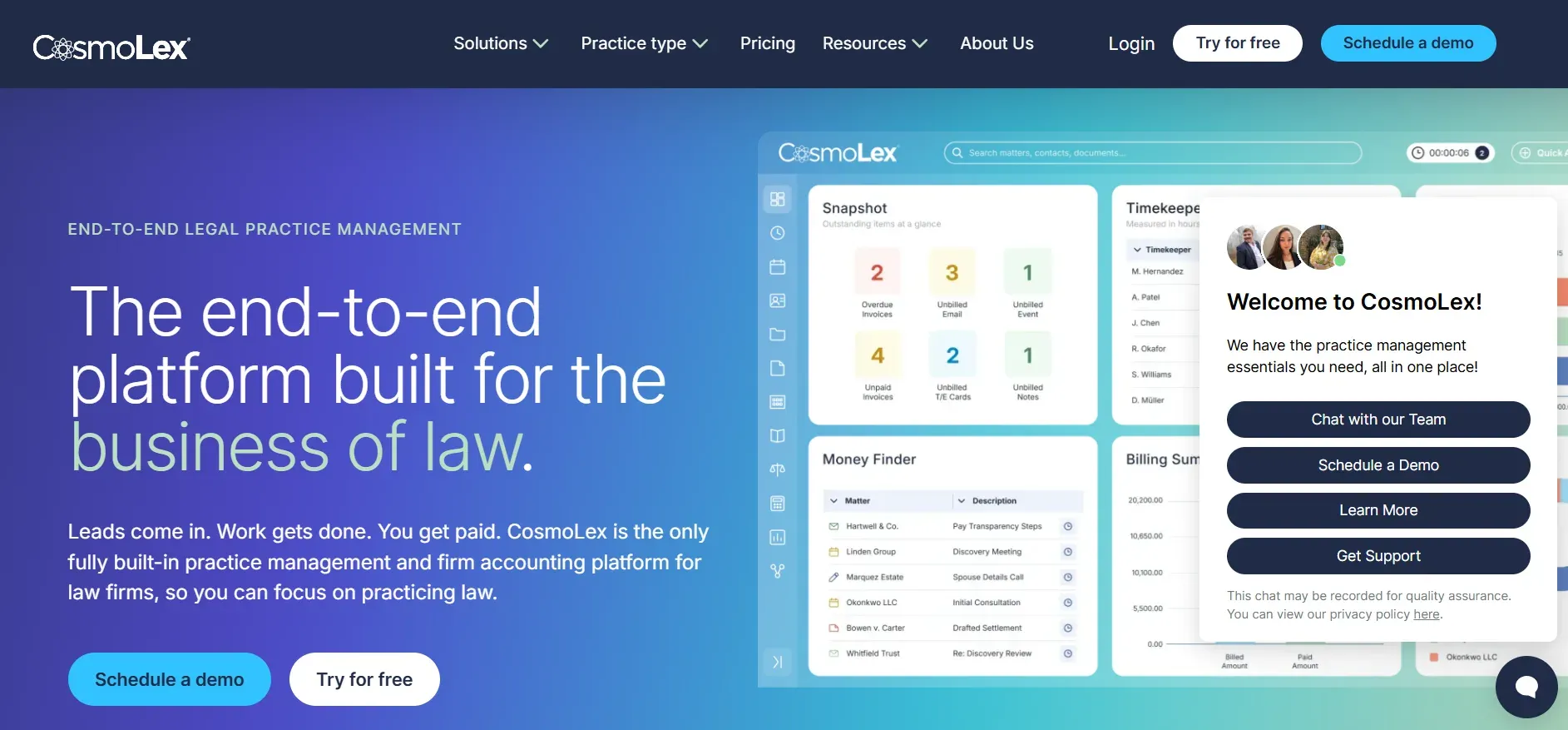
CosmoLex is an all-in-one law practice management platform with a special focus on integrated accounting and billing. Unlike many SaaS competitors, CosmoLex includes full legal accounting (including general ledger, trust accounting, and reconciliation) without needing to integrate with QuickBooks or Xero. This makes it popular among firms that want to centralize financial operations and reduce risk of compliance errors.
Migration from ProLaw to CosmoLex involves importing client, matter, and billing data, but accounting histories may require careful mapping or manual entry. CosmoLex offers onboarding assistance, but complex accounting setups may need extra attention. The platform integrates with LawPay, Office 365, and a few other tools, but its integration marketplace is smaller than Clio or PracticePanther. Document automation is present but less advanced than Smokeball or Filevine.
Pricing: $89/user/month, all features included. See CosmoLex pricing.
- Key limitations:
- Less customizable than some competitors
- Reporting can feel rigid
- Limited integration ecosystem
- Strengths:
- Fully integrated legal accounting and billing
- Trust account management with compliance safeguards
- Case and document management
On a Devaims build, accounting and billing features are tailored to your jurisdiction, not just the default US flows.
6. Rocket Matter (Reliable cloud-based case management)
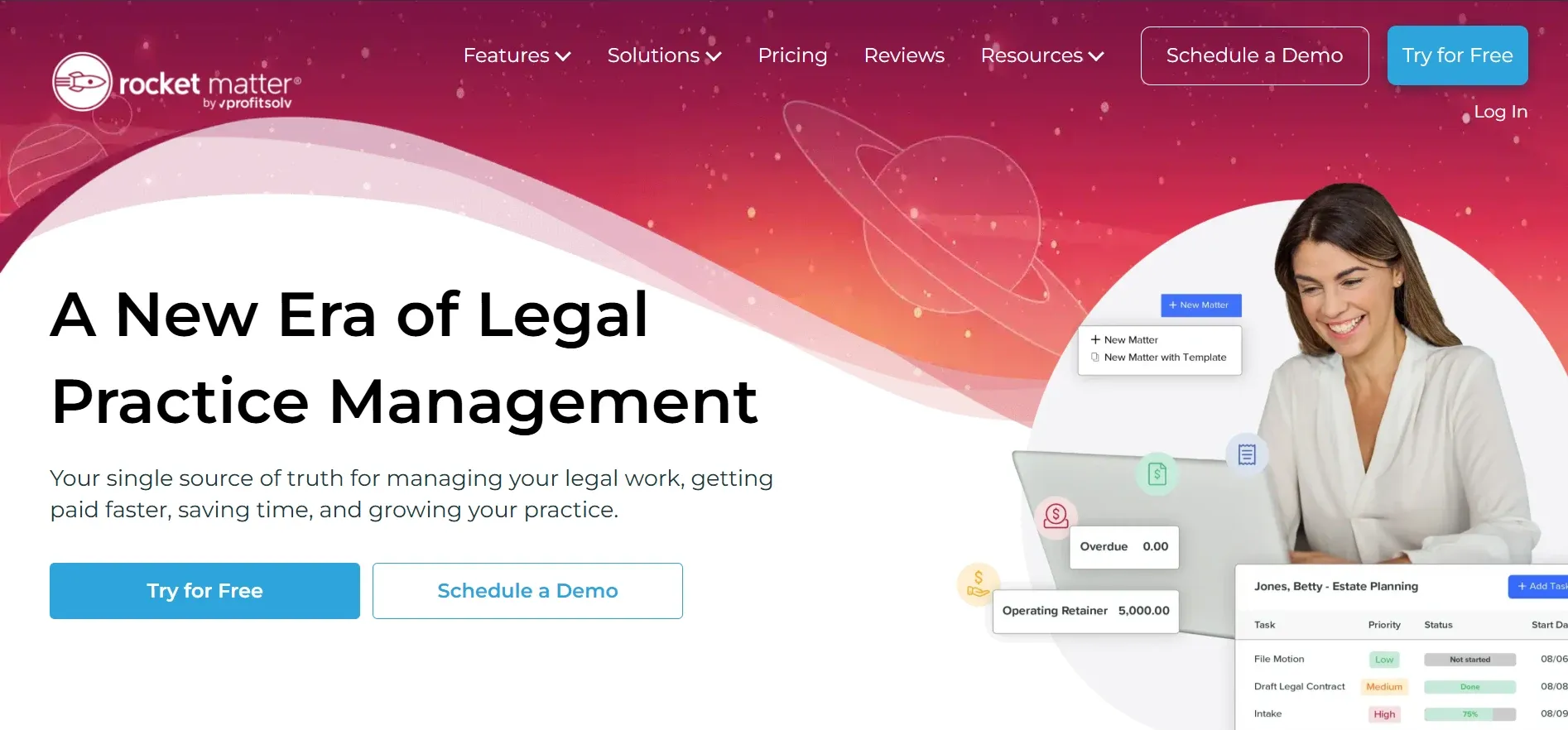
Rocket Matter has been a pioneer in cloud-based legal practice management since 2008. It is known for its reliability, uptime, and strong customer service. Rocket Matter covers case management, time tracking, document storage, billing, and payments. The platform includes a “Bill-As-You-Work” timer that automatically creates time entries from emails, calls, and document edits.
Migration from ProLaw to Rocket Matter covers standard data types, with support for importing contacts, matters, and billing records. More complex data or custom fields may require manual mapping. Rocket Matter integrates with LawPay, QuickBooks, Dropbox, Box, and Office 365, but has fewer integrations than Clio. Custom workflow automation is limited, and the interface, while functional, is less modern than newer SaaS competitors.
Pricing: Starts at $39/user/month, with higher tiers adding advanced features. See Rocket Matter pricing.
- Key limitations:
- Limited customization options
- Smaller integration marketplace
- Interface is less modern than some competitors
- Strengths:
- Reliable cloud-based access and uptime
- Time tracking and billing automation
- Secure document management
7. Smokeball (Document automation powerhouse)
Smokeball is designed for firms that generate and manage large volumes of legal documents. It offers a massive library of jurisdiction-specific templates, deep Word integration, and document automation tools that let you assemble complex forms from case data. Smokeball’s activity intelligence tracks every minute spent on documents, emails, and calls, making time tracking almost automatic.
Migration from ProLaw to Smokeball involves importing matters, contacts, and documents, but custom templates and workflows must be rebuilt in Smokeball’s template engine. Smokeball is Windows-centric, relying on a desktop client, though it offers a cloud portal for clients and some remote access features. Integrations include Microsoft 365, InfoTrack, LawPay, and QuickBooks. Reporting is strong for document-related metrics, but less customizable for firm-wide analytics.
Pricing: Starts at $99/user/month, with advanced features and larger template libraries on higher tiers. See Smokeball pricing.
- Key limitations:
- Higher cost than most competitors
- Desktop-based, not fully browser-based
- Advanced features only on premium plans
- Strengths:
- Extensive document automation and template library
- Automatic time tracking
- Jurisdiction-specific forms
With Devaims, your document templates match your firm's language and processes, not the defaults.
8. AbacusLaw (Customizable legacy system)

AbacusLaw is a long-standing case management platform offering both on-premise and hosted deployments. It is one of the few alternatives that allows for deep customization of workflows, forms, and document templates. AbacusLaw supports advanced calendaring, conflict checks, rules-based triggers, and custom field creation. Its legal-specific modules cover areas like litigation, family law, and real estate.
Migrating from ProLaw to AbacusLaw can be easier for firms with complex data, as AbacusLaw offers robust import tools and professional services for data mapping. However, its legacy interface can be a hurdle for new users. AbacusLaw integrates with Microsoft Office, LawPay, and some accounting systems, but its API and cloud capabilities lag behind modern SaaS platforms. On-premise deployments offer control, but require IT resources for updates, backups, and security.
Pricing: Starts at $69/user/month, with add-ons for advanced modules and support. See AbacusLaw pricing.
- Key limitations:
- Dated interface and user experience
- Recurring costs for upgrades and support
- Limited cloud and API capabilities
- Strengths:
- Highly customizable workflows and forms
- On-premise or private cloud deployment
- Industry-specific modules
9. Filevine (Best for complex litigation and matter management)
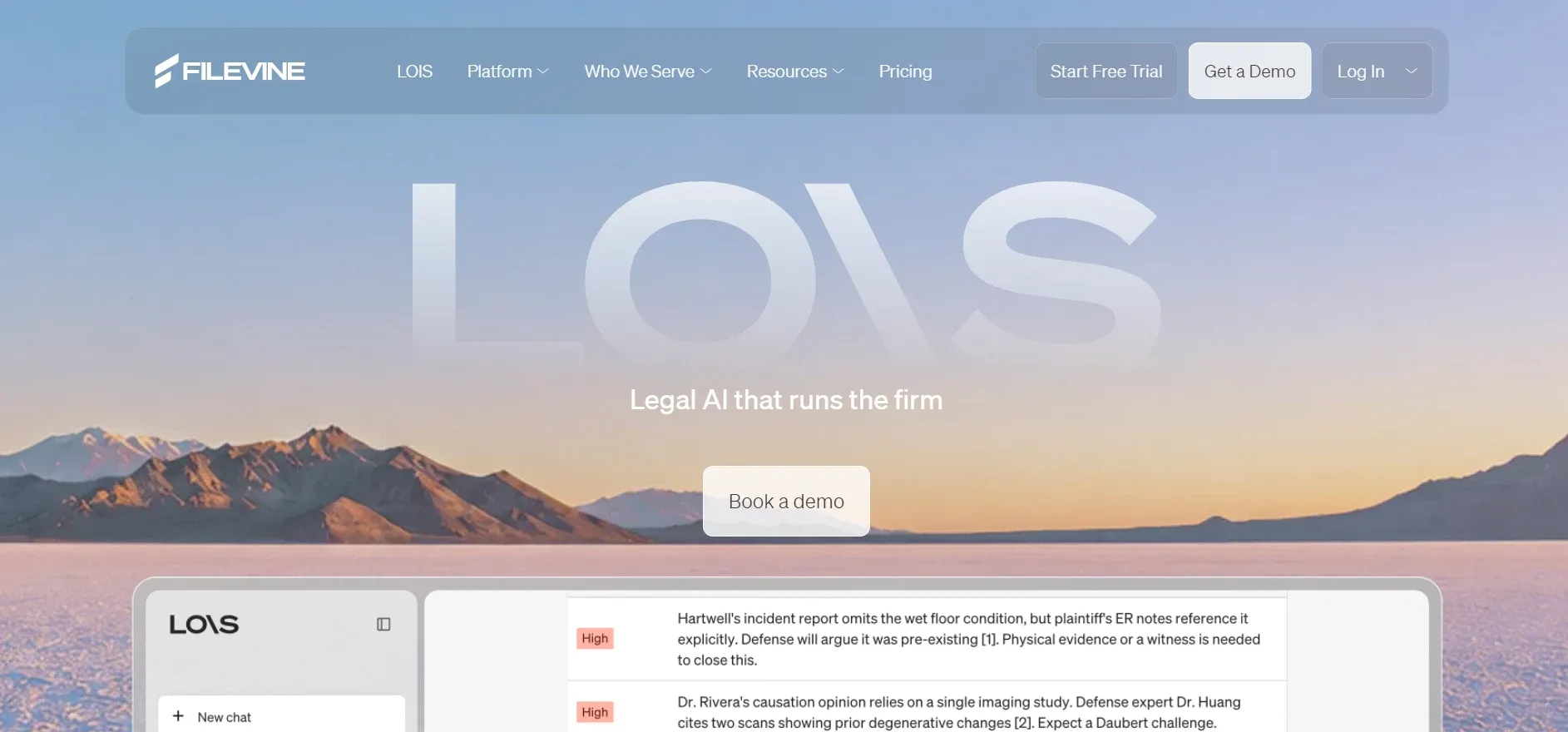
Filevine is purpose-built for firms handling complex litigation, mass torts, or high-volume casework. Its platform is highly customizable, allowing firms to create custom fields, workflows, and automated reminders. Filevine boasts robust document management with version control, granular permissions, and deep search capabilities. Its reporting engine enables firms to build custom dashboards for KPIs, deadlines, and matter status.
Migration from ProLaw to Filevine is supported by Filevine’s onboarding team, but the process can be complex, especially for firms with years of custom fields and document histories. Filevine integrates with DocuSign, QuickBooks, Office 365, and more, but some integrations require Filevine’s professional services or API development. Advanced features, such as Vinesign (e-signature), Periscope (analytics), and Outlaw (contract automation), are available as add-ons.
Pricing: Starts at $80/user/month, with add-ons for advanced modules. See Filevine pricing.
- Key limitations:
- Steep learning curve for complex features
- Premium pricing and add-ons
- Migration can be time-consuming for legacy data
- Strengths:
- Highly customizable matter and workflow management
- Advanced document management and analytics
- Powerful reporting and dashboard tools
10. Devaims (The platform you own outright)
Devaims is the only ProLaw (Thomson Reuters) alternative that lets your firm own the source code and the platform itself. Every Devaims build is custom, designed for your workflows, integrations, and reporting needs. You pay a one-time build fee, plus predictable flat-rate maintenance. No seat licenses, no annual price hikes, no forced upgrades. You control your data, stack, and platform evolution.
Migration from ProLaw to Devaims is part of the project: all your client, matter, billing, and document data is mapped and imported, and your legacy workflows are rebuilt in the new system. Integrations are built to order, whether you need to connect to legacy accounting, court e-filing, e-signature, or custom client portals. Reporting and analytics are tailored to your KPIs, and future enhancements are yours to request or build. All code and data are delivered to you, with full documentation for future-proofing.
- One-time build, then flat maintenance
- Custom features, integrations, and reporting
- Full data ownership and portability
- No per-user or per-matter fees
- Built to match your firm's way of working
- Source code ownership and roadmap control
With Devaims, you own your platform and never pay per-user fees again.
Other ProLaw (Thomson Reuters) alternatives worth knowing
- LexisNexis PCLaw: Strong legal accounting and billing, but its practice management features are less modern and its interface is dated. PCLaw is best for firms prioritizing trust accounting and compliance over workflow automation.
- Needles: Focuses on case management for PI and mass tort, with powerful reporting and workflow tools. However, it has a legacy feel and migration can be challenging, especially for firms moving from hybrid or on-premise setups.
- Zola Suite: Full-featured SaaS practice management with integrated email, billing, and accounting. Not as widely adopted as Clio or MyCase, but praised for its unified interface and deep feature set.
- Actionstep: Workflow-centric and highly customizable, especially for midsize and larger firms. Offers modules for litigation, conveyancing, and more. Per-user pricing and setup complexity can be a challenge for smaller firms.
How to choose the right ProLaw (Thomson Reuters) alternative
- By budget: SaaS platforms are attractive for lower upfront costs, but per-user fees multiply quickly with larger teams and time. Custom builds cost more initially but can pay off in 2 to 4 years for most midsize firms. Consider the five-year total cost, not just the first invoice.
- By features: List your must-have features, document automation, custom reporting, integrations, or client portals. Many SaaS tools lock advanced features behind higher tiers or as paid add-ons. If your firm needs something unique, a custom build may be the only path.
- By firm size: Solo and small firms often thrive with MyCase or Rocket Matter. Larger or growing firms hit per-seat cost ceilings quickly, and SaaS tools may lack the flexibility they need. Custom builds scale without per-user fees.
- By vertical: Complex litigation or PI firms may prefer Filevine or Needles for their deep workflow tools. General practice firms often choose Clio or PracticePanther for balance. Firms with heavy compliance requirements may prefer CosmoLex or PCLaw for integrated accounting.
- By ownership: If you want to stop paying rent, Devaims is the only path to building what you own, with source code and data under your control.
When you add up five years of rent, a custom build often pays for itself and then some. For a deeper dive on legal tech ROI, see the ABA's guide to legal tech cost-benefit analysis.
Stop paying rent on software you could own
The truth is, every ProLaw (Thomson Reuters) alternative above still rents you a tool that is never truly yours. The lock-in, the per-seat fees, the forced upgrades, none of that goes away when you switch SaaS vendors. Only by building your own platform can you break the rent cycle for good. With most SaaS vendors, you are subject to their roadmap, their price increases, their data portability terms, and their support policies. Even "export" features rarely offer a full, usable database export that can be easily imported into another system.
Devaims builds custom web, mobile, and business software for law firms, delivering you the source code and full ownership. You define the features, integrations, and reporting your team needs. We deliver a platform tailored to your practice, and you keep it, code and all. This means you can add new users, offices, or practice areas without paying more; you can integrate with new tools or adapt to regulatory changes on your schedule; and you have true control over your technology stack.
- No more per-user fees: Add attorneys, paralegals, and staff as you grow. Your cost stays flat, so large or growing firms see the biggest savings.
- No forced upgrades: Your platform evolves when you want, not when a vendor schedules it. You can choose when, and if, to implement new features, integrations, or UI changes.
- Data is truly yours: Full exports, no "request a backup" games, and every workflow is built around your firm’s needs. You can migrate to another system at any time, or extend your platform as your business grows.
| Tool | Ownership | Contract? | Per-user fees? |
|---|---|---|---|
| ProLaw (Thomson Reuters) | No | Yes | Yes |
| Clio | No | Yes | Yes |
| MyCase | No | Yes | Yes |
| Devaims | Yes (you own the code) | No | No |
Here is how the 5-year math breaks down for a 15-lawyer firm that would pay $80/user/month all-in for SaaS (after add-ons), compared to a Devaims build at $32,000 plus $200/month for flat maintenance:
| Year | Rented (SaaS) | Owned (Devaims) |
|---|---|---|
| Year 1 | $14,400 | $34,400 |
| Year 2 | $28,800 | $36,800 |
| Year 3 | $43,200 | $39,200 |
| Year 4 | $57,600 | $41,600 |
| Year 5 | $72,000 | $44,000 (now ahead) |
For firms with stable workflows and 8 or more staff, owning pays off in three to four years, and after that, every new hire is free from per-seat fees. If you want to see what a platform built for you would look like, we will run the numbers for your firm, no strings attached. For a more detailed breakdown, see LawSites' cost analysis.
How to switch from ProLaw (Thomson Reuters)
- Export all client, matter, document, and billing data from ProLaw. This may require assistance from your current vendor or IT team, and you should verify the completeness and structure of the exported data.
- Choose your new platform and confirm migration support. Ask for references and case studies to ensure your chosen vendor has handled similar migrations.
- Map and import your data into the new system, cleaning up records as needed. Pay special attention to custom fields, document links, and historical billing data.
- Reconnect payment processors, calendar syncs, and key integrations. Test each integration fully before going live.
- Train your team on the new workflows and features. Consider "champion" users to help answer questions and smooth adoption.
- Run both systems in parallel for at least two weeks to catch gaps. Use this time to verify data integrity, workflow accuracy, and staff comfort.
- Review your ProLaw contract for final offboarding steps. Ensure you have met all requirements for data retention, destruction, or final payments.
With a custom Devaims build, the migration is handled as part of the project. You receive a tailored migration plan, with data mapping, validation, and staff training included.
Frequently asked questions
What is the best ProLaw (Thomson Reuters) alternative for most law firms?
Clio is the most popular SaaS replacement for ProLaw, offering a broad feature set, strong integrations, and a large support community. However, its per-user cost can be high for larger teams, and some features are restricted to higher tiers. For law firms ready to own their platform, Devaims is the only alternative that lets you keep the code, control your data, and stop paying rent. The best choice depends on your firm’s size, feature needs, and appetite for customization and ownership.
Which ProLaw (Thomson Reuters) alternative is the cheapest?
Rocket Matter and Clio have the lowest entry-level pricing, starting around $39/user/month. However, these prices often exclude add-ons and advanced features. Over five years, Devaims can be cheaper for firms with 8 or more users, especially if you plan to build something you own. Be sure to calculate your five-year total cost (including add-ons, support, and upgrades) for an accurate comparison.
Are there any free ProLaw (Thomson Reuters) alternatives?
There are open-source legal tools like Casebox or LegalCase, but these lack the polish, security, and feature depth of paid SaaS or a custom Devaims build. Open-source tools generally require significant IT expertise to implement and maintain, and lack the integrations, compliance, and support necessary for most law firms. Free trials exist for most SaaS platforms, but real alternatives for production use will have costs.
Which alternative is best for document automation?
Smokeball is strongest for document automation out of the box, with a vast template library and deep Word integration. Filevine and AbacusLaw also offer strong document management and automation, especially for litigation and PI firms. For a platform built around your firm's unique templates, language, and approval processes, Devaims can build exactly what you need, with full Word or PDF automation, e-signature, and custom workflows.
What is the fastest to implement?
MyCase and Rocket Matter are typically the fastest to set up, with most firms able to onboard in a week. Clio is also quick, provided your data migration is straightforward. Devaims takes longer upfront, typically 3 to 6 months for requirements, build, migration, and training, but you get a system built for your exact needs. Fast SaaS onboarding is best for simple, standard workflows; complex firms may benefit from investing time in a custom build.
When should a law firm switch from ProLaw (Thomson Reuters)?
If you are tired of annual price hikes, limited integrations, vendor lock-in, or want to own your system, it is time to explore ProLaw (Thomson Reuters) alternatives. The best time to switch is at contract renewal, when you can avoid penalties and maximize your ROI. Start planning several months in advance to allow for data migration, training, and parallel testing.
Can I keep my historical data when switching?
Yes, most alternatives support data import from ProLaw exports, but some cleanup and mapping is usually needed. You may lose some metadata or custom fields if your new platform does not support them. A Devaims build includes custom data migration as part of the project, ensuring your full history, including documents, notes, and billing records, makes the move cleanly.
The bottom line
Clio, MyCase, PracticePanther, and others all offer relief from ProLaw's legacy headaches, but they keep you renting. Devaims is the only alternative that puts your firm in control, for good. The decision comes down to your firm’s appetite for ownership, flexibility, and long-term cost control.
Here is the decision test: Add up your five-year total cost for every option. If renting costs as much or more than building your own, you already know the answer. When you own your software, every new attorney is profit, not another seat fee. For more on legal tech strategy, see LawNext’s perspective on software ownership.
Want more insights? Visit the Devaims blog or check these alternatives: Clio alternatives, MyCase alternatives, PracticePanther alternatives.