

Your EHR bill keeps climbing, even as you see the same number of patients. MDVista promises all-in-one optometry features, but every month you pay again, and the platform still decides what you can and can't do with your own records. If you're here, you've probably hit a wall: a price hike, a report locked behind a higher tier, or the realization that after years of payments, you own nothing.
We've worked with dozens of practices switching from platforms like MDVista. The honest truth? The big SaaS names, RevolutionEHR, Crystal PM, Compulink, MaximEyes, and even the ones bundled with your buying group, offer similar core features but with the same core frustration: you rent it all. If you want out of the cycle, a custom Devaims build means you own your software and your future. Here are the top MDVista alternatives for 2026, what sets each apart, and why ownership is finally on the table.
Why optometry practices look for MDVista alternatives
Surprise price hikes: Subscription fees rarely stay flat. Practices see bills rise each year, often tied to patient volume or new "premium" features. These increases are often justified by vendors as necessary for "ongoing development" or compliance, but the reality is that practices are forced to absorb costs they can't control. Many optometrists find that the entry-level price is only a starting point, and the actual expenditure grows year after year.
Locked-in contracts: Most EHR vendors require annual agreements, with penalties for early exit and little leverage to negotiate. This restricts flexibility, especially if your practice needs to pivot, add locations, or change vendors. In some cases, clinics have reported auto-renewal clauses that make it difficult to leave without significant notice or penalty fees.
Add-on fatigue: Core modules like imaging, e-prescribing, or claims often cost extra, even if you’ve already paid for the base system. Over time, what initially seemed like a comprehensive package becomes a patchwork of paid modules. For example, a practice may start with basic EHR, but soon finds itself adding patient portals, telehealth, or advanced reporting at additional, often non-negotiable, prices.
Data portability worries: Exporting your records or switching vendors can be expensive or technically painful, leaving your historical data in limbo. Many platforms export data in proprietary formats, or charge high fees for assistance. Practices switching from MDVista often discover that imaging files, schedule histories, and even billing records do not come out cleanly, requiring weeks of validation and sometimes lost data.
Limited customization: Every SaaS option serves thousands of clinics, so you’re stuck with the same workflows as everyone else, even if your staff or specialties differ. Custom fields, unique chart templates, or specific reporting logic are often impossible or require expensive "custom development" from the vendor. This lack of flexibility is a top frustration for practices with unique workflows, specialty services, or a desire to differentiate their patient experience.
For many, these pain points drive the search for MDVista alternatives, as practices seek more control, predictability, and alignment with their needs.
Quick comparison of the best MDVista alternatives
| Tool | Best for | Starting price | You own it? |
|---|---|---|---|
| RevolutionEHR | Cloud-first, multi-location | Reported $399+/mo | No |
| Crystal PM | Customization, billing | Reported $199+/mo | No |
| Compulink | Enterprise optometry | Quote only | No |
| MaximEyes | Imaging integration | Reported $299+/mo | No |
| Eyefinity | VSP integration | Quote only | No |
| OfficeMate (Eyefinity) | Legacy clinics | Quote only | No |
| Modernizing Medicine (Eyes) | Tablet workflows | Quote only | No |
| Practice Fusion | Budget clinics | Reported $149+/mo | No |
| Nextech | Ophthalmology groups | Quote only | No |
| Devaims | Ownership, custom fit | One-time build | One-time build, you own it |
Always confirm current pricing before you decide. Many vendors adjust rates or bundle features at renewal. Be sure to ask about annual increases, add-on costs, and any hidden fees tied to integrations or data export.
The 10 best MDVista alternatives
1. RevolutionEHR (Cloud-first, multi-location)
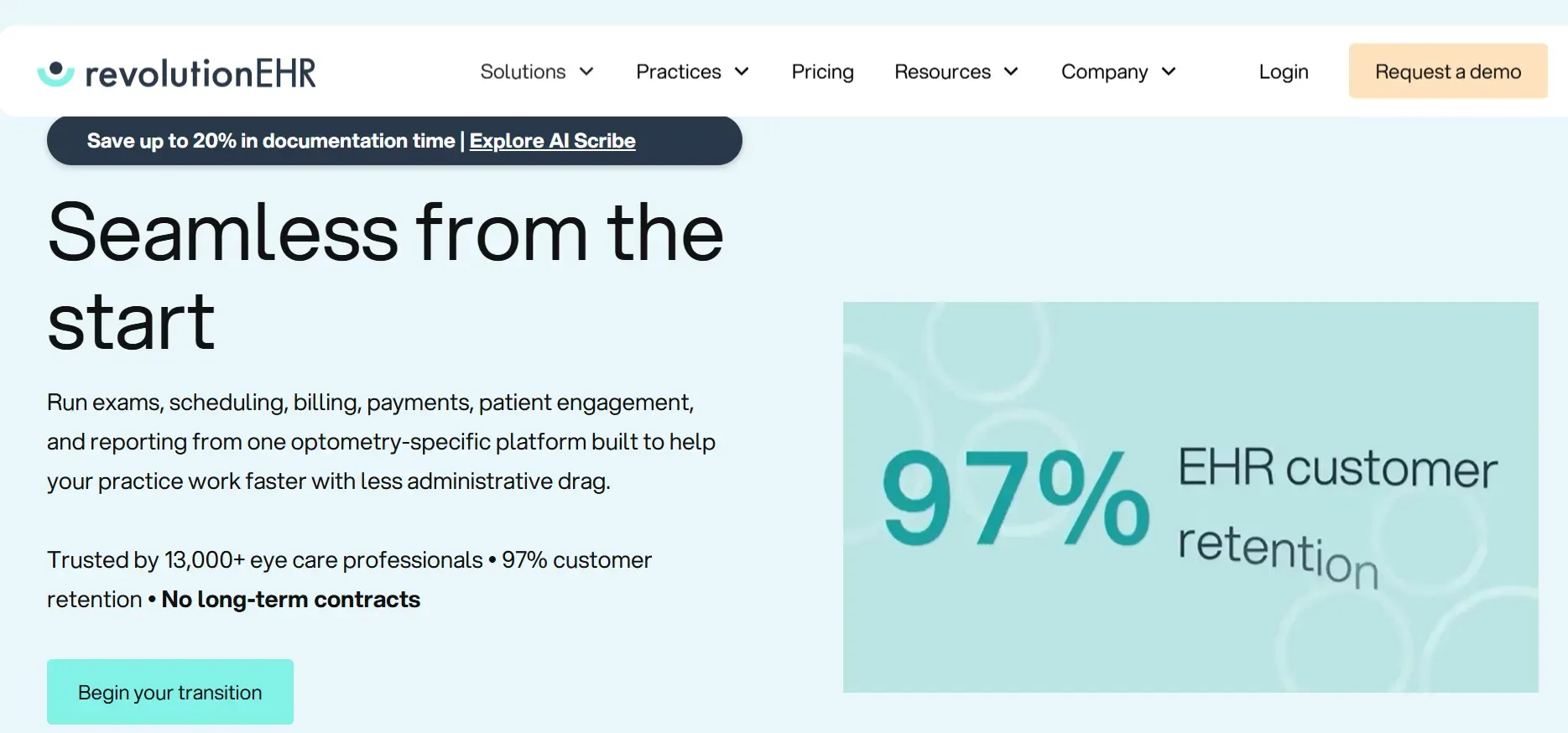
RevolutionEHR is a leader in cloud-based EHR for optometry, designed for practices with one location or many. It offers a full suite: scheduling, charting, e-prescribing, billing, inventory, and a patient portal. Its cloud-first approach means easy access from anywhere, rapid updates, and minimal local IT overhead. RevolutionEHR's integrations with major labs (like Essilor and Zeiss), vision plans (VSP, EyeMed), and imaging devices make it appealing for practices with diverse equipment and insurance relationships. The company has a strong marketplace of third-party add-ons, such as patient recall systems, telehealth, and analytics tools.
Features: RevolutionEHR emphasizes workflow automation, such as auto-generated recall reminders, insurance eligibility checks, and streamlined order tracking. The reporting suite is robust, with customizable dashboards and export options for financial, clinical, and compliance data. Multi-location management is a standout: practices can centralize scheduling, inventory, and billing across several sites, with granular user permissions.
Integrations: Besides lab and imaging partners, RevolutionEHR syncs with frames and lens ordering platforms, clearinghouses, and even some HR/payroll systems. However, some integrations require extra fees or premium tiers. API access is available but limited, making deep custom integrations challenging without vendor involvement.
Migration friction: Migration from MDVista involves exporting patient, schedule, and billing data (often in CSV or XML), which RevolutionEHR’s onboarding team will help import. However, imaging files and historical notes may require manual validation or incur extra costs. Training is provided, but larger groups report a multi-week ramp-up and a learning curve for staff used to different workflows.
Concrete use cases: RevolutionEHR is ideal for practices with multiple providers and locations wanting unified scheduling, inventory, and reporting. It's a good fit for those who want cloud access, built-in compliance tools, and are willing to pay for add-ons as needed.
Pricing: Reported $399+/month per provider, plus add-ons.
-
Key limitations:
- Per-provider pricing increases costs for larger teams
- Some advanced features require premium tiers or add-ons
- Custom integrations are limited without vendor involvement
-
Strengths:
- Strong multi-location and workflow automation features
- Wide range of integrations with labs and devices
- Robust reporting and compliance tools
On a system you own, like Devaims, that per-provider fee disappears for good, and integrations can be tailored to your exact stack and contracts.
2. Crystal PM (Customization, billing)
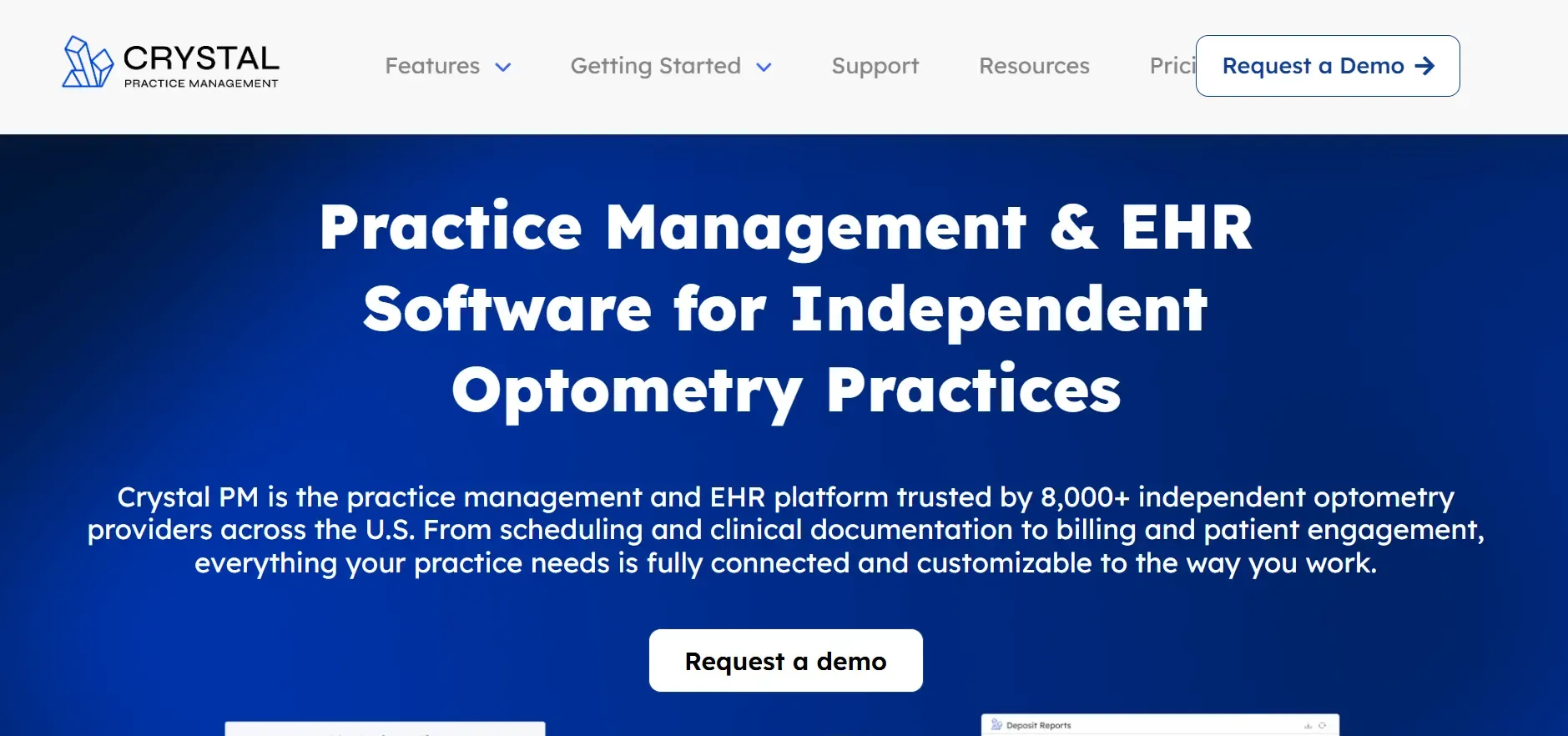
Crystal PM stands out for its deep customization and strong billing tools. It is most popular among clinics that want to tailor exam forms, charting templates, and workflows. Unlike many EHRs, Crystal PM offers a desktop-based interface (with optional cloud hosting for an extra fee), which appeals to those wanting more control over data storage or needing offline capability. Its claims management and insurance billing features are robust, with direct clearinghouse connections, automated eligibility checks, and batch claim submission.
Features: The platform allows optometrists to design custom charting templates, add their own fields, and create unique workflows for specialty services (like vision therapy or specialty contact lenses). Crystal PM also supports optical inventory, document storage, e-prescribing, and recall reminders. It has built-in tools to handle complex insurance scenarios, secondary billing, and patient statements. The patient portal is basic but functional.
Integrations: Crystal PM integrates with major clearinghouses (Office Ally, Availity), imaging devices (Topcon, Zeiss, Reichert), and some patient communication tools. API access is limited, so custom integrations often require technical support or scripting. Cloud-hosted options are available but add to the cost.
Migration friction: Data import from MDVista or other EHRs is possible, but requires careful mapping of custom fields and templates. Some practices report that importing imaging or scanned documents requires manual work. Staff training is essential, especially if you plan to use advanced customization features.
Concrete use cases: Crystal PM is a fit for practices wanting custom charting (e.g., pediatric optometry, vision therapy), in-house billing, and more direct control over data. It’s also popular with clinics that want to maintain on-premise data or need offline access due to unreliable internet.
Pricing: Reported $199+/month per provider, plus optional cloud hosting.
-
Key limitations:
- Interface is dated and can be overwhelming for new staff
- Cloud access and some integrations cost extra
- Advanced customizations require technical effort
-
Strengths:
- Deep customization of charting and workflows
- Strong billing and insurance management tools
- On-premise or cloud options for data control
With a custom system from Devaims, all workflows and templates are built to your specs, with no ongoing per-user fees or technical barriers.
3. Compulink (Enterprise optometry)
Compulink is an enterprise-grade EHR and practice management suite built for large optometry and ophthalmology groups. It offers comprehensive scheduling, charting, billing, inventory management, imaging integration, and advanced analytics. Compulink’s platform is highly modular, so large practices can mix and match features across multiple specialties, including optical retail, surgery, and therapy services.
Features: The platform includes detailed clinical documentation, automated compliance checks (MIPS/MACRA), inventory and order management, and a robust reporting engine. It supports document management, e-prescribing, telehealth, and a patient portal. Compulink’s analytics tools allow for deep dives into financial, clinical, and operational metrics, with customizable dashboards for different user roles.
Integrations: Compulink has broad integrations with diagnostic devices (OCTs, fundus cameras, perimeters), labs, and clearinghouses. It supports HL7 and DICOM standards, making it easier to connect with hospital systems or imaging archives. API and custom integration services are available, but at additional cost.
Migration friction: Data migration is a complex, often multi-stage process, especially for practices with extensive imaging archives or multiple locations. Compulink provides dedicated migration teams, but full migration (including device data and legacy notes) can take months and requires close project management. Staff training is intensive due to the system’s breadth.
Concrete use cases: Compulink excels for large, multi-site practices needing enterprise-level reporting, multi-specialty support, and deep device integration. It’s used by academic centers, hospital-affiliated clinics, and high-volume retail-optical groups.
Pricing: Quote only; typically higher for enterprise features.
-
Key limitations:
- High upfront and ongoing costs
- Steep learning curve for staff
- Custom features or integrations can be expensive
-
Strengths:
- Enterprise-grade reporting and analytics
- Deep device and specialty integration
- Modular platform for multi-specialty practices
Owning your own software with Devaims allows for enterprise-grade features without ongoing per-seat costs or forced upgrades.
4. MaximEyes (Imaging integration)
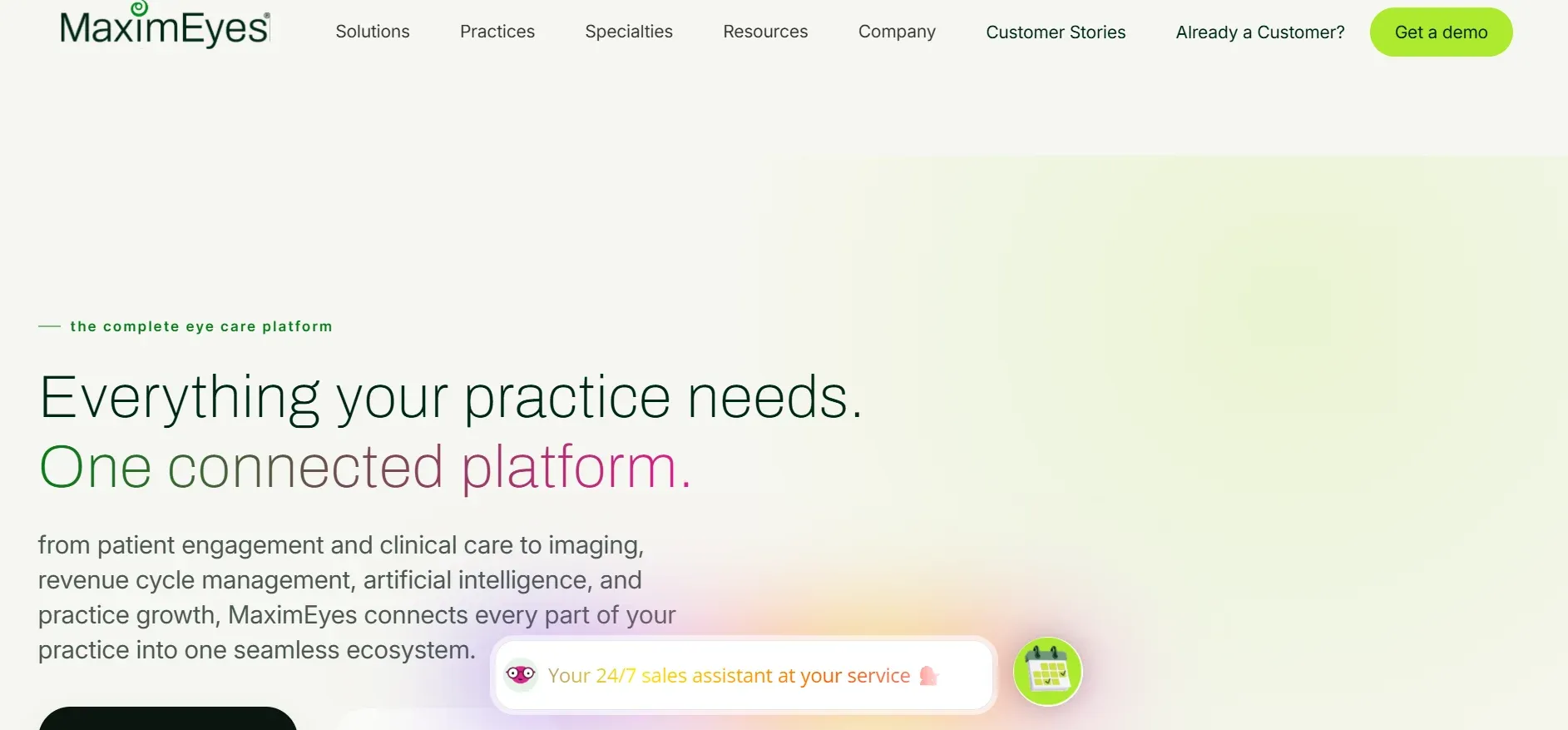
MaximEyes is known for its deep integration with diagnostic imaging equipment and flexible charting. Designed for optometry and ophthalmology practices that rely heavily on imaging, MaximEyes supports direct data transfer from a wide range of devices, reducing manual entry and minimizing errors. The platform is cloud-based, but also offers on-premise options for clinics with specific IT requirements.
Features: MaximEyes covers scheduling, charting, e-prescribing, billing, optical inventory, and a patient portal. Its imaging workflow is a highlight: users can view, annotate, and attach diagnostic images directly to patient charts. The system offers customizable exam templates and supports specialty workflows like dry eye, glaucoma, and contact lens management. Reporting tools are comprehensive and can be tailored to clinical, financial, and operational KPIs.
Integrations: MaximEyes connects with a wide array of imaging devices (Optovue, Zeiss, Canon, Topcon, Nidek, and more) and supports HL7/DICOM standards. It also integrates with clearinghouses, vision plan portals, and lab order systems. Some integrations, especially with less common devices, may require additional licensing or setup fees.
Migration friction: Data migration from MDVista or other EHRs includes patient records, schedules, and billing. Imaging data migration is more complex and may require vendor coordination, especially to maintain image labeling and linkage to patient charts. Practices should plan for a phased rollout and hands-on training for imaging workflows.
Concrete use cases: MaximEyes is ideal for practices with a heavy emphasis on diagnostics and imaging, such as those offering advanced glaucoma care, retina clinics, or practices that want to go fully paperless. It is also suited for clinics that frequently upgrade or swap imaging equipment and need seamless integration.
Pricing: Reported $299+/month per provider, plus imaging modules.
-
Key limitations:
- Imaging integration may require extra fees
- Interface can be complex for new users
- Full device integration may need ongoing support contracts
-
Strengths:
- Deep imaging device integration
- Customizable exam templates and specialty workflows
- Comprehensive reporting tools
With a custom Devaims build, imaging integration is tailored to your devices and workflows from day one, with no ongoing module fees.
5. Eyefinity (VSP integration)
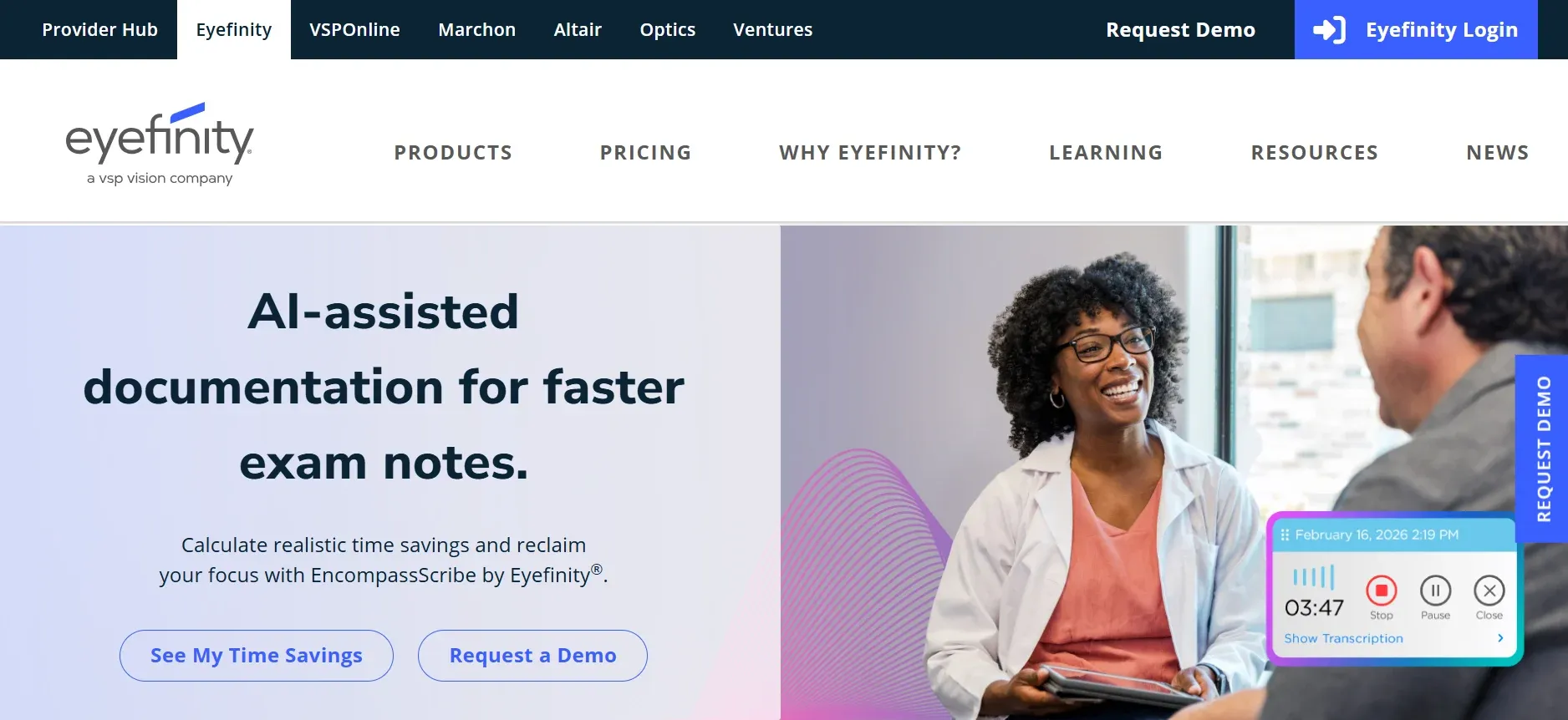
Eyefinity is the EHR offering from VSP, designed for optometrists who prioritize seamless vision plan integration. Eyefinity is cloud-based and often bundled as part of VSP contract deals, making it a go-to for practices with a large VSP patient base.
Features: Eyefinity covers appointment scheduling, charting, billing, e-prescribing, and a patient portal. Its standout capability is real-time VSP eligibility checks, claims submission, and benefits management directly within the EHR. The platform includes basic inventory and order management, and a recall system for patient engagement. Reporting is focused on insurance, production, and compliance metrics.
Integrations: Eyefinity integrates well with VSP’s online tools, some imaging devices, and major clearinghouses. However, integrations with non-VSP insurance or non-standard devices may be limited or require extra setup. The system does not offer open API access, so custom integrations can be challenging.
Migration friction: Practices switching from MDVista can import core patient and billing data, but custom fields, historical imaging, and specialty templates may need manual mapping. Training is streamlined for VSP workflows but less flexible for unique practice needs.
Concrete use cases: Eyefinity is best for practices heavily focused on VSP patients who want one-click eligibility, direct claims, and standardized workflows. It’s also a fit for new clinics looking for a turnkey solution with VSP support.
Pricing: Quote only; often bundled with VSP contracts.
-
Key limitations:
- Customization outside VSP ecosystem is limited
- Annual contracts and tiered pricing apply
- Data export can be complex
-
Strengths:
- Seamless VSP integration and eligibility checks
- Turnkey setup for new practices
- Focused insurance and compliance reporting
With Devaims, payer integrations are built around your actual insurance mix and workflow, not just what the vendor offers.
6. OfficeMate (Legacy clinics)
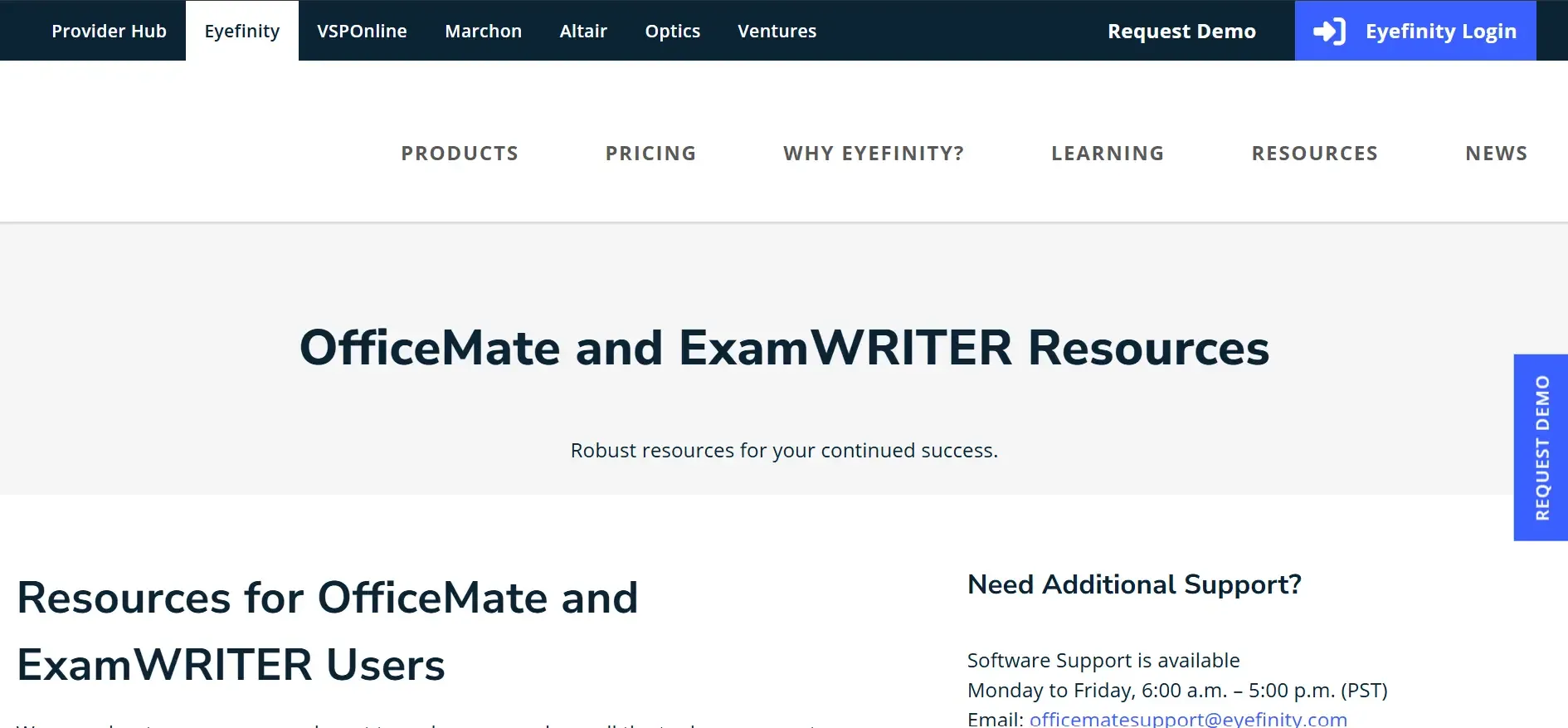
OfficeMate, also from Eyefinity, is one of the oldest EHR/practice management systems in the vision care industry. It’s a desktop-based platform preferred by legacy practices that value on-premise control and a familiar interface. OfficeMate offers scheduling, charting, billing, inventory, and reporting, with a long history of reliability and support.
Features: OfficeMate includes a traditional scheduler, exam documentation, claims management, and optical inventory. Its reporting capabilities are extensive, with decades of refinement. The system supports e-prescribing, document scanning, and recall reminders. Upgrades have added some cloud features, but the core remains desktop-centric.
Integrations: OfficeMate integrates with select imaging devices, clearinghouses, and some lab ordering systems. Cloud features, such as patient portals and remote access, require additional modules and migration steps. API access is limited, restricting custom integrations.
Migration friction: Data migration from MDVista or other cloud EHRs is possible, but importing into OfficeMate’s legacy structure can be complex, especially for custom fields or imaging data. Practices should plan for downtime and staged go-lives. Upgrading from OfficeMate to Eyefinity’s cloud suite is possible but requires a full migration process.
Concrete use cases: OfficeMate is best for clinics with stable workflows, legacy infrastructure, or those not ready for full cloud adoption. It appeals to practices who want to maintain data locally and have long-tenured staff familiar with the interface.
Pricing: Quote only; typically for legacy and on-premise setups.
-
Key limitations:
- Interface is dated and less intuitive for new users
- Cloud features are limited without migration
- Support for newer integrations lags behind cloud-native competitors
-
Strengths:
- Reliable for legacy and on-premise environments
- Extensive reporting and documentation features
- Familiar interface for long-tenured staff
7. Modernizing Medicine (Eyes) (Tablet workflows)
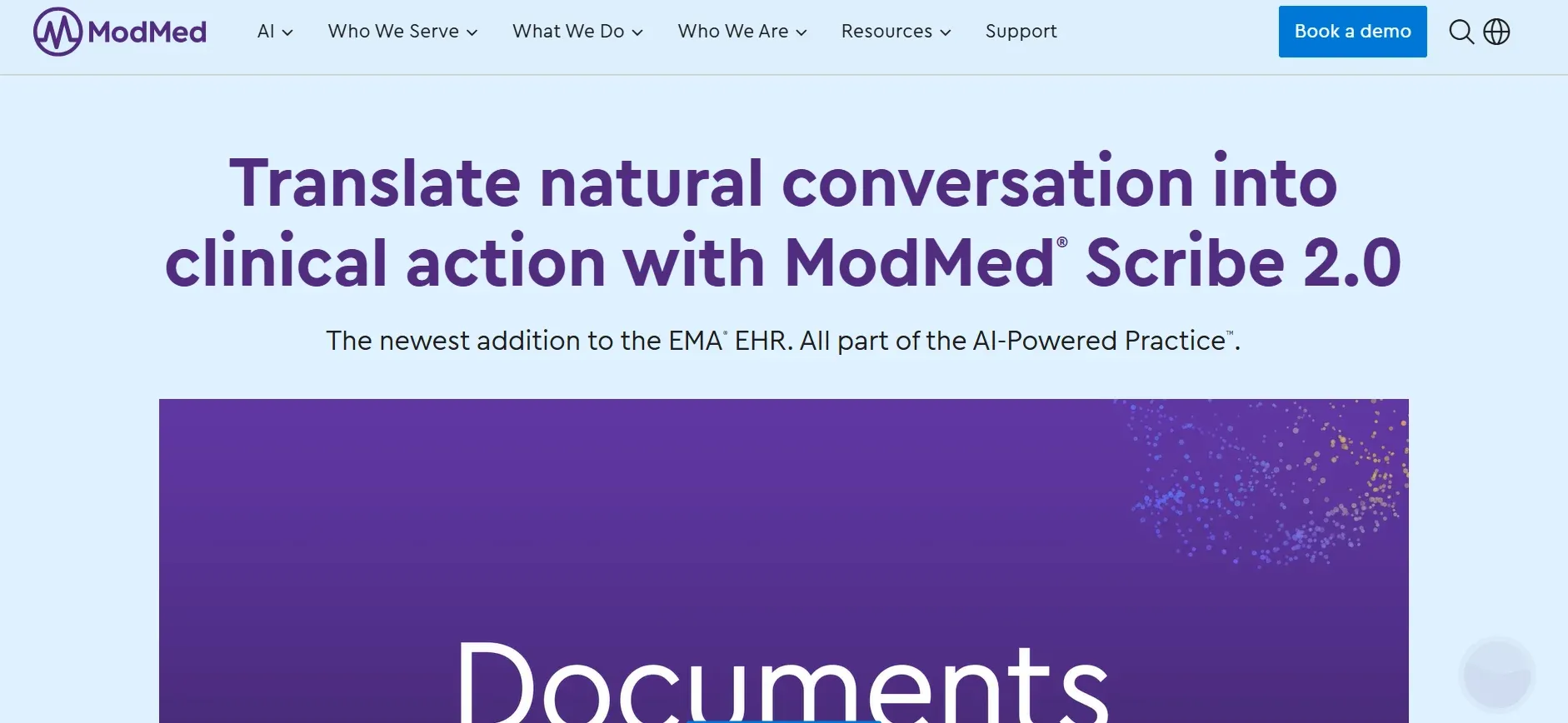
Modernizing Medicine (Eyes) delivers a tablet-first EHR experience, built for optometrists and ophthalmologists seeking paperless, mobile workflows. The system is heavily focused on touch input, allowing providers to document exams, review images, and manage orders directly from iPads or tablets. Modernizing Medicine’s “EMA” platform is known for its specialty-specific logic and adaptive charting.
Features: The platform includes dynamic charting, e-prescribing, billing, telehealth, and inventory management. Its adaptive learning engine suggests codes and documentation based on past encounters, speeding up charting. The patient portal is integrated, supporting online forms, scheduling, and communication. Modernizing Medicine also offers analytics dashboards and compliance tools.
Integrations: The system connects with imaging devices, labs, and clearinghouses, although some integrations require additional setup or are limited to specific hardware. API access exists but is tightly controlled, so deep custom integrations can be difficult. Integration with practice management is included but less customizable than standalone systems.
Migration friction: Migrating from MDVista involves exporting patient and billing data, which Modernizing Medicine’s team can help import. Custom chart templates and imaging data may require manual setup or vendor assistance. Training is essential, as the tablet workflow differs significantly from mouse-and-keyboard systems.
Concrete use cases: Modernizing Medicine is a strong fit for high-volume clinics wanting to speed up charting, reduce paper, and use portable devices in every exam room. It’s also used by practices focused on telehealth or remote care.
Pricing: Quote only; typically higher for specialty features.
-
Key limitations:
- Tablet-centric workflows require device investment
- Custom modules are limited
- Pricing is often higher than average
-
Strengths:
- Tablet-first, adaptive charting for fast documentation
- Integrated telehealth and analytics tools
- Specialty logic for optometry and ophthalmology
8. Practice Fusion (Budget clinics)
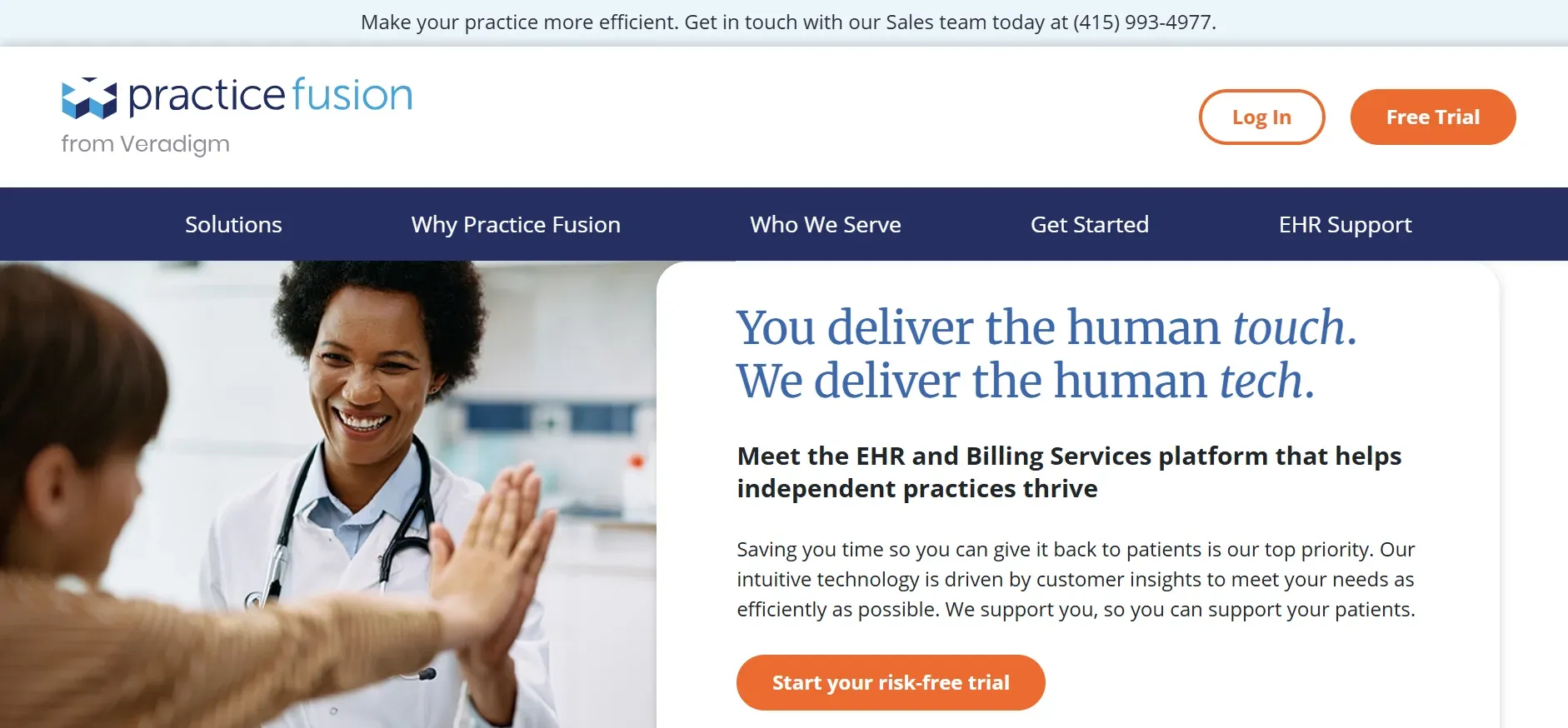
Practice Fusion is a general-purpose, cloud-based EHR that appeals to budget-conscious clinics. While not optometry-specific, it offers basic scheduling, charting, e-prescribing, and billing for a low monthly per-provider fee. Practice Fusion is known for its simple setup, fast onboarding, and minimal IT requirements.
Features: The platform provides appointment scheduling, customizable charting templates (though not tailored for eye care), e-prescribing, and basic billing tools. The patient portal supports secure messaging and online forms. Reporting is basic and focused on compliance and financials. Add-ons are available for telehealth, lab ordering, and some patient engagement features.
Integrations: Practice Fusion integrates with major clearinghouses and some labs, but lacks direct imaging device integration or vision plan support. API access is limited, and optometry-specific integrations are not included out of the box.
Migration friction: Data import from MDVista is limited to core patient demographics, medications, and allergies. Custom fields, imaging, and vision-specific data may not transfer cleanly. Practices must manually recreate templates and workflows if needed.
Concrete use cases: Practice Fusion is suited for startup or solo clinics needing a basic, low-cost EHR. It’s also used by practices that outsource billing or have minimal optical/diagnostic needs.
Pricing: Reported $149+/month per provider.
-
Key limitations:
- Not optometry-specific; lacks vision charting and imaging
- Add-ons for billing or engagement increase costs
- Limited data migration for optometry-specific data
-
Strengths:
- Low monthly cost and fast onboarding
- Simple, cloud-based setup
- Basic compliance and reporting tools
9. Nextech (Ophthalmology groups)
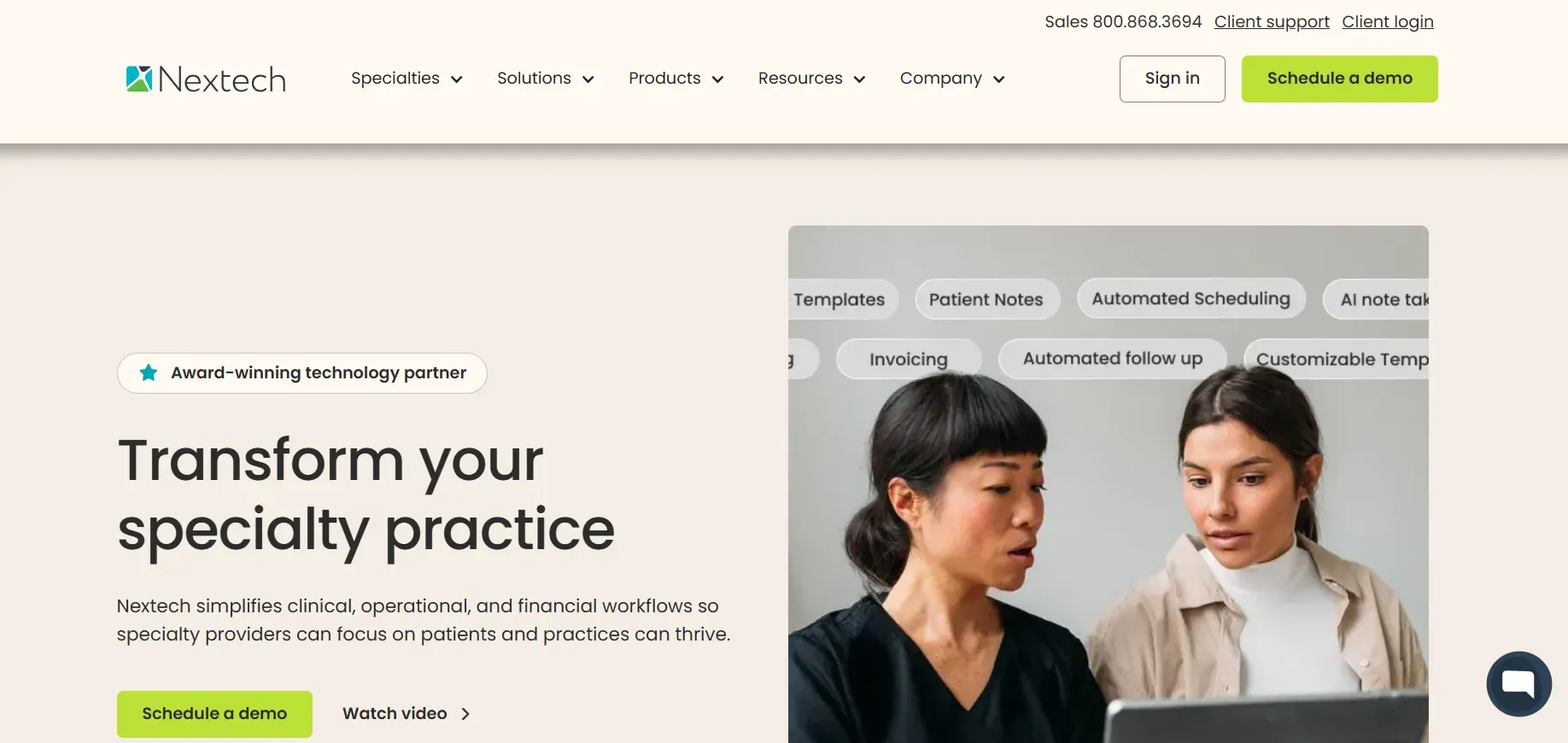
Nextech is a specialty EHR and practice management platform for ophthalmology and larger optometry groups. It is designed for high-volume, multi-specialty clinics and offers advanced analytics, specialty workflows, and deep integration with diagnostic equipment.
Features: Nextech provides comprehensive scheduling, charting, e-prescribing, billing, inventory, and optical retail management. Its specialty workflows support retina, glaucoma, cataract, and refractive surgery, with templates tailored for each. The platform includes advanced analytics, customizable dashboards, and compliance tools. Telehealth and patient engagement features are available as add-ons.
Integrations: Nextech supports HL7/DICOM for imaging and lab integration, as well as clearinghouse and insurance portals. API access is available for custom integrations, but often requires vendor involvement and additional fees. The system can integrate with hospital EMRs for multi-specialty groups.
Migration friction: Data migration from MDVista is project-based, with dedicated onboarding teams. Full migration of specialty templates, imaging, and custom fields can be complex and time-consuming. Practices should plan for a lengthy implementation and staged rollout.
Concrete use cases: Nextech is ideal for ophthalmology groups, surgery centers, and multi-location practices needing deep specialty support, advanced analytics, and robust device integration.
Pricing: Quote only; typically for large, specialty groups.
-
Key limitations:
- High cost and long onboarding
- Customization comes at a price
- Data migration is a significant project
-
Strengths:
- Deep specialty and device integration
- Advanced analytics and reporting
- Robust multi-location and specialty support
10. Devaims (Ownership, custom fit)
Devaims is the only option on this list that delivers a custom-built EHR you own outright. Instead of renting a platform, you get source code, your own data, and workflows tailored to your exact team and specialty. No per-seat fees, no feature gates, no contract lock-in. From imaging integrations to custom reporting, every function is built around your practice’s real needs.
Features: Every workflow, report, and integration is custom-built: from specialty charting (pediatrics, low vision, therapy), to unique billing logic, to direct device integrations. You choose your infrastructure (cloud, on-premise, or hybrid), branding, and user roles. Devaims enables full control over your data, with export tools, analytics, and reporting designed for your KPIs.
Integrations: Any device, lab, payer, or third-party system can be integrated as part of the build. HL7, DICOM, FHIR, and custom APIs are all supported, so you can connect with your exact equipment and partners. Imaging, telehealth, patient engagement, and billing integrations are all included or can be added as needed.
Migration friction: Devaims handles the entire migration: exporting from MDVista (or any EHR), mapping and importing all patient, billing, schedule, and imaging data, and validating every record. Custom migration scripts ensure even legacy data or specialty fields come across. Training is tailored to your team, and you control the go-live process.
Concrete use cases: Devaims is the answer for practices that want to own their system, multi-location groups, specialty clinics, or those with unique workflows. It's also ideal for practices frustrated by recurring fees, feature gates, or lack of vendor flexibility.
- Full ownership of your EHR and dataUnlimited users and locations with no extra feesCustom workflows, reporting, and integrations for your needs
- Full ownership of your EHR and data
- Unlimited users and locations with no extra fees
- Custom workflows, reporting, and integrations for your needs
Other MDVista alternatives worth knowing
- Kareo (now Tebra): More general medical than optometry-focused, but some practices use it for billing and patient management. Limited imaging and vision plan integration, but affordable for general medical workflows.
- Net Health Optometry: Focuses on larger vision groups, with strong documentation but less flexibility for solo clinics. Good for corporate-owned or multi-site networks.
- Practice Mate: More of a billing/practice management add-on, not a full EHR, but sometimes paired with other systems for small clinics.
- Eye Care Leaders: Offers several EHR and PM solutions under one umbrella, but has seen consolidation and support changes in recent years. Best for those with legacy contracts.
How to choose the right MDVista alternative
- Budget: Know your true costs, including add-ons and per-provider fees. The "cheap" option can end up expensive at scale. Ask for a five-year total cost projection and factor in onboarding, migration, and support.
- Customization: If you need workflows or reports unique to your practice, rented SaaS tools can’t match a custom build. Consider how much you are willing to compromise on workflow or pay for custom modules.
- Practice size: Some platforms are built for solo providers, others for multi-location groups. Choose one that fits your growth plans. Switching later can be costly and disruptive.
- Specialty needs: Optometry-specific features (imaging, vision plan billing) often require premium tiers or add-ons. Make a list of must-have device integrations and specialty modules before choosing.
- Ownership goals: If you want to stop renting and start owning, only a custom build like Devaims actually delivers. Consider your long-term vision: do you want to control your data, branding, and features without vendor restrictions?
When your team’s workflows or reporting needs are truly unique, owning the platform is the only way to get exactly what you want, without compromise or recurring surprises.
Stop paying rent on software you could own
The hidden cost with MDVista and every alternative above: you never own your system, your data, or your stack. Every provider, every extra location, every new feature, another fee, another contract, another round of support tickets. That cycle is built to keep you renting. It’s the same model whether you choose RevolutionEHR, MaximEyes, or any other SaaS platform. The only way to break out? Build your own, and keep it.
Devaims develops custom EHR and practice management platforms for optometry clinics of all sizes. You get the complete source code, your data in your format, and control over every integration and feature. Imagine a system where your reports, chart templates, and imaging integrations are built for your actual workflows, not the lowest common denominator. No per-seat or per-location fees. Just a one-time build, then flat maintenance, with ongoing support if you want it.
- No more per-provider or per-location fees: Add as many users as you want, your cost stays flat, regardless of growth or staff turnover.
- No feature gatekeeping: Every capability is yours from day one; reports and automations are customized for your needs, not restricted by vendor-defined tiers.
- Your data, your way: Migrate, export, or analyze without waiting for vendor approval. Full database and API access means no more ransom for your own records.
- No contract lock-in: You own everything. Walk away at any time, with your system in hand, and the ability to self-host, modify, or even resell if desired.
| Tool | Ownership | Per-seat fees | Contract required |
|---|---|---|---|
| MDVista | No | Yes | Yes |
| RevolutionEHR | No | Yes | Yes |
| Compulink | No | Yes | Yes |
| Devaims (custom owned) | Yes, you own it | No | No |
What does it really cost?
| Year | Rented EHR (cumulative) | Owned (Devaims, cumulative) |
|---|---|---|
| 1 | $18,000 | $27,000 |
| 2 | $36,000 | $28,800 |
| 3 | $54,000 | $30,600 |
| 4 | $72,000 | $32,400 |
| 5 | $90,000 | $34,200 (now ahead) |
For a typical optometry practice with 3 to 4 providers, rented EHR software at $1,500/month (including add-ons) totals $90,000 over five years. A custom Devaims build might run $27,000 upfront plus $150/month for ongoing maintenance. You break even by year 3.5, and from there, you keep saving every year. This math does not include the added value of unlimited users, custom features, or the ability to adapt the system as your practice evolves.
Owning is a smart play for practices with more than two providers, specialty workflows, or a long-term growth plan. If you want to see what ownership looks like for your exact needs, we’ll run the math with real numbers, including your current contract, add-ons, and projected growth.
How to switch from MDVista
- Export all patient and billing data from MDVista (get full records, not just summaries). Request data in the most open format possible (CSV, XML, or SQL), and ensure you receive imaging, schedule, and billing history.
- Choose your new EHR or platform (evaluate for data import options). Confirm the new system can import your specific data types and formats, and ask if they offer migration support.
- Import historical data and validate for accuracy. Map custom fields, check for missing records, and validate imaging links. Plan time for staff to review and correct any discrepancies.
- Reconnect payment processors and insurance integrations. Ensure clearinghouses, e-prescribing, and insurance portals are reconnected and tested before go-live.
- Train staff on new workflows and charting. Use vendor-provided training and supplement with custom guides for your unique workflows. Run test scenarios to ensure readiness.
- Test new system in parallel for at least two weeks. Run both systems side by side for a period to catch issues before fully switching over.
- Review your MDVista contract for any exit fees or data retention clauses. Be aware of timelines and obligations to avoid penalties or loss of access.
With a custom Devaims build, the migration is handled as part of the project, with white-glove support to minimize downtime and data loss.
Frequently asked questions
What is the best MDVista alternative for multi-location practices?
RevolutionEHR and Compulink are solid for groups with multiple clinics, offering centralized scheduling, reporting, and inventory. However, both charge per provider or location, so costs scale up quickly. Devaims is the only true ownership-based option, letting you add locations and users with no extra fees, and customize multi-site workflows exactly as you need.
Which MDVista alternative is the cheapest?
Practice Fusion is among the lowest in monthly cost, but it lacks optometry-specific features and integrations. Add-ons for billing, patient engagement, or imaging can raise the total cost. Over five years, owning with Devaims often wins for growing clinics, especially once you factor in unlimited users and custom features.
Is there a free MDVista alternative?
There aren’t true free EHRs for optometry with the necessary integrations and compliance. Some tools offer free trials or very limited starter tiers (like Practice Fusion or Practice Mate), but you trade off essential features, support, and data control. Open source EHRs exist (like OpenEMR), but they require significant technical effort and lack optometry-specific modules. If you want to avoid monthly costs altogether and have a system that meets compliance and workflow needs, only ownership with Devaims achieves this.
Which MDVista alternatives work best with imaging devices?
MaximEyes and Compulink have strong device integration, supporting HL7/DICOM and direct links to most major imaging equipment. However, these features often require premium modules or ongoing support contracts. Devaims builds custom imaging links to match your specific equipment, ensuring seamless workflow and data ownership.
When should a practice switch from MDVista?
If your costs keep rising, workflows are getting more complex, or you’re feeling boxed in by feature limits, it’s time to evaluate MDVista alternatives. The biggest triggers for switching are adding locations, expanding specialties, frustration with support or contract terms, and the desire to finally own your system and data. If your five-year spend would cover a custom build, consider making the move.
Can I keep my data if I leave MDVista?
You can export your data, but it’s rarely plug-and-play with a new EHR. Expect to invest in a migration project, especially if you want to bring over imaging, billing, and schedule history. Some vendors charge export or assistance fees, and data is often delivered in proprietary formats. With Devaims, the migration is customized to your data and workflows, ensuring you retain all critical records and history.
What are the main drawbacks of renting versus owning?
Renting means recurring fees, feature limits based on your subscription tier, and contract lock-in. You’re subject to vendor price hikes, feature changes, and support timelines. Owning with Devaims means you control costs, features, and data from day one. No more per-seat fees, no forced upgrades, and no barriers to customizing your system. For many, the long-term math and control make ownership the clear choice.
The bottom line
Every MDVista alternative in this list keeps you on the SaaS treadmill, except Devaims. If you're tired of surprise fees or never truly controlling your tech, it's time to run the five-year numbers and consider a platform you own.
The real decision test: add up what renting will cost you over the next five years. If that number would have built you a platform you own, you already have your answer. The future of optometry EHR is ownership and control, build it once, and keep it for good.
Explore more on the Devaims blog: find optometry tech insights, and compare alternatives to RevolutionEHR, Compulink, and MaximEyes. For deeper EHR industry research, see resources from HealthIT.gov and HIMSS.