


Every CPA firm has had that late-night moment: staring at a Karbon or QuickBooks Accountant bill, realizing you are renting access to your own clients and data. It starts with a low monthly fee, but as your firm grows, so do the seats, add-ons, and "premium" modules, until your tools are as much a recurring liability as payroll. And when you try to switch? Data exports are messy, integrations break, and support is nowhere to be found.
If you are searching for Karbon QuickBooks Accountant alternatives, you already know the pain: rising costs, feature gating, and vendor lock-in. This list cuts through the noise with honest takes on the ten best options, from classic tax platforms to workflow tools, and ends with the one route that lets you own your system outright. The math is simple: rent forever or build what your firm actually needs and keep it.
Let’s break down the best alternatives for 2026, why so many shops are moving, and how a custom build from Devaims could be your last migration.
Why accounting firms look for Karbon QuickBooks Accountant alternatives
Never-ending subscription creep: What starts at $50 per user per month balloons as you add staff, need higher-tier features, or must buy extra modules for e-filing, reporting, or integrations. Many accounting firms have found that as they grow, either by adding staff, expanding services, or onboarding more clients, the "base" plan no longer covers their needs. Essential features like advanced reporting, workflow automation, or even basic integrations are often locked behind pricier tiers. The result: a tool that once fit your budget now rivals your office lease in annual cost.
Locked-up data: Most SaaS platforms make it difficult to export full client histories, attachments, or custom reports, especially if you leave. While many vendors promise "easy export," the reality is often CSV files missing key context, incomplete document downloads, or proprietary formats that do not map cleanly to your new system. This friction discourages switching and can leave you with fragmented client records or lost historical notes.
Feature paywalls: Core workflow or analytics features are often restricted to enterprise plans, forcing smaller firms to pay for seats and services they do not use. You may find that basic workflow automation, multi-step approvals, or even client communication templates are only unlocked with a costly upgrade. The result is a forced mismatch between what you need and what you pay for.
Integration headaches: Connecting with your other tools (or legacy tax software) usually means workarounds, third-party zaps, or more monthly fees. Even when APIs exist, they can be limited, poorly documented, or require developer resources to implement. Some integrations, like e-signature or secure client portals, may require yet another vendor and another contract, further complicating your stack.
Price hikes and contract gotchas: Annual increases are common, and multi-year contracts can trap you when your needs change. These are the real triggers for firms seeking Karbon QuickBooks Accountant alternatives. Many vendors reserve the right to raise prices with minimal notice, and some contracts renew automatically unless you give notice months in advance. This can lock your firm into tools that no longer fit your workflow or budget.
Quick comparison of the best Karbon QuickBooks Accountant alternatives
| Tool | Best for | Starting price | You own it? |
|---|---|---|---|
| Lacerte (Intuit) | Complex tax returns | Reported $400+/year per user | No |
| UltraTax CS (Thomson Reuters) | Large practice tax compliance | Custom quote, often $1,500+/year | No |
| Drake Tax | Value-focused firms | Reported $345/year per user | No |
| ProSystem fx (Wolters Kluwer) | Enterprise CPA firms | Custom quote, typically $2,000+/year | No |
| TaxWise | High-volume 1040 prep | About $699/year minimum | No |
| Canopy | Practice management | From $89/user/month | No |
| Intuit ProConnect | Pay-per-return e-filing | Reported $42/return | No |
| Jetpack Workflow | Workflow tracking | $45/user/month | No |
| Xero Practice Manager | Xero-focused firms | $149/month (for up to 10 users) | No |
| Devaims (Custom Build) | Full ownership, tailored workflow | One-time build, then flat maintenance | One-time build, you own it |
Always confirm current pricing before you decide, as most vendors update tiers and fees annually.
The 10 best Karbon QuickBooks Accountant alternatives
1. Lacerte (Intuit) (Best for deep tax complexity)

Lacerte remains a gold standard for firms handling complex individual, business, trust, and estate returns. Its calculation engine is trusted by experienced CPAs tackling high-net-worth clients, multi-state returns, and specialized compliance. Lacerte’s real strength is the breadth of supported forms, over 5,700 federal and state forms, and its ability to handle layered scenarios like consolidated returns, international tax, and intricate depreciation schedules.
Key features: Lacerte offers a robust diagnostic system that flags potential issues before filing, built-in e-filing, and a strong library of diagnostics for error checking. It integrates directly with the Intuit ecosystem (QuickBooks Desktop and Online), allowing for some data import automation. Lacerte’s batch processing and multi-user support make it suitable for mid-sized firms with multiple preparers.
Integrations and migration: Lacerte connects best with other Intuit products, but its integration with outside workflow or document management tools is limited. Migrating from Karbon or QuickBooks Accountant to Lacerte can be straightforward for client data, but workflow and notes often require manual transfer or third-party migration tools. Data export from Lacerte itself is possible but often in proprietary formats, making future migrations similarly challenging.
Use cases: Lacerte is ideal for firms with a diverse tax practice, especially those who need to handle S-corps, partnerships, trusts, and estates, or who have clients with international holdings. It is also popular with firms that want a tried-and-true engine for complex entity returns, even if they supplement with a separate workflow tool.
Pricing: Starts at $400+/year per user, with additional fees for modules and e-filing.
- Extensive form coverage for complex returns
- Trusted calculation engine and diagnostics
- Direct integration with QuickBooks
- Interface is dated compared to modern cloud apps
- Limited workflow and document management features
- Subscription and per-return pricing can add up quickly
For firms frustrated by Lacerte's limited workflow, Devaims can build a custom workflow engine that integrates with your tax stack and gives you full control.
2. UltraTax CS (Thomson Reuters) (Best for large firm tax compliance)
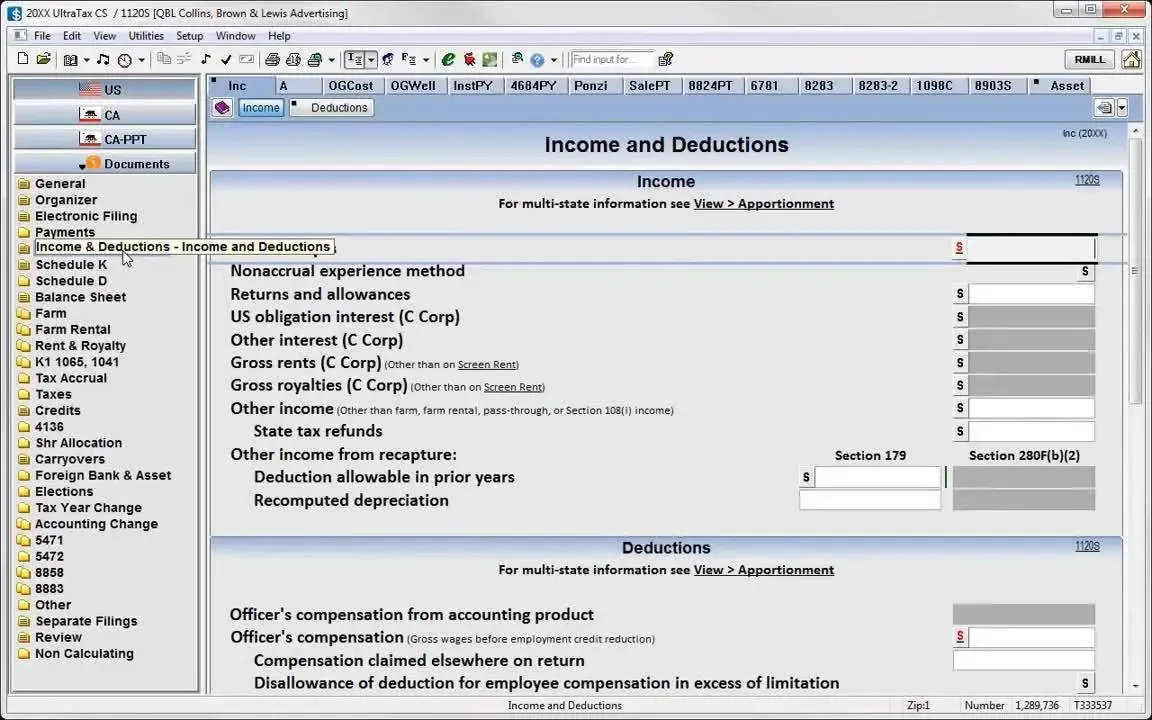
UltraTax CS is engineered for large, multi-office firms with high compliance demands. It is part of the Thomson Reuters CS Professional Suite, which includes document management, payroll, and accounting modules. UltraTax CS stands out for its ability to handle complex, multi-entity, and multi-state returns, including consolidated filings and extensive K-1 distribution support.
Key features: UltraTax CS provides advanced diagnostics, customizable electronic filing, secure client portals, and deep integration with other CS Suite products. Its custom reporting engine allows firms to create highly specific management and compliance reports. The system also offers batch processing and remote access options for distributed teams.
Integrations and migration: UltraTax CS integrates natively with other Thomson Reuters tools (like FileCabinet CS and Practice CS) and supports some third-party document management and workflow systems. Migration from other platforms generally requires a structured onboarding process, often involving professional services. Exporting data if you leave can be complex, especially for attachments and workflow history.
Use cases: Best for regional or national firms with 10+ preparers, those managing multiple legal entities, and firms with multi-state or international compliance needs. UltraTax CS is also a fit for firms that want an all-in-one suite for tax, practice management, and document storage.
Pricing: Custom quote, often $1,500+/year per user, plus additional modules.
- Handles complex, multi-entity, and multi-state returns
- Deep integration with CS Suite
- Customizable reporting and compliance tools
- Expensive and complex for smaller practices
- Steep learning curve and modular pricing
- Cloud add-ons require separate contracts
If UltraTax CS feels too complex or costly, Devaims can create a streamlined compliance workflow tailored to your firm's real needs.
3. Drake Tax (Best value for smaller firms)
Drake Tax is a favorite among solo preparers, small firms, and those seeking predictable, affordable pricing. Its all-in-one annual fee covers unlimited returns, state modules, and e-filing, which sets it apart from the per-return or per-user models of most competitors. Drake’s straightforward interface is less flashy but highly functional, with keyboard shortcuts and fast data entry screens.
Key features: Drake Tax supports all major federal and state forms, batch e-filing, built-in document management, and quick client lookups. Its reporting is basic but covers most needs for smaller practices. Drake also offers a client portal (SecureFilePro) as an add-on for document exchange and e-signatures.
Integrations and migration: Integrations are limited. Drake works best as a standalone tax engine, but it can export data to Excel and some accounting platforms. Migration from Karbon or QuickBooks Accountant requires manual data import, often via CSV export. Workflow and notes do not transfer directly, so expect some manual setup when moving to Drake.
Use cases: Drake Tax is ideal for small to medium firms that focus on individual and business returns, want to minimize annual software costs, and do not need advanced workflow automation. It is also a good fit for seasonal preparers who want to avoid ongoing monthly fees.
Pricing: $345/year per user for unlimited returns.
- Affordable, predictable annual pricing
- Unlimited returns included
- Reliable for straightforward tax prep
- Basic interface and limited workflow automation
- Minimal integrations with other tools
- No advanced analytics or CRM features
If you outgrow Drake's workflow, Devaims can build a custom workflow and reporting layer that integrates with your existing tax engine.
4. ProSystem fx (Wolters Kluwer) (Best for enterprise CPA firms)
ProSystem fx is designed for the largest accounting firms, those with multiple offices, specialized departments, and complex compliance demands. The suite includes tax, audit, document management, and workflow modules, all tightly integrated for large-team collaboration.
Key features: ProSystem fx offers advanced tax compliance for all federal, state, and local returns, robust document management (CCH Document), and a workflow module (CCH Workstream) for managing tasks, approvals, and deadlines. Audit and engagement modules allow for end-to-end practice management, and the system supports deep analytics and customizable dashboards.
Integrations and migration: ProSystem fx integrates tightly within the CCH suite and offers APIs for connecting to certain third-party systems. Migration is generally a major project, requiring planning and vendor assistance. Firms moving from Karbon or QuickBooks Accountant will need to map client data, documents, and tasks, and may need custom migration scripts for workflow items.
Use cases: Enterprise and regional CPA firms with 20+ staff, multi-entity clients, or those handling audit, tax, and consulting under one roof. ProSystem fx is also favored by firms that want a single vendor for all compliance and practice management needs.
Pricing: Custom quote, typically $2,000+/year per user, plus modules.
- Comprehensive suite for large firms
- Deep audit, tax, and document management
- Customizable analytics and dashboards
- High cost and complex configuration
- Multi-year contracts limit flexibility
- Migration in or out is a significant project
If you want the power of ProSystem fx without the vendor lock-in, Devaims can help you own your workflow and reporting stack.
5. TaxWise (Best for high-volume 1040 shops)
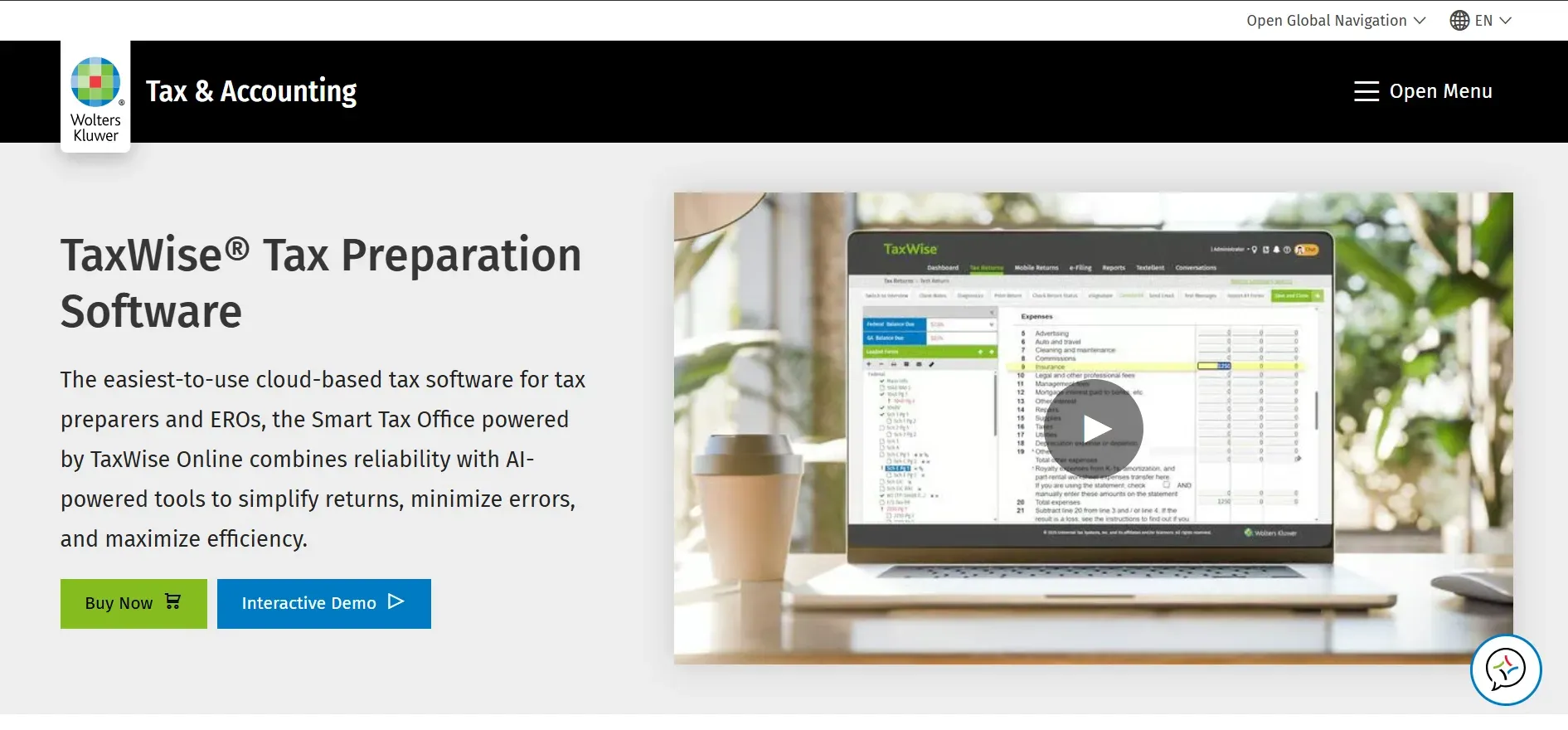
TaxWise is built for speed and efficiency in high-volume environments, such as firms focused on individual 1040 preparation, walk-in tax stores, or multi-location franchises. Its pricing model is friendly to those filing hundreds or thousands of returns, offering both unlimited and pay-per-return options.
Key features: TaxWise includes a fast interview mode for data entry, built-in e-filing for federal and all 50 states, and bank product integrations for refund advances. Its client portal, TaxWise Online, provides document exchange and remote signing. The platform supports multi-user access and role-based permissions for seasonal staff.
Integrations and migration: TaxWise connects to add-on products like audit assistance, refund transfers, and certain CRM tools. Migration from Karbon or QuickBooks Accountant requires manual import of client lists and, in some cases, third-party help for documents or workflow templates. Exporting data out of TaxWise can be time-consuming, particularly for attachments or workflow notes.
Use cases: Firms with a seasonal workforce, tax chains, or those focused on 1040s and rapid refund products. TaxWise is also a good fit for solo preparers who want fast data entry and bulk e-filing without paying per user all year.
Pricing: About $699/year minimum, with unlimited and pay-per-return options.
- Efficient for high-volume 1040 prep
- Flexible pricing models
- Fast data entry and e-filing
- Limited business return features
- Add-ons increase total cost
- Workflow and task management are basic
If TaxWise's workflow is too basic, Devaims can build a custom workflow and client portal that integrates with your tax software.
6. Canopy (Best for practice management and portals)
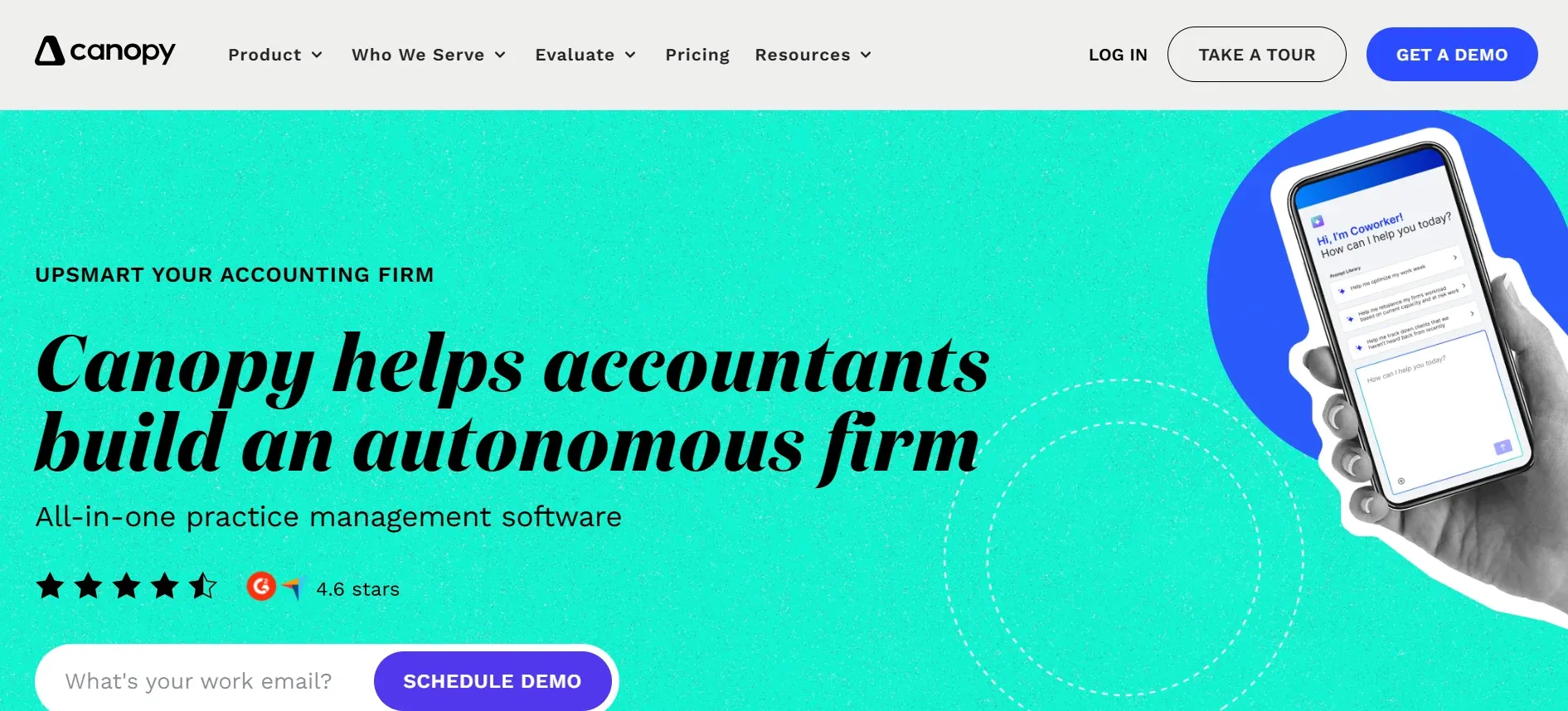
Canopy fills the workflow and client communication gaps left by traditional tax software. It is a modern, cloud-based practice management platform with a focus on client portals, secure file sharing, and workflow automation. Canopy is not a tax prep tool, but it integrates with many popular tax engines to provide a unified client experience.
Key features: Canopy offers secure client portals (with e-signature), document management, workflow templates, task assignment, time tracking, and billing. Its automation engine lets you trigger tasks based on client actions, deadlines, or custom triggers. Canopy also includes a CRM module for client communication and pipeline management.
Integrations and migration: Canopy integrates with QuickBooks Online, Xero, and various e-signature and calendar apps. Tax software integration is possible via API or file import, but not always seamless. Migration from Karbon or QuickBooks Accountant is relatively smooth for client lists and documents, but workflow templates may need to be rebuilt. Canopy offers onboarding support to help with the transition.
Use cases: Firms that want a modern portal for client document exchange, need better workflow visibility, or want to automate repetitive admin tasks. Canopy is also a good fit for distributed teams who need real-time collaboration and mobile access.
Pricing: From $89/user/month, with additional fees for tax modules.
- Modern client portal and workflow automation
- Strong integrations with accounting tools
- Good onboarding and support
- Tax prep modules are priced separately
- Advanced features require higher-tier plans
- Full data export may require extra steps
If Canopy's automation is not flexible enough, Devaims can build custom workflows and client portals tailored to your exact process.
7. Intuit ProConnect (Best for pay-per-return, remote teams)
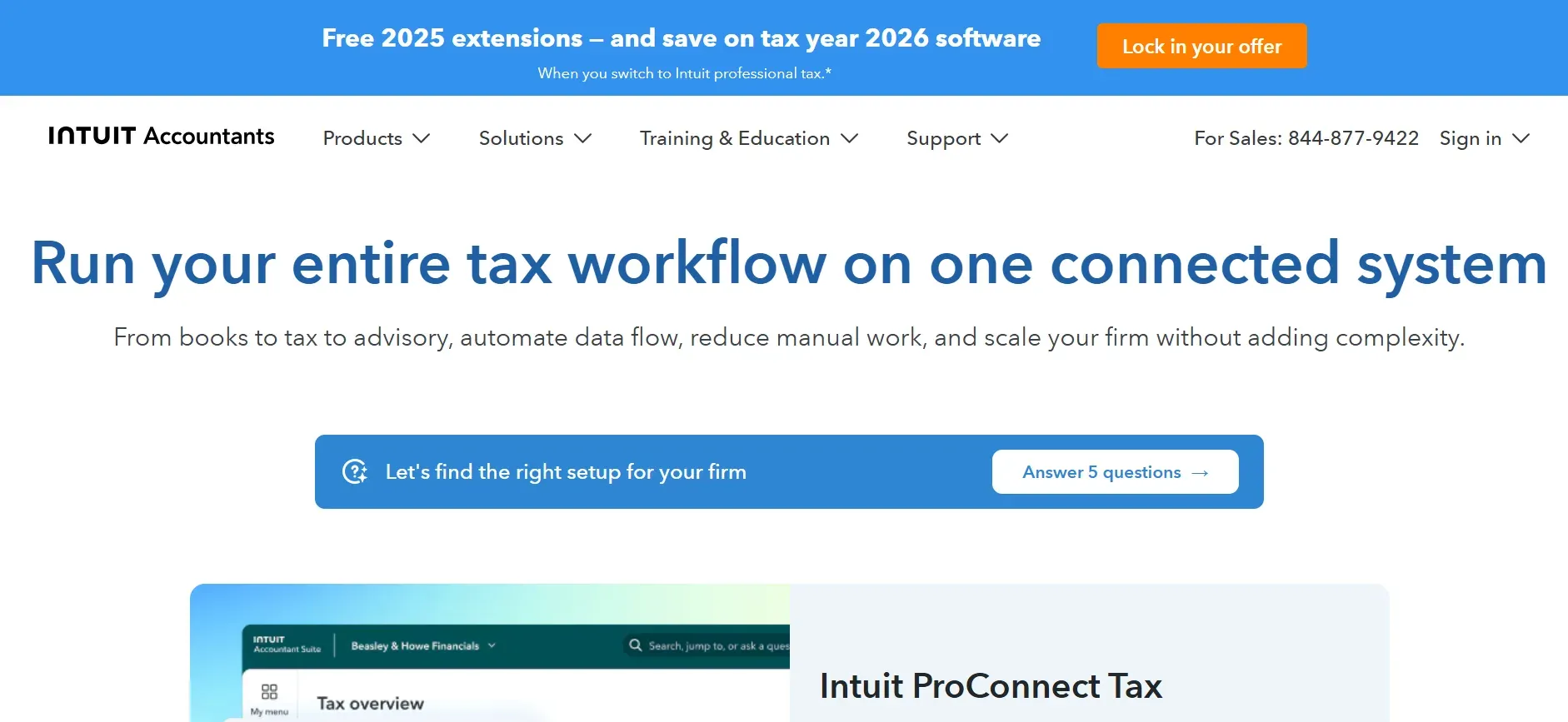
Intuit ProConnect is a cloud-native tax prep platform built for flexibility. Its pay-per-return pricing is ideal for firms with variable volumes, new practices, or those who work with seasonal or remote staff. ProConnect supports all major federal and state forms, and its interface is optimized for fast online data entry.
Key features: ProConnect includes built-in e-filing, direct import from QuickBooks Online, and a robust diagnostic system. Its cloud platform allows multiple users to access and collaborate on returns from anywhere. ProConnect also provides a client portal for document upload and e-signature, although it is less customizable than Canopy or Karbon.
Integrations and migration: ProConnect works best within the Intuit ecosystem. Data import from QuickBooks is seamless, but connections to other accounting or workflow tools are limited. Migration from Karbon or other workflow-centric platforms requires manual re-entry of tasks and notes. Exporting client data is possible but can be tedious for large firms or those with extensive attachments.
Use cases: Small to medium firms with fluctuating return volumes, remote or part-time staff, or those seeking to avoid high upfront software costs. ProConnect is also popular as a secondary tool for firms that occasionally need to handle out-of-scope returns.
Pricing: Reported $42/return, pay-per-return model.
- Flexible pay-per-return pricing
- Cloud-based, remote access
- Direct QuickBooks Online integration
- Expensive for high-volume firms
- Limited workflow and analytics
- Integrations mostly within Intuit ecosystem
If ProConnect's workflow is too limited, Devaims can build a custom workflow and reporting solution that connects to your tax engine.
8. Jetpack Workflow (Best for task tracking and checklists)
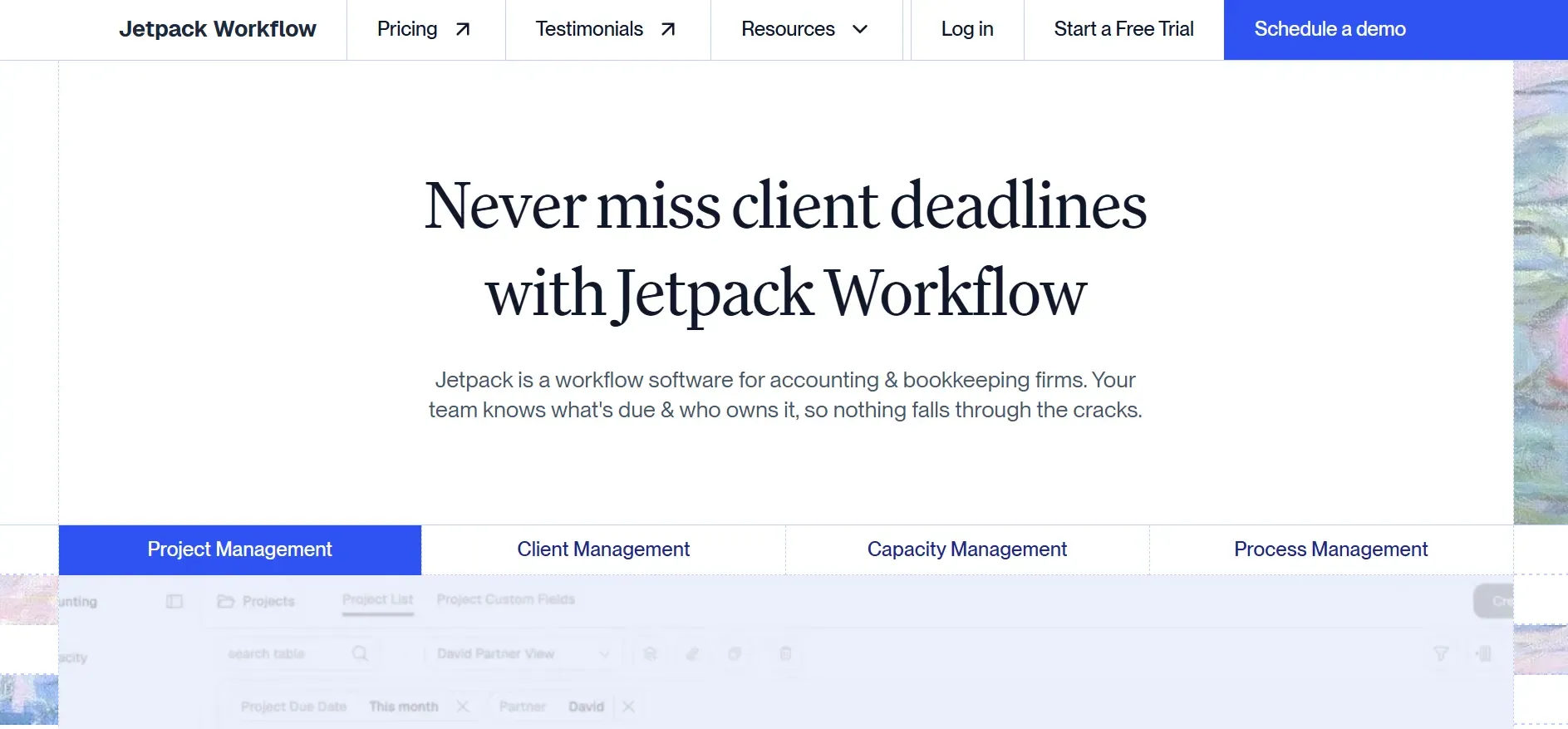
Jetpack Workflow is a lightweight, cloud-based workflow and task management tool designed specifically for accounting and bookkeeping firms. While it does not offer tax preparation, Jetpack excels at organizing recurring client work, automating reminders, and tracking deadlines across your team.
Key features: Jetpack offers customizable workflow templates, bulk task creation, recurring job scheduling, and a centralized dashboard for all client projects. Automated email reminders keep teams and clients on track, and time tracking allows for simple billing exports. The platform’s reporting tools provide visibility into project bottlenecks and staff workload.
Integrations and migration: Jetpack integrates with QuickBooks Online, Xero, and Zapier, enabling connections to hundreds of other apps. Migration from Karbon or QuickBooks Accountant involves importing client lists and manually recreating workflow templates. Jetpack provides onboarding support and a knowledge base for new users.
Use cases: Small to mid-sized firms that need better task management, want to automate recurring work, or are tired of spreadsheets and sticky notes. Jetpack is also a great starter tool for solo practitioners or teams new to workflow automation.
Pricing: $45/user/month, billed annually.
- Easy to use for workflow and task tracking
- Automated reminders and recurring jobs
- Integrates with major accounting platforms
- No tax preparation features
- Limited billing and analytics
- Manual migration for complex workflows
If you want to own your workflow and automate more than Jetpack allows, Devaims can build a custom workflow and client dashboard for your firm.
9. Xero Practice Manager (Best for Xero-centric practices)

Xero Practice Manager (XPM) is designed for firms that live in the Xero ecosystem. It provides workflow, time tracking, job management, and billing, all tightly integrated with Xero’s accounting platform. XPM is cloud-based and offers a modern, intuitive interface.
Key features: XPM includes job templates, recurring task automation, detailed time tracking, and invoicing. The client portal allows for document sharing and status updates. Its reporting tools help firms monitor profitability, staff utilization, and job progress. XPM’s API supports custom integrations and third-party add-ons for e-signature, CRM, and more.
Integrations and migration: XPM’s native integration with Xero accounting is its biggest advantage. It also connects to a wide range of practice management tools (like Karbon, Practice Ignition, and GoProposal). Migration from Karbon or QuickBooks Accountant is straightforward for client lists and basic workflow, but tax-specific data and notes may need to be recreated. XPM offers guides and support for onboarding.
Use cases: Firms that rely on Xero for client accounting, want unified billing and workflow, or need to manage distributed teams. XPM is also popular with bookkeeping and advisory-focused practices that do not require deep US tax prep features.
Pricing: $149/month (for up to 10 users).
- Strong Xero integration
- Modern interface and reporting
- Good for distributed teams
- No US tax preparation features
- Workflow customization is limited
- Migration out can be challenging
If XPM's workflow is too rigid, Devaims can build a custom workflow and reporting layer that connects to your Xero stack.
10. Devaims (Custom Build, Best for firms who want to own it all)
Devaims builds custom accounting and workflow platforms tailored to your firm's actual needs. Unlike any SaaS or tax suite, you get the source code, full data ownership, and a system designed around your process, not someone else's feature roadmap. One-time build, flat maintenance, and you own the code and data.
- You own the platform, source code, and data forever
- Workflows, reports, and integrations built for your firm
- No per-user, per-return, or add-on fees, flat, predictable costs
Integrations and migration: Devaims can connect your new platform to legacy tax engines, accounting systems (QuickBooks, Xero, Sage), e-signature tools, and even custom client portals. Migration is handled as part of the project, ensuring your client data, documents, and workflow templates are mapped and imported with minimal disruption. Your data is always accessible and exportable in standard formats.
Use cases: Firms frustrated by SaaS fees, those with unique workflows, or those wanting to eliminate the risk of vendor lock-in. Devaims is ideal for multi-office practices, fast-growing firms, or any team that wants to control its data and roadmap.
Other Karbon QuickBooks Accountant alternatives worth knowing
- CCH Axcess is a modular cloud suite for large firms, but can be overkill for smaller shops. It offers advanced compliance, document management, and workflow, but pricing and complexity are best suited to multi-partner practices.
- Karbon itself is strong for workflow, but lacks tax prep and can be pricey at scale. If you love the interface but want more control, consider pairing with a tax engine or exploring open source workflow tools.
- QuickBooks Accountant remains the standard for bookkeeping, not advanced practice or tax. It is a solid hub for small business clients but lacks deep workflow, reporting, or compliance automation.
How to choose the right Karbon QuickBooks Accountant alternative
- Budget: If you want predictable costs, flat-fee or owned solutions win over per-user/per-return SaaS. Be sure to model your five-year spend, including the cost of add-ons and expected staff growth. Firms with more than five users often find custom or flat-fee solutions more cost-effective in the long run.
- Filing volume: High-volume 1040 shops do best with pay-per-return tools; complex returns need Lacerte or UltraTax depth. If your practice includes a mix of entity types, look for platforms with broad form coverage.
- Workflow needs: If task tracking and portals are critical, look to Canopy, Jetpack, or a custom Devaims build. Evaluate how well each option supports your real processes, recurring tasks, approvals, client communication, and deadline management.
- Data control: Owning your platform with Devaims eliminates lock-in and migration pain. If data security, regulatory compliance, or client trust are top priorities, prioritize solutions that let you export and control every record, note, and file.
- Stack integration: Consider how well each tool fits with your bookkeeping, e-sign, and client comms stack. The best solution is one that fits seamlessly into your existing workflows and can adapt as your tech stack evolves.
If you are tired of monthly surprises or building your firm on someone else’s roadmap, it may be time to own your own software.
Stop paying rent on software you could own
Every tool on this list, from Lacerte to Jetpack Workflow, is rented, the per-user, per-return, or per-feature fees never stop. Even "all-in-one" platforms lock away your data and workflows behind annual contracts and upgrade paywalls. That is why more firms are asking: Why not build what we actually need, and keep it?
Devaims builds custom web and business platforms for accounting and CPA firms. You get the source code, own your data, and pay one transparent build fee plus flat maintenance. No per-user or per-return charges, no contract lock-ins, and no more migration headaches.
- No more per-seat or per-return fees: Your staff grows, your cost stays flat. You can add seasonal staff, expand to new offices, or onboard contractors without renegotiating licenses or facing surprise bills.
- Features you actually use: Every workflow, dashboard, or report is designed for your team, not to upsell you later. You define the roadmap, not the vendor.
- Data is yours for good: Stop worrying about exports, lock-in, or losing history if you move. With full source code and database access, your firm controls its own future.
| Tool | Ownership | Annual cost (est., 10 users) | Contract |
|---|---|---|---|
| Lacerte | Rented | $4,000+ | Annual, auto-renews |
| UltraTax CS | Rented | $15,000+ | Annual, multi-year often |
| Canopy | Rented | $10,680 | Annual |
| Devaims (Custom) | You own it | One-time build ~$30,000, then $200/month | No contract, you keep code |
| Year | Rented (SaaS) | Owned (Devaims) |
|---|---|---|
| 1 | $10,000 | $32,400 |
| 2 | $20,000 | $34,800 |
| 3 | $30,000 | $37,200 |
| 4 | $40,000 | $39,600 |
| 5 | $50,000 | $42,000 (now ahead) |
If your firm is paying $10,000 per year on SaaS, you break even with a Devaims build in year 5, and every year after, you are thousands ahead. For multi-office firms or those with heavy workflow needs, that break-even comes even sooner. We will run your real numbers for free and show you what ownership looks like. You can also use Capterra and G2 to compare user-reported costs and satisfaction for major tools.
How to switch from Karbon QuickBooks Accountant
- Export all client data, files, and workflow tasks from your current tool. Most platforms offer CSV or PDF exports, but check if attachments and notes are included.
- Research alternatives and settle on the platform that fits your needs. Consider trialing two or three options side by side for a week.
- Import clients, history, and templates into the new system. Some vendors offer migration services, but you may need to clean up data or re-create workflow templates.
- Reconnect integrations for billing, e-sign, and client communication. Plan for a transition period where both systems run in parallel to catch any missing links or data.
- Train your team on the new workflows and permissions. Schedule hands-on sessions and create quick reference guides to ease the change.
- Run both systems in parallel for one full cycle to catch issues. Use this time to spot missing data, broken automations, or gaps in reporting.
- Review your old contract and cancel before auto-renew. Some vendors require 30 to 90 days’ notice, so read the fine print carefully.
With a custom Devaims build, the migration is handled as part of the project. Your data, templates, and integrations are mapped and tested before you go live, minimizing disruption and ensuring continuity for your team and clients.
Frequently asked questions
What is the best Karbon QuickBooks Accountant alternative for a small CPA firm?
For small firms, Drake Tax and Jetpack Workflow are popular for their low cost and simplicity. Drake is ideal for firms focused on tax preparation with predictable needs, while Jetpack is great for organizing recurring client work. If you want to own your workflow and avoid any recurring per-user fees, a Devaims custom build is the only alternative you fully control. Custom builds are especially attractive if you have unique processes, serve a niche market, or want to future-proof your tech stack.
Which Karbon QuickBooks Accountant alternative is the cheapest?
Drake Tax offers the lowest flat annual fee for tax prep, especially for unlimited returns. For workflow, Jetpack Workflow is affordable for small teams starting at $45/user/month. However, over five years, building your own system with Devaims can actually cost less than recurring SaaS if your team is more than a handful of users, especially when you factor in the cost of add-ons and annual price increases. Consider the total cost of ownership, including migration, support, and flexibility to adapt as your firm grows.
Are there any free Karbon QuickBooks Accountant alternatives?
There are no truly free full-featured replacements for Karbon or QuickBooks Accountant. Some open source workflow tools exist, such as Odoo or ERPNext, but they require significant self-hosting, technical setup, and ongoing maintenance. These platforms provide flexibility but lack the specialized features and compliance support of dedicated accounting practice tools. For ownership and customization without SaaS fees, Devaims is the best fit for most firms ready to invest in their own platform.
What is the best alternative for high-volume tax shops?
TaxWise and Intuit ProConnect are strong for pay-per-return models. TaxWise is popular for walk-in and seasonal shops processing thousands of 1040s, while ProConnect offers flexibility and cloud access for remote teams. For firms doing thousands of returns, the per-return fees add up fast, so owning your own system or negotiating volume contracts is key. Firms with predictable high volumes may find a custom Devaims build or an unlimited-return license with Drake more cost-effective over time.
When should a firm switch from Karbon or QuickBooks Accountant?
If your annual spend is climbing, you feel locked in, or must pay for features you rarely use, it is time to evaluate Karbon QuickBooks Accountant alternatives. When the five-year cost of renting exceeds a custom build, ownership makes more sense. Other triggers include poor support, inability to customize workflows, integration headaches, or upcoming contract renewals. Firms also switch when they outgrow the limitations of their current platform or want to differentiate their client experience.
Can I keep my existing client data if I switch?
Most vendors allow basic data export, but full history, including notes, attachments, and workflow, can be tricky to migrate. Some platforms export only lists of clients or contacts, omitting historical communications or task completion records. With a Devaims build, you get complete control of your data, and migration is part of the service. The project includes mapping, validation, and testing to ensure nothing is lost in the transition. You also retain the ability to export data in open formats for future needs.
The bottom line
Most accounting SaaS solutions will keep charging you more every year, while your data and processes remain locked behind someone else's paywall. The real test: add up your five-year SaaS spend. If it could have built you a tool you own, renting stops making sense.
Owning your platform with Devaims means your firm controls its future, costs stop scaling with your team size, and migration headaches become a thing of the past. You gain the freedom to adapt, innovate, and grow without being limited by someone else’s roadmap or pricing changes.
See more insights on the Devaims blog, or explore related alternatives: Canopy alternatives, Xero Practice Manager alternatives, and Karbon alternatives.