


If you run catering and events, Tripleseat Planning’s sticker shock hits fast: $3,600 to $6,000 a year, plus those setup fees, and you never really own a thing. After the fifth annual bill, it feels like renting your own system back from someone else. If you’re tired of seeing “Contact us for pricing” or getting nickel-and-dimed for every user, you’re not alone.
There are real Tripleseat Planning alternatives for catering companies, tools like Caterease, Curate, and HoneyBook, each with their own quirks, plus one way to break the rent cycle for good. For many, the honest answer is to stop paying rent and build what you need to own outright. Here’s what to know before you re-up for another year.
Why catering companies look for Tripleseat Planning alternatives
Annual sticker shock: Even a single-venue plan with Tripleseat Planning runs $3,600 to $6,000 a year, not counting the $500 onboarding. For multi-venue or enterprise setups, the price can swell to $8,000 or more due to per-user fees and premium modules. Many caterers report that as their team grows, so does the bill, with little flexibility or negotiation for loyalty or tenure.
Per-user licensing pain: Most platforms, including Tripleseat Planning, charge for every new user, so your cost scales up with your business, not down. This means that as you add part-time event staff, seasonal hires, or new salespeople, your recurring fees climb, sometimes unexpectedly. For operations with high turnover or fluctuating team sizes, this model becomes an ongoing budgeting headache.
Required contracts and upfront fees: Most alternatives lock you into annual contracts and charge sign-up fees or per-user onboarding costs, making switching expensive. Breaking a contract early may incur penalties, and setup fees are rarely refunded. This can leave you stuck with a tool that no longer fits your workflow or business size, simply because the switching cost is too high.
Missing features, expensive add-ons: Core catering features like menu costing, custom BEOs (Banquet Event Orders), or dietary/allergen tracking are often locked behind higher tiers or require expensive add-ons. As your business evolves, you may find yourself forced to upgrade plans or pay for modules you only partially use, just to get a single key feature.
No ownership, endless rent: At the end of five years, you’ve paid tens of thousands for a tool you still don’t own. This is the crux: your workflows, client data, and event history all live on someone else’s servers, and if you stop paying, you lose access. For many, this lack of control and escalating cost is the real reason so many search for Tripleseat Planning alternatives.
Quick comparison of the best Tripleseat Planning alternatives
| Tool | Best for | Starting price | Ownership or fees |
|---|---|---|---|
| Caterease | Established catering operators | $99/mo | Per-user fees, annual contract |
| Curate | Proposal management, BEOs | Contact for quote | Subscription, no ownership |
| Event Temple | Venue-driven catering | $249/mo | Subscription, custom quotes |
| HoneyBook | Simple client workflows | $29/mo | Subscription, no ownership |
| 17hats | Small teams, freelancers | $13/mo | Subscription, no ownership |
| Spiffy | Event bookings | Contact for quote | Subscription, no ownership |
| Flex Catering | Online catering orders | Contact for quote | Subscription, no ownership |
| Total Party Planner | End-to-end catering ops | Contact for quote | Subscription, no ownership |
| CaterZen | Online ordering and CRM | Contact for quote | Subscription, no ownership |
| Devaims (custom build) | Catering companies who want to own | One-time build | One-time build, you own it |
Pricing and plan details shift often, so confirm current pricing before you decide. Always request a detailed quote, including all anticipated user seats, modules, and integrations, before committing.
The 10 best Tripleseat Planning alternatives
1. Caterease (Best for established caterers scaling up)
Caterease is a veteran in the catering management world, trusted by thousands of caterers for over two decades. Its longevity is due to a rich feature set specifically tailored to the needs of caterers who manage complex menus, multiple venues, and a variety of event types.
Features: Caterease covers the full spectrum of catering operations, including event booking, menu and ingredient management, detailed costing, automated Banquet Event Orders (BEOs), staff scheduling, and customer communication. You can customize proposals, track payments, and generate detailed reports on profitability, food costs, and event history. The document builder lets you produce branded contracts, invoices, and BEOs with your logo and custom terms. There are modules for online inquiry forms, kitchen production sheets, and automated reminders.
Integrations: Caterease offers integrations with popular accounting tools (QuickBooks), email platforms, and some online payment processors. However, integration with modern CRMs and marketing tools may require manual workarounds or custom development.
Migration friction: Caterease provides onboarding and data import services, but the process can be time-consuming if you have a large volume of historical data. Custom fields and bespoke workflows may need to be recreated, and some users find the interface has a learning curve for staff used to more modern SaaS tools.
Concrete use cases: Caterease excels for established caterers managing multiple teams, venues, and a high volume of events. It’s especially strong at automating complex menu builds, tracking inventory and costs for each event, and producing detailed event packets for kitchen and service teams.
Pricing: Express: $99/mo, Standard: $149/mo, Professional: $199/mo, all billed annually; $28/mo per added user; $200 per-user launch fee. See Caterease pricing.
- Key limitations: Per-user pricing increases costs as you scale
- Some modules and integrations require extra fees
- Interface can feel dated for new users
- Strengths: Deep catering features for complex operations
- Customizable BEOs, menus, and reports
- Trusted by large and multi-venue caterers
On software you owned, every new user would cost you nothing, no per-seat fees forever.
2. Curate (Best for proposal management and BEO workflows)
Curate is a modern, visually-driven platform built for proposals, BEOs, and event documentation. It’s popular with caterers, florists, and event planners who want to wow clients with interactive quotes and streamline the back-and-forth of contract finalization.
Features: Curate’s standout feature is its drag-and-drop proposal builder, which lets you create beautiful, interactive quotes with embedded images, menus, and pricing options. Clients can e-sign, pay deposits, and request changes directly in the proposal. The BEO builder is highly customizable, making it easy to generate event packets for kitchen, bar, and service staff. Curate also includes menu costing, ingredient tracking, and task management for event prep. Automated workflows keep clients and staff updated in real time.
Integrations: Curate integrates with Stripe and Square for payments, QuickBooks for accounting, and Zapier for connecting to CRMs, marketing tools, and online forms. There is an API for more advanced integrations, though some require technical setup or additional fees.
Migration friction: Curate offers onboarding support, but the migration of complex historical data (like custom BEO templates or past event notes) may require manual work. The learning curve is moderate for teams used to spreadsheets or traditional catering software.
Concrete use cases: Curate is ideal for caterers who want to close business faster with interactive proposals, automate BEO generation, and ensure every stakeholder (from sales to kitchen) gets tailored documents. It’s a favorite for high-end or design-focused caterers, as well as those who manage multiple event types and need fast document turnaround.
Pricing: Contact Curate for current plan pricing. See Curate pricing.
- Key limitations: Pricing is not public and can be unpredictable
- Advanced features require higher-tier plans
- No ownership, so you rely on vendor’s roadmap
- Strengths: Excellent proposal and BEO builder
- Visually appealing, client-friendly interface
- Good integrations for payments and accounting
That’s the kind of BEO workflow you would just have if the platform were built for you.
3. Event Temple (Best for venue-driven operations)
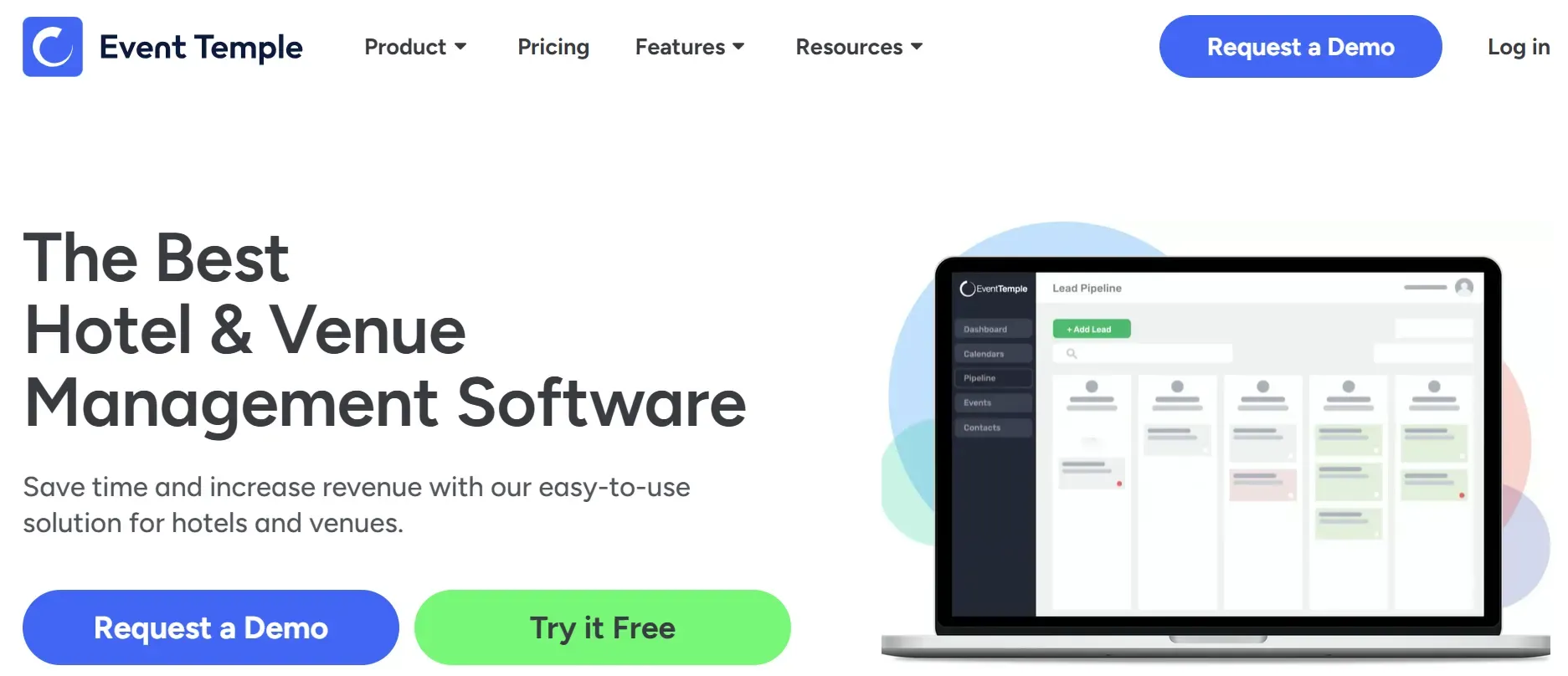
Event Temple is designed for venues that offer catering as part of their event services. Its core strength is in calendar management, space optimization, and event sales pipelines, making it a top pick for hotels, conference centers, and multi-space venues that need to coordinate rooms, resources, and catering simultaneously.
Features: Event Temple provides a visual event calendar, CRM for leads and contacts, contract management, and automated workflow tools. Its pipeline management lets you track prospects from inquiry to close, with customizable stages. The booking engine supports multi-space, multi-day events, and generates contracts and invoices. Catering-specific features include menu templates and simple costing, but the depth is less than Caterease or Curate.
Integrations: Event Temple integrates with Salesforce, HubSpot, Outlook, and Google Calendar, as well as payment processors and accounting tools. Its API enables more complex integrations, though some require technical assistance or custom work.
Migration friction: Migration is straightforward for venue data and basic contact lists. For detailed catering workflows (like menu costing or kitchen sheets), you may need to build new templates or adjust your process. Event Temple’s team provides onboarding, but migrating deep historical catering data can be challenging.
Concrete use cases: Event Temple shines for venues with in-house catering, where space management, event sales, and basic menu tracking are the priorities. Hybrid operators who book weddings, conferences, and galas can centralize all bookings and contracts in one dashboard.
Pricing: Starts at $249/mo; contact for custom quotes. See Event Temple.
- Key limitations: Higher starting price than most catering tools
- Limited depth for catering-specific workflows
- Subscription model, no ownership
- Strengths: Excellent for venue and space management
- Strong CRM and sales pipeline tools
- Good integrations with calendars and CRMs
4. HoneyBook (Best for simple client tracking)
HoneyBook is a workflow and invoicing platform aimed at creative businesses, including small caterers, photographers, and event planners. Its appeal is simplicity, affordability, and quick setup.
Features: HoneyBook covers lead capture, proposal creation, contracts, e-signatures, invoicing, and payment processing. You can automate reminders, schedule meetings, and track project stages. The client portal lets clients review proposals, sign contracts, and pay online. There are basic reporting tools for revenue and pipeline tracking.
Integrations: HoneyBook integrates with QuickBooks, Calendly, Zapier, and Google Workspace. It also supports integration with Stripe and other payment processors. Catering-specific integrations are limited.
Migration friction: Easy onboarding for basic client and invoice data. No built-in migration for catering-specific workflows or historical menu/event data, so complex operations may need to rebuild processes from scratch.
Concrete use cases: HoneyBook is a fit for solo caterers, boutique shops, or those focused on small events where client communication, contract management, and payments are the main needs. It’s not built for high-volume, multi-venue, or complex menu operations.
Pricing: Starter: $29/mo, Essentials: $49/mo, Premium: $109/mo, all billed annually. See HoneyBook pricing.
- Key limitations: Lacks catering-specific features like BEOs and menu costing
- Basic reporting and limited workflow customization
- Annual contract for best rates, no ownership
- Strengths: Affordable entry price for small teams
- Easy to use and quick to set up
- Solid client communication and payment tools
5. 17hats (Best for small teams and freelancers)
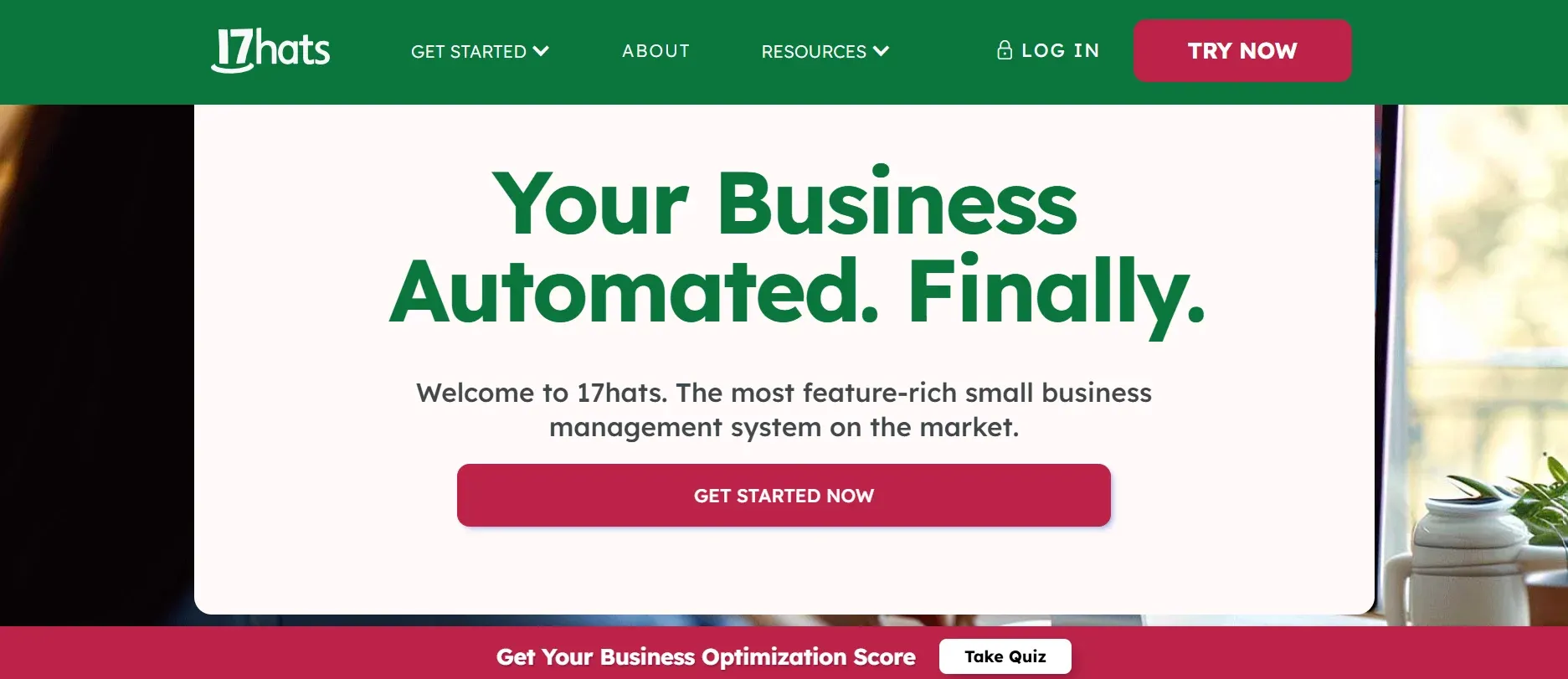
17hats is a lightweight, affordable business management tool for solo operators and tiny teams. It’s not catering-specific but handles the basics of client management, contracts, and billing efficiently.
Features: 17hats includes contact management, online contracts and e-signatures, simple invoicing, task lists, automated reminders, and calendar sync. There are workflow automations for tasks like sending welcome emails or payment reminders. The dashboard gives a snapshot of upcoming events, outstanding invoices, and project statuses.
Integrations: 17hats connects with Google Calendar, QuickBooks, and Stripe. There’s limited integration with catering or event-specific tools, which may require manual workarounds.
Migration friction: Onboarding is quick for new businesses or those using spreadsheets. However, if you have years of event history or complex menu data, you’ll need to rebuild much of it manually.
Concrete use cases: Best for micro-caterers, home-based food businesses, or side-hustlers who need to automate client communication and billing but don’t require deep event management or kitchen workflows.
Pricing: Essentials: $13/mo, Standard: $25/mo, Premier: $50/mo, all billed annually. See 17hats.
- Key limitations: No catering modules or BEOs
- Limited scalability for growing teams
- Manual workarounds for catering workflows
- Strengths: Very affordable for solo operators
- Simple setup and onboarding
- Automates basic client and billing tasks
6. Spiffy (Best for event bookings)
Spiffy is a specialized tool for event bookings and payment collection, with a focus on speed and mobile-friendly workflows. It’s a fit for caterers who run pop-up events, tasting dinners, or need fast client signups and payment collection.
Features: Spiffy offers customizable booking forms, online payment collection, automated confirmations, and reminders. Clients can book and pay directly from your website or a shared link. There’s a simple dashboard to track bookings, payments, and attendance.
Integrations: Spiffy integrates with Stripe, PayPal, and Zapier, allowing you to connect to email marketing tools or CRMs. Catering-specific integrations are limited, and menu management is not included.
Migration friction: Spiffy is easy to set up for new events, but it’s not designed for importing historical catering data or complex menu structures.
Concrete use cases: Perfect for caterers running ticketed pop-up events, classes, or small-scale bookings where the priority is quick payment and confirmation. Less suited for full-service catering operations.
Pricing: Contact Spiffy for details.
- Key limitations: No menu management or deep catering features
- Pricing is not public and may vary
- Subscription model, no ownership
- Strengths: Fast setup for event bookings
- Mobile-friendly and easy for clients
- Good payment integrations
7. Flex Catering (Best for online catering orders)
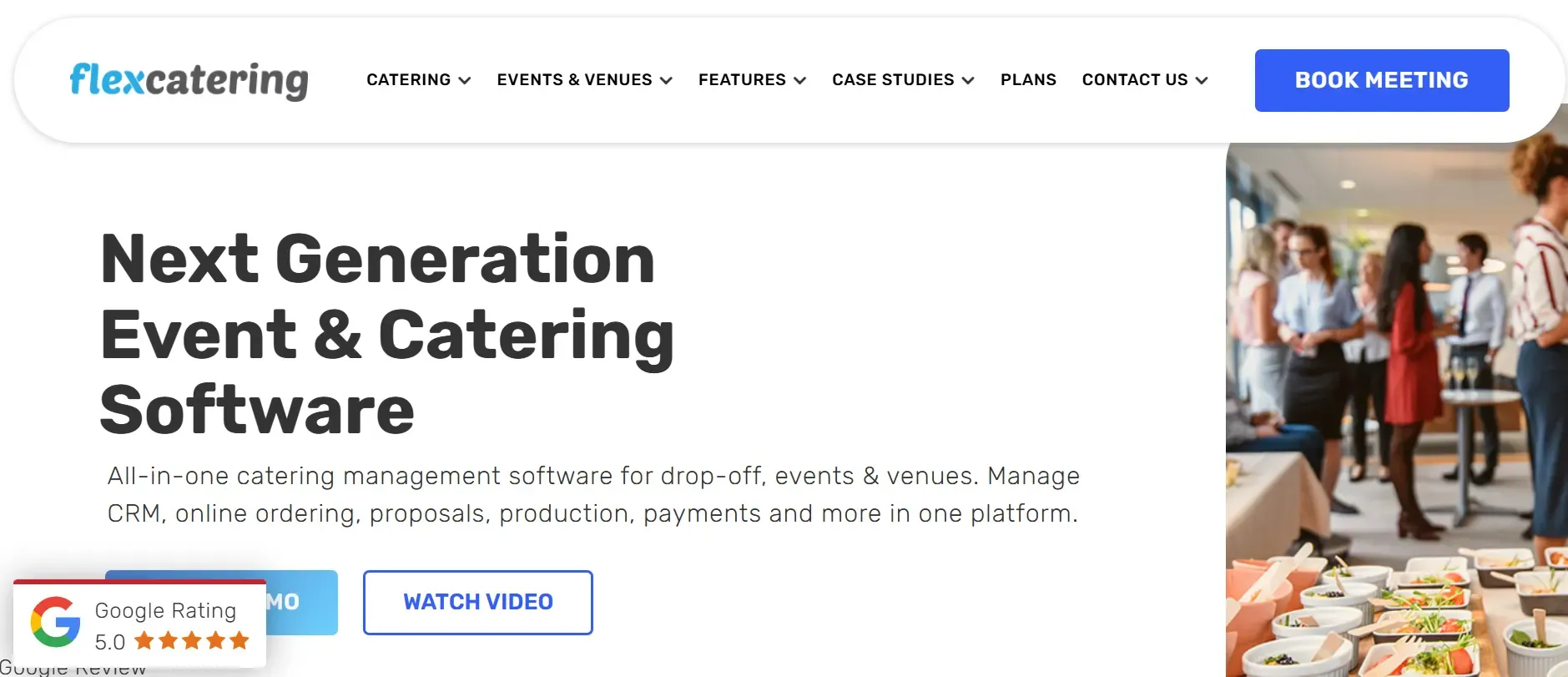
Flex Catering is designed for caterers who focus on online ordering and delivery, rather than event logistics. Its strengths are in order management, kitchen production tracking, and delivery coordination.
Features: Flex Catering provides an online ordering portal, production management for kitchen teams, inventory tracking, and delivery routing. You can set up recurring orders for regular clients, manage dietary preferences, and automate confirmations. The platform supports customer accounts and bulk order uploads for corporate clients.
Integrations: Flex Catering integrates with payment gateways (Stripe, PayPal), accounting software, and some delivery management tools. API access is available for custom integrations, though setup may require technical support.
Migration friction: Flex Catering offers onboarding for order and client data, but not for event-based workflows or historical BEOs. Transitioning from a full-service event platform may require process adjustments.
Concrete use cases: Ideal for caterers who do high-volume lunch delivery, meal subscriptions, or recurring office catering. It’s less suited for wedding or gala-focused businesses that need deep event management.
Pricing: Contact Flex Catering for a quote.
- Key limitations: No event logistics or BEOs
- Pricing is not public and requires a quote
- Subscription model, no ownership
- Strengths: Strong for online ordering and kitchen production
- Recurring order support for regular clients
- Integrates with payment and delivery tools
8. Total Party Planner (Best for end-to-end catering ops)
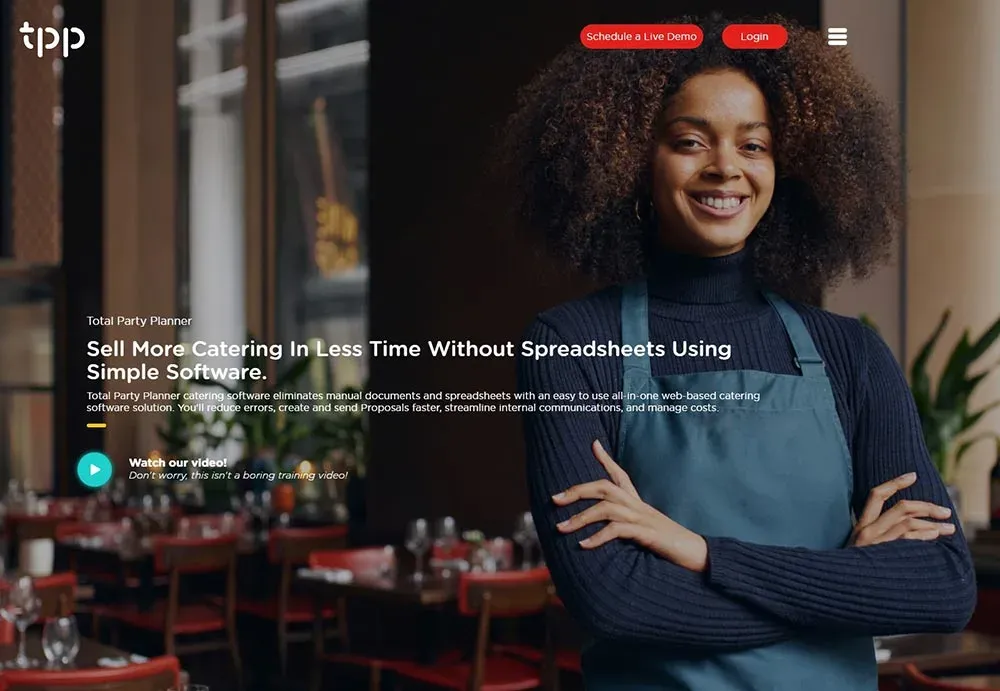
Total Party Planner is a comprehensive catering management platform used by many large-scale caterers. Its focus is on centralizing all aspects of catering operations, from lead capture to post-event cost analysis.
Features: Total Party Planner covers proposals, event booking, menu creation, costing, staff scheduling, inventory, and detailed reporting. The BEO builder is flexible, supporting custom templates for each event type. There are modules for kitchen production sheets, equipment management, and even rental coordination. The reporting suite tracks profitability by event, client, or menu item, and can export data for further analysis.
Integrations: Integrates with QuickBooks, Microsoft Outlook, Google Calendar, and some payment processors. API access is available for custom connections, but third-party integrations can be limited compared to newer platforms.
Migration friction: Total Party Planner offers migration and onboarding services, but the process can be complex if you have heavily customized historical data. Training is available for teams, but the breadth of features can be overwhelming for smaller shops.
Concrete use cases: Suits large caterers with multiple teams, venues, and high event volumes who want everything, sales, kitchen, logistics, and accounting, in one system. It’s also used by caterers who offer rentals or production services alongside food.
Pricing: Contact Total Party Planner for a quote.
- Key limitations: Opaque pricing and annual contracts
- Can be overkill for small caterers
- Subscription model, no ownership
- Strengths: Comprehensive feature set for large operations
- Flexible BEO and reporting tools
- Centralizes all catering workflows
With a custom Devaims build, you’d keep only the features you actually use, and own every line of code.
9. CaterZen (Best for online ordering and CRM)
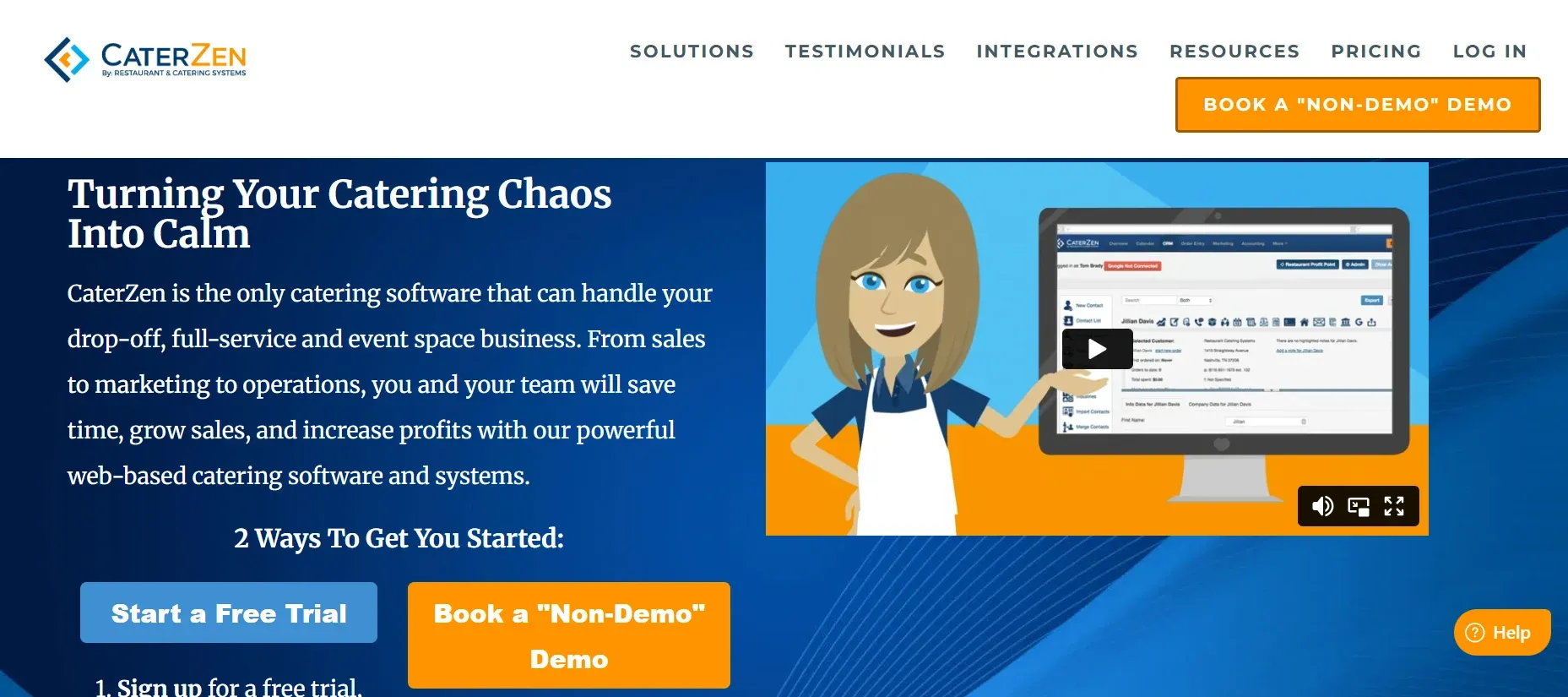
CaterZen is a catering management platform focused on online ordering and CRM. It’s used by caterers who want to streamline order intake, manage customer relationships, and automate confirmations.
Features: CaterZen offers online ordering portals, customer management, automated confirmations, and basic event tracking. It includes tools for managing repeat orders, tracking customer preferences, and sending marketing emails. There are also modules for kitchen production sheets and delivery management.
Integrations: Integrates with payment processors, QuickBooks, and some delivery tools. API access is available for custom integrations, but advanced reporting and menu costing are limited.
Migration friction: CaterZen provides onboarding for order and client data, but lacks deep migration support for historical event data or custom BEOs. Some users report mixed experiences with support responsiveness.
Concrete use cases: Best for caterers focused on online ordering and repeat business, rather than complex event management. Useful for those who want to automate confirmations and manage customer relationships at scale.
Pricing: Contact CaterZen for a quote.
- Key limitations: Limited menu costing and advanced reporting
- Support reviews are mixed
- Subscription model, no ownership
- Strengths: Strong for online ordering and CRM
- Automates confirmations and repeat orders
- Integrates with payment and delivery tools
10. Devaims (Best for caterers who want to own their platform)
Devaims builds custom web and mobile platforms for catering companies ready to stop renting. Unlike SaaS vendors, Devaims delivers a tailored solution: every workflow, pricing rule, and report is designed around your actual operation. When the project is done, you own the source code and the data, forever.
Features: With Devaims, you define the exact features you need: custom proposal and BEO builders, menu costing, event calendars, kitchen production dashboards, client portals, staff scheduling, inventory, and any reporting you require. Integrations with payment processors, accounting systems, or kitchen displays are included as part of the build. You can automate unique workflows, like dietary flagging, custom approval flows, or multi-location management, without waiting for a vendor’s roadmap.
Integrations: Anything your business needs: QuickBooks, Stripe, Square, Google Workspace, Zapier, or even proprietary kitchen display systems. Custom APIs can be built to connect with delivery, CRM, or marketing platforms.
Migration friction: Devaims manages the full migration process, including mapping and importing your historical client, event, menu, and report data. Custom scripts and manual review ensure data integrity. Training for your team is part of the package, and support during rollout minimizes disruption.
Concrete use cases: Best for caterers who have outgrown off-the-shelf tools, have unique workflows or compliance needs (e.g., large corporate clients, complex dietary requirements, multi-venue operations), or want to automate processes that SaaS platforms cannot support. Also ideal for multi-location businesses, franchise operators, or those who want to build a competitive edge through proprietary workflows.
- One-time build cost, no recurring per-user fees
- You own your code, workflows, and data
- Custom integrations, reporting, and automation
With Devaims, you never face a surprise price hike, feature lockout, or contract renewal again.
Other Tripleseat Planning alternatives worth knowing
- Better Cater: A budget option with basic catering features, Better Cater is best for small caterers who need simple proposals and order tracking. However, it lacks the scale, integrations, and customization required by larger or growing operations.
- Pod: Pod is more event-focused than catering-centric, with limited back-of-house features. It’s used for event bookings and basic CRM, but menu management and kitchen workflows are minimal.
How to choose the right Tripleseat Planning alternative
- By budget: Solo operators and small shops often fit on HoneyBook or 17hats, while larger teams need Caterease or Curate. If you’re spending $4,000 or more a year, owning makes sense. Always request a multi-year cost projection and factor in setup, training, and per-user fees.
- By features: If you run complex menus, dietary needs, or staffing, prioritize tools with deep catering modules, not generic CRMs. Look for platforms that support custom BEOs, menu costing, and kitchen production sheets. If you need integrations with other systems, check API access and support for your stack.
- By ownership: If you want to stop paying per user and control your data, only a custom build gets you there. Consider future-proofing: as your business grows, owning means you never pay more for new hires or locations.
- By contract comfort: Annual contracts and setup fees add risk. Owning means you never get locked in again. If you value flexibility, avoid platforms with punitive cancellation clauses or high onboarding costs.
When your annual rental cost rivals what you’d spend to build, it’s time to look at ownership.
Stop paying rent on software you could own
Every tool above, Tripleseat Planning, Caterease, Curate, you name it, rents you a workflow and keeps the keys. That means annual bills, per-user fees, and the risk of a surprise price hike. Devaims is your way out: a custom platform built to your specs, with code you keep and no more rent checks.
Devaims builds web, mobile, and back-end software for catering companies ready to own their stack. You get every workflow, menu, and report you need, integrated with your payments and kitchen ops. When the build is done, you own the code, the data, and the future, no contract, no per-seat fee, no lock-in.
- Per-user fees: Owning means every new hire is free, no more $28/user/month as you scale. For a team of 10, this alone saves $3,300 a year versus Caterease or Tripleseat Planning.
- Data and reports: You never pay extra for the custom reports you need, that’s just part of your platform. SaaS vendors may charge hundreds or thousands for custom reports or API access, while ownership means full control and no surprise costs.
- Contract risk: There’s no renewal, no surprise hike, and no forced upgrades. You decide when to add new features, not a vendor. SaaS platforms can sunset features or change terms, putting your business at risk.
- Stack headaches: Integrate with your payment processor, kitchen display, or CRM, whatever your shop needs. With a custom build, you choose your integrations, tech stack, and hosting.
| Tool | Ownership | Contract | Per-user fees | Custom features |
|---|---|---|---|---|
| Tripleseat Planning | Rented | Annual | Yes | Some, at cost |
| Caterease | Rented | Annual | Yes | Modular add-ons |
| Curate | Rented | Annual | Maybe | Some, at higher tier |
| Devaims (owned) | You own it | No contract | None | Anything you need |
| Year | Rent (Tripleseat Planning) | Own (Devaims) |
|---|---|---|
| Year 1 | $5,000 | $30,000 (build) |
| Year 2 | $10,000 | $32,400 |
| Year 3 | $15,000 | $34,800 |
| Year 4 | $20,000 | $37,200 |
| Year 5 | $25,000 | $39,600 |
For most caterers, owning pulls ahead by year five, and every year after, the gap widens. If you have 10 users, Tripleseat Planning can run $8,000 to $10,000 a year with add-ons and per-user fees. We can run your real numbers and show you where you land.
How to switch from Tripleseat Planning
- Export your existing data: Most SaaS tools let you export clients, events, and menus as CSV or Excel files. For richer data (custom fields, BEOs, reports), you may need to request a full export from support. Review data formats to ensure nothing crucial is lost.
- Choose your new platform: Whether you select a SaaS tool or a custom Devaims build, confirm it supports all your workflows. Ask about migration support and integration options up front.
- Import historical data: Some platforms offer self-serve import tools, while others require manual mapping or paid migration services. For custom builds, Devaims handles all data mapping and import as part of the project.
- Reconnect integrations: Set up payment processors, calendar sync, kitchen displays, and any third-party tools. Test each integration to ensure data flows as expected.
- Train your team: Schedule training sessions for all staff. Provide cheat sheets and support during the first weeks to smooth the transition.
- Test in parallel: Run the new system alongside your old one for a period, processing real events to catch issues before fully switching over.
- Review old contracts: Check for auto-renewal clauses and cancellation notice periods. Cancel your old subscription in writing to avoid unwanted charges.
With a custom Devaims build, the migration is handled as part of the project, including data mapping, training, and go-live support.
Frequently asked questions
What is the best Tripleseat Planning alternative for large catering companies?
For large-scale caterers, Caterease and Total Party Planner are the most popular SaaS options, offering deep event management, menu costing, staff scheduling, and reporting. Both are trusted by multi-venue caterers and those running hundreds of events annually. However, as your team grows, per-user fees and add-ons can make them more expensive than a custom solution. If you want full ownership, control, and custom workflows, a Devaims build is the best long-term investment, especially if you’re already spending $5,000 or more each year on software.
Which Tripleseat Planning alternative is cheapest?
For micro-caterers and solo shops, 17hats offers plans starting at $13 a month, and HoneyBook starts at $29 a month. Both are affordable, but lack BEOs, menu costing, and kitchen management. Over five years, if your team grows or you need more features, the cost of SaaS can quickly surpass the upfront investment in a custom Devaims build, which is cheapest long-term for caterers planning to grow.
Is there a free Tripleseat Planning alternative?
No true free option matches Tripleseat Planning’s feature set. While you can use spreadsheets or generic CRMs for basic event tracking, these lack catering-specific features and quickly become unmanageable as your business scales. Some open-source event tools exist (like EspoCRM), but they require significant technical setup and ongoing maintenance, and usually lack menu management or BEOs. For most caterers, a paid platform or a custom build is the only realistic route.
When should a catering company switch from Tripleseat Planning?
If your annual software cost is climbing due to team growth, added venues, or new features, or if you’re hitting workflow limits (like custom reporting or integrations), it’s time to consider alternatives. If you want to own your data, stop paying per user, and guarantee long-term flexibility, a custom Devaims build is the only option that ensures your platform grows with your business, not your vendor’s price sheet.
Can I keep all my data and reports when I switch?
Most SaaS platforms allow export of basic data (clients, events), but custom fields, BEO templates, and detailed reports can be difficult or impossible to extract fully. Always request a data export sample before canceling your old platform. With Devaims, you own your data from day one and can export, back up, or migrate at any time, no more platform lock-in.
The bottom line
Every tool here solves a pain, but the only way to stop paying rent forever is to own your system. Here’s the test: add up what you’ll spend on software over the next five years. If that number would have built you something you own, you already have your answer.
Ownership is a strategy, not just a cost. With Devaims, you get a platform that grows with your shop, not your vendor’s profit sheet. The result: no more rent, no more lock-in, and a system that works exactly the way you do.
For more candid software insights, visit the Devaims blog and see related guides: HoneyBook alternatives, Caterease alternatives, Event Temple alternatives.