

If you're looking for a TouchBistro alternative, you're probably trying to solve a specific problem. Maybe the monthly costs keep growing, you're tired of paying for add-ons, or you need better inventory, reservations, or multi-location management. Whatever the reason, there isn't one platform that's best for every restaurant.
TouchBistro is a reliable iPad-based restaurant POS, but it isn't the perfect fit for every business. Many restaurant owners start looking elsewhere because of paid add-ons, Apple-only hardware, contract requirements, or the need to use multiple tools to manage different parts of their operation. If that sounds familiar, there are plenty of TouchBistro alternatives worth looking into.
In this guide, we'll compare the 11 best TouchBistro alternatives for 2026, including their pricing, strengths, limitations, and ideal use cases. We'll also explain how to switch from TouchBistro without losing your data and introduce another option that most comparison articles ignore.
Why Look for TouchBistro Alternatives
TouchBistro is a popular POS system for restaurants, but it isn't the right fit for every business. Many owners start looking for alternatives after running into a combination of limitations rather than a single major issue. Here are some of the most common reasons restaurants switch in 2026.
Add-on costs can increase quickly. While the base POS has a starting price, features like online ordering (around $50/month), gift cards (around $25/month), loyalty programs, and reservations often require additional subscriptions. As your restaurant grows, the monthly cost can end up being much higher than expected.
You're tied to Apple hardware. TouchBistro is designed to run on iPads, so you'll need to invest in Apple devices for your POS setup. For restaurants that already use other hardware or want more flexibility, this can increase both upfront and replacement costs.
There isn't a free trial. Unlike some competitors that let you explore the platform at no cost, TouchBistro typically requires a sales conversation and a contract before you can fully use the software. That makes it harder to test whether it's the right fit.
Integration options are more limited. Although TouchBistro connects with many popular business tools, its integration library is smaller than some larger POS platforms. Depending on your workflow, you may need additional software for accounting, delivery, marketing, or online ordering.
You may still need multiple subscriptions. Even with built-in restaurant features, many businesses end up using separate tools for reservations, inventory management, loyalty programs, or other operations. Managing multiple platforms can increase costs and make it harder to keep data synchronized.
None of these limitations mean TouchBistro is a bad POS system. However, if you're looking for lower costs, more flexibility, broader integrations, or an all-in-one solution, it's worth comparing the TouchBistro alternatives below before making your decision.
Quick Comparison of the Best TouchBistro Alternatives
Here's how the leading TouchBistro alternatives compare at a glance before the detailed breakdowns.
| System | Category | Best for | Starting price |
| Toast | POS | Full-service restaurants | $0 to $69+/month |
| Square for Restaurants | POS | Cafes and quick-service | Free plan |
| Lightspeed Restaurant | POS | Multi-location, inventory | ~$69/month |
| Aloha (NCR Voyix) | POS | Established chains | Quote-based |
| Revel Systems | POS | Multi-location QSR | ~$99/terminal/month |
| Clover | POS | Flexible hardware | ~$14.95/month |
| CAKE POS | POS | Simple full-service | ~$69/month or $0 down |
| Upserve (Skyview) | POS + management | Independent restaurants | Quote-based |
| OpenTable | Reservations | Diner discovery | ~$39 to $499/month + cover fees |
| SevenRooms | Reservations + CRM | Upscale, guest data | Quote-based |
| MarketMan | Inventory | Back-office and purchasing | ~$199+/month |
Pricing and card rates change often. Confirm current tiers on each vendor's site before you switch.
The Best All-in-One POS Alternatives to TouchBistro
If TouchBistro no longer meets your needs, these POS systems offer complete replacements. Each one includes the core tools needed to run a restaurant, but they differ in pricing, hardware flexibility, inventory management, and overall functionality. The best choice depends on your restaurant's size, budget, and operational needs.
1. Toast
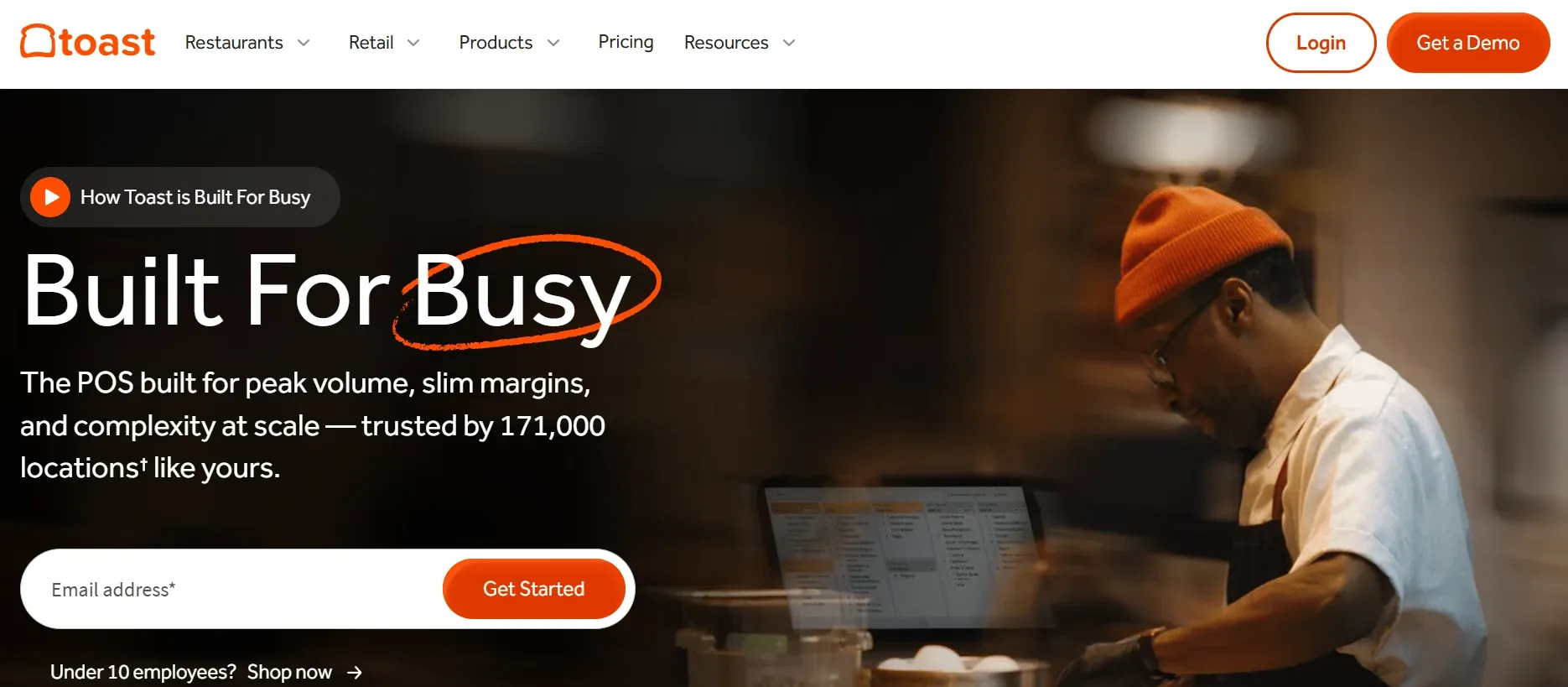
Toast is one of the most popular TouchBistro alternatives for full-service restaurants. Built specifically for the food service industry, it includes features such as kitchen display systems, online ordering, staff management, and restaurant-specific reporting. Unlike TouchBistro, which runs exclusively on iPads, Toast uses its own restaurant-grade Android hardware and also offers a $0-down pay-as-you-go option for eligible businesses. It's a strong choice for busy full-service restaurants, bars, and growing hospitality businesses.
Key features: Kitchen display systems, first-party online ordering, tip pooling, staff management, and restaurant-grade hardware.
Pricing: Starts at around $69/month for the Essentials plan, with higher-tier plans available. Pay-as-you-go payment processing is approximately 2.99% + 15¢ per transaction. See Toast pricing.
Limitations:
- Requires Toast's own payment processing and proprietary hardware.
- Pay-as-you-go processing fees can become expensive as sales volume increases.
- A two-year contract is common, and early cancellation fees can be significant.
- Several advanced features are only available on higher-priced plans.
For more on Toast, check out our detailed guide on Toast POS Alternatives.
2. Square for Restaurants
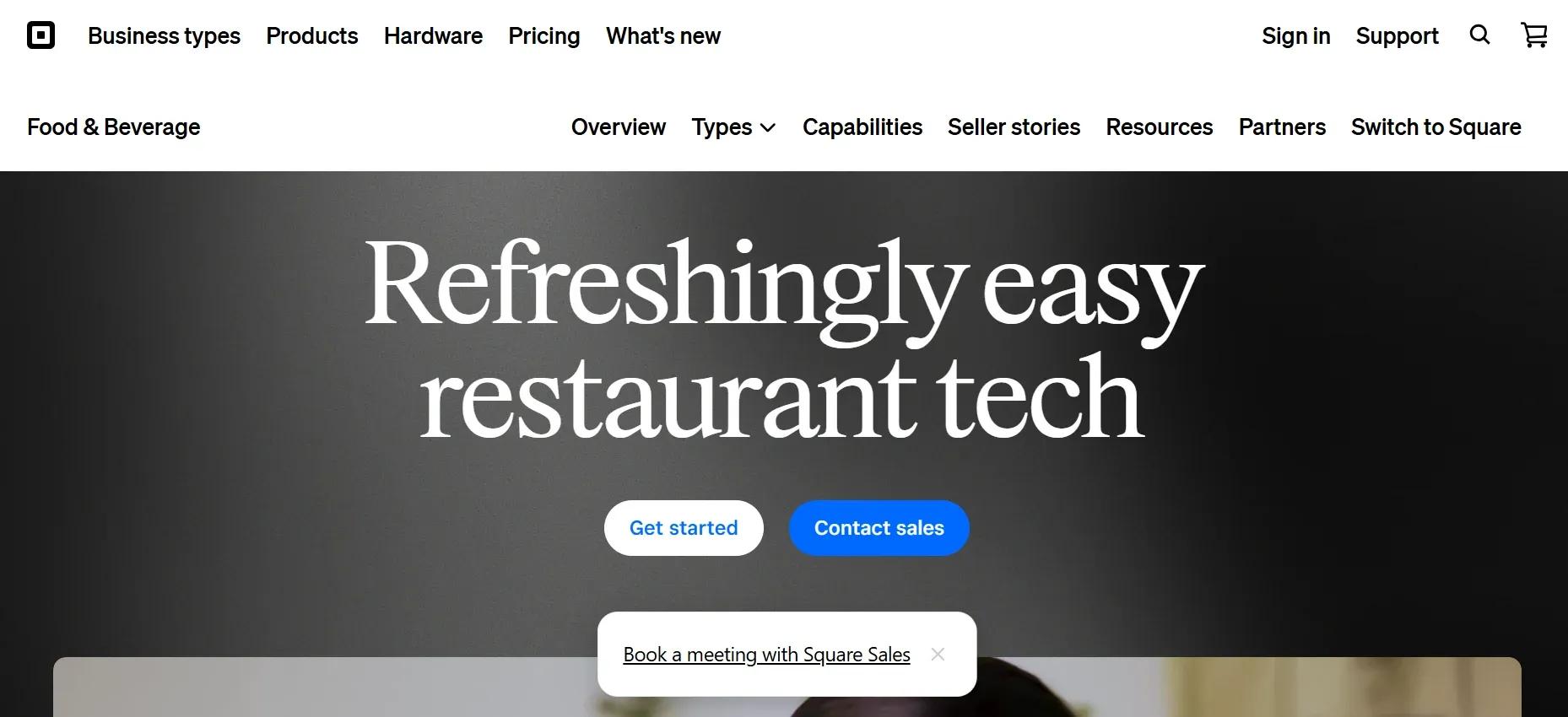
Square for Restaurants is the easiest and cheapest TouchBistro alternative, with a genuinely free plan, no contract, and fast setup. Unlike TouchBistro, you can test it without a commitment and buy hardware outright. Square is best for cafes, food trucks, and quick-service spots under about $10,000 a month in card volume.
Key features: fast order entry, menu and modifier management, first-party online ordering, tableside ordering, and a free POS plan.
Pricing: Free software plan available, with paid plans as your business grows. In-person payment processing starts at approximately 2.6% + 10¢ per transaction. See Square pricing.
Limitations:
- Payment processing must go through Square, so you can't use a third-party processor.
- Flat-rate processing fees can become expensive for higher-volume restaurants.
- Advanced features for full-service restaurants are more limited than those offered by restaurant-focused POS systems.
- Larger restaurants with complex workflows may eventually outgrow the platform.
For more on Square, read our detailed guide on Square for restaurant alternatives.
3. Lightspeed Restaurant
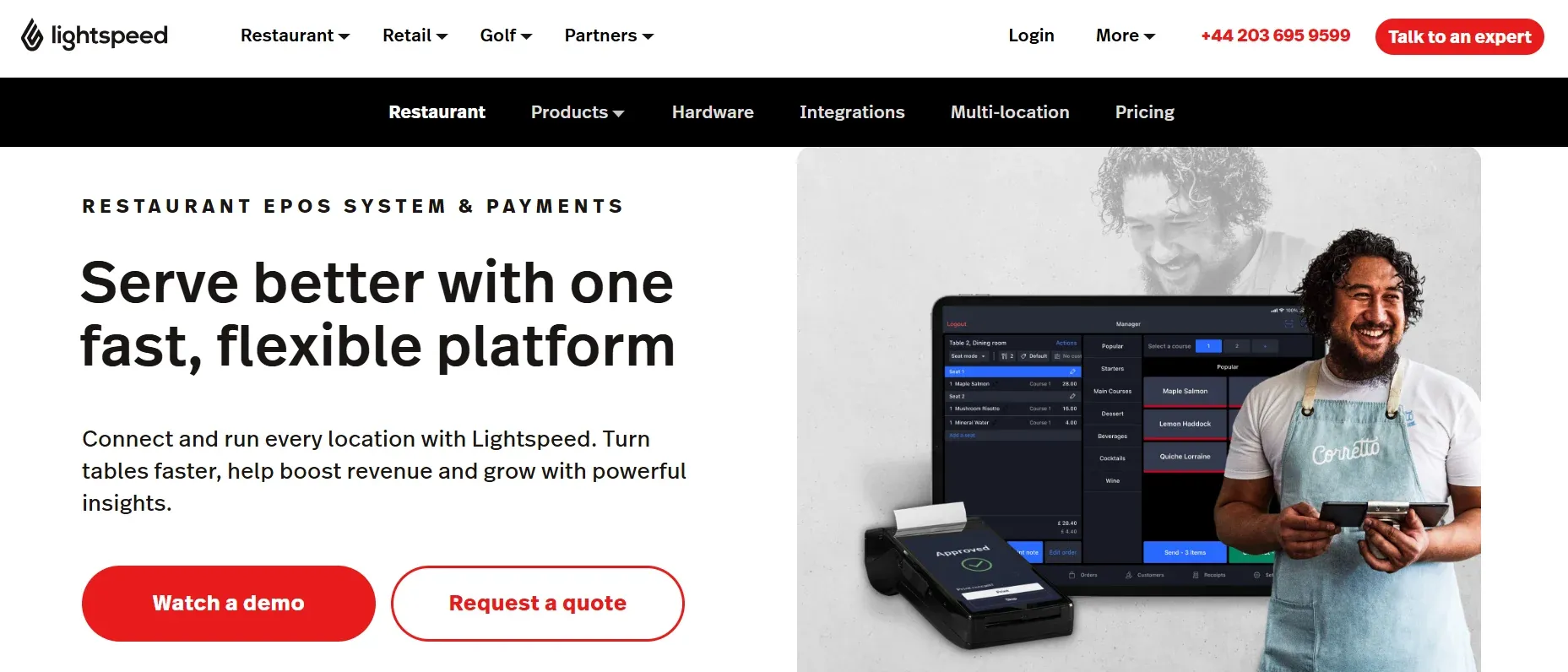
Lightspeed Restaurant is the TouchBistro alternative for multi-location groups and inventory-heavy operations. It goes deeper than TouchBistro on ingredient-level inventory, reporting, and multi-location management. Lightspeed is best for full-service restaurants and hospitality groups running several sites.
Key features: ingredient-level inventory, multi-location reporting, floor plans, and tableside iPad ordering.
Pricing: Starts at around $69/month per location, with annual billing typically required for the best pricing. See Lightspeed pricing.
Limitations:
- Monthly costs can increase significantly as you add locations, users, or premium features.
- The best pricing usually requires an annual contract.
- The platform has a steeper learning curve than simpler restaurant POS systems.
- Its advanced features may be more than a small, single-location restaurant needs.
For more on Square, read our detailed guide on Square for restaurant alternatives.
4. Aloha POS (NCR Voyix)
Aloha POS is a TouchBistro alternative designed for large restaurant groups, franchises, and enterprise-level operations. Backed by NCR Voyix, it provides the infrastructure needed to manage high-volume restaurants across multiple locations. Compared to TouchBistro, Aloha offers more advanced enterprise reporting, centralized management, and back-office tools, making it a better fit for established restaurant chains than independent businesses.
Key features: Enterprise reporting, multi-unit management, restaurant-grade hardware, centralized back-office tools, and advanced operational controls.
Pricing: Quote-based. Pricing varies based on your business requirements and is available directly from NCR Voyix.
Limitations:
- Pricing isn't publicly available, making it harder to estimate total costs.
- Enterprise contracts and implementation can take longer than cloud-based POS systems.
- The interface feels dated compared to newer restaurant POS platforms.
- The platform can be expensive and overly complex for independent restaurants or small businesses.
5. Revel Systems
Revel Systems is an iPad-based TouchBistro alternative designed for growing restaurant businesses and multi-location brands. While both platforms run on iPads, Revel focuses more on enterprise needs with features such as self-service kiosks, an open API, advanced reporting, and centralized multi-location management. It's best suited for franchises, quick-service chains, and restaurants planning to scale across multiple locations.
Key features: Complex menu management, self-service kiosks, open API, multi-location management, and advanced reporting.
Pricing: Starts at around $99 per terminal per month, with custom enterprise pricing based on your business needs. See Revel pricing.
Limitations:
- Per-terminal pricing can become expensive as you add registers or locations.
- Many advanced features require additional paid add-ons.
- Initial setup typically involves a longer implementation process rather than a quick self-service deployment.
- Its enterprise-focused feature set may be more than smaller restaurants need.
6. Clover
Clover is a flexible TouchBistro alternative for restaurants that want more hardware options or operate both restaurant and retail businesses. Unlike TouchBistro's iPad-only setup, Clover offers a range of countertop terminals, handheld devices, and mobile POS hardware that can be tailored to different business needs. It's a good fit for cafes, quick-service restaurants, and businesses that combine food service with retail sales.
Key features: Modular POS hardware, app marketplace, kitchen display system support, inventory management, and handheld ordering devices.
Pricing: Software plans start at around $14.95/month, with hardware purchased separately. Payment processing rates and total costs vary depending on the Clover reseller. See Clover pricing.
Limitations:
- Pricing, support quality, and processing rates can vary significantly depending on the reseller you choose.
- Payment processing is typically tied to Clover Payments, limiting processor flexibility.
- Restaurant-specific features are not as advanced as dedicated restaurant POS platforms like Toast or TouchBistro.
- Adding apps and premium features can increase the overall monthly cost.
For more on Clover, read our detailed guide on Clover alternatives.
7. CAKE POS
CAKE POS (by Mad Mobile) is a straightforward, easy-to-learn TouchBistro alternative for full-service and quick-service restaurants, with a built-in Guest Manager for reservations and waitlists. It advertises a $0-down model, but you pay through processing. CAKE is best for restaurants that want simplicity and strong support.
Key features: Fast checkout, Guest Manager for reservations and waitlists, offline mode, table management, and 24/7 U.S.-based support.
Pricing: Starts at around $69/month for the complete bundle, or a $0-down option with costs incorporated into payment processing. See CAKE pricing.
Limitations:
- Requires CAKE Pay for payment processing, with pricing that isn't fully transparent upfront.
- A two-year contract is typically required, and there is no free trial.
- Retail inventory and SKU management are more limited than hybrid POS systems.
- Some advanced features and add-ons require additional monthly fees.
8. Upserve (now Skyview Equity)
Upserve is a restaurant POS and management platform built for businesses that rely on customer insights and performance analytics. Originally developed on the Breadcrumb POS platform, it offers tools for managing orders, staff, loyalty programs, and guest relationships. Following its acquisition by Skyview Equity in 2026, Upserve now operates independently. It's best suited for independent full-service restaurants that want to make data-driven business decisions.
Key features: Restaurant POS, advanced analytics, guest and server insights, online ordering, loyalty programs, and restaurant reporting.
Pricing: Quote-based. Contact Upserve directly for current plans and pricing.
Limitations:
- The recent ownership change may create uncertainty around the platform's long-term product roadmap.
- Pricing isn't publicly available, making it difficult to compare costs before contacting sales.
- It has a smaller market presence than larger competitors such as Toast and Square.
- Some integrations and advanced features may require additional setup or custom pricing.
The Best TouchBistro Alternatives for Reservations and Guest Management
If reservations and guest management are the main reasons you use TouchBistro, you don't necessarily need to replace your entire POS system. These platforms specialize in reservations, waitlists, guest profiles, and customer engagement, and they can integrate with many popular POS systems.
9. OpenTable
OpenTable is one of the most widely used reservation platforms and a strong TouchBistro alternative for restaurants that want to attract new diners. Unlike a built-in reservation system, OpenTable connects your restaurant to a large network of customers searching for places to eat, helping increase visibility and bookings.
Key features: Online reservations, waitlist management, diner discovery network, guest profiles, and table management.
Pricing: Starts at around $39/month, with higher-tier plans reaching approximately $499/month. Additional per-cover fees apply to reservations made through the OpenTable network.
Limitations:
- Per-cover booking fees can become expensive for busy restaurants.
- It focuses on reservations and guest management rather than providing a complete POS system.
- Restaurants continue paying subscription and booking fees to access the platform and its customer network.
10. SevenRooms
SevenRooms is a premium reservation and guest experience platform built for restaurants that want to strengthen customer relationships and personalize service. Compared to TouchBistro's reservation tools, it offers more advanced guest profiles, marketing automation, and customer relationship management. It's best suited for fine dining restaurants, hospitality groups, and businesses that prioritize guest retention.
Key features: Reservations, guest CRM, automated marketing, customer profiles, and guest data management.
Pricing: Quote-based. Contact SevenRooms for current pricing.
Limitations:
- Premium pricing makes it less suitable for smaller restaurants with limited budgets.
- It focuses on reservations and guest management rather than replacing your POS system.
- Its advanced CRM and marketing features may be unnecessary for single-location or casual restaurants.
The Best TouchBistro Alternative for Inventory and Back-Office
If your biggest challenge is controlling inventory, food costs, and purchasing instead of replacing your POS, a dedicated back-office platform may be a better investment.
11. MarketMan
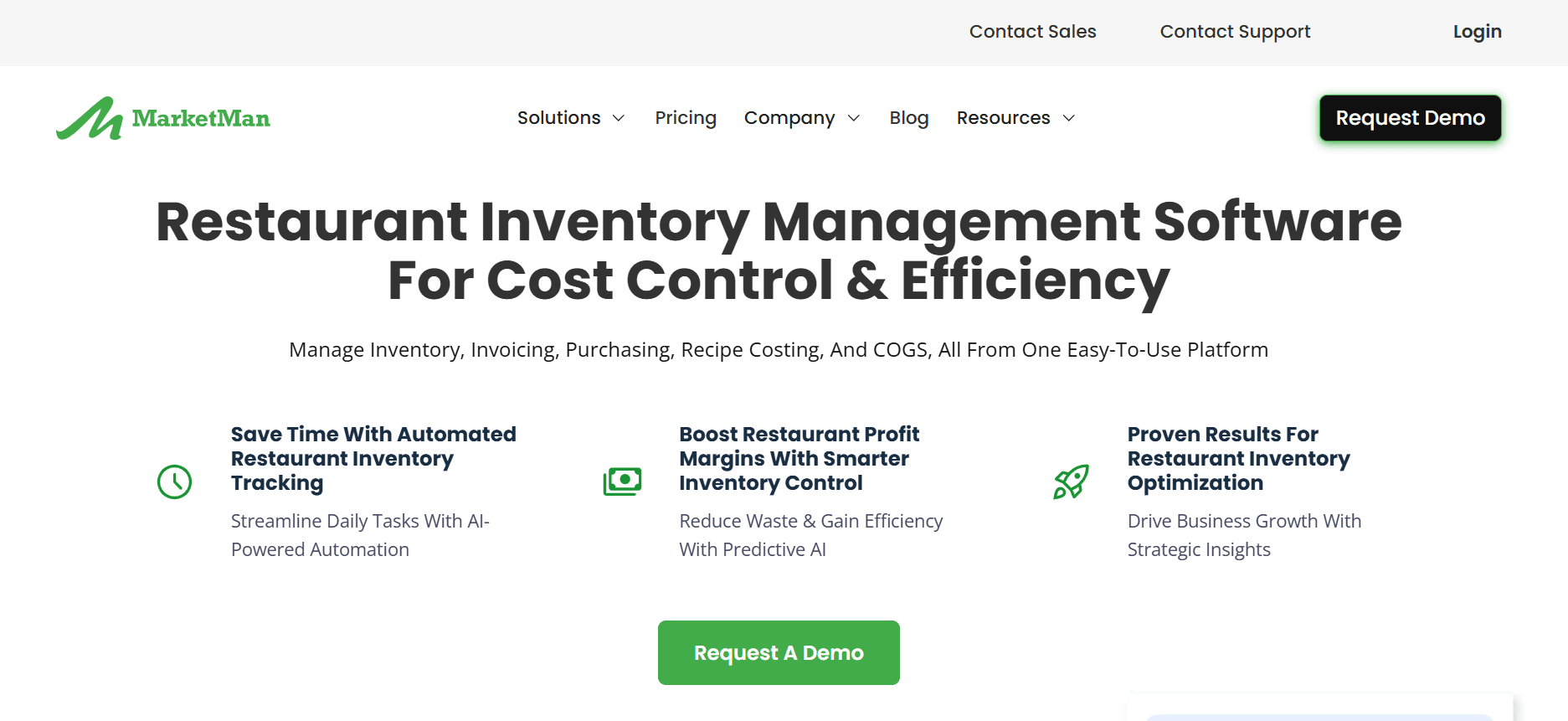
MarketMan is an inventory and restaurant management platform designed to help restaurants control food costs, purchasing, and supplier management. Unlike TouchBistro, it isn't a POS system. Instead, it integrates with many leading POS platforms to provide deeper inventory tracking, recipe costing, invoice management, and purchasing tools. It's ideal for restaurants that want greater visibility into their cost of goods and inventory performance.
Key features: Inventory tracking, supplier ordering, recipe and menu costing, invoice processing, and purchasing management.
Pricing: Starts at around $199/month for the Operator plan, with Professional and Enterprise plans available for larger businesses. See MarketMan pricing.
Limitations:
- It's a back-office management platform rather than a complete POS system.
- Adds another monthly subscription alongside your POS software.
- Setup requires time to configure suppliers, recipes, and inventory data.
- Advanced inventory features may be more than small restaurants with simple menus need.
How to Choose the Right TouchBistro Alternative
The best TouchBistro alternative depends on your restaurant's needs, budget, and long-term goals. Rather than choosing the platform with the most features, focus on the one that solves your biggest operational challenges.
Choose based on your business needs. If you're replacing your entire POS system, consider platforms like Toast, Square for Restaurants, or Lightspeed Restaurant. If reservations and guest management are your main priorities, OpenTable and SevenRooms offer more specialized tools. If food costs and inventory control are your biggest concerns, MarketMan may be a better investment than switching POS systems.
Consider the size of your business. Smaller restaurants, cafes, and food trucks often benefit from simple platforms like Square for Restaurants or CAKE POS. Growing multi-location businesses may need the advanced reporting and centralized management offered by Lightspeed Restaurant or Revel Systems. Large restaurant groups and franchises typically require enterprise solutions such as Aloha POS.
Set a realistic budget. Some platforms have free or low-cost entry points, while others require higher monthly subscriptions, contracts, or custom pricing. Compare not only the software cost but also payment processing fees, hardware expenses, and any paid add-ons you'll need.
Look at the total cost of ownership. A lower monthly price doesn't always mean lower long-term costs. Many POS platforms charge extra for features like online ordering, loyalty programs, reservations, or advanced reporting. If you're switching because you're tired of paying for multiple subscriptions, it may be worth considering a custom POS solution that gives you more control and reduces your reliance on third-party software over time.
The Real Cost of Leaving TouchBistro Isn't One Tool
It's the Stack.
When comparing TouchBistro alternatives, it's easy to focus on the monthly subscription price. However, the POS is only one part of the total cost. As your restaurant grows, you often end up paying for several additional tools to cover features your POS doesn't include.
For example, you might use one platform for your POS, another for reservations, a separate system for inventory management, plus additional software for loyalty programs, online ordering, gift cards, or marketing. Each tool comes with its own monthly subscription, contract, support team, and data that doesn't always integrate smoothly with the rest of your business.
Instead of simplifying operations, many restaurants end up managing a collection of disconnected systems that become more expensive and harder to maintain over time.
Now consider a different approach. Rather than subscribing to multiple platforms, what if all of those features were built into one system that your business actually owns?
That's the approach Devaims takes. Instead of renting software, Devaims develops a custom restaurant platform tailored to your workflow and hands over the source code when the project is complete. Your existing payment terminals can remain in place, while everything else, including ordering, table management, reservations, guest profiles, loyalty programs, inventory, reporting, and back-office operations, is brought together in one connected system built specifically for your restaurant.
One Platform Instead of Multiple Subscriptions
Owning your software changes more than just your monthly bill.
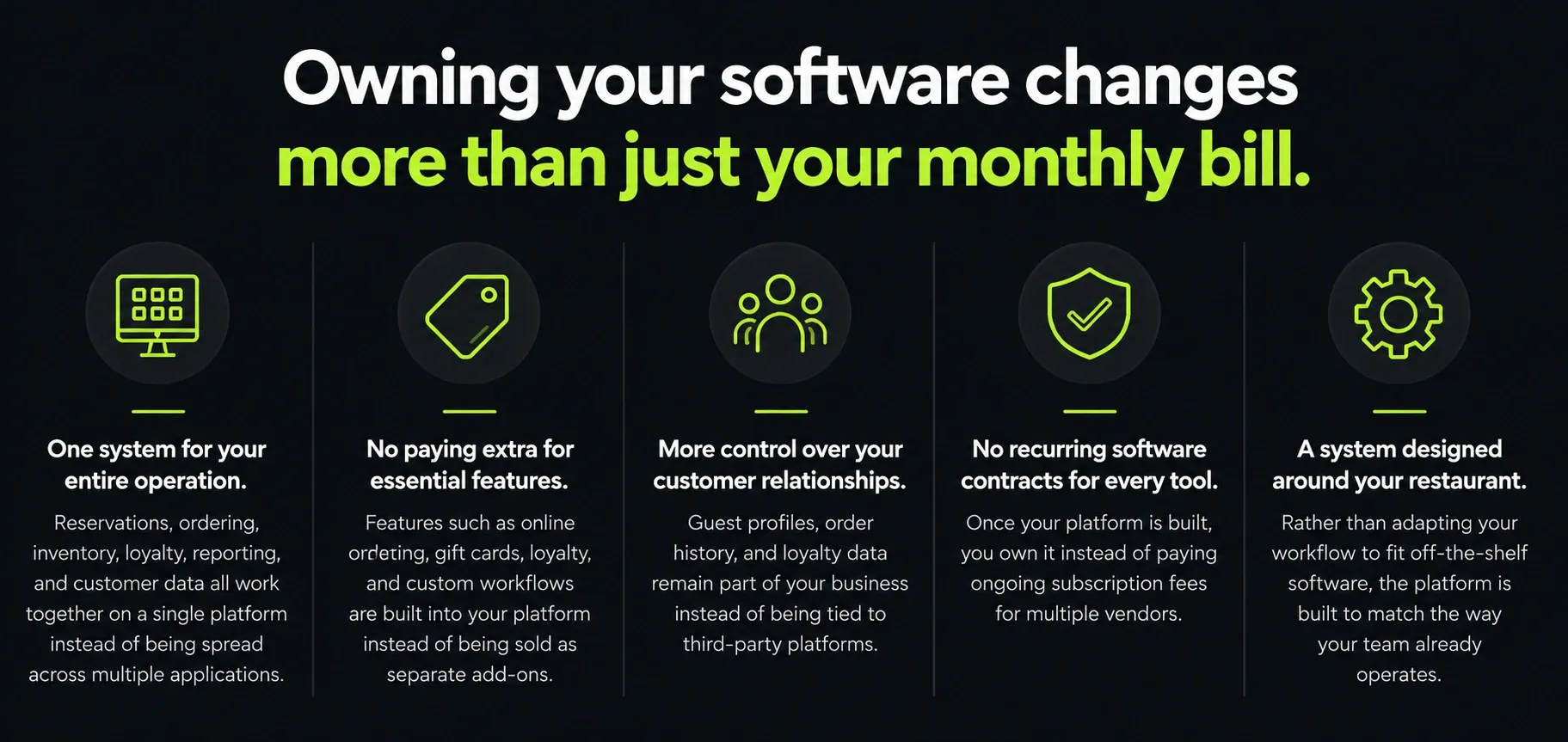
- One system for your entire operation. Reservations, ordering, inventory, loyalty, reporting, and customer data all work together on a single platform instead of being spread across multiple applications.
- No paying extra for essential features. Features such as online ordering, gift cards, loyalty, and custom workflows are built into your platform instead of being sold as separate add-ons.
- More control over your customer relationships. Guest profiles, order history, and loyalty data remain part of your business instead of being tied to third-party platforms.
- No recurring software contracts for every tool. Once your platform is built, you own it instead of paying ongoing subscription fees for multiple vendors.
- A system designed around your restaurant. Rather than adapting your workflow to fit off-the-shelf software, the platform is built to match the way your team already operates.
How Custom Restaurant Software Compares to Renting Multiple Tools
Ultimately, the decision isn't just about choosing another TouchBistro alternative. It's about deciding whether you want to continue managing several separate subscriptions or invest in a single platform that's built for your business and owned by you.
| Feature | TouchBistro | Rented stack (POS + reservations + inventory) | Devaims (owned) |
| Number of vendors | 1 POS + add-ons | 3 to 5 | 1 platform, yours |
| Monthly cost | $69+ plus add-ons | Often $700 to $1,000+ | Flat maintenance |
| Reservations | Built in (basic) | Separate subscription | Built in, yours |
| Inventory | Add-on or third party | Separate subscription | Built in, yours |
| Data connected across tools | Partly | Rarely | Fully |
| Own the software | No | No | Yes, you keep the code |
| Contract | Yes | Multiple | None, you own it |
What It Costs Over Time
The right choice depends on the size of your restaurant and how much you're already spending on software. If you operate a single cafe or small restaurant, renting a POS is usually the more affordable option because it requires little upfront investment.
However, as your business grows, the costs of multiple subscriptions can add up quickly. Many restaurants pay separately for their POS, reservations, inventory management, online ordering, loyalty programs, and other add-ons. If those combined costs are around $950 per month (about $11,400 per year), owning your software may become the more cost-effective option over the long term.
| Year | Renting the stack (~$950/mo) |
Owning with Devaims ($33,000 build + $209/mo) |
| Year 1 | $11,400 | $35,508 |
| Year 2 (cumulative) | $22,800 | $38,016 |
| Year 3 (cumulative) | $34,200 | $40,524 |
| Year 4 (cumulative) | $45,600 | $43,032 (now ahead) |
| Year 5 (cumulative) | $57,000 | $45,540 |
During the first three years, renting typically costs less because a custom platform requires a larger upfront investment. However, around the fourth year, the total cost of ownership can become lower than continuing to pay for multiple subscriptions. From that point forward, the savings continue to grow because maintenance costs remain relatively stable while software subscriptions and add-ons often increase over time.
If you're not sure where your business falls, Devaims can review the software you're paying for today and calculate your estimated break-even point at no cost.
Who Should Consider Owning Their Software
A custom platform isn't the right choice for every restaurant. If you operate a single location and simply need a reliable POS, platforms like Square or CAKE are often the fastest and most affordable way to get started.
However, owning your software becomes much more attractive if you:
- Operate multiple restaurant locations.
- Pay for several separate software subscriptions each month.
- Need custom workflows that standard POS platforms can't support.
- Want more control over your technology, customer data, and long-term software costs.
If that sounds like your business, Devaims can help you consolidate multiple tools into one platform built specifically for your operations. Book a free consultation to see how a custom solution compares to your current software costs.
How to Switch From TouchBistro Without Losing Data
Switching from TouchBistro is usually simpler than many restaurant owners expect. In most cases, you're replacing the software, not your restaurant's hardware or day-to-day operations. With the right planning, you can move to a new system without losing important business data.
- Start by exporting your data from TouchBistro before canceling your account. This should include your menus, modifiers, customer information, gift cards (if supported), and sales history so you have a complete backup.
- Next, choose the POS system that best fits your restaurant's size and operational needs. Once you've made your decision, import your menu, customer, and other business data into the new platform, making sure each field is mapped correctly to avoid errors.
- After the data is in place, reconnect your payment processor and any integrations you rely on, such as online ordering, delivery services, accounting software, or loyalty programs. Before switching completely, train your staff on the new system and run both platforms in parallel for at least one full service to confirm everything is working properly.
- Finally, review your TouchBistro agreement for any cancellation requirements or early termination fees before closing your account.
If you choose a custom restaurant platform from Devaims, the data migration, system configuration, and implementation are handled as part of the project, making the transition much smoother.
Frequently Asked Questions
What is the best alternative to TouchBistro?
It depends on your need. Among the TouchBistro alternatives compared here, Toast is best for full-service restaurants, Square for cafes and quick-service, Lightspeed for multi-location and inventory, OpenTable or SevenRooms for reservations, and MarketMan for inventory. Multi-location operators tired of juggling systems should consider owning one platform.
Which TouchBistro alternatives have a free plan?
Square for Restaurants has a genuinely free POS plan. Most others (Toast, Lightspeed, CAKE, Aloha, Revel) require a paid plan or contract, and reservation and inventory tools like OpenTable and MarketMan are separate subscriptions.
Is TouchBistro only for iPads?
Yes, TouchBistro runs on Apple hardware. If you want to avoid an iPad fleet, Toast (Android-based), Clover, or Square offer other hardware paths.
What is the best TouchBistro alternative for reservations?
OpenTable for diner discovery and new traffic, or SevenRooms for deep guest CRM and data ownership. Both pair with any POS.
Can I replace TouchBistro and my reservation and inventory tools with one system?
Yes. That's exactly what a custom-built platform does, it combines POS features, reservations, inventory, and loyalty into one system you own, instead of renting several that don't fully connect.
The Bottom Line
The best TouchBistro alternative depends on your restaurant's needs. Some platforms are better for full-service restaurants, while others focus on affordability, advanced inventory, reservations, or multi-location management. The right choice isn't simply the one with the lowest monthly price. It's the one that fits your operations today and can support your business as it grows.
However, there's one thing most alternatives have in common: you may still end up paying for multiple tools to cover everything your restaurant needs. A POS, reservation system, inventory software, loyalty platform, and online ordering solution can quickly become a collection of separate subscriptions that don't always work seamlessly together.
If managing that software stack is your biggest challenge, it may be worth considering a different approach. Instead of renting multiple platforms, you can own a single restaurant management system built around your workflow. Book a free consultation with Devaims to see what that could look like for your business.
More guides for restaurants are on the Devaims blog, including our Toast POS alternatives, Lightspeed alternatives, and Clover POS alternatives.