


Lightspeed is a popular cloud POS for retail stores and restaurants, but it's not the right fit for every business. As subscription costs increase and operations grow, many business owners begin looking for alternatives that offer better value, more flexibility, or fewer restrictions. Common concerns include rising monthly fees, payment processor lock-in, and paying extra for features that were once included.
In this guide, we'll compare the 12 best Lightspeed alternatives for retail and hospitality. You'll learn about each platform's pricing, key features, pros and cons, and which type of business it's best suited for. We'll also walk through what to consider before switching and how to make the transition with minimal disruption.
Finally, if you're planning for long-term growth, we'll also discuss another option that many multi-location businesses are considering in 2026.
Why Businesses Look for Lightspeed Alternatives
Most businesses don't switch POS systems because of a single issue. Instead, it's usually a combination of rising costs, changing needs, and a desire for more flexibility. Here are the most common reasons owners start exploring Lightspeed alternatives.
- Rising subscription costs. Many businesses find that monthly fees increase over time, especially when upgrading to higher plans or adding features such as ecommerce.
- Payment processor restrictions. Lightspeed encourages merchants to use its own payment solution, and using another processor may involve additional monthly fees, limiting your ability to shop for better rates.
- Paying for features you don't use. Retailers and restaurants have different needs, but some businesses end up paying for tools that aren't relevant to their day-to-day operations.
- Extra costs for add-ons and hardware. Additional modules, onboarding services, and proprietary hardware can increase the total cost beyond the base subscription.
- Advanced features on higher plans. Detailed reporting, multi-location management, and other advanced capabilities are often available only on more expensive tiers.
None of these issues make Lightspeed a bad POS system. For many businesses, it remains a solid choice. However, if you're looking for lower costs, greater flexibility, or features that better align with how you operate, it's worth comparing the alternatives below.
Quick Comparison of the Best Lightspeed Alternatives
Here's how the leading Lightspeed alternatives stack up at a glance before the detailed breakdowns.
POS |
Best for |
Starting price |
Payment flexibility |
| Square | Fast, low-cost entry | Free plan | Square only |
| Shopify POS | Shopify-first omnichannel | ~$39/month | Shopify Payments |
| Toast | Full-service restaurants | ~$69/month | Toast only |
| Clover | Flexible counter hardware | ~$14.95/month | Clover only |
| TouchBistro | iPad restaurants | ~$69/month | Multiple providers |
| Revel | Multi-location QSR | ~$99/terminal/month | External fee applies |
| Epos Now | Retail plus hospitality | Subscription or one-time | Multiple providers |
| Korona POS | Processor-agnostic retail | Per terminal | Flexible |
| SpotOn | Restaurants plus marketing | ~$99/month | SpotOn preferred |
| Lavu | iPad restaurants and bars | Quote-based | Flexible |
| CAKE POS | Quick-service restaurants | ~$69/month | CAKE preferred |
| Loyverse | Small shops and cafes | Free | Multiple providers |
Pricing and card rates change often. Confirm current tiers on each vendor's site before you decide.
12 Best Lightspeed Alternatives for 2026
Here are the 12 Lightspeed alternatives worth shortlisting, grouped roughly from the simplest to the most enterprise-grade.
1. Square
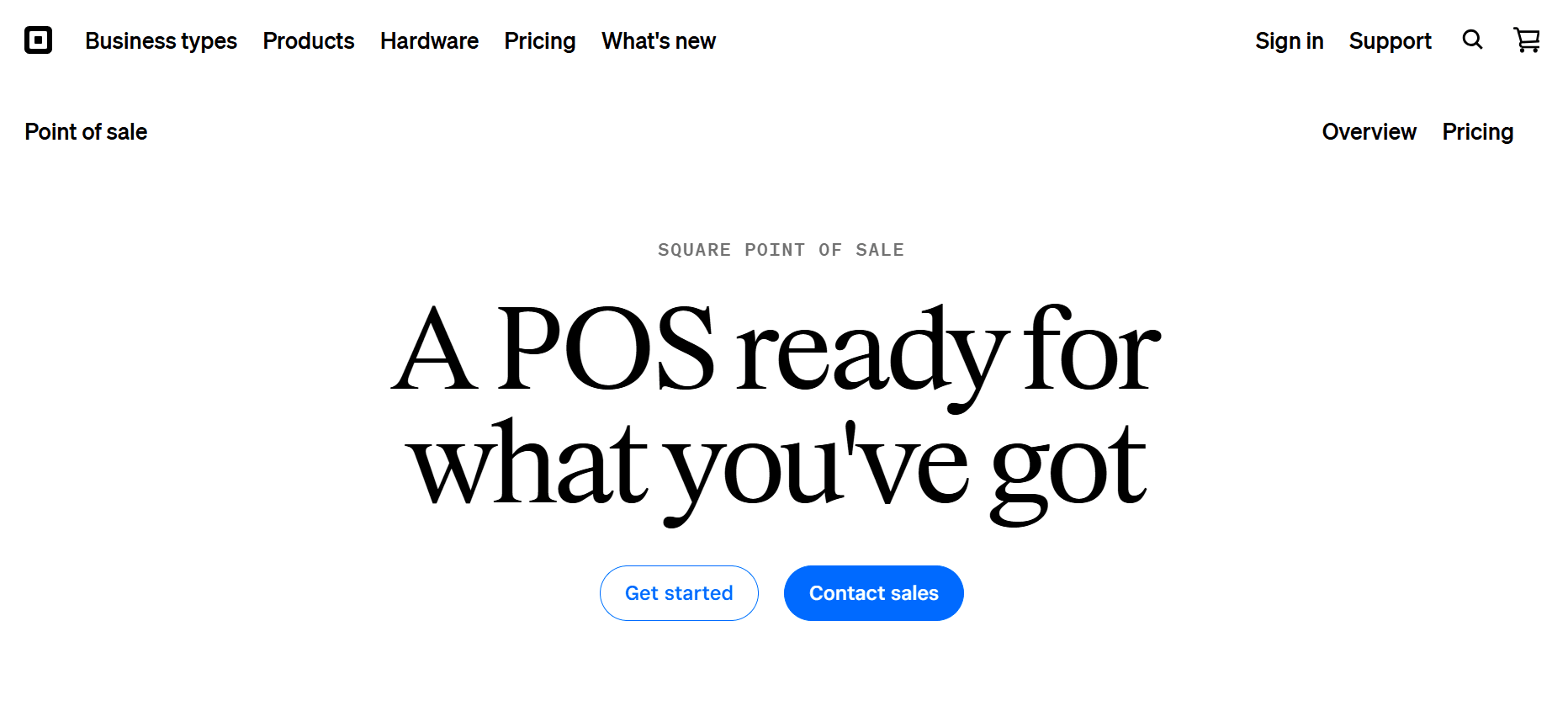
Square is one of the easiest and cheapest Lightspeed alternatives to get started with. It has a free software tier, clear published pricing, and fast setup, so a small shop or cafe can be selling in a weekend. Square is best if you want something simple and affordable with minimal IT overhead. Lightspeed offers deeper specialty-retail inventory, but Square wins on price and simplicity, which makes it a great fit for micro retail, markets, pop-ups, and first locations.
Key features: fast checkout, menu and modifier management, table management on paid tiers, first-party online ordering, and hardware sold outright.
Pricing: free software tier, paid plans as you grow, and in-person processing around 2.6% + 10¢. See Square pricing.
- No contract, cancel anytime, and a genuinely free entry point
- Transparent, published processing rates
- Quick setup with a short learning curve
- The flat 2.6% rate adds up at higher volume
- All payments must run through Square
- Advanced inventory and multi-location depth are lighter than specialty platforms
For more on Square, read our detailed guide on Square for restaurant alternatives.
2. Shopify POS
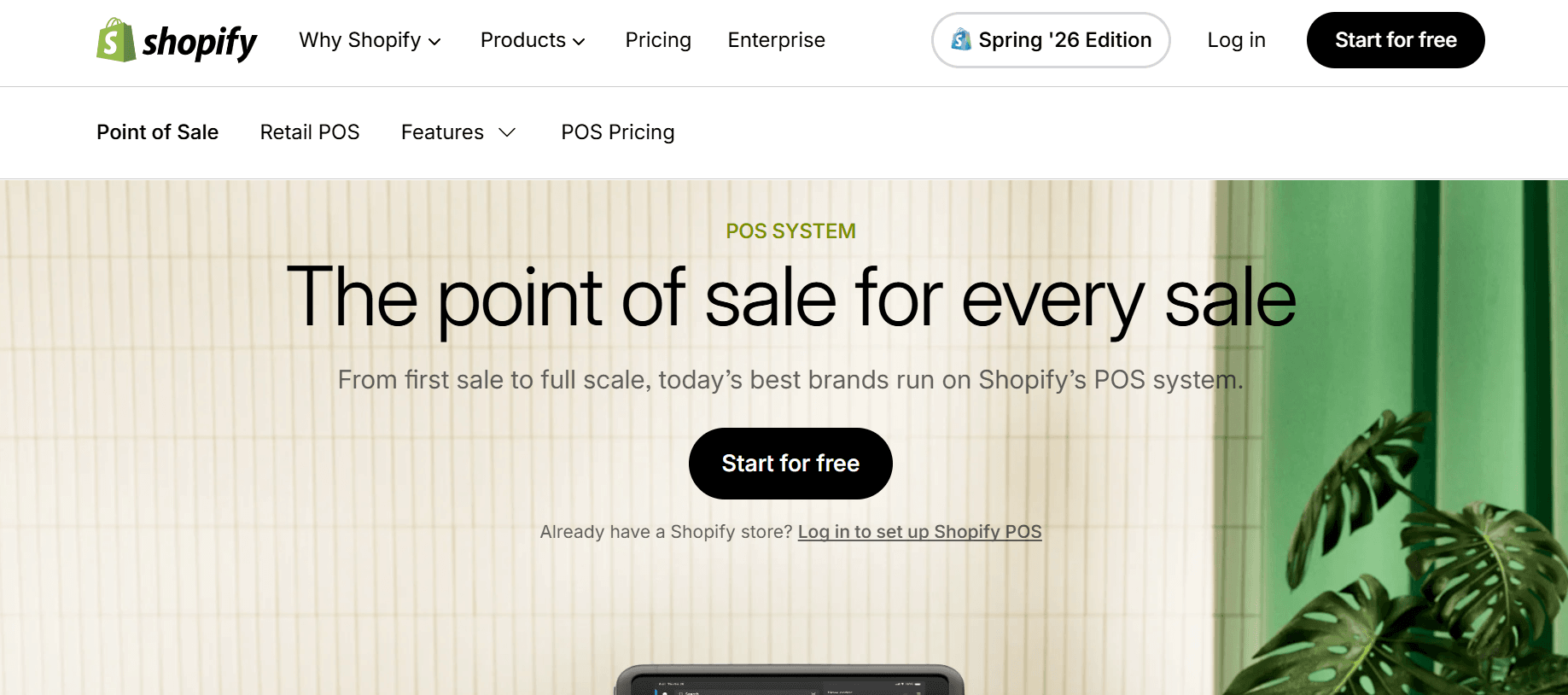
Shopify POS is the top pick among Lightspeed alternatives when your online store already runs on Shopify. It ties your web and register together into one system, so inventory and customer profiles stay in sync across channels. Shopify POS is best if you're an ecommerce-led brand adding or expanding physical retail. Lightspeed is more independent of any single ecommerce platform, but if you're Shopify-first, Shopify POS is the tighter fit and a great choice for online brands opening stores.
Key features: native online and in-store inventory sync, unified customer profiles, click-and-collect, and a strong app ecosystem.
Pricing: from about $39/month on top of your Shopify plan; processing through Shopify Payments. See Shopify POS pricing.
- Seamless online-to-store inventory and customer sync
- Huge app ecosystem for extending features
- Strong fit for omnichannel brands
- Requires a paid Shopify plan on top of the POS fee
- Best experience is tied to Shopify Payments
- Less ideal if you run WooCommerce or a custom catalog
3. Toast
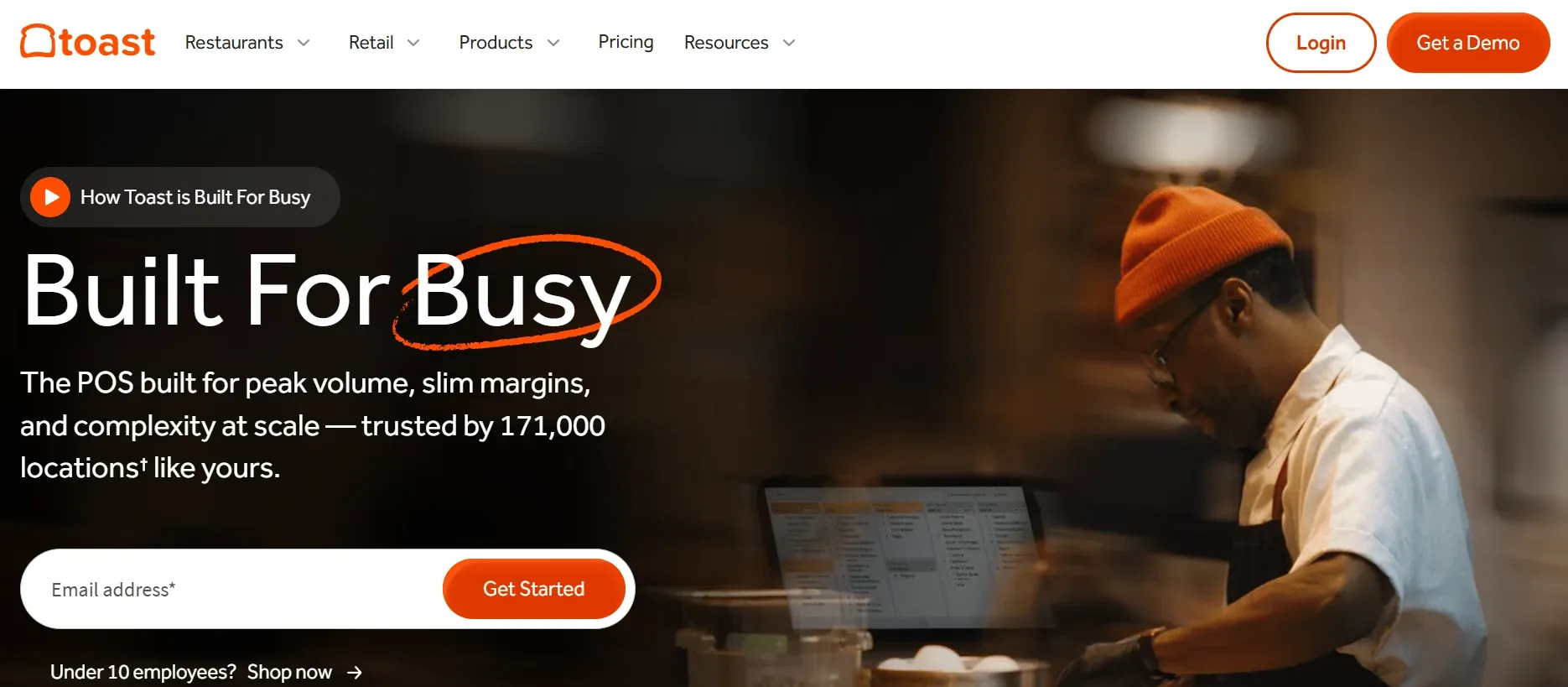
Toast is the dedicated restaurant POS that industry roundups often rank above Lightspeed for full-service dining. It comes with kitchen display systems, online ordering, and staff tools built specifically for hospitality. Toast is best if you run a restaurant, bar, or QSR that needs kitchen routing and tip pooling. Lightspeed spans both retail and restaurant, but for a food-first operation Toast goes deeper, making it a great fit for full-service dining rooms.
Key features: kitchen display systems, first-party online ordering, tip pooling, menu management, and restaurant-grade hardware.
Pricing: from about $69/month (Essentials tiers run higher); pay-as-you-go processing around 2.99% + 15¢. See Toast pricing.
- Deep, restaurant-specific workflows
- Strong online ordering and kitchen tools
- Hardware built for a busy kitchen
- Pay-as-you-go processing (around 2.99% + 15¢) is high, and you must use Toast payments
- Overkill for product-only retail
- Several features are gated to higher tiers
For more on Toast check out our detailed guide on Toast POS Alternatives.
4. Clover
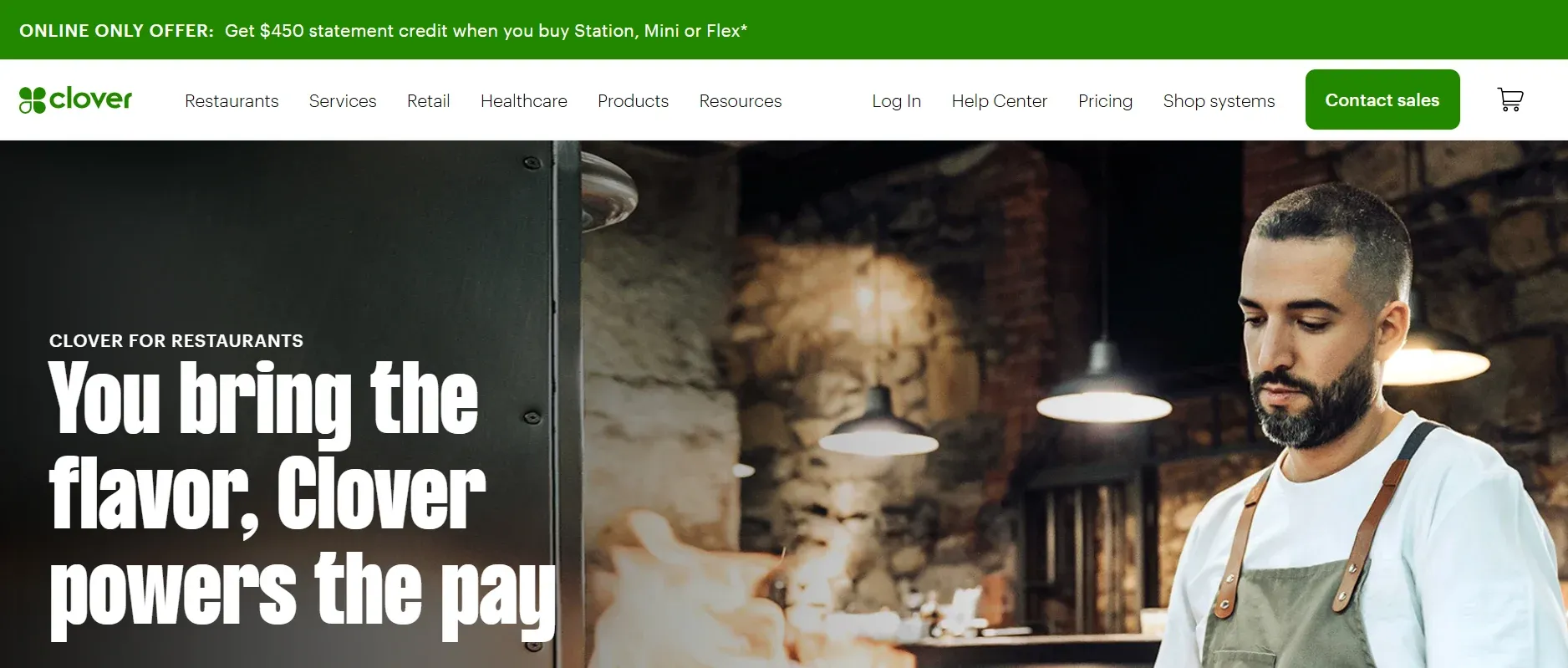
Clover is the Lightspeed alternative to reach for when hardware freedom matters. Its terminals work with multiple processors, and it's sold through banks and resellers, so you can shop around on rates. Clover is best for mixed retail-and-service businesses that want modular hardware. Lightspeed is more consistent out of the box, while Clover's experience depends on your reseller, which makes it a great fit for owners willing to compare processor offers carefully.
Key features: modular terminals and handhelds, a mature app marketplace, and kitchen display support.
Pricing: software from about $14.95/month plus hardware; processing 2.3% to 2.6% + 10¢, varying by reseller. See Clover pricing.
- Hardware works with multiple processors, less lock-in
- Large, mature app marketplace
- Reliable, well-known devices
- Rates and fees vary widely by reseller, and some add hidden fees
- Payments are still bundled to Clover's processor
- Support quality depends entirely on who sold you the system
For more on Clover, read our detailed guide on Clover alternatives.
5. TouchBistro
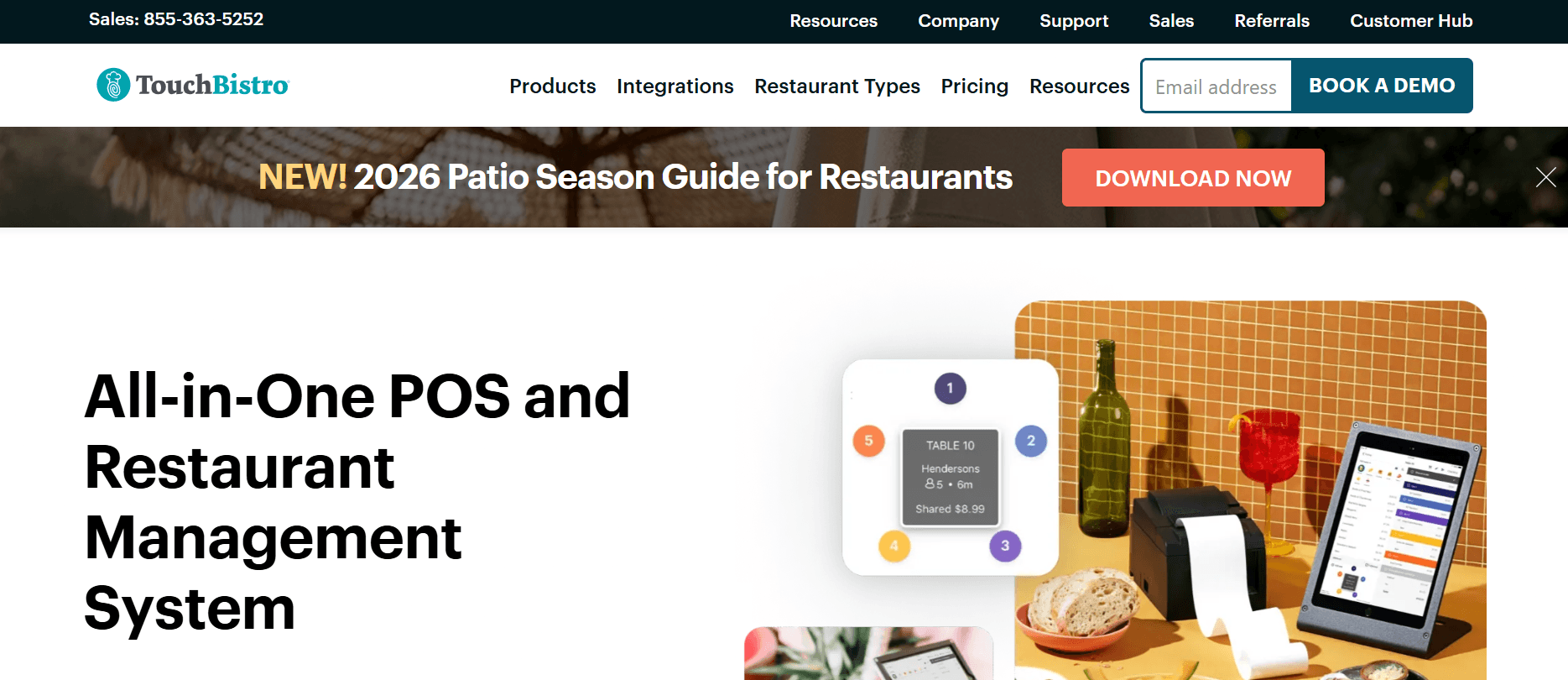
TouchBistro is an iPad-native Lightspeed alternative built around dine-in service, with data stored locally so it keeps working offline. It handles tableside ordering, floor plans, and split checks cleanly. TouchBistro is best for full-service restaurants that want servers taking orders at the table. Lightspeed is broader across retail and hospitality, but TouchBistro stays focused on the dining room, which makes it a great fit for sit-down restaurants and bars on Apple hardware.
Key features: tableside iPad ordering, floor plans and table management, split checks, tip pooling, and offline on the local network.
Pricing: from about $69/month; add-ons like online ordering cost extra. See TouchBistro pricing.
- iPad-first design servers learn quickly
- Strong table management and offline reliability
- Supports multiple payment providers
- Several standard features are paid add-ons (online ordering around $50/month)
- Requires an iPad fleet
- Fewer integrations than the biggest platforms
For more on TouchBistro, read our detailed guide on TouchBistro Alternatives.
6. Revel Systems
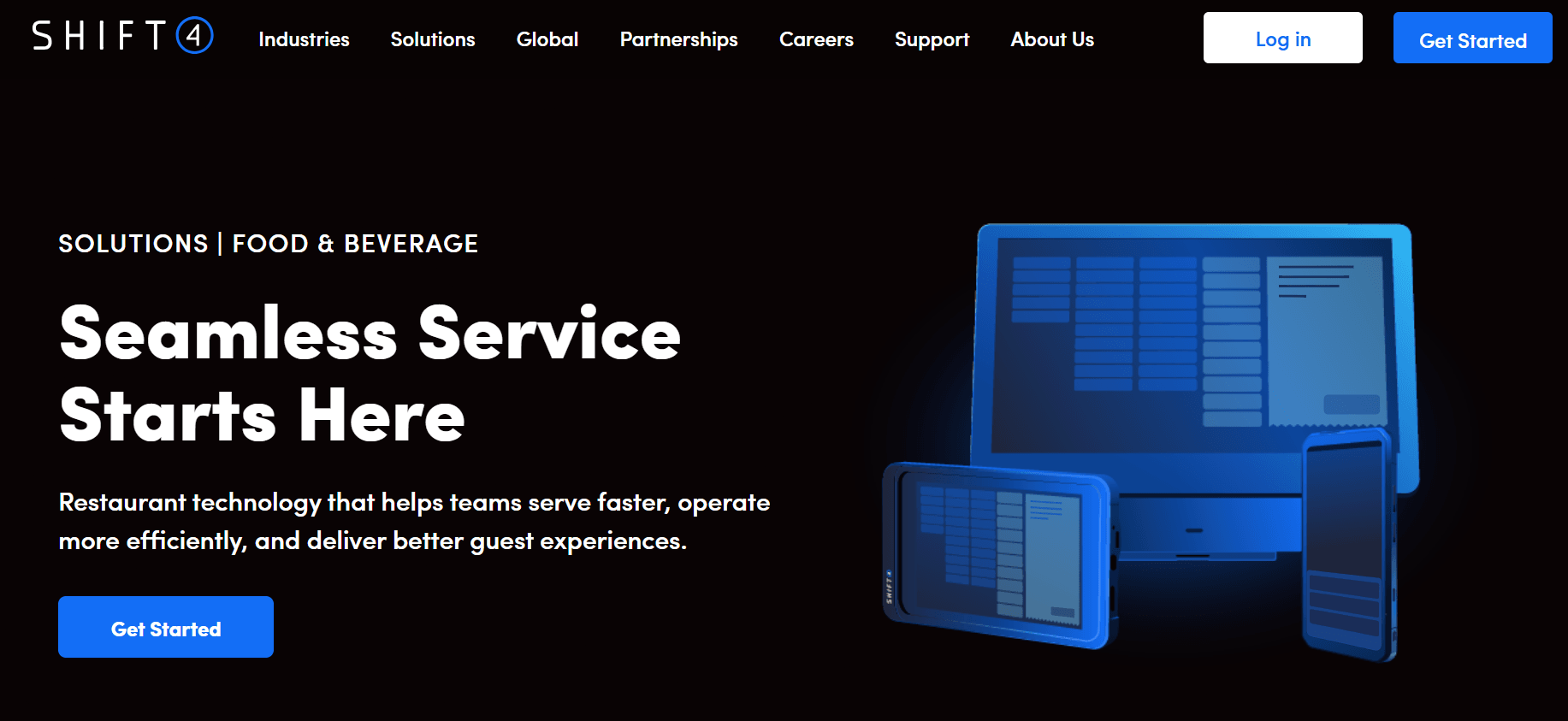
Revel is an iPad-based Lightspeed alternative built for scale, priced per terminal, and aimed at multi-location quick-service brands. It handles complex menus, kiosks, and multi-location management. Revel is best for franchises and growing chains that need consistent workflows across units. Lightspeed also scales, but Revel leans harder into enterprise QSR, making it a great fit for larger brands, though its per-terminal model can get costly.
Key features: built-in CRM, inventory, analytics, online ordering that syncs to stock, and self-service checkout.
Pricing: from about $99 per terminal per month, quoted for enterprise. See Revel pricing.
- Enterprise features and multi-location management
- Kiosk and self-order options
- Strong analytics and reporting
- Per-terminal pricing makes expansion expensive, and outside processors incur a fee
- Core features often require paid add-ons
- Setup is an implementation project, not a quick start
7. Epos Now
Epos Now serves both retail and hospitality with broad integrations and is a common pick among Lightspeed alternatives for operators who want mid-market flexibility. It offers a central multi-branch dashboard and multiple payment providers. Epos Now is best for operators who want broad third-party connectors across retail and hospitality. Lightspeed offers deeper specialty-retail tooling at higher tiers, but Epos Now provides greater processor flexibility, which suits mixed and multi-branch businesses.
Key features: flexible modules, multi-branch dashboard, broad integrations, and multiple payment providers.
Pricing: subscription plans plus hardware (some markets show a one-time hardware cost); confirm current tiers. See Epos Now pricing.
- Flexible modules across retail and hospitality
- Multiple payment providers, not one locked processor
- Central dashboard for multiple branches
- Total cost varies a lot by terminal count and integrations, and some essentials cost extra
- Less retail-specific depth at the entry tier
- Add-ons can stack up quickly
8. Korona POS
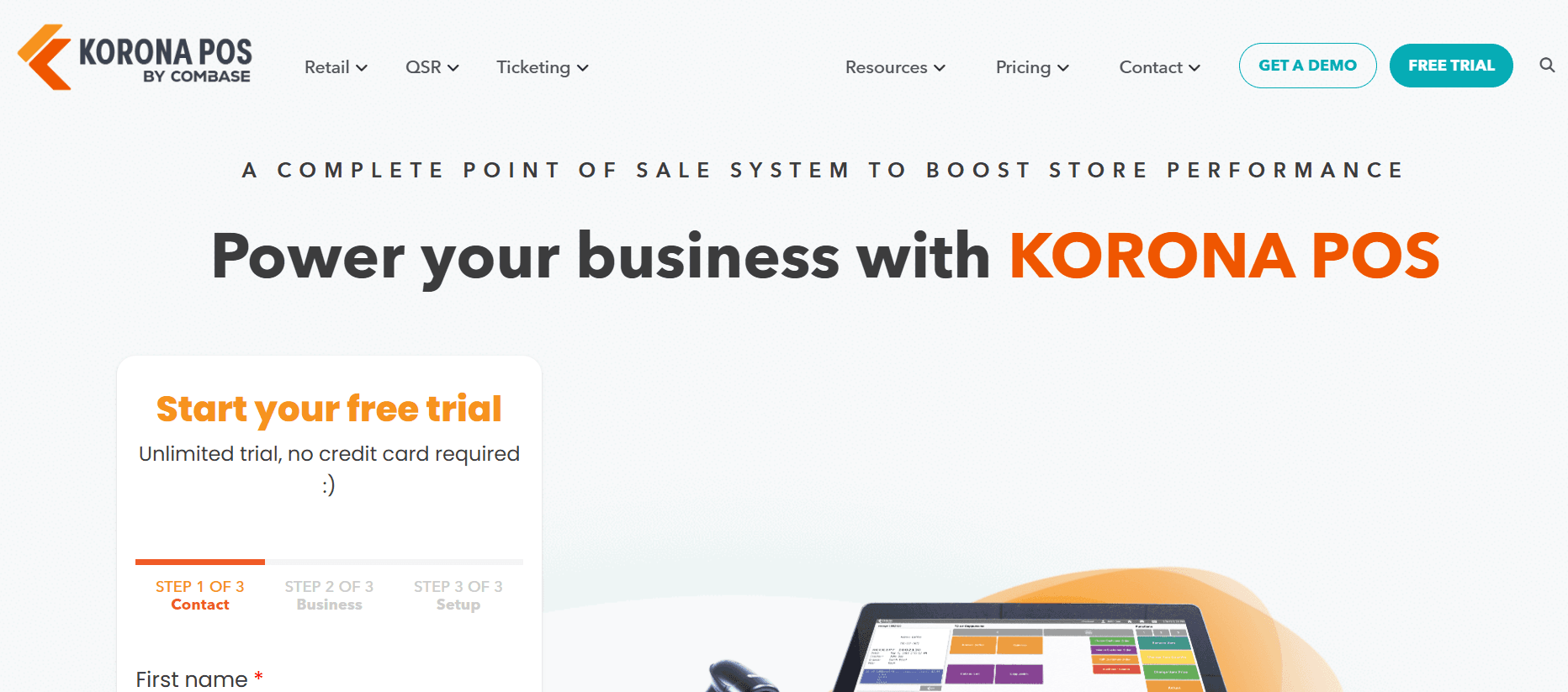
Korona POS is frequently cited as a Lightspeed alternative for merchants who prioritize payment-processor choice and transparent per-terminal pricing. It's strong for high-SKU and ticketing operations. Korona is best for retailers focused on lowering card-processing costs. Lightspeed bundles you toward its own payments, while Korona keeps the processor open, making it a great fit for retailers who want to negotiate rates freely.
Key features: processor flexibility, transparent per-terminal pricing, and strong inventory for large catalogs.
Pricing: per terminal, often with no long contract. See Korona pricing.
- Real payment-processor freedom
- Transparent, predictable per-terminal pricing
- Strong for large or complex inventories
- Costs scale with each added terminal
- A different interface than Lightspeed to learn
- Evaluate depth for your specific vertical
9. SpotOn
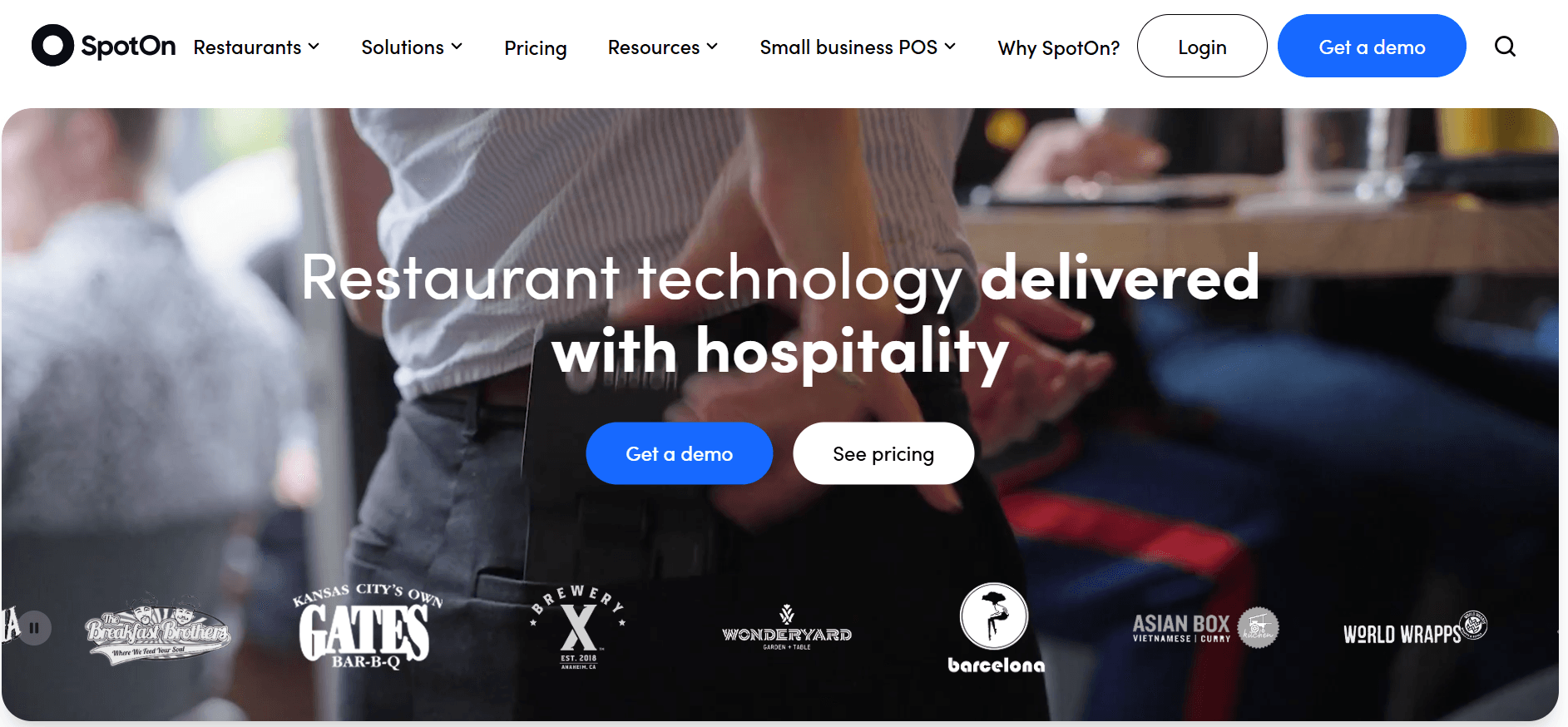
SpotOn is a restaurant-focused Lightspeed alternative that pairs payments with built-in marketing, loyalty, and reviews. It's aimed at operators who want repeat guests. SpotOn is best for mid-size restaurants investing in retention. Lightspeed has a broader retail focus, but SpotOn ties payments and guest outreach together in one place, making it a great fit for restaurants that treat repeat traffic as a growth channel.
Key features: restaurant POS with payments, built-in marketing and loyalty, review tools, and US-based support.
Pricing: from about $99/month; processing is negotiable. See SpotOn pricing.
- Built-in marketing and loyalty reduce extra tools
- Competitive, negotiable rates
- US-based support
- Contracts need careful reading and can allow rate changes
- Less hardware flexibility than Clover
- Primarily restaurant-focused, not built for product retail
10. Lavu
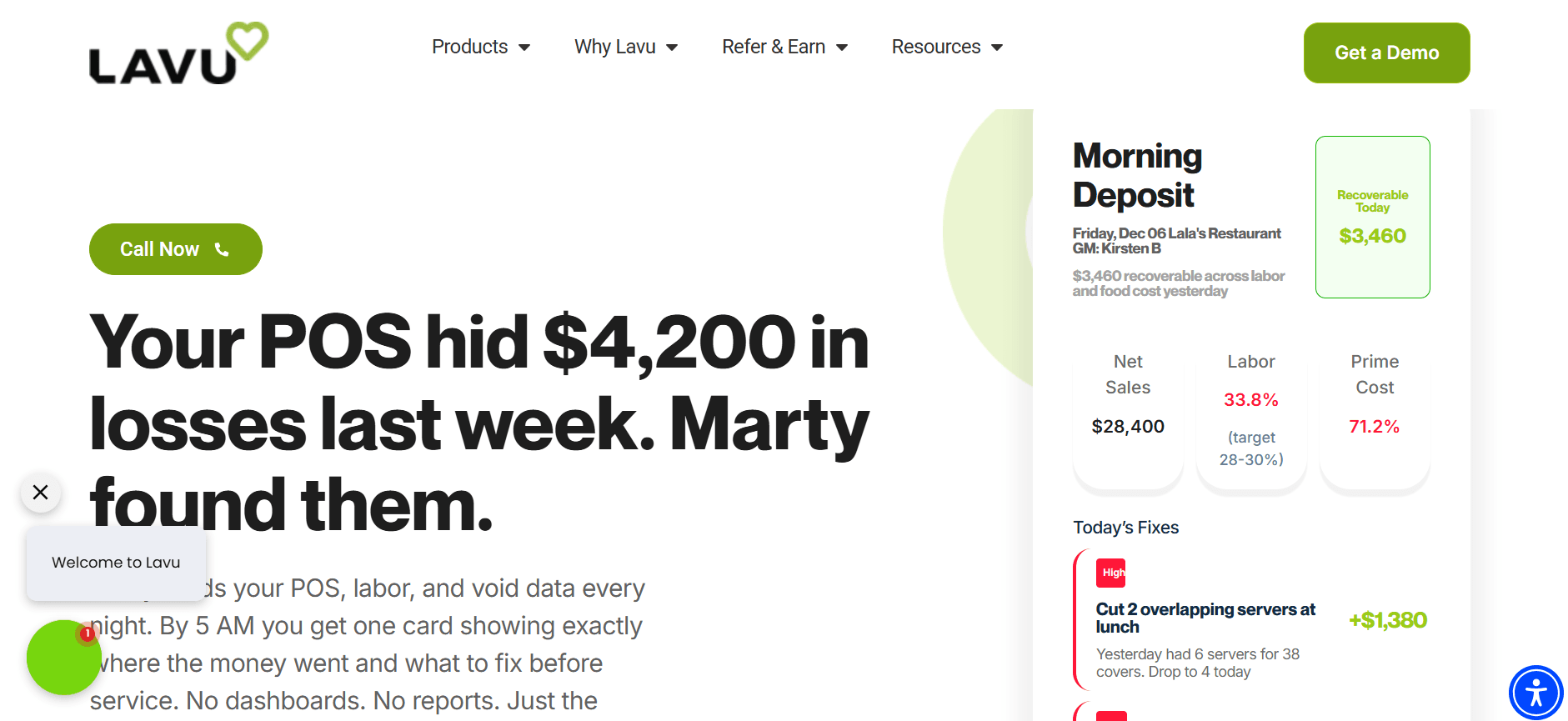
Lavu is an iPad-based restaurant Lightspeed alternative known for flexibility and processor choice, popular with bars and full-service spots. Lavu is best for restaurants that want iPad flexibility without being locked to one processor. Lightspeed spans retail too, but for a food-first operation that values payment freedom, Lavu is a strong, focused choice.
Key features: iPad POS, flexible payment options, a solid restaurant feature set, and offline capability.
Pricing: quote-based. Confirm current pricing with Lavu.
- Flexible payment options
- Solid restaurant feature set
- Offline capability
- Pricing is quote-based and not transparent up front
- Some features are paid add-ons
- Restaurant-only, not for retail
11. CAKE POS
CAKE POS is a Lightspeed alternative for quick-service and casual dining with a straightforward interface and strong ease-of-use reviews. CAKE is best for quick-service and casual restaurants that want fast checkout and simple guest tools. Lightspeed is broader and pricier, while CAKE keeps things focused and restaurant-friendly, which makes it a great fit for counter-service and fast-casual spots.
Key features: fast checkout, guest and waitlist tools, menu management, and QSR-focused workflows.
Pricing: from about $69/month; processing preferred through CAKE.
- Easy to learn with fast checkout
- Guest and waitlist tools built in
- Restaurant-focused and affordable to start
- Processing is preferred through CAKE, limiting rate choice
- Narrower ecosystem than the largest platforms
- Less depth for complex multi-location needs
12. Loyverse
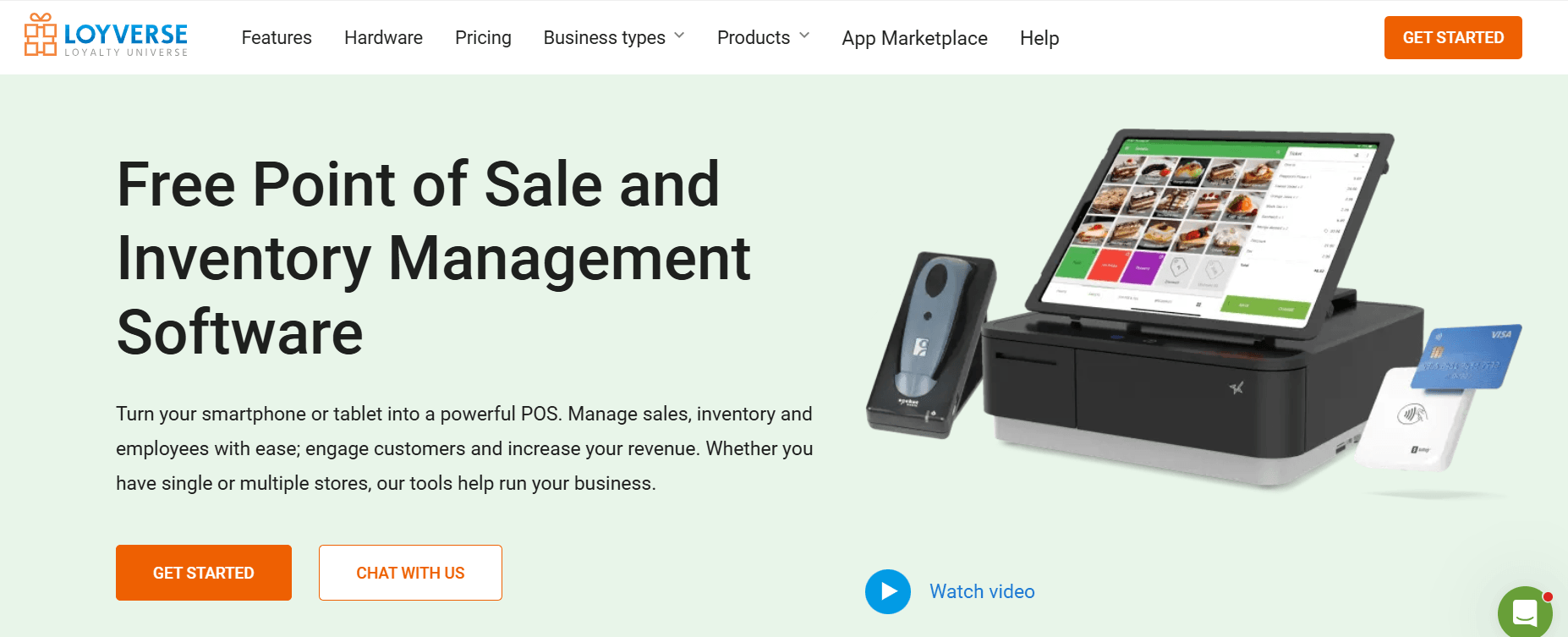
Loyverse is a free POS and one of the most affordable Lightspeed alternatives for a single small location. It's beloved by small shops and cafes for being genuinely free to start. Loyverse is best for small independent retail and cafes on a tight budget. Lightspeed has far more depth as you scale, but for a small shop that wants to start free with the essentials, Loyverse is a great fit.
Key features: free core POS, easy setup, built-in loyalty, and support for multiple payment providers.
Pricing: free core POS; paid add-ons for advanced features. See Loyverse pricing.
- Genuinely free to start
- Easy to use with loyalty built in
- Works with multiple payment providers
- Advanced features (like employee management and integrations) are paid add-ons
- Limited for multi-location or complex inventory
- Lacks Lightspeed's depth as you grow
Other Lightspeed Alternatives
If none of the options above fit your needs, you can also look at Rezku POS for quick-service restaurants, HungerRush for pizza and delivery businesses, Restroworks and RPOWER for larger restaurant groups, and SumUp for small businesses that need a simple, affordable mobile POS. Choose the one that best matches your restaurant type and size.
What to Look for in Lightspeed Alternatives
Before you compare features, pressure-test each option against the factors that quietly determine total cost.
Clear payment terms. Ask for the full rate sheet: card-present and keyed-in rates, monthly fees, and any penalty for using an outside processor. A cheap software plan can still hide an expensive payments side.
Payment freedom. If escaping Lightspeed Payments is the goal, confirm you can bring your own processor without a fee.
Hardware ownership. Ask whether terminals and printers work with other systems, or whether they lock you in the way Lightspeed's do.
Offline mode. Ask exactly what works if the internet drops. Can staff ring up sales and sync later, or does the store stop?
Full cost over time. Add hardware, processing, ecommerce, add-ons, and support to the monthly software fee. That's your real spend, and across the Lightspeed alternatives here, total cost is the real differentiator, which is why some operators eventually own the software layer instead of renting it (more on that below).
Data you can take with you. Confirm you can export products, customers, and sales history before you commit to anything.
What If You Didn't Have to Keep Paying Every Month
All of the Lightspeed alternatives above have their strengths. Some are more affordable, some offer better inventory tools, and others give you more hardware flexibility. But they all have one thing in common. You pay a monthly subscription fee, and the vendor sets pricing, payment processing, and which features are included in each plan.
If you've ever dealt with higher monthly fees, paid extra for features you need, or felt locked into a payment processor, you know how quickly those costs can add up.
There is another option. Instead of renting your software, you can own it.
Devaims builds custom software that your business owns. You can keep using your preferred payment processor while getting a system designed around your business. It can include inventory management, purchase orders, ecommerce, loyalty programs, reporting, and multi-location management.
Why Owning Your Software Important
When you rent software, costs usually increase as your business grows. Opening new locations, adding users, or unlocking more features often means moving to a more expensive plan.
When you own your software, you have more control. Your data stays with your business, you choose the payment processor you want, and your system grows with your needs without worrying about subscription tiers or vendor restrictions.
For businesses planning long-term growth, owning the software offers more flexibility, greater control, and more predictable costs.
How Custom Software Gets Built, and What It Costs Over Time
Every successful custom software project follows a clear process. At Devaims, we build every project in five stages, shown below.
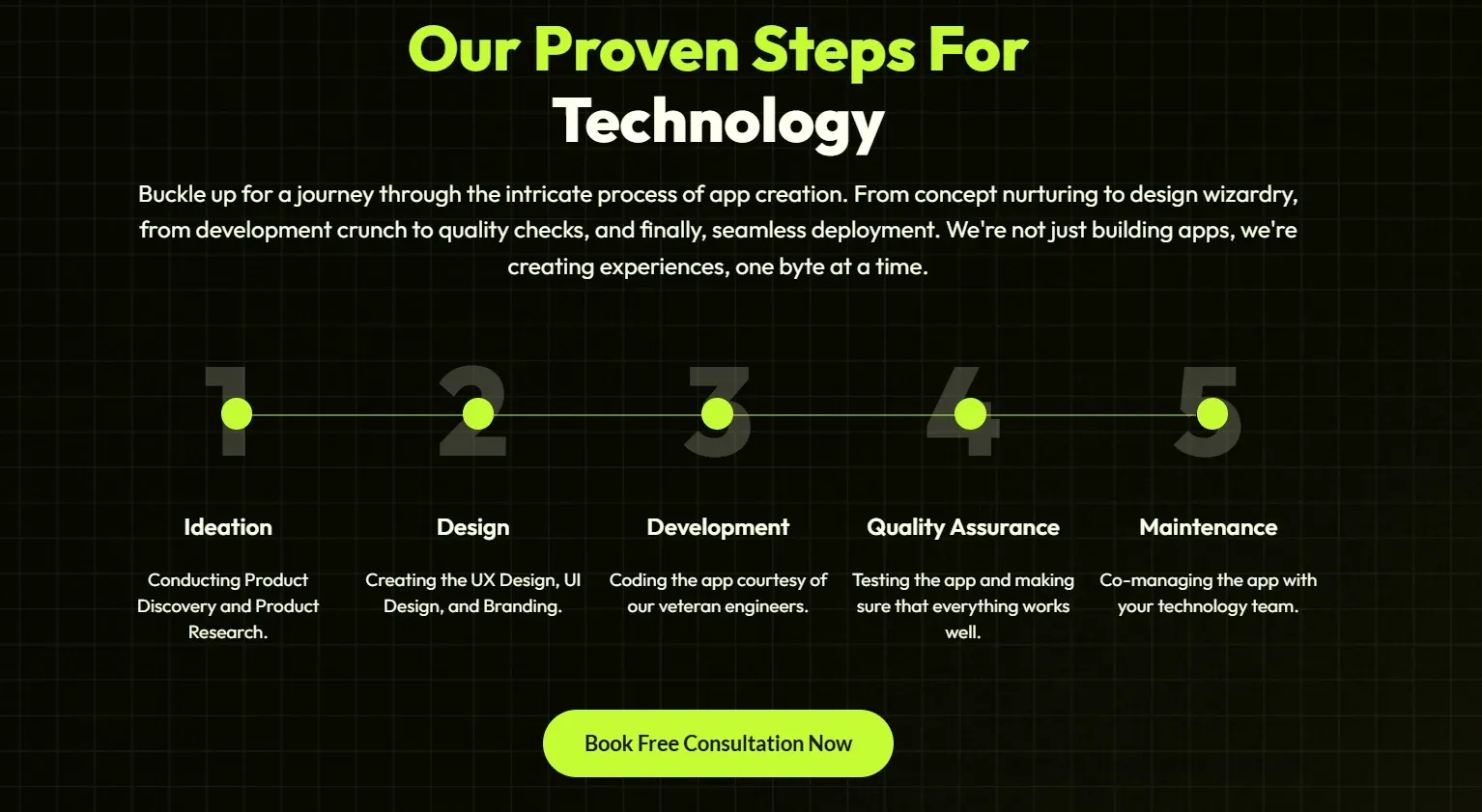
It starts with Ideation, where our team learns how your business operates and identifies the features you actually need. From there, we move into Design, creating intuitive screens and efficient workflows before any development begins. Once the plan is finalized, Development brings your software to life using modern technologies such as React, Node.js, and Python, ensuring it is secure, scalable, and easy to expand. After that, Quality Assurance ensures everything works as expected by thoroughly testing the software before launch. Finally, Maintenance keeps your software secure, up to date, and ready to evolve as your business grows.
Of course, the next question is cost. The honest answer is that custom software is not the right investment for every business. If you operate a single small store paying $30 to $70 per month for POS software, ownership will likely take a long time to pay off. In that case, one of the subscription-based alternatives above is usually the more practical choice.
However, the picture changes as your business grows. Once you're managing multiple locations, monthly software costs can quickly add up. Between higher subscription tiers, ecommerce tools, add-ons, and payment processing fees, many multi-location businesses spend around $1,000 per month, or roughly $12,000 per year. At that point, owning your software can be a smarter long-term investment because you gain more control and reduce your dependence on ongoing subscription costs.
| Year | Renting POS software (~$1,000/mo) | Owning with Devaims ($35,000 build + $229/mo) |
| Year 1 | $12,000 | $37,748 |
| Year 2 (cumulative) | $24,000 | $40,496 |
| Year 3 (cumulative) | $36,000 | $43,244 |
| Year 4 (cumulative) | $48,000 | $45,992 (now ahead) |
| Year 5 (cumulative) | $60,000 | $48,740 |
For the first three years, renting typically costs less because of the upfront investment required to build custom software. Around the fourth year, however, the total cost of ownership often becomes lower than the cost of continuing to rent. From that point on, the savings continue to grow because maintenance costs remain relatively stable while subscription fees tend to increase over time.
Every business is different, so the actual payback period depends on your current software costs, number of locations, and required features. If you're unsure which option makes more financial sense, Devaims can review your existing setup and estimate your potential long-term savings.
Is Owning Your Software the Right Decision
Owning software is not the right choice for every business. If you're opening your first location and need to start selling quickly, a ready-made POS such as Square or Loyverse is usually the better option.
However, ownership becomes much more attractive when you're running multiple locations, your monthly software costs keep rising, or your business has workflows that standard POS systems cannot fully support. It also makes sense if you want long-term control over your pricing, payment processing, customer data, and future development.
The goal is not to replace your POS. It is to stop paying growing subscription fees for the software around it and turn that ongoing expense into a business asset you own. Book a free consultation with Devaims to see whether it makes financial sense for your business. We'll review your current software costs, estimate your long-term savings, and show you what ownership could look like.
How to Switch From Lightspeed
Switching from Lightspeed to another POS is usually straightforward if you plan ahead. Whether you're moving to Square, Clover, Shopify POS, or another alternative, following a few simple steps can help you avoid downtime and data loss.
- Export your data first. Before canceling your account, download your products, inventory, customers, suppliers, and sales history. Most POS systems support CSV imports, making the transition much easier.
- Review your contract. Check for cancellation requirements, hardware agreements, and any early termination fees to avoid unexpected costs.
- Choose your payment processor. If you're switching to avoid processor lock-in, make sure your preferred payment provider is approved and ready before launch day.
- Set up your new POS. Import your data, configure taxes, payment methods, receipt printers, barcode scanners, and any integrations you rely on. Then test everything with a few sample transactions.
- Train your staff before going live. Give employees time to learn the new system and, if possible, schedule the switch during a slower business period. Keep Lightspeed available until you're confident everything is working as expected.
A little preparation goes a long way. With a well-planned migration, most businesses can switch POS systems with minimal disruption and resume serving customers quickly.
Frequently Asked Questions
What is the best alternative to Lightspeed POS?
It depends on your business. Among the Lightspeed alternatives here, Square is the easiest low-cost start, Shopify POS is best for Shopify-first omnichannel, Toast leads for full-service restaurants, and Korona or Epos Now are strong when payment-processor freedom matters. For multi-location operators who want to own their platform, a custom build is the strongest long-term option.
Which Lightspeed alternatives let me use my own payment processor?
Korona POS, Epos Now, TouchBistro, and Lavu are known for processor flexibility, unlike systems that bundle their own payments. Owning a custom platform removes processor lock-in entirely.
Are Lightspeed alternatives cheaper than Lightspeed?
Often at the entry level, yes. Square and Loyverse start free, and Clover starts low on software. Watch total cost, though, processing, add-ons, and hardware can close the gap. In the long run, owned software is the only model in which the software bill eventually stops.
What is the best Lightspeed alternative for restaurants?
Toast for full-service, TouchBistro or Lavu for iPad-based operations, SpotOn for marketing and loyalty, and CAKE for quick service.
What is the best Lightspeed alternative for retail?
Among retail Lightspeed alternatives, Square is best for simplicity, Shopify POS for Shopify-first stores, Korona for processor-agnostic high-SKU retail, and Clover for flexible hardware. Multi-location retailers who have outgrown tiers should consider owning their platform.
Final thoughts
The best Lightspeed alternative depends on your business. The key is choosing a system that fits your industry, budget, and growth plans. However, if your biggest concern is rising software costs, switching to another subscription-based POS may only solve the problem temporarily. As your business grows, monthly fees, add-ons, and payment processing costs often grow with it.
For businesses with multiple locations or more complex operations, owning your software can be a smarter long-term investment. Instead of paying higher subscription fees every year, you own a platform built around your business and have complete control over your features, payment processor, and data.
If you're considering that approach, Devaims can help you evaluate whether custom software makes financial sense for your business. We'll review your current setup, estimate your long-term costs, and show you what an ownership model could look like.
For more buying guides and POS comparisons, explore our other resources, including Toast POS Alternatives and Restaurant POS Alternatives.