

10 Best Square Alternatives for Cafes and Coffee Shops in 2026
Square for Restaurants earned its place as a default for cafes because it combines free POS software, flat-rate processing, and cheap hardware in one box, with no contract. For a new espresso bar or a weekend market stand, that's hard to beat. But coffee is a volume game on thin margins, and as your cups-per-day climb, the same flat-rate processing that made Square easy starts to quietly eat your profit. Add limited inventory for a roastery or multi-site chain, a customer database you don't really control, and the inability to shop for a cheaper processor, and a lot of cafe owners start looking.
This guide ranks the 12 best Square for Restaurants alternatives for cafes and coffee shops in 2026, based on cost, fit for coffee, and what you keep when you leave. Then, at the end, we cover what it looks like to stop renting and own your platform instead.
Why Cafes and Coffee Shops Look Beyond Square in 2026
The Hidden Math of Flat-Rate Processing
Square's flat-rate model is its great strength early and its quiet weakness later. At 2.6% + 15 cents per card-present transaction, a $5 latte costs about 28 cents to process, more than 5% of the ticket, because the fixed 15-cent piece hits small tickets hardest. A cafe selling 300 drinks a day at a $6 average runs roughly $540,000 a year through the system, and at Square's flat rate that's around $14,000 a year in processing alone, on top of the software. A higher-volume shop on an interchange-plus processor can shave a meaningful slice off that, every year.
Signs a cafe has outgrown itself Square are consistent: card volume over about $20,000/month, a 2nd/3rd location, inventory that needs real tracking (beans, retail bags, pastries), want to negotiate processing rates instead of a flat rate, and loyalty/marketing needs Square treats them as paid add-ons. None of this makes Square smaller. That makes it a starter system, and coffee shops grow.
Quick Comparison: 12 Best Square for Restaurants Alternatives
| Platform | Best For | Starting Price | Processing / Lock-In | You Own It |
| Toast POS | Established & growing coffee shops | $0 to $69+/mo | Forced processing, 2-yr contract | No |
| Square for Restaurants | New & small cafes | Free to ~$60/mo | Locked to Square, no contract | No |
| Lightspeed Restaurant | Roasteries & multi-location | ~$89/mo | Third-party processors allowed | No |
| Clover | Choosing your own processor | $0 to ~$100+/mo | Fiserv network, processor choice | No |
| Revel Systems | Larger cafe chains | ~$99/mo per terminal | Third-party processors allowed | No |
| iKentoo (Lightspeed) | Legacy users (now Lightspeed) | Folded into Lightspeed | Discontinued standalone | No |
| Shopify POS | Cafes selling beans online | $5 to ~$89/mo | Shopify Payments default | No |
| Vend (Lightspeed) | Legacy retail-cafe users | Folded into Lightspeed | Discontinued standalone | No |
| Loyverse | Single carts, stands & small cafes | Free core, paid add-ons | Bring your own processor | No |
| Breadcrumb (Upserve) | Legacy users (now Lightspeed) | Folded into Lightspeed | Discontinued standalone | No |
| Ordermark | Cafes heavy on delivery apps | Quote-based | Aggregator subscription | No |
| Kounta (Lightspeed) | Legacy users (now Lightspeed) | Folded into Lightspeed | Discontinued standalone | No |
What to Look for in a Cafe POS
When you weigh Square for Restaurants against alternatives, four factors matter more than the feature checklist because they decide what you actually pay and keep.
Processing flexibility - Can you bring your own payment processor and shop for a lower rate, or are you locked to the vendor's flat rate? For a high-volume coffee shop, this is the single biggest lever on profit.
Hardware and contract terms - Is the hardware standard tablets and printers you can reuse, or proprietary? Is it month-to-month like Square or a multi-year contract with an early termination fee?
True all-in cost - Add software, processing, and any add-ons (loyalty, online ordering, gift cards) at your real cup count, not the headline plan price.
Data ownership - Do you own your customer, loyalty, and sales data, which you can export on demand, or does it live within the vendor's platform?
The Hidden Costs That Don't Appear on the Sticker
Before signing any cafe POS contract, check for these five traps. They turn a "free" or "$60 a month" POS into a much bigger annual bill:
- Flat-rate vs. interchange-plus. At volume, a flat rate like Square's 2.6% + 15 cents costs more than an interchange-plus rate you can negotiate.
- Forced processing. Square and Toast require their own processing, so you can't shop for a better rate. Clover, Lightspeed, and Revel let you choose.
- Proprietary hardware. Some systems only run on their own terminals, stranding your investment if you switch.
- Paid add-ons. Loyalty, gift cards, online ordering, and marketing, the things a cafe lives on, are often separate fees on top of the base plan.
- Contract and exit terms. Toast typically runs a two-year contract; check the early termination fee and whether you can export your data.
A platform you own solves all five problems: you use your own payment processor, avoid vendor lock-in, run on standard hardware, get all features in one system, and stay in control because the software is yours.
The 12 Best Square for Restaurants Alternatives
1. Toast POS: Best for Established and Growing Coffee Shops
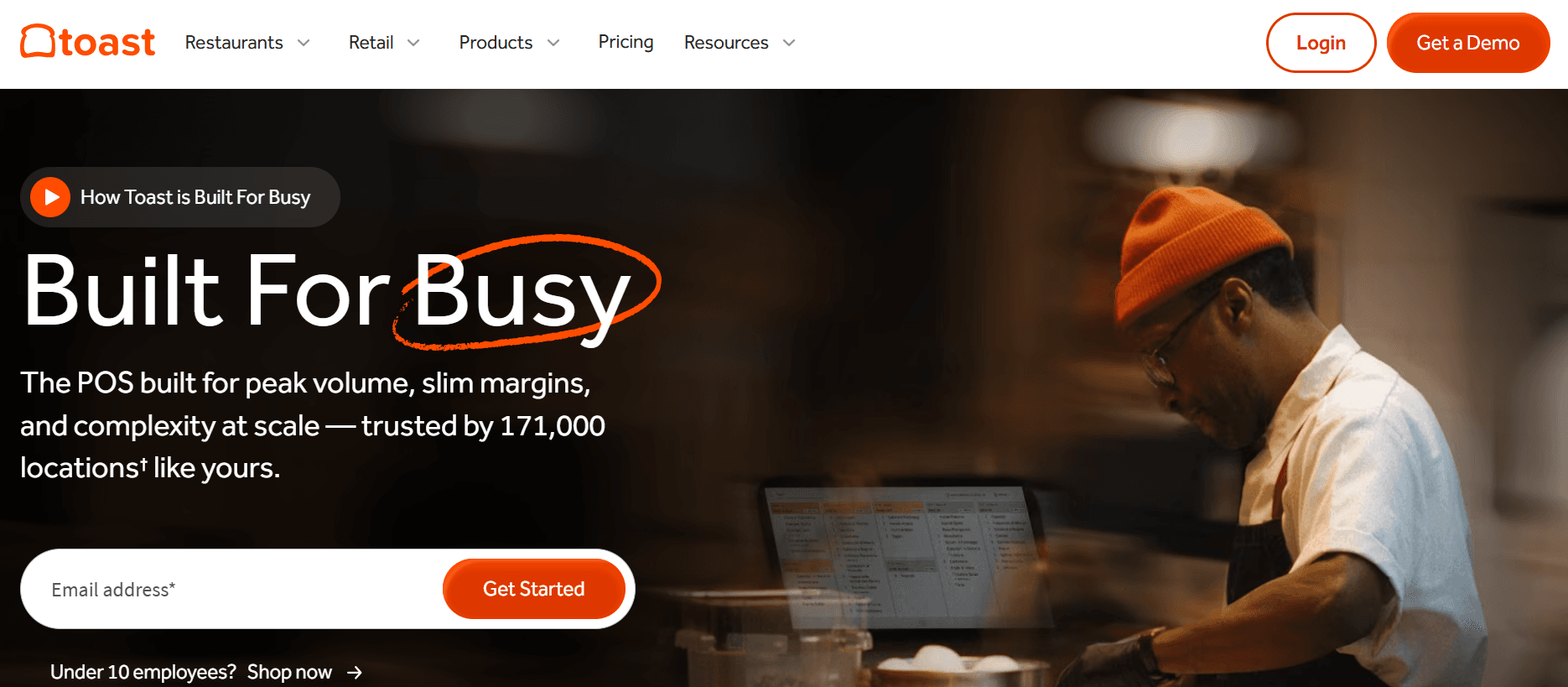
Best for: Specialty cafes and small chains that want deep food-and-drink features and restaurant-grade hardware.
Toast is an all-in-one platform built for food and beverage, with a free basic tier and paid plans from about $69 a month, plus pay-as-you-go hardware. Its drink modifiers, kitchen and order routing, and rugged hardware suit a busy cafe or bakery-cafe.
The headline is rarely the real cost. Throw in online ordering, a kitchen screen, and marketing, and a small cafe's all-in software bill is often between $250 and $500 per month. Toast also typically calls for a two to three year contract with early termination fees, and its hardware and payment processing are proprietary, so you can't shop around. Its Trustpilot score sits around 3.1 out of 5, with recurring complaints about fee increases and contract terms.
Downside: Forced Toast processing at 2.49% to 3.69% + 15 cents, a two-year contract, and add-on costs for advanced features mean the real bill runs well above the headline plan.
2. Lightspeed Restaurant: Best for Roasteries and Multi-Location
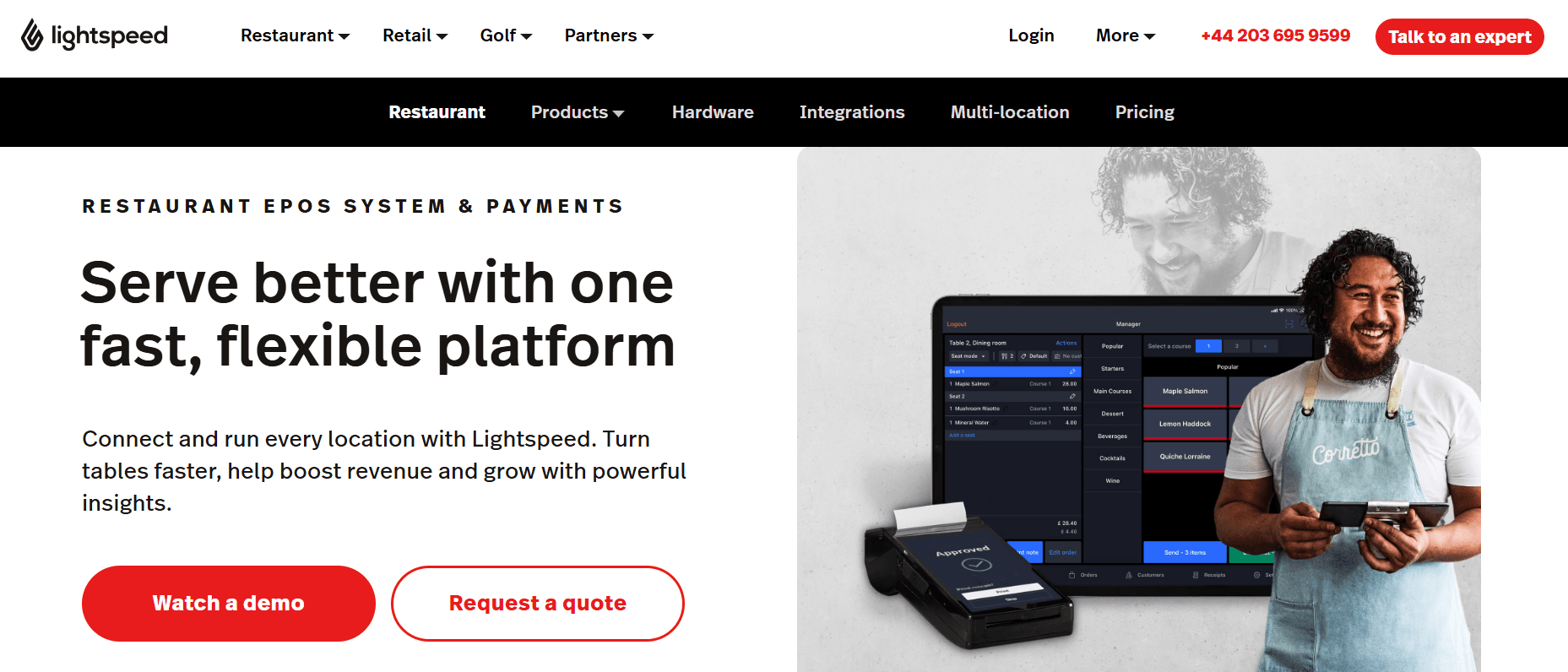
Best for: Cafes with serious inventory (roasteries, retail-bean programs) and multi-location chains.
Lightspeed packs a lot into its plans. Even the entry tier includes online ordering, contactless payments, and loyalty, and the inventory and supplier tracking are genuinely useful for kitchens that manage a real pantry. Their price is $69 per month for Starter, $189 for Essential, and $399 for Premium, all on iPad.
Lightspeed usually requires an annual agreement, charges an additional fee per additional register, and can add up to $400 per month if you use your own payment processor instead of Lightspeed Payments. Reviewers also report aggressive sales tactics and contracts that are difficult and costly to cancel.
Downside: Higher price point than Square, loyalty and analytics sit on premium tiers, and add-ons like KDS cost extra, so first-year cost climbs.
3. Clover: Best for Choosing Your Own Processor
Best for: Cafes that want to keep or negotiate their payment processor through a bank or reseller.
Clover hardware looks great on a counter, the interface is intuitive, and the app marketplace adds flexibility. Restaurant software plans range from low monthly tiers to about $135 for quick-service and $179 for full-service when bundled with hardware. In-person processing is competitive at roughly 2.3% to 2.6% plus 10 cents.
The trade-offs are the contract and the lock-in. Many Clover deals require 36 to 48 month commitments with early termination fees of $500 to $2,000 or more. The hardware is tied to Fiserv, so you can't reuse it if you switch processors, keyed-in and online payments jump to 3.5% plus 10 cents, and Clover's 2.4 out of 5, with complaints about held funds and surprise fees.
Downside: Pricing, contract length, and early-termination terms vary by whichever reseller you buy through, so you have to read the fine print closely.
4. Revel Systems: Best for Larger Cafe Chains
Best for: Higher-volume cafes and multi-location chains that want an iPad-based platform with processor flexibility.
Revel is a scalable, iPad-based POS starting around $99 a month per terminal, and like Lightspeed it supports third-party processors. It suits larger coffee operations that need robust reporting and scale. Prices starts at $99 per month per terminal, with processing around 2.49% plus 15 cents.
For a single coffee shop, Revel is usually overkill. It requires a minimum of two terminals and a three-year contract; onboarding runs about $674, and early termination fees can be steep. Revel was also acquired by Shift4 and is being migrated to the SkyTab platform, so new buyers should ask exactly what they're signing up for.
Downside: Per-terminal pricing adds up across registers, onboarding is heavier than a simple QSR tool, and it often requires an annual commitment.
5. iKentoo (now Lightspeed)
Best for: Existing iKentoo users, who are now effectively on Lightspeed.
iKentoo was a cafe and restaurant POS popular in Europe that Lightspeed acquired and folded into Lightspeed Restaurant. As a standalone product it has been retired, with customers migrated onto Lightspeed.
Downsides: It is no longer sold as a standalone product, so evaluating it really means evaluating Lightspeed, and existing users get migrated whether they planned to or not.
6. Shopify POS: Best for Cafes Selling Beans Online
Best for: Coffee shops with a real online store, retail beans, merch, subscriptions, alongside in-person sales.
If your shop already lives on Shopify or you sell products online, Shopify POS is a natural fit. Shopify POS is best for e-commerce, syncing online and in-store inventory in one system, starting $25 a month for the POS Lite add-on up to about $89 a month on a Shopify plan. For a roaster selling bags online, it's a strong fit.
The fact that it was designed for retail-style omnichannel sales rather than full table service is an honest limitation. A pure brick-and-mortar cafe that doesn't have an online store ends up paying for a Shopify subscription that isn't used to its full potential, and you still have to pay Pro per location each month.
Downside: It charges a commission on third-party processing, requires a paid Shopify ecommerce plan, and ties your cafe into the Shopify ecosystem.
7. Vend (Lightspeed): A Legacy Retail POS, Now Lightspeed
Best for: Existing Vend users, who are now on Lightspeed.
Vend was a popular retail POS often used by cafes with a retail side, acquired by Lightspeed and merged into Lightspeed Retail. It's no longer sold as a standalone product.
Downside: Like iKentoo, it's effectively Lightspeed now, so there's no standalone Vend to buy or migrate to.
8. Loyverse: Best for Single Carts, Stands, and Small Cafes
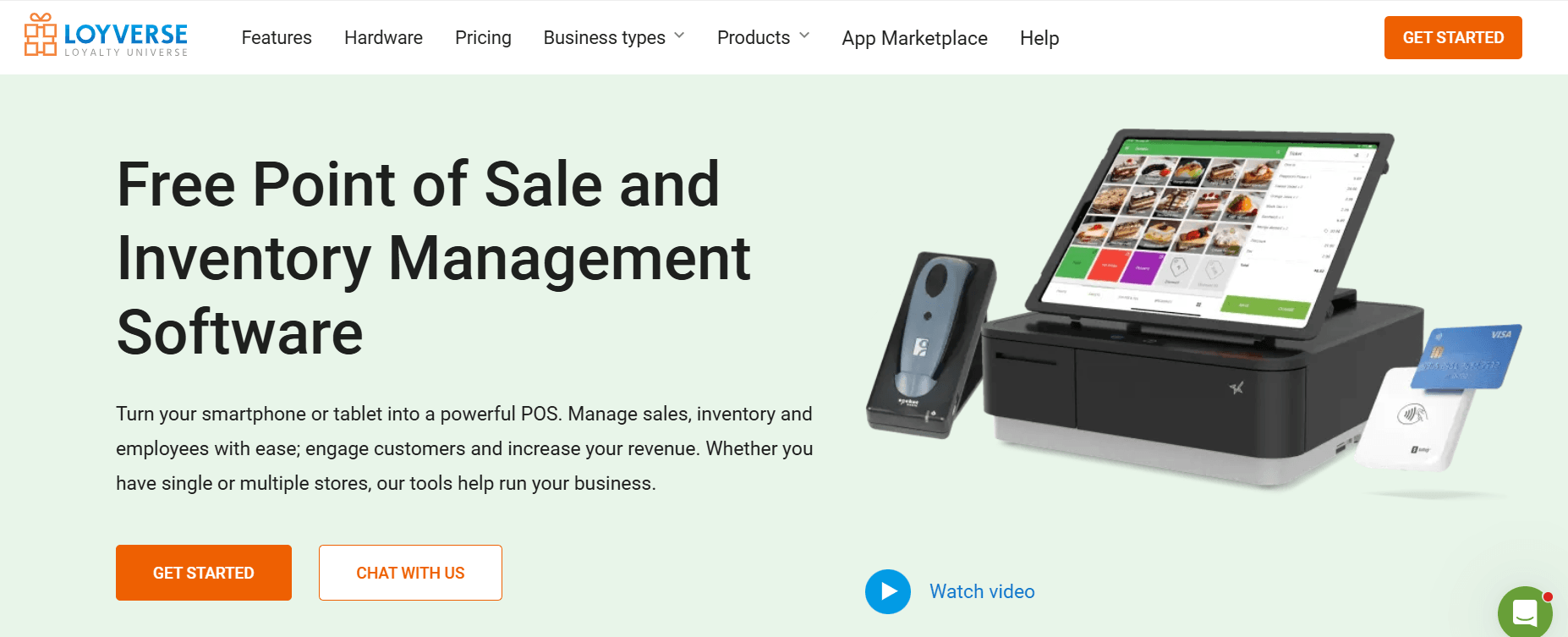
Best for: Tiny cafes, food trucks, and pop-ups on the tightest budget.
Loyverse is a free, mobile-first POS built for exactly this: it runs on a phone or tablet, and the core POS is free with no contract. It works offline, and it includes a built-in loyalty program, with paid add-ons for advanced inventory, employee management, and unlimited sales history. Over a million businesses use it, and cafes are a core audience.
The limits appear as you grow. Employee management and advanced inventory are each paid add-ons at $25 per month or $250 per year per store, the feature set is lighter than the bigger platforms, and you'll rely on third-party processors like SumUp or Zettle for payments. It's a fine starting point, not a system that scales far.
Downside: The core is free, but advanced inventory, employee management, and full sales history are paid add-ons, and reporting and integrations get thin once you scale past a couple of sites.
9. Breadcrumb (Upserve): A Legacy System, Now Lightspeed
Best for: Existing Breadcrumb or Upserve users, now on Lightspeed.
Breadcrumb became Upserve, and Upserve became Lightspeed's U-Series after a string of acquisitions. The platform was known for strong reporting, built-in analytics, and workforce tools. That heritage is now part of the Lightspeed family, and the Upserve business has since changed hands again.
For a cafe owner, the practical takeaway is the same as with iKentoo and Kounta. The brand you remember is now a Lightspeed product line, so you're choosing Lightspeed's model: subscription pricing, contracts, and integrated payments.
Downside: It's the clearest example on this list of a built-up platform that got acquired and retired, so there's nothing standalone left to adopt.
10. Ordermark: Best for Cafes Heavy on Delivery Apps
Best for: Cafes juggling multiple delivery platforms (DoorDash, Uber Eats, Grubhub) on one screen.
Ordermark was never a traditional POS. It was an online order management tool that consolidated orders from multiple delivery platforms into a single screen. After its parent company restructured, the U.S. business was sold to UrbanPiper, and the standalone Ordermark you may remember has effectively moved on.
If your cafe lives on delivery apps, an aggregator like this can reduce tablet chaos. But it doesn't run your counter, your menu, or your in-person checkout, so it's a companion tool at best, on top of whatever POS you choose.
Downside: It solves delivery-order consolidation only, not full point of sale, so it's an add-on subscription alongside your real POS, not a replacement for it.
11. Kounta (Lightspeed): A Legacy System, Now Lightspeed
Best for: Existing Kounta users, who are now on Lightspeed.
Kounta was a popular cafe and hospitality POS, especially in Australia and New Zealand, that Lightspeed acquired and rolled into Lightspeed Restaurant (for a while branded "Kounta by Lightspeed"). It's no longer sold under its own name.
Watch out: Like iKentoo, Vend, and Breadcrumb, it's now Lightspeed, so choosing Kounta means choosing Lightspeed, and legacy accounts have been migrated accordingly.
Pricing Compared: Software, Processing, and Hardware
Here is how the active (non-discontinued) options compare on the three numbers that actually hit a cafe's bottom line. Processing is the one to watch, because for a high-volume coffee shop it dwarfs the software fee.
Platform |
Software (starting) |
Card-present rate |
Own processor? |
Hardware (entry) |
| Square | Free to ~$60/mo | 2.6% + 15 cents | No | ~$59 reader |
| Toast | $0 to $69+/mo | 2.49% to 3.69% + 15 cents | No | $0 with contract, else varies |
| Lightspeed | ~$89/mo | From ~2.6% + 10 cents | Yes | Varies |
| Clover | $0 to ~$100+/mo | ~2.3% to 2.6% + 10 cents | Yes (Fiserv) | ~$199 (Clover Go) |
| Revel | ~$99/mo per terminal | Negotiable with processor | Yes | Varies |
| Shopify POS | $25 to ~$2,300/mo | 2.4% to 2.6% + 10 cents | Limited | ~$49 reader |
| Loyverse | Free core, paid add-ons | Set by your chosen provider | Yes | Standard hardware |
Rates and prices are illustrative starting points from public sources and vary by plan, region, and volume. Confirm current figures with each vendor.
Contracts and Processor Flexibility Compared
For a cafe, the contract and processor terms decide how trapped you are if the relationship sours. This is where Square's month-to-month simplicity is a genuine strength, and where Toast's two-year term is the catch.
Platform |
Contract |
Early-termination fee |
Processor flexibility |
| Square | Month-to-month | No | No |
| Toast | Often 2-year | Varies by contract | No |
| Lightspeed | Month-to-month or term | Software none; hardware may apply | Yes |
| Clover | Often multi-year (reseller) | Varies by reseller | Yes (Fiserv) |
| Revel | Often annual | Varies | Yes |
| Shopify POS | Month-to-month (needs Shopify plan) | No | Limited |
| Loyverse | None | No | Yes |
Beyond the Alternatives: What Devaims Can Build for Your Cafe
Every option above is a system you rent. For most cafes, that's the right model. But if you've read this far because the rented systems all share the same problems, flat-rate processing on every small-ticket cup, per-terminal and per-add-on fees, and customer data that isn't really yours, there's a different path worth knowing about. It's not another POS subscription, which is why it sits here at the end rather than in the list above.
Devaims is a custom software firm, not a point-of-sale product. Instead of renting a system, you commission one built for your cafe and own the source code when it's done. For a single cart or a brand-new shop, that's overkill, the rented tools above are the smarter start. But for a growing specialty shop or a multi-location chain, owning the platform changes the economics in a way no subscription can.
Contracts and Processor Flexibility Compared
For a cafe, the contract and processor terms decide how trapped you are if the relationship sours. This is where Square's month-to-month simplicity is a genuine strength, and where Toast's two-year term is the catch.
Platform |
Contract |
Early-termination fee |
Processor flexibility |
| Square | Month-to-month | No | No |
| Toast | Often 2-year | Varies by contract | No |
| Lightspeed | Month-to-month or term | Software none; hardware may apply | Yes |
| Clover | Often multi-year (reseller) | Varies by reseller | Yes (Fiserv) |
| Revel | Often annual | Varies | Yes |
| Shopify POS | Month-to-month (needs Shopify plan) | No | Limited |
| Loyverse | None | No | Yes |
Beyond the Alternatives: What Devaims Can Build for Your Cafe
Every option above is a system you rent. For most cafes, that's the right model. But if you've read this far because the rented systems all share the same problems, flat-rate processing on every small-ticket cup, per-terminal and per-add-on fees, and customer data that isn't really yours, there's a different path worth knowing about. It's not another POS subscription, which is why it sits here at the end rather than in the list above.
Devaims is a custom software firm, not a point-of-sale product. Instead of renting a system, you commission one built for your cafe and own the source code when it's done. For a single cart or a brand-new shop, that's overkill, the rented tools above are the smarter start. But for a growing specialty shop or a multi-location chain, owning the platform changes the economics in a way no subscription can.
What a custom cafe platform can include
- Fast counter and mobile-order checkout with build-your-own drink modifiers
- A loyalty program designed around your regulars, not a paid add-on
- Online ordering and a branded app with no per-order commission
- Retail-bean, merch, and subscription inventory synced with in-person sales
- Kitchen and barista order routing without a per-screen charge
- Reporting across every location, with data that's yours to export
- Your own payment processor, integrated at the rate you negotiate
The math: why owning is better than renting at volume
The most expensive part of a coffee business's tech stack is the cut taken on every cup. Move a busy shop from a flat 2.6% + 15 cents to a negotiated interchange-plus rate and the savings are real and permanent. Here's an illustrative three-location group running roughly $1.5 million a year in combined card sales. "Rented premium" is what an owned platform on your own processor can eliminate: the POS software subscriptions across the sites plus the flat-rate markup over interchange-plus.
| Year | Rented software + flat-rate markup (~$11,000/yr) | Devaims owned ($32,000 build + $159/mo) |
| Build / Year 1 | $11,000 | $32,000 + $1,908 = $33,908 |
| Year 2 (cumulative) | $22,000 | $35,816 |
| Year 3 (cumulative) | $33,000 | $37,724 |
| Year 4 (cumulative) | $44,000 | $39,632 (you're now ahead) |
| Year 5 (cumulative) | $55,000 | $41,540 |
Around year four, the owned platform pulls ahead, and from there the gap widens every year, because the rented stack keeps charging per location and per cup while the owned platform runs on a flat plan and your own processor. By year five the rented group has paid about $55,000 toward software and processing markup and owns nothing; the owned group has paid about $41,500 and holds the platform and the data outright.
Build cost and maintenance are illustrative placeholders; drop in your real volume and a Devaims quote and we'll run this with you for free.
When it's worth it, and when it isn't
Owning is the right move when card volume is high, when you're running multiple locations, and when you have the stability to own software rather than rent it. It is not the right move for a single cart, a brand-new shop that needs to open next week, or an owner who would rather a vendor handle every update. For those, the rented systems above are the honest answer.
How to Choose the Right POS for Your Cafe
Choosing comes down to three things: your stage and volume, whether you need real inventory or online sales, and how much you value owning versus renting.
For a single cart, stand, or brand-new espresso bar, start free and simple: Loyverse or Square get you serving today with no contract and minimal cost.
For an established or growing specialty shop, Toast brings food-and-drink depth, while Lightspeed adds the inventory and processor flexibility a roastery or multi-site cafe needs. If beans and merch sell online, Shopify POS ties ecommerce and in-person together.
For a cafe where card volume is high and the flat-rate processing has become the biggest line on the statement, it's worth weighing the ownership path in the section above before renewing another subscription.
Frequently Asked Questions
What's the best free POS for a small coffee shop?
Loyverse offers a genuinely free core POS with no contract, built-in loyalty, and offline mode, which makes it ideal for a single cart or small cafe. Square's free tier is the other strong starting point, with easy hardware and instant setup.
Can I use my own payment processor at a cafe?
Not with Square or Toast, which require their own processing. Clover, Lightspeed, and Revel let you choose or negotiate a processor, and a custom-built platform lets you bring any processor and pay close to true cost, which matters most for high-volume, small-ticket coffee sales.
Which Square alternatives are actually discontinued?
Vend, Kounta, iKentoo, and Breadcrumb (Upserve) have all been absorbed into Lightspeed and are no longer sold as standalone products. If you see them on an "alternatives" list, treat them as Lightspeed.
When does it make sense to build my own cafe platform instead of renting?
Once you're running high card volume or multiple locations and the flat-rate processing plus per-location subscriptions add up to real money, owning a custom platform (with your own processor) can cost less over a few years and gives you full control of your data. For a single or brand-new location, renting is still the smarter call.
Conclusion
Every option on this list has a real use case. Square is the easiest free start. Loyverse is the best free system for a tiny shop. Toast brings food-and-drink depth. Lightspeed owns inventory and processor flexibility. Shopify ties in ecommerce. And several "alternatives" are really just Lightspeed now, which is worth knowing before you commit.
For most cafes, the right answer is one of the rented systems above, matched to your stage and volume. But if your coffee business has grown to the point where flat-rate processing and a rented stack cost more than they should, it's worth looking at owning your platform instead. Book a free consultation with Devaims to see what building your own cafe system would look like and what it would cost to stop renting.