


If you manage an auto repair shop, you know the software you choose can shape your margins, your workflow, and even your stress levels. Shopmonkey burst onto the scene promising to digitize the front desk, automate estimates, and help you track every car and customer. But as your shop grows, the true cost of that convenience comes into focus: recurring fees, user caps, feature walls, and the nagging sense you’re always renting, never owning.
Many shop owners tell us the same story: Shopmonkey feels great until you add more techs, need advanced reporting, or want full data access. Then the monthly bill creeps up, contract renewal dates sneak up on you, and exporting your own records feels like pulling teeth. You start to wonder, are there better options? And is it ever possible to own your system, not just lease it?
This guide is for owners and managers who want clear answers. We’ll break down the real alternatives to Shopmonkey, what they actually do, where they win, and what it takes to switch. We’ll also show you the 5-year cost math, contract traps, and how owning (not renting) your platform changes everything.
Why auto repair shops look for Shopmonkey alternatives
Per-user fees stack up fast. Shopmonkey’s plans typically include just 3 to 5 user licenses. Need more? You’ll pay $20 per additional user per month. That’s not just for techs, service writers, parts managers, and even owners who log in occasionally all count. A shop with 8 to 10 employees can see its bill double from the advertised base price.
Locked into contracts and auto-renewals. Shopmonkey, like many SaaS platforms, often requires annual contracts. Many shop owners are surprised to find their plan auto-renews unless they provide written notice 30 days prior. Canceling early can trigger hefty fees or loss of access to your data.
Add-ons and feature gates inflate the real total. The base plan may look affordable, but essential features, advanced reporting, integrations (QuickBooks, parts suppliers), or text messaging, are locked behind higher tiers or paid add-ons. This makes budgeting unpredictable, especially if your shop is growing or your needs change.
Data and workflows you don’t truly own. Your shop’s records, work orders, customer history, invoices, are stored on Shopmonkey’s servers. Exporting data may be limited, slow, or require support tickets. If you ever want to switch, mapping and migrating your history can be a major project. You also have little control over how your workflows are structured, you work the way the software expects, not the way your shop actually operates.
Processing fees and new charges sneak in. Shopmonkey’s in-house payments solution can mean higher credit card processing fees compared to outside providers. Some shops have seen new charges for features that were previously included, or increases in processing rates rolled out mid contract.
These pain points are why so many shop owners and managers start looking for Shopmonkey alternatives that put them back in control, over costs, data, and the way their business runs.
Quick comparison of the best Shopmonkey alternatives
| Tool | Best for | Starting price | You own it? |
|---|---|---|---|
| Shop-Ware | Multi-location independents | $150/mo | No, SaaS |
| Tekmetric | Shops with big teams | $199/mo | No, SaaS |
| Mitchell 1 | Shops wanting legacy stability | $134/mo | No, SaaS |
| AutoLeap | Modern, all-in-one SaaS | Not listed | No, SaaS |
| ALLDATA Manage | OEM data integration | Not listed | No, SaaS |
| NAPA TRACS | NAPA-affiliated shops | Not listed | No, SaaS |
| R.O. Writer | Long-running shops | Not listed | No, SaaS |
| CCC ONE | Auto body shops | Not listed | No, SaaS |
| Devaims (custom build) | Shops that want to own it all | One-time build | One-time build, you own it |
Always confirm current pricing and contract terms, as software rates and policies change frequently and may vary by your shop’s size, location, or negotiation.
The 9 best Shopmonkey alternatives
1. Shop-Ware (Multi-location independents)
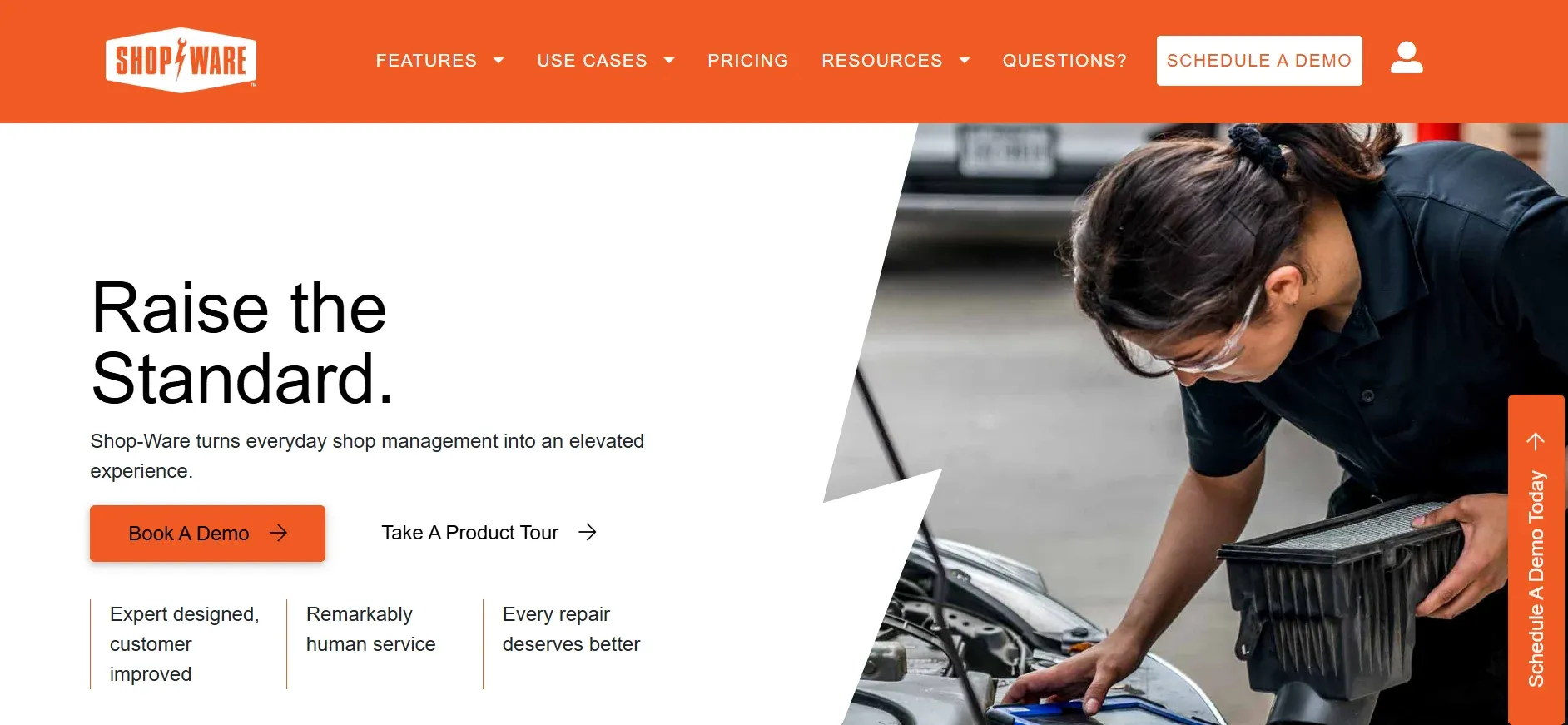
Shop-Ware is a cloud-based shop management system tailored for busy, multi-location independent shops. Its real strengths are in workflow automation and reporting across several locations, making it a favorite for owners scaling from a single bay to a regional chain.
Pricing: $150 to $300 per location per month, with costs scaling as you add more locations or advanced features (source).
-
Key limitations:
- Per-location pricing increases costs for growing shops
- Advanced features require top-tier plans
- Data export and workflow customization are limited
-
Strengths:
- Central dashboard for managing multiple shops
- Customizable workflow steps for each location
- Real-time reporting and robust integrations
With a custom Devaims system, you could build the same multi-location dashboard and reporting, but pay no per-location fees and own the code and data outright.
2. Tekmetric (Shops with big teams)
Tekmetric is rapidly gaining traction among shops that need to scale their teams without escalating software costs. Its standout feature is unlimited users on all plans, a major advantage if you have a large staff, multiple service writers, or want to give techs their own logins.
Pricing: $199 per month for unlimited users (source). Additional modules (marketing, advanced analytics) may cost extra.
-
Key limitations:
- Still requires annual SaaS contract
- Advanced analytics and marketing tools are add-ons
- Data export can be complex
-
Strengths:
- Unlimited user logins with no per-user fees
- Modern workflow and DVI features
- Deep integrations with accounting and parts vendors
With a Devaims-built platform, every new user is just a new login, no extra cost, and no subscription clock.
3. Mitchell 1 (Shops wanting legacy stability)
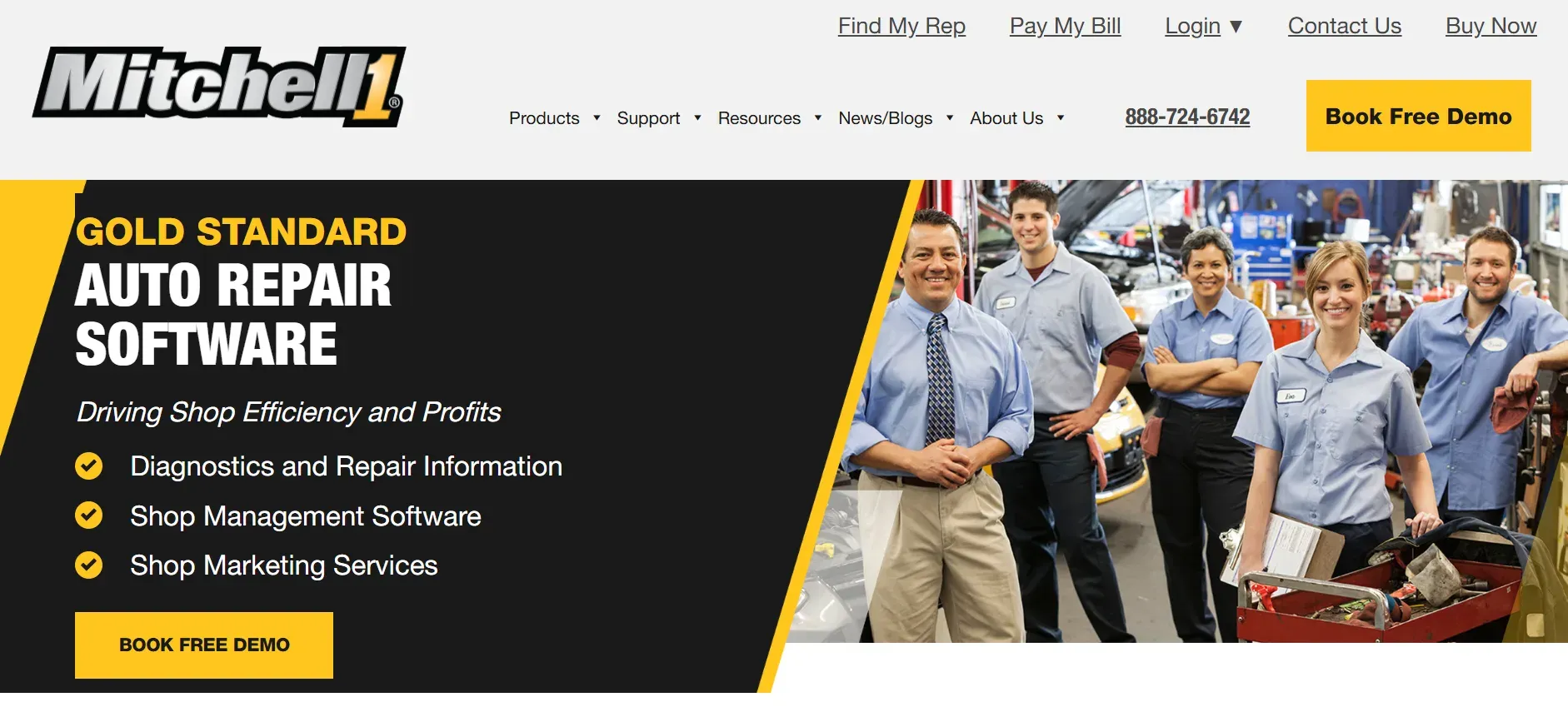
Mitchell 1 is one of the oldest names in auto repair software, trusted by thousands of shops for its repair data and stability. It’s especially popular with established shops that value proven reliability over the latest interface trends.
Pricing: Custom, starting at $134 per month for basic shop management (source). Add-ons (like advanced reporting or marketing) can increase costs.
-
Key limitations:
- Interface is less modern than newer SaaS tools
- Customization and integrations are limited
- Annual contracts and data export challenges
-
Strengths:
- Extensive OEM repair and maintenance data
- Proven reliability and stability
- Trusted by long-running independent shops
With a custom system, you can match the features you rely on, OEM data, reporting, inventory, with an interface and workflow tailored to your shop, not legacy code.
4. AutoLeap (Modern, all-in-one SaaS)
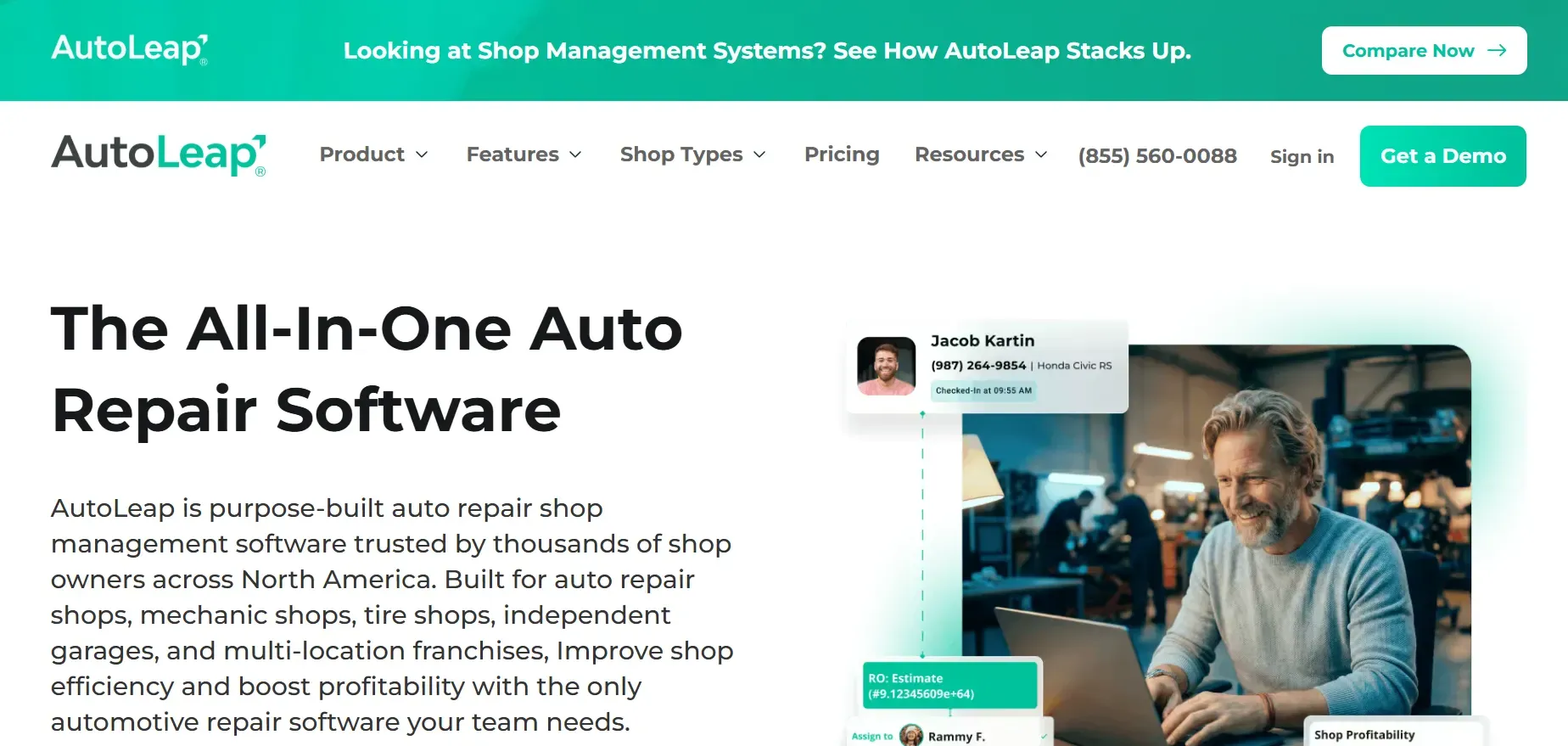
AutoLeap is a newer cloud-based shop management platform that directly targets Shopmonkey’s market. It offers a modern, mobile-friendly interface and aims to be a true all-in-one solution, from estimates and DVI to payments and CRM.
Pricing: Not listed publicly; expect custom quotes based on shop size and needs. Reports from shop owners indicate pricing is competitive with Shopmonkey’s upper tiers, especially after add-ons.
-
Key limitations:
- Pricing is not transparent and may be bundled with payment processing
- Annual contracts are common
- Some features require add-ons
-
Strengths:
- Modern, mobile-friendly interface
- All-in-one platform with DVI and CRM
- Active product updates and integrations
With an owned platform, you define your own contract, and your features grow with your needs, not the vendor’s roadmap.
5. ALLDATA Manage (OEM data integration)
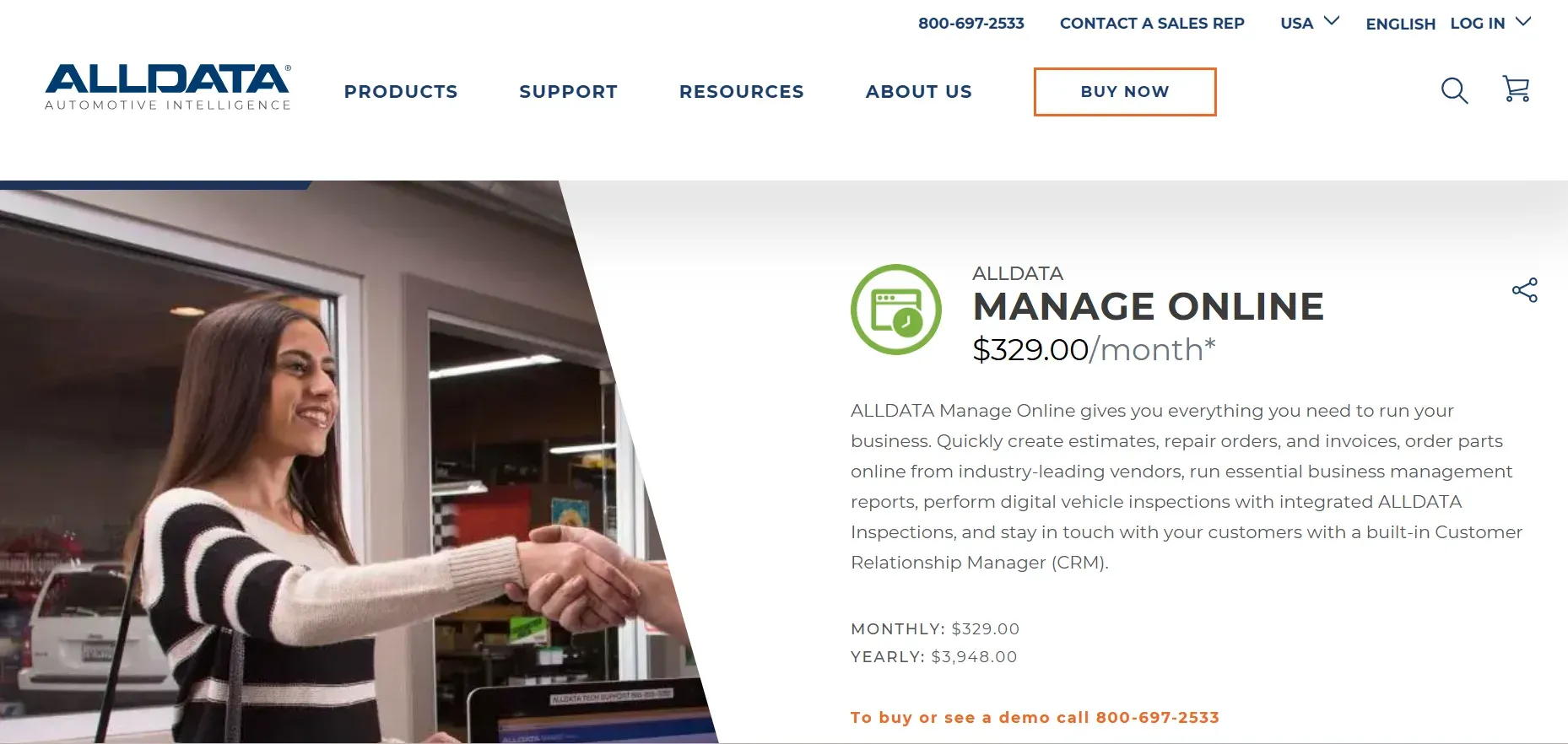
ALLDATA Manage is unique in that it combines shop management with direct access to ALLDATA’s OEM repair library, making it a favorite for shops that need up-to-the-minute, manufacturer-sourced procedures and specs.
Pricing: Not listed publicly; expect custom quotes based on shop size and modules needed. All plans are recurring SaaS subscriptions.
-
Key limitations:
- Recurring SaaS fees and add-on costs
- Interface is less modern than some competitors
- Advanced integrations may require extra fees
-
Strengths:
- Integrated OEM repair data
- Comprehensive parts and labor estimator
- Single platform for repair info and shop management
With a custom build, you can integrate ALLDATA or other OEM data sources into your own workflow, on your own terms.
6. NAPA TRACS (NAPA-affiliated shops)
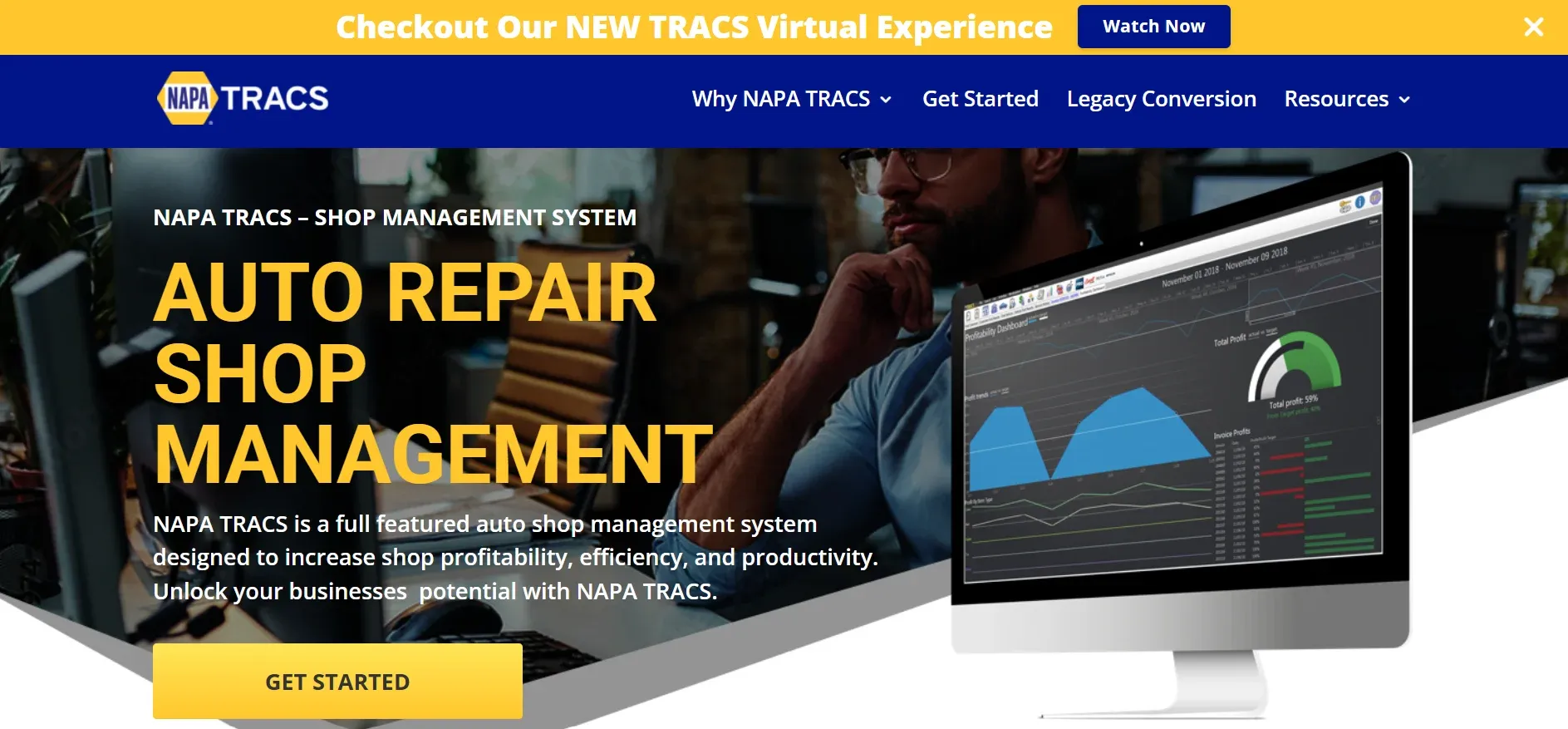
NAPA TRACS is a shop management platform designed for shops that are part of the NAPA network. Its main strengths are parts inventory, ordering, and integration with NAPA systems, making it a natural fit for NAPA AutoCare Centers.
Pricing: Not listed publicly; expect custom quotes and recurring SaaS fees. NAPA members may receive discounts.
-
Key limitations:
- Limited value for non-NAPA shops
- Recurring SaaS fees and tiered features
- Customization and third-party integrations are limited
-
Strengths:
- Seamless NAPA parts catalog integration
- Inventory management and reordering
- CRM and marketing tools for NAPA shops
7. R.O. Writer (Long-running shops)
R.O. Writer is a legacy shop management system with a loyal following, especially among shops that have used it for a decade or more. Its main strengths are deep reporting and proven reliability, but its age shows in the interface and limited cloud features.
Pricing: Not listed publicly. Expect a recurring SaaS fee, with possible one-time setup or conversion charges for data migration.
-
Key limitations:
- Interface feels dated and lacks modern cloud features
- SaaS fees continue indefinitely
- Customization can be expensive and slow
-
Strengths:
- Comprehensive reporting and analytics
- Proven reliability for long-running shops
- Customizable invoice templates
8. CCC ONE (Auto body shops)

CCC ONE is the dominant shop management system for collision and body shops, especially those handling insurance claims and complex estimates.
Pricing: Custom, typically higher than general repair platforms. Expect a recurring SaaS subscription, with add-ons for integrations.
-
Key limitations:
- High cost, especially for smaller shops
- Not built for general repair shops
- Data export can be difficult
-
Strengths:
- Insurance and estimator integration
- Repair planning and workflow management
- Photo and document management for claims
9. Devaims (Shops that want to own it all)
Devaims is not an off-the-shelf SaaS, it’s a custom shop management platform built specifically for your business. You pay once for the build, then a flat, predictable maintenance fee. You own the code, the data, and the workflows. No per-user, per-location, or forced upgrade fees. No contracts or auto-renewals.
- Custom work order, scheduling, and workflow modulesIntegrations with your choice of suppliers, payment processors, and OEM dataRole-based permissions, reporting, and analytics built for your shopMobile apps or web interfaces as neededAPI access for future integrationsData migration and team training includedFlat, predictable costs and true ownership
- Custom work order, scheduling, and workflow modules
- Integrations with your choice of suppliers, payment processors, and OEM data
- Role-based permissions, reporting, and analytics built for your shop
- Mobile apps or web interfaces as needed
- API access for future integrations
- Data migration and team training included
- Flat, predictable costs and true ownership
With Devaims, you start day one with your full history, mapped and organized for your new workflow. No contracts, no forced renewals, and your system adapts to your shop, not the other way around.
Other Shopmonkey alternatives worth knowing
- Fullbay: Built for heavy-duty truck shops. Offers strong fleet and compliance features, but pricing is high for typical auto repair shops and many features are overkill for general repair.
- Bay-master: Budget-friendly, desktop-first tool for small shops. Lacks modern integrations (cloud, mobile, DVI), but can be a good fit for single-location shops with simple needs.
- ProfitBoost: Simple interface and fast setup, but limited in advanced features, integrations, and reporting. Good for startups or very small shops.
- MaxxTraxx: Desktop-based, with some cloud features. Best for shops not ready to move fully online. Modern integrations are limited, and migration to or from cloud tools can be tough.
How to choose the right Shopmonkey alternative
- By shop size: Solo operators and small shops can use simpler, more affordable tools. Multi-location or high-volume shops need strong user management, reporting, and integrations.
- By budget: Don’t just look at the sticker price. Calculate all-in costs, including per-user, per-location, add-ons, and payment processing. SaaS fees climb as you grow, custom builds are flat after launch.
- By workflow: If your shop has unique processes (fleet, heavy-duty, body, or just a non-standard way of doing things), make sure the software can match, or you’ll be forced to bend your business to the tool.
- By ownership: Decide if you want to keep renting (SaaS) or invest once to own your platform (Devaims). Ownership gives you control and long-term savings.
- By vertical: Collision, truck, and general repair all have specialized needs. Choose a tool (or custom build) that fits your niche.
Want to break the rent cycle? Here’s what owning your platform could look like.
Stop paying rent on software you could own
Every Shopmonkey alternative above, even those that fix your biggest annoyance, still keeps you on the rent treadmill. Every new user, feature, or location is another fee. With Devaims, you pay once for your platform and own it. No contracts, no forced upgrades, no surprise charges. The system grows as you do, and your data is always yours.
Devaims works with auto repair shops to build owned business platforms. You receive the source code, data, and keys, no contracts, no forced renewals, no pricing surprises. Your system adapts to your shop, not the other way around.
- No per-user or location fees: Hire, expand, or open new shops, your cost stays flat.
- No feature gates or forced upgrades: Everything you need is built in, and future enhancements are tailored for you.
- Data and workflows you own: Your history, your reports, your integrations, always portable, never locked in.
| Tool | Ownership | User fees? | Contract? |
|---|---|---|---|
| Shopmonkey | Rented, SaaS | $20 per user | Auto-renewal |
| Tekmetric | Rented, SaaS | Unlimited users | Annual |
| Mitchell 1 | Rented, SaaS | By seats/modules | Annual |
| Devaims | Owned, custom | None | No contract |
The cost math: For a shop with 8 users, on mid-tier SaaS with add-ons, expect $399 per month base plus $100 per month in user and add-on fees, $499 per month, or $5,988 per year. Over 5 years, that’s $29,940, and you still own nothing. A Devaims build typically costs $30,000 up front, with $200 per month maintenance ($2,400 per year). Over 5 years: $30,000 + $12,000 = $42,000. But from year 3 onward, your spend is flat, and your system is an asset you control and can extend indefinitely.
| Year | Rented (SaaS, cumulative) | Owned (Devaims, cumulative) |
|---|---|---|
| 1 | $5,988 | $32,400 |
| 2 | $11,976 | $34,800 |
| 3 | $17,964 | $37,200 |
| 4 | $23,952 | $39,600 |
| 5 | $29,940 | $42,000 |
Most shops break even between year 3 and 4. If your shop is adding users, locations, or custom workflows, owning pays off even faster. We’ll run your numbers and show you the real break-even point for your operation.
How to switch from Shopmonkey
- Export your data: Pull customer, vehicle, work order, and invoice data from Shopmonkey. For attachments (photos, signatures), request export support if needed.
- Choose your new platform: Whether you pick a SaaS tool or a Devaims build, confirm they support data import and will help with migration.
- Import and map data: Import your data, mapping fields to match the new system. This step is critical, review all records, especially repair history and notes, for accuracy.
- Reconnect integrations: Set up payment processors, inventory suppliers, accounting, and any other integrations your workflow depends on.
- Train your team: Schedule training for staff on the new workflows and interface. Build cheat sheets or quick reference guides for common tasks.
- Parallel run: Run both systems side by side for 1 to 2 weeks. Process real work orders in both to confirm no data or workflow gaps.
- Cut over and terminate Shopmonkey: Once you’re confident in the new system, officially terminate your Shopmonkey contract (mind the notice window). Archive final data exports for compliance.
With a custom Devaims build, the migration and parallel run are handled as part of the project, so you don’t lose momentum or records.
Frequently asked questions
What is the best Shopmonkey alternative for large auto repair shops?
Tekmetric and Shop-Ware stand out for large teams. Tekmetric’s unlimited user pricing is ideal for high staff counts, while Shop-Ware’s multi-location dashboard and reporting are strong for regional chains. Both have strong integrations and workflow tools. However, both are SaaS, so costs and data ownership remain issues. If you want to own your system, Devaims is the only route off the rent treadmill, letting you build custom features for your size and complexity, and keep all your data in-house.
Which Shopmonkey alternative is cheapest for solo shops?
Mitchell 1 offers lower starting pricing ($134 per month), but annual contracts and add-on fees can add up. Bay-master is a budget option for single-location shops, but lacks modern features and integrations. ProfitBoost is another low-cost tool, but is limited in reporting and automation. Owning with Devaims costs more up front, but may be worth it if you expect to grow or need unique workflows, since you’ll avoid rising SaaS fees over time.
Is there a free Shopmonkey alternative?
No commercial tool matches Shopmonkey’s features for free. Some shops use spreadsheets, Google Forms, or basic invoicing apps to manage tickets and customers, but you lose workflow automation, parts ordering, and reporting. Open-source tools exist but require significant IT skills and lack support. Devaims can build exactly what you need, but it’s a paid, owned solution tailored to your requirements.
Which Shopmonkey alternative gives the most control over my data?
Only a custom, owned platform (like Devaims) gives you full control and portability. All SaaS tools, including Shop-Ware, Tekmetric, and AutoLeap, store your data on their servers. Some allow CSV exports, but often with limitations (attachments, custom fields, or incomplete histories). With an owned build, you have database access, can run your own backups, and integrate or migrate as you see fit.
When should I switch from Shopmonkey?
If your costs are rising from user or add-on fees, you’re hitting feature walls, or you’re frustrated by contract renewals and lack of control over your data, it’s time to compare alternatives. If you want to future-proof your business, scaling without new fees, customizing workflows, and owning your system, consider a custom build with Devaims.
Can I keep my old Shopmonkey data?
Yes. Most platforms support exporting customer, vehicle, and work order data. Attachments (photos, signatures) may require support help. With a Devaims build, data migration is included, you start day one with your full shop history, mapped and organized for your new workflow. Always request and review your export before canceling your old platform.
The bottom line
Shopmonkey alternatives like Tekmetric, Shop-Ware, and Mitchell 1 all solve parts of the problem, better pricing, more users, deeper integrations, but none solve the root issue: you’re still renting, month after month, with costs and control in someone else’s hands.
If you want out, run the numbers: add up what your current tool will cost over five years. If that number could build you a platform you own, you already have your answer. The shops that thrive are the ones who control their systems, data, and future, not just their invoices.
Want more? Read the Devaims blog for deep dives, or explore more alternatives: Tekmetric alternatives, Mitchell 1 alternatives, Shop-Ware alternatives.