


You thought you’d found the answer with Patheon, but months in, you’re still exporting reports to Excel, juggling per-user fees, and bracing for the next price bump. The tool that promised to automate your car wash runs fine, but when your business scales and every new truck means another monthly fee, the rent-vs-own math starts to sting.
The truth is, most car wash & detailing software, including the big names like Housecall Pro and DetailPro, rent you access on their terms. You’re stuck on their roadmap, locked into their integrations, and the moment you stop paying, your data goes dark. If you’re looking for Patheon alternatives, here’s the real landscape: a mix of flexible SaaS platforms and, for those ready to stop renting, the option to own your platform outright with Devaims. We’ll break down each, show you the five-year cost difference, and flag the traps you don’t see until it’s too late.
Ready to get out of the subscription hamster wheel? Here are your best Patheon alternatives, and why one of them lets you keep everything you build.
Why car wash & detailing businesses look for Patheon alternatives
Per-user and per-unit fees add up fast. What feels affordable for one location gets expensive when you add more trucks or team members. SaaS pricing models are often designed to hook you with a low entry point, but as your business grows, so do your costs. For example, adding staff, seasonal hires, or new vehicles can quickly double or triple your monthly bill, even if your revenue hasn’t climbed at the same rate.
Locked-in features and forced upgrades. The report you need or integration you want is always on a higher tier, never quite where you are now. Many SaaS tools segment advanced features (like custom reporting, API access, or integrations with accounting software) into premium plans, nudging you to pay more as your needs evolve. This can leave you stuck with manual workarounds or forced into plans that include features you don’t use just to access the one you need.
Data ownership concerns. If you leave, getting your history and customer data out is painful, and you never truly "own" your platform. For many operators, this is more than a technical hurdle, it’s a business risk. Some platforms allow CSV exports but strip out attachments, notes, or custom fields, making it hard to migrate fully. Others may charge for data extraction or delay the process. True data ownership means you can move, back up, and audit your own information at will.
Limited customization. SaaS tools work for the average shop, not your unique process. Workarounds and manual exports become daily habits. If you run specialty services, handle fleet accounts, or have unique packages, you may find yourself using sticky notes or spreadsheets to fill in the gaps. Over time, these inefficiencies cost you both time and money.
Long-term costs rival custom builds. Over five years, subscription fees can equal or exceed what it would cost to build a system you own, yet you end up with nothing when you stop paying. That’s why so many operators start searching for Patheon alternatives. Many shops discover that after three to five years, their SaaS spend would have paid for a custom platform tailored to their exact needs, with no strings attached.
Quick comparison of the best Patheon alternatives
| Tool | Best for | Starting price | You own it? |
|---|---|---|---|
| Housecall Pro | All-in-one scheduling & mobile crews | $299/mo (8 users) | No |
| DetailPro | Detailing-specific workflows | $99/mo | No |
| Buffr | Solo operators & small fleets | $29/mo | No |
| Opervo | Flat monthly for all features | $24.99/mo | No |
| Aphinity | Shops that want AI features | $15/mo | No |
| DetailFlowPro | Detailing businesses needing trial | Reported | No |
| Quivio | Shops needing custom workflows | Reported | No |
| WashFlow Pro | Automated POS & reporting | Reported | No |
| Devaims (custom build) | Operators who want to own it all | One-time build, you own it | Yes |
Always confirm current pricing before you decide. SaaS rates and packages can change fast, and some may have hidden fees for integrations, text messaging, or premium support. For a deeper comparison, check independent review sites like Capterra or G2.
The 9 best Patheon alternatives
1. Housecall Pro (all-in-one scheduling & mobile crews)
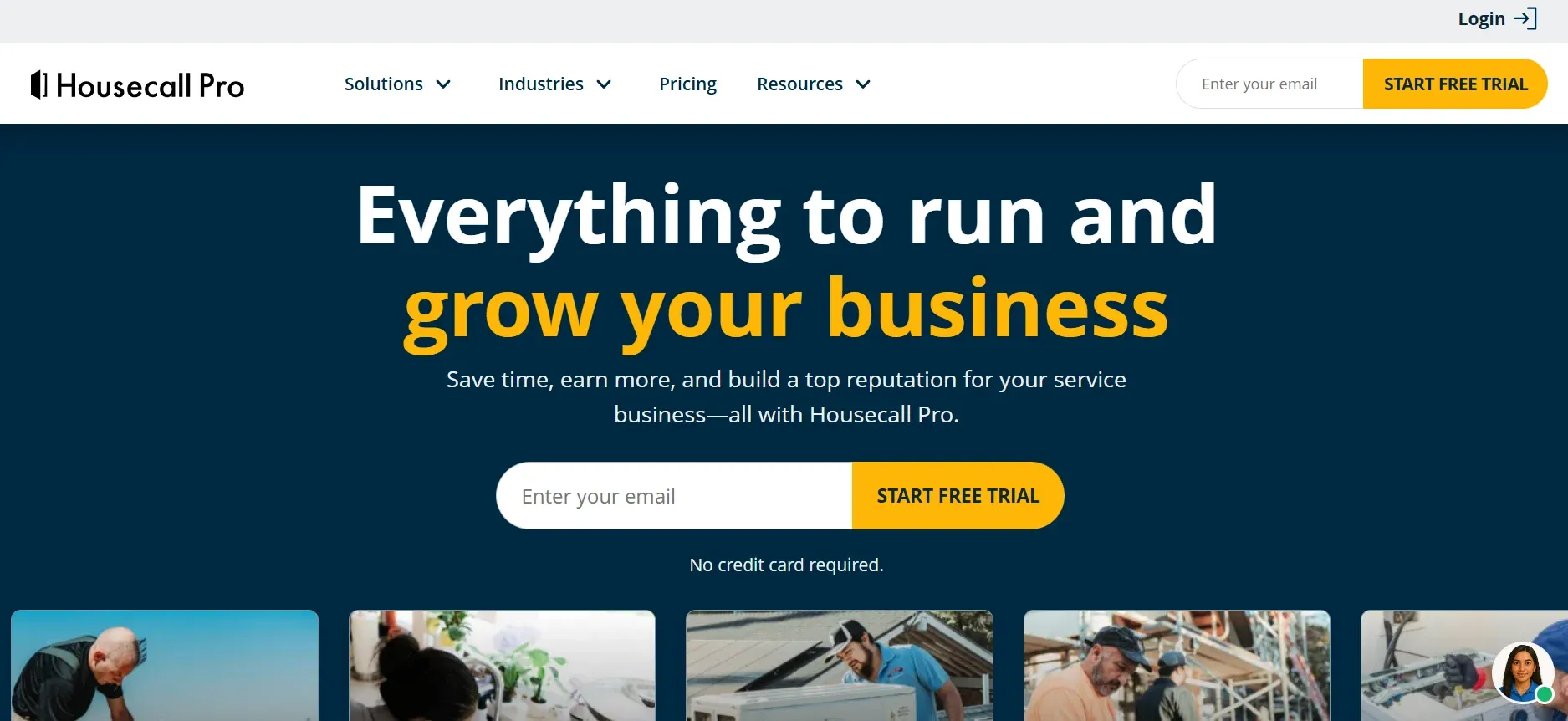
Housecall Pro is a heavyweight in field service management, popular with operators who want everything in one dashboard, including scheduling, dispatch, invoicing, payments, and customer communications. Its mobile app is robust, letting field staff clock in, update job status, send invoices, and accept payments on-site. Housecall Pro also offers automated reminders, customer review requests, and integrates with QuickBooks, Stripe, Zapier, and Google Calendar.
Migration is straightforward if you’re coming from another popular SaaS, thanks to import tools and onboarding support. However, custom data fields or attachments may not transfer perfectly, so expect some manual cleanup. The biggest friction comes with scaling: every extra user or technician means another $35/month. For an 8-user team, that’s $299/month, but a 15-person operation can pay $500+ per month, before add-ons like text messaging or advanced reporting.
Use cases: Multi-truck detailing businesses, shops with dispatch needs, or those who want a mobile-first experience. Housecall Pro is especially strong for teams that move between job sites and need everything accessible from a phone or tablet.
Trade-offs: You’re renting the platform. If you leave, you’ll need to export all your data and may lose custom workflows. Integrations are solid but limited to what Housecall Pro supports. For unique processes, you may find yourself adapting your business to fit their software, not the other way around.
Pricing: $299/month for Max plan (8 users); $35/month per additional user. See pricing.
- Strong mobile app and scheduling tools
- No setup fees, 14-day free trial
- Well-supported integrations (QuickBooks, Stripe, Zapier)
- Per-user fees add up fast for growing teams
- Some features require higher-tier plans
- All data and workflows tied to their platform
On software you owned, adding users or trucks wouldn’t cost extra. That’s something only a custom build gives you.
2. DetailPro (detailing-specific workflows)
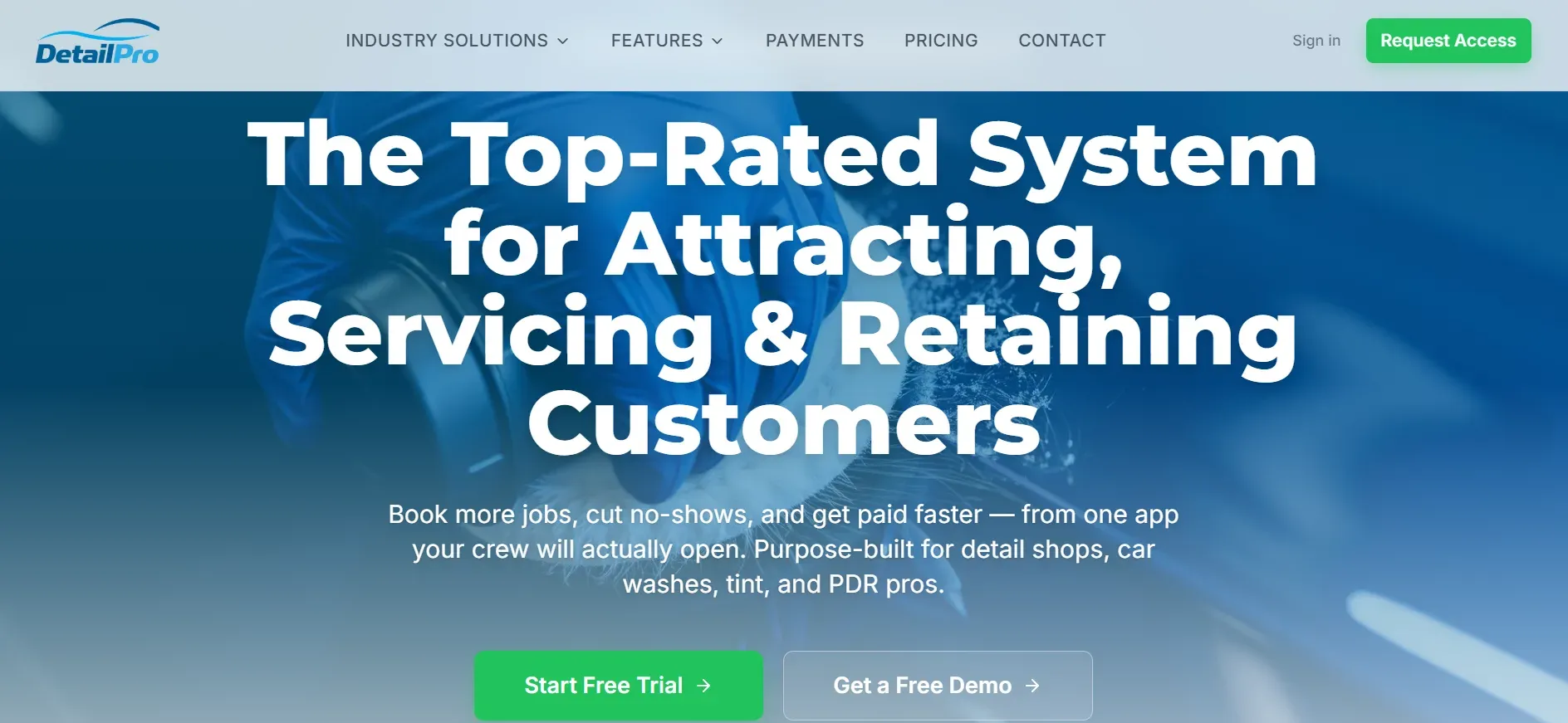
DetailPro is built from the ground up for auto detailers, with packages and templates tailored to the industry. Unlike generic field service tools, DetailPro offers service packages (interior, exterior, ceramic coating, etc.), built-in pricing calculators, and before/after photo attachments. It also enables you to set up custom workflows for specialty services, like fleet accounts or dealership contracts.
DetailPro integrates with Stripe, Google Calendar, and offers two-way text reminders. Migration from another SaaS is easier if your data is clean; however, if you have complex custom fields or non-standard workflows, some manual configuration is required. Reporting is available, but advanced analytics (like revenue by service type or employee productivity) are only in higher tiers.
Use cases: Shops focused on detailing, those with recurring or package-based services, and operators who want industry-specific templates out of the box. Great for teams who want to automate reminders, get customer signatures, and speed up checkouts.
Trade-offs: While you get more auto detailing focus than with Patheon, you are still renting the platform, and the cost to unlock advanced features adds up. You cannot add custom integrations beyond what’s offered, and if you grow past the platform’s intended scale, you may need to migrate again.
Pricing: Professional $99/month, Growth $199/month, Ultimate $299/month. See pricing.
- No setup fees, 14-day free trial
- Detailing workflows and industry-specific templates
- Cancel anytime, no contract lock-in
- Must upgrade for advanced features and analytics
- All tools are rented, you never own the system
- Long-term cost rivals a custom build
That’s the kind of reporting you’d just have if the platform were built for you.
3. Buffr (solo operators & small fleets)
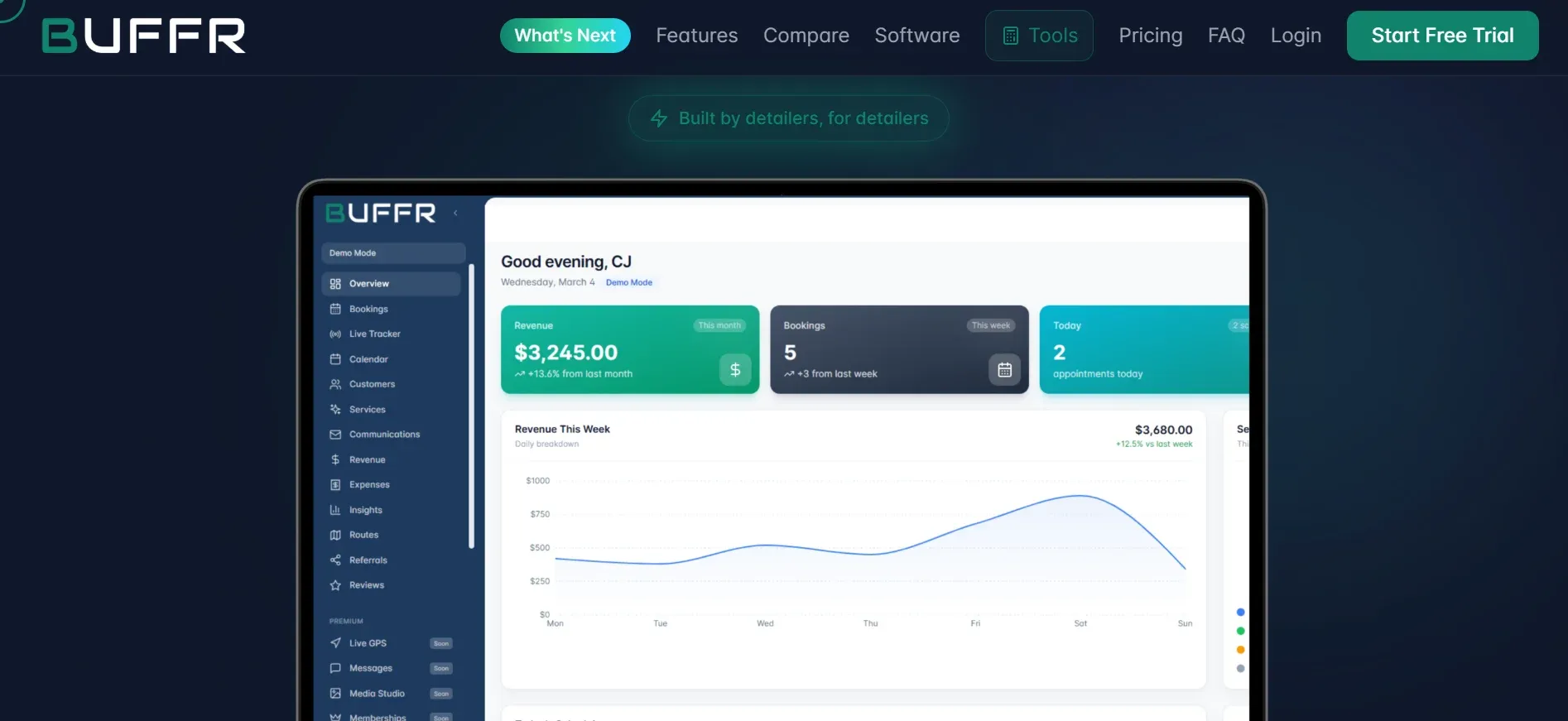
Buffr is designed for simplicity and speed, targeting solo operators and small detailing shops. It covers digital scheduling, client management, and payment processing, with a user-friendly interface that requires minimal setup. Buffr’s integrations are limited, but it does connect to Stripe for payments and offers email/text reminders. The platform is ideal for those who want to move off paper and spreadsheets without getting bogged down in complexity.
Migration is DIY: you import your customer list via CSV, but more complex data (such as job histories or notes) may not transfer. Buffr shines for those just getting started, but as you add employees or want custom workflows, its limitations become clearer. There are no per-user fees for the first few users, but larger teams will need to upgrade to higher plans, which can approach the cost of more full-featured platforms.
Use cases: Solo detailers, small mobile wash businesses, or family-run shops with basic scheduling and payment needs. Perfect for operators who want to automate reminders and accept credit cards but do not need advanced analytics or integrations.
Trade-offs: Less customization, fewer integrations, and limited reporting. If you need to track inventory, run multi-location operations, or integrate with accounting tools, Buffr may not scale with you. You are also renting, your data and workflows disappear when you leave.
Pricing: Starter $29/month, Pro $49/month, Business $99/month. See pricing.
- Affordable for solo shops
- No setup fees, 14-day trial
- Simple, clean interface
- Limited for multi-location or larger teams
- Fewer integrations than larger tools
- No code or data ownership
4. Opervo (flat monthly for all features)
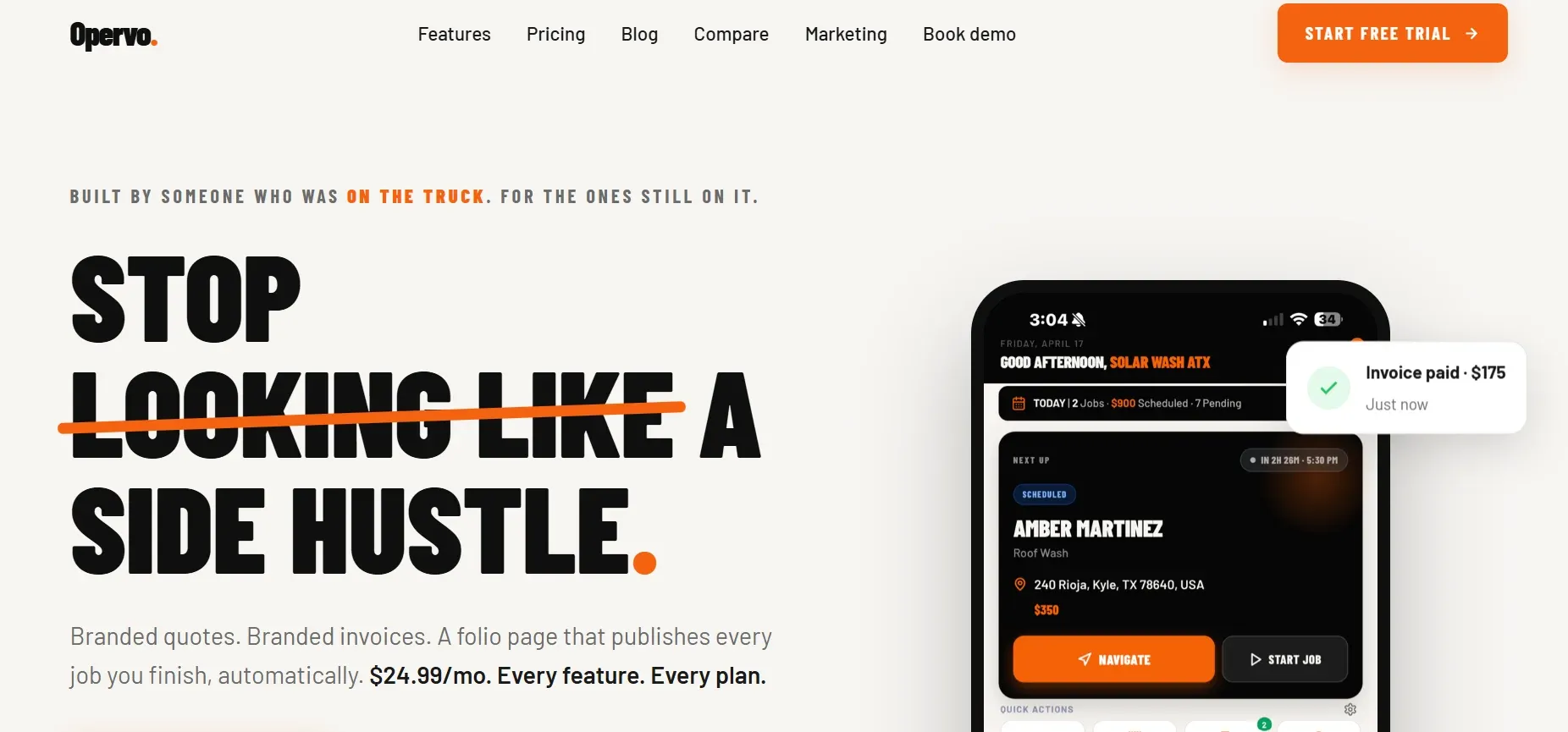
Opervo offers a refreshing twist: all features for one monthly price, with no per-user fees. Opervo is built for operators who want predictability in costs and access to every feature from day one. Its toolset includes scheduling, job management, invoicing, team management, and limited reporting. Integrations include Stripe for payments and QuickBooks for accounting, but the platform is not as broad as Housecall Pro or DetailPro.
Migration is straightforward for basic customer and job data, but more complex needs (like attachments, custom fields, or historical analytics) may not import perfectly. Opervo’s customization is limited to what’s built into the platform: you can adjust workflows and templates, but cannot add new data structures or integrate with third-party APIs unless they’re already supported. For small to mid-sized teams wanting to avoid surprise bills, Opervo’s flat pricing is a strong selling point.
Use cases: Small car wash or detailing businesses that want to avoid per-user charges, need solid scheduling and payment tools, and do not require deep customization or industry-specific workflows.
Trade-offs: No platform ownership, limited extensibility, and feature updates are at the vendor’s discretion. If you need to automate unique processes or want custom integrations, you will hit a wall.
Pricing: $24.99/month, all features included.
- One flat price, no per-user fees
- No setup fees
- Simple pricing model
- No ownership, platform stays theirs
- Customization limited to what’s built in
- Integrations may not fit every workflow
With Devaims, every integration and workflow is built around how you actually run your shop, not the average customer.
5. Aphinity (shops wanting AI features)
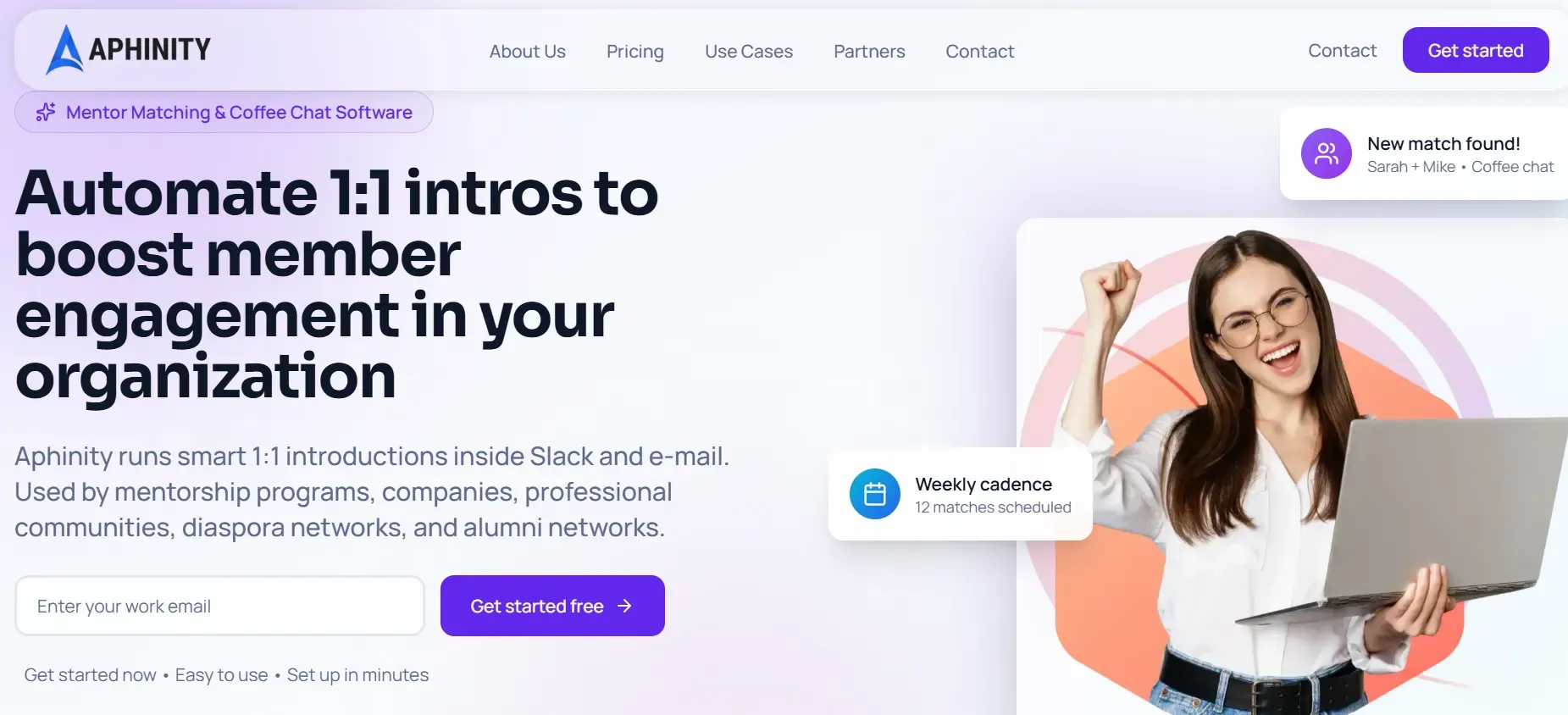
Aphinity stands out with AI-powered tools for scheduling, reminders, customer follow-up, and even basic marketing automation. Aphinity’s AI can help fill schedule gaps, send personalized reminders, and suggest upsells, which can boost revenue for busy shops. The platform also offers integration with Stripe, Google Calendar, and basic CRM functions.
Migration is possible for customer lists and bookings, but historical notes and custom workflows may not transfer. The entry price is low, but advanced features, such as AI-driven analytics, automated review requests, or multi-location management, are only in higher tiers or require a custom quote. Aphinity’s AI tools may be overkill for small, workflow-driven shops, but they’re a differentiator if you want to automate client communications or upsell services.
Use cases: Shops that want to automate reminders, fill last-minute schedule gaps, or experiment with AI-driven customer engagement. Great for operators with a tech-savvy mindset or those who want to test AI before committing to a larger platform.
Trade-offs: AI features are only as good as your data and processes. Over-customization is limited, and for larger operations, the lack of transparent enterprise pricing may be frustrating. You are also still renting, your AI workflows and data are locked to the platform.
Pricing: Basic $15/month, Pro $99/month, Enterprise by quote. See pricing.
- Very affordable entry tier
- AI-driven scheduling and reminders
- No per-user fees beyond tier price
- Enterprise features not priced transparently
- AI tools may be overkill for basics
- No platform ownership
6. DetailFlowPro (detailing businesses needing a trial)
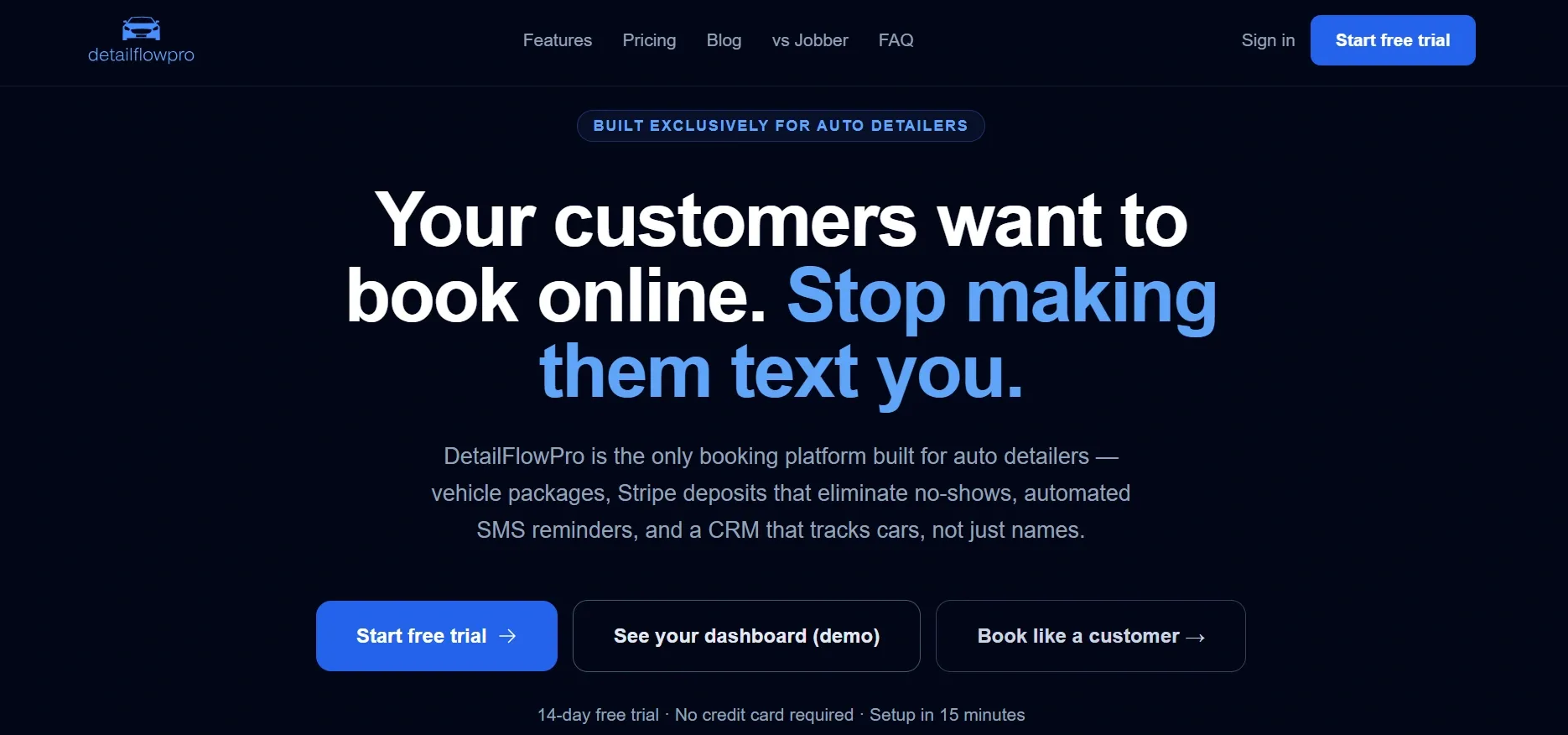
DetailFlowPro appeals to detailers who want to try before they buy, offering a 14-day free trial, no credit card required. The interface is clean and focused on quick onboarding, allowing you to set up services, pricing, and reminders in minutes. DetailFlowPro covers essential workflows: booking, payment processing, and client management.
Migration options are basic: you can import customer lists, but job histories and custom fields may need manual entry. Pricing details are only available after signup, and features for larger teams or multi-location operations are not well documented. This can make it hard to plan long-term or compare apples to apples with other platforms.
Use cases: Small shops or new operators who want to test a SaaS tool with minimal risk. Good for those who need fast setup and basic automation, but not advanced customization or analytics.
Trade-offs: Limited transparency on pricing and scale, and feature set may not keep up with larger or fast-growing operations. If you outgrow the platform, migration to another tool may require manual work.
Pricing: No reliable pricing published; 14-day free trial.
- Easy to try, no credit card needed
- Detailing-focused workflows
- Simple onboarding
- No published pricing for scale
- Feature set may not match larger players
- Rented platform, not owned
7. Quivio (shops needing custom workflows)
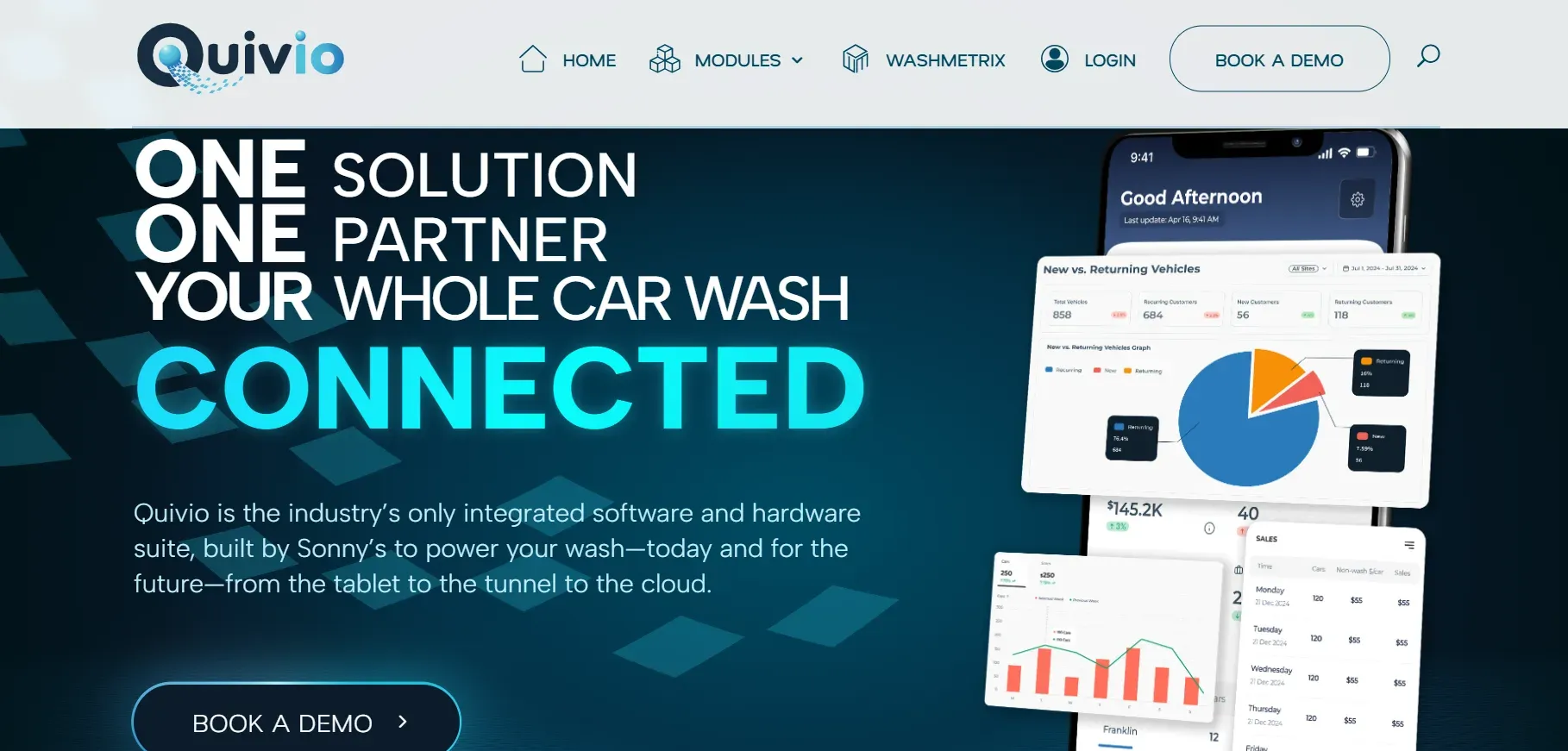
Quivio is aimed at shops looking for flexibility beyond basic templates. Its workflow builder allows you to customize job stages, client notifications, and even set up approval processes for specialty services. Integrations with Zapier and other SaaS tools expand its reach, enabling connections to accounting, marketing, or ERP systems.
Migration is handled via onboarding support, with data import tools for customer lists and job history. However, custom workflows built in Patheon may require manual recreation. Pricing is not transparent and depends on your configuration, which can be frustrating for budget planning. Quivio’s customization is more robust than most SaaS but is still limited by its platform framework, you cannot add entirely new modules or own the code.
Use cases: Growing shops with unique workflows, multi-service operations, or those who need to integrate with other business software. Useful for operators who want to automate approvals, job routing, or advanced notifications.
Trade-offs: Opaque pricing, limited ownership (you’re still renting), and your customizations are locked to Quivio’s infrastructure. If you leave, you lose your custom logic and integrations.
Pricing: No reliable pricing information; contact for a quote.
- Customizable workflows
- Integrations with other SaaS tools (Zapier, QuickBooks, etc.)
- Built for car wash operations
- Opaque pricing structure
- Customization limited to their framework
- All data lives on their platform
8. WashFlow Pro (automated POS & reporting)
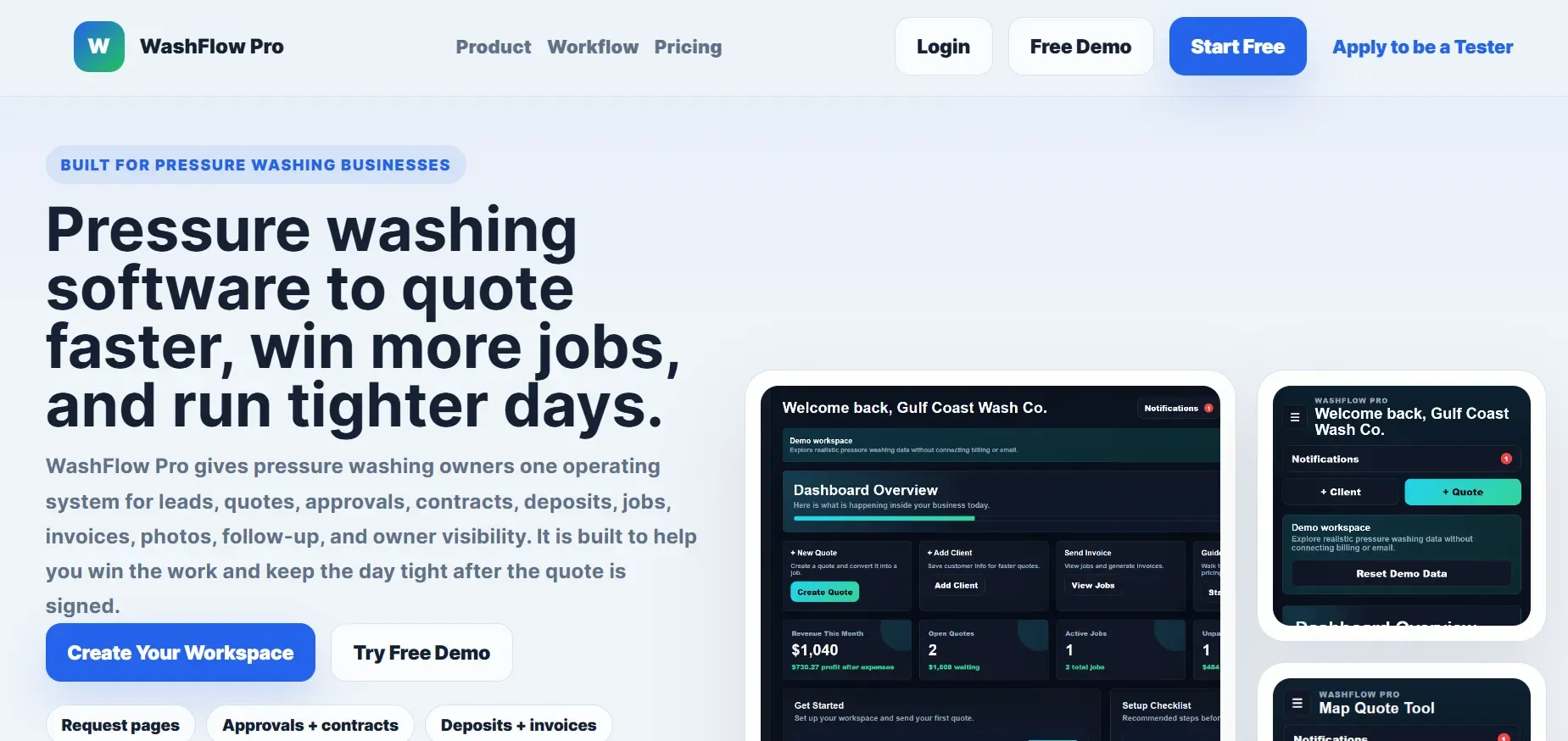
WashFlow Pro focuses on automating the point-of-sale and back-end reporting for car washes. It features a modern POS, barcode/RFID membership support, and dashboards for revenue, labor, and chemical usage. WashFlow Pro integrates with payment processors (Square, Clover), and can connect to hardware for automatic gate control or loyalty programs, something most SaaS tools cannot do.
Migration can be complex if you have extensive historical data, as WashFlow Pro’s onboarding team may need to map data fields from Patheon or other tools. Reporting is a strong point, allowing you to analyze sales by service, track employee performance, and optimize supply usage. However, pricing is not public, and feature upgrades (like hardware integrations or custom dashboards) may incur additional fees.
Use cases: Fixed-location car washes, shops with heavy POS needs, or operations running monthly memberships. Also suitable for those who want to automate reporting and inventory.
Trade-offs: No code or data ownership, limited transparency on pricing, and feature upgrades may cost more. You are tied to the WashFlow Pro ecosystem, and migration out can be difficult if you use hardware integrations.
Pricing: No reliable pricing published; contact for details.
- Strong POS and reporting features
- Designed for car wash flow and hardware integration
- Modern interface
- No transparent pricing
- Feature upgrades may cost more
- No ownership, SaaS only
9. Devaims (operators who want to own it all)
Devaims is for car wash & detailing operators who are tired of renting the same features, year after year. Devaims builds your platform to your spec, dispatch, scheduling, reporting, billing, and when it’s done, you keep the source code and own every workflow, integration, and piece of data. No forced upgrades, no per-unit fees, no lock-in. If you ever want to switch vendors, you take your system with you.
How ownership works: Devaims starts with a requirements workshop, mapping your workflows, integrations, and reporting needs. The system is built on modern stacks (such as Laravel, React, or Node.js) with full API access for integrations (QuickBooks, Stripe, SMS, hardware, or custom tools). You get a staging environment for testing, and after launch, you receive the full source code, documentation, and database. Hosting is flexible: run it on your own server, AWS, Azure, or let Devaims manage it. Migration from Patheon or other SaaS is handled as part of the project, including custom field mapping and data cleaning.
Use cases: Growing shops, multi-location operations, or franchise owners who want to control every workflow and integration. Ideal for those who have outgrown SaaS or want to build competitive advantage (e.g., custom customer portals, loyalty programs, advanced analytics, or hardware integrations).
- One-time build, flat monthly maintenance
- You own the code and all your data
- Fully customized to your process
- No forced upgrades or per-user fees
- Switch vendors anytime, no lock-in
Other Patheon alternatives worth knowing
- DRB Systems: More hardware-focused, better fit for high-volume tunnel washes. Integrates with RFID, pay stations, and tunnel controllers. Not ideal for mobile or detailing shops but strong for large fixed-site operations.
- Sonny's CarWash Commander: Strong for large tunnel operations, less so for mobile or detailing shops. Offers POS, membership management, and tunnel equipment integration.
- ICSolutions, Clearwash, Rinsed, Vonigo, Jobber: Each has strengths in appointment scheduling or POS, but lack industry-specific depth or full ownership options. Jobber is especially popular for general field service but is less tailored for car wash workflows.
If you run a detailing shop or mobile crew, these may be too broad or too hardware-focused to replace Patheon directly.
How to choose the right Patheon alternative
- Budget: Solo shops may be fine with Buffr or Aphinity’s low tiers, but larger teams will pay more as they scale. Consider total cost of ownership, including hidden fees for integrations, SMS, or premium support.
- Features needed: If you need detailing-specific workflows or advanced reporting, expect to pay for higher SaaS tiers, or own it outright with Devaims. Evaluate whether your business model (mobile, fixed, fleet, specialty) is supported natively.
- Team size: If you’re growing, watch for per-user or per-unit fees that sneak up over time. Plan for seasonal hires or expansion, these costs can quickly outpace initial savings.
- Customization and integrations: Standard SaaS fits most, but custom work is where Devaims shines. If you need unique integrations (fleet tracking, custom CRM, hardware), only a custom build will truly fit.
- Data ownership: If controlling your data is non-negotiable, only an owned solution like Devaims delivers. Consider the long-term risk of lock-in and the effort required to migrate in the future.
If you’re tired of paying rent on the same features, the next section shows how owning your platform changes the math for good.
Stop paying rent on software you could own
Every Patheon alternative on this list, from Housecall Pro to WashFlow Pro, is rented: a monthly payment for access to someone else’s platform. The moment you stop paying, your workflows and data stay behind. For car wash & detailing owners who want control, Devaims flips the script: you own the code, the data, the integrations, everything.
Devaims builds platforms for operators who are done with lock-in. You get every feature you need, scheduling, dispatch, POS, reporting, customized to your shop, not the "average" business. When the project wraps, you keep the source code, full database, and documentation. You can host it yourself or anywhere you like, and if you ever want to use a new developer, you’re free to do so. No more forced upgrades, no more price hikes, no more per-unit surprises.
- No more per-user or per-truck fees, your growth doesn’t increase your bill.
- Unlock every workflow you need, from customer-facing booking to fleet management.
- Your data is always yours, you decide where it lives and who accesses it.
- Switch vendors anytime: you own the platform, so you’re never locked in.
| Platform | Ownership | Upfront cost | Ongoing fees |
|---|---|---|---|
| Housecall Pro | No | $0 | $299+/mo + user fees |
| DetailPro | No | $0 | $99, $299/mo |
| WashFlow Pro | No | $0 | Contact for details |
| Devaims (custom build) | Yes | $29,000 (typical) | $180/mo maint |
| Year | Rented SaaS (Housecall Pro) | Owned (Devaims) |
|---|---|---|
| 1 | $4,752 | $31,160 |
| 2 | $9,504 | $33,320 |
| 3 | $14,256 | $35,480 |
| 4 | $19,008 | $37,640 |
| 5 | $23,760 | $39,800 |
For an 8-user shop, SaaS breaks $23,000 after five years, and you own nothing. With Devaims, you cross over at year 5, and every year after that is pure savings. If you have more users or locations, the break-even comes even sooner. We can run these numbers for your shop, free.
How to switch from Patheon
- Export all customer, job, and payment data from Patheon (if possible). Some platforms allow only basic CSV exports, while others require support tickets or charge fees. Make sure to request all data, including attachments, notes, and custom fields.
- Choose your alternative, SaaS or an owned platform like Devaims. If you need custom integrations or want to own your data, communicate these needs upfront.
- Import your data into the new tool or provide it for custom migration. Devaims includes custom scripts to map and clean data, reducing manual work. For SaaS tools, you may need to adjust data formats or lose some history.
- Reconnect payment processors, booking integrations, and any third-party tools you rely on. Make a checklist of all integrations (Stripe, QuickBooks, SMS, hardware, etc.) to ensure a smooth transition.
- Train your team on the new workflows and dashboards. This is critical, schedule hands-on sessions and provide cheat sheets for new processes.
- Test in parallel for a week or two before cutting over fully. Run both systems side by side to catch any gaps, especially in reporting or workflow automation.
- Review your Patheon contract for any termination clauses or data access limits. Some vendors require advance notice or may restrict access after cancellation.
With a custom Devaims build, the migration is handled as part of the project, including mapping, cleaning, and testing your data in the new system before go-live.
Frequently asked questions
What is the best Patheon alternative for a mobile detailing crew?
Housecall Pro and DetailPro are top picks for mobile crews, thanks to strong mobile apps, real-time scheduling, and detailing-specific templates. Both support on-the-go invoicing, GPS tracking, and customer communication. If you want to own your platform and avoid ongoing fees, Devaims is the only true alternative. With Devaims, you can build mobile apps tailored to your crew, integrate with GPS or fleet tracking, and automate workflows unique to your business, without per-user fees or feature lock-in.
Which Patheon alternative is the cheapest for solo operators?
Buffr and Aphinity start at just $15 to $29 per month, making them the most affordable for solo shops. They cover digital scheduling, payments, and reminders. As you grow, watch for per-user and feature-based tier upgrades, which can quickly increase your costs. For operators planning to stay solo or very small, these tools are a good fit; for those expecting to grow, consider long-term pricing and migration options.
Is there a free Patheon alternative?
Most Patheon alternatives only offer free trials, like DetailFlowPro’s 14-day trial with no credit card. True free platforms are rare, and usually lack industry-specific features or integrations. For full ownership, there’s an upfront cost with Devaims, but no ongoing rental fees. If budget is a concern, weigh the value of ownership and customization against the cost of "free" tools that may not scale with your business.
Which Patheon alternative offers the most customization?
Quivio and Devaims stand out for customization. Quivio offers custom workflows, approval steps, and integrations within its SaaS limits, making it flexible for many operators. However, your logic and data remain on their servers. Devaims lets you own everything: you can build any workflow, add new modules, integrate with any third-party system, and fully control your data and code. As your business evolves, you can adapt your platform, something no SaaS can truly offer.
How do I know if I should switch from Patheon?
If you’re paying too much in monthly fees, need features locked to higher tiers, or want true data ownership, it’s time to compare Patheon alternatives. Consider the following: Are you building workarounds to fit your business into the software? Are you paying for features you don’t use, just to access one you need? Is your data difficult to export or audit? If yes to any, it’s worth exploring alternatives. Owning your platform with Devaims makes the most sense if you plan to grow and want control over your workflows, integrations, and costs.
Can I keep my data if I leave Patheon or a SaaS tool?
Some platforms limit data export or make it painful, offering only partial exports or charging fees for full data dumps. Attachments, notes, or custom fields may not transfer. With Devaims, you own the database and code, so you take everything with you, no questions asked. For SaaS, always request a sample export before you commit, and clarify what data is included.
How does Devaims compare to SaaS for cost over 5 years?
SaaS tools like Housecall Pro can cost $25,000 or more over five years for a mid-sized shop (8 users). For larger operations, this number climbs quickly. With Devaims, you pay once to build (typically $29,000), then a flat maintenance fee ($180/month), and after year 5, you’re ahead, and you own it all. If you hire more staff or open new locations, your cost does not increase. That’s the difference no SaaS can match for Patheon alternatives.
The bottom line
Add up what Patheon or its alternatives will cost you over five years, and you’ll see why so many shops are looking for a way out of the rental cycle. If you crave total control, over costs, features, integrations, and data, owning your platform with Devaims is the only way to future-proof your business. The real test: if the price of renting would have built you something you own, you already have your answer. Let us show you what ownership could look like for your shop.
For more insights, visit the Devaims blog or see our other comparisons: Housecall Pro alternatives, DetailPro alternatives, and Jobber alternatives.