

Your optometry practice has had enough of recurring bills, forced updates, and the sense that you’re renting your own workflows from someone else. Modernizing Medicine (Eyes) seemed like a strong bet, until the per-provider fees stacked up, the contract auto-renewed, and the integration you need became a pricey add-on. If you’ve run the numbers and felt your jaw tighten, you’re not alone.
Modernizing Medicine (Eyes) alternatives are everywhere now, but most just repackage the same rentware model. The real decision isn’t which box to rent, but whether you want to own the keys. The top picks in 2026, Eyefinity, RevolutionEHR, Crystal PM, Compulink, MaximEyes, OfficeMate, MDVista, Net Health Optometry, and Kareo, each fix a different pain, but only a custom Devaims build puts you in the driver’s seat. Let’s see how they stack up, and what it actually costs to switch from rent to own.
Why optometry practices look for Modernizing Medicine (Eyes) alternatives
Modernizing Medicine (Eyes) is widely used in optometry, but its popularity has led to a familiar set of frustrations. Understanding the deep reasons practices seek alternatives helps clarify what really matters in your next move.
Surprise price hikes: Vendors often increase rates annually, sometimes mid-contract, or introduce forced “upgrades” that come with higher monthly bills. The unpredictability disrupts budgeting and can erode trust. These hikes can be especially jarring for small to midsize practices that rely on stable costs to manage cash flow.
Locked into contracts: Multi-year contracts with auto-renewal clauses are common. Early termination can mean steep penalties or even immediate loss of access to your own data. Practices have reported difficulty in extracting their full patient records or billing histories, with some vendors charging for data export or limiting the format and completeness of what you can take when you leave.
Integration headaches: Optometry relies on an ecosystem: imaging devices, insurance portals, labs, and payment processors. Modernizing Medicine (Eyes) and its peers often charge extra for each integration or restrict certain connections to higher-tier plans. Sometimes, the integration is shallow, basic data transfer, but not the deep, seamless workflow you want. Practices are left juggling multiple logins or manual workarounds, which eats into efficiency.
Per-provider pricing: As your team grows, so do your costs, often exponentially. Even adding a part-time OD or a new location can trigger a significant bump in your monthly bill. This makes scaling unpredictable and discourages practices from expanding or cross-covering shifts with additional providers.
Feature gating: Want to generate a specific report, automate a workflow, or tweak a form? Many features are locked behind higher-priced plans, or simply unavailable. Customization is often limited to what the vendor allows. This can force you to pay for features you do not need just to access the one tool you do, or to accept workarounds that slow down your practice.
These pain points drive practices to search for alternatives. But the real question is whether those alternatives let you escape the rentware trap, or just swap one for another.
Quick comparison of the best Modernizing Medicine (Eyes) alternatives
| Tool | Best for | Starting price | You own it? |
|---|---|---|---|
| Eyefinity (VSP) | VSP practices, insurance integrations | Reported $399/mo | No |
| RevolutionEHR | Cloud-based, all-in-one | Reported $385/mo | No |
| Crystal PM | Custom forms, local installs | Reported $299/mo | No |
| Compulink | Large, multi-location | Contact for quote | No |
| MaximEyes | Flexible EHR, imaging | Reported $399/mo | No |
| OfficeMate (Eyefinity) | Longstanding, on-premise | Reported $249/mo | No |
| MDVista | Cloud EHR, scaling | Contact for quote | No |
| Net Health Optometry | Enterprise, reporting | Contact for quote | No |
| Kareo | Billing and PM focus | Reported $125/mo | No |
| Devaims (Custom Build) | Ownership, no monthly rent | One-time build, then $150/mo maint | One-time build, you own it |
Always confirm current pricing and contract terms before you decide. Some fees change yearly or by location, and many vendors adjust their pricing for new clients versus renewals. Ask about onboarding, data migration, and integration costs up front.
The 10 best Modernizing Medicine (Eyes) alternatives
1. Eyefinity (VSP) (Best for VSP practices and insurance integration)
Eyefinity stands out as the go-to for VSP-aligned practices. Its deep integration with VSP’s insurance ecosystem is second to none, streamlining eligibility checks, claims submission, and real-time benefits verification. For practices where the majority of patients have VSP coverage, Eyefinity can cut down on manual claim rework and speed up reimbursements. Beyond insurance, Eyefinity offers a comprehensive EHR and practice management suite with scheduling, inventory, and patient communication features.
Integrations: Eyefinity connects natively with many VSP services, major imaging devices (Topcon, Zeiss, Marco, among others), and has APIs for labs and e-prescribing. However, some integrations, especially non-VSP insurance clearinghouses, advanced imaging, or third-party billing, require add-ons or higher subscription tiers. The platform includes a patient portal and telehealth features, but customization is limited to what the vendor supports.
Migration friction: Moving from Modernizing Medicine (Eyes) to Eyefinity involves mapping patient records, insurance histories, and device integrations. VSP-affiliated practices report smoother migration for insurance data, but complex historical records (like imaging archives) may need manual intervention or custom import scripts. Training for staff familiar with Modernizing Medicine (Eyes) can be straightforward due to similar workflows, but expect a learning curve with insurance automation tools.
Concrete use cases: High-volume VSP practices, multi-location clinics tied to VSP networks, and clinics needing automated eligibility and claims processing see the biggest benefits. If you rely on direct insurance reimbursement and want less manual billing, Eyefinity is a top contender.
Pricing: Reported starting at $399/month for a single provider. Pricing details. Confirm all integration and onboarding fees before signing.
- Key limitations:
- Long-term contracts and per-provider pricing
- Customization limited to vendor roadmap
- Integration costs can add up
- Strengths:
- Deep VSP insurance integration
- Comprehensive EHR and PM features
- Strong device and lab connectivity
With an owned system, adding another provider does not cost extra, it's your platform, your rules.
2. RevolutionEHR (Best for cloud-based, all-in-one workflow)
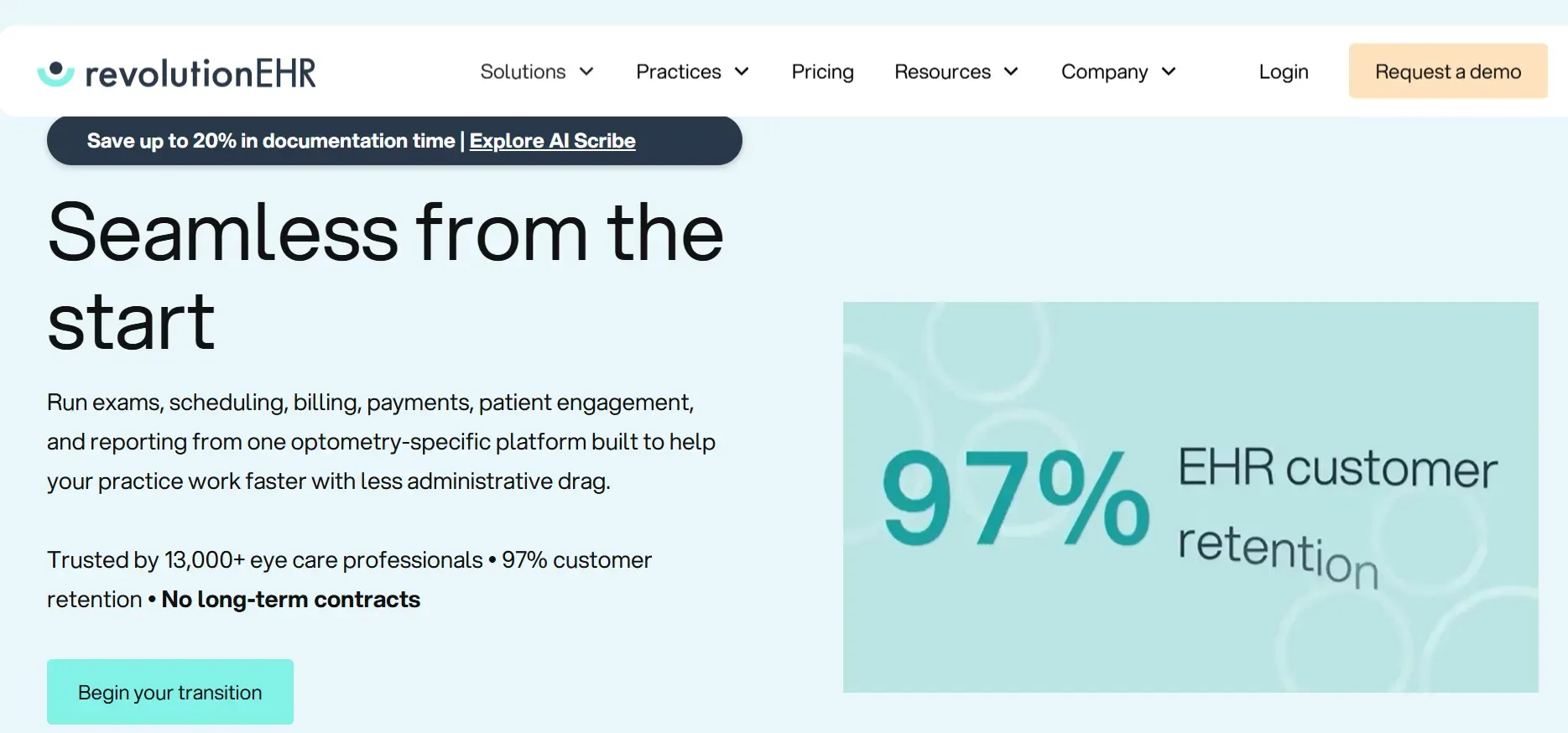
RevolutionEHR is a mature, cloud-native platform that combines EHR, practice management, scheduling, billing, and patient engagement. Its all-in-one approach is a major draw for practices seeking a single login for most of their operations. RevolutionEHR offers customizable exam templates, robust reporting, and direct connections to many labs and payers. The cloud architecture means you can access your records securely from anywhere, which is valuable for multi-site or mobile practices.
Integrations: RevolutionEHR integrates with popular optometric devices (OCTs, fundus cameras, autorefractors), e-prescribing (via DrFirst), and insurance clearinghouses. However, custom integrations, such as connecting to a unique imaging system or a proprietary billing partner, require extra work and fees. The platform is compatible with several patient communication tools and has a telehealth module, but deeper workflow customization is limited by the vendor’s update cycle.
Migration friction: RevolutionEHR’s onboarding team handles most data imports, but complex imaging archives or custom forms may not transfer perfectly. Mapping billing codes and insurance histories can be time-consuming, and some practices report needing to run both systems in parallel during transition. Staff training is generally positive due to an intuitive interface, but power users from more customizable systems may find some limitations.
Concrete use cases: Single-location practices wanting unified scheduling, billing, and EHR; multi-location groups that need cloud-based access; and clinics that value frequent updates and modern UI.
Pricing: Reported around $385/month per provider. Pricing page. Ask about data export policies before committing.
- Key limitations:
- Per-provider pricing increases costs as you grow
- Custom integrations can be expensive
- Dependent on vendor for updates
- Strengths:
- Cloud-based, accessible anywhere
- All-in-one workflow
- Frequent updates and modern UI
When you own the system, you choose when and how to update, not the vendor.
3. Crystal PM (Best for custom form flexibility)
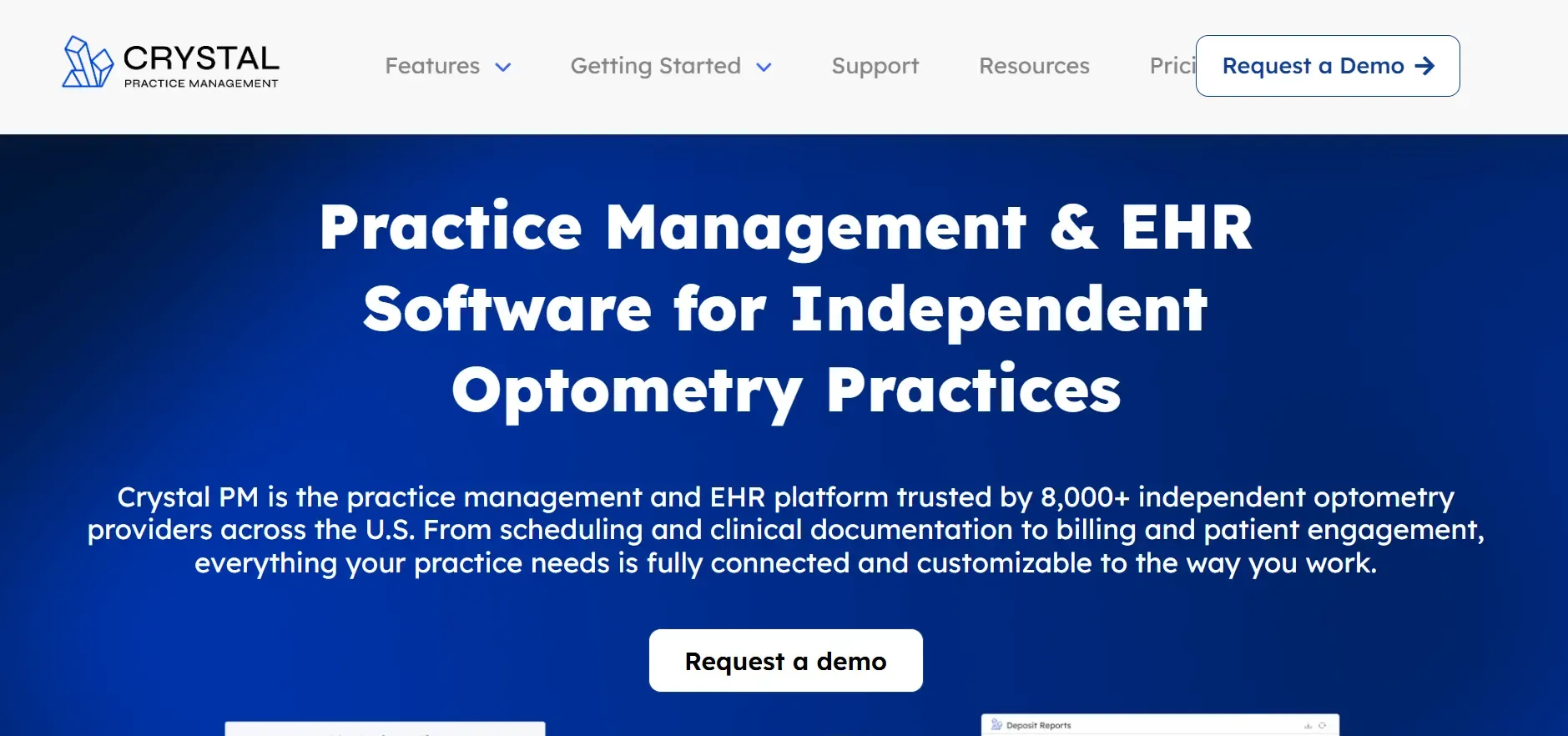
Crystal PM is well-known for its highly customizable forms and ability to tailor documentation to unique practice workflows. Unlike many cloud-only systems, Crystal PM offers both cloud and local install options, giving you greater control over your data storage and backup policies. Practices with complex intake processes, unique exam flows, or specialized services (like vision therapy) gravitate toward Crystal PM for its flexibility.
Integrations: Crystal PM integrates with a wide range of imaging devices, e-prescribing systems, and insurance clearinghouses. The platform supports HL7 and other standard healthcare data formats, making it easier to connect with external labs or billing partners. However, advanced integrations, such as custom device drivers or proprietary portals, require technical support or third-party development. Cloud sync, backup, and remote access are available but cost extra.
Migration friction: Crystal PM’s migration tools are robust for basic data (patients, appointments, billing), but importing complex custom forms or historical device data can require manual effort. Practices switching from Modernizing Medicine (Eyes) should expect to spend time mapping and validating custom fields. Training is essential for staff to leverage the full power of form customization.
Concrete use cases: Clinics with unique intake, documentation, or specialty services; practices that want to keep data on local servers; and those wanting to build custom forms for everything from dry eye to myopia management.
Pricing: Reported at $299/month per provider. Pricing page. Check for hidden costs around cloud sync and device integration.
- Key limitations:
- Interface can feel dated
- Cloud access and support cost extra
- Customization can lead to inconsistent data entry
- Strengths:
- Highly customizable forms
- Local or cloud install options
- Broad device integration
If you want total control, custom software like Devaims means forms and flows are yours, not just "customizable" within limits.
4. Compulink (Best for large, multi-location practices)

Compulink is engineered for scale, supporting large, multi-location practices and optometry groups with advanced scheduling, billing, and EHR modules. The platform offers highly granular user permissions, centralized reporting, and tools for enterprise management, including inventory, procurement, and HR modules. Compulink’s Smart System automates coding, eligibility checks, and routine documentation, saving time for busy clinics.
Integrations: Compulink supports a wide variety of device integrations (imaging, autorefractors, perimeters), insurance clearinghouses, and lab portals. It also offers APIs for custom integrations, though these often require a separate contract or technical assistance. The platform is compatible with telehealth, patient portals, and advanced analytics tools. However, integrating with unique or legacy systems can be complex and costly.
Migration friction: Moving to Compulink from Modernizing Medicine (Eyes) can be resource-intensive, especially for practices with large data sets and multiple locations. Compulink provides dedicated onboarding teams but expect a lengthy transition with significant staff training. Custom modules, workflows, or device connections may need to be rebuilt or re-integrated.
Concrete use cases: Multi-location practices needing centralized management and reporting; clinics with high staff turnover that require detailed permission controls; and large groups with complex billing or inventory needs.
Pricing: Custom quotes only. Contact for pricing. Clarify onboarding, integration, and module fees.
- Key limitations:
- Complexity can overwhelm smaller practices
- Pricing becomes opaque as you add users
- Still subject to contract lock-in
- Strengths:
- Enterprise-grade features
- Granular permissions and reporting
- Strong device and lab integration
With owned software, adding locations does not mean renegotiating a vendor contract.
5. MaximEyes (Best for EHR-imaging integration)
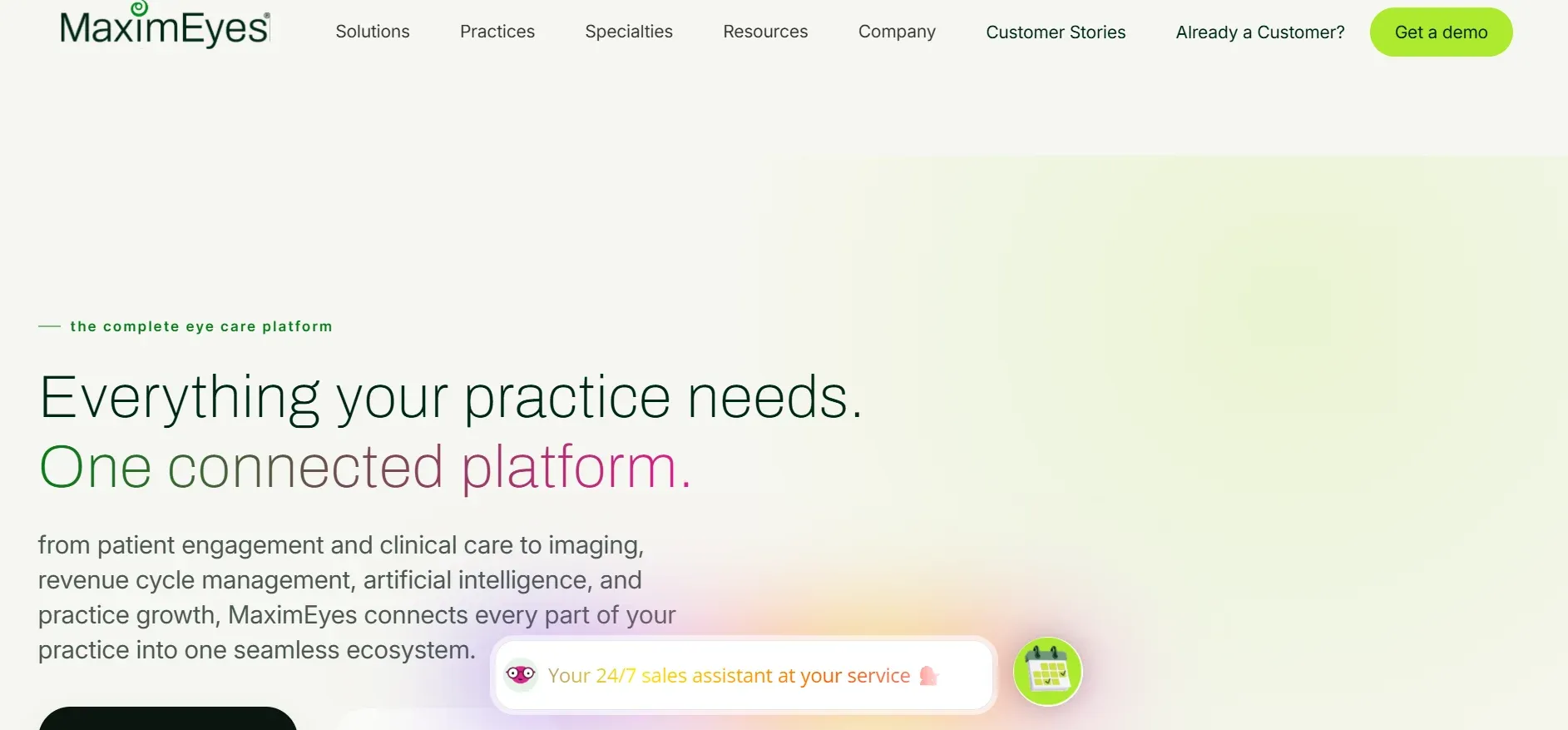
MaximEyes specializes in deep integration with imaging devices and flexible EHR workflows. The platform is used by practices that rely heavily on diagnostic equipment and need seamless data transfer from devices to patient records. MaximEyes supports both cloud and on-premise deployments, making it adaptable for different IT environments.
Integrations: MaximEyes offers out-of-the-box connections to a wide array of ophthalmic imaging devices (OCT, fundus cameras, visual field analyzers), and supports DICOM standards for interoperability. The platform integrates with e-prescribing, labs, and insurance clearinghouses, but some advanced device connections or custom lab interfaces may require paid add-ons. Patient portals and telehealth modules are available.
Migration friction: Practices switching from Modernizing Medicine (Eyes) to MaximEyes may face challenges importing full imaging archives and custom forms. MaximEyes’ support team assists with data mapping, but device drivers and workflow templates often need to be rebuilt. Staff training is crucial for maximizing the benefits of device integration.
Concrete use cases: Practices with a heavy investment in diagnostic equipment, clinics that want to automate imaging-to-EHR data flow, and those needing flexible exam templates for subspecialties (e.g., glaucoma, retina).
Pricing: Starts around $399/month per provider. Pricing info. Ask for a full list of supported devices.
- Key limitations:
- Imaging integration may require extra fees
- Long-term contracts are standard
- Custom workflow changes are limited
- Strengths:
- Deep imaging device integration
- Flexible deployment (cloud or on-premise)
- Adaptable exam templates
With Devaims, you would own your device integrations and never lose access if you end a contract.
6. OfficeMate (Eyefinity) (Best for legacy, on-premise EHR)
OfficeMate is one of the oldest, most established EHRs in optometry. Its strength lies in local, on-premise installation and decades of optometry-specific features. OfficeMate is favored by practices that want to avoid cloud reliance and keep data on-site, often due to security policies or unreliable internet connectivity. The platform covers scheduling, billing, inventory, and patient management, with a classic desktop interface.
Integrations: OfficeMate connects to a range of imaging devices and billing partners and supports HL7 interfaces for labs. Some modules are not fully cloud-ready, and integrating with modern telehealth or patient engagement platforms can require additional work. Recent updates have improved device compatibility, but advanced integrations may lag behind cloud-first competitors.
Migration friction: Migrating from Modernizing Medicine (Eyes) to OfficeMate is easier for basic data, but complex imaging or cloud-based histories require manual import. Practices moving from cloud to local must also set up secure backups and disaster recovery plans. Training is straightforward for staff used to desktop EHRs.
Concrete use cases: Clinics with strict data residency requirements; rural practices with unreliable internet; and those wanting a stable, well-known EHR with minimal forced updates.
Pricing: Reported $249/month per provider. Official site. Ask about support and upgrade policies.
- Key limitations:
- Still rented, not owned
- Updates and support require active contract
- Some modules may not integrate with modern tools
- Strengths:
- Longstanding, stable platform
- On-premise data control
- Strong optometry-specific features
Truly owning your EHR means you can run it on your terms, with full access always, no license required.
7. MDVista (Best for cloud EHR scaling)
MDVista is a newer, cloud-based EHR aiming for ease of use and scalability. The system emphasizes a clean interface, mobile-friendly design, and flexibility for practices planning to grow. MDVista supports standard optometry workflows and is designed to be easy for staff to learn and use.
Integrations: MDVista integrates with common imaging devices, e-prescribing partners, and insurance clearinghouses. The platform offers APIs for custom integrations, but these may require developer support and additional fees. Telehealth, patient portals, and analytics modules are available, but more advanced device integrations or custom reporting may be limited to higher-tier plans.
Migration friction: MDVista’s onboarding team handles basic data migration, but complex device data, custom forms, and imaging archives may not transfer seamlessly. Practices report that support is responsive, but advanced customization is less robust than in older, more established platforms. Ongoing support plans vary, and data export is tied to your contract status.
Concrete use cases: New or growing practices seeking a modern, cloud-based EHR with straightforward billing; clinics prioritizing ease of use and mobile access; and those with standard device integration needs.
Pricing: Contact for quote. Contact page. Ask for a full breakdown of integration and export fees.
- Key limitations:
- Custom features cost extra
- Data export may be restricted if contract ends
- Advanced integrations may be limited
- Strengths:
- Modern, mobile-friendly interface
- Easy onboarding and use
- Scalable for growing practices
With Devaims, export and access to your full data set is always included, you own the code and the records.
8. Net Health Optometry (Best for enterprise reporting)
Net Health Optometry is built for large, enterprise-level practices and health systems. Its main strength is advanced analytics, reporting, and the ability to integrate with hospital or large group health IT environments. Net Health offers a comprehensive EHR, robust scheduling and billing, and tools for compliance and population health management.
Integrations: Net Health integrates with major imaging devices, labs, insurance clearinghouses, and enterprise data warehouses. The platform offers custom reporting modules and can connect to business intelligence tools like Tableau or Power BI. Integrations with EHRs from other specialties and hospital systems are possible, but may require technical support and additional licensing.
Migration friction: Migration is managed by dedicated project teams, but the process can be lengthy and involve significant data mapping. Large practices or groups moving from Modernizing Medicine (Eyes) should expect complex onboarding and training, especially if custom reporting or business intelligence integrations are required. Reporting modules are powerful but may require IT support to fully leverage.
Concrete use cases: Enterprise optometry groups, academic medical centers, and organizations needing detailed analytics for compliance, benchmarking, or performance management.
Pricing: Contact for quote. Contact page. Clarify onboarding and license structure.
- Key limitations:
- Pricing is not transparent
- Reporting modules may cost extra
- Can be overkill for small practices
- Strengths:
- Enterprise-level analytics and reporting
- Integrates with hospital IT systems
- Comprehensive compliance tools
On your own platform, reporting is exactly what you want, no tier upgrades required.
9. Kareo (Best for billing and practice management)
Kareo is best known for its billing and practice management features, often used by smaller practices or those with a separate EHR. Kareo’s interface is user-friendly, and its billing workflows are designed to minimize claim errors and speed up reimbursement. While Kareo offers an EHR module, it is not as robust for optometry-specific workflows as other platforms on this list.
Integrations: Kareo integrates with popular clearinghouses, labs, and e-prescribing platforms. It can connect to some imaging devices, but these integrations are not as deep as in optometry-focused EHRs. Kareo is often paired with another EHR for clinical documentation, using Kareo primarily for billing and patient management.
Migration friction: Data migration is straightforward for billing and demographic data, but clinical records, imaging, and custom forms may not transfer easily. Kareo’s onboarding process is simple for practices focused on billing, but less suited for complex clinical migrations.
Concrete use cases: Small practices prioritizing billing efficiency; clinics that use a separate EHR but want a better billing and scheduling engine; and those looking for easy onboarding and low monthly costs.
Pricing: Starts at $125/month per provider. Pricing page. Consider total cost if pairing with another EHR.
- Key limitations:
- EHR module is limited for optometry
- Per-provider fees add up with growth
- Minimal clinical workflow customization
- Strengths:
- Excellent billing and PM tools
- User-friendly interface
- Low entry cost for small practices
With Devaims, you choose what modules to include, billing, EHR, scheduling, without extra per-user fees.
10. Devaims (Custom Build - Best for owning your practice software)
Devaims builds custom web, mobile, and business software specifically for optometry and eye care. Unlike every other alternative on this list, Devaims hands you the source code; you own your platform outright, with no forced upgrades, no per-seat fees, and no contract lock-in. Your system is tailored to your workflows, integrates with your devices and partners, and is yours to keep forever.
- You own the software, code, and data
- No monthly per-user or per-location rent
- Custom features and integrations built to spec
- Flat ongoing maintenance, not unpredictable fees
- All future flexibility: change, scale, or connect as you wish
Other Modernizing Medicine (Eyes) alternatives worth knowing
- Practice Mate: A low-cost, general medical EHR, light on optometry features. Good for billing and scheduling, but lacks deep clinical modules for eye care.
- Nextech: Solid for ophthalmology and larger clinics, but not optometry-focused. Best for practices with both medical and surgical eye care.
- Practice Fusion: Free EHR but lacks deep eye care modules and is ad-supported. Limited device integration and reporting.
- DrChrono: Popular cloud EHR, but requires add-ons for optometry workflows. Integrates well with Apple devices, but optometry features are basic.
Each has its niche, but most lack the depth or flexibility optometry practices need, or keep you locked into the same rentware cycle. For a full breakdown of these and more, see EHR Intelligence for independent reviews and industry news.
How to choose the right Modernizing Medicine (Eyes) alternative
- Budget: Calculate your total 5-year spend, including hidden per-seat, per-location, and integration fees. Don’t forget onboarding, data migration, and training costs.
- Workflow fit: Make sure the platform matches your exam, imaging, and billing needs, or can be tailored. List out your unique workflows and see how each vendor supports them.
- Scale: If you plan to add providers or locations, check how pricing and support will change. Some platforms penalize growth with new contracts or higher monthly bills.
- Data ownership: Decide if you’re comfortable renting, or if you want to keep your code and records forever. Ask about export formats and completeness.
- Integration: List every device, partner, and portal you need to connect, then see what’s included vs. an add-on. Check for hidden fees, data transfer limits, and support for emerging technologies.
The right choice gives you control and predictability. If you want to escape the rent cycle, owning might be the next step. For more guidance, review resources from the American Optometric Association on EHR selection and best practices.
Stop paying rent on software you could own
Every Modernizing Medicine (Eyes) alternative above solves one pain but keeps you renting: monthly fees, contract renewals, and the risk of sudden price hikes. Even “legacy” or on-premise options are licensed, not owned. What if you could break the cycle and actually keep what you pay for?
Devaims builds custom optometry platforms that you own outright. You get the source code, the data, and the flexibility to change anything, anytime. No more forced upgrades, per-provider bills, or feature gates. Your system, your terms.
- Per-provider fees vanish: Add users or locations without a new contract or extra bill. Growth is predictable and under your control.
- Integration is yours: Connect any device, lab, or partner with no additional “integration” fee. Future-proof your practice as new technologies emerge.
- Your data, always: Export, report, and analyze without restriction. Build custom dashboards or analytics as your needs evolve.
- No forced upgrades: Update on your schedule, not the vendor’s. Choose which features to adopt and when.
| Platform | Ownership | Per-provider fees | 5-year contract? |
|---|---|---|---|
| Modernizing Medicine (Eyes) | Rented, no code access | Yes | Usually |
| Eyefinity | Rented, no code access | Yes | Usually |
| RevolutionEHR | Rented, no code access | Yes | Usually |
| Devaims | You own the code and platform | No | No |
| Year | Rented cumulative | Owned cumulative |
|---|---|---|
| 1 | $18,000 | $26,800 |
| 2 | $36,000 | $28,600 |
| 3 | $54,000 | $30,400 |
| 4 | $72,000 | $32,200 |
| 5 | $90,000 | $34,000 (now ahead) |
For a 3-provider, single-location clinic with add-ons, a rented EHR averages $1,500 per month ($18,000 per year), plus annual hikes and integration fees. A custom build with Devaims starts around $25,000-$28,000, plus flat $150/month maintenance. By year 2, your total spend is lower, and after year 5, you’re tens of thousands ahead, with a system that’s yours to keep and modify forever.
Practices planning to grow, or frustrated by unpredictable SaaS costs, benefit most from owning. If you want to run the math for your clinic’s exact setup, Devaims will do it, free.
How to switch from Modernizing Medicine (Eyes)
- Export all patient data, historical records, and imaging from Modernizing Medicine (Eyes). Ensure you receive data in accessible formats (CSV, HL7, DICOM for images) and check for completeness.
- Choose your new platform and clarify integration needs (devices, billing, portals). Prepare a checklist of every workflow, device, and partner you rely on.
- Import data into the new system, checking for accuracy and mapping fields. Validate complex forms, imaging archives, and custom codes.
- Reconnect payment processors, labs, and insurance partners. Test all connections before going live.
- Train staff on new workflows and user interfaces. Schedule hands-on sessions and provide documentation.
- Run both systems in parallel to catch any issues before full cutover. Monitor for missing data or workflow gaps.
- Review your old contract for any auto-renew or data retention clauses. Ensure compliance and avoid penalties.
With a custom Devaims build, the migration is handled as part of the project, including data extraction, mapping, and staff training. For more on EHR migration, see the HealthIT.gov guide.
Frequently asked questions
What is the best Modernizing Medicine (Eyes) alternative for optometry?
For most optometry practices, Eyefinity and RevolutionEHR are the closest drop-in replacements, with strong insurance and workflow features. However, both keep you in the rentware cycle with per-provider fees and contract lock-in. The only Modernizing Medicine (Eyes) alternative that lets you own your system, and customize every integration and workflow, is a custom build from Devaims. Ownership gives you long-term control, cost predictability, and the flexibility to adapt as your practice evolves.
Which alternative is cheapest for a small practice?
Kareo and Practice Mate offer the lowest monthly rates, but they lack deep optometry-specific features and robust device integration. For practices planning to stay small with basic needs, these can work. However, over five years, owning your system with Devaims can actually be less expensive than renting, especially if you plan to grow or need advanced features. Calculate your total cost, including hidden fees and growth projections.
Is there a truly free Modernizing Medicine (Eyes) alternative?
Practice Fusion is a free, ad-supported EHR that covers basic charting and billing, but lacks eye care modules, device integration, and advanced reporting. Free options often miss crucial features for optometry workflows, such as imaging, specialty forms, or insurance automation. You may save on fees, but lose efficiency and clinical depth.
What’s the best alternative for multi-location or enterprise optometry?
Compulink and Net Health Optometry are built for multi-site groups and large organizations. They offer advanced reporting, granular user permissions, and enterprise integrations. However, costs and complexity rise quickly as you add locations or providers, something ownership with Devaims avoids. With Devaims, scaling to more sites or users does not trigger new contracts or fees.
How hard is it to switch from Modernizing Medicine (Eyes)?
Migration requires careful data export, mapping, and integration. Most alternatives have onboarding teams for standard data, but custom forms, imaging, or device connections may require manual effort. With Devaims, migration is managed as part of your custom build, including device connections and workflow replication. You get a project manager and technical team to ensure a smooth transition.
Can I keep my old data when I leave Modernizing Medicine (Eyes)?
You can export your data, but formats and completeness vary by vendor. Some alternatives restrict full exports unless your contract is current, and certain data (like imaging archives or custom fields) may be delivered in non-standard formats. With a Devaims build, data is always yours by design, you receive the database and all files in open, industry-standard formats.
What if I need a feature not found in any rented platform?
That’s exactly where a custom Devaims build shines. If a workflow, report, or integration isn’t possible in Modernizing Medicine (Eyes) alternatives, you can have it built to your exact specifications, with source code you own. This includes everything from custom device drivers to advanced analytics and patient engagement tools.
The bottom line
Most Modernizing Medicine (Eyes) alternatives just let you pick a new landlord. The only way to break free from recurring fees, contract anxiety, and feature lock-in is to own your system. Here’s the test: add up what your EHR will cost you over the next five years. If that number would have built you something you keep, it’s time to stop renting and start owning.
For more on owning your practice tech, see the Devaims blog and our latest guides to Eyefinity alternatives, RevolutionEHR alternatives, and Compulink alternatives. For independent EHR news and reviews, check HealthIT.gov and EHR Intelligence.