

The best Clover POS alternatives for most small businesses are Square for a free, simple start, Lightspeed for deep inventory, Toast for restaurants, and Shopify POS for online-first brands. But if the real reason you're leaving Clover is reseller contracts, no processor choice, or hardware you can't reuse, the most durable fix is to stop renting POS software altogether and own it instead. This guide compares every serious Clover alternative, highlights the limitations that actually push owners to switch, and shows the ownership option that most roundups never mention.
Clover bundles countertop hardware, software plans, and payment processing sold through banks and ISOs. That bundle helps some operators and traps others in leases, marked-up rates, and gear they can't easily reuse. Below, we cover the real Clover POS alternatives, answer the questions buyers actually search, and show how to switch without losing customers or inventory.
Why Are Businesses Looking for Clover POS Alternatives
Businesses look for Clover POS alternatives when the total monthly cost (software, processing, and hardware financing) exceeds the value or when the lock-in starts to hurt. These are the limitations that most often come up in 2026 reviews.
Monthly fees stack up. Clover software tiers run roughly $13 to $225+ per month before processing and hardware, and bank-sold packages can push the all-in cost much higher. One former user summed up the common complaint: they'd rather pay per card than pay a monthly fee just to use the system.
You can't freely choose your processor. With Clover, your payment processor is set when your account is configured, and you generally can't change it later without opening a new account and buying the hardware again. Merchants with an existing processing deal often lose it.
Reseller contracts and hidden fees. Because Clover is sold through banks and ISOs, your rate, contract length (sometimes up to 36 months), and support quality all depend on who sold it to you. Reviewers repeatedly mention charges "they neglect to tell you about."
Hardware lock-in. Clover hardware is tied to your merchant account and can't be reprogrammed, so if you switch, that gear usually becomes a paperweight. Hardware leases can also cost more than buying outright.
You pay more to unlock the basics. Inventory management, advanced reports, and online sales often require higher plans, so the sticker price rarely reflects what you'll actually pay.
Weak spots for busy venues. Restaurant and bar users flag clunky tabs and ordering, including the inability to clock out with an open order or to delete an item without a manager code.
None of this makes Clover useless. It just means the Clover POS alternatives below deserve a look, especially if one of those limitations is why you're reading this.
What Are the Best Clover POS Alternatives in 2026
The best Clover POS alternatives are Square, Toast, Lightspeed Retail, Shopify POS, KORONA POS, Loyverse, and TouchBistro. Pick based on your vertical (retail vs restaurant), the inventory depth you need, and how much processor and contract flexibility matters.
| POS | Best for | Starting software | Processor choice | Key limitation |
| Square | Free, simple entry | $0 | Square only | Flat rate costs more at volume |
| Toast | Full-service restaurants | $0 to $69+ | Toast only | 2-year contracts, high fees |
| Lightspeed Retail | Deep inventory | ~$89+ | Yes (higher plans) | Pricey, annual contract |
| Shopify POS | Ecommerce-first | ~$89 (POS Pro) | Shopify Payments | Needs a Shopify plan |
| KORONA POS | Processor freedom | ~$59/terminal | Flexible | Different UX to learn |
| Loyverse | Free hybrid cafe | $0 | Third-party | Advanced features are paid |
| TouchBistro | iPad restaurants | ~$69+ | Varies | No trial, add-ons required |
Pricing and card rates change often. Confirm current tiers and processing on each vendor's site before you sign.
The 7 Best Clover POS Alternatives (and Their Limitations)
1. Square (best free, all-around Clover alternative)
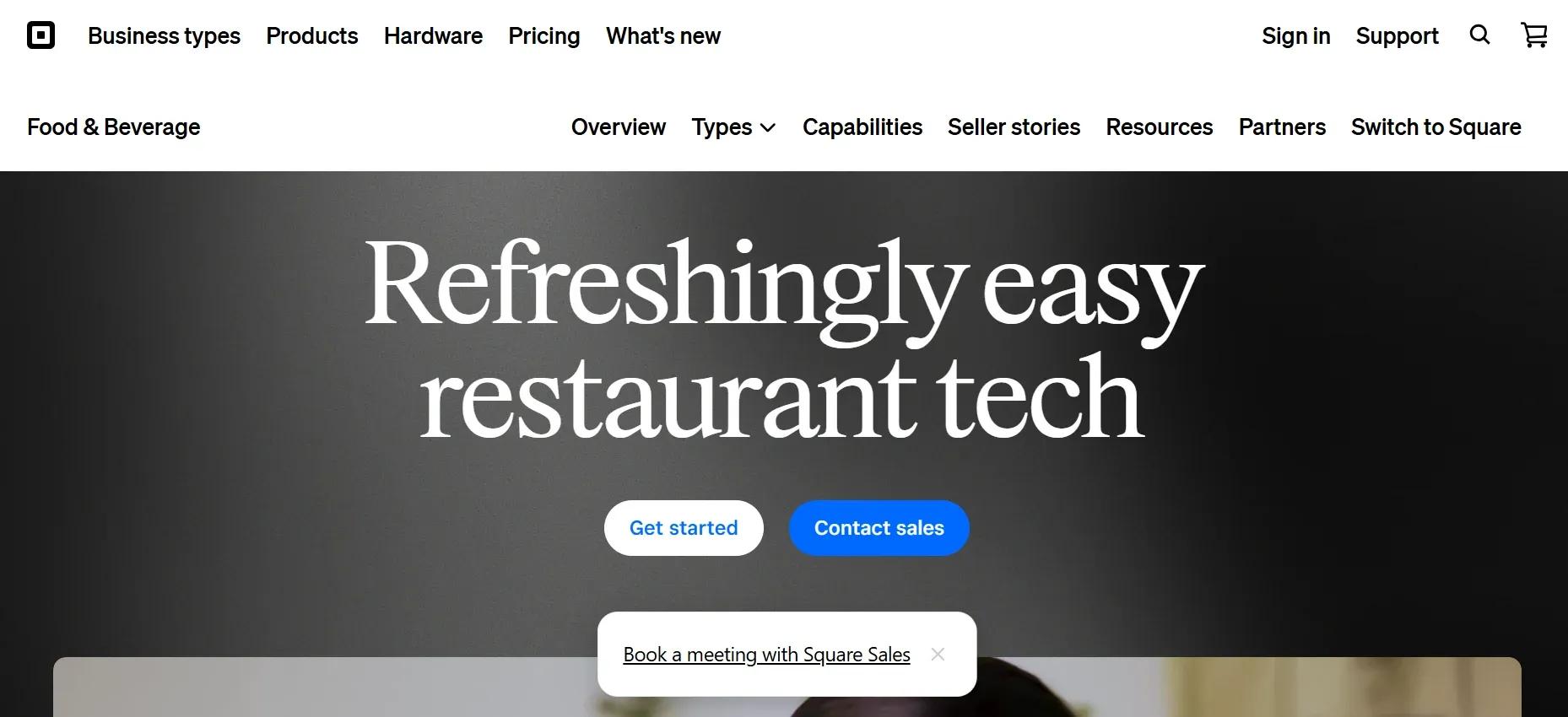
Square is the most popular Clover alternative and the easiest to start with, thanks to a free software tier and no application. It's simpler to set up than Clover, includes vendor management tools Clover lacks, and offers more affordable hardware. Square is best for micro retail, cafes, pop-ups, and first locations.
- free plan and card reader, transparent flat-rate processing (in-person around 2.5% to 2.6% + 10¢), and a free online store.
- Flat-rate processing gets expensive as your volume grows, so it costs more the busier you get
- Advanced features cost extra, and you can't manage inventory or CRM in offline mode
- Account freezes from risk checks are a known headache, and support hours are limited
2. Toast (best Clover alternative for restaurants)
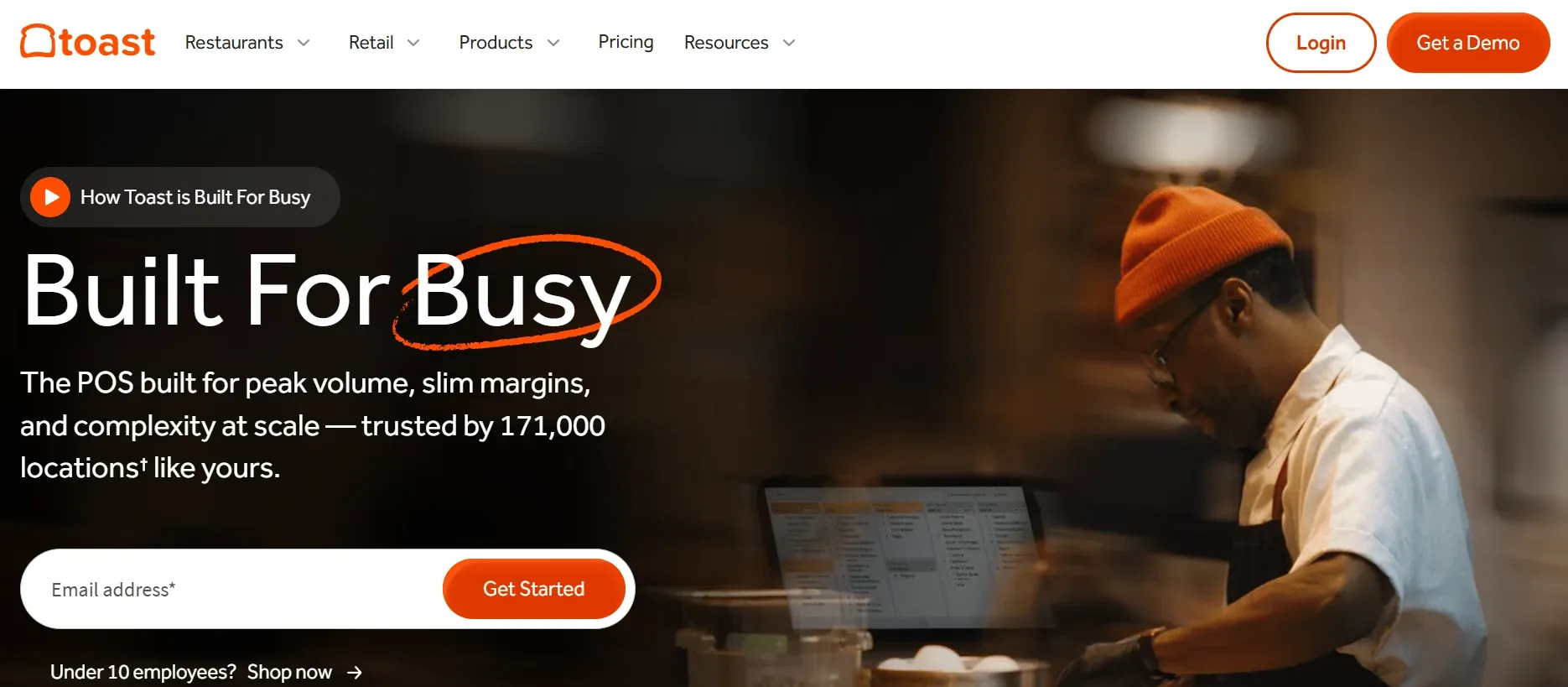
Toast is the go-to Clover alternative for full-service restaurants and bars, built only for food service rather than spread across industries like Clover. It ships with tableside ordering, kitchen display systems, and a $0-down pay-as-you-go starter option. Toast is best for full-service dining and busy kitchens.
- restaurant-grade hardware, strong online ordering, and 24/7 support.
- You're locked into Toast's own payment processor and proprietary hardware, just like Clover
- Pay-as-you-go processing runs high (up to roughly 3.69% + 15¢), and pricing is hard to pin down
- A 2-year standard contract is common, and canceling or switching is expensive
For more on Toast, check out our detailed guide on Toast POS Alternatives.
3. Lightspeed Retail (best Clover alternative for inventory)
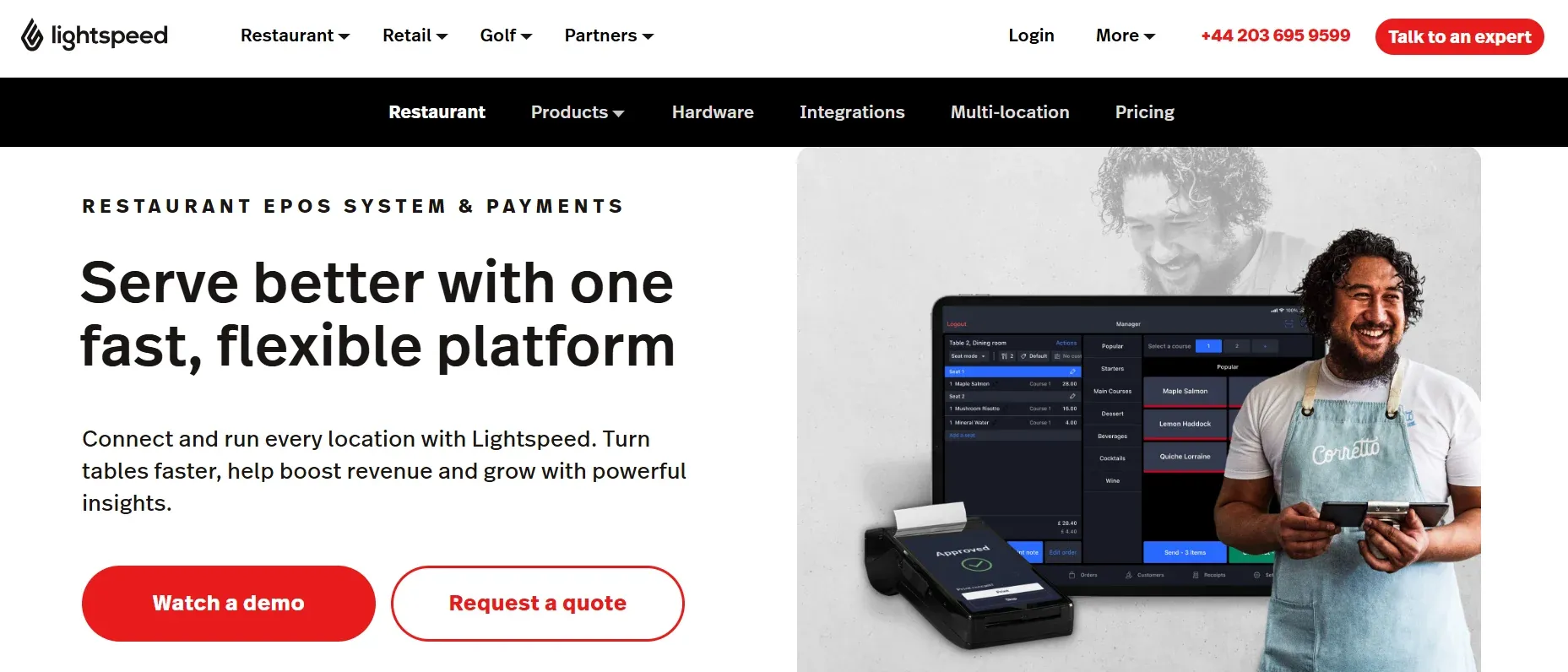
Lightspeed Retail is the Clover alternative to choose when you have a big, complex catalog (apparel, bike, golf, liquor). Its matrix inventory and analytics go far beyond Clover, and unlike Clover you can use a third-party processor on higher plans. Lightspeed is best for specialty retail with large SKU counts.
- granular matrix inventory, strong reporting, built-in ecommerce, and processor flexibility on advanced plans.
- Plans get pricey (commonly $89 to $339+), with add-on fees per location and for third-party processors
- Advanced reporting, ecommerce, and integrations require plan upgrades
- An annual contract is required for lower pricing, and the interface has a learning curve
For more on Lightspeed, read our detailed guide on Lightspeed alternatives.
4. Shopify POS (best Clover alternative for ecommerce)
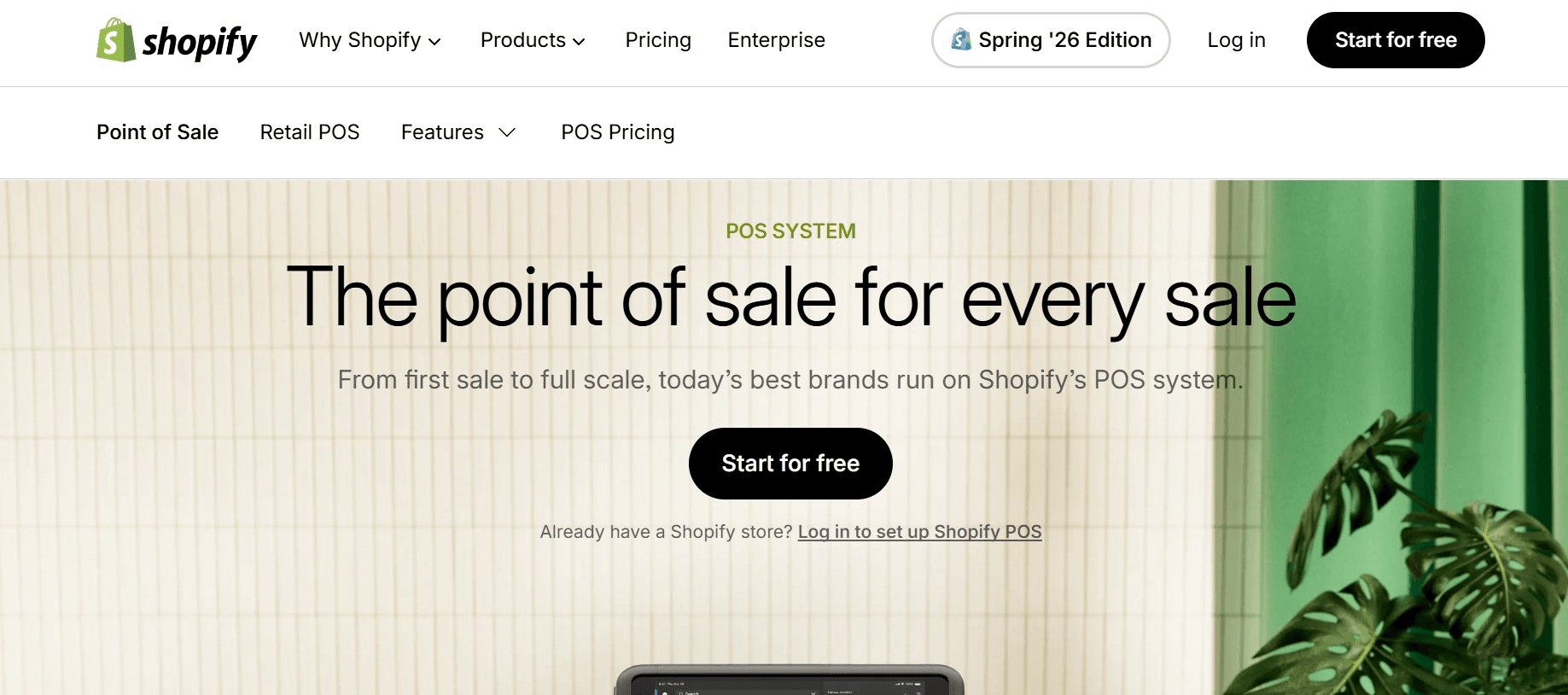
Shopify POS is the strongest Clover alternative when your online store is the center of your business. It unifies web and in-store inventory better than anything else here and offers excellent omnichannel tools. Shopify POS is best for online-first brands adding or scaling physical retail.
- the best online store builder in the group, multichannel selling, and superior inventory tools like transfers and purchase orders.
- You need a paid Shopify ecommerce plan on top of the ~$89 POS Pro add-on, so costs stack
- Offline mode is limited, and key features require plan upgrades (there's no free plan)
- The best rates and features assume you use Shopify Payments
5. KORONA POS (best Clover alternative for processor freedom)
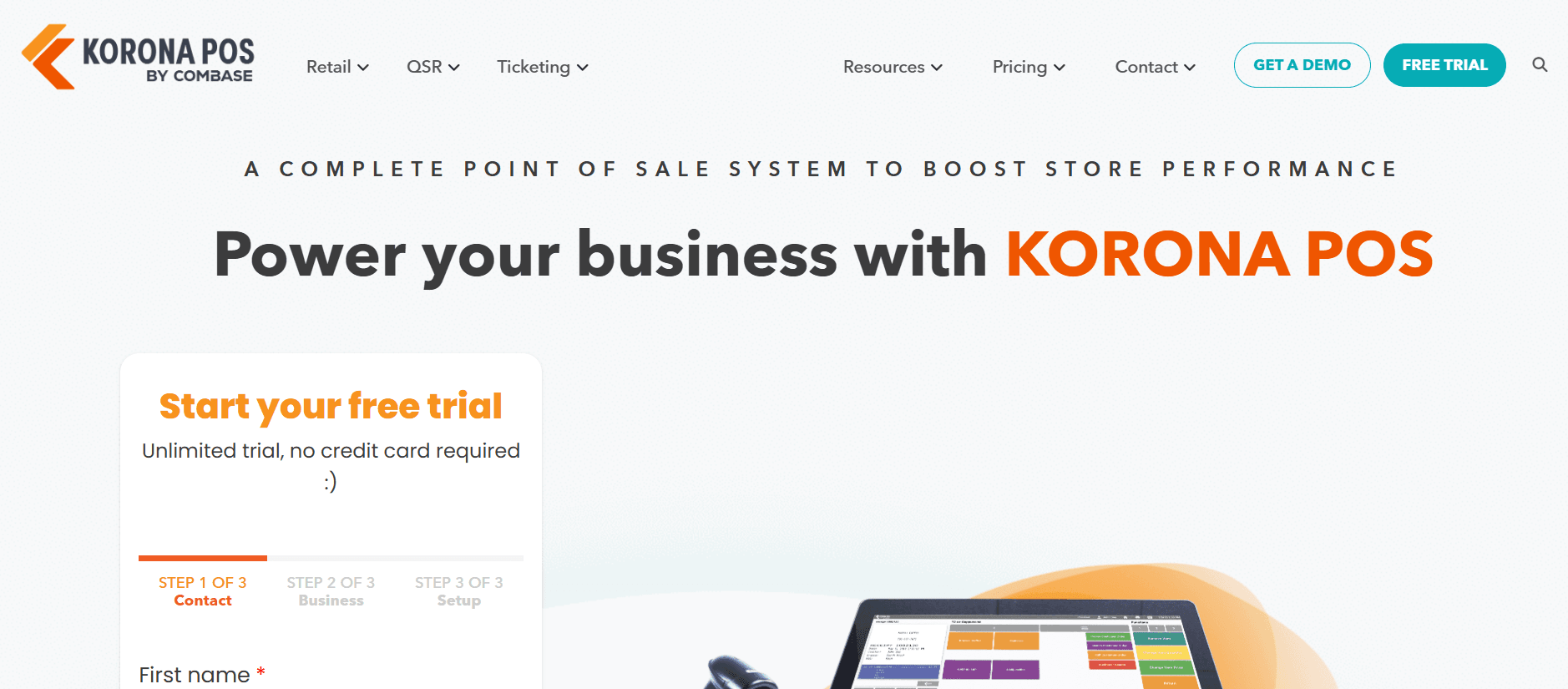
KORONA POS is the Clover alternative for merchants who want to keep their own processor and avoid long contracts. It's often cited near $59 per terminal per month, with strong inventory for high-SKU and ticketing operations. KORONA is best for retailers focused on lowering card-processing costs.
- real processor freedom, transparent per-terminal pricing, and no long contracts in many setups.
- Costs scale with every terminal you add
- The interface and workflows differ from Clover, so expect a learning curve
- Depth varies by vertical, so validate it against your specific catalog in a demo
6. Loyverse (best free Clover alternative for hybrid cafes)
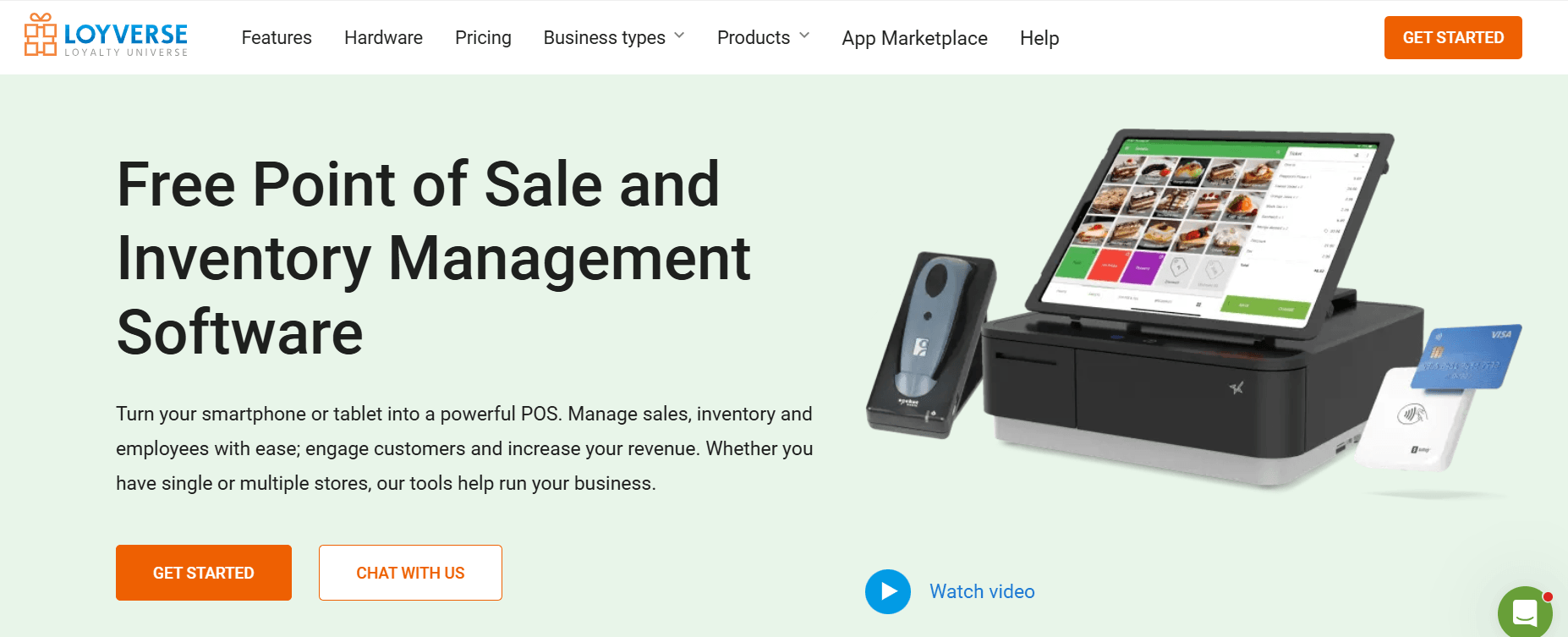
Loyverse is the free Clover alternative for small hybrid concepts, a cafe that also sells beans and mugs, or a quick-service spot. It's the only free POS here with a built-in loyalty program, and unlike Clover it needs no proprietary hardware. Loyverse is best for small retail-plus-restaurant hybrids on a tight budget.
- genuinely free core software, built-in loyalty, a free KDS app, and hardware flexibility (iPad or Android).
- Advanced features like employee management and purchase ordering are paid add-ons (up to about $25 per location)
- Full-service restaurant features require third-party integrations
- You must bring your own payment processor
7. TouchBistro (best Clover alternative for iPad restaurants)
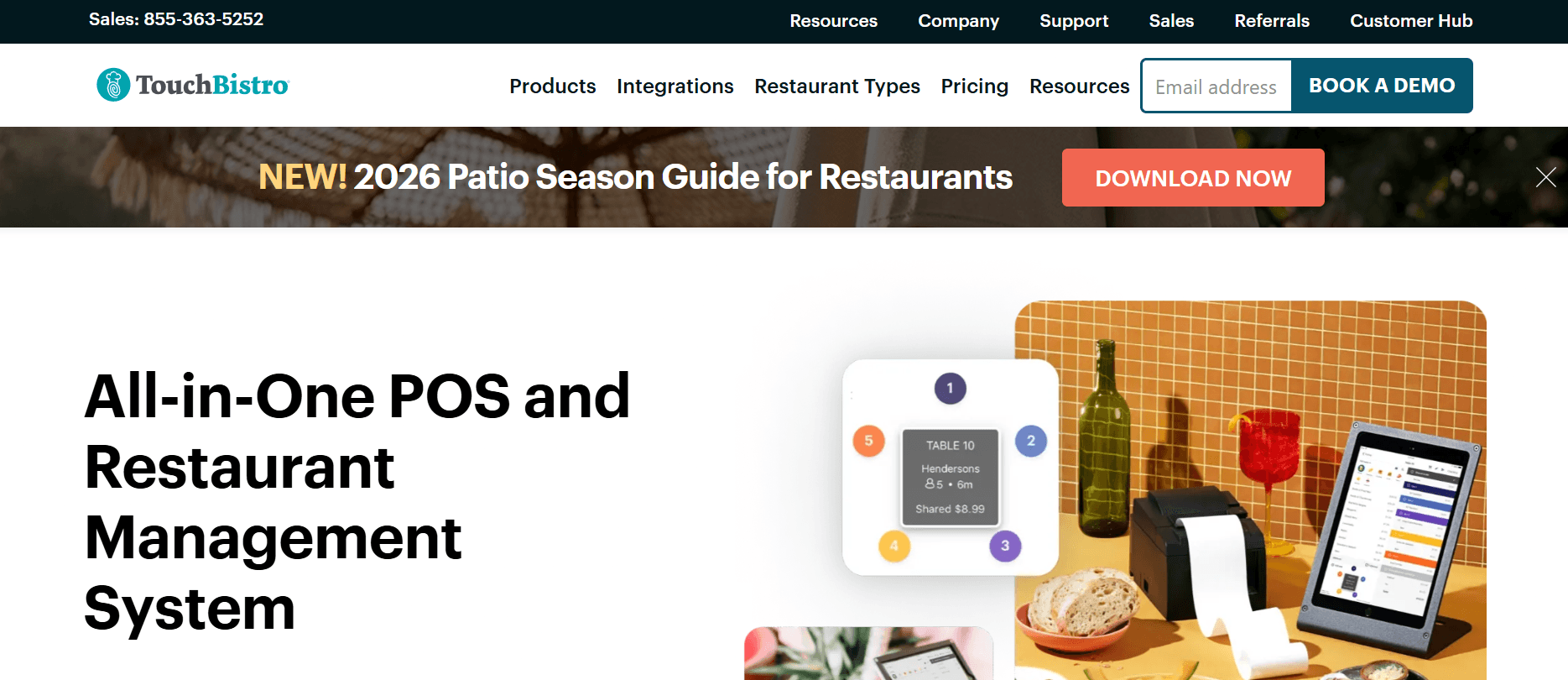
TouchBistro is an iPad-based, restaurant-only Clover alternative built by industry professionals. It's strong on floor plans, table management, and menu updates, and works for food trucks and cafes. TouchBistro is best for sit-down restaurants that want an iPad-driven setup.
- restaurant-specific design, 24/7 support, and real-time menu updates.
- No free trial, and a contractual commitment is required to get started
- Many management tasks and features need paid add-ons or third-party integrations
- It's a local-cloud hybrid, so offline behavior and deposit times vary, and it's not built for retail
For more on TouchBistro, read our detailed guide on TouchBistro Alternatives.
Which Clover POS Alternatives Are Best for Restaurants
The best Clover POS alternative for restaurants depends on the type of food business you run. Some systems are built for full-service restaurants with busy kitchens, while others are better suited for quick-service restaurants, cafes, or small hybrid businesses. When comparing your options, focus on features that matter most in food service, such as kitchen display systems, menu modifiers, table management, tip pooling, and online ordering. At the same time, avoid paying for advanced restaurant features if your business is primarily retail, with only a small food-service operation.
Which Clover POS Alternatives Are Best for Retail
Retail businesses have different priorities, so the best Clover POS alternative depends on how you sell and manage inventory. Some platforms are ideal for getting started at minimal cost, while others offer advanced inventory management, better ecommerce integration, or the flexibility to choose your own payment processor. When making your decision, pay close attention to inventory capabilities, online and in-store synchronization, and payment processing options, as these are areas where many retailers find Clover limiting.
How Do the Top Clover POS Alternatives Compare on Price and Fees
Always model software and processing separately, because the "cheap" software line can hide an expensive processing bill. Clover's own in-person rate sits around 2.5% to 2.6% + 10¢ (3.5% + 10¢ online), but resellers mark it up. As a rule of thumb, businesses with card volume above roughly $10,000 per month often do better with interchange-plus pricing than with flat rates.
| System | Monthly software | In-person processing | Contract |
| Clover | $13 to $225+ | 2.5% to 2.6% + 10¢ (reseller-marked) | Reseller, up to 36 months |
| Square | $0 to $165+ | 2.5% to 2.6% + 10¢ | Month-to-month |
| Toast | $0 to $69+ | 2.49% + 15¢ up to ~3.69% + 15¢ | 2-year standard |
| Lightspeed | $89 to $339 | 2.6% + 10¢ | Annual for best pricing |
| Shopify POS | ~$89 (POS Pro) + ecommerce plan | 2.4% to 2.6% + 10¢ | Month-to-month |
| KORONA | ~$59/terminal | Your processor's rate | Often none |
| Loyverse | $0 (add-ons to ~$25) | Your processor's rate | None |
What Should You Look for in a Clover Alternative
Before you switch, pressure-test each option against the factors that quietly determine total cost and flexibility.
Total cost, not the first month. Add software, processing, and hardware together. A low software line with a marked-up processing rate can cost more than a higher-software, lower-rate option.
Processor freedom. Confirm you can bring or change your processor without a penalty, the single biggest thing Clover takes away.
Hardware you own. Ask whether terminals and printers can be reused with another system, or whether they lock you in the way Clover's do.
Contract terms. Month-to-month protects you. If a vendor wants a multi-year term, ask why.
Real support at go-live. Ask who answers on day one, and whether migration (menus, inventory, customers) is included or DIY. Across the Clover POS alternatives here, support quality and total cost are the real differentiators, which is also why some operators eventually stop renting and own the software instead (more on that next).
Data you can export. Confirm you can pull items, customers, and sales history to CSV before you commit to anything.
The Limitation Every Clover Alternative Shares (and How to End It)
Look back at the seven Clover POS alternatives. Each fixes something Clover does poorly, cheaper entry, deeper inventory, processor choice, or better restaurant tools. But look closer and they all share Clover's core limitation: you rent the software, and someone else, a vendor or a reseller, still controls your price, your processor options, your contract, and the features locked behind higher tiers. You're just trading one landlord for another.
There is a way to end that for good: stop renting the software and own it. That is what Devaims helps businesses do.
Devaims is a custom software development company that builds software for your business and gives you full ownership of the code. You keep a normal card terminal for in-person payments, because that already works. What you own is the platform around it: inventory, purchase orders and transfers, ecommerce sync, loyalty, customer data, and multi-location reporting. Those are the exact areas where Clover and its alternatives pile on tiers, add-ons, and lock-in, and they're the parts you can own outright.
How Owning Your Software Fixes Clover's Biggest Limitations
Custom software answers Clover's pain points one for one:
- No processor lock-in. You connect the processor you negotiated, and you can change it whenever you want.
- No reseller contract. There's no ISO in the middle setting your rate or a 36-month term. You own the asset.
- No hardware trap. You use standard hardware you own, not gear tied to a merchant account you can't reprogram.
- No tier gating. The inventory, reports, and online sales you need are built in because you specified them, not paywalled behind a higher plan.
- No surprise price hikes. A vendor can't raise your software rate, because there is no vendor bill, only predictable maintenance.
- Your data stays yours. Your customer list, loyalty, and reporting belong to your business, not a platform that can reprice access.
How Custom Software Compares to Renting
Here's the honest side-by-side, Clover and five of the most popular alternatives against a platform you own, on the things buyers actually care about.
| Feature | Clover | Square | Toast | Lightspeed | Shopify | Devaims (owned) |
| Starting software cost | $13 to $225+ + processing | Free | $69+/month | $89+/month | $29+/month | One-time build, then flat maintenance |
| Contract flexibility | Reseller, up to 36 months | No long-term contract | Long-term contract | Month-to-month or annual | Month-to-month available | No contract, you own it |
| Payment processor choice | Locked once set | Square Payments only | Toast Payments only | Lightspeed Payments (third-party on higher plans) | Shopify Payments or third-party | Use any processor |
| Inventory depth | Basic to mid (higher plans) | Basic | Advanced (built for restaurants) | Advanced | Basic to Advanced | Fully custom, built to your needs |
| Hardware | Proprietary, often leased | Bought outright | Proprietary | Various | Various | Standard, yours |
| Offline mode | Yes | Yes | Yes | Yes | Yes | Yes |
| Multi-location | Yes | Yes | Yes | Yes | Yes | Yes |
| Own the software | No | No | No | No | No | Yes, you keep the code |
| Price can rise on you | Yes | Yes | Yes | Yes | Yes | No |
Devaims is a custom-built platform you own, not a monthly subscription, so its "cost" is a one-time build plus flat maintenance rather than a per-month tier, and there's no processor lock-in or contract because the software is yours.
What It Costs Over Time
Be honest about the math. For a single small shop paying $0 to $89 a month, one of the rentals above is the smarter call, and owning is a long payoff. Ownership starts to make sense once you run multiple locations and your rented stack, software tiers, plus add-ons, plus a processing premium across sites, realistically runs around $950 a month, or $11,400 a year.
| Year | Renting POS software (~$950/mo) |
Owning with Devaims ($32,000 build + $209/mo) |
| Year 1 | $11,400 | $34,508 |
| Year 2 (cumulative) | $22,800 | $37,016 |
| Year 3 (cumulative) | $34,200 | $39,524 |
| Year 4 (cumulative) | $45,600 | $42,032 (now ahead) |
| Year 5 (cumulative) | $57,000 | $44,540 |
Renting is cheaper for the first three years, that's the upfront build at work. Around year four, owning becomes the lower total cost, and the gap widens every year after that because a rented bill keeps running (and rising) while an owned platform sits at flat maintenance. Every business is different, so send us your real software costs and location count, and we'll model your actual payback for free.
Is a Custom Build Right for Your Business
It isn't for everyone. If you're opening your first location and need to sell this week, start with Square or Loyverse, they're faster and cheaper. Owning makes sense when you run multiple locations, your software costs keep climbing, you're tired of reseller lock-in, or you have workflows off-the-shelf systems can't handle. It's also the right call if you plan to grow over the years and want to control your own processor, pricing, and customer data. Book a free consultation with Devaims and we'll show you what ownership would look like for your numbers.
How Do You Switch From Clover Without Losing Data
Switching from Clover is usually much easier than many business owners expect. In most cases, you're replacing the software, not your entire store setup. Your internet connection, electrical wiring, and physical location all stay the same.
To ensure a smooth transition, start by exporting your data from Clover. This typically includes your product catalog, customer records, vendors, gift cards, and sales history. Saving this information before canceling your account helps prevent data loss.
Next, choose a POS system that fits your business type, operational needs, and future growth plans. Once you've selected a platform, import your data into the new system and carefully map each field to make sure products, customers, and other records transfer correctly.
After that, connect your preferred payment processor and verify that your merchant account is set up properly. Before going live, train your staff on the tasks they perform every day, such as processing sales, handling refunds, applying discounts, and completing end-of-day reports.
Finally, run both systems in parallel for at least one full business day to confirm everything works as expected. Once you're confident the new system is operating smoothly, review your Clover agreement for any cancellation or early termination fees before closing your account.
If you choose a custom POS solution from Devaims, the data migration and system setup are handled as part of the implementation process, making the transition much simpler.
Frequently Asked Questions
What is the best alternative to Clover POS?
It depends on your business. Among the Clover POS alternatives here, Square is the best free all-around pick, Lightspeed is strongest for inventory, Toast leads for restaurants, and Shopify POS is best for ecommerce-first brands. For multi-location operators tired of lock-in, owning a custom platform is the strongest long-term option.
Which Clover POS alternatives let me use my own payment processor?
KORONA, Loyverse, and Lightspeed (on higher plans) allow you to choose your processor, unlike Clover, which locks you into a processor once your account is set up. Owning a custom platform removes processor lock-in entirely.
Are Clover alternatives cheaper than Clover?
Often at the entry level, yes, Square and Loyverse start free. But watch total cost: processing and hardware can close the gap. In the long run, owned software is the only model in which the software bill eventually stops.
Can I reuse my Clover hardware if I switch?
Usually not. Clover hardware is tied to your merchant account and can't be reprogrammed for another system, so budget for new hardware. Avoiding that trap is one of the top reasons owners explore Clover POS alternatives.
What is the best free Clover alternative?
Square and Loyverse both have genuinely free plans. Square is the better all-around free retail pick, while Loyverse suits small hybrid cafes and includes a built-in loyalty program.
How do I switch from Clover without losing data?
Export items, customers, and vendors to CSV, import them into the new POS, reconnect your processor, and run a parallel test day before canceling. A custom build handles the migration for you.
Final Thoughts
The best Clover POS alternatives solve different problems, so there isn't one option that's right for every business. Some focus on lower costs, while others offer better inventory management, stronger restaurant features, more ecommerce capabilities, or greater flexibility with payment processing. The right choice depends on your business type, daily operations, and the total cost of ownership, not just the monthly subscription price.
However, even the best alternatives have one thing in common: you're still renting software. That means the provider can increase prices, change payment processing rules, or update its terms whenever it wants. While these platforms can fix many of Clover's biggest drawbacks, they don't completely solve the long-term issue of vendor lock-in.
If you run multiple locations or want full control over your POS system, a better long-term solution is to own the software that powers your terminals instead of relying on a subscription platform. Devaims can help you build a POS solution that offers greater flexibility, control, and long-term stability. Book a free consultation to see what that could look like for your business.
More guides for retail and hospitality are on the Devaims blog, including our Lightspeed alternatives and Toast POS alternatives