


If you run a chiropractic clinic, you know the pain of paying subscription fees for software that never quite fits. Maybe it started with Platinum System, it was fine at first. But then you hit limits: a report you can’t customize, a scheduling quirk you have to live with, or that monthly bill creeping up as your practice grows. Rent long enough, and you realize you’re paying to use your own patient data.
Chiropractic clinics looking for Platinum System alternatives usually want two things: more flexibility and a fairer deal. ChiroTouch, Jane App, and Genesis Chiropractic are the big names, but every one of them is a rented platform. The only way to own your software outright is a custom build, like what Devaims delivers. If you’ve ever wondered what owning your clinic’s platform could do for your business, read on. This guide goes far beyond sales pitches and dives deep into the real pros, cons, and use cases of every major option.
Why chiropractic clinics look for Platinum System alternatives
Locked into monthly fees: Most chiropractic EMRs, including Platinum System, make you pay per provider, per month, forever. If you add staff or locations, your costs balloon. Over several years, these recurring charges can easily eclipse the cost of building your own solution, especially as your clinic grows. Many clinics also find themselves paying for "essential" modules that are suddenly split into premium add-ons.
Limited customization: You’re stuck with workflows, reports, or forms that don’t fit your clinic exactly. Customizing often means expensive add-ons or workarounds. For example, you may want to automate a specific patient intake flow or generate a compliance report with unique data fields. With rented software, you’re limited to what the vendor offers, and deep changes are rarely possible, or require developer time at high hourly rates.
Data portability headaches: Exporting your patient data is harder than it should be, and you never fully own your records or templates. Some platforms export only partial data (e.g., patient demographics, but not visit notes or attachments), making migration a headache and raising legal/continuity concerns. If you ever want to switch vendors, you risk losing vital historical information or facing conversion fees.
Integration obstacles: Tying in payment processors, imaging, or marketing tools is often clunky or requires extra fees, with little control over the stack. For clinics using specialized x-ray systems, advanced scheduling, or digital marketing platforms, integration limitations can lead to double entry, workflow breakdowns, or the need to pay for third-party middleware services.
Surprise price hikes and add-ons: It’s common to see annual price jumps, feature-gating behind higher tiers, or added costs for basics like telehealth. That’s why many clinics start searching for Platinum System alternatives. Even "grandfathered" customers can find themselves forced onto new plans, while must-have features like e-prescribing, telehealth, or patient reminders appear as extra charges when you expand.
Quick comparison of the best Platinum System alternatives
| Tool | Best for | Starting price | You own it? |
|---|---|---|---|
| ChiroTouch | High-volume clinics | Reported $259+/mo | No |
| ChiroFusion | Small practices | Reported $99+/mo | No |
| Jane App | Multi-specialty clinics | Reported $79+/mo | No |
| Atlas Chiropractic System | All-in-one solution seekers | Reported $149+/mo | No |
| DrChrono | Cloud-based EHR | Reported $199+/mo | No |
| Kareo (Tebra) | Insurance-heavy clinics | Reported $125+/mo | No |
| Practice Perfect | Multi-location clinics | Reported $139+/mo | No |
| Genesis Chiropractic | Automation-focused clinics | Reported $199+/mo | No |
| Devaims | Clinics ready to own | One-time build | One-time build, you own it |
Confirm current pricing before you decide, many tools change tiers or add fees as you grow. For detailed feature comparisons, see reviews on sites like Capterra or Software Advice.
The 9 best Platinum System alternatives
1. ChiroTouch (Best for high-volume clinics)
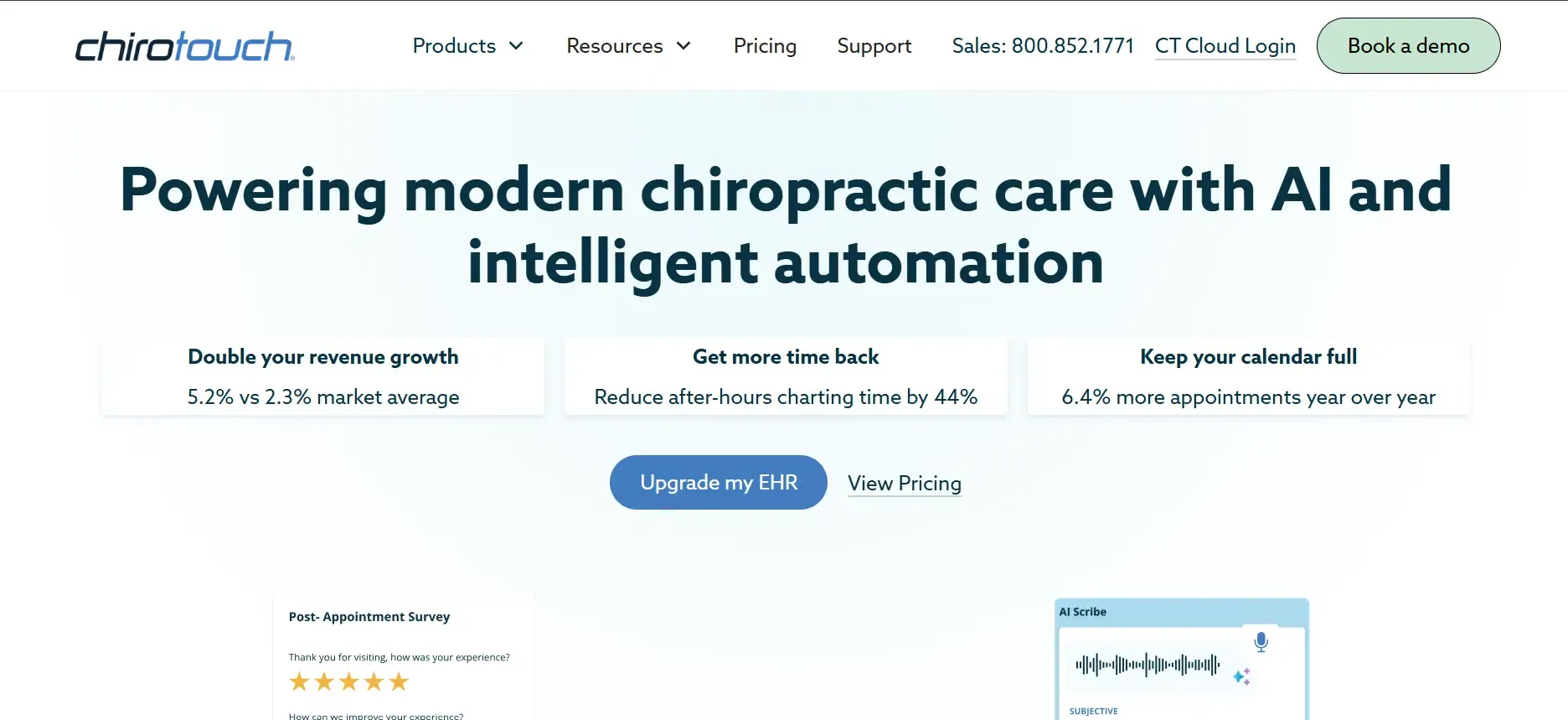
ChiroTouch is the name most clinics hear first after Platinum System. Its reputation for handling large patient loads and deep insurance billing makes it the go-to for busy practices. Like Platinum, you’re still on the hook for ongoing subscription fees and annual contracts.
Features & Integrations: ChiroTouch’s core draws include robust SOAP note templates, automated insurance claims, and a comprehensive scheduler. It offers integrations with payment processors (e.g., Bluefin, TSYS), imaging systems, and even some third-party marketing tools. There’s also a patient portal, automated appointment reminders, and telehealth add-ons. The ChiroTouch App Store allows for some expansion, but most integrations are pre-approved, custom API access is limited.
Migration Friction: Moving to ChiroTouch from Platinum System is relatively straightforward, as they offer a dedicated onboarding team. However, data mapping for customized forms or historical notes can require manual effort. Some users report challenges with importing attachments or x-ray images.
Use Cases: ChiroTouch fits clinics with high patient volume, complex insurance billing, and a need for workflow automation. It is particularly strong for clinics that run multiple providers on staggered schedules and need to batch process claims.
Pricing: Reported $259 or more per month, plus setup and possible add-on fees. See ChiroTouch pricing.
-
Key limitations:
- Per-provider fees escalate quickly with growth
- Customization limited to vendor templates
- Data export not always fully portable
-
Strengths:
- Strong insurance billing and claims automation
- Comprehensive scheduling and reporting
- Dedicated onboarding support
If you want to avoid per-provider fees and own your platform, Devaims offers a custom build with unlimited users and no recurring charges.
2. ChiroFusion (Best for small practices)

ChiroFusion is popular with solo and small-group clinics for its simple interface and affordable entry price. But as with Platinum System, you’re renting, not owning, and advanced features cost extra.
Features & Integrations: ChiroFusion includes patient scheduling, basic charting, billing, and claims management. Integrations exist for credit card processing and some clearinghouses. Telehealth and appointment reminders are available, but often as paid add-ons. Reporting is decent for basic needs, but custom report building is not supported. There’s no public API, which limits custom integrations.
Migration Friction: ChiroFusion offers import tools for patient demographics and some visit data, but complex templates or historical attachments may not migrate cleanly. Their support team can assist, but clinics with years of custom forms may face manual re-entry.
Use Cases: Ideal for solo practitioners, startups, or clinics with minimal insurance billing. It works well if you need a simple, reliable EMR with basic scheduling and claims, but not complex workflows.
Pricing: Starts around $99 per provider per month. See ChiroFusion pricing.
-
Key limitations:
- Limited customization of forms and reports
- No open API for integrations
- Advanced features require add-ons
-
Strengths:
- Affordable entry price
- Simple, user-friendly interface
- Good for solo and small practices
For clinics planning to grow, Devaims lets you own your platform and scale without extra per-user fees.
3. Jane App (Best for multi-specialty clinics)
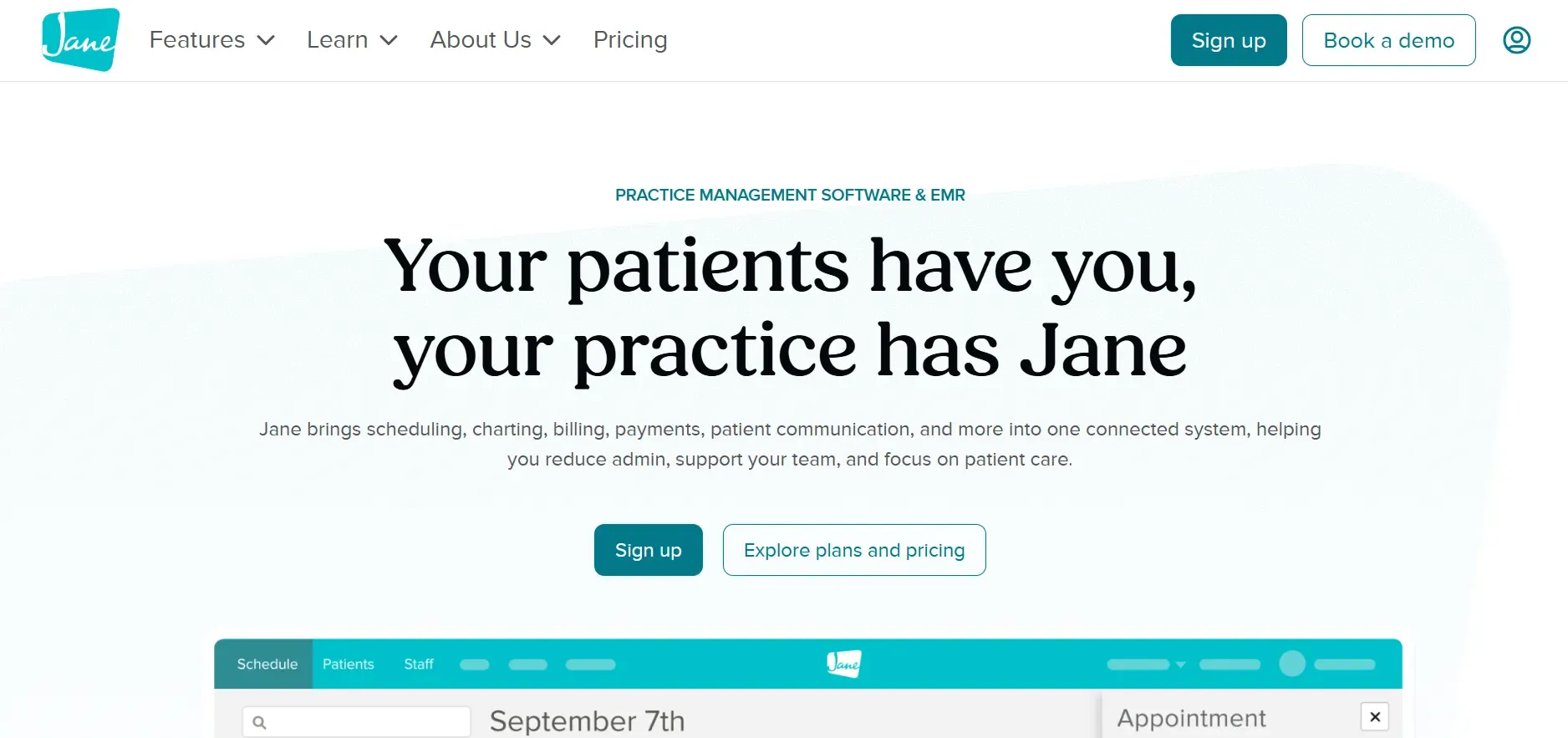
Jane App stands out for clinics that offer more than just chiropractic care, supporting massage, physiotherapy, and more. Its interface is modern, but it shares Platinum System’s rented, per-user model.
Features & Integrations: Jane App’s strengths are its support for multiple disciplines and its clean, intuitive interface. It includes customizable intake forms, robust scheduling (including online booking), integrated telehealth, and basic billing. Integrations include Stripe for payments, Mailchimp for email marketing, and some insurance clearinghouses. API access is available but limited, and deeper integrations require developer effort or third-party tools.
Migration Friction: Jane App provides import tools for patient lists and appointments, but detailed notes or attachments may require manual conversion. Their support team helps with onboarding, but clinics with years of custom data should expect some manual setup.
Use Cases: Jane App is a top choice for clinics with multiple provider types (chiropractic, massage, physiotherapy, acupuncture) who want a unified platform. It’s also popular for clinics that want to offer online booking and telehealth to patients.
Pricing: Starts at around $79 per month per practitioner. See Jane App pricing.
-
Key limitations:
- Monthly cost increases with each provider
- Limited advanced customization
- Insurance billing less robust than some competitors
-
Strengths:
- Supports multiple provider types
- Modern, user-friendly interface
- Online booking and telehealth included
Devaims can build a multi-specialty platform tailored to your exact needs, with no per-provider fees.
4. Atlas Chiropractic System (Best for all-in-one solution seekers)
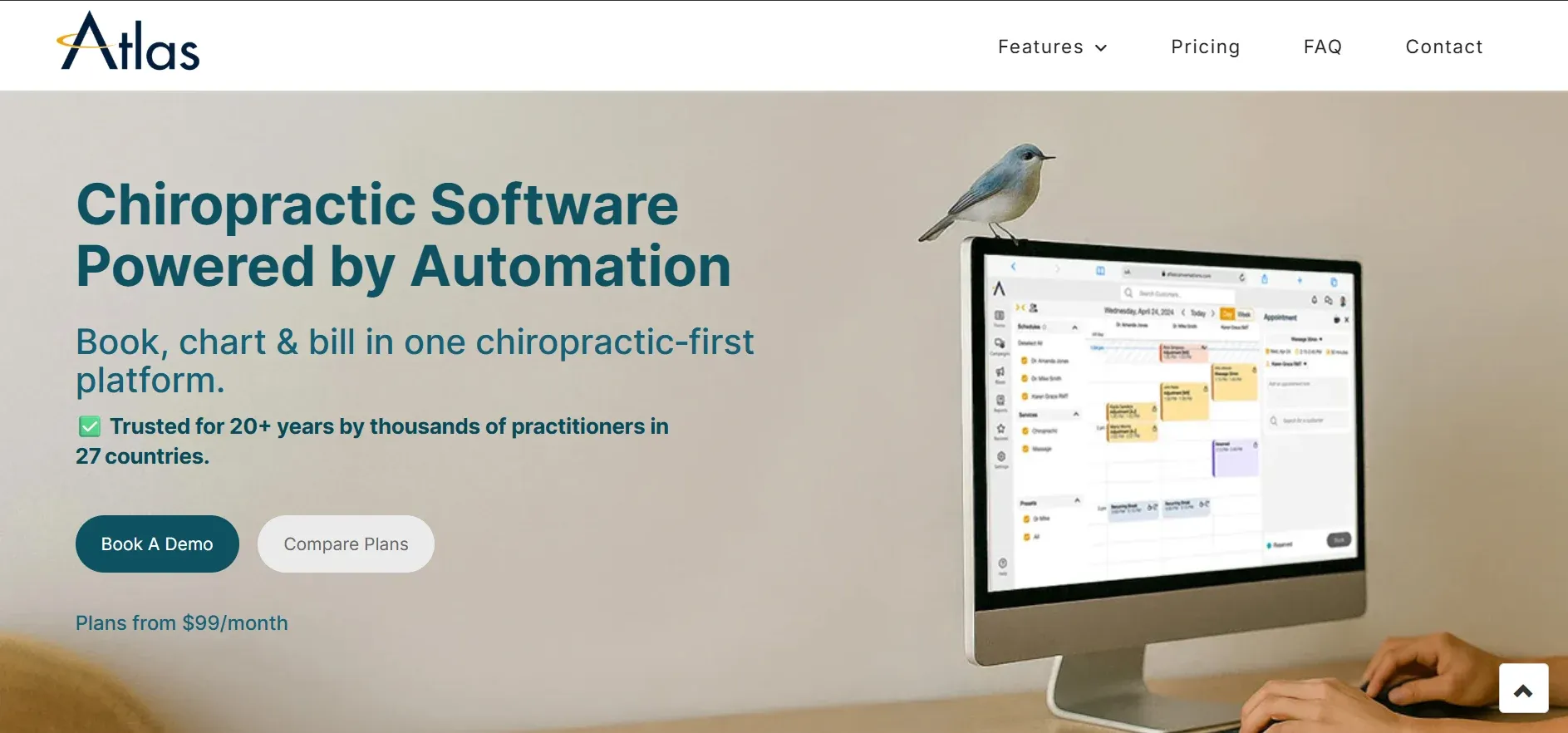
Atlas Chiropractic System bundles patient management, billing, and even marketing tools. Its built-in modules can simplify life for clinics wanting an all-in-one, but the subscription and add-on model mirrors Platinum System’s approach.
Features & Integrations: Atlas offers modules for scheduling, SOAP notes, billing, patient check-in kiosks, marketing automation, and even inventory management. It integrates with select payment processors, X-ray/imaging systems, and has some email/SMS marketing capabilities. However, API access is not open, all integrations go through Atlas-approved vendors.
Migration Friction: Atlas offers data import services for basic records. However, importing historical notes, images, or custom forms can be challenging and may incur additional service charges.
Use Cases: Clinics wanting everything in one place, appointments, billing, reminders, marketing, will find Atlas appealing. It’s suited to practices that need basic marketing automation or want to run patient engagement campaigns without third-party platforms.
Pricing: Reported $149 per month and up, plus add-ons for modules. See Atlas pricing.
-
Key limitations:
- Modular pricing can inflate costs
- Limited deep customization
- Closed integrations require vendor approval
-
Strengths:
- All-in-one platform with built-in marketing tools
- Patient check-in and inventory modules
- Centralized scheduling and billing
With Devaims, you can own a fully integrated platform and expand features as your clinic grows.
5. DrChrono (Best for cloud-based EHR)
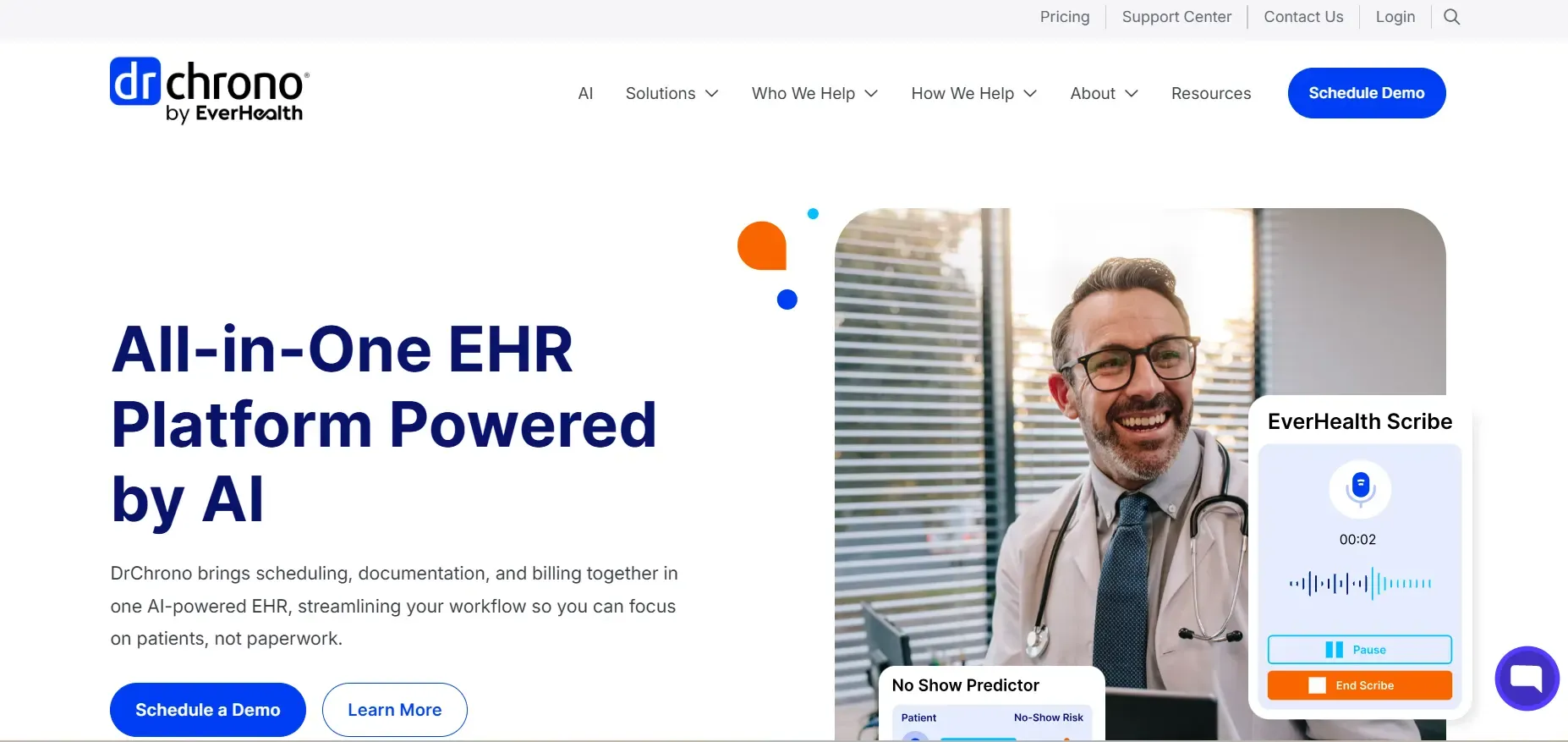
DrChrono is a broader EHR used by many specialties, including chiropractic. Its cloud-first approach offers flexibility, but you pay by provider and for advanced features, just like with Platinum System.
Features & Integrations: DrChrono offers customizable forms, e-prescribing, appointment scheduling, claims management, and a patient portal. Its app marketplace includes integrations with labs, imaging, payment gateways, and telehealth. API access is available, which allows for some custom integrations, but can require technical resources.
Migration Friction: DrChrono provides onboarding assistance and data import tools, but migrating complex custom templates or large historical records can require manual work. Some features (e.g., advanced reporting, custom forms) may not map directly from Platinum System.
Use Cases: Clinics that want a modern, mobile-friendly EHR with strong telehealth, e-prescribing, and third-party integration options. It’s also used by multi-specialty practices that need HIPAA-compliant access on iPads and mobile devices.
Pricing: Starts at $199 per provider per month. See DrChrono pricing.
-
Key limitations:
- Per-provider pricing adds up quickly
- Advanced features require higher tiers
- Customization requires technical resources
-
Strengths:
- Mobile-friendly and cloud-based
- Strong telehealth and e-prescribing
- Wide range of integrations
For clinics wanting full control and ownership, Devaims builds cloud-based solutions you own outright.
6. Kareo (Tebra) (Best for insurance-heavy clinics)
Kareo (now Tebra) handles insurance-heavy practices and offers strong billing and claims features. It’s subscription-based, and extra modules, like marketing or telehealth, raise the total bill, echoing Platinum System’s add-on model.
Features & Integrations: Kareo excels at insurance claims, ERA/EOB processing, and patient balance management. It integrates with clearinghouses, payment processors, and offers patient engagement tools (e.g., reminders, surveys) as paid add-ons. Telehealth, marketing, and analytics modules are available but increase cost. Limited API access is available for custom integrations.
Migration Friction: Kareo’s onboarding team assists with data migration, but importing historical billing and notes from Platinum System can require significant data mapping, especially if your previous system used custom fields.
Use Cases: Ideal for clinics with heavy insurance billing, especially those that need advanced claim scrubbing and rejection management. Multi-location practices also benefit from Kareo’s centralized billing dashboard.
Pricing: Around $125 or more per provider per month. See Tebra pricing.
-
Key limitations:
- Onboarding can be time-consuming for complex setups
- Add-ons increase total cost
- Custom workflow automation is limited
-
Strengths:
- Strong insurance billing and claims management
- Centralized dashboard for multi-location clinics
- Patient engagement tools available
Devaims lets you design custom insurance workflows and own your billing data, with no recurring module fees.
7. Practice Perfect (Best for multi-location clinics)
Practice Perfect is used by clinics with multiple locations or specialties. Its dashboard is solid, but it relies on a subscription model and charges for more users, much like Platinum System.
Features & Integrations: Practice Perfect offers multi-location scheduling, centralized billing, customizable electronic documentation, and reporting. Integrations include payment processors, telehealth (via third-party links), and accounting platforms like QuickBooks. Custom forms are supported to a degree, but deep workflow customization is limited.
Migration Friction: Practice Perfect offers import services for patient data and some notes, but clinics with unique templates or historical documents may need to manually configure elements. Training is included, which helps reduce transition friction.
Use Cases: Suited for clinics with multiple sites or specialties needing a single dashboard for operations. It works well for franchises or groups that need centralized reporting and billing.
Pricing: Starts at $139 per month and scales with user count. See Practice Perfect pricing.
-
Key limitations:
- Costs increase with users or locations
- Custom reporting is limited
- Interface is dated compared to newer tools
-
Strengths:
- Multi-location scheduling and billing
- Centralized dashboard for operations
- Training included for onboarding
With Devaims, you can add unlimited users and locations for a single build price, with no ongoing per-user fees.
8. Genesis Chiropractic (Best for automation)
Genesis Chiropractic focuses on workflow automation and claims to reduce administrative time. It’s a subscription, not owned, and advanced automations can cost extra, similar to Platinum System’s model.
Features & Integrations: Genesis’s claim to fame is its "single-point management" dashboard, which automates claims, reminders, and some patient communications. It integrates with clearinghouses, payment processors, and third-party marketing tools. Workflow automation is robust, especially for claims follow-up and patient recall, but custom automation may require their services team or incur additional fees.
Migration Friction: Genesis offers migration support for core patient data and appointments. Custom forms and old notes may require manual entry. Their support is praised for responsiveness during onboarding.
Use Cases: High-volume, automation-focused clinics that want to minimize administrative overhead. Especially useful for practices that rely on recurring appointments and need automatic follow-up for no-shows or incomplete claims.
Pricing: Reported $199 per provider per month. See Genesis pricing.
-
Key limitations:
- Advanced automation can be expensive
- Not fully customizable for unique workflows
- Learning curve for complex features
-
Strengths:
- Powerful workflow automation
- Responsive onboarding support
- Good for recurring appointment management
Devaims can automate your unique workflows and let you own the platform, with no automation upcharges.
9. Devaims (Own it, customize it, never rent again)
Devaims builds custom chiropractic practice management software that you own outright, from scheduling to billing, reporting to patient engagement. There are no recurring per-user fees, no contract lock-in, and your clinic keeps full control of the code and data. Every workflow, report, and integration is designed around how you actually run your practice, not the limits of a generic rented platform.
Features & Integrations: Every Devaims build is unique. You can specify custom scheduling flows, automated reminders, detailed reporting dashboards, and integrate directly with your preferred payment processors, imaging systems, marketing platforms, and analytics tools. Open APIs allow you to expand or connect to any system you choose, now or in the future. HIPAA compliance, telehealth, e-prescribing, and patient portals are all possible, without feature gating.
Migration Friction: Devaims handles full data migration as part of the build, including mapping custom forms, historical attachments, and unique workflow logic. You own the process and the result, with white-glove onboarding and staff training included.
Use Cases: Clinics planning to grow, add locations, or differentiate their patient experience. Multi-site practices, clinics with advanced reporting needs, or those wanting to integrate with unique tools (like AI-driven marketing or in-house analytics) benefit most.
- You own the source code and the platformUnlimited users, providers, and locations for one buildFully tailored workflows, reporting, and integrationsNo monthly per-user or per-location chargesFlat maintenance, no surprise price hikes
- You own the source code and the platform
- Unlimited users, providers, and locations for one build
- Fully tailored workflows, reporting, and integrations
- No monthly per-user or per-location charges
- Flat maintenance, no surprise price hikes
Other Platinum System alternatives worth knowing
- Kroll: Primarily a pharmacy/medical system, but sometimes used in multidisciplinary clinics. Lacks chiropractic workflow depth, and customization is minimal.
- ProChiropractic: A niche player with limited features; best for the smallest clinics or as a basic scheduling tool. Not suitable for growing or insurance-heavy practices.
- ClinicDr: Known for insurance claims processing, but with less chiropractic-specific customization. Integration and reporting features lag behind the major players.
- PracticeHub: Used in some regions (especially Australia), with a focus on compliance and multi-discipline support, but limited U.S. insurance integration.
These tools can fill a gap for some clinics but may lack the specific chiropractic focus, scalability, or ownership options of the main list above. For deeper reviews, check user stories on G2 or TrustRadius.
How to choose the right Platinum System alternative
- Budget: Factor in per-provider, per-location, and add-on fees. Total the five-year cost, not just the monthly sticker. Consider hidden costs like migration, training, and support. For clinics planning to grow, ownership often becomes cheaper after just a few years.
- Workflow needs: If you have unique flows, like pre-visit surveys, custom SOAP templates, or automated marketing, prioritize platforms (or builds) you can fully customize. Generic tools may not support your best practices without workarounds.
- Integration stack: Consider how easily the tool connects with payment, imaging, and marketing systems you already use. Ask about open API access and whether you can add or swap integrations without vendor approval.
- Clinic size: Solo and small practices may prefer simplicity, while groups and franchises benefit more from owning. Large, multi-location clinics save most by avoiding per-user fees and having full control of their data.
- Data control: If true ownership of records and templates matters, rented platforms will always have limits. With ownership, you can export, migrate, or analyze your data however you want.
If you want to stop renting software and build exactly what your clinic needs, it’s time to talk about what owning looks like.
Stop paying rent on software you could own
Every tool above, Platinum System included, shares a hidden cost: you’re always paying rent. Monthly fees, per-provider charges, and add-ons never go away. The model works for vendors, not clinics. But with Devaims, you can own your chiropractic platform outright, no contracts, no surprise hikes, just a system that’s yours to keep.
Devaims builds custom software for chiropractic clinics, from scheduling to billing to patient engagement. You keep your data, the source code, and the freedom to run your practice your way. No platform lock-in, no paying extra for a feature you should control. When you own your platform, you set the rules, and the cost curve flattens for good.
- No more per-user fees: Add staff or providers without your monthly bill doubling. Multi-location clinics can scale without renegotiating contracts or facing new subscription tiers.
- Custom everything: Forms, reports, and integrations built for how your clinic operates. Whether you need custom compliance reports, unique intake flows, or proprietary analytics, it’s all possible.
- Full data control: Export anything, anytime, because it’s your data. No more waiting for vendor approval or paying for data access.
- Flat maintenance: No annual jumps, no hidden add-ons, just one predictable support line. You decide how and when to update or expand features.
| Tool | Ownership | Per-user/month | Customizable? |
|---|---|---|---|
| ChiroTouch | No | $259+ | Limited |
| Jane App | No | $79+ | Some |
| Genesis | No | $199+ | Some |
| Devaims | Yes, you own it | One-time build | Fully |
Here’s what the five-year math looks like for a growing chiropractic clinic with 5 providers:
| Year | Rented (ChiroTouch, 5 users) | Owned (Devaims) |
|---|---|---|
| 1 | $15,540 | $32,000 |
| 2 | $31,080 | $34,760 |
| 3 | $46,620 | $37,520 |
| 4 | $62,160 | $40,280 (break-even) |
| 5 | $77,700 | $43,040 (now ahead) |
For most clinics, the break-even point comes around year 4. After that, you’re ahead every year, and you own your system for good. Clinics planning to grow, add locations, or build their brand benefit most from ownership. The math only improves if you add more providers or locations, because your costs stay flat, and you get to reinvest savings in patient care, marketing, or further innovation.
How to switch from Platinum System
- Export all patient records, scheduling, and billing data from Platinum System (often as CSV or PDF, check your admin panel). For complex data (like SOAP notes or imaging), work with your current vendor to get the most complete export possible. Be prepared for some data cleaning or formatting.
- Choose your new software platform or custom build partner (compare features, costs, and data migration support). Prioritize vendors or partners with proven migration experience, ask for references or case studies.
- Import your data into the new system, mapping fields for patients, appointments, and billing history. For custom builds, this step is handled for you, including mapping unique templates or workflows.
- Reconnect payment processors and integrations (insurance, telehealth, marketing tools). If moving to a custom build, you can often improve or expand integrations at this stage, think about future needs, not just current ones.
- Train your staff on the new workflows and interfaces; run parallel for a short period. Parallel runs reduce risk by allowing you to catch issues before going live. Devaims includes hands-on training and documentation.
- Review your old contract for cancellation terms and set a firm switch-over date. Avoid paying for two systems longer than necessary. Notify patients of any changes to portals or communication tools.
With a custom Devaims build, the migration is handled as part of the project, including planning, data cleaning, and staff onboarding. You get a single point of contact for the entire switch.
Frequently asked questions
What is the best Platinum System alternative for chiropractic clinics?
ChiroTouch is a popular Platinum System alternative for high-volume clinics due to its insurance billing and workflow automation. Jane App is a strong choice for multi-specialty or allied health practices because of its flexibility and clean design. If you want to stop renting and own your software, Devaims is the only true ownership option, ideal for clinics that want full customization, unlimited users, and flat costs.
What is the cheapest Platinum System alternative?
OfficeAlly offers the lowest monthly entry point, but feature depth and chiropractic focus are limited. It’s best for very small clinics or as a secondary billing tool. For small practices wanting more features, ChiroFusion is affordable, but all rented options add up over time, often costing more than ownership by year 4 or 5. If you factor in add-ons, even "cheap" options can become expensive as you grow.
Is there a free Platinum System alternative?
There are no fully free Platinum System alternatives with robust chiropractic features. Some tools offer free trials or basic plans with heavy limitations, lacking insurance billing, custom reporting, or compliance features. Open-source EMRs exist (like OpenEMR), but they require significant technical setup and lack chiropractic-specific workflows.
Which alternative is best for multi-location clinics?
Practice Perfect and Genesis Chiropractic both support multiple locations and centralized dashboards, but per-location or per-user fees still apply. If you want to avoid recurring charges for every new site or provider, Devaims lets you add locations and users for free after the initial build, making it a strong fit for scaling or franchising clinics.
When should a clinic switch from Platinum System?
If your costs keep climbing, you need more customization, or you want to own your data and workflow, it’s time to explore Platinum System alternatives. The switch pays off fastest for growing clinics or those planning to add services, locations, or providers. If you’re frustrated by integration limits or slow support, a custom build can also future-proof your operations.
Can I keep my patient data when I switch from Platinum System?
You can export key data from Platinum System, though the process can be tedious. Complete data export (including attachments, notes, and custom fields) may require vendor support. Be sure to request all available formats and cross-check for completeness. With a Devaims build, you own your data and can access it directly, anytime, no more permission requests or export fees.
Does Devaims provide support and updates after the build?
Yes, Devaims includes flat-rate maintenance and support, no per-user fees or surprise increases. Support includes bug fixes, security updates, and minor feature tweaks. Major upgrades or new modules are quoted up front, so you control costs. You never lose access to your system or data, even if you pause maintenance, and you can choose to self-host if desired.
The bottom line
Every Platinum System alternative on the market keeps you renting, except for building your own. The real test is this: add up five years of fees and ask what you could have built instead. If you want to control your platform and your costs, ownership wins.
Here’s the insight that matters: software you own scales with you, not against you. The moment your rented stack costs more than a build, it’s time to switch. Get a system that works for your clinic, not the other way around. The future of chiropractic software is ownership, flexibility, and true data control.
Read more on the Devaims blog and see other alternatives posts like ChiroTouch alternatives, Jane App alternatives, and Atlas Chiropractic System alternatives.