

Ever felt like you’re paying rent on your own patient data? That’s the reality for many clinics using ChiroFusion and its SaaS rivals. The monthly bill creeps up as your practice grows, and switching systems is tougher than it looks. If you’ve priced out ChiroFusion alternatives, you know the cycle, every option seems to solve one pain but introduce another. And at the end of five years, you still don’t own a thing.
Here’s the honest breakdown: ChiroTouch, Jane App, and DrChrono are the names most clinics consider, each bringing its own quirks. But every major platform ties you to subscriptions, per-user fees, and forced upgrades. If you’re ready to stop renting and start owning, there’s one path: custom software built for your clinic by Devaims. Let’s dig into the best ChiroFusion alternatives for 2026, the real costs, and the case for building your own.
Why chiropractic clinics look for ChiroFusion alternatives
Per-provider fees add up fast. Every new hire bumps your bill, and volume discounts rarely feel like a deal. SaaS vendors often advertise low entry prices, but as your team grows, the cost per provider or per seat increases. A five-provider clinic can easily find itself spending $400 to $600 per month or more, and costs scale linearly as you expand.
Hidden costs for integrations and add-ons. Need EHR, billing, telehealth, or reporting? That’s another tier or a la carte charge tacked on. Many platforms have “basic” packages that lack essentials like e-prescribing, claims, or text reminders. Want to connect with your preferred accounting or marketing software? That’s often locked behind premium APIs or forced partner integrations, which means extra monthly fees or setup charges.
Data lock-in and migration pain. Exporting your historical records or leaving for a new platform is rarely as easy as advertised. Even when vendors offer data exports, formats are proprietary, so templates, notes, and billing history may not transfer cleanly. This becomes a real headache if you’re audited or need to port years of clinical data. Some clinics have spent months cleaning up post-migration data issues.
Contract minimums and price hikes. Annual agreements and mid-contract increases catch many clinics off guard. SaaS providers can, and do, raise prices with little notice, especially as their own costs rise. Early termination fees and auto-renewal clauses are common, making it expensive to leave if the platform no longer fits.
Limited customization. You end up working around missing features, or paying more when you outgrow the basics. Custom workflows, unique intake forms, or specialty reporting are usually limited to what the vendor supports, and any “custom work” is billed at a premium, if it’s available at all. That’s why so many clinics search for ChiroFusion alternatives every renewal cycle.
Quick comparison of the best ChiroFusion alternatives
| Tool | Best for | Starting price | You own it? |
|---|---|---|---|
| ChiroTouch | Large clinics, all-in-one EHR | Reported $259/mo | No, subscription |
| Jane App | Multi-disciplinary clinics | $79/mo per provider | No, subscription |
| Atlas Chiropractic System | Chiropractic-specific | Reported $199/mo | No, subscription |
| Platinum System | High-volume practices | Reported $250/mo | No, subscription |
| DrChrono | Integrated billing/EHR | Starts at $249/mo | No, subscription |
| Kareo (Tebra) | Billing and practice management | Reported $125/mo | No, subscription |
| Practice Perfect | Therapy and rehab clinics | Reported $70/mo | No, subscription |
| Devaims | Clinics that want to own their system | One-time build, you own it | Yes |
Always confirm current pricing before you decide. Fees and tiers change fast, and many vendors negotiate based on your clinic size or needs.
The 9 best ChiroFusion alternatives
1. ChiroTouch (All-in-one, best for large clinics)
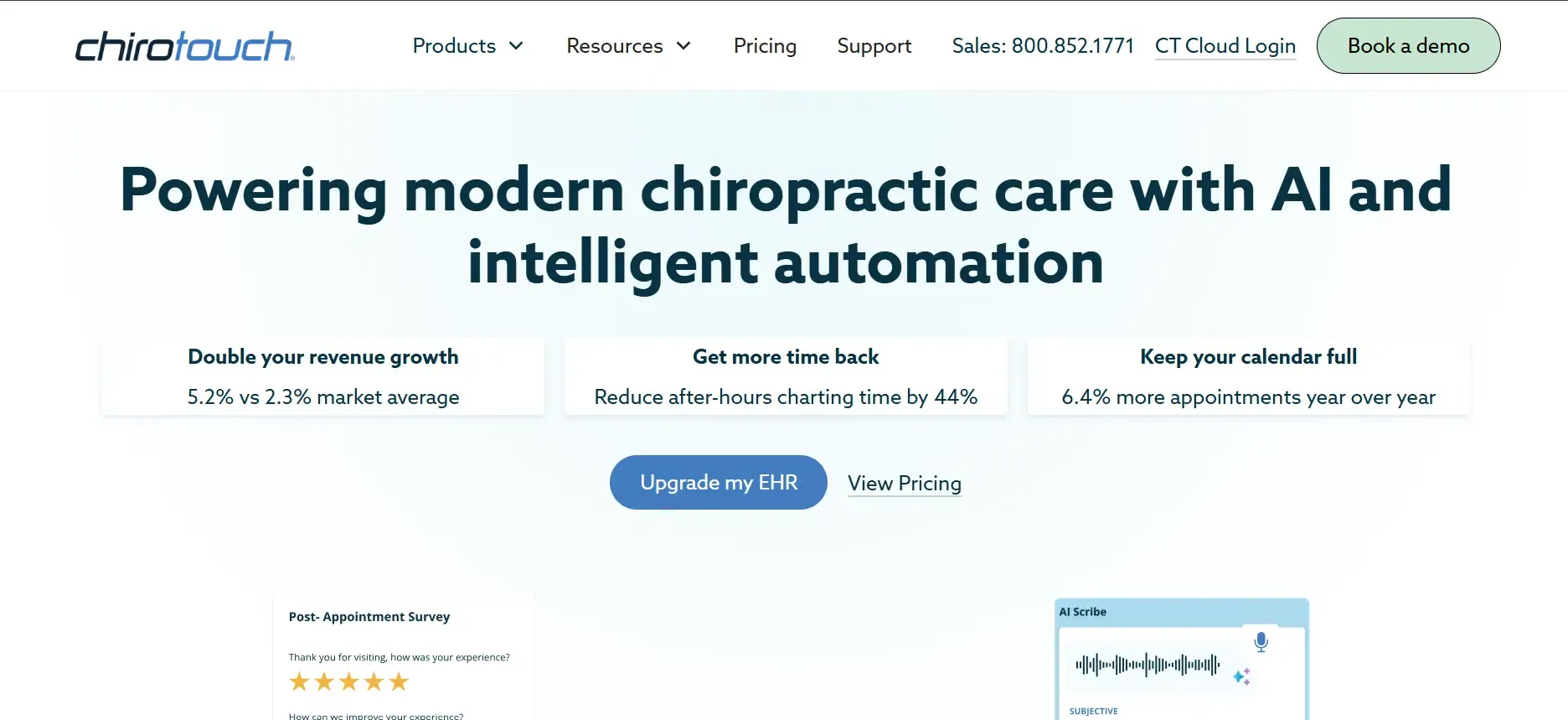
ChiroTouch is widely considered the industry standard for chiropractic EHR, with a feature set built for multi-provider, multi-location clinics. It includes comprehensive scheduling, billing, SOAP note management, digital imaging, and compliance tracking. ChiroTouch integrates with major clearinghouses, X-ray systems, and can support in-house or remote billing teams. It features automated appointment reminders, customizable forms (within limits), and built-in analytics for clinic performance.
Integrations: ChiroTouch connects with billing clearinghouses (such as OfficeAlly), imaging systems, and some third-party apps, but integrations are often limited to their partner network. Custom API access is possible but usually requires an enterprise plan or additional fees.
Migration friction: Moving into ChiroTouch from ChiroFusion is smoother than switching to a completely different workflow, but data mapping and template differences can still cause issues. Historical notes and custom forms may need to be rebuilt manually.
Use cases: Best for large clinics that want everything under one roof, need compliance tools for audits, and require multi-provider scheduling. Good for clinics with in-house billing staff who need granular reporting.
Pricing: Reported $259/month base, plus add-ons. See pricing.
- Key limitations:
- Interface can feel outdated for new staff
- Per-provider pricing increases costs as you grow
- Customization is limited to vendor-supported workflows
- Strengths:
- Comprehensive all-in-one feature set
- Strong compliance and reporting tools
- Integrates with major clearinghouses and imaging systems
If you need more flexibility or want to avoid rising per-provider fees, Devaims offers a custom alternative with no user-based pricing.
2. Jane App (Multi-disciplinary clinics)
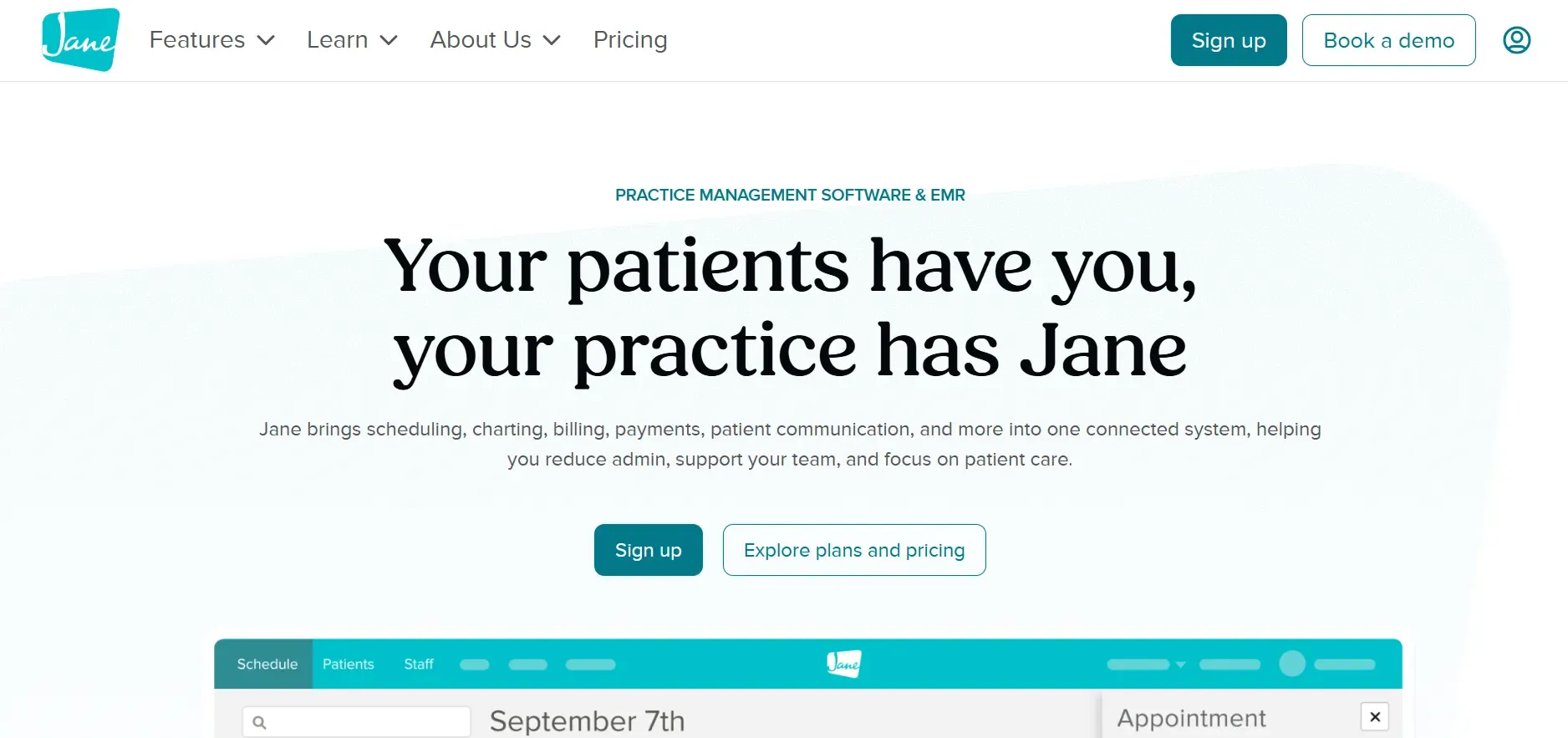
Jane App is designed for clinics that offer a blend of services, chiropractic, physiotherapy, massage, acupuncture, and more. Its cloud-based platform features a modern interface, easy online booking, integrated telehealth, and flexible scheduling. Jane’s strength lies in its ability to support a range of provider types, each with their own charting templates and billing codes.
Integrations: Jane integrates with Stripe for payments, Mailchimp for marketing, and select clearinghouses for insurance billing. API access is available but limited, and deeper integrations (like with accounting or inventory systems) may require third-party middleware.
Migration friction: Jane provides import tools for patient data, but custom forms and historical notes may need to be recreated. Data export from ChiroFusion can be messy, so plan for some manual cleanup.
Use cases: Best for clinics with a mix of providers, those offering telehealth or requiring robust patient self-scheduling. Jane’s user-friendly design makes it ideal for clinics with rotating staff or practitioners who value aesthetics and ease of use.
Pricing: $79/month per provider. See pricing.
- Key limitations:
- Per-provider pricing scales costs quickly
- Customization limited to templates and intake flows
- Advanced features require higher tiers
- Strengths:
- Modern, intuitive interface
- Supports multiple provider types
- Integrated telehealth and online booking
If you need deep customization or want to own your platform, Devaims can build a system tailored to your clinic’s unique mix of services.
3. Atlas Chiropractic System (Chiropractic-specific EHR)
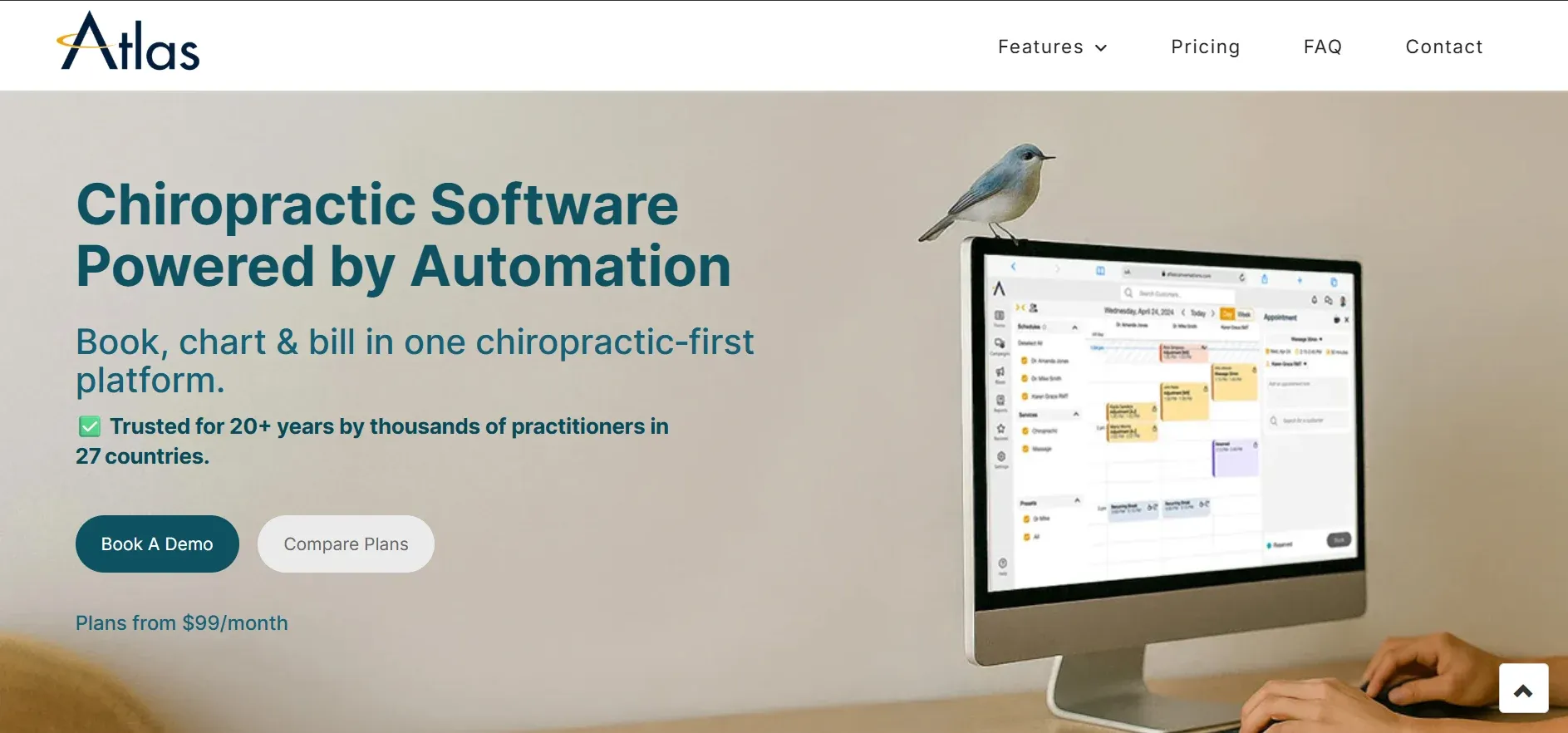
Atlas Chiropractic System is purpose-built for chiropractors, focusing on SOAP notes, compliance, and patient flow management. Its platform includes automated reminders, appointment scheduling, billing, and insurance claims. Atlas stands out with its chiropractic-specific templates, spinal charting, and compliance documentation. The system is designed to help practices stay audit-ready and compliant with HIPAA and local regulations.
Integrations: Atlas offers integrations with select payment processors and clearinghouses, but the ecosystem is smaller than larger vendors. Integrating with marketing, accounting, or advanced analytics tools may require manual exports or custom work.
Migration friction: Atlas provides data import services, but templates and old records from ChiroFusion may need reformatting. Practices with years of custom forms or non-standard documentation should expect some manual migration work.
Use cases: Ideal for chiropractic-only clinics that prioritize compliance and need specialty charting. Good for practices that want a streamlined, focused tool rather than an all-in-one suite.
Pricing: Reported $199/month. Contact sales for current pricing.
- Key limitations:
- Interface is functional but dated
- Limited reporting customization
- Monthly fees continue as long as you use the platform
- Strengths:
- Chiropractic-specific templates and charting
- Strong compliance documentation
- Streamlined for chiropractic-only clinics
For clinics needing more flexibility or ownership, Devaims can deliver custom compliance and charting features you control.
4. Platinum System (High-volume practices)
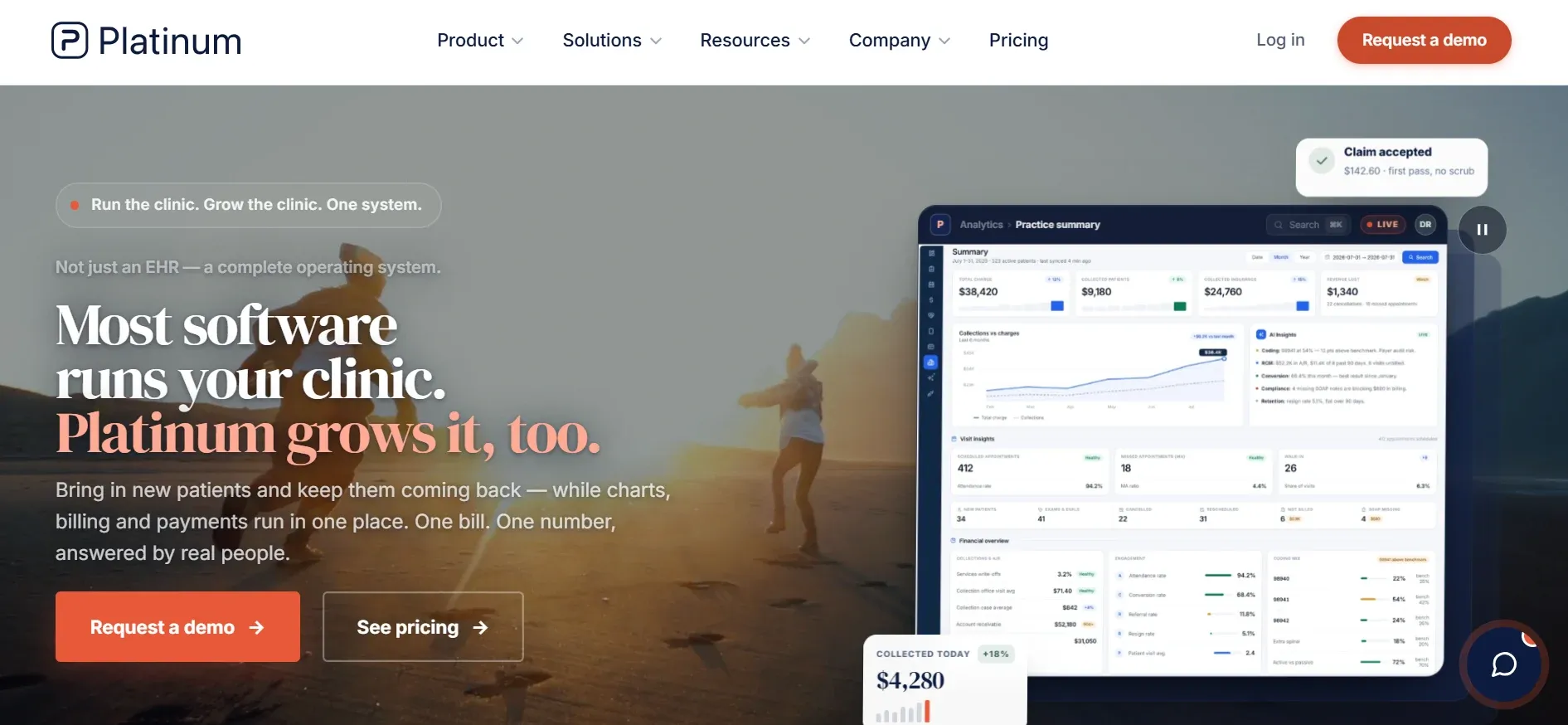
Platinum System is engineered for high-traffic chiropractic offices that need to move patients efficiently. The standout features are rapid barcode check-in, customized touchscreen interfaces for front-desk and clinical staff, and workflow automation to keep patient flow steady. Platinum’s analytics and reporting help busy clinics spot bottlenecks and optimize throughput.
Integrations: Integrates with select hardware (barcode scanners, signature pads) and some billing clearinghouses. However, its ecosystem is more closed, custom integrations usually require involvement from Platinum’s development team and may incur extra costs.
Migration friction: Because Platinum is so workflow-driven, migrating templates and patient flow logic from ChiroFusion can require extensive planning. Data import is possible, but mapping unique fields or custom forms is a manual process.
Use cases: Best for clinics seeing dozens or hundreds of patients per day, where speed and efficiency are crucial. Useful for multi-location businesses with standardized processes.
Pricing: Reported $250/month. Request a quote for updated pricing.
- Key limitations:
- High monthly cost for smaller practices
- Limited flexibility for integrating outside tools
- System may be overbuilt for small clinics
- Strengths:
- Optimized for high-volume patient flow
- Custom hardware integrations
- Strong analytics for throughput
If you want similar workflow automation but with full control, Devaims can build custom check-in and analytics features for your clinic.
5. DrChrono (Integrated EHR and billing)
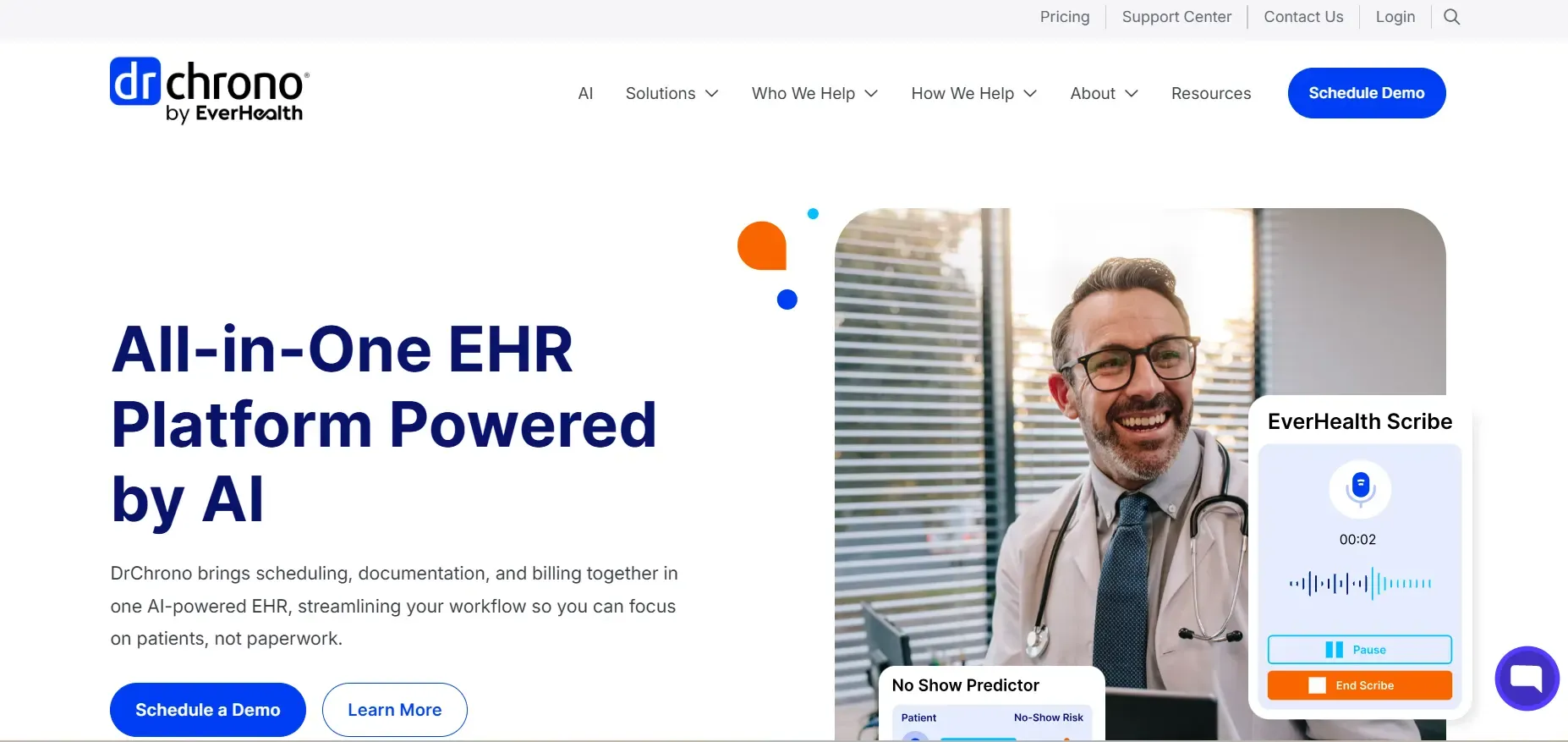
DrChrono is a cloud-based healthcare platform that combines EHR, practice management, and billing for a broad spectrum of providers, including chiropractors. Notable for its mobile app (iOS-first), DrChrono allows providers to chart, schedule, and bill directly from iPads or iPhones. The platform includes e-prescribing, telehealth, customizable templates, and an open API for third-party integrations.
Integrations: DrChrono’s marketplace includes connections to labs (LabCorp, Quest), billing clearinghouses, and health data exchanges. The open API allows for custom integrations, but technical resources are required and some API endpoints are only available on higher-tier plans.
Migration friction: DrChrono provides onboarding support for data migration, but mapping custom fields or complex billing scenarios from ChiroFusion can be challenging. Historical data, especially attachments or non-standard notes, may not transfer perfectly.
Use cases: Suitable for clinics that want mobile-first workflows, integrated telehealth, and strong billing. DrChrono is also a good fit for providers who want to automate appointment reminders and use eRx.
Pricing: Starts at $249/month. See pricing.
- Key limitations:
- Key features only on higher tiers
- Monthly contracts lock you in
- Support can be slow during busy periods
- Strengths:
- Mobile-first design
- Integrated EHR and billing
- Open API for integrations
For clinics wanting mobile access and custom features, Devaims can deliver a tailored mobile app and integrations you own.
6. Kareo (Tebra) (Billing and practice management)
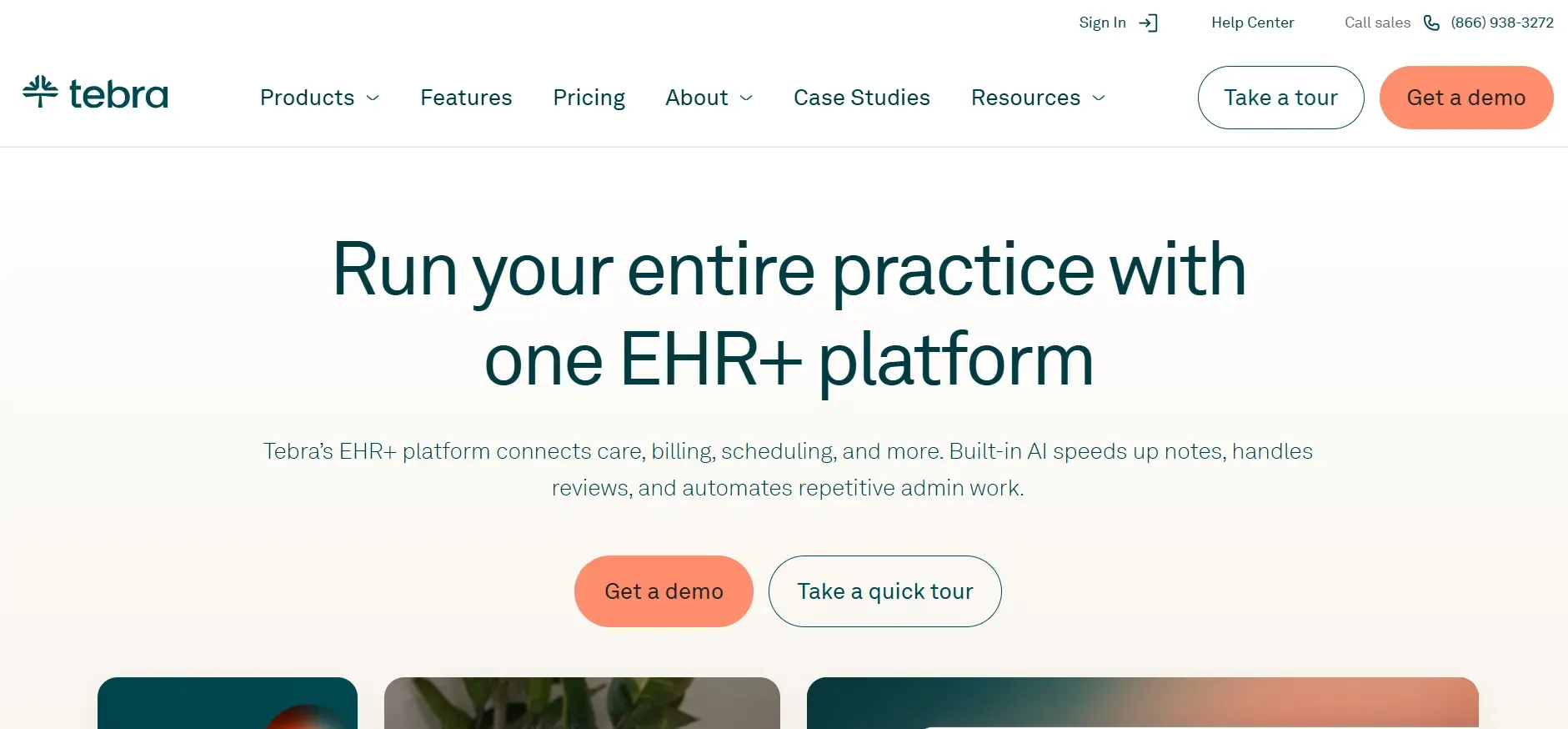
Kareo, now part of Tebra, is best known for its billing and practice management capabilities. The platform offers claims management, appointment scheduling, and a modular EHR. Tebra’s dashboard enables clinics to track revenue cycle metrics, denials, and payer trends. The EHR module is optional and comes with its own set of templates and reporting tools.
Integrations: Kareo/Tebra integrates with clearinghouses, select accounting platforms, and marketing tools like Demandforce. Some integrations are limited to higher-priced plans, and custom API access is not as extensive as with DrChrono.
Migration friction: Kareo’s onboarding team assists with data import, but like others, complex historical data or non-standard templates may require manual recreation. Billing histories can usually be imported, but clinical notes often need reformatting.
Use cases: Ideal for clinics that outsource billing or want to optimize claims management. Also fits practices that want to separate EHR and billing vendors for flexibility.
Pricing: Reported $125/month per provider. See pricing.
- Key limitations:
- Per-provider pricing adds up for larger teams
- EHR features less robust than all-in-one competitors
- Support response times can be inconsistent
- Strengths:
- Strong billing and claims management
- Modular EHR option
- Revenue cycle tracking tools
If you want to avoid per-provider fees and own your billing workflows, Devaims can build a custom platform with integrated claims and reporting.
7. Practice Perfect (Therapy and rehab clinics)
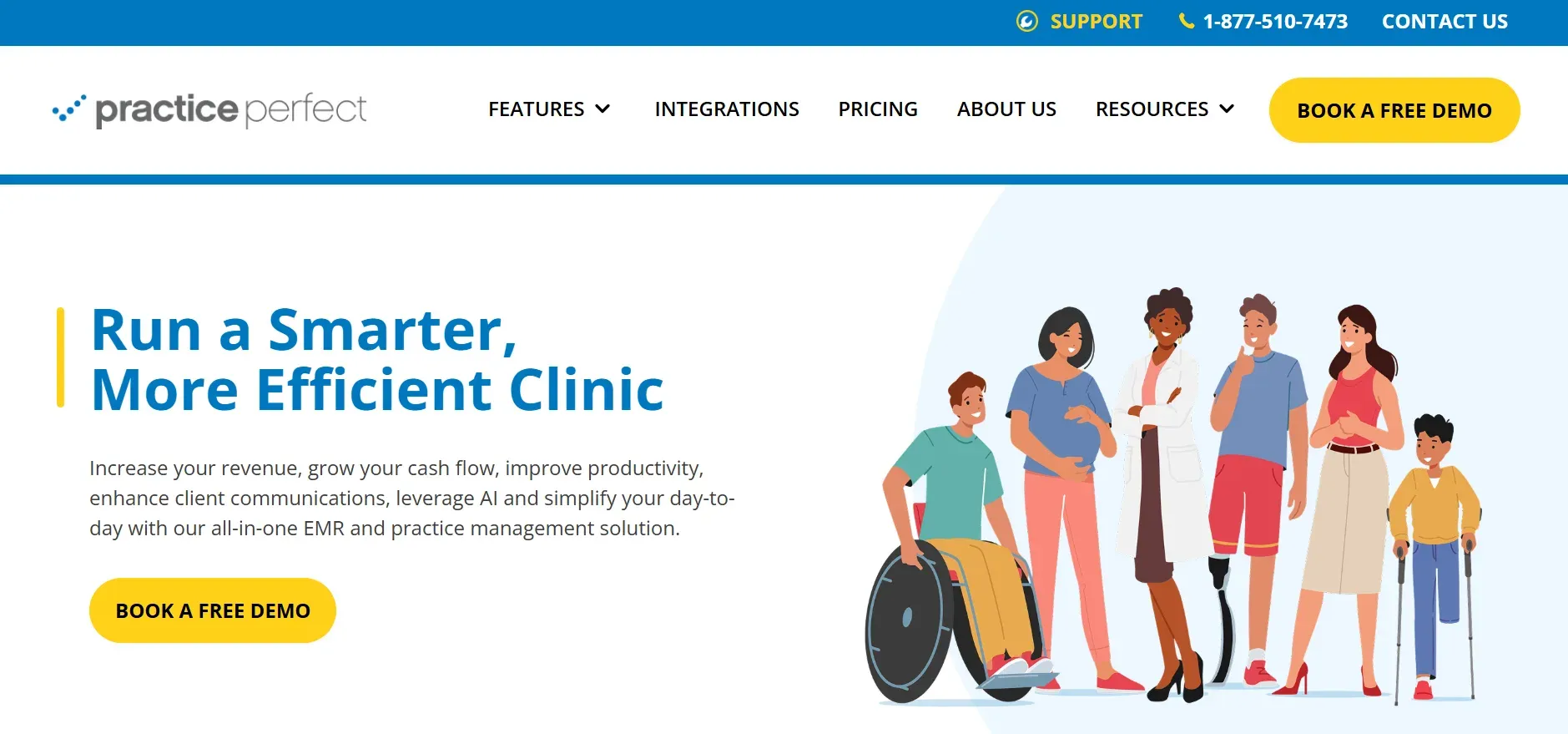
Practice Perfect is an EMR designed for allied health, especially physical therapy and rehab clinics, but it’s used by some chiropractic offices for its affordability and simplicity. It offers appointment scheduling, basic EHR, billing, and patient reminders. The system is cloud-based, with a focus on easy setup and minimal training requirements.
Integrations: Practice Perfect integrates with clearinghouses for insurance billing and offers basic export options for accounting. Direct API access is limited, so connecting to outside systems may require manual exports or third-party tools.
Migration friction: Data import is supported via CSV, but custom forms and templates from ChiroFusion may not translate directly. Expect to manually recreate specialty workflows or documentation formats.
Use cases: Best for solo or small clinics on a tight budget, especially those with straightforward scheduling and billing needs. Good for practices transitioning from paper to digital or those who do not need deep chiropractic-specific features.
Pricing: Reported around $70/month. See pricing.
- Key limitations:
- Not built for chiropractic first
- Limited specialty charting and compliance tools
- Customization and integration options are basic
- Strengths:
- Affordable for solo and small clinics
- Simple setup and use
- Basic scheduling and billing included
If you want chiropractic-specific features or own your platform, Devaims can build a system tailored to your specialty and workflow.
8. Genesis Chiropractic (Cloud EHR, automation)

Genesis is a cloud-based chiropractic EHR focused on automating workflow and improving efficiency. Its key features include automated task assignment, scheduling, claims management, and customizable dashboards. Genesis also offers patient communication tools, reminders, and real-time reporting to help clinics optimize operations.
Integrations: Genesis integrates with clearinghouses, select payment processors, and marketing tools (like Zingit). Custom API integrations are possible but limited to what’s on Genesis’s roadmap or available via their support team.
Migration friction: Genesis offers migration assistance, but as with other platforms, custom forms and historical data may need to be rebuilt. Automation rules and workflow logic are unique to Genesis, so expect a learning curve during setup.
Use cases: Ideal for clinics that want to automate repetitive tasks, manage multiple providers, and use cloud-based access for remote work. Good for practices that value reporting and want to track key performance indicators.
Pricing: Reported $199/month. Contact for a quote.
- Key limitations:
- Automation limited to vendor-supported logic
- Monthly fees continue as long as you use the system
- Template customization is basic
- Strengths:
- Workflow automation tools
- Cloud-based access for remote work
- Real-time reporting and dashboards
If you want automation tailored to your clinic and no recurring fees, Devaims can build custom workflow tools you own.
9. Devaims (Clinics that want to own their platform)
Devaims builds custom web, mobile, and business software for clinics that want control, flexibility, and true ownership. Instead of paying rent to a SaaS vendor, you get the source code, set the feature list, and own your data outright. No per-provider fees, no forced upgrades, and no lock-in, just a system designed for how your clinic actually works.
Features: Every build is tailored to your clinic’s workflows, including EHR, scheduling, billing, telehealth, reporting, and any specialty integrations you need (from payment gateways to marketing tools). Custom user roles, patient portals, analytics dashboards, and mobile access are all possible. You decide what gets built, and you own the roadmap.
Integrations: Unlimited, connect with any clearinghouse, accounting package, or third-party service you require. You’re not limited by vendor partnerships or API restrictions. Add new integrations as your clinic evolves.
Migration friction: Devaims handles the entire migration process, including data extraction, cleaning, mapping, and importing. Custom templates, historical notes, billing records, and even scanned documents are ported and rebuilt as needed. Training and support are included as part of the project.
Use cases: Best for clinics that want to stop paying per-provider fees, need unique workflows, or require integrations not supported by off-the-shelf vendors. Ideal for multi-location businesses, specialty clinics, or those with complex compliance needs.
- You keep the source code and dataFully customized workflows and integrationsFlat ongoing maintenance, no per-user or per-location fees
- You keep the source code and data
- Fully customized workflows and integrations
- Flat ongoing maintenance, no per-user or per-location fees
Other ChiroFusion alternatives worth knowing
- Kroll: Primarily a pharmacy management tool. Not designed for chiropractic workflows, but may be used by clinics that run in-house dispensaries. Integration with chiropractic EHR is minimal.
- ProChiropractic: A budget-friendly option for solo clinics or small offices. Limited feature set and integrations, but may be sufficient for practices with simple needs and no insurance billing.
- GenesisPro: Focuses on automation and workflow but lacks robust EHR features. Suitable for clinics that want to automate reminders or follow-ups but still need a separate clinical documentation system.
- Jane Clinic: A variant of Jane App aimed at clinics, but shares nearly all core features. Good for multi-disciplinary practices, but with the same limitations around customization and ownership.
Some of these are better for niche needs or solo operators, but rarely offer the flexibility or ownership of a custom build.
How to choose the right ChiroFusion alternative
- By budget: Weigh monthly fees against feature needs and the real five-year cost. Calculate total cost of ownership, including onboarding, support, and any hidden integration fees. Consider how costs scale as your provider count grows.
- By clinic size: High-volume practices need scalable workflows, rapid check-in/out, and robust billing. Solo clinics can save with simpler systems, but should avoid platforms that lock them into unnecessary features.
- By vertical: Multi-disciplinary practices need flexible templates, user roles, and scheduling. Pure chiropractic clinics can optimize for speed, compliance, and specialty charting.
- By ownership: Decide if you want to rent forever or own your system outright. Consider long-term control, data access, and the ability to customize workflows as your clinic evolves.
When your needs outgrow what any template-driven SaaS can do, it’s time to think about software you own.
Stop paying rent on software you could own
If you’re tired of per-provider fees, forced upgrades, or losing control over your own patient data, here’s the truth: every ChiroFusion alternative above comes with the same catch. You’re still renting. The platform is never truly yours, and the monthly bills only rise as you grow. That’s why more clinics are commissioning a custom system from Devaims, built around their workflows and owned outright.
Devaims delivers custom web, mobile, and business software for chiropractic clinics who want ownership, flexibility, and control. You get the full source code, tailored features, and a flat ongoing maintenance plan. No per-seat, per-location, or integration tax, just a system that fits, at a cost you control.
- Per-provider fees? Gone. Add as many users as you want, forever.
- Data exports and lock-in? Not your problem. It’s your code and your data.
- Feature gaps? If your clinic needs it, it’s built in, not upsold.
- Surprise price hikes? Replaced by a flat maintenance plan you negotiate upfront.
| Tool | Ownership | Per-user fees | Customization |
|---|---|---|---|
| ChiroFusion | No | Yes | Limited to platform |
| ChiroTouch | No | Yes | Some workflow options |
| Jane App | No | Yes | Template-driven |
| Devaims | Yes | No | Fully custom |
Here’s what the numbers look like for a mid-sized clinic with 5 providers:
| Year | Rented (SaaS, $400/mo) | Owned (Devaims, $30,000 build + $200/mo maint) |
|---|---|---|
| Year 1 | $4,800 | $32,400 |
| Year 2 | $9,600 | $34,800 |
| Year 3 | $14,400 | $37,200 |
| Year 4 | $19,200 | $39,600 |
| Year 5 | $24,000 | $42,000 |
Break-even is just after year five. After that, every month you own the system, the gap widens in your favor. Clinics with more providers or locations hit break-even even sooner. For example, a 10-provider clinic would reach break-even in less than three years. If you want to run your own numbers, we’ll do it for free.
Consider also the hidden costs of SaaS: data export fees, forced upgrades, downtime during migrations, and the opportunity cost of not having features unique to your clinic. Owning your system means you decide when and how to upgrade, what features to prioritize, and how your data is stored and backed up.
How to switch from ChiroFusion
- Export all patient data, appointments, and clinical records from ChiroFusion. Review export formats, some data may only be available as PDFs or in proprietary formats.
- Choose your new platform and confirm data import formats. Ask vendors for sample import templates and test with dummy data before full migration.
- Import data into your new system, verifying records for accuracy. Cross-check a sample of records to ensure notes, codes, and attachments are intact.
- Reconnect payment gateways, billing providers, and integrations. This may require updating API keys, credentials, and confirming test transactions.
- Train staff on new workflows and user roles. Provide hands-on sessions and quick-reference guides tailored to your new platform.
- Test the new system in parallel with your old one for at least a week. Address issues as they arise, look for missing appointments, billing errors, or documentation gaps.
- Review your ChiroFusion contract for termination terms and finalize the switch. Ensure you’ve met notice periods and downloaded all necessary records for compliance.
With a custom Devaims build, the migration is handled as part of the project, including data cleaning, template recreation, and staff training. You retain full access to your data and can request custom migration scripts to automate future transitions, if needed.
Frequently asked questions
What is the best ChiroFusion alternative for a large chiropractic clinic?
For large, multi-provider clinics, ChiroTouch and DrChrono offer robust EHR and billing features. ChiroTouch excels at compliance, scheduling, and integrating with imaging and billing, while DrChrono stands out for its mobile-first design and open API. However, both are subscription-based, so costs scale with your clinic. For clinics that don’t want to be locked into rising per-provider fees, Devaims offers a custom, ownable solution with full control and long-term savings.
Which ChiroFusion alternative is most affordable for solo practitioners?
Practice Perfect and OfficeAlly have lower monthly starting prices. Practice Perfect is good for solo clinics needing simple scheduling and billing, while OfficeAlly is best if you only need claims management. For true cost control, owning your system with Devaims removes per-provider fees entirely, making it a better fit for solo practices planning to grow or with unique needs not met by SaaS.
Are there any free ChiroFusion alternatives?
OfficeAlly offers free basic claims, but you still need an EHR to pair with it. Free options come with limited features, dated interfaces, and little support. Most clinics quickly outgrow free tools as they add providers, require integrations, or need compliance documentation. Open-source EHRs exist, but require significant IT resources to deploy and maintain.
Which alternative is best for multi-disciplinary clinics?
Jane App is built for clinics offering multiple allied health services. It supports flexible charting templates, multiple provider types, and integrated telehealth. If you need deep customization, complex billing, or unique integrations, consider a custom build with Devaims, especially as your clinic’s needs become more specialized.
What’s the process for migrating away from ChiroFusion?
Export your patient records, select your new system, import your data, and ensure payment and integrations are reconnected. The process involves mapping data fields, recreating custom templates, and training staff on new workflows. Allow for parallel testing to catch migration errors. With a Devaims build, we handle the migration for you as part of the service, including data cleaning, import, and validation.
Can I keep my existing data and templates when switching?
Most alternatives allow some form of data export, but templates and custom forms may not transfer cleanly. Expect to manually rebuild specialty documentation, intake forms, or workflows. Devaims ensures you keep everything, data, templates, and custom logic, because you own the code and data. We can even recreate your unique forms as part of the build.
Why consider Devaims over other ChiroFusion alternatives?
If you want full control, no per-provider fees, and a platform tailored to your clinic, Devaims is the only ChiroFusion alternative that gives you true ownership of your software. This means no forced upgrades, no vendor lock-in, and the ability to integrate with any tool or service you need. Over five years, many clinics find the total cost of ownership is lower than SaaS, especially as they grow or require advanced features.
The bottom line
Most ChiroFusion alternatives fix one pain point but introduce another, and the rent never stops. Here’s the real test: add up what your SaaS will cost over five years. If that number could have built you something you own, you have your answer.
Owning your clinic’s software means you control features, pricing, and your future. SaaS makes sense for some, but the math shifts as your clinic grows, especially if you want to avoid surprise price hikes, data lock-in, or working around missing features. If you’re ready to own, not rent, we’ll help you see what’s possible.
Explore more at the Devaims blog. You may also find these helpful: ChiroTouch alternatives, Jane App alternatives, and DrChrono alternatives.