

The moment Kareo (now Tebra) locks you out of a feature until you upgrade, you realize you’re paying rent on software you never really own. Add in per-provider pricing, support that feels like a ticket queue, and the creeping anxiety of five years’ worth of patient data tied up in someone else’s cloud, it starts to feel less like a solution and more like a trap.
Chiropractic clinics deserve better. Whether you’re tired of monthly fees, frustrated by inflexible workflows, or just want to actually own your software, there are Kareo (Tebra) alternatives worth your time. We’ll walk through the strongest options, ChiroTouch, Jane App, DrChrono, and more, then show you what it looks like when you own the platform outright with Devaims. If you’re ready to break the rent cycle, keep reading.
Why chiropractic clinics look for Kareo (Tebra) alternatives
Per-provider pricing stacks up fast. Kareo’s model, like most SaaS EHRs, charges per provider. What starts as $125 per provider per month can quickly multiply as your team grows. Add associate chiropractors, massage therapists, or even front-desk staff who need access, and your monthly bill can double or triple. Over five years, this can add up to tens of thousands spent with nothing to show for it at the end.
Locked-in data and painful exports. Patient records and SOAP notes live in Kareo’s cloud, and exporting more than the basics often means support tickets and delays. Many clinics report that while you can export simple demographics and billing, attachments, full visit histories, and scanned documents require manual requests or come in messy file dumps. Losing access or switching vendors can become a logistical headache and a compliance risk.
Feature gating and forced upgrades. The report or integration you need is often locked behind a higher tier or a pricey add-on. Want custom forms, advanced analytics, or API access? Prepare to pay more or negotiate with sales. This limits your ability to adapt the system as your clinic evolves, and can result in workflow compromises that frustrate your team.
Surprise fee hikes. Annual "cost-of-living" increases aren’t uncommon, and you rarely get a say, your bill just goes up. Some clinics have seen double-digit percentage increases with little warning, making budgeting unpredictable. Over the lifetime of your clinic, these increases can far outpace inflation.
Limited customization for chiropractic workflows. You adapt to Kareo, not the other way around. If you want a workflow unique to your clinic, you’re out of luck. Many chiropractic clinics need specialized SOAP note flows, unique intake forms, or niche integrations (with X-ray, exercise prescription, or marketing platforms). SaaS EHR vendors typically offer only limited customization, and requests can take months if they’re accepted at all.
That’s why so many clinics search for Kareo (Tebra) alternatives that actually put them in control: predictable costs, flexible workflows, and, for some, true software ownership.
Quick comparison of the best Kareo (Tebra) alternatives
| Tool | Best for | Starting price | You own it? |
|---|---|---|---|
| ChiroTouch | Full-featured EHR for busy clinics | Reported $259/mo | No, subscription |
| ChiroFusion | Affordable cloud EHR | Reported $99/mo | No, subscription |
| Jane App | Multi-discipline or hybrid clinics | Reported $79/mo | No, subscription |
| Atlas Chiropractic System | Automation and reminders | Reported $199/mo | No, subscription |
| Platinum System | High-volume offices | Reported $350/mo | No, subscription |
| DrChrono | Billing and EHR integration | Reported $249/mo | No, subscription |
| Practice Perfect | Physical therapy and chiro | Reported $125/mo | No, subscription |
| Genesis Chiropractic | Automated workflow | Reported $149/mo | No, subscription |
| Devaims | Owning your own platform | One-time build | One-time build, you own it |
Always confirm current pricing before you decide, costs change and add-ons can add up quickly. Many vendors charge onboarding, training, or data migration fees that can double your first-year cost. Ask about contracts, cancellation policies, and what happens to your data if you leave.
The 9 best Kareo (Tebra) alternatives
1. ChiroTouch (full-featured EHR for busy clinics)
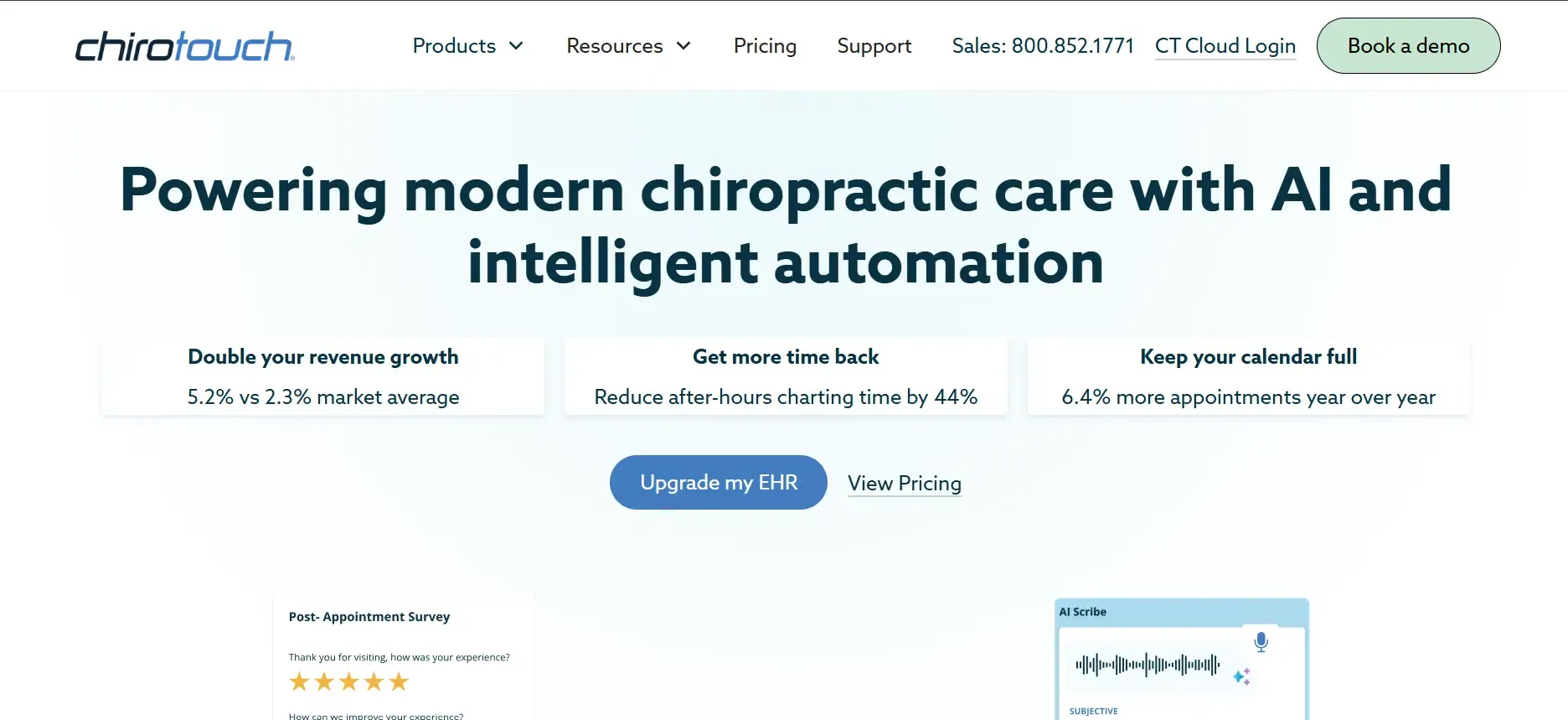
ChiroTouch has long been one of the most widely adopted chiropractic EHRs in the US. Their cloud-based platform targets clinics that want a comprehensive solution, including scheduling, SOAP notes, billing, patient intake, reminders, and compliance management, in one place.
Pricing: Reported $259/month per provider. Confirm with vendor for your clinic size and needs.
- Chiropractic-specific templates and compliance tools
- Integrated billing and real-time eligibility checks
- Strong onboarding and training resources
- Higher cost as your team grows
- Custom forms and integrations often require paid support
- Interface less modern than some SaaS competitors
Per-provider pricing can add up quickly. Devaims lets you add unlimited users for one price.
2. ChiroFusion (affordable cloud EHR)

ChiroFusion targets solo practitioners and small clinics who want a simple, affordable, cloud-based EHR with minimal setup. Its Essentials plan covers basic scheduling, SOAP notes, and billing, with a clean interface that’s easy for staff to learn.
Pricing: Reported $99/month per provider. Check for current offers and add-ons.
- Low monthly cost for solo clinics
- Easy to use and quick setup
- Web-based access from any device
- Limited integrations and automation
- Basic reporting and analytics
- Data export can be time-consuming
Need more automation or custom workflows? Devaims builds exactly what you want, with no feature gating.
3. Jane App (multi-discipline or hybrid clinics)
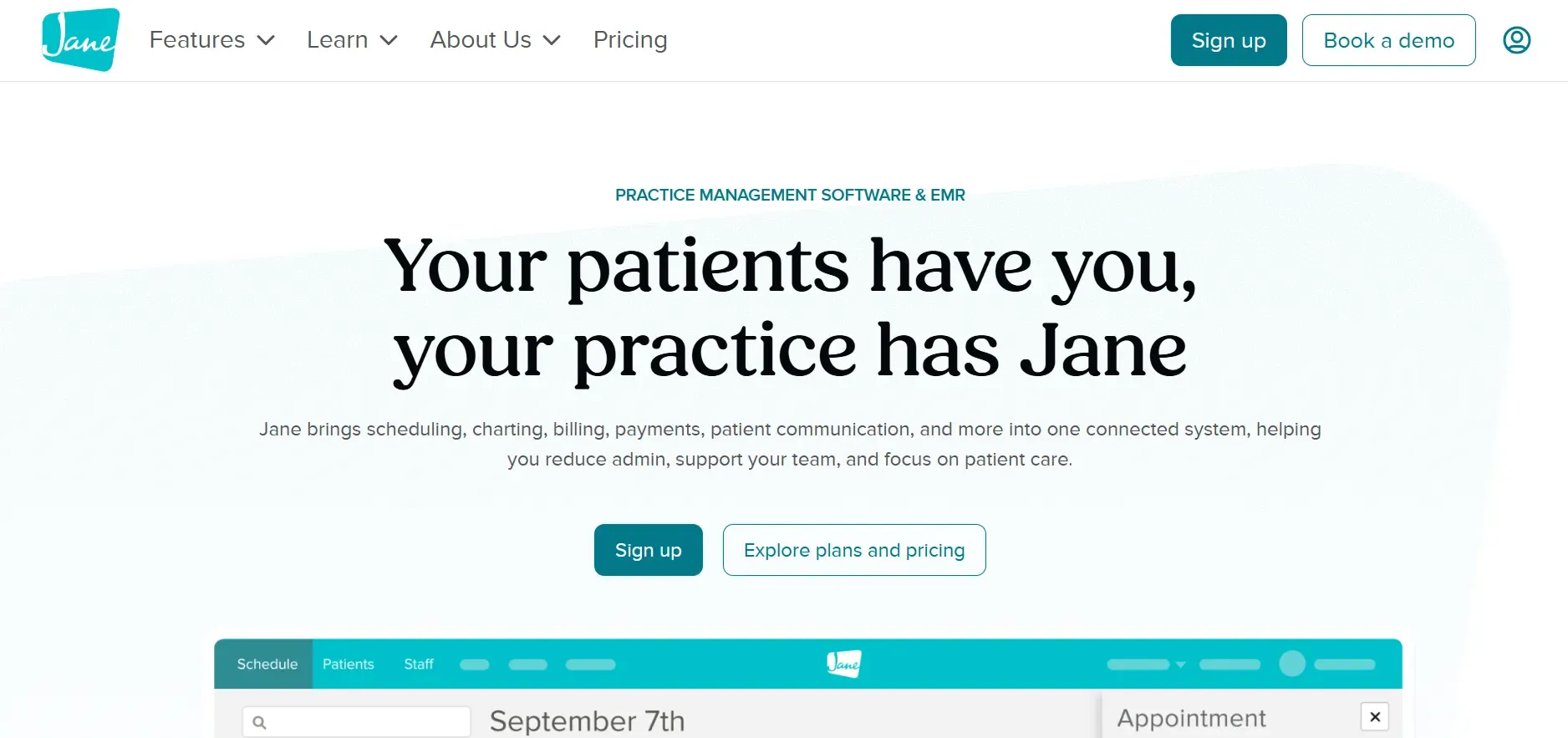
Jane App is a favorite among clinics that blend chiropractic, physiotherapy, massage, and other allied health services. Its modern, intuitive interface is designed for ease of use by both staff and patients.
Pricing: Reported $79/month per provider. Higher plans unlock more features.
- Excellent for multi-discipline clinics
- Modern interface and strong patient experience
- Guided migration and responsive support
- Per-provider pricing increases with team size
- Some analytics and reporting only on higher tiers
- Customization limited to forms and templates
Jane App is flexible, but for full workflow control and unlimited users, Devaims is the only true ownership option.
4. Atlas Chiropractic System (automation and reminders)
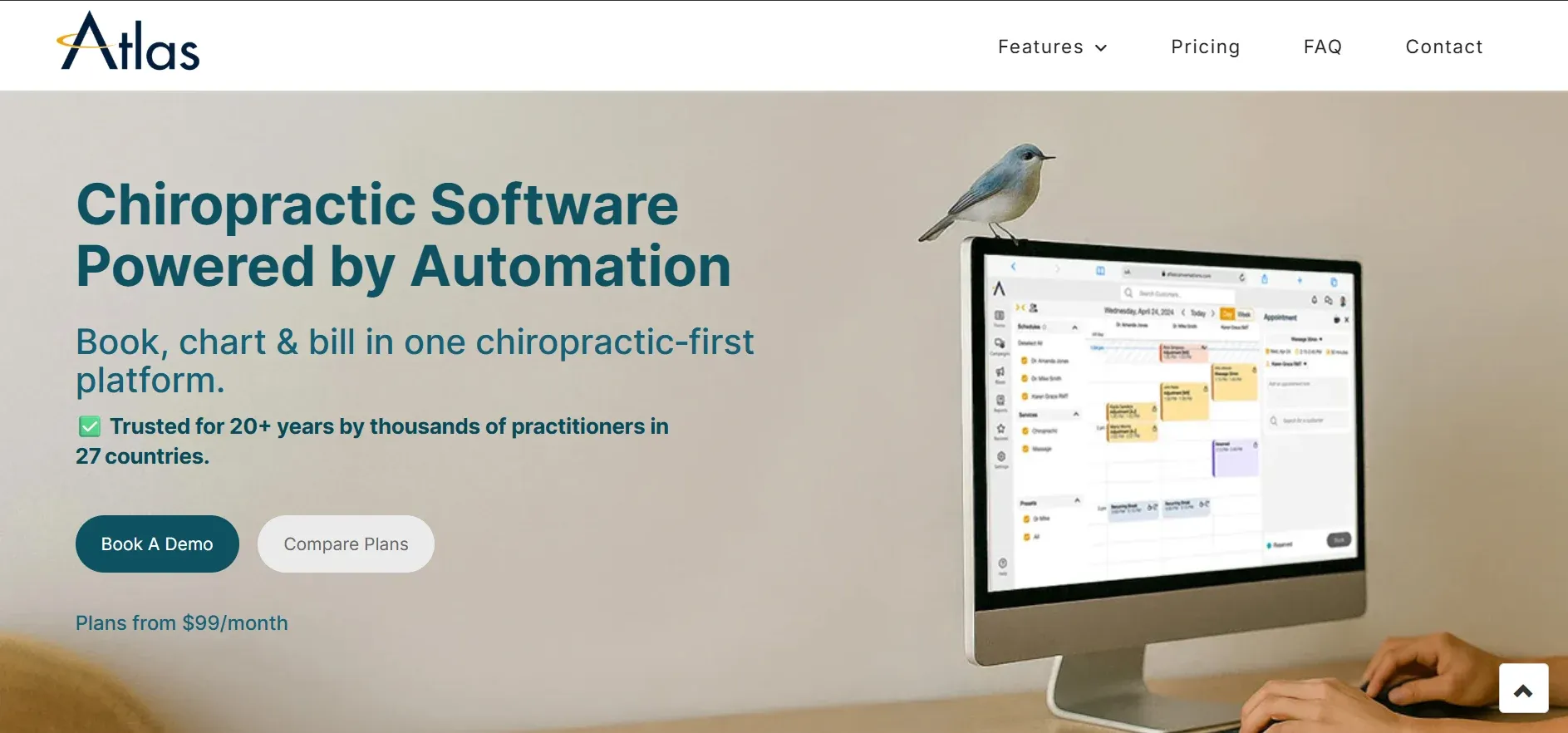
Atlas Chiropractic System focuses on workflow automation, especially patient communication, reminders, and recall. It’s a popular pick for clinics looking to reduce no-shows and automate repetitive admin tasks.
Pricing: Reported $199/month per provider. Confirm contract terms and onboarding fees.
- Automated reminders and recall campaigns
- Patient check-in kiosk and care plans
- Integrated billing and scheduling
- Customization limited to built-in options
- User interface feels dated
- Support can be slower for small clinics
If you want reminders tailored to your brand and workflow, Devaims builds them to your specs.
5. Platinum System (high-volume offices)
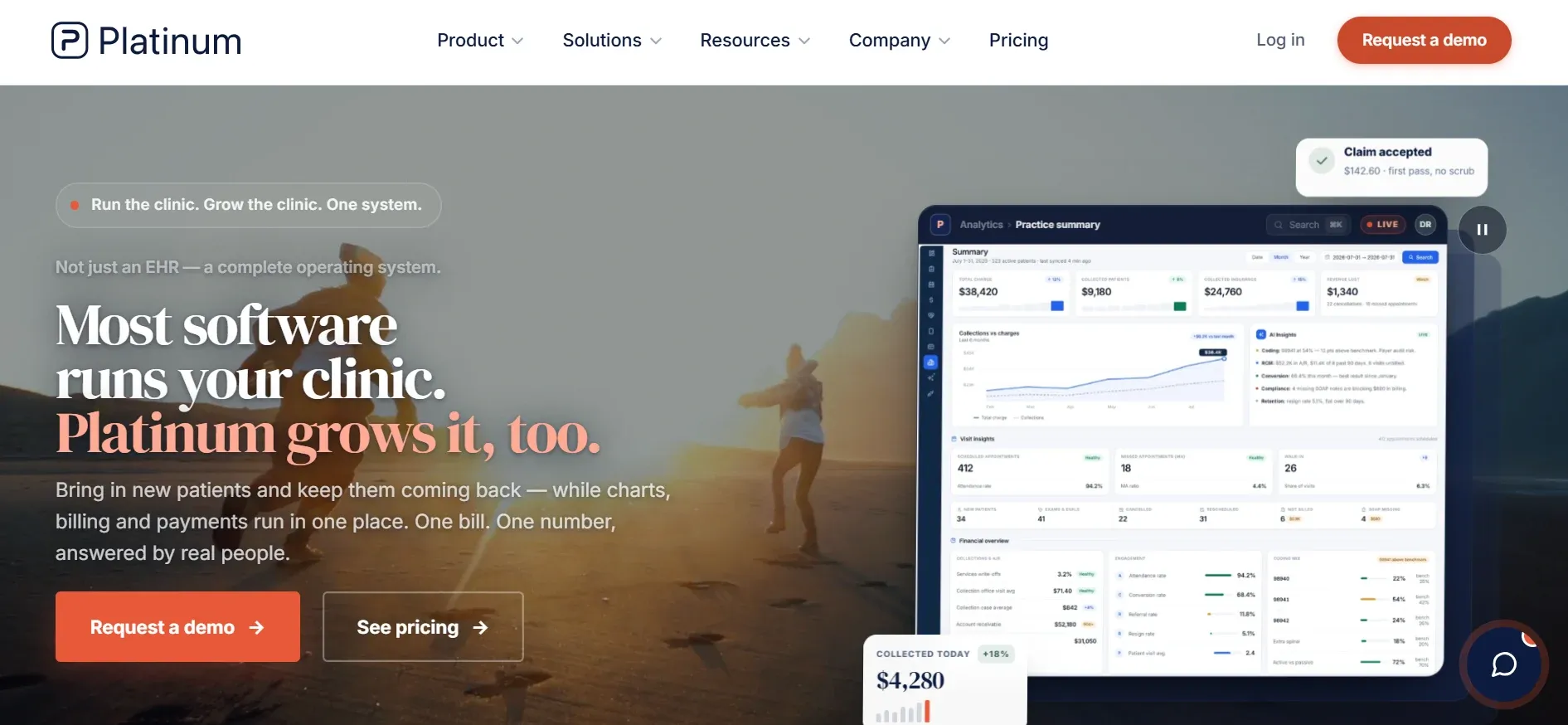
Platinum System is designed for high-volume chiropractic offices needing rapid patient flow, fast check-ins, and detailed analytics. Its architecture is built for speed and throughput, making it popular with large practices and franchise clinics.
Pricing: Reported $350/month per provider. Additional fees may apply for setup and support.
- Rapid check-in and high-volume workflow
- Custom analytics and multi-location support
- Integration with imaging and X-ray systems
- Windows-based, limited cloud options
- Interface less intuitive for new users
- Customization often requires scripting or paid support
Scaling up? Devaims supports unlimited users and locations with no per-user fees.
6. DrChrono (billing and EHR integration)
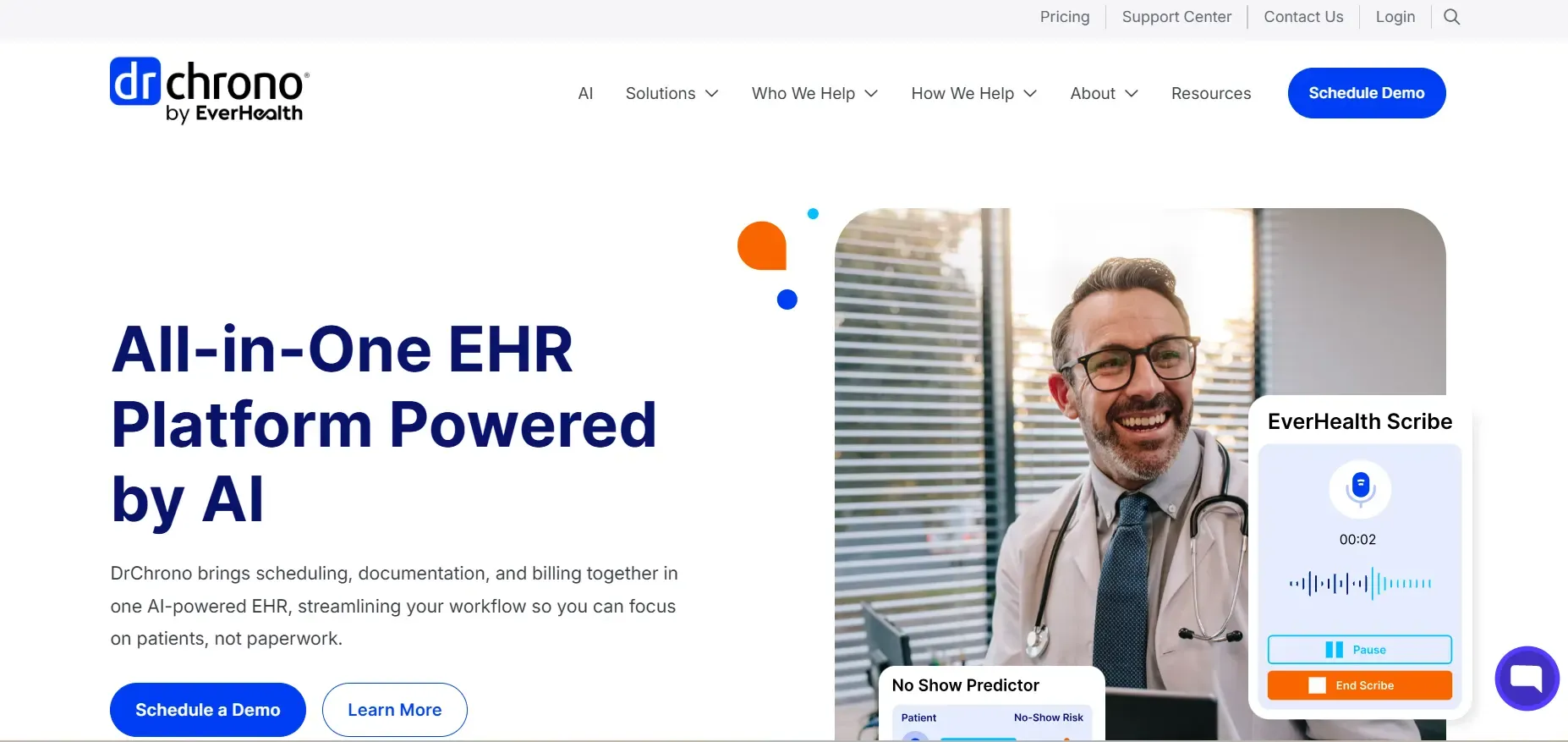
DrChrono is an all-purpose medical EHR, widely used across specialties, with strong billing, claims management, and e-prescribing. Its open API and iPad-first design make it a flexible platform for tech-forward clinics.
Pricing: Reported $249/month per provider. Advanced features may cost extra.
- Strong billing and claims management
- Mobile-first with iPad app
- Open API for integrations
- Higher cost for advanced features
- Chiropractic templates less tailored
- Some features only on higher tiers
Want integrations built for your exact needs? Devaims delivers custom connections and features.
7. Practice Perfect (physical therapy and chiro clinics)
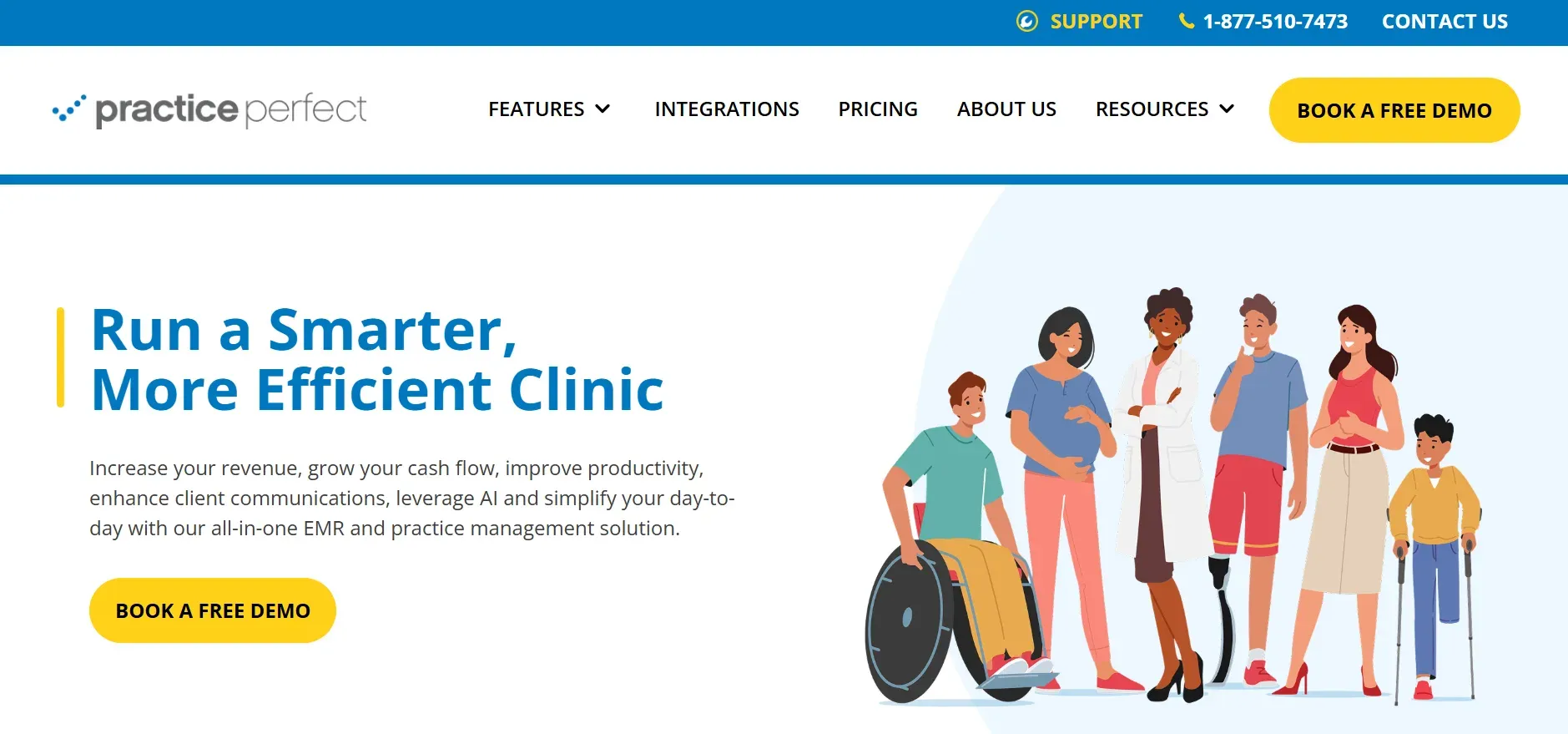
Practice Perfect is tailored for rehabilitation clinics blending chiropractic, physical therapy, and occupational therapy. It’s designed for clinics that need to manage multi-disciplinary workflows and documentation.
Pricing: Reported $125/month per provider. Add-on modules may increase cost.
- Supports multi-discipline and multi-location clinics
- Integrated scheduling, billing, and documentation
- Solid onboarding and training
- Interface less modern than some competitors
- Advanced modules require extra fees
- Customization limited to platform options
8. Genesis Chiropractic (automated workflow)
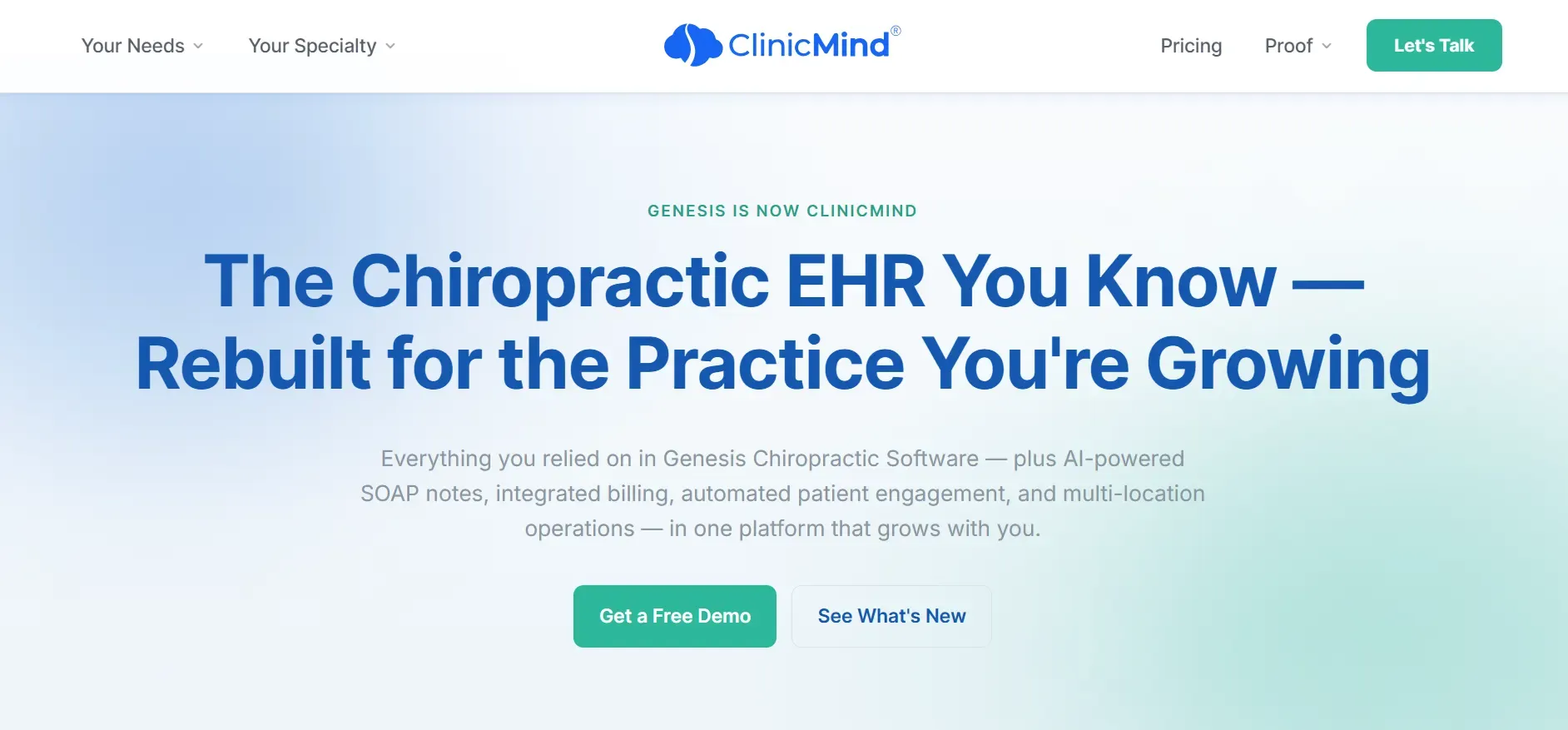
Genesis Chiropractic is built around workflow automation, especially for billing, scheduling, and patient communication. Its cloud-first design and automation focus make it a contender for clinics that want to reduce manual admin work.
Pricing: Reported $149/month per provider. Confirm for your clinic size and needs.
- Automated claims and reminders
- Self-check-in and recurring care plans
- Cloud-based and scalable
- Per-provider pricing adds up for larger teams
- Workflow customization limited to built-in engine
- Support response can be slow during busy periods
9. Devaims (own your clinic’s platform)
Devaims builds custom EHR, billing, and practice management software for chiropractic clinics, then hands you the source code. This is not another SaaS rental: you get every feature you want, mapped to your workflows, with no rent or lock-in. Unlike every tool above, you actually own your software: your data, your logic, your branding, your rules. Integrations, reports, and automation are built exactly as you want them, no more workarounds, no per-provider fees, nothing held hostage in the cloud.
Pricing: One-time build (e.g., $32,000) plus flat maintenance (e.g., $220/month). No per-user fees, unlimited users and locations.
- Full ownership: you keep the code and control your data
- Unlimited users, no per-provider fees
- Custom workflows, forms, and integrations built to your specs
Devaims is the only Kareo (Tebra) alternative that puts you fully in control, with no ongoing rent and no feature gating.
Other Kareo (Tebra) alternatives worth knowing
- ProChiropractic: More of a billing service than a full EHR; can be paired with other software for small clinics needing claims processing.
- Kroll: Primarily pharmacy software, but some clinics use it for limited record keeping, best for multi-disciplinary practices with an in-house pharmacy.
- Kareo (Tebra): If you’re still considering it, be aware that it’s now more focused on group practices and medical, not chiro-specific workflows.
- OpenEMR: An open-source EHR platform that some clinics customize for chiropractic use, but requires significant IT resources and expertise.
- SimplePractice: Used by some solo and small clinics for scheduling and notes, but less robust for insurance billing or large teams.
How to choose the right Kareo (Tebra) alternative
- Budget: Calculate not just monthly fees, but onboarding, data migration, per-provider, and add-on costs. Ask for five-year total cost of ownership projections, and consider the long-term math. Remember that SaaS vendors can (and do) raise rates.
- Clinic size: High-volume or multi-location clinics need robust automation, analytics, and team management. Solo clinics may prioritize simplicity and low cost. Consider your growth plans, will per-provider pricing become painful as you add staff?
- Specialization: If you’re a hybrid or multi-discipline clinic, look for platforms like Jane App or Practice Perfect. If you’re pure chiropractic, ChiroTouch, Genesis, or a custom build may serve you better.
- Customization: If your workflows are unique, or you want to differentiate your clinic (with branded portals, custom reminders, or unique analytics), only a custom build like Devaims gives you true ownership and flexibility. SaaS tools offer limited customization within their frameworks.
- Support and data portability: Ask how easy it is to get your data out if you ever want to switch again. Some vendors make full exports difficult or slow, especially for attachments and historical notes. Consider what happens to your data if the vendor is acquired or shuts down.
- Compliance and security: Ensure the platform is HIPAA-compliant, offers audit trails, and provides granular access controls. Ask about data encryption, backup policies, and business associate agreements.
If you’re ready to stop paying rent on someone else’s platform, it’s time to look at what owning could mean for your clinic.
Stop paying rent on software you could own
Every Kareo (Tebra) alternative above fixes something, but all lock you into monthly fees, feature gating, and someone else’s roadmap. The dirty secret: even switching vendors just means picking a new landlord. Five years later, you’ve paid tens of thousands and still don’t own a thing.
Devaims builds software for clinics who want out of that cycle. You get a system built exactly for you: your forms, your reminders, your billing, your analytics. When the project is done, you own the code. No per-user fees, no surprise price hikes, no “request export” button. You control every feature, and integrations are built to fit your practice, not the other way around.
- Per-provider fees? Gone. Add as many users as you want, for life.
- Locked-in data? You own every record, with direct database access.
- Feature gating? If you want it, it’s built in, no more paywalls.
- Surprise hikes? Flat maintenance, set in your contract.
- Contract headaches? No term lock-in: you keep the code forever.
| Tool | Ownership | Per-provider fees? | Custom workflows? |
|---|---|---|---|
| Kareo (Tebra) | No | Yes | Limited |
| ChiroTouch | No | Yes | Partial |
| Jane App | No | Yes | No |
| Devaims (owned) | Yes, you keep the code | No | Fully custom |
Here’s how the math really works for a typical 4-provider clinic:
| Year | Rented EHR (e.g., $125/mo/provider) | Owned (Devaims build, $32,000 + $220/mo maint) |
|---|---|---|
| Year 1 | $6,000 | $34,640 |
| Year 2 | $12,000 | $37,280 |
| Year 3 | $18,000 | $39,920 |
| Year 4 | $24,000 | $42,560 |
| Year 5 | $30,000 | $45,200 |
In this scenario, your Devaims build costs more upfront but pulls ahead by year five. After that, your only cost is flat maintenance, no more fee hikes, no more per-user charges. If your clinic grows, the math becomes even more compelling: SaaS EHRs charge for every new provider, while your owned platform supports unlimited users for one price. If you want to see the numbers for your own clinic, we’ll run the math for free.
Ownership makes sense for clinics sticking around, growing their team, or needing real workflow control. If you’re ready to get out of the rent cycle, Devaims hands you the keys.
How to switch from Kareo (Tebra)
- Export all patient and billing data: Request a full export of patient demographics, appointments, billing history, SOAP notes, and all attachments. Don’t settle for summary reports, ask for native file formats (CSV, PDF, or XML) and all scanned documents.
- Choose your new platform and confirm migration support: Ask your new vendor (or Devaims) what data formats they accept and whether they’ll handle mapping and import. Get clarity on what won’t transfer (e.g., custom fields, historical attachments).
- Map and import data into your new EHR: Test with a small batch of records first, then import the full dataset. Review for accuracy, especially for clinical notes, billing, and patient contact info.
- Reconnect payment processors, clearinghouses, and integrations: Ensure all claims, payments, and reminders flow through the new system. Double-check insurance payer mappings and test claims submissions before going live.
- Train your team on new workflows and permissions: Schedule hands-on training and provide cheat sheets or video walkthroughs. Set permissions and audit trails to match your compliance needs.
- Run both systems in parallel for at least two weeks: Keep Kareo (Tebra) live alongside your new platform to catch any migration issues. Verify billing, reminders, and clinical documentation in both systems.
- Review your Kareo (Tebra) contract for final cancellation steps: Check notice periods, data retention policies, and ensure you receive written confirmation of account closure and data deletion as required by HIPAA.
With a custom Devaims build, the migration is handled as part of the project, including data mapping, validation, and staff training. This minimizes downtime and ensures a smoother transition.
Frequently asked questions
What is the best Kareo (Tebra) alternative for chiropractic clinics?
ChiroTouch and Jane App are two of the top Kareo (Tebra) alternatives for most chiropractic clinics, offering deep industry features and solid support. ChiroTouch is ideal for insurance-heavy, compliance-driven practices, while Jane App excels for multi-discipline or hybrid clinics. For clinics wanting full control and ownership, Devaims is the only path to truly owning your system, with custom features, unlimited users, and no ongoing rent.
Which Kareo (Tebra) alternative is the cheapest?
OfficeAlly is among the lowest-cost options, with EHR starting at around $35 per month. ChiroFusion also competes on price for solo or small clinics. However, the cheapest rental rarely puts you in control of your data or workflow, and you may outgrow these solutions quickly. Consider five-year costs and what happens if your needs grow.
Is there a free Kareo (Tebra) alternative?
OfficeAlly offers free basic claims billing, but its EHR features are limited and not tailored for chiropractic. OpenEMR is an open-source option, but requires IT expertise to deploy and maintain. Most clinics outgrow free options quickly as their needs expand or as regulatory requirements become more complex.
Which alternative is best for multi-provider practices?
ChiroTouch and Genesis Chiropractic are built for practices with multiple providers, offering strong automation, team management, and compliance features. Jane App is also excellent for multi-discipline teams. However, per-provider pricing adds up fast. A custom Devaims build lets you add unlimited users and providers for one price, with workflows tailored to your needs.
Can I keep my Kareo (Tebra) data if I switch?
You can export basic patient and billing data, but full records and attachments may require support requests, and formats can be inconsistent. Carefully review what’s included in your export, and plan for possible manual cleanup. Devaims handles data migration as part of the onboarding process, working to preserve as much historical data as possible.
Why do clinics switch from Kareo (Tebra) to Devaims?
Most clinics switch because they’re tired of per-provider fees, limited customization, slow feature updates, and data lock-in. Devaims gives clinics true ownership, fully custom features, direct access to all their data, and the ability to set their own roadmap. Clinics that plan to grow, want unique workflows, or value long-term cost control find owning their platform a smarter investment.
How does the five-year cost of owning compare to renting?
Over five years, subscription fees for Kareo (Tebra) or any alternative can exceed the cost of building and maintaining your own custom system with Devaims. For example, a 4-provider clinic paying $500/month will spend $30,000 on rent in five years, never owning anything. Devaims’ one-time build plus flat maintenance is often cheaper by year five, and you keep the code, data, and all custom features for as long as you want.
The bottom line
If you’re still renting your EHR, run the five-year math: that monthly fee multiplies, and you’ll never own the platform. For clinics planning to grow or stay independent, ownership puts you in control, no more forced upgrades, no more feature gating, no more data held hostage.
The real test: add up what your current tool will cost over the next five years. If that number could have built you a system you own, you already have your answer. Owning your platform is the move for clinics who want to set their own rules and stop paying rent forever.
Explore more on the Devaims blog or check related reads: ChiroTouch alternatives, Jane App alternatives, and DrChrono alternatives. For further industry analysis, see resources from Software Advice and Capterra.