



Know that feeling when your practice outgrows Jetpack Workflow, yet the monthly bill keeps climbing, and you still can't get that one workflow tweak your team keeps asking for? Or when a new feature gets locked behind a pricier tier, right after you're finally comfortable? Most accounting firms hit this wall sooner or later: you realize you're renting your workflow, not running it.
There are plenty of Jetpack Workflow alternatives, some with deeper tax tools, others with slicker client portals or better integrations. We’ve rounded up the 9 best, from heavy hitters like Lacerte and UltraTax CS to flexible options like Canopy and Karbon. But here’s the honest answer nobody else offers: if you want to stop renting, only a custom Devaims build lets you truly own your stack.
Let’s dig into the real differences, the costs nobody advertises, and what your firm can gain by breaking out of the rent cycle.
Why accounting firms look for Jetpack Workflow alternatives
Recurring per-seat and per-return fees: Most tools, including Jetpack Workflow, charge by user, client, or return, so your software bill balloons as your firm grows. Even seemingly affordable tools can get expensive as you add staff or take on more work, especially during tax season, when you may bring on temporary or part-time help but still need to pay full seat fees for them.
Locked features and forced upgrades: Core workflow or integration features are often gated behind higher tiers, pushing you to pay for things you don’t need just to get the one you do. For example, you might need advanced reporting or integration with your document management system, but those are only available in the “Pro” or “Enterprise” plan, which comes bundled with other features you’ll never use.
Limited customization: Most workflow platforms let you tweak workflows, add custom fields, or adjust templates, but true process changes, unique automations, or firm-specific logic aren’t possible unless you own the system. You’re often forced into awkward workarounds, extra manual steps, or rely on third-party integrations that may break with updates.
Vendor lock-in and data export headaches: Getting your data out when you switch tools is rarely smooth. You’re at the mercy of their export options, which may not include all your custom fields, notes, or documents. Some vendors charge for data export, or deliver it in formats that require extensive re-mapping to import elsewhere.
Surprise price hikes and shifting roadmaps: Vendors can (and do) raise rates, change what’s included in your plan, or sunset features. You’re left scrambling, with little recourse. If your firm depends on a feature that gets removed or changed, you may be forced into a costly, time-consuming migration.
That’s why so many firms start searching for Jetpack Workflow alternatives, hoping for fewer limits, more control, and a better long-term deal.
Quick comparison of the best Jetpack Workflow alternatives
| Tool | Best for | Starting price | You own it? |
|---|---|---|---|
| Lacerte (Intuit) | High-volume tax prep | Reported $1,500+/year | No |
| UltraTax CS | Large firm compliance | Custom quote | No |
| Drake Tax | Affordable tax prep | Reported $1,825/year | No |
| ProSystem fx | Complex tax workflows | Custom quote | No |
| TaxWise | Multi-location firms | Reported $1,500/year | No |
| Canopy | Practice management | Reported $2,400/year | No |
| Karbon | Collaborative workflow | $59/user/month | No |
| Xero Practice Manager | Cloud bookkeeping | Reported $149/month | No |
| Devaims | Owning your workflow | One-time build, you own it | Yes |
Pricing can shift fast, so confirm current pricing before you decide. Also, remember that published prices often do not include all modules, add-ons, support, or migration costs. Always request a demo and a detailed quote based on your real usage.
The 9 best Jetpack Workflow alternatives
1. Lacerte (Intuit) (Best for high-volume tax prep)

Lacerte is a longstanding favorite for firms managing complex, high-volume tax work. Its strength is deep tax compliance, supporting thousands of federal, state, and local forms, plus strong calculations and error-checking. Lacerte’s engine is optimized for large volumes of returns, making it a go-to for firms handling hundreds or thousands of filings each season.
Pricing: Starts at $1,500+/year, with per-return or per-user pricing depending on plan.
- Extensive tax form coverage and diagnostics
- Batch e-filing and client communication tools
- Strong Intuit integrations
- High cost for additional users or returns
- Limited workflow automation outside tax prep
- Customization mostly limited to forms and templates
2. UltraTax CS (Thomson Reuters) (Best for large firm compliance)
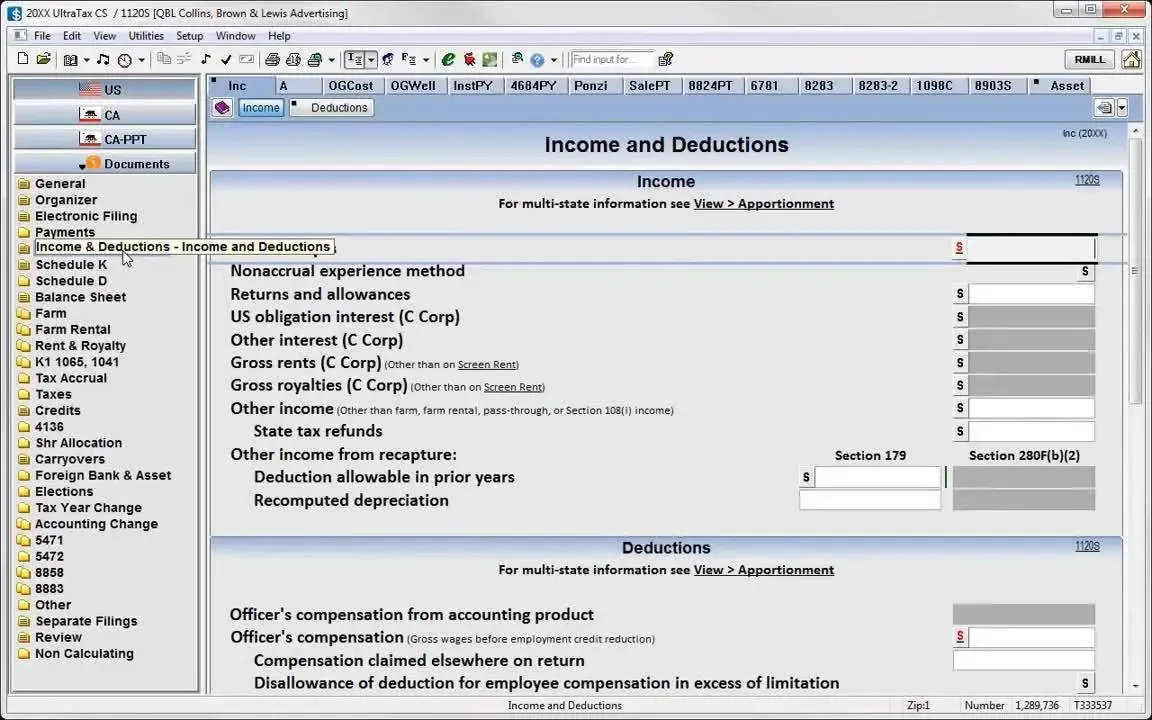
UltraTax CS is built for enterprise and multi-office CPA firms that need more than just tax prep: compliance, workflow, document management, and audit tools all under one roof. It’s part of the Thomson Reuters CS Professional Suite, so it’s tightly integrated with their broader accounting, payroll, and document management solutions.
Pricing: Custom quote, typically high four or low five figures annually.
- Comprehensive compliance and audit tools
- Centralized client and engagement management
- Strong document management and integration
- Expensive for smaller firms
- Steep learning curve for staff
- Vendor lock-in with the CS Suite
3. Drake Tax (Best for affordable tax prep)
Drake Tax is the budget-friendly workhorse of tax software. It is popular with solo practitioners and small firms thanks to its flat pricing model (unlimited returns for one annual fee), fast return processing, and straightforward e-filing.
Pricing: $1,825/year for unlimited returns.
- Unlimited returns at a fixed price
- Fast data entry and e-filing
- Reliable for core tax prep
- Minimal workflow automation
- Desktop-first, not fully cloud-based
- Interface is dated
4. ProSystem fx (Wolters Kluwer) (Best for complex tax workflows)
ProSystem fx is designed for firms tackling the most complex tax and compliance scenarios, such as multi-entity, multi-state, and international filings. It’s a favorite among large and mid-sized firms that need deep form coverage, audit support, and custom reporting.
Pricing: Custom quote, varies by modules and firm size.
- Comprehensive tax and compliance features
- Advanced diagnostics and reporting
- Strong integration with CCH suite
- Steep learning curve and long implementation
- High annual costs with add-ons
- Customization limited to Wolters Kluwer boundaries
5. TaxWise (Best for multi-location firms)
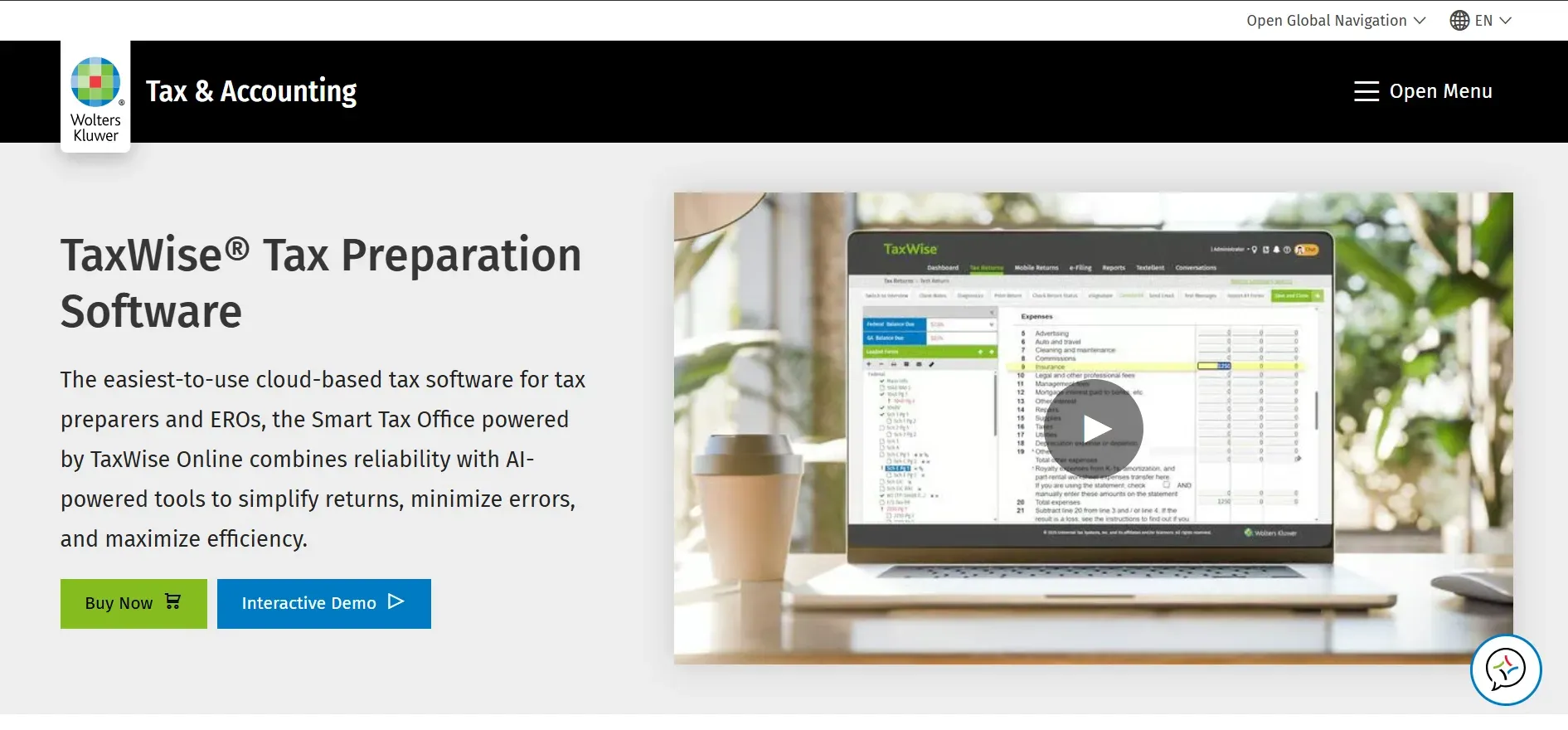
TaxWise is built for firms operating across multiple offices or locations, or those who hire seasonal staff. Its focus is on managing high volumes of individual returns, with tools for e-filing, user management, and remote access.
Pricing: $1,500/year for unlimited individual returns.
- Scalable for multi-location operations
- Unlimited returns at fixed price
- Remote access and user management
- Basic practice management features
- Clunky interface
- Business modules cost extra
6. Canopy (Best for all-in-one practice management)
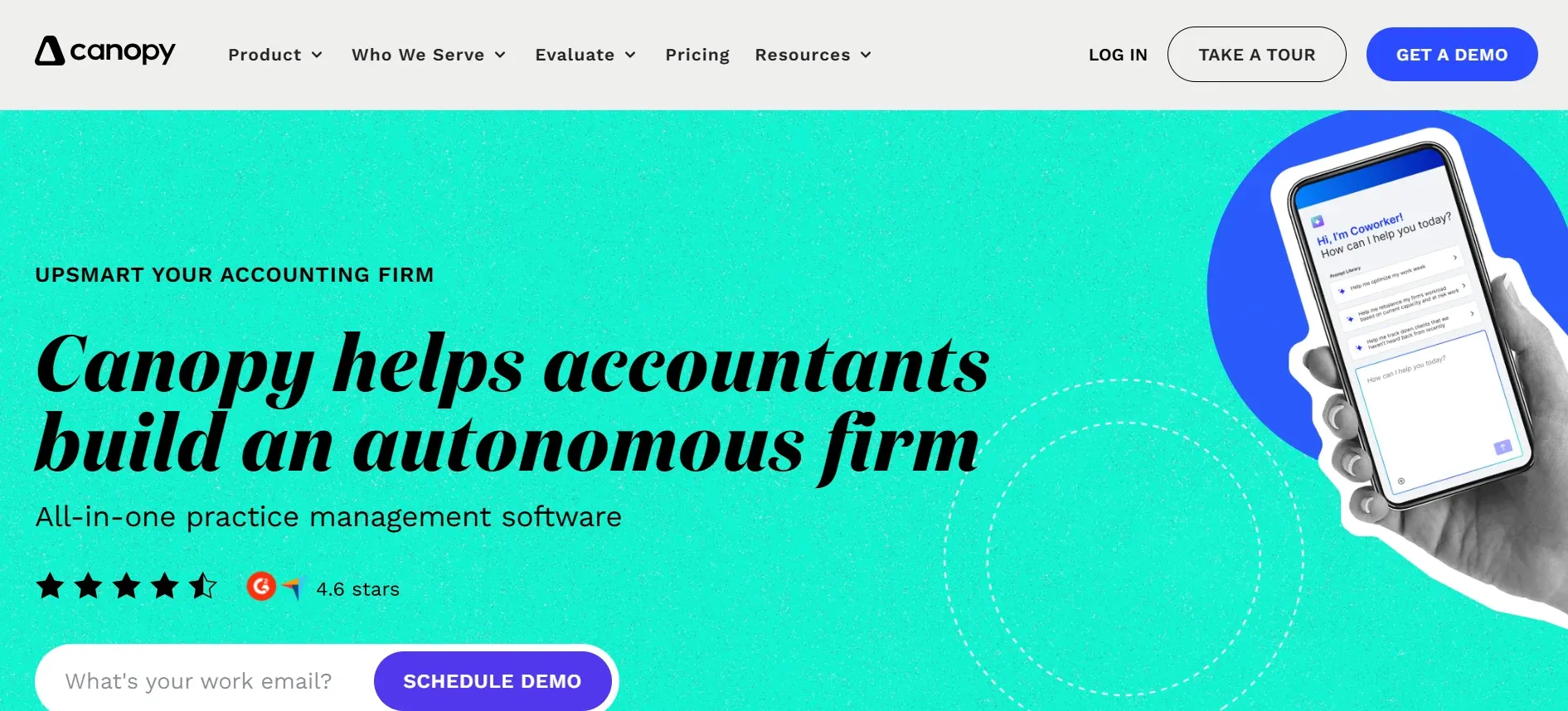
Canopy is a modern SaaS platform that aims to be the all-in-one solution for accounting firms, covering client management, workflow, document sharing, e-signature, billing, and communications. Compared to Jetpack Workflow, Canopy offers a broader feature set and a much more modern interface, but you still pay per user and for higher-tier features.
Pricing: Starts at $2,400/year for small teams, with per-user pricing.
- Unified client experience and portal
- Modern UI and workflow automation
- Strong integrations with cloud tools
- Advanced features locked behind higher plans
- Per-user pricing adds up as you scale
- Some tax workflows require third-party tools
If you want to own your features and avoid forced upgrades, a custom Devaims build gives you lasting control.
7. Karbon (Best for collaborative workflow)
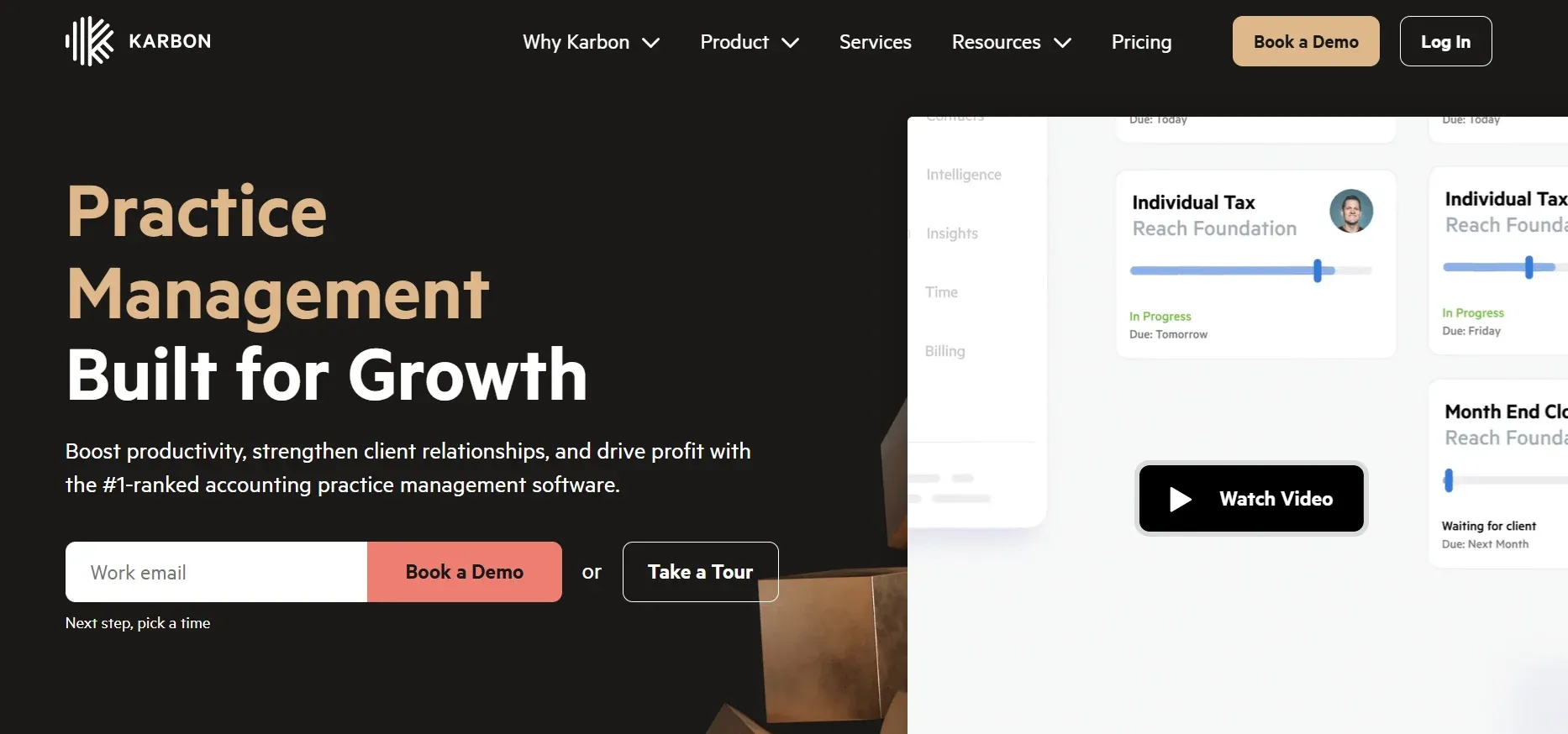
Karbon is a workflow and collaboration platform built specifically for accounting firms with distributed or remote teams. Its unique strength is in blending workflow management with communication, linking emails, tasks, and client information so teams always have full context. Compared to Jetpack Workflow, Karbon is more collaborative, with real-time updates and threaded discussions.
Pricing: $59/user/month, higher for advanced plans.
- Excellent collaboration and communication tools
- Shared inbox and workflow templates
- Integrations with major cloud platforms
- Costs increase quickly with team size
- Some automations only in premium plans
- Customization limited to templates
8. Xero Practice Manager (Best for cloud bookkeeping and global teams)
Xero Practice Manager is a cloud-first workflow and practice management tool, tightly integrated with Xero’s accounting suite. It’s especially popular with firms serving clients in multiple countries or with remote teams, thanks to its global accessibility and strong task tracking.
Pricing: $149/month, per-user pricing applies.
- Cloud-based and accessible globally
- Strong task and time tracking
- Good integrations with Xero and cloud tools
- Best for bookkeeping, not deep tax work
- Some automations require third-party integrations
- Reporting less customizable than some competitors
9. Devaims (Own your workflow, custom-built)
Devaims builds custom workflow platforms for accounting firms who are done with per-seat fees, forced upgrades, and renting someone else’s roadmap. You get your own code, your own features, no more paying for features you never use or losing sleep over surprise hikes. Devaims platforms are built to match your exact processes: every workflow, automation, dashboard, and report is designed around how your team actually works.
Pricing: One-time build cost, then predictable maintenance. No per-user or per-client fees.
- Fully custom workflow automation and client portals
- Integrations with any system you use
- Unlimited users, clients, and storage, no extra fees
With Devaims, you finally run your software, not the other way around.
Other Jetpack Workflow alternatives worth knowing
- CCH Axcess: Strong for enterprise compliance and cloud access, but less flexible or affordable for smaller firms. It’s a solid solution for large, multi-office practices needing advanced audit trails and security.
- Intuit ProConnect: Great for remote tax prep and direct e-filing, but limited workflow and practice management features. Useful for smaller tax-only shops or those seeking cloud-based tax prep.
- FreshBooks: More a bookkeeping and invoicing tool than a workflow platform, limited for tax or audit teams, but suitable for small business accountants or freelancers.
How to choose the right Jetpack Workflow alternative
- By budget: If cost control matters, watch for per-seat and per-return fees that add up at scale. Consider the five-year total cost of ownership, not just the monthly price.
- By workflow complexity: Deep tax shops may want Lacerte or ProSystem fx; process-driven teams may need Karbon or Canopy. If your workflow is unique or evolving, only a custom build will truly fit.
- By firm size: Large firms often require more compliance tools, integrations, and support; smaller teams need simplicity and hands-on onboarding.
- By integration needs: If you rely on QuickBooks, Xero, or other core systems, their practice tools can make sense, but come with limits on workflow automation and reporting.
- By ownership goals: If you want to end the rent cycle and control your destiny, custom software like Devaims is the only way to truly own your stack and your data.
If you’re tired of recurring fees and want to own your workflow outright, keep reading for what a custom build looks like for your practice.
Stop paying rent on software you could own
Every Jetpack Workflow alternative on this list shares one thing: you’re still renting. The vendor sets the features, the pricing, and the roadmap, and you keep paying, year after year, for the privilege of access. As your firm grows, so do the fees. What if, instead, you paid once to build exactly what your team needs, and owned it forever?
Devaims builds custom workflow and practice management platforms for accounting firms. You get the source code, the IP, and every feature is tailored to your process. No more per-seat, per-return, or forced upgrade fees, just a flat maintenance cost you control. When you own your workflow, your data stays yours, and your team’s ideas actually get built in.
How the cost math works: Most workflow platforms charge you every month for every user or client. Over five years, that adds up, especially if your headcount grows or you take on more clients. With Devaims, you pay once for the build and then a predictable maintenance fee. For a 10-person firm paying $7,000/year for workflow software, that’s $35,000 over five years, often more than the cost of a custom platform you fully own. Every year after that, you’re saving money, with no risk of price hikes or forced upgrades.
Other ownership advantages:
- You control your data and privacy, no more vendor lock-in or export headaches
- You set the roadmap: features, integrations, and automations get built for you, not for the vendor’s biggest customer
- No risk of your platform being sunset, acquired, or changed out from under you
- Compliance, security, and branding are in your hands
| Tool | Ownership | Recurring user/return fees? | Custom workflows? |
|---|---|---|---|
| Lacerte | No | Yes | No |
| UltraTax CS | No | Yes | Limited |
| Karbon | No | Yes | Within templates |
| Devaims | Yes | No | Fully custom, you own it |
Here’s the five-year math for a 10-person firm paying $7,000/year for workflow software:
| Year | Rent (cumulative) | Own (cumulative) |
|---|---|---|
| 1 | $7,000 | $32,500 |
| 2 | $14,000 | $35,300 |
| 3 | $21,000 | $38,100 |
| 4 | $28,000 | $40,900 |
| 5 | $35,000 | $43,700 |
In year 5, you break even. Every year after, you save, while the platform is yours, forever. The bigger your team, the faster you get ahead. For fast-growing or mid-sized firms, ownership often pays off in 3 to 4 years, not five.
Firms with steady headcount or growing teams see the most value from ownership. If you want to keep your practice nimble, protect your data, and finally stop paying rent, Devaims is the call.
How to switch from Jetpack Workflow
- Export your existing workflow data, contacts, and client files from Jetpack Workflow. Most platforms offer CSV or Excel exports, but custom fields, notes, and documents may require manual downloads or API access.
- Identify and select your new workflow platform, or scope your custom Devaims build. Evaluate your needs, budget, and must-have integrations. For custom builds, Devaims runs workshops to map your processes and requirements.
- Import client, project, and historical data into the new tool. Data mapping is often needed to align fields and relationships. Some platforms offer migration tools or services; for custom builds, Devaims handles this for you, ensuring all relevant data is preserved.
- Reconnect payment processors, e-signature, and any needed third-party integrations. This is critical for client experience and ongoing operations. Devaims builds custom integrations as needed, while off-the-shelf tools rely on their supported connectors.
- Train your team on the new system’s workflows and automations. Plan for hands-on onboarding sessions, documentation, and support. For custom builds, training is tailored to your real processes.
- Run both systems in parallel for at least one billing cycle. This reduces risk and lets you catch missing data or process gaps before full cutover.
- Review your old Jetpack Workflow contract for cancellation requirements and final data retention. Some vendors require notice, final payments, or limit data access after cancellation.
With a custom Devaims build, the migration is handled as part of the project, including data mapping, integration, and user training.
Frequently asked questions
What is the best Jetpack Workflow alternative for tax-heavy firms?
Lacerte and UltraTax CS are strong choices for firms that need deep tax compliance and complex form handling. Lacerte is better for high-volume individual and business returns, with fast batch processing and strong Intuit integrations. UltraTax CS excels in multi-office, enterprise environments, with advanced compliance, document management, and audit tools. Both offer more features for tax teams than Jetpack Workflow, but come with higher annual costs and less flexibility for non-tax workflows.
What is the cheapest Jetpack Workflow alternative?
Drake Tax is among the most affordable, especially for firms that want unlimited returns at a fixed price. It’s a great value for solo CPAs or small teams focused on tax returns, but lacks full workflow automation and practice management features. For low-budget workflow management, some firms use Trello or Asana, but these lack compliance and audit support.
Is there a free Jetpack Workflow alternative?
There are no fully free alternatives that match Jetpack Workflow’s feature set for accountants. Some small shops use Google Workspace, Trello, or ClickUp (on free plans), but these lack built-in compliance, security, and tax-specific features. For a system you own, a Devaims build is the only way to avoid recurring fees in the long run. Open-source tools exist, but migration, support, and compliance are major hurdles.
Which alternative is best for remote or distributed teams?
Karbon and Xero Practice Manager both offer strong cloud-based collaboration and workflow tools, making them good Jetpack Workflow alternatives for distributed firms. Karbon’s shared inbox and team visibility features are especially useful for remote teams, while Xero Practice Manager’s cloud-first design makes it easy to manage global clients and staff. Canopy is also a solid option for remote collaboration, with secure client portals and integrated messaging.
When should I switch from Jetpack Workflow?
If your fees are spiking, features you need are locked behind upgrades, or you want to own your workflow and data, it’s time to look at Jetpack Workflow alternatives, including custom builds like Devaims. Other signs: your team relies on manual workarounds, you’re hitting integration limits, or you’re concerned about vendor stability or data privacy.
Can I keep my historical data when switching?
Most alternatives allow data import, but the process can be manual or require custom mapping. Jetpack Workflow offers basic exports, but you may lose some custom fields or workflow logic. With a Devaims build, migration is handled for you so your team transitions smoothly, and all relevant data, including documents, notes, and custom fields, can be preserved and mapped to your new workflows.
How does Devaims compare to renting Jetpack Workflow?
With Devaims, you pay once to build and then a small maintenance fee, instead of perpetual per-seat or per-return charges. Over five years, you own your platform, save money, and get exactly the workflows you need. The main consideration is a higher upfront investment and the need for clear process definition, but the long-term savings, flexibility, and control are unmatched. You’re never subject to forced upgrades, price hikes, or vendor lock-in.
The bottom line
Most Jetpack Workflow alternatives are still rented, recurring fees, forced upgrades, and features you may never use. Here’s the real test: add up what you’ll pay over five years. If that number could have built you a platform you own, you’re ready to make the switch.
Owning your workflow isn’t just about saving money, it’s about building a practice that runs on your terms. Once you control your software, you control your future. With a custom platform, your firm’s needs, not a vendor’s roadmap, come first.
Looking for more? Explore the Devaims blog, or see our deep dives on Karbon alternatives and Xero Practice Manager alternatives.