


If you run a funeral home, you know the pain of paying for the same software month after month, and never truly owning it. FrontRunner Professional promises a full suite, but between opaque pricing, surprise add-ons, and the occasional menu glitch, it leaves plenty of directors asking if there’s a better way. Most alternatives look similar at first glance, but they all rent you back the same core features, sometimes with their own quirks and trade-offs.
Below, I’ll break down the 9 most credible FrontRunner Professional alternatives for 2026, call out the key strengths and gotchas of each, and show you what it looks like to actually own your system outright. If you’re tired of “per-case” fees, read to the end, there’s a way off the rent treadmill.
Why funeral homes look for FrontRunner Professional alternatives
Recurring fees add up fast. That monthly subscription might seem reasonable until you multiply it by every case, every location, and every year. A mid-size funeral business, especially one handling 200+ cases annually, can easily spend $30,000 to $50,000 or more in five years on software subscriptions alone. These costs often don’t include setup fees, training, or required add-ons for features like reporting or integrations. And when you factor in possible price increases, the true cost can be even higher. This is money you’ll never get back, and you never own the product you’re paying for.
Glitches at the worst moment. When a grieving family is waiting, the last thing you want is a project menu that needs three clicks to load right. Even minor bugs, like slow-loading case files or unreliable form fills, can throw off your flow and impact the family’s experience. Some users report workflow interruptions due to interface quirks or system slowdowns, which can be especially frustrating during high-pressure moments.
Lack of pricing transparency. With FrontRunner Professional and many competitors, you often have to call for a quote. This makes it hard to budget or compare apples to apples with other platforms. Many providers avoid publishing their pricing because it varies widely based on the number of cases, users, or locations, and because they want to negotiate based on your perceived ability to pay. This lack of transparency can lead to surprises on your monthly bill.
Long-term contracts and setup fees. Some providers bury you in paperwork, setup costs, and minimum terms, making it tough to switch when a better option appears. Early termination fees, annual renewal requirements, and multi-year contracts are common. Even if you’re unhappy with the service, you may be locked in until your contract expires.
Feature gating and upcharges. Marketing tools, reporting, or even basic integrations are sometimes locked behind higher tiers. That’s a headache for managers who just want everything in one place. As your business grows or your needs change, you may find that essential features, like integrated accounting, advanced reporting, or third-party integrations, are only available at a much higher price point.
For anyone searching "FrontRunner Professional alternatives," the real goal is to escape these traps, not just swap one fee for another. The ideal is a system that fits your workflow, puts you in control of your data, and won’t inflate your IT budget year after year.
Quick comparison of the best FrontRunner Professional alternatives
| Tool | Best for | Starting price | You own it? |
|---|---|---|---|
| Osiris | Integrated case management | $100/month | No, subscription |
| CRaKN | Workflow automation | Quote only | No, subscription |
| FuneralTech | Website & digital tools | Quote only | No, subscription |
| PassageQuest | All-in-one simplicity | Quote only | No, subscription |
| FDMS | Legacy system users | Quote only | No, subscription |
| Aurora Funeral Solutions | Product integration | Quote only | No, subscription |
| MiMS | Small firms | Quote only | No, subscription |
| CIMS (funeral) | Mapping & records | Quote only | No, subscription |
| Devaims | Owning your system | One-time build | One-time build, you own it |
Always confirm current pricing before you decide. Fees shift fast in this space. And remember: the “starting price” often omits onboarding, support, or integration fees you’ll encounter after signing up.
The 9 best FrontRunner Professional alternatives
1. Osiris (Integrated case management)
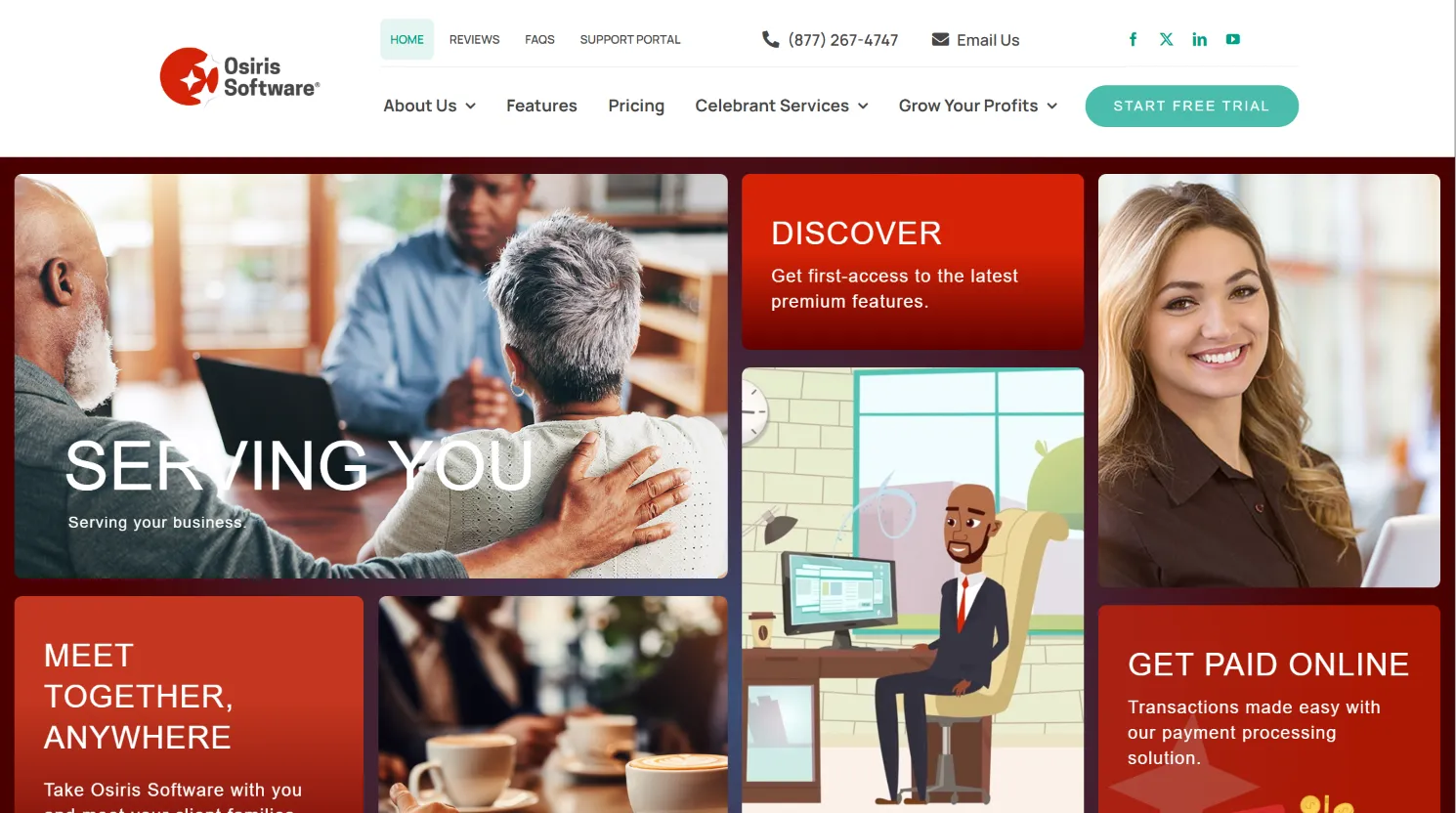
Osiris is a familiar name for funeral homes wanting solid case management, accounting, and reporting in one cloud-based platform. Osiris stands out for its clean, modern interface and relatively short learning curve. The dashboard is built for fast access to cases, contracts, and daily tasks. Accounting features, such as invoicing, payment tracking, and basic financial reporting, are integrated into the core system, reducing the need for third-party tools.
Osiris supports multi-location management, which is vital for growing operations. Its cloud-based nature means you can log in from any device, a notable advantage over older, on-premise systems. Integrations include QuickBooks for accounting and several payment processors, but custom integrations may require additional fees or technical support.
Migration from FrontRunner to Osiris is generally straightforward, especially if your data is structured and exportable in standard formats. However, some users report friction with importing historical data, particularly custom fields or scanned documents, which may need manual intervention.
Pricing: Starts at $100/month (see SoftwareAdvice). Add-ons for features like advanced reporting, SMS notifications, or integrations can increase the monthly price. Expect onboarding or training fees for multi-user setups.
- User-friendly dashboard with customizable views.
- Built-in accounting and reporting tools reduce need for external software.
- Cloud access from any device, helpful for directors on the go.
- Reasonable migration process from other mainstream platforms.
- Recurring subscription, no ownership. You lose access if you stop paying.
- Occasional software glitches, especially in menus and with bulk data updates.
- Pricing for add-ons not always clear, so your total cost can creep up.
Use case: Osiris is ideal for funeral homes ready to modernize their operations but who are not yet prepared to invest in a fully custom, owned solution. It’s a solid step up from legacy software, especially for firms with multiple locations or a need for integrated accounting.
On software you owned, every new user or case would cost you nothing. No upcharges for scaling up.
2. CRaKN (Workflow automation)
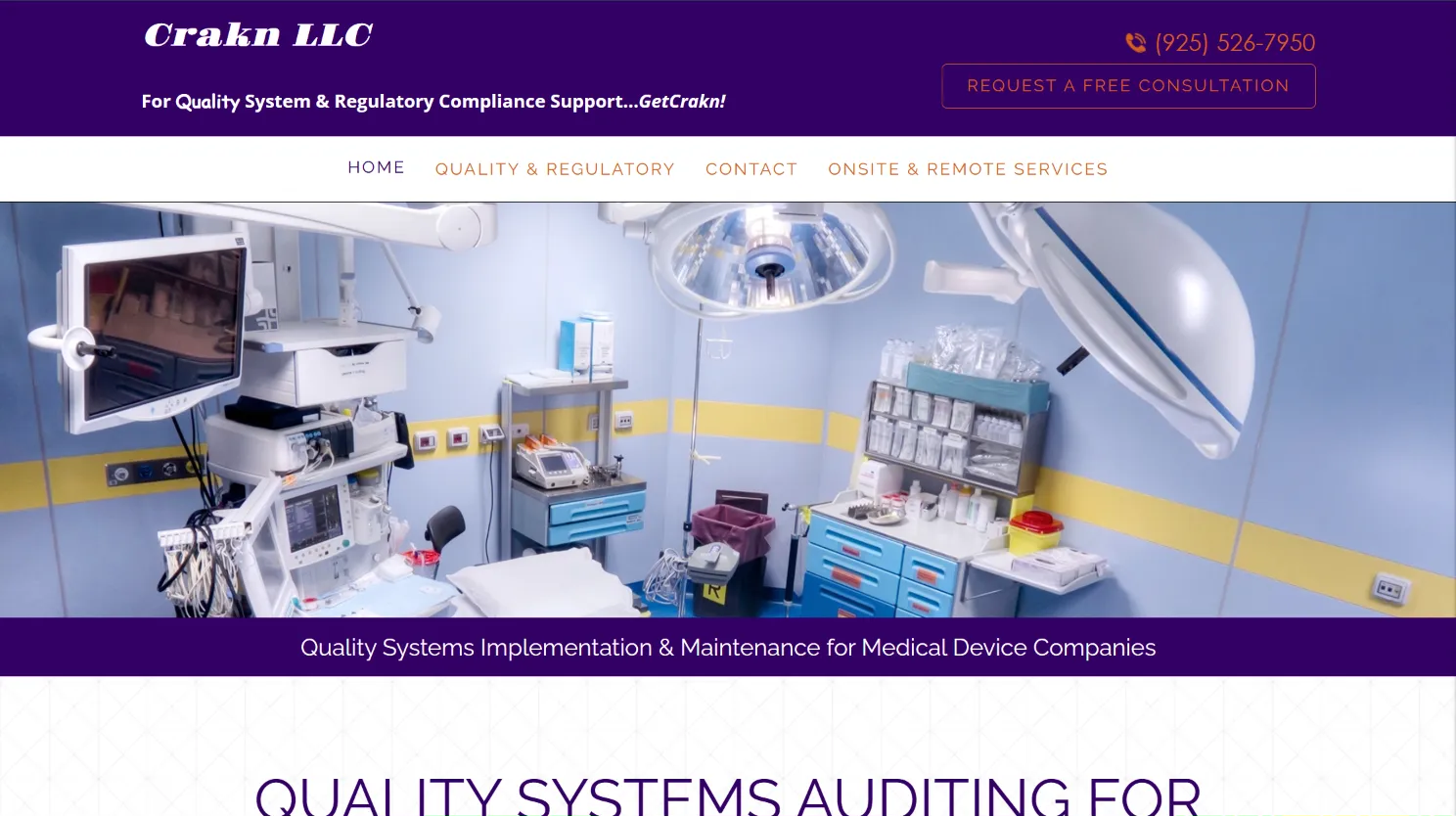
CRaKN stands out for its workflow automation, helping funeral homes streamline repetitive tasks and reduce manual errors. CRaKN offers a highly customizable workflow builder, which lets you define processes for everything from case intake to compliance reporting. The system supports automated notifications, task assignments, and document management, all from one central dashboard.
CRaKN integrates with several industry-standard tools, including accounting packages, digital signature providers, and obituary publishing platforms. Its API allows for custom integrations, though advanced connections may require technical help or incur additional costs.
Migration from FrontRunner can be smooth if your data is well-organized, but some users mention challenges mapping custom workflows into CRaKN’s system, as there can be differences in terminology or process steps. CRaKN’s support team is generally responsive during onboarding.
Pricing: By quote only (SoftwareAdvice). Pricing is tiered based on users, features, and possibly case volume. Extra automation modules or integrations may add to your monthly cost.
- Strong automation tools to reduce repetitive work.
- Customizable workflows for unique business processes.
- Responsive support and onboarding assistance.
- Integrates with popular accounting and digital signature tools.
- No public pricing, must request a quote, making budgeting hard.
- Subscription-based, never owned. Access ends if your subscription lapses.
- Advanced features may cost extra, and heavy customization can result in higher fees.
- Workflow builder, while flexible, may require training for optimal use.
Use case: CRaKN is best for funeral homes that operate at higher volumes or across multiple sites, where workflow efficiency and automation can drive real savings. It’s also a good fit for operations with strict compliance requirements or those seeking to reduce manual entry errors.
When you own your platform, you call the shots on features and integrations. They’re yours, not rented out by the month.
3. FuneralTech (Website & digital tools)
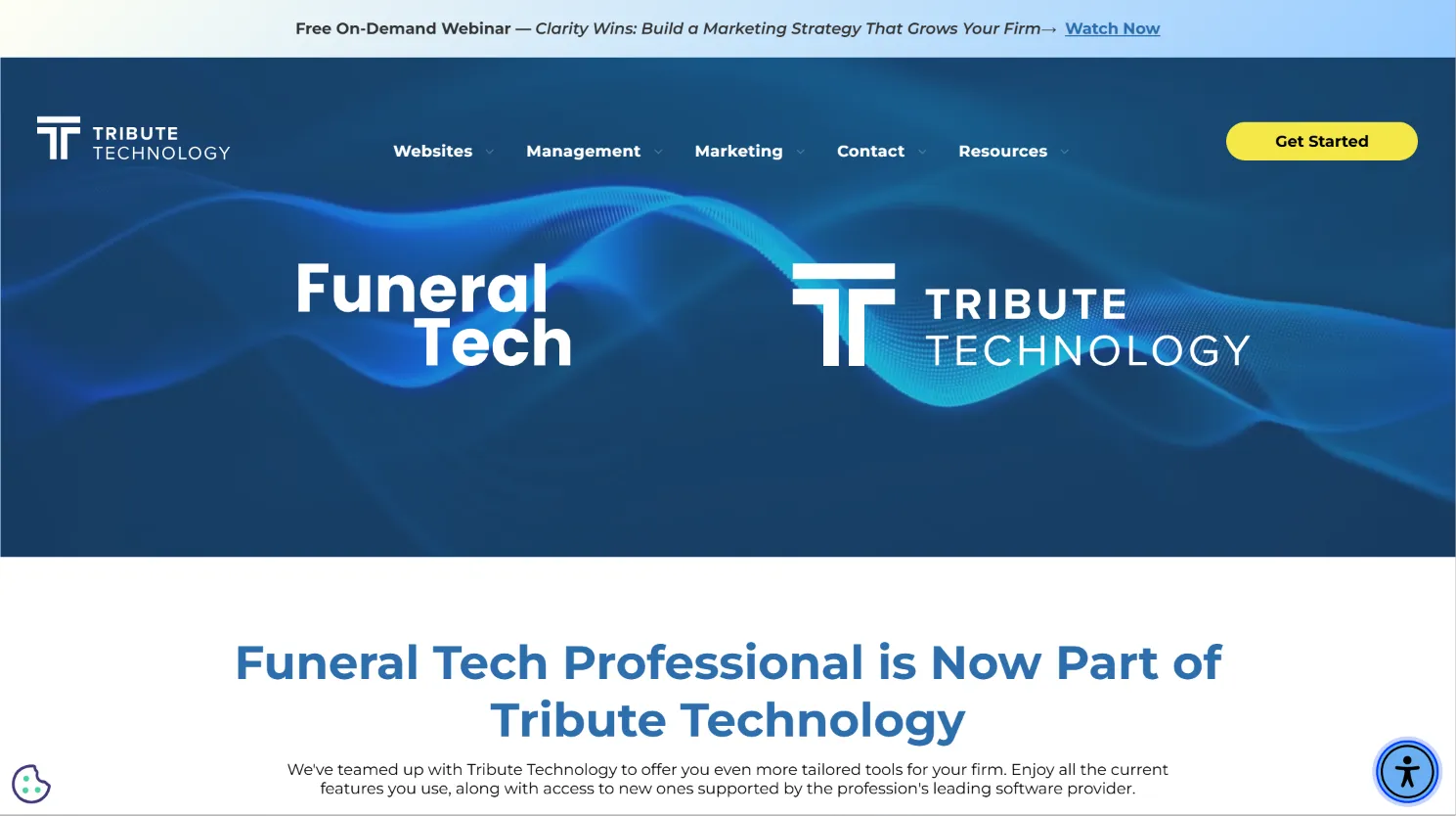
FuneralTech is best known for its modern, mobile-friendly websites and digital memorial tools. Their platform offers customizable website templates, online obituary hosting, tribute video creation, and e-commerce for flower sales and donations. FuneralTech’s web design is more polished than FrontRunner’s, and their tribute pages are popular with families seeking a digital presence for loved ones.
FuneralTech integrates with several case management systems, though deep integrations may require additional negotiation or technical support. Marketing features, such as SEO optimization, email newsletters, and analytics, are available but may cost extra depending on your plan.
Migration usually involves importing obituary data, tribute pages, and, if needed, transferring domain names. For funeral homes heavily invested in another provider’s website, the process can be time-consuming and may lead to temporary downtime.
Pricing: Quote only. Pricing depends on website complexity, number of features, and whether you use their case management or just the web tools. Expect onboarding and design fees, plus possible charges for premium integrations or e-commerce modules.
- Modern website design and responsive templates.
- Digital guestbooks, online tributes, and video creation.
- Marketing and analytics tools for growing your online presence.
- Option to integrate with other management platforms.
- Pricing not disclosed publicly. Total cost can be hard to estimate.
- Website features tied to active subscription. You lose access if you switch.
- Some features require higher tiers or custom development.
- Limited control over hosting and data export.
Use case: FuneralTech is ideal for funeral homes seeking to modernize their digital presence, attract more families online, or offer enhanced memorial experiences. It’s a strong choice if web marketing and online tributes are a priority.
4. PassageQuest (All-in-one simplicity)

PassageQuest offers a unified, all-in-one software suite covering case management, contracts, scheduling, inventory, and reporting. Its main appeal is simplicity, one login for your entire operation, with a focus on ease of use for staff who may not be tech-savvy.
PassageQuest’s interface is clean, with guided workflows and dashboards for tracking case progress, tasks, and financials. Integrations include basic accounting software, email providers, and some third-party obituary publishers. However, the platform is less customizable than some competitors, so unique workflow needs may not be addressed out of the box.
Migration is usually handled by their team, but exporting data from FrontRunner and importing into PassageQuest can be time-consuming if your records are complex or contain custom fields.
Pricing: Not published. Contact for details. Expect a monthly or annual subscription, with potential fees for onboarding, data migration, and premium modules (e.g., advanced reporting or multi-location support).
- Easy onboarding and staff training.
- Unified dashboard for all core operations.
- Support for multiple locations and roles.
- Good customer support and guided migration.
- Opaque pricing structure. Total cost can escalate with add-ons.
- No ownership or export guarantees. Your data lives on their servers.
- Customizations may be limited compared to more technical platforms.
- Some users report slower innovation on feature updates.
Use case: PassageQuest is best for small to midsize funeral homes seeking a simple, all-in-one system with minimal IT overhead. It’s a good fit for teams who want to avoid juggling multiple software tools.
5. FDMS (Legacy system users)
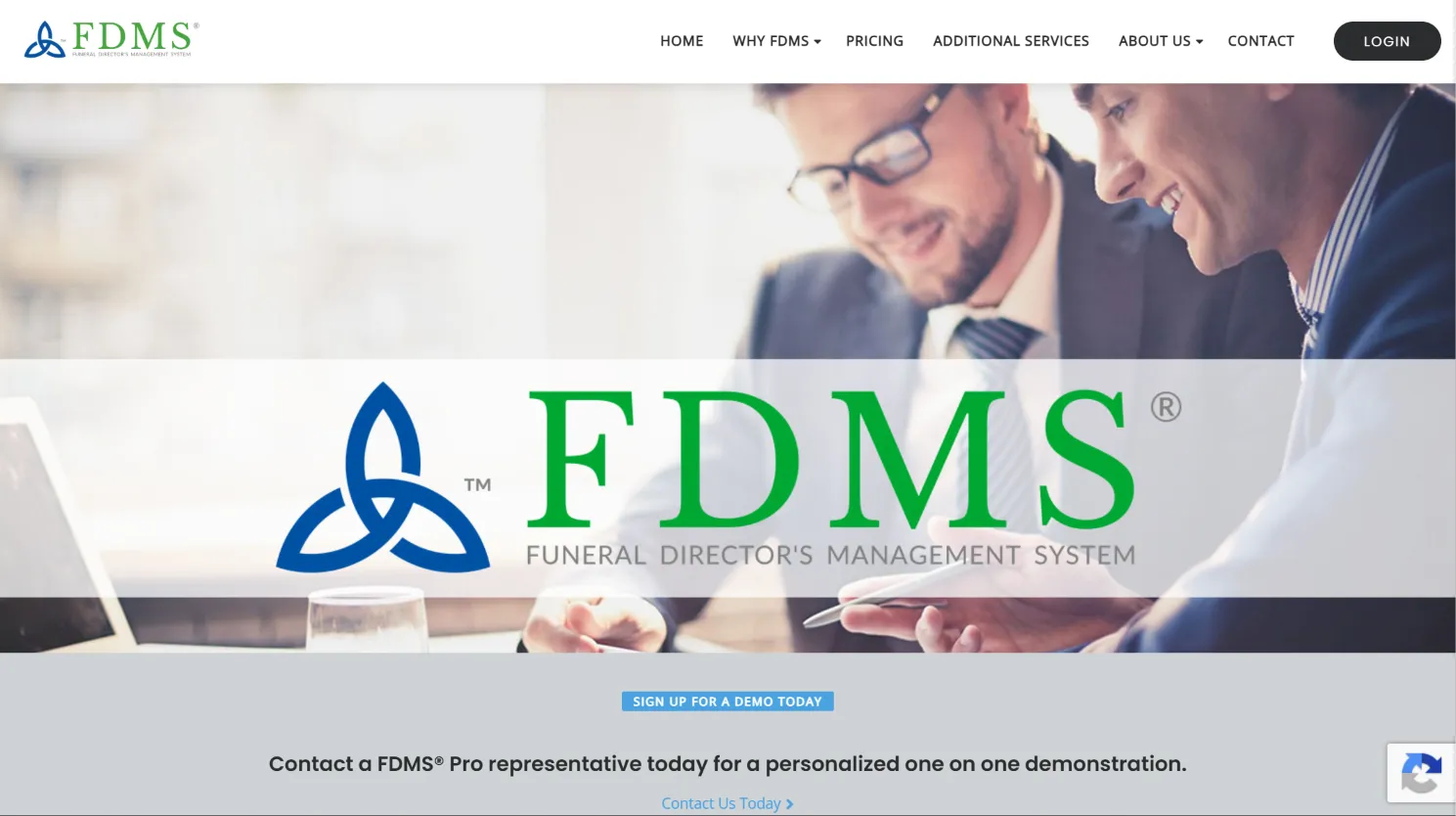
FDMS is a mainstay for funeral homes with legacy systems, offering time-tested tools for records, contracts, compliance, and workflow. FDMS is known for its reliability and long history in the industry, making it a trusted choice for firms reluctant to switch to newer, cloud-only platforms.
The interface is utilitarian and may feel dated compared to other options. However, its strength lies in robust recordkeeping, contract management, and support for regulatory compliance. FDMS integrates with some accounting software and can export reports in common formats. However, integrations with modern web tools or marketing platforms are limited.
Migration from FrontRunner is possible, but you may lose some data granularity or custom fields if your records are non-standard. FDMS support can assist with data transfer, but manual review is recommended.
Pricing: Contact for quote. Expect a monthly or annual subscription, with possible fees for support, data migration, or upgrades to new modules.
- Reliable for established funeral homes with traditional needs.
- Decades of industry use and proven compliance support.
- Good for firms with legacy data and minimal need for web integrations.
- Older interface that may require more training for new staff.
- No public pricing, making cost comparison difficult.
- Limited customization and integrations with modern tools.
- Primarily focused on traditional funeral home workflows.
Use case: FDMS is best for funeral homes that value stability, industry compliance, and have long-standing data needs. It’s also a safe choice for those with complex legacy records or who want to avoid newer, less-tested platforms.
6. Aurora Funeral Solutions (Product integration)
Aurora Funeral Solutions is unique in that it ties your software directly to Aurora’s physical products, such as caskets, urns, and memorial items. This tight integration streamlines procurement, inventory management, and recordkeeping for homes that already use Aurora supplies.
The platform includes case management, product ordering, and compliance tracking. Aurora’s system is cloud-based, with a focus on connecting funeral homes to their supply chain. Integration with accounting and point-of-sale systems is available, but typically limited to Aurora’s product catalog.
Migration from FrontRunner or other systems is possible for core case data, but unique fields or non-Aurora inventory may require manual adjustment. The system is best suited for homes already loyal to Aurora; otherwise, its utility is limited.
Pricing: Not public. Inquire for details. Pricing is often bundled with product purchasing agreements, which can make it hard to compare to standalone systems. Expect ongoing subscription fees and possible onboarding costs.
- Simplifies ordering and inventory for Aurora customers.
- Integrated inventory management and compliance support.
- Industry-specific workflow for funeral homes using Aurora supplies.
- Tied closely to Aurora products. Not ideal if you use multiple suppliers.
- No ownership option. You rent the software as part of the product ecosystem.
- Customization may be limited to Aurora’s workflow.
- Less flexibility to change suppliers or product lines.
Use case: Aurora Funeral Solutions is best for funeral homes already partnered with Aurora for supplies, who want to streamline procurement and compliance while maintaining a single vendor relationship.
When you own your system, you aren’t locked into any single supplier or product line. You choose what fits your business.
7. MiMS (Small firms)
MiMS is designed for small and mid-sized funeral homes, focusing on simplicity, affordability, and the core essentials. The interface is straightforward, with modules for case management, scheduling, and basic reporting. MiMS is cloud-based and supports mobile access, which is helpful for small teams on the move.
Integrations are limited but include basic accounting and document storage features. MiMS does not offer deep customization or advanced integrations, which keeps it affordable but may be a limitation as your business grows. Data export is available, making migration to or from MiMS relatively painless.
Pricing: Not publicly listed. MiMS is known for affordable entry-level pricing, but costs can rise with additional users, locations, or premium support.
- Simple onboarding and intuitive interface for small teams.
- Clean design focused on core case management tasks.
- Affordable entry for small shops with limited IT resources.
- Data export options for future migration.
- Not as scalable for larger or multi-location firms.
- No published pricing, so true long-term costs may be unclear.
- No code ownership. You rent access to the platform.
- Feature set may lag behind more advanced competitors.
Use case: MiMS is ideal for new or small funeral homes that need a basic, affordable system without the complexity or cost of enterprise-grade software.
8. CIMS (funeral) (Mapping & records)
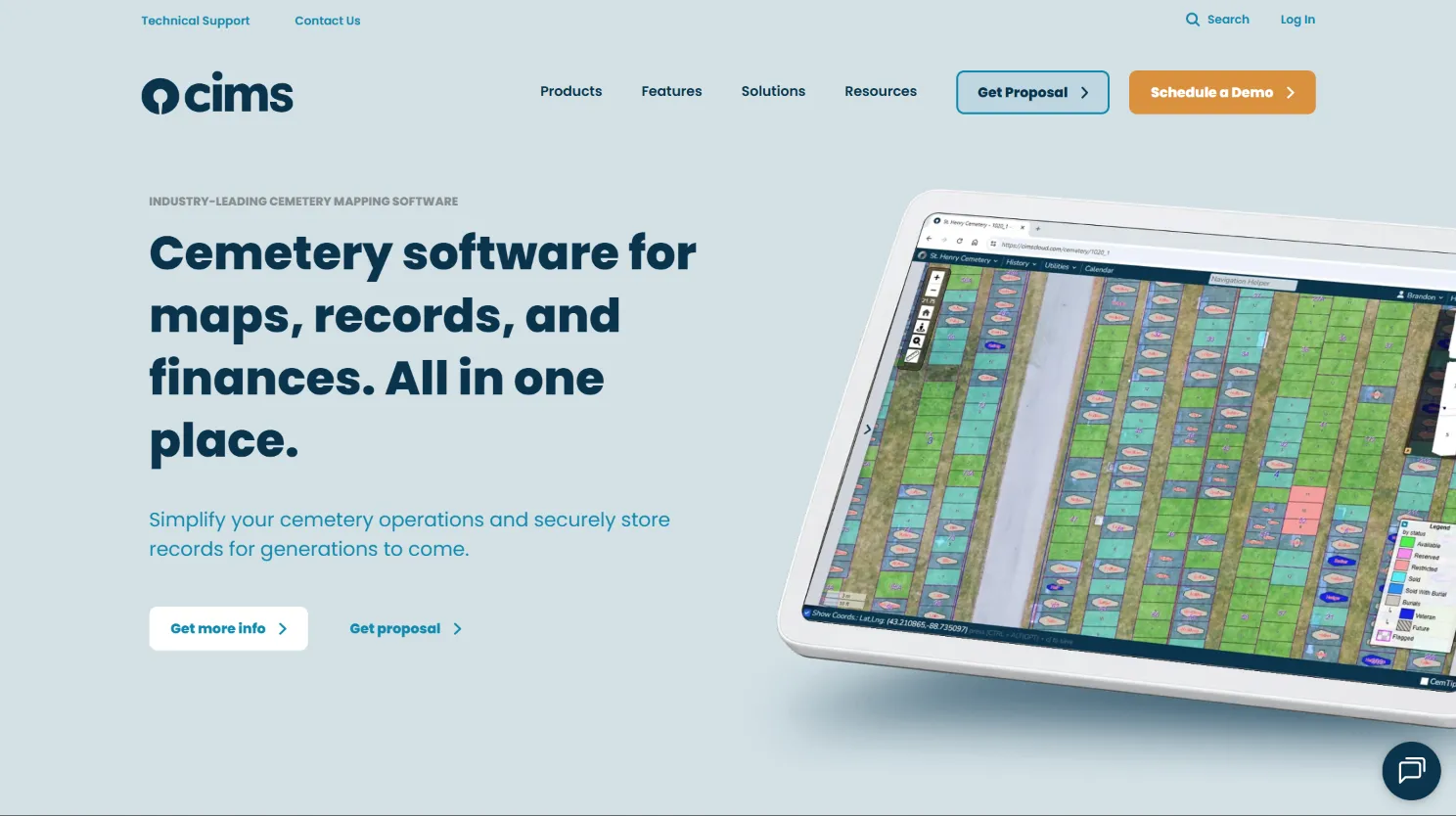
CIMS (funeral) is best known for its cemetery management and mapping technology, making it a strong fit for funeral homes that also manage cemeteries or columbaria. The system excels at digitizing cemetery maps, lot sales, and burial records, with a GIS-based interface for visual management.
Funeral home case management is available as an add-on, but the platform’s strength is in mapping and records. Integrations include GIS systems, accounting tools, and limited website publishing. For hybrid operators, CIMS can consolidate recordkeeping across funeral and cemetery operations.
Migration from FrontRunner is possible for standard case data, but cemetery-specific records may require manual mapping. Customization is available for mapping modules, but general funeral home workflow customization is limited.
Pricing: Not public. Request quote. Fees are typically based on the number of records, locations, and features needed. Expect setup charges for initial mapping and data import.
- Advanced mapping and GIS features for cemetery operators.
- Digitization of historical records and lot sales tracking.
- Good for multi-site and hybrid funeral/cemetery businesses.
- Focused more on cemetery management than funeral home workflow.
- Subscription only. No ownership or source code access.
- Feature set may not fit all funeral homes, especially those without cemetery operations.
Use case: CIMS is best for funeral homes that also manage cemeteries or require detailed mapping and records management. It’s ideal for operators wanting to digitize old records and visually track inventory.
9. Devaims (Owning your system)
Devaims is the only provider in this list where you pay once to build your custom funeral home platform and actually own the code. No more monthly rent, no per-user or per-case fees, and the system works the way you run your business, not the other way around.
Devaims projects begin with a thorough requirements analysis, mapping your current workflows, integrations, and reporting needs. The system is then built to your exact specifications, including custom forms, compliance modules, integrations with your chosen accounting, payment, and marketing tools, and any unique features you need. You receive the full source code and documentation, so you can host it wherever you choose, on-premise or in the cloud.
Migration is handled as part of the project: your historical data is cleaned, mapped, and imported into the new system, and your staff is trained on the new workflows. If you change suppliers, add new features, or expand to new locations, you’re never charged extra. Your system is yours to modify or extend as you see fit. Data ownership is absolute: you control every record, file, and workflow.
- You own the source code, forever. No ongoing rent.
- Built exactly to your workflow, not a generic template.
- No recurring rent: just flat, predictable maintenance for updates and support (optional).
- Integrates with your exact mix of suppliers, payment processors, and marketing tools.
- Scales as you grow, with no per-user or per-case upcharges.
- Data never locked in. You can move, export, or adapt as your business evolves.
Use case: Devaims is ideal for established funeral homes or groups ready to stop paying rent, achieve full control, and invest in a platform that grows with them. It’s especially valuable for firms with unique workflows, multi-location needs, or a desire to integrate deeply with other business systems.
With Devaims, you get a platform that’s yours to keep, adapt, and pass on. No lock-in, no hidden fees, just your system.
Other FrontRunner Professional alternatives worth knowing
- Tribute Management: Focused on tribute pages and guestbooks. Not a full management suite, but a good add-on for shops invested in digital memorials and online guest engagement.
- Bereave: Emerging tool for grief support and aftercare, but not a full case management system yet. Useful as a supplement for aftercare outreach.
- Gather: Modern cloud-based funeral home management with a focus on collaboration and digital arrangement. Worth considering for shops prioritizing family-facing digital experiences.
Some tools serve only regional or niche functions, like digital guestbooks, aftercare, or memorial donations, but don’t replace your core funeral home platform.
How to choose the right FrontRunner Professional alternative
- Budget: Add up monthly fees, per-user costs, and any setup or integration charges. If your shop is running 200+ cases a year, that “affordable” plan can balloon fast. Always ask for a five-year total cost-of-ownership comparison, not just the first invoice.
- Feature fit: Make a list of your non-negotiables, integrated accounting, mapping, online tributes, whatever truly drives your business. Don’t pay for bloat, but don’t settle for missing basics. Test critical workflows with a demo, not just a checklist.
- Scalability: Will the platform support a second location or double the case volume, or will every new user add another fee? Check if additional branches or staffers require premium licenses.
- Data control: If you leave, can you take everything with you? Can you own your data and workflows? Ask about data export formats, backup procedures, and whether your data is encrypted and portable.
- Contract terms: Watch for minimum terms, surprise setup fees, or “admin” charges that eat your budget. Read the fine print on cancellation, support, and upgrade policies.
If you’re tired of renting and want a platform that bends to your workflow, owning with Devaims is the next logical step.
Stop paying rent on software you could own
The core problem with every FrontRunner Professional alternative is that you’re still a tenant. Whether it’s Osiris, CRaKN, or a niche platform, you’re paying for access, never ownership. That means every new feature, staffer, or case is another line item on your monthly bill. And you’re always one price hike away from starting this search again.
Devaims builds custom funeral home software that you own, source code and all. Instead of renting, you invest once and get a platform built around your shop’s real workflow, integrations, and branding. No contracts. No per-case or per-user tolls. Just your business, your way.
- If subscription fees keep climbing, your custom Devaims solution means a flat, predictable cost. No surprises.
- If you’re tired of features locked to higher tiers, your owned platform puts every feature you need in your hands from day one. No upgrades required.
- If you’re frustrated by data lock-in or slow support, you keep your system, your data, and full control. No waiting months for a vendor to add a field or fix a bug.
| Feature | FrontRunner | Osiris | CRaKN | Devaims (owned) |
|---|---|---|---|---|
| Ownership | Subscription/rented | Subscription/rented | Subscription/rented | You own it, forever |
| Setup fees | Varies, not public | Unknown | Unknown | One-time build |
| Recurring cost | $200-400+/mo typical | $100+/mo | Quote only | Flat maintenance ($180/mo typical) |
| Contract | Often required | Unknown | Unknown | No contract |
| Custom workflow | Limited | Limited | Limited | Built for you |
Here’s what the real 5-year math looks like for a typical funeral home running 250 cases a year at $250/month (rented) or with a $30,000 build (owned):
| Year | Rented (cumulative) | Owned (Devaims) |
|---|---|---|
| 1 | $3,000 | $32,160 |
| 2 | $6,000 | $34,320 |
| 3 | $9,000 | $36,480 |
| 4 | $12,000 | $38,640 |
| 5 | $15,000 | $40,800 (now ahead) |
Break-even comes around year 5. After that, every dollar you would have sent to a SaaS provider stays in your shop. For growing firms, the gap widens every year, especially as you add locations or cases. And unlike rented solutions, your maintenance costs with Devaims remain flat and predictable, with no forced upgrades or surprise increases.
If you plan to be in business for more than a couple of years, or want a system that grows with you, owning is the move that stops the rent clock for good.
How to switch from FrontRunner Professional
- Export all your case records, contacts, and financials (FrontRunner allows CSV/Excel export for most data). Carefully review exported files for completeness and note any custom fields or attachments that may need manual handling.
- Choose your new platform or your custom Devaims build. Schedule discovery calls with any vendor to discuss migration specifics, not just sales features.
- Import legacy data into the new system. Map fields carefully to avoid data loss. Many platforms offer import tools, but complex records or scanned documents may require manual entry or professional help.
- Reconnect payment processors, printers, and third-party integrations. Test every integration before going live, especially if you depend on real-time payments or regulatory reporting.
- Train your staff on new workflows and features. Consider appointing a “super user” to champion the transition and gather feedback from your team.
- Run both systems in parallel for a 1 to 2 week “burn-in” period to catch anything missed. Use this time to compare reports and ensure no active cases slip through the cracks.
- Review your old FrontRunner contract for cancellation terms and ensure all data is archived. Keep backups of all exported data for regulatory and business continuity purposes.
With a custom Devaims build, the migration is handled as part of the project. The team works with you to map every field, clean up legacy data, and ensure a smooth transition with no business interruption.
Frequently asked questions
What’s the best FrontRunner Professional alternative for small funeral homes?
MiMS is often favored by smaller shops for its simplicity and lower entry cost. Its straightforward design and affordable price make it accessible for newer or single-location funeral homes. However, you’re still renting the platform and may face growing fees as your business expands. For full ownership and long-term savings, Devaims is the only option where you keep the code, and your monthly costs remain flat no matter how you grow.
Which alternative is cheapest over five years?
On paper, MiMS or Osiris might look cheaper in the short term because of low monthly rates. However, their fees add up fast as you add users or cases, and any price increases are out of your control. Over five years, owning your system with Devaims almost always comes out ahead for any shop with 200+ cases a year. The break-even point arrives sooner if you expand or need advanced features.
Is there a free alternative to FrontRunner Professional?
There are no truly free, full-featured funeral home management platforms. Some tools, such as open-source CRM or general business management software, offer free versions, but these lack funeral industry-specific features like compliance reporting, digital tributes, and case tracking. Some vendors offer free trials or limited-feature demo accounts, but for serious operations, expect to pay, or build your own with Devaims and avoid ongoing rents entirely.
Can I keep my historical data if I switch?
Most platforms let you export data, but formats vary and not all fields may transfer cleanly. Attachments, scanned documents, or custom case notes may require special handling. Devaims ensures your data is imported, mapped, and owned by you. No lock-in or export headaches. You receive all your records in standard formats, and the system is designed to preserve historical data for regulatory and business continuity needs.
What is the biggest pain point with FrontRunner Professional?
It’s the combination of unclear fees, required contracts, and small glitches that slow your work. Many funeral home owners mention frustration with surprise charges for add-ons, slow support for minor bugs, and the feeling of being locked into a system that doesn’t fully adapt to their workflow. That’s why so many owners search for "FrontRunner Professional alternatives" each renewal cycle.
What’s the break-even point for building vs renting?
For a typical funeral home, the break-even point for building vs. renting comes around year 5. After that, every year you stay rented means more money out the door with nothing to show for it. The math gets even more compelling if you add locations or increase your case volume, since owned systems don’t charge per user or per case.
Which alternative offers the most customization?
Devaims is the only one that builds your platform exactly to your specs and hands over the source code. All others are limited to what their subscription offers, and any customization is typically done at their pace and price. With Devaims, you decide what features, integrations, and workflows matter, and you own the results.
The bottom line
Osiris, CRaKN, and the rest all have their place, but every one of them keeps you on the rent treadmill. Here’s the single best test: add up what your platform will cost over the next five years. If that number could have built you something you own, you already have your answer.
Owning your funeral home software isn’t just about cost. It’s about control, flexibility, and never having to shop this list again. When you’re ready to stop paying rent, Devaims will build the system you keep.
Read more on the Devaims blog, or check out our other comparisons: Osiris alternatives, CRaKN alternatives, FuneralTech alternatives.