


$159.99 a month just to manage your congregation's data? For many churches, Servant Keeper starts feeling like a mortgage you never pay off. The moment you need more users or an extra module, the bill creeps up. And when you add up what you pay over a few years, you realize you don't even own the system, or your own data.
If you're looking for Servant Keeper alternatives, you're not alone. Most churches want flexibility, predictable costs, and a system that fits their ministry, not the other way around. In this guide, I'll break down the top alternatives, where each one shines, where they fall short, and why some churches are switching to a custom platform they actually own. Let's get into the real numbers, and why renting forever might be the biggest hidden cost of all.
Why churches look for Servant Keeper alternatives
Recurring SaaS costs add up fast. Even a 'basic' plan can run over $1,000 a year. Layer on add-ons, and your 5-year spend balloons. Churches are often surprised to see that their annual software spend rivals what they pay for physical utilities. This is especially true as they add more users, features, or storage, and discover surprise fees for "premium" capabilities.
Locked into contracts or hidden fees. Many church management systems (ChMS) require annual contracts, onboarding fees, or charge extra for integrations and storage. These costs are not always clear up front. A church may sign up expecting a $50/month commitment, only to discover that features like text messaging, advanced reporting, or mass email cost extra, or that exporting data for migration comes with a fee.
Features split across tiers. Essential functions, like advanced reporting, online giving, or mobile apps, are often gated behind higher-priced plans, forcing upgrades. For example, you may need to move to a "Pro" or "Enterprise" tier just to access volunteer scheduling or event registration, dramatically increasing your monthly spend.
Your data isn't truly yours. Exporting member data or switching providers can be painful. You rent the platform, but also your own ministry records. Some vendors provide only partial exports, or use proprietary formats that make migration to another system difficult. This lack of data portability can lock your church into a platform longer than you intend.
Scaling drives up costs. As your church grows, so do your per-user or per-module fees. What started as affordable quickly outpaces your budget. For ministries with seasonal surges (like Easter or Christmas), temporary increases in attendance can trigger pricing jumps. That's why so many search for Servant Keeper alternatives: to avoid outgrowing their tech stack or being penalized for growth.
Quick comparison of the best Servant Keeper alternatives
| Tool | Best for | Starting price | You own it? |
|---|---|---|---|
| Planning Center | Modular flexibility | $15/month/module | No |
| Church Community Builder | Large multi-campus | $150/month | No |
| Breeze ChMS | Simple, flat pricing | $72/month | No |
| Realm | All-in-one suite | $29/month | No |
| Pushpay | Giving and engagement | $99/month | No |
| Church Windows | One-time license | $399 | Partial (license, not code) |
| ChurchSuite | UK/EU churches | £15/month | No |
| Tithely | Online giving focus | $0 base, % per gift | No |
| Devaims | Full ownership & custom fit | One-time build | One-time build, you own it |
Always confirm current pricing before you decide, as vendors adjust rates and add-ons regularly. Some offer custom quotes based on your church's size and needs.
The 9 best Servant Keeper alternatives
1. Planning Center (Modular flexibility)
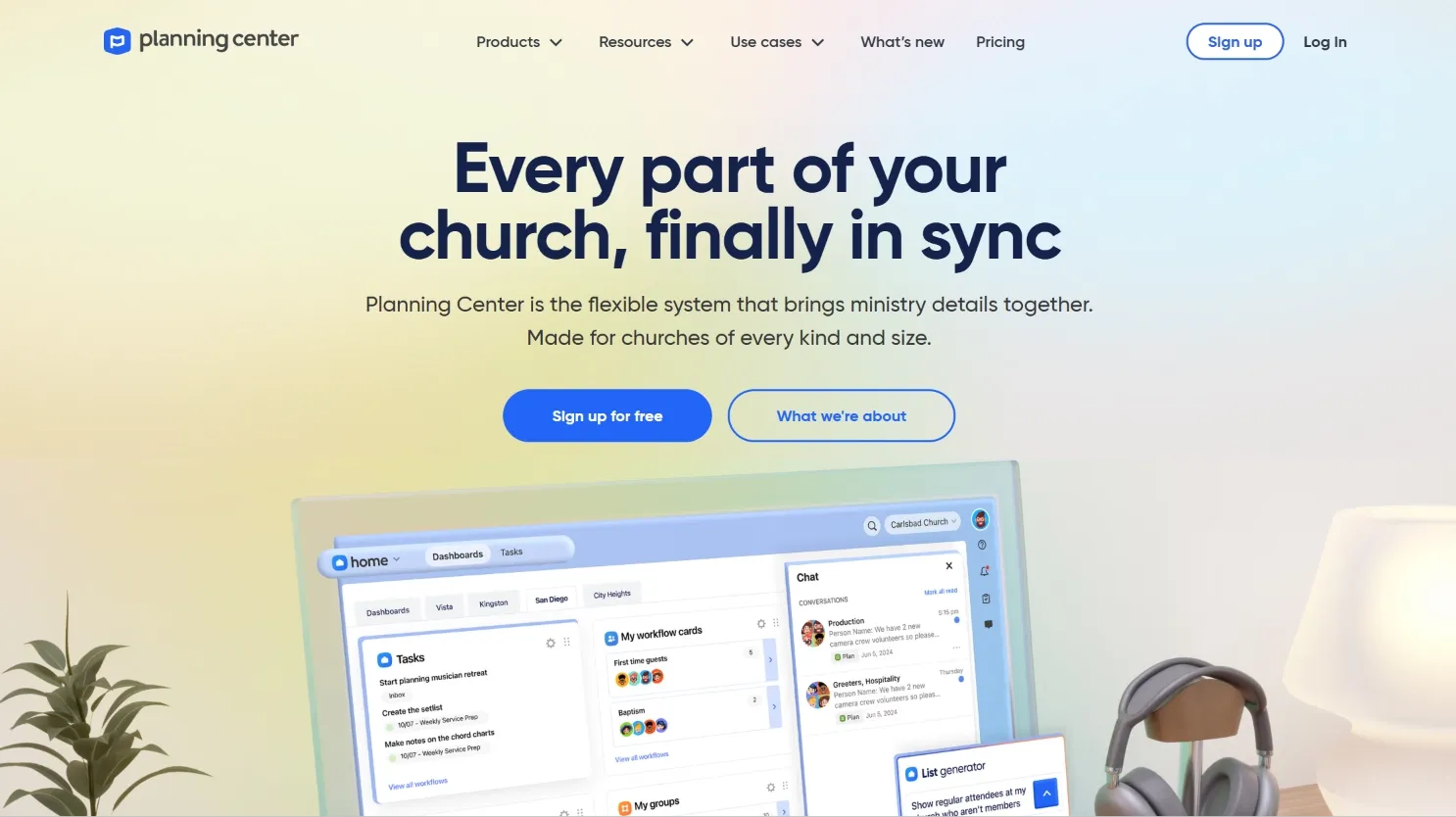
Planning Center is a leading choice for churches that want to assemble their own toolkit from specialized modules: People, Services, Check-Ins, Giving, Groups, Registrations, Resources, Calendar, Publishing, and Music Stand. Each module can be subscribed to individually, letting churches pay only for what they use. For example, a small church may start with just People and Giving, while a larger one might add Services and Check-Ins for worship planning and child safety.
Features: Planning Center's real strength is in its best-in-class worship planning (Services), fast check-ins for kids and volunteers, and flexible group/event management. Each module is developed to a very high standard, with regular updates and deep documentation. The platform is cloud-native, mobile-friendly, and supports unlimited user accounts (within the limits of your plan).
Integrations: Planning Center offers API access and integrates with a wide range of third-party tools, including Mailchimp, QuickBooks, and ProPresenter. Many churches use Zapier to connect Planning Center with other apps, and there are plugins for church websites built on WordPress or Squarespace.
Migration friction: Planning Center provides import tools for basic data (people, giving history), but complex migrations (notes, custom fields, group histories) may require manual work or professional help. Some churches report initial setup takes time due to the modular approach, determining which modules to use and configuring permissions for staff and volunteers.
Concrete use cases: Multi-campus churches use Planning Center to coordinate worship teams across locations. Mid-sized congregations rely on Check-Ins for secure children's ministry. Others use the Registrations module for event signups and payments.
Honest trade-offs: The biggest challenge is cost predictability. As you add modules, the total monthly bill rises. A church using five modules at the mid-tier pricing could pay $100/month or more. Some features (like text-to-church giving) require additional fees or integrations. You do not own your data or the platform; your access is rented, and advanced customizations are limited to what the API allows.
Pricing: Starts at $15/month per module for up to 20 users. See Planning Center pricing for detailed breakdowns.
- Key limitations:
- Costs rise quickly as you add modules
- Advanced customizations limited to API
- Data and platform are rented, not owned
- Strengths:
- Best-in-class worship planning
- Flexible, modular approach
- Strong integrations and documentation
On software you owned, every new module or feature would be yours to keep, not another monthly line item.
2. Church Community Builder (Best for large, multi-campus churches)
Church Community Builder (CCB) is designed for large, complex churches that need advanced group management, volunteer scheduling, and detailed reporting across multiple campuses or ministries. It offers a more "enterprise" experience than Servant Keeper, with granular permission controls and workflows for staff, volunteers, and congregants.
Features: CCB stands out for its advanced group management, volunteer check-ins, attendance tracking, and real-time dashboards. The platform supports automated workflows (like follow-ups for first-time visitors), and has strong communication tools for emailing or texting specific groups. There is also a built-in forms system and event registration capabilities.
Integrations: CCB integrates natively with Pushpay for online giving, as well as third-party tools like Mailchimp, Planning Center, and various accounting solutions. It has an API for custom integrations, but advanced connections may require technical support or paid add-ons.
Migration friction: Migrating to CCB is usually a managed process, with onboarding specialists helping churches import data and set up workflows. However, this comes at a cost: onboarding fees can start at $200 and reach $5,000 or more for large or complex setups. Custom reports and historical data may require manual mapping.
Concrete use cases: Multi-campus churches use CCB to centralize member data and communications, schedule hundreds of volunteers weekly, and generate attendance and engagement reports for leadership. Churches with multiple ministries (youth, missions, worship) benefit from the platform's ability to segment and automate communications.
Honest trade-offs: While CCB is powerful, it comes with complexity. Staff training is a must, and the annual contract model can be restrictive. The layered pricing (per features, per contact, per integration) means costs can escalate quickly as your church grows or needs change. Customizations are possible but often require vendor involvement. You still do not own your data or the system itself.
Pricing: $150 to $1,000/month depending on church size and features. See pricing for current details.
- Key limitations:
- Complex onboarding and training required
- Costs escalate with growth and integrations
- Annual contracts and no ownership
- Strengths:
- Enterprise-grade group and volunteer management
- Powerful automation and reporting
- Strong multi-campus support
If your church outgrows CCB's plans, a custom system from Devaims means never paying per site or integration again.
3. Breeze ChMS (Simple, flat pricing)
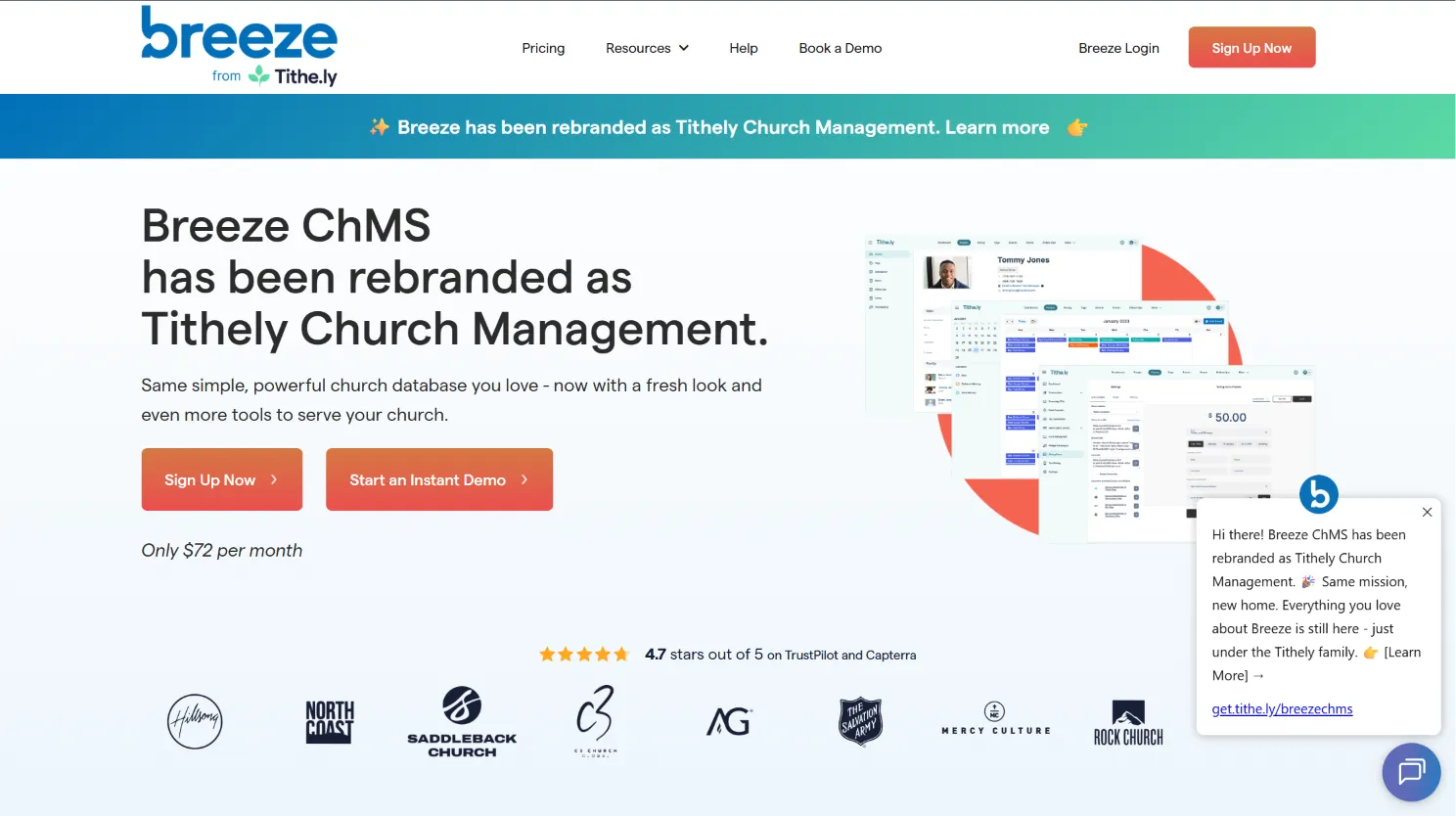
Breeze ChMS is a favorite among small to mid-sized churches for its predictability, a single $72/month fee covers unlimited people, users, and nearly all features. Setup is quick, and the learning curve is gentle, making it a top pick for churches without a dedicated IT team.
Features: Breeze handles membership tracking, attendance, basic giving, event registration, and communications (email/text). The interface is simple and mobile-responsive. Built-in reporting is available, though not as advanced as enterprise tools. There is a basic check-in system for children and volunteers, and forms for registrations or surveys.
Integrations: Breeze connects with Mailchimp, QuickBooks, and a handful of other tools. It also offers Zapier support for broader integrations, though these are limited compared to platforms with open APIs. Data exports are straightforward, which is rare in this market segment.
Migration friction: Breeze offers free guided migration for most new customers, including import of people, giving, and attendance data. However, if your old system has custom fields or nonstandard formats, manual cleanup may be needed. Some legacy data (like notes or attachments) may not migrate perfectly.
Concrete use cases: Churches looking to get off spreadsheets or legacy desktop software often choose Breeze for its "it just works" simplicity. It's popular for ministries wanting to centralize communication, track small group participation, and manage Sunday school check-ins without steep learning curves.
Honest trade-offs: Breeze does not offer deep customization, advanced workflows, or high-end analytics. If your church needs custom dashboards, automated processes, or complex permissions, you may outgrow Breeze. And while pricing is flat, you still do not own the platform or its code; your data remains on Breeze's servers.
Pricing: $72/month, flat. Details here.
- Key limitations:
- Limited customization and automation
- Basic reporting and analytics
- No code or platform ownership
- Strengths:
- Flat, predictable pricing
- Easy setup and migration
- Simple, user-friendly interface
Features you wish were included, like custom reports or dashboards, are just standard on a Devaims build.
4. Realm (ACS Technologies) (All-in-one suite)
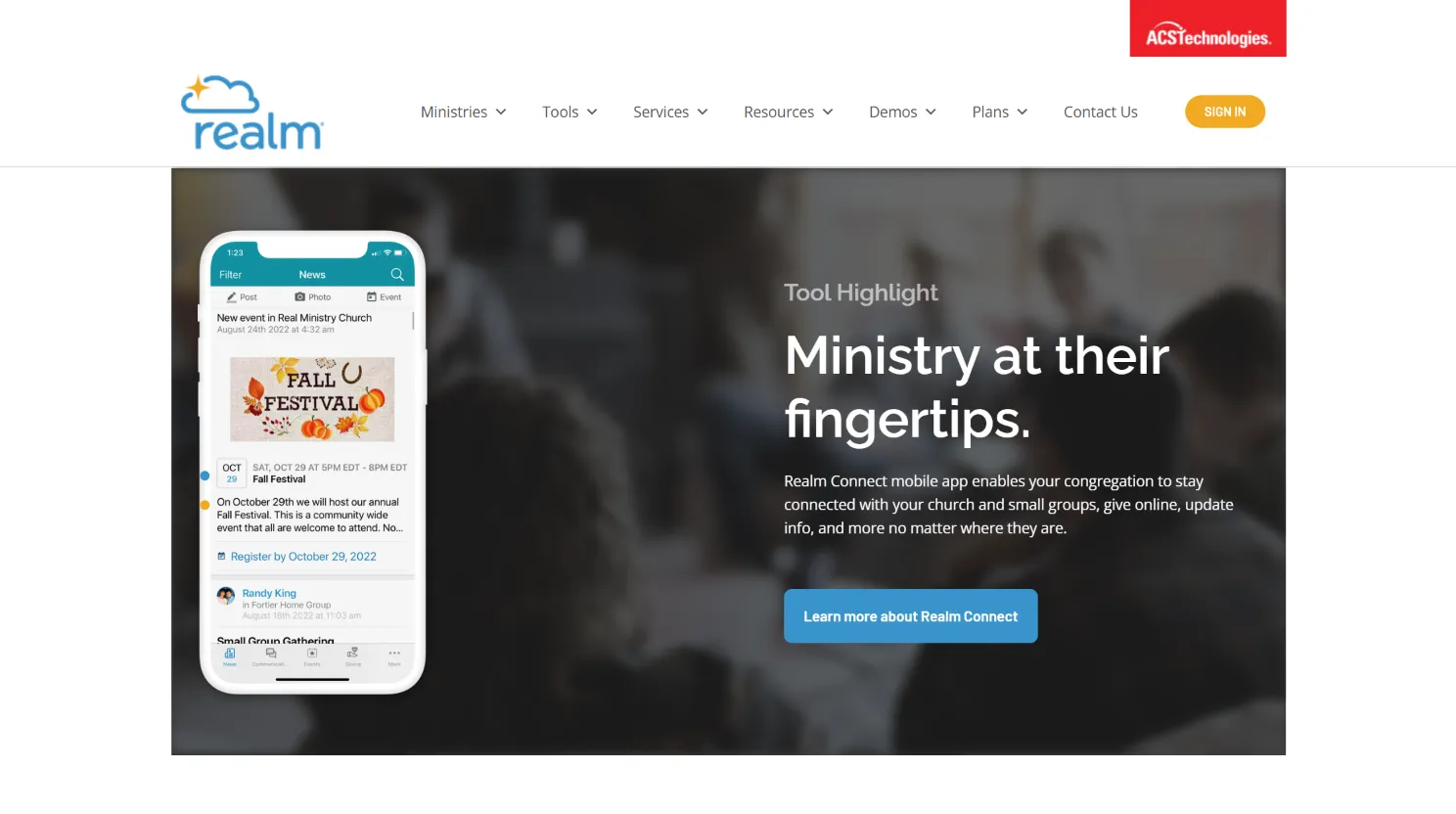
Realm is a comprehensive church management solution from ACS Technologies, serving congregations of all sizes. Realm combines membership, giving, events, communications, and even accounting into a unified web-based platform, aiming to be a "one-stop shop" for church administration.
Features: Realm offers extensive member profiles, group management, online giving, pledge tracking, event registration, and built-in communication tools (email, text, push notifications). The platform includes a mobile app for members, allowing them to view groups, events, and contribute online. Advanced plans add features like child check-in, volunteer management, and full accounting modules.
Integrations: Realm supports integrations with QuickBooks, Mailchimp, and several payment processors. The platform offers an API for custom integrations, but access may depend on your subscription tier. There are also options for website embedding and SSO with other ACS products.
Migration friction: ACS provides dedicated migration support, but importing complex data (like historical giving, custom fields, or multi-campus setups) may require additional fees or hands-on effort. Realm's onboarding process is well-documented, but some churches report a learning curve due to the breadth of features.
Concrete use cases: Medium to large churches use Realm to track detailed engagement metrics, manage pledges and campaigns, and centralize all communication within a single platform. Accounting integration is a major draw for churches that want to avoid double entry between ChMS and finance systems.
Honest trade-offs: Realm's all-in-one nature can be both a strength and a weakness. Churches may pay for modules they do not need, or find that some advanced features are locked behind higher tiers. Customization is limited to what ACS supports, and the system is SaaS-only: you rent access and must keep paying for updates or support.
Pricing: Starts at $29/month, up to $209/month for full features. See pricing.
- Key limitations:
- Some features require higher tiers
- Customization limited to vendor options
- No code or platform ownership
- Strengths:
- Comprehensive all-in-one suite
- Strong accounting integration
- Mobile app for members
5. Pushpay (Giving and engagement focus)
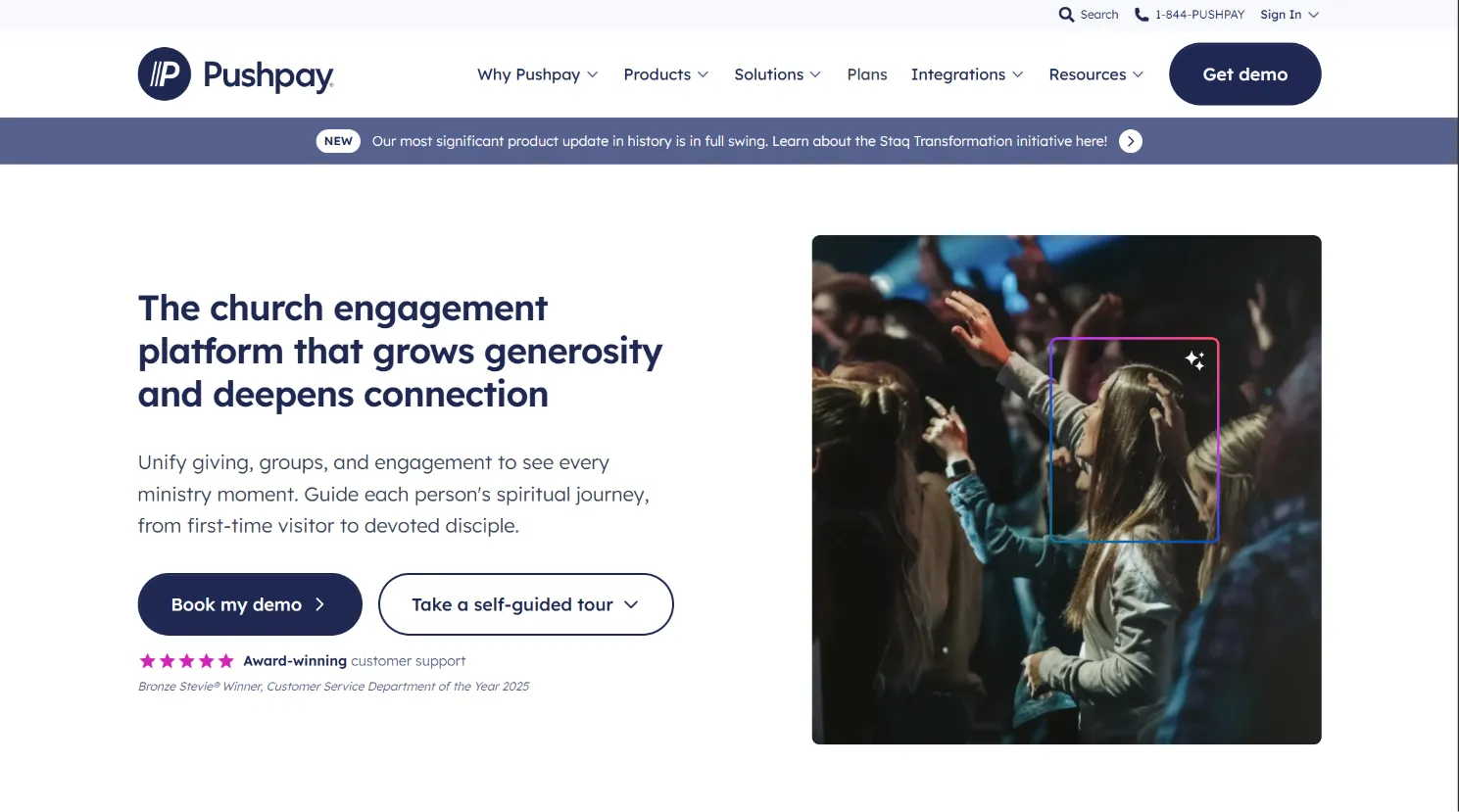
Pushpay is best known for its mobile-first digital giving solutions, but it has expanded into full ChMS functionality, particularly after acquiring Church Community Builder. The platform is geared toward churches looking to maximize digital engagement and streamline giving, often used by larger and tech-forward ministries.
Features: Pushpay offers online and mobile giving, text-to-give, donor management, recurring donations, and in-depth giving analytics. Its ChMS suite includes people management, event registration, group communications, and volunteer scheduling. The user experience is highly polished, with branded apps available for churches that want a custom look and feel.
Integrations: Pushpay integrates natively with Church Community Builder, Planning Center, and major accounting packages. There is also REST API access for custom development, and integrations with platforms like Salesforce and Mailchimp.
Migration friction: Pushpay offers migration and onboarding support, but the depth of assistance depends on your contract. Migrating giving records and donor data is typically smooth, but complex ChMS data (custom fields, group histories) may require extra work. Transitioning from another giving provider can also involve communication to your donors and updating website/app links.
Concrete use cases: Mega-churches and fast-growing ministries use Pushpay to drive mobile giving campaigns, coordinate event registration, and engage members with targeted communications. Ministries with a high volume of online giving benefit from Pushpay's streamlined donor experience and robust reporting.
Honest trade-offs: Pushpay's costs are among the highest in the market, and annual contracts are required. Setup fees may apply, and some features, such as branded apps or advanced analytics, are only available at higher tiers. Transaction fees on giving can reduce the net funds your church receives, especially for large or frequent gifts. You do not own the platform or your giving infrastructure; switching providers means retraining donors and potentially losing historical data.
Pricing: $99 to $600/month depending on features and size. See pricing.
- Key limitations:
- High costs and annual contracts
- Transaction fees reduce net giving
- No ownership of platform or data
- Strengths:
- Best-in-class digital giving tools
- Polished user experience and branded apps
- Strong engagement and analytics
When you own your giving platform, every donation goes further, with no ongoing transaction premiums or platform lock-in.
6. Church Windows (One-time license classic)
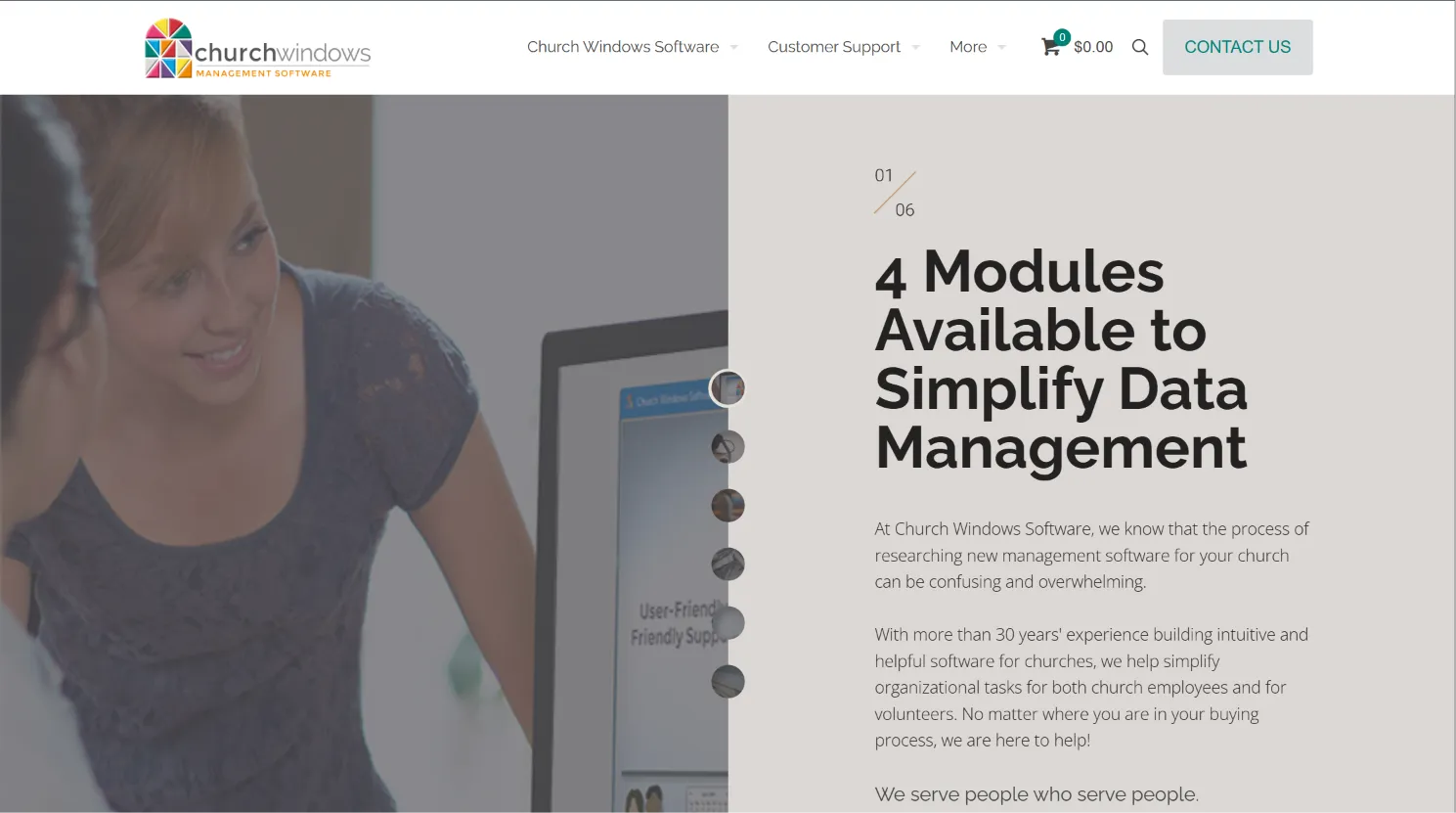
Church Windows is a desktop-based solution that has served churches for decades. It offers a rare alternative to the SaaS model: a one-time software license, with optional annual support and updates. While it's not cloud-native, it appeals to churches that want to avoid recurring fees and keep their data on-premises.
Features: Church Windows covers membership, contributions, accounting, payroll, and scheduling. The interface is classic Windows-style, with a focus on traditional church administration tasks. Each module can be purchased separately, allowing churches to build a suite that fits their needs.
Integrations: Integrations are limited compared to cloud platforms. Some data can be exported for use in Excel or QuickBooks, but real-time syncing with web-based tools is not supported out of the box. Churches looking to connect Church Windows to their website or communications tools may need custom scripting or third-party support.
Migration friction: Migrating to Church Windows from legacy systems is usually straightforward for basic records (membership, giving), but more complex data structures may need manual entry. Moving away from Church Windows can be challenging, as the data structure is proprietary and exports are not always comprehensive.
Concrete use cases: Churches in rural areas or with strict data privacy requirements often use Church Windows for its on-premises control. It's also favored by congregations with limited internet access or those who prefer a "classic" desktop workflow.
Honest trade-offs: Church Windows is not cloud-based, limiting remote access and mobile use. Support and updates cost extra, and the platform does not offer true code ownership. You own a license, not the underlying source. Customization is minimal, and future-proofing for new technology trends (like mobile apps or online giving) is limited.
Pricing: $399 to $699 for license, $129 to $299/year per module for support.
- Key limitations:
- Not cloud-based, limited remote access
- Minimal customization and integrations
- License only, not true ownership
- Strengths:
- One-time license, no monthly SaaS fees
- On-premises data control
- Comprehensive accounting and payroll
7. ChurchSuite (Best for UK/EU churches)
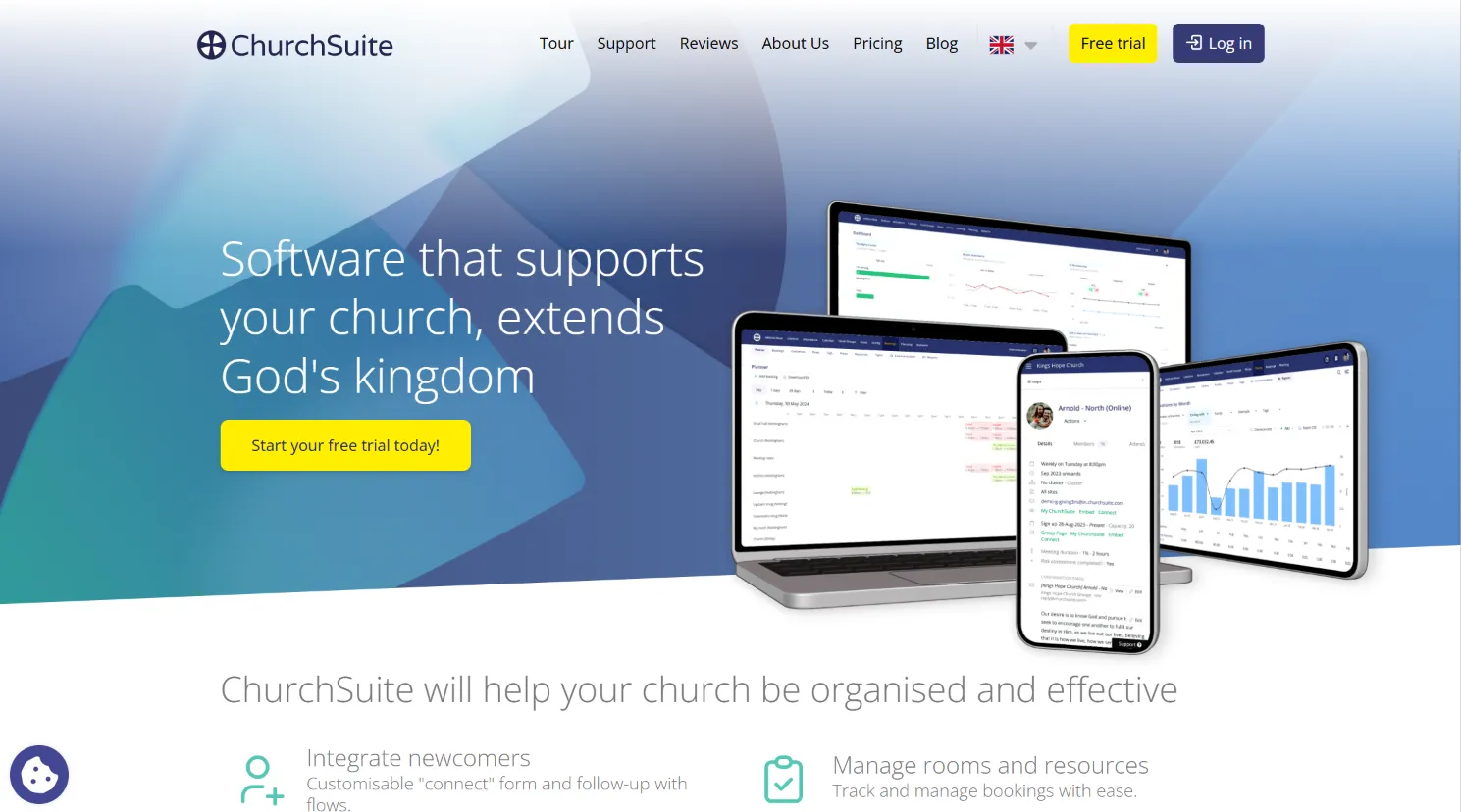
ChurchSuite is a modern, cloud-based ChMS that is especially popular in the UK and Europe. Its focus on GDPR compliance, multi-language support, and privacy-by-design makes it the preferred choice for churches needing to meet strict data protection regulations.
Features: ChurchSuite offers modules for address book, children, attendance, giving, small groups, events, and communications. It includes a public-facing event calendar, online signups, and a member portal for self-service updates. Mobile apps for both administrators and congregants are available, and modules can be enabled or disabled based on church needs.
Integrations: ChurchSuite integrates with a range of giving providers (Stripe, GoCardless), Mailchimp, and website CMS platforms. The system supports API access for custom integrations, and there is a growing ecosystem of third-party tools and plugins for European churches.
Migration friction: ChurchSuite offers guided onboarding and data import tools. However, the process can be complex if migrating from a US-based system with different data structures or fields. GDPR compliance can require additional setup to ensure proper data handling and consent tracking.
Concrete use cases: Churches in the UK, Ireland, and mainland Europe use ChurchSuite to manage GDPR-compliant communications, track attendance and giving, and automate group/event management. Multi-site churches benefit from centralized data with local privacy controls.
Honest trade-offs: ChurchSuite's pricing increases as your contact list grows, and some advanced features are only available in higher tiers. The platform is less well-known in North America, and support is UK-based, which may affect response times for US users. Like other SaaS, you do not own the code or data infrastructure.
Pricing: Starts at £15/month, tiered by active contacts.
- Key limitations:
- Pricing rises with contact count
- Advanced features require higher tiers
- No code or platform ownership
- Strengths:
- GDPR compliance and privacy focus
- Multi-language and EU support
- Modern, mobile-friendly interface
8. Tithely (Online giving focus)
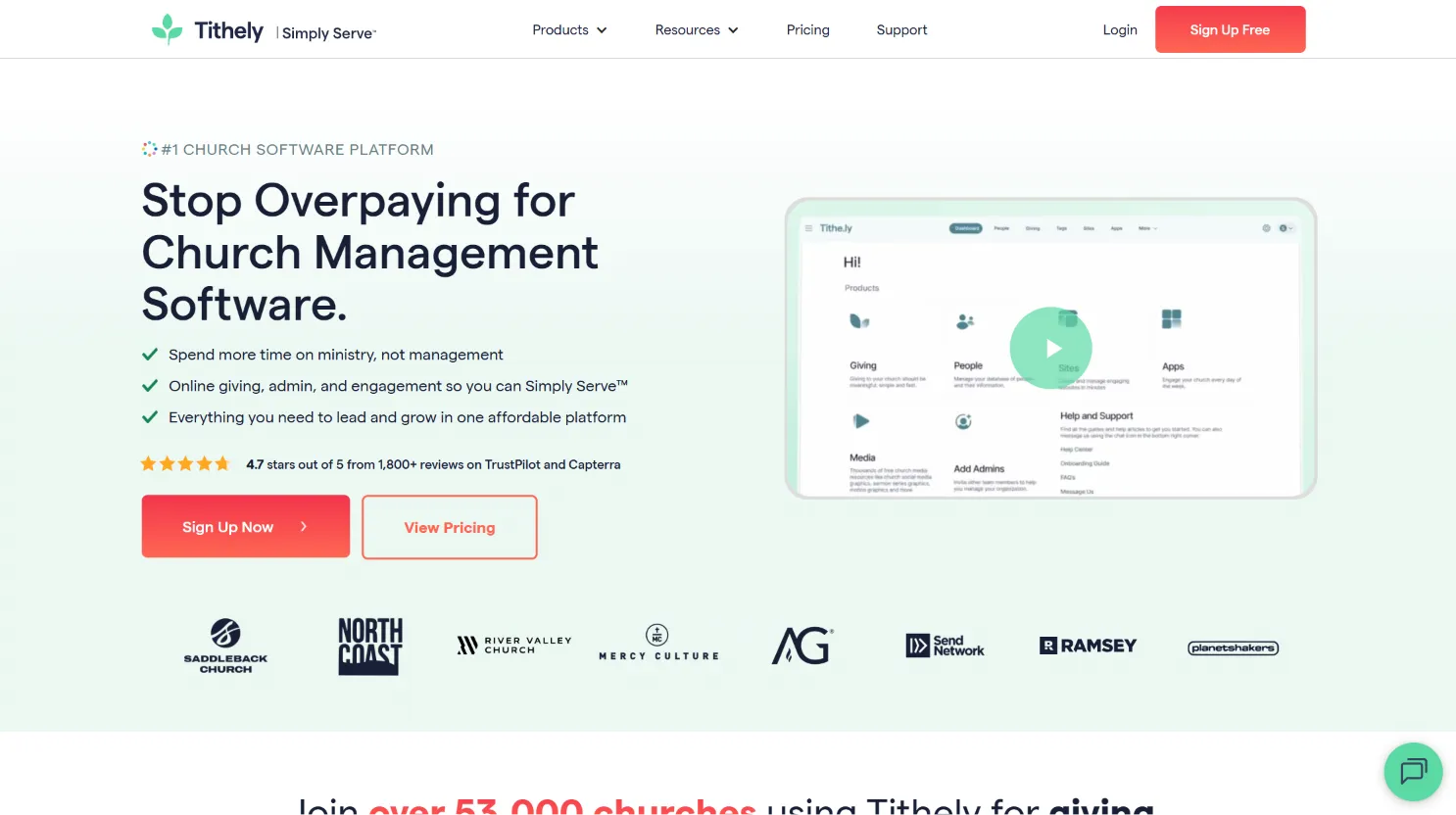
Tithely began as an online giving platform but now offers a suite of tools including ChMS, websites, church apps, and event registration. Its "freemium" model, no base monthly fee, but transaction fees on gifts, makes it easy to start, especially for churches wanting to boost digital giving without upfront costs.
Features: Tithely provides online giving (web, app, text), donor management, and recurring donations. The ChMS add-on covers people management, groups, attendance, and communications. Tithely also offers website building, event registration, and a branded mobile app as paid add-ons.
Integrations: Tithely integrates with Planning Center, Breeze, and popular accounting software. There are also options to sync giving data with external platforms, and Zapier support for automating workflows.
Migration friction: Tithely's giving platform is easy to launch, but migrating full ChMS data requires more effort. Import tools are available for basic people and giving data, but custom fields or historical records may need manual work. Communication with donors about new giving methods is also necessary during migration.
Concrete use cases: Small to medium churches use Tithely to launch online giving and event registration with minimal setup. Ministries with a high percentage of digital donors appreciate Tithely's donor engagement tools and recurring giving options.
Honest trade-offs: While the $0 base is appealing, transaction fees (2.9% + $0.30 per gift) can significantly reduce the net received on tithes, especially for larger churches or high-volume giving. To access full ChMS features, you must purchase add-ons, and cumulative costs can rival other SaaS platforms. You do not own the platform or donor infrastructure, and moving away from Tithely can be disruptive to giving habits.
Pricing: $0 base, but 2.9% + $0.30 per transaction, add-ons for ChMS, websites, and others.
- Key limitations:
- Transaction fees reduce net giving
- Full features require paid add-ons
- No code or platform ownership
- Strengths:
- Easy to launch and use
- Strong donor engagement tools
- Flexible add-ons for growth
On a platform you owned, your giving is direct and transparent, with no ongoing cut to a provider.
9. Devaims (Full ownership & custom fit)
Devaims is the alternative for churches tired of renting software and their own data. Instead of another monthly SaaS bill, you get a custom-built church management platform designed for your ministry, with source code and total control handed to you at launch. No per-user, per-module, or per-gift fees. Your system, your data, your rules.
Features: Every Devaims build is scoped to your exact needs, whether you want membership, giving, events, accounting, custom reports, mobile apps, or integrations with your website and communications stack. You decide what features matter, and they are built into your platform from day one. Future enhancements are possible at your request, not at the vendor's discretion.
Integrations: Devaims can integrate with any system that exposes an API, from QuickBooks to Mailchimp to SMS gateways. Custom integrations, like syncing with your church website, live streaming, or bespoke accounting, are included as part of the build. Unlike SaaS solutions, you are not limited to pre-approved partners or vendor lock-in.
Migration friction: Migration and data import are handled as part of every Devaims project. The team works with you to extract, clean, and import all your historical data, members, giving, events, notes, attachments, regardless of your old platform. Training for staff and volunteers is included, and you get full documentation and source code at launch.
Concrete use cases: Mid to large churches that want to break free from SaaS cycles, ministries with unique workflows (like multi-lingual congregations or multi-site operations), and churches that require advanced data privacy or on-premises hosting. Devaims is also ideal for churches planning long-term growth, as the cost does not increase with user or member count.
- You own the code and platform outrightTailored to your church's exact workflowsNo recurring SaaS fees or contract lock-inFlat, predictable maintenance costsMigration and training included in every build
- You own the code and platform outright
- Tailored to your church's exact workflows
- No recurring SaaS fees or contract lock-in
- Flat, predictable maintenance costs
- Migration and training included in every build
Other Servant Keeper alternatives worth knowing
- Elexio, Good for churches wanting integrated websites and online giving, but less popular now as the company has been acquired and merged with other platforms.
- ChurchTrac, An affordable tool for small churches, offering basic membership, giving, and scheduling. Limited integrations and customization.
- Rock RMS, An open-source, self-hosted ChMS for tech-savvy churches with IT resources. No vendor lock-in, but requires ongoing technical maintenance.
How to choose the right Servant Keeper alternative
- Budget: Know your real ceiling, including add-ons, support, and payment processing fees. Calculate your five-year total cost, not just the monthly sticker price, and consider future growth or feature needs.
- Customization: If your ministry has unique workflows or specialized needs (like multi-lingual support, custom reports, or event registration), off-the-shelf SaaS will always require workarounds. Only a custom solution or highly configurable open-source platform can adapt fully.
- Data control: For true ownership and flexibility, only a custom build or open-source solution puts you in charge. Most SaaS platforms let you export data, but migrating away can be difficult, and you never own the underlying code.
- Growth: If you expect your church to grow, watch out for per-user, per-contact, or tiered pricing that scales up. Predictable flat fees or ownership models prevent budget surprises as your ministry expands.
- Integrations: Some tools play better with your website, accounting, or communication stack than others. Check for native integrations with your key systems, or ensure the platform has a robust API for custom connections.
Ready to break the rent cycle? A custom Devaims platform means your system grows with you, not your subscription bill.
Stop paying rent on software you could own
Every Servant Keeper alternative on this list has the same catch: you pay, month in and month out, and when you stop, access to your ministry data is gone. Even the tools with "one-time" licenses don't give you the code or the freedom to truly own and adapt your system. That's the SaaS trap, your church's core operations, always on someone else's platform.
Devaims builds church management platforms you own outright. We work with you to scope every feature you need, migrate your data, and hand over the source code at launch. No more per-user fees, no feature gates, no contracts. Just a predictable one-time build and a flat, low monthly for support and updates.
- No more surprise price hikes or add-on fees, your costs are locked at launch.
- Your data, your platform: export, migrate, or adapt as your ministry changes.
- The features you want are standard, not extra: custom reports, integrations, mobile apps, you name it.
- Flat maintenance covers support and enhancements, you control the roadmap.
| Tool | Ownership | Typical monthly cost | Support/updates |
|---|---|---|---|
| Servant Keeper | Rented SaaS | $146.66 to $159.99 | Included |
| Planning Center | Rented SaaS | $45 to $120 (3 to 8 modules) | Included |
| Breeze ChMS | Rented SaaS | $72 | Included |
| Church Windows | Licensed, not owned | Support: $129 to $299/year/module | Paid annual |
| Devaims | You own it | One-time build + $190/month | Flat, includes updates |
| Year | Rent: SaaS (avg $150/mo) | Own: Devaims ($32,000 build + $190/mo) |
|---|---|---|
| 1 | $1,800 | $34,280 |
| 2 | $3,600 | $36,520 |
| 3 | $5,400 | $38,760 |
| 4 | $7,200 | $41,000 |
| 5 | $9,000 | $43,240 (now ahead) |
For most mid-to-large churches, the break-even comes just after year five. After that, every dollar you would have spent on SaaS stays with your ministry. If you think your church will be around for the long haul, ask us to run your numbers. Odds are, owning wins.
How to switch from Servant Keeper
- Export all your member, giving, and event data from Servant Keeper. Use their built-in export tools, or request a full data dump from support if necessary.
- Choose your new platform, another SaaS or a custom Devaims build. Consider the migration support and import tools offered by your new provider.
- Import data into the new system, mapping fields as needed. Pay attention to custom fields, groups, and historical notes; some platforms require manual mapping or conversion utilities.
- Reconnect online giving, communication, and website integrations. Update payment processors, embed new donation forms, and ensure emails/texts route through your new system.
- Train staff and volunteers on the new workflows. Most platforms offer online training, videos, or live onboarding. For custom builds, Devaims provides tailored training sessions.
- Test both systems in parallel for a few weeks to catch any gaps. This reduces risk of lost data or missed communications during the transition.
- Review your Servant Keeper contract for cancellation terms. Ensure you are not locked into an auto-renewal or early termination penalty.
With a custom Devaims build, the migration is handled as part of the project, including data cleanup, integrations, and training.
Frequently asked questions
What is the best Servant Keeper alternative for growing churches?
Planning Center and Church Community Builder are strong for fast-growing ministries needing modular flexibility, deep group management, and scalable workflows. Both platforms support multi-site operations and advanced volunteer scheduling, making them ideal for expanding congregations. However, if you want to avoid scaling fees and own your system, Devaims is the only option that grows with you for a flat cost, no matter how many members, users, or locations you add.
Which Servant Keeper alternative is cheapest?
Breeze ChMS offers flat $72/month pricing, making it one of the most affordable for unlimited users and features. For small churches willing to sacrifice advanced features, ChurchTrac is another budget pick with plans starting under $20/month. Over five years, a custom Devaims build may cost more upfront but saves you from recurring fees forever, especially if your church grows or needs custom features.
Is there a free Servant Keeper alternative?
There are no truly free, robust church management systems. Some tools like Tithely start with a $0 base, but recoup costs through transaction fees or paid add-ons. Open source options, like Rock RMS, exist, but require technical skill and ongoing maintenance, ideal for churches with IT staff but not for most ministries. Free tools often lack support, security, or key features needed for real-world church operations.
Which Servant Keeper alternative is best for online giving?
Pushpay and Tithely are industry leaders in digital giving, offering mobile apps, text-to-give, and branded donor experiences. Planning Center Giving is also solid, with simple setup and integration with other modules. However, every percentage point in processing and platform fees adds up. With a Devaims-owned platform, your giving is direct and transparent, with no ongoing platform fees, and you can negotiate directly with payment processors for the lowest rates.
Can I keep my Servant Keeper data when I switch?
Yes, you can export your data, but the process is rarely plug-and-play. Migrating member lists, giving history, event records, and notes often requires cleaning up field mappings, converting file formats, and addressing missing or outdated information. Some platforms charge for migration help. With a Devaims build, full data migration is included, and the team works with you to ensure nothing is lost in the process.
When should a church switch from Servant Keeper?
If you're frustrated by rising costs, feature gaps, or want real ownership of your system and data, it's time to consider alternatives. The best time to switch is before your data and processes become too complex or entrenched to migrate easily. If your current system can't keep up with your ministry's growth, or if you're facing a major contract renewal or price hike, it's wise to evaluate other options now rather than later.
How do Servant Keeper alternatives compare for support?
Most SaaS tools include support in their monthly fees, but the quality varies. Some offer 24/7 live chat or phone support, while others rely on email ticketing systems with slower response times. Vendor-provided training may be self-serve or require paid onboarding. With Devaims, support is hands-on and tailored, so you're talking to the people who built your system, not a generic helpdesk. Flat-rate maintenance covers updates, bug fixes, and feature enhancements, with direct access to your development team.
The bottom line
Every Servant Keeper alternative offers a different blend of features and pricing, but all the SaaS tools come with the same catch: you keep paying, and you never own it. The real decision? Add up your five-year cost. If that number could have paid for a system you own, you're already behind.
The smartest churches are reframing the question: not just which tool, but why rent when you could own? If you see your church thriving for years to come, it's worth running the numbers. Ownership isn't just about saving money, it's about freedom and stewardship.
Want more insights? Read the Devaims blog, or see other comparisons like Planning Center alternatives and Breeze ChMS alternatives.