


Ever felt your practice is running for the software, not the other way around? You get reminders about an "essential" feature, only to find it locked behind another monthly tier. Or you look at your ProChiropractic statement and realize you’re paying more for software than you do for clinical supplies. That’s not rare, especially as SaaS pricing inches up every year.
Most chiropractic clinics settle for what’s popular. But if you’ve ever wondered whether you’re renting your business’s workflow forever, you’re not alone. Here are the 9 best ProChiropractic alternatives in 2026, including the top cloud platforms and the only real owned option, a custom build from Devaims. If you want to break the cycle of rent, scroll down to the last entry.
Why chiropractic clinics look for ProChiropractic alternatives
Recurring fees add up fast: What looks like $149 a month grows with every provider, location, or integration. Most SaaS platforms use a base price to get you in, but as your team grows or you want new features (like text reminders, telehealth, or custom forms), the bill balloons. Over five years, you can pay out the cost of a custom build and still own nothing. Your payments disappear into the vendor’s pocket, and if you stop paying, you lose access overnight.
Locked features and forced upgrades: Essential tools, like automated reminders or custom forms, are often locked into premium tiers. If you want to automate appointment reminders, integrate with your clearinghouse, or generate detailed reports, you might find yourself forced into a higher tier that bundles extra features you’ll never use. This not only increases cost but also adds complexity and clutter to your workflow.
Limited customization: Most platforms are built for the "average" clinic. If you want your workflow, your form logic, or your unique intake, you’re out of luck or paying for a workaround. Even small changes, like adjusting intake forms to your state’s regulations or creating a custom report for a specific insurer, can require expensive consulting or may not be possible at all.
Data portability headaches: Exporting your data or integrating with non-standard tools gets complicated. Some vendors charge "data liberation" fees or make it painful to leave. You may get only summary exports or have to pay for a special data dump in a proprietary format. Integrations with labs, payment processors, or marketing tools might be limited to a handful of "approved" partners.
Long-term lock-in: Every competitor here (including ProChiropractic) is a rental. If you want to own your system, you need to look at custom options. That’s where the real ProChiropractic alternatives conversation starts. When you rent, you’re at the mercy of contract changes, forced upgrades, and vendor priorities. Owning means your system can evolve with your practice, not with a vendor’s business plan.
Quick comparison of the best ProChiropractic alternatives
| Tool | Best for | Starting price | You own it? |
|---|---|---|---|
| ChiroTouch | Full-featured, large clinics | Reported $259/mo | No |
| ChiroFusion | Small to mid-size clinics | Reported $99/mo | No |
| Jane App | Multi-discipline practices | Reported $79/mo | No |
| Atlas Chiropractic System | Insurance-heavy clinics | Reported $249/mo | No |
| Platinum System | High volume, speed | Reported $299/mo | No |
| DrChrono | Cloud EHR, iPad use | Reported $249/mo | No |
| Kareo (Tebra) | Medical billing focus | Reported $125/mo | No |
| Genesis Chiropractic | Automated task management | Reported $279/mo | No |
| Devaims (Custom build) | Clinics wanting ownership | One-time build | One-time build, you own it |
Prices change, so confirm current pricing before you decide.
The 9 best ProChiropractic alternatives
1. ChiroTouch (Best for full-featured, large clinics)
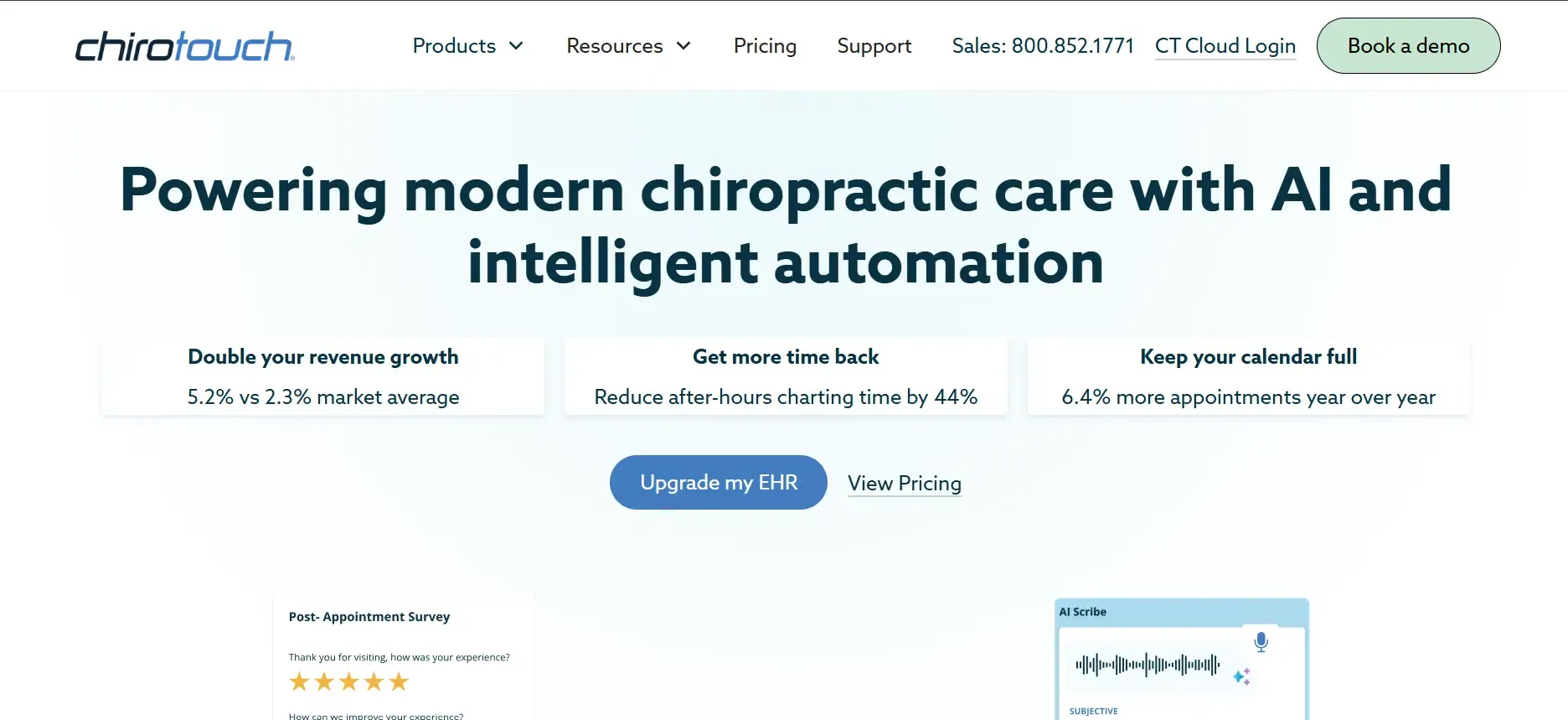
ChiroTouch is widely regarded as the enterprise standard for chiropractic EHR. It has been around since 1999 and has evolved into a mature platform with a vast feature set aimed at high-volume, multi-provider clinics. ChiroTouch covers everything from patient intake, SOAP notes, scheduling, billing (including integrated clearinghouse), automated reminders, and even marketing automations. The system is comprehensive and integrates with imaging devices and labs, making it a one-stop solution for many larger practices.
ChiroTouch’s integrations include direct connections to labs, x-ray/imaging systems, credit card processors, and clearinghouses like Office Ally. The platform also offers an API (restricted to higher-tier clients) for custom integrations, though you may need to work with their support team for advanced setups. Migration from other systems is possible, but often requires professional services, and the complexity increases if you’re moving from a less common EHR.
Concrete use cases: Clinics with multiple locations and providers that need centralized scheduling, complex insurance billing, and HIPAA-compliant document management. ChiroTouch is also used by teaching clinics for its audit trail and compliance features.
Pricing: Starts at around $259 per month per provider. Additional costs for e-prescribing, automated reminders, integrations, and extra users. See pricing.
-
Key limitations:
- High monthly cost, especially for growing or multi-provider practices
- Customization is possible, but often slow or requires consulting fees
- Feature upgrades and integrations often require higher-tier plans
-
Strengths:
- Comprehensive, all-in-one EHR and practice management solution
- Strong support network and training resources
- Integrates with billing, imaging, and third-party apps
If you owned your system, you’d never pay surprise upgrade fees. Every new feature would be built for you, on your schedule.
2. ChiroFusion (Best for small to mid-size clinics)

ChiroFusion is a cloud-based chiropractic EHR designed for solo practitioners and small groups. It’s known for its simplicity and relatively low cost. The platform covers scheduling, SOAP notes, e-claims, and patient reminders. Compared to ProChiropractic, it’s easier to set up and less expensive, but has a more limited feature set and less robust customization.
ChiroFusion integrates with clearinghouses for insurance billing, and offers a patient portal for online scheduling and intake. The migration process is straightforward for basic data (patients, appointments), but custom forms, historical SOAP notes, and billing data may require manual re-entry or paid migration services.
Concrete use cases: New clinics or solo chiropractors who want to get started fast, need basic insurance billing, and don’t require deep customization or multi-location support.
Pricing: Starts at $99 per month for the base tier, with extra charges for billing, text reminders, and custom forms. See pricing.
-
Key limitations:
- Feature set is basic at lower tiers, advanced reporting and forms cost extra
- Custom form logic is limited and may require vendor intervention
- Data export and migration can be clunky, especially for detailed records
-
Strengths:
- Quick onboarding and simple user interface
- Affordable entry point for new or small clinics
- Cloud-based, accessible from any device
With something built for you, custom forms and business logic are just included, and you never pay extra for features you use daily.
3. Jane App (Best for multi-discipline practices)
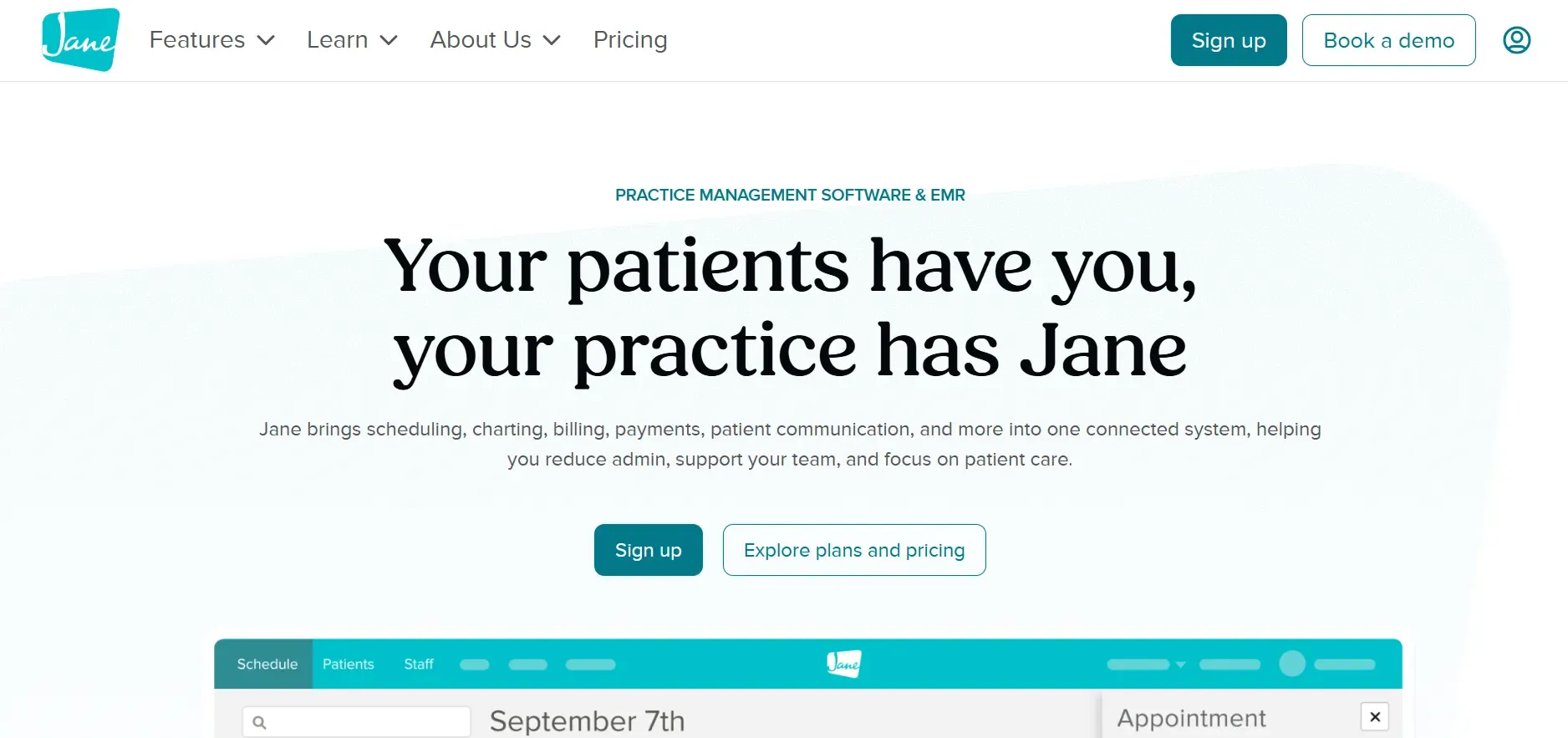
Jane App is a top choice for clinics offering multiple modalities, chiropractic, massage, physiotherapy, acupuncture, or counseling. Jane is cloud-based and prioritizes a beautiful, modern interface with excellent online booking and patient communication. Its calendar and booking system is one of the best in the industry, allowing patients to self-schedule, receive automated reminders, and complete intake forms online.
Jane App integrates with Stripe for payments, Mailchimp for marketing, and offers a growing selection of third-party connections through Zapier. Insurance billing is available, but less robust than ChiroTouch or Atlas, making it better suited to clinics with a mix of private pay and simple insurance claims. Migration is generally smooth for basic data, but highly customized forms or detailed SOAP note templates may need to be rebuilt in Jane’s system.
Concrete use cases: Multi-modality clinics, wellness centers, and clinics that want a patient-friendly online booking experience and don’t need advanced insurance billing.
Pricing: Starts at $79 per month per practitioner. See pricing.
-
Key limitations:
- Per-practitioner pricing can grow fast as your team expands
- Insurance billing is basic, complex claims need workarounds
- Custom reporting options are limited
-
Strengths:
- Excellent patient-facing booking and reminders
- Modern, easy-to-navigate interface
- Great for clinics with multiple disciplines and providers
On owned software, new report types or workflows can be built to match your process, not what a SaaS vendor supports.
4. Atlas Chiropractic System (Best for insurance-heavy clinics)
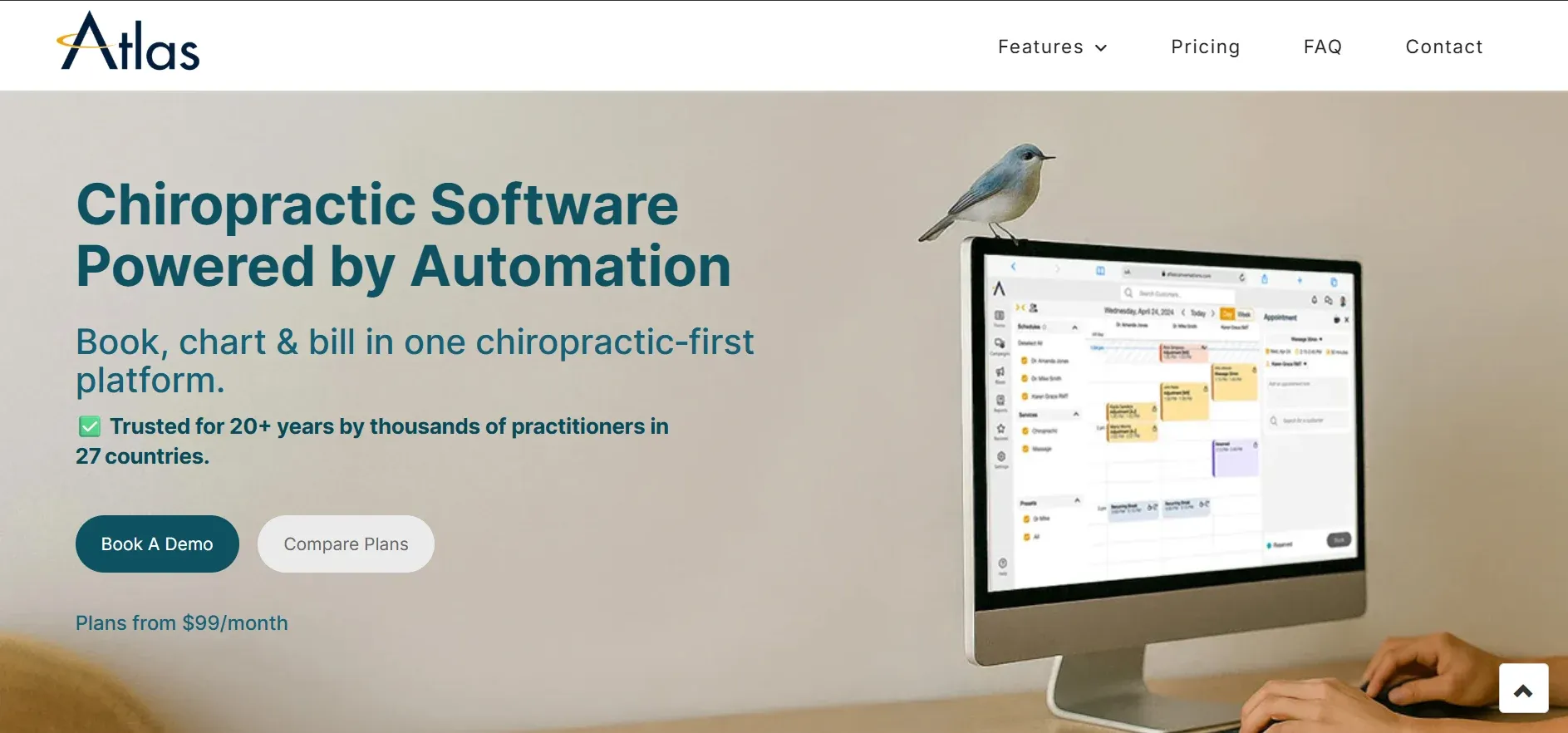
Atlas Chiropractic System is designed for clinics that bill insurance heavily or have complex documentation requirements. Atlas is strong in claims management, automating the submission and tracking of insurance claims, and managing denials and follow-ups. Its documentation workflow is detailed and supports compliance for audits.
Atlas integrates with major clearinghouses and payment processors. The platform supports multi-location clinics, allowing for centralized management of patient and billing data. However, the user interface is dated, and implementing custom workflows or forms often requires direct support from Atlas (which can mean additional consulting fees). Migration from other systems is possible, but data mapping for custom forms or legacy records can be labor-intensive.
Concrete use cases: Clinics with high insurance volume, multi-location practices needing centralized billing, and those facing regular audits.
Pricing: Starts at $249 per month, with additional charges for add-ons, remote access, and cloud backup. See pricing.
-
Key limitations:
- Interface is less modern and user-friendly than newer platforms
- Custom setups often mean extra consulting or support fees
- Remote access and cloud backup are not included by default
-
Strengths:
- Powerful insurance and claims handling
- Detailed, audit-ready documentation workflows
- Handles large, multi-location setups well
With Devaims, you control how insurance workflows work, no extra fees, and every process can be tailored to your exact needs.
5. Platinum System (Best for high volume, speed)
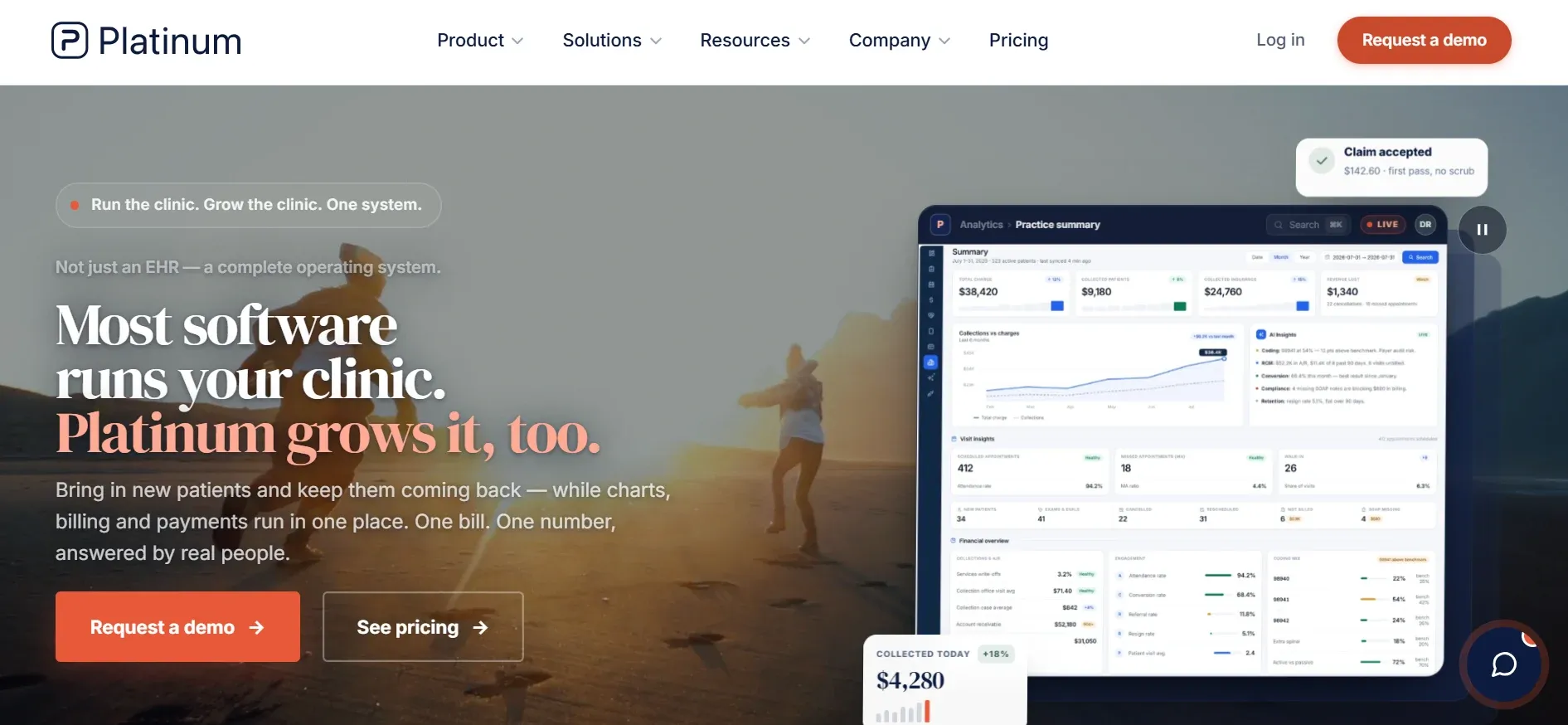
Platinum System is built for clinics that see a large number of patients each day. Its claim to fame is speed. Platinum is optimized for quick check-ins, rapid SOAP note entry, and batch billing. While it’s a favorite among high-volume practices, its interface is dated and it’s primarily on-premise, meaning you’ll need your own server or a hybrid cloud setup.
Platinum integrates with barcode scanners and can automate repetitive tasks (like recurring appointment scheduling and batch claims). It supports integrations for credit card processing and some imaging devices, but is less open than cloud-native competitors. Migration is possible, but you’ll need to work closely with their support team to import historical data accurately.
Concrete use cases: Clinics with high patient turnover, such as those running multiple adjusting rooms or open-bay setups, where speed and reliability are priorities.
Pricing: Starts at $299 per month. See pricing.
-
Key limitations:
- Requires on-premise server or complex hybrid setup for remote access
- Interface is not as intuitive or modern as cloud competitors
- Limited flexibility for custom workflows or integrations
-
Strengths:
- Extremely fast for repeat visits and high-volume workflows
- Automation for patient check-in and recurring appointments
- Long-standing track record and industry support
On a custom build, you can scale speed and automation to your exact process, and access everything from anywhere.
6. DrChrono (Best for cloud EHR and iPad use)
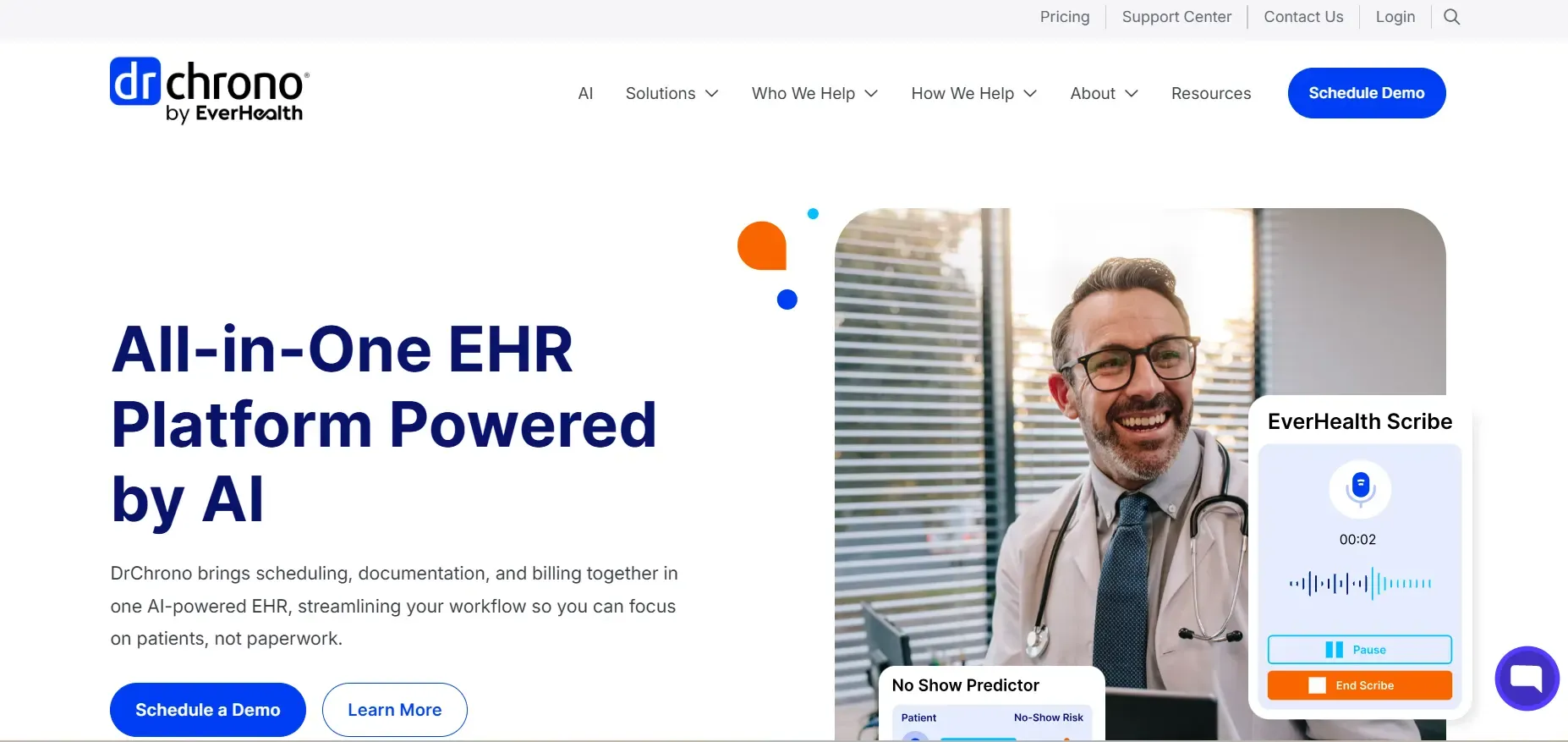
DrChrono is a cloud-based EHR used across medical specialties, with a strong iPad and mobile app. DrChrono’s platform is modular, so you can add telehealth, e-prescribing, and billing as needed. Its iPad app is particularly well-reviewed for point-of-care use, allowing providers to chart, schedule, and bill from a tablet.
DrChrono integrates with a wide range of third-party apps through its API and marketplace, including labs, billing services, and telemedicine providers. However, its chiropractic-specific features are limited, SOAP notes are generic, and documentation templates often require significant customization. Migration is straightforward for standard data, but advanced chiropractic templates or custom forms may need to be rebuilt.
Concrete use cases: Clinics looking for a cloud EHR that works well on iPads, or those wanting robust telehealth and general medical billing features.
Pricing: Starts at $249 per month for the base plan, with extra charges for e-prescribing, telehealth, and advanced integrations. See pricing.
-
Key limitations:
- Not tailored to chiropractic, customizing workflows can be time-consuming
- Some features (e-prescribing, telehealth) cost extra
- Support can be variable, depending on plan
-
Strengths:
- Excellent mobile and iPad experience
- Rich integration options via API and marketplace
- Regular feature releases driven by user feedback
With Devaims, you get mobile workflows built just for your clinic, not for every specialty.
7. Kareo (Tebra) (Best for medical billing focus)
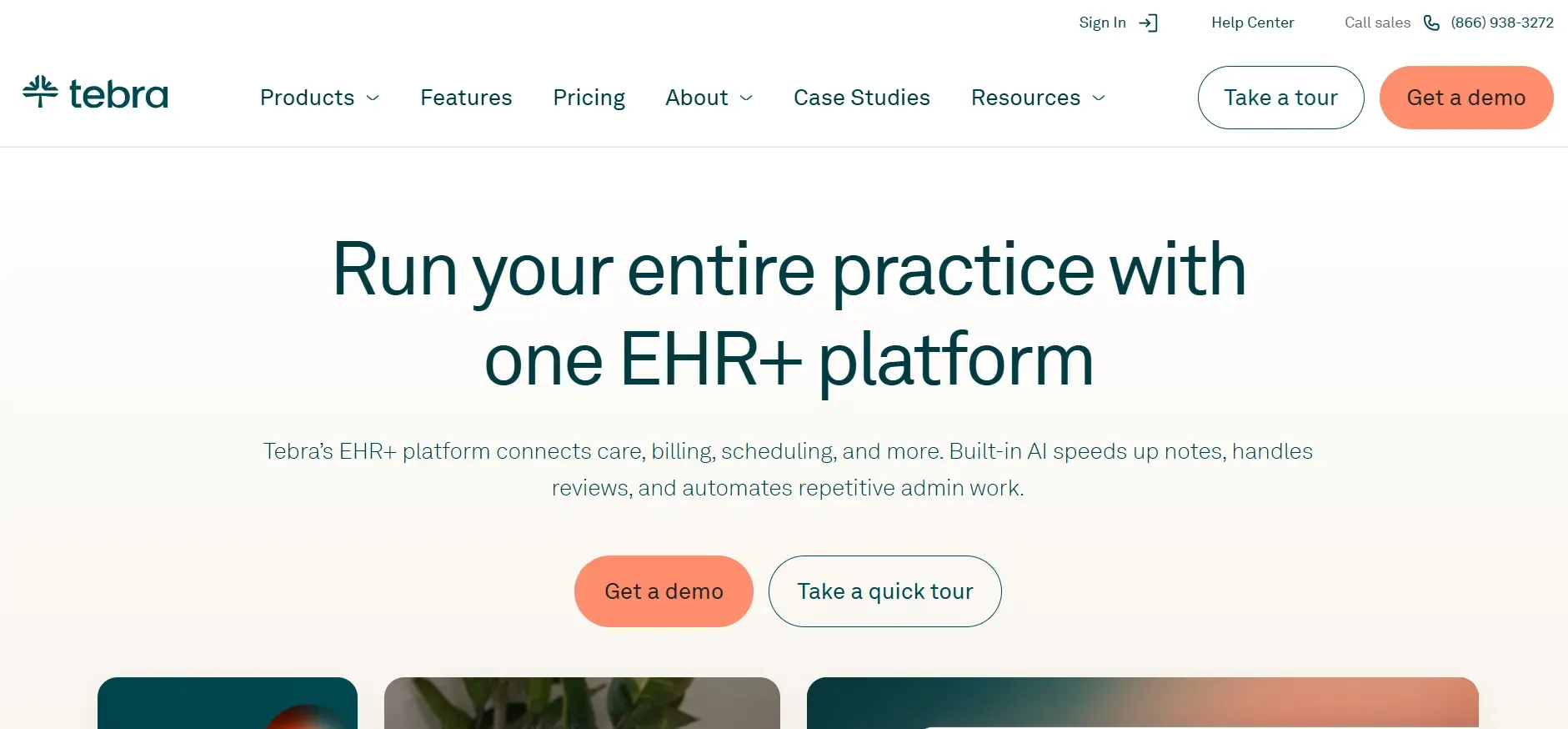
Kareo (Tebra) is best known for its billing engine and is used across many medical specialties, including chiropractic. Kareo’s EHR is cloud-based and offers robust insurance claim management, denials tracking, and patient statements. It connects with major clearinghouses, and its billing workflow is designed for high claim volume and complex insurance plans.
Kareo integrates with a variety of third-party tools for telehealth, patient engagement, and even marketing. However, its chiropractic-specific features (like SOAP note templates) are more basic, and many chiropractic clinics find themselves adapting to a more "medical" workflow. Migration is generally straightforward, but customizing Kareo for chiropractic-specific needs can require significant time or consulting support.
Concrete use cases: Clinics that prioritize advanced billing workflows, have a mixed specialty team, or need to manage high claim volume with detailed tracking and reporting.
Pricing: Starts at $125 per month per provider, with additional modules for EHR, billing, and telehealth. See pricing.
-
Key limitations:
- Chiropractic-specific features are limited, customization is required
- Can require multiple modules for a complete workflow
- Interface is more medical than chiropractic, which may slow onboarding
-
Strengths:
- Industry-leading insurance billing and claims management
- Good for multi-specialty practices needing medical-grade features
- Solid telehealth support and patient engagement tools
8. Genesis Chiropractic (Best for automated task management)

Genesis Chiropractic is unique for its emphasis on workflow automation and compliance. The platform includes task tracking, compliance alerts, and automated reminders for both staff and patients. Genesis aims to help clinics prevent missed charges, incomplete notes, or compliance risks by surfacing actionable tasks in real time.
Genesis integrates with clearinghouses, payment processors, and some marketing platforms. Migration from other EHRs is possible, but the learning curve is steeper due to the system’s unique approach to task management and automation. Customization is available, but often requires working with their support team, and data export options are somewhat restricted compared to open systems.
Concrete use cases: Busy clinics that want to automate repetitive tasks, ensure compliance, and reduce administrative errors across multiple staff members.
Pricing: Starts at $279 per month. See pricing.
-
Key limitations:
- Interface has a learning curve, especially for new staff
- Data export and portability are more limited than most competitors
- Per-provider pricing can become expensive as you scale
-
Strengths:
- Unique workflow automation and task tracking
- Integrated compliance tools to reduce audit risk
- Built-in reminders and follow-up tracking
With a Devaims build, your workflow is exactly what you want, not what a platform supports now or in the future.
9. Devaims (Custom build: Best for clinics wanting ownership)
Devaims builds custom web, mobile, and business software for chiropractic clinics, giving you the source code, so you own your system outright. Instead of endless SaaS payments, you pay once for what you actually need and it’s yours to keep and modify. Every workflow, form, report, or automation is built to your exact requirements, and you’re not limited by someone else’s roadmap or feature gating.
Devaims can integrate with clearinghouses, labs, payment processors, marketing platforms, or any other third-party system you need. Migration from legacy EHRs is handled as part of the project, your patient data, appointments, and historical records are mapped and imported so you hit the ground running. Updates, new features, and ongoing support are delivered on your schedule, and you can add new reports, dashboards, or automations whenever your business changes.
Concrete use cases: Established clinics tired of seat fees, practices with unique workflows or compliance needs, multi-location groups who want total control, and clinics planning to expand or franchise and need a platform they own.
- You own the code, workflow, and data, foreverFeatures and reports are built for your clinic, not everyone else’sNo per-user, per-location, or integration fees: flat maintenance onlyMigration, training, and support handled by the same team that builds your system
- You own the code, workflow, and data, forever
- Features and reports are built for your clinic, not everyone else’s
- No per-user, per-location, or integration fees: flat maintenance only
- Migration, training, and support handled by the same team that builds your system
Other ProChiropractic alternatives worth knowing
- OfficeAlly: General EHR and billing, but less chiropractic-specific and can require significant manual setup. Good for clinics that want a free clearinghouse and are comfortable with a more hands-on approach.
- Kroll: More pharmacy-oriented, not tailored to chiropractic but sometimes used by multi-disciplinary clinics for basic scheduling and record-keeping.
- Practice management modules in athenahealth or AdvancedMD: Overkill for most chiropractic practices, but an option if you’re integrating with large health systems or need enterprise-level reporting.
- SimplePractice: Popular with solo and small group practitioners in behavioral health and allied health, but lacks chiropractic-specific features.
How to choose the right ProChiropractic alternative
- Budget: Add up all monthly, per-user, and add-on fees, then multiply by five years to see the real cost. Don’t forget to include data migration, integration, and training costs, which are often hidden in the sales process.
- Required features: List your must-have workflows, integrations, and reporting needs. If a tool locks them behind a tier, factor that in. For example, if you must have automated reminders, make sure they’re included in the base plan, not a $50/month add-on.
- Practice size and growth: Will per-provider pricing break your budget as you scale? If you plan to add locations or providers, SaaS pricing can quickly exceed a custom build’s one-time investment.
- Data ownership: If you plan to switch, check how easy (and costly) it is to export your data. Ask vendors for their data export policy in writing, some charge “data liberation” fees or limit what you can take with you.
- Customization: Do you need a tool that fits your clinic, or are you willing to fit your clinic to a tool? If your workflows are unique or regulated, off-the-shelf platforms may always be a compromise.
If owning your workflow, data, and code sounds better than renting, keep reading for the only alternative that puts you in control.
Stop paying rent on software you could own
Every tool on this list, including ProChiropractic, locks you into monthly subscription payments, per-user pricing, and surprise fee hikes. Add up your real costs: how much will you pay over five years? That’s money you could have put toward owning your own platform, built around your workflow and requirements.
Devaims is a custom software development partner that builds web, mobile, and business platforms for chiropractic clinics. You get the source code and full ownership, no contracts, no per-seat fees, and no more paying for features you never use. Your data, your logic, your workflows, built for you, and yours to keep.
- No more per-user or per-location fees: Your cost is a one-time build, then flat monthly maintenance for hosting, security, and updates. For most clinics, this works out to a lower five-year total than SaaS rent, and you own the result.
- Your workflow, not a "one-size-fits-all" workaround: Every form, report, and integration fits your business. If you need a new state compliance report, custom insurance claim logic, or a white-labeled patient portal, it’s built for you, not as a generic template.
- Data liberation, with no "export" fees: You own your data forever, no need to ask a vendor for access or pay a ransom to migrate. Backups, exports, and integrations are under your control.
- Feature expansion on your schedule: Add, change, or automate what matters for your clinic, not what’s on a vendor’s roadmap. You decide when to upgrade, and you keep every improvement.
| Tool | Own it? | Per-user/Per-location fees | Customization | Contract |
|---|---|---|---|---|
| ProChiropractic | No | Yes | Limited | Recurring |
| ChiroTouch | No | Yes | Moderate | Recurring |
| Jane App | No | Yes | Low | Recurring |
| Genesis Chiropractic | No | Yes | Moderate | Recurring |
| Devaims | Yes | No | Full | No contract |
Here’s the five-year math for a typical 4-provider clinic:
| Year | Rented (avg $259/mo) | Owned (Devaims: $32,000 build + $180/mo maint) |
|---|---|---|
| Year 1 | $12,432 | $34,160 |
| Year 2 | $24,864 | $36,320 |
| Year 3 | $37,296 | $38,480 |
| Year 4 | $49,728 | $40,640 |
| Year 5 | $62,160 | $42,800 (now ahead) |
Break-even is after year 4. Every year after, your owned system saves you thousands. For larger clinics, you hit break-even even sooner. Want to see your numbers? We’ll run the math for free.
Ownership wins for clinics with stable workflows, multiple providers, or those tired of surprise SaaS costs. If that’s you, Devaims is the only alternative that puts your business in your hands.
How to switch from ProChiropractic
- Export your data: Download all patient records, schedules, billing data, and attachments from ProChiropractic. If you have custom forms or unique data fields, request a full export from their support team and clarify which formats you’ll receive (CSV, XML, or proprietary).
- Choose your new alternative: Select the platform (or custom build) that fits your needs. Consider not just features, but also migration support and integration options.
- Import data: Map and upload your records to the new system. Most vendors offer import tools for standard fields, but custom forms, notes, or images may require manual work or paid migration services.
- Reconnect payments and integrations: Re-link payment processors (Stripe, Square, etc.), clearinghouses, and any third-party tools (like marketing platforms or exercise prescription apps) you use.
- Train your staff: Run onboarding sessions, provide reference guides or video walkthroughs, and consider a "sandbox" environment for practice before going live.
- Test in parallel: Run both systems side by side for a week or two, processing real patient visits to catch any issues before the final cutover. Address discrepancies in data, workflows, or insurance claims.
- Review and cancel old contract: Once live and stable, formally cancel ProChiropractic and confirm all final invoices, making sure you have documentation of your data export and contract closure.
With a custom Devaims build, the migration is handled as part of the project, with data mapping, import, and staff training included in the scope.
Frequently asked questions
What is the best ProChiropractic alternative for a growing clinic?
For fast-growing clinics, ChiroTouch and Devaims are strong options. ChiroTouch offers scalable features with a proven track record in multi-provider, multi-location environments. However, its per-user pricing and feature gating can become a burden as you grow. Devaims solves this with a one-time investment for unlimited users and locations, so if you expect to expand, owning your platform puts you in control and lets you avoid surprises as your headcount rises.
Which ProChiropractic alternative is most affordable?
ChiroFusion and Jane App are among the most affordable for basic needs, starting around $79 to $99/month. However, these prices rise quickly with add-ons and additional users. Over five years, clinics with more than two providers often find that a Devaims build is the lowest total cost, especially since you avoid the recurring seat fees and own everything outright.
Is there a free ProChiropractic alternative?
There are no fully free, chiropractic-specific EHRs with reliable support or compliance. Some clinics use general medical tools like OfficeAlly or even spreadsheets, but these lack chiropractic templates, audit trails, and data security features. Free tools also offer no migration or support if you run into issues. For compliance and peace of mind, investing in a purpose-built or owned solution is strongly recommended.
Which ProChiropractic alternative is best for multi-modality practices?
Jane App and Practice Perfect are strong for clinics offering physio, massage, or other allied health services alongside chiropractic care. Jane excels at online booking and patient communications, while Practice Perfect is better for group appointments and broader allied health documentation. If your clinic has highly specialized workflows or wants to combine modalities in a single unified system, a Devaims custom build may be the best fit.
How easy is it to migrate from ProChiropractic to another platform?
Most vendors offer migration support, but the process can be time-consuming, especially for custom forms, historical SOAP notes, and billing data. The process is smoother with platforms that accept direct CSV or XML imports and provide mapping tools. Some EHRs charge for advanced migration or limit what you can take with you. With a Devaims build, migration of all your data, including forms, historical records, and attachments, is handled as part of the project plan, so you’re never left with partial records or missing history.
Can I keep my custom forms and reports if I switch?
Some platforms let you recreate custom forms, but you often need to pay for advanced customization or consulting. Many SaaS vendors limit how much you can customize core workflows. With a Devaims system, every report and form is built to your exact specification, and you keep it all, no extra fees for new forms, new reports, or workflow changes. This is especially valuable for clinics subject to changing state or insurer requirements.
Why do clinics switch to ProChiropractic alternatives?
Common reasons include high recurring costs, locked features (like reminders or custom forms), limited customization, and a desire to own the workflow and data. Clinics searching for "ProChiropractic alternatives" are usually ready to stop renting their core business systems, and want a platform that fits them, not the other way around.
The bottom line
Chiropractic clinics are done with rent-forever software. The real decision: do you want to adapt your business to fit a SaaS tool, or have your software fit your business?
Add up what you’ll pay over five years, if that number could build you something you own, the answer is obvious. Owning means no more seat fees, no more locked features, and no more worrying about the next price hike. Ready to run your clinic on your terms?
See more on the Devaims blog, or check out our other alternatives posts: ChiroTouch alternatives, Jane App alternatives, and ChiroFusion alternatives.