

Every catering owner knows the feeling: another "upgrade required" message, another month locked into a tool you do not own. Curate and its competitors promise to handle your proposals and events, but between onboarding fees, per-project limits, and relentless subscription charges, the bill never stops. Worse, as your volume grows, so do the headaches, project caps, surprise renewals, and features you need locked behind a pricier tier.
If you are here, you probably hit one of those walls. Maybe you are tired of Curate’s project limits. Maybe the setup fee left a bad taste. Or maybe you just want to stop renting the same database year after year. The good news: there are strong Curate alternatives worth a look, each with their own quirks and surprises. Caterease stands out for depth, Tripleseat for event venues, and HoneyBook for simpler ops. But if you are ready to own your platform, not just rent it, there is a different path, one more catering companies are exploring each year.
Why catering companies look for Curate alternatives
Steep onboarding and data migration fees: Curate charges onboarding fees from $1,000 to $5,000, plus up to $3,000 to migrate your old data. These costs hit hard for smaller operators scaling up, and they are often non-refundable. Even if you decide after a few months that Curate is not the right fit, those initial investments are sunk costs. Many alternatives, especially the more comprehensive platforms, follow similar onboarding fee models, so be wary of hidden charges for training, data import/export, and custom setup.
Project-based pricing limits: Your monthly fee depends on how many projects you book, so the more events you land, the more you pay or the faster you hit a cap. This can punish success as you grow. Some platforms charge per event, others by user, and a few by both. As your business scales, you may find yourself bumping into project ceilings that require a plan upgrade, or worse, having to negotiate a custom contract for high volume at steeper rates. If seasonality is a big part of your business, this model makes budgeting and forecasting harder, since a busy month can suddenly spike your bill.
Automatic annual renewals: Contracts often default to annual auto-renew, and you may get stuck paying for a year even if you want to switch or pause. Cancellation windows can be tight, some providers require 30 to 90 days’ notice before renewal, or you are locked in for another year. If your needs change or you want to try a new solution, you may still be on the hook for the full contract term.
Lack of true ownership: Whether it is Curate or a rival, you rent the system and your data lives in their cloud. When you leave, you lose features and sometimes access to your own history. Exporting data can be cumbersome or incomplete, especially for complex information like custom reports, menu templates, or client notes. In the worst cases, you may have to pay extra for a full data export, or lose access to integrations that are mission-critical for your workflows.
Feature creep and tier confusion: Must-have tools, like custom reporting or delivery tracking, are often locked behind pricier plans. The sticker shock can be real when you add up all the "essentials." Some platforms promote a low monthly rate, but once you factor in the cost for each user, integration, or premium feature, the price can rival or exceed Curate. This makes it difficult to compare apples to apples, especially if you need a mix of event management, delivery logistics, and accounting integrations.
If you are searching Curate alternatives, odds are at least one of these pain points sounds familiar. The following guide compares not just features, but also pricing structures, migration friction, and the long-term math of renting versus owning.
Quick comparison of the best Curate alternatives
| Tool | Best for | Starting price | You own it? |
|---|---|---|---|
| Curate | Floral & Catering SMBs | $15/month + setup | No |
| Caterease | Complex catering ops | $99/month + $200/user setup | No |
| Tripleseat | Event venues | $99/user/month | No |
| Planning Pod | Venue/catering hybrids | $99/month | No |
| Event Temple | Enterprise venues | $249/month | No |
| HoneyBook | Solo/SMBs | $29/month | No |
| CaterZen | High-volume caterers | $99/month | No |
| 17hats | Freelance/event pros | $15/month | No |
| Flex Catering | Cloud catering ops | $99/month | No |
| Devaims | Owning your stack | One-time build, you own it | Yes |
Always confirm current pricing before you decide. Rates and contract terms change fast in this market. Many vendors offer discounts for annual contracts or multi-user bundles, but you should request a quote tailored to your specific team size and workflow needs. Also, factor in add-on costs for integrations (e.g., QuickBooks, Square, Mailchimp), data migration, and support.
The 9 best Curate alternatives
1. Caterease (Best for complex catering operations)
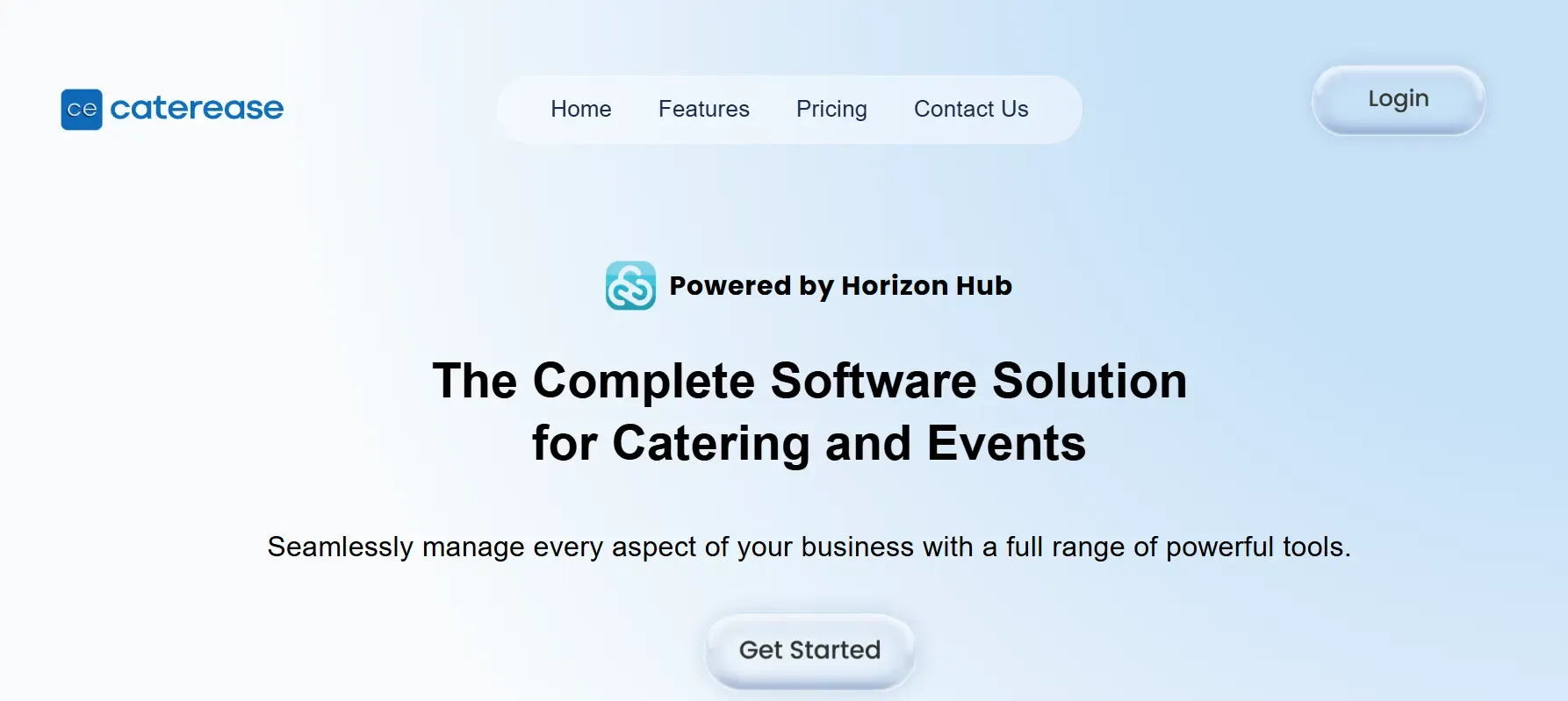
Caterease is a powerhouse for catering businesses juggling menus, staff, and multi-venue logistics. Its feature set is far deeper than Curate’s, with comprehensive modules for menu engineering, staff scheduling, ingredient inventory, kitchen production sheets, and customizable reports. Caterease supports everything from simple drop-offs to full-scale, multi-day events. It integrates with QuickBooks, Sage, Google Calendar, and Outlook, and offers API access for more advanced customizations.
Migration to Caterease can be complex. While their team assists with onboarding, you should expect manual effort to map your data, especially custom menus and historical invoices. The $200/user setup fee covers initial training, but not extensive data import or customizations. As your team grows, setup costs rise quickly, making Caterease best suited for established operations with stable teams.
Pricing: Plans start at $99/month, plus a $200/user one-time setup fee (Caterease Pricing). Add-ons (e.g., advanced reporting, API access) can raise costs further. Annual contracts with auto-renew are standard.
- Deep catering-specific features: menu costing, ingredient tracking, kitchen production, and event timelines.
- Multi-venue and multi-user scalability: manage complex organizations with permissions and user roles.
- Good integration with accounting and calendar tools.
- Steep learning curve: the interface is dense, with many nested menus and options. Expect a significant training period for new staff.
- Costs increase rapidly with team size and additional modules.
- Annual contract and auto-renewal lock you in for the year.
On software you owned, adding new staff would not trigger more fees, it is your platform.
2. Tripleseat (Best for event venues)
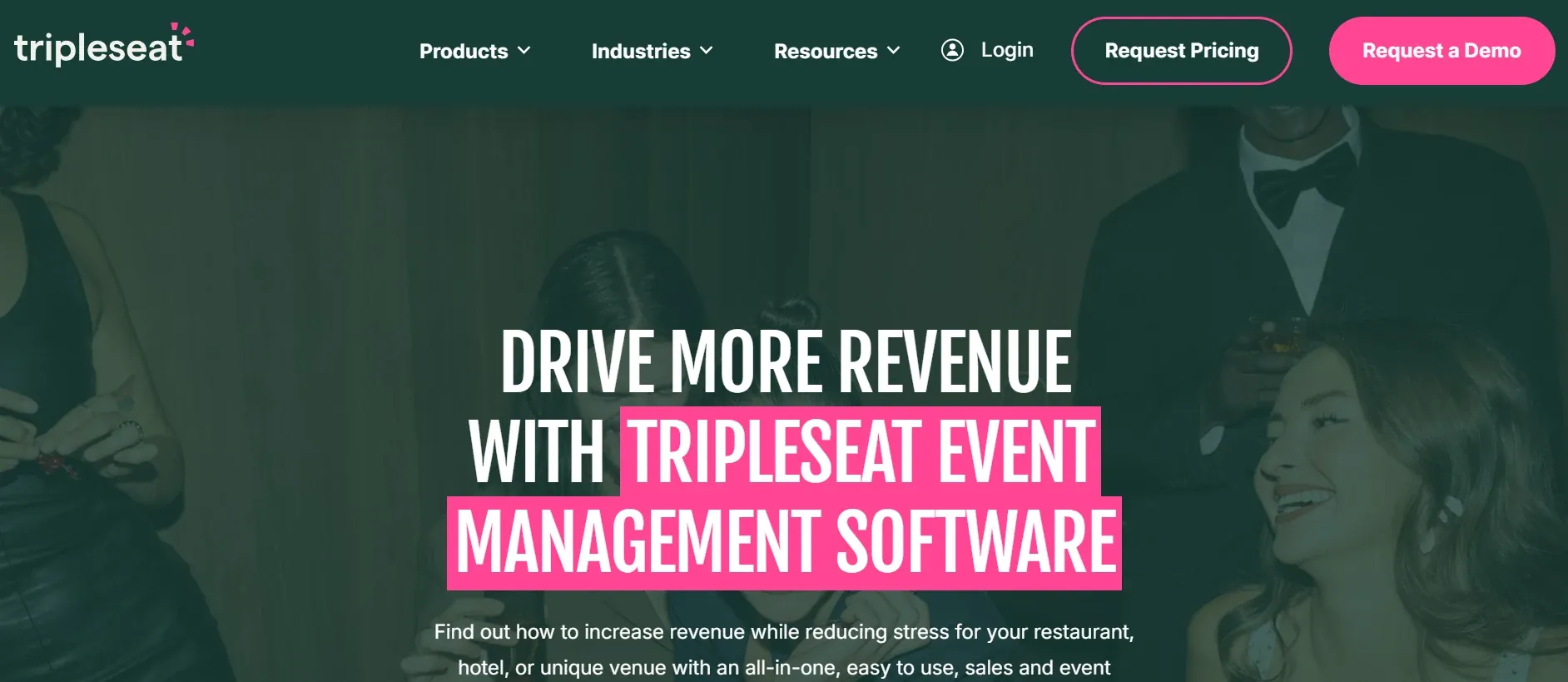
Tripleseat is built for venues running events and banquets, with a strong focus on sales CRM, lead capture, and event booking. It is widely used by restaurants, hotels, and event spaces that offer catering as part of their service. Tripleseat’s interface is modern and intuitive, with drag-and-drop calendar management, automated task lists, and customizable proposal templates.
Tripleseat’s biggest advantage is its CRM: you can track every lead from inquiry to event completion, automate follow-ups, and generate detailed pipeline reports. It integrates with platforms like Salesforce, Outlook, Google Calendar, and payment processors (Stripe, Square). For caterers, however, Tripleseat lacks advanced delivery and kitchen logistics, there are basic tools for menu management and staffing, but not the deep operational workflows of Caterease or Curate.
Migration is relatively straightforward for contact and event data, but custom menu templates or historical financials may require manual import. Custom branding and reporting are available, but often at additional cost.
Pricing: Starts at $99 per user per month, billed annually (Tripleseat Pricing). There are extra fees for storage, API access, and deep customizations.
- Powerful CRM and sales pipeline tools.
- Excellent for multi-location venues and chains.
- Automated task management and reminders.
- Weak on delivery and kitchen logistics for caterers.
- Annual contract only, no month-to-month flexibility.
- Custom features often require a higher-tier plan or custom quote.
3. Planning Pod (Best for venue-catering hybrids)
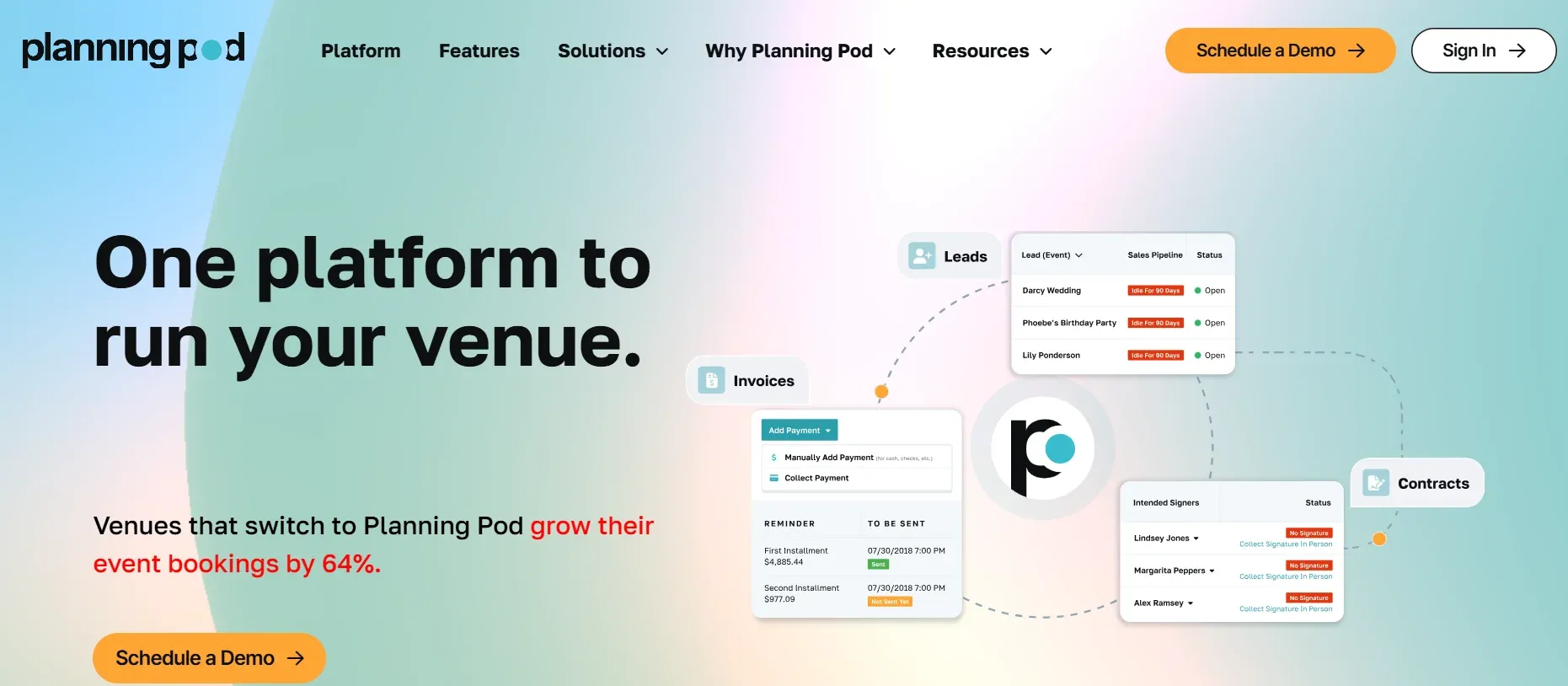
Planning Pod offers all-in-one event and catering management for operators who split their time between venue management and off-site catering. Its dashboard blends event calendars, floorplan design, menu proposals, and payment tracking. While it matches Curate on proposals and client management, its delivery and kitchen workflow features are less robust, focusing instead on scheduling and communication across multiple event types.
Planning Pod supports integrations with QuickBooks, Google Calendar, and Zapier, allowing some automation between systems. Migration tools are available for basic data (contacts, events), but custom menu templates may require manual setup. The platform is modular, additional features like floorplan design, staff scheduling, or advanced reporting can be added for a fee.
Pricing: Starts at $99/month for basic features, with custom quotes for larger operations (Planning Pod Pricing). Most advanced features (e.g., e-signatures, in-depth reporting) are billed as add-ons. Annual contracts are standard, with some flexibility for larger accounts.
- Flexible event management tools for mixed operations (venue + catering).
- Customizable proposals and invoicing workflows.
- Visual floorplan and seating design tools.
- Delivery and kitchen logistics are less developed than in Caterease or CaterZen.
- Add-ons can raise costs quickly as your needs grow.
- Annual contracts and modular pricing complicate budgeting.
That is the kind of delivery workflow you would just have if the platform were built for you.
4. Event Temple (Best for enterprise venues)
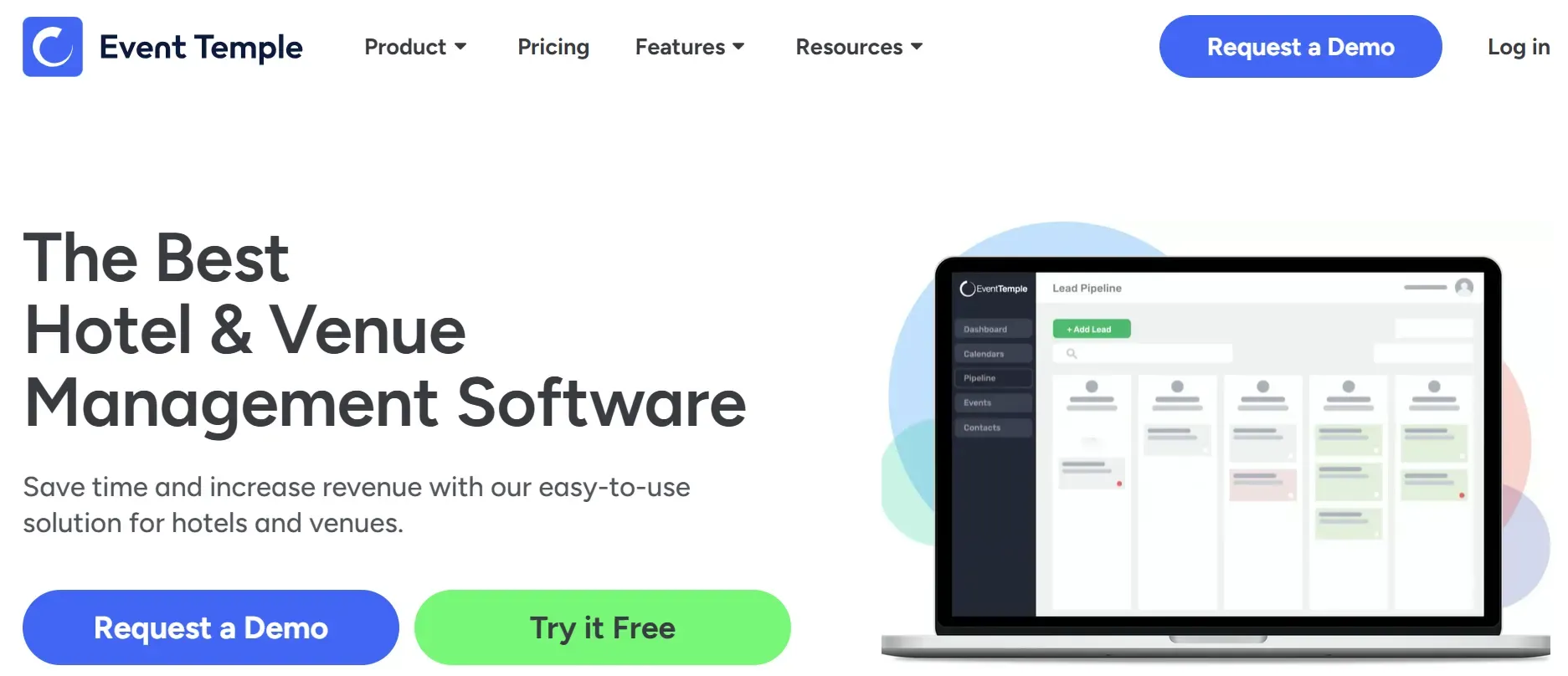
Event Temple is designed for large venues, hotels, conference centers, and hospitality groups that require advanced sales automation and enterprise integrations. Its suite includes CRM, sales pipeline automation, contract management, multi-property support, and analytics dashboards. Unlike smaller tools, Event Temple is built for organizations with complex approval chains and multiple departments working together.
Event Temple integrates with Salesforce, Opera PMS, Outlook, and a wide range of hospitality software. It supports SSO (Single Sign-On), advanced security roles, and detailed permission management. Migration is a white-glove process, with a dedicated onboarding team to assist with data import, mapping, and system configuration. However, this comes at a cost, most plans are custom-quoted, and the platform is less transparent about pricing until you engage their sales team.
Pricing: Starts at $249/month for basic plans, but most clients receive custom quotes (Event Temple Pricing). Annual contracts are required, and there may be onboarding and support fees for complex deployments.
- Enterprise-grade integrations and security.
- Advanced CRM, contract, and sales pipeline tools.
- Multi-property and multi-department support.
- Opaque pricing and long sales cycles.
- Annual contracts only, no flexibility for short-term use.
- Overkill for small to midsize caterers.
5. HoneyBook (Best for solo and small catering businesses)
HoneyBook is popular with freelancers and small businesses who want a simple, all-in-one platform for proposals, contracts, and payments. Its onboarding is fast, no setup fees, and you can import contacts from spreadsheets or Gmail. HoneyBook is focused on client communication and billing, with templates for proposals, contracts, and invoices. It provides a mobile app for managing leads, sending contracts, and accepting payments on the go.
HoneyBook integrates with QuickBooks, Zapier, Google Calendar, and Gmail. Its automation tools are useful for small teams, auto-reminders, proposal follow-ups, and payment requests. However, HoneyBook lacks advanced catering workflow features: there is no menu engineering, ingredient tracking, or delivery routing. Reporting is basic, covering invoices, payments, and project status, but not deep analytics or kitchen production.
Pricing: Starter $29/month, Essentials $49/month, Premium $109/month (HoneyBook Pricing). Annual contracts provide the best rates; month-to-month is available but costs more. Free trial available.
- User-friendly interface and fast onboarding, be up and running in a day.
- No setup or migration fees for standard data.
- Great for proposals, e-signatures, and payments.
- Missing advanced catering features (menus, staffing, logistics).
- Limited reporting and analytics.
- Best rates require annual contracts.
6. CaterZen (Best for high-volume catering)
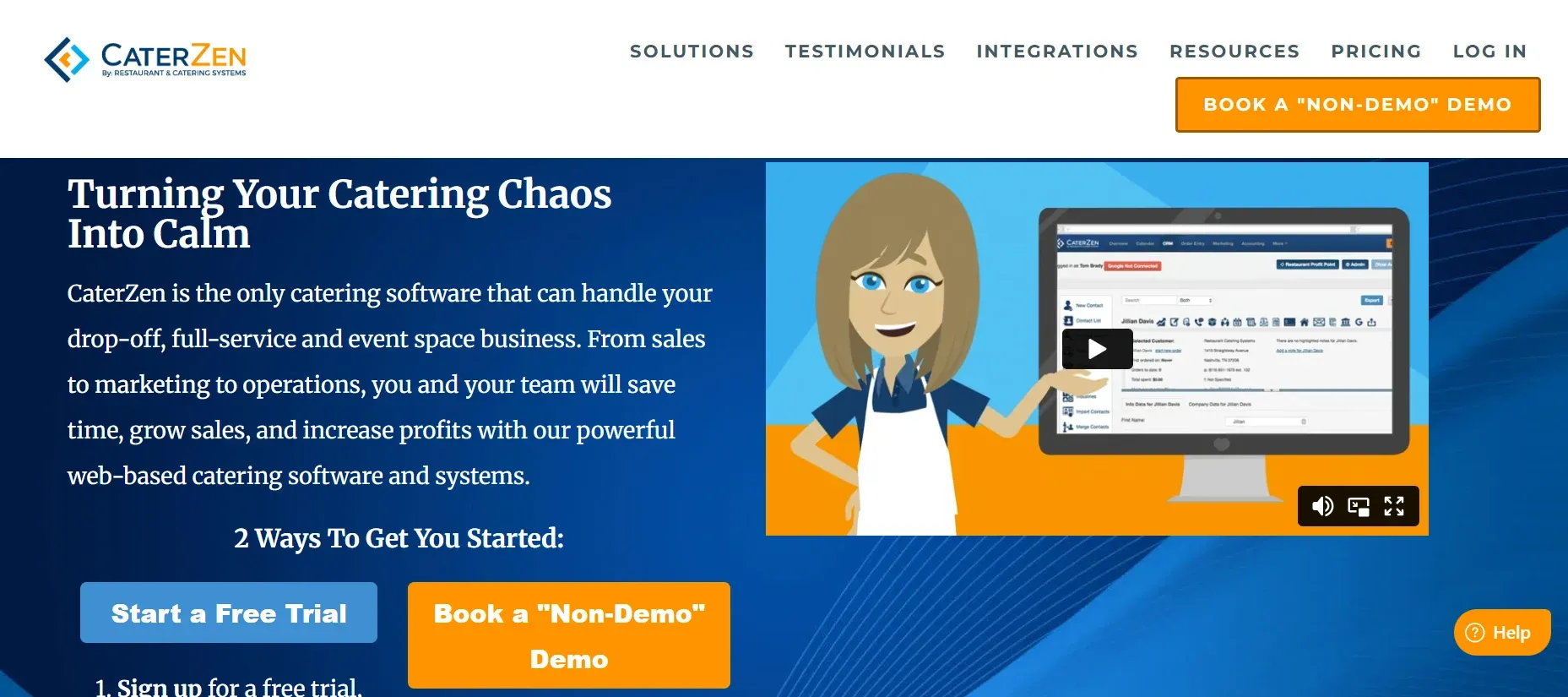
CaterZen is built specifically for caterers managing high order volumes and lots of repeat business. Its standout features include repeat order automation, delivery dispatch and routing, and a built-in CRM for tracking client preferences and order history. CaterZen is designed for speed: you can generate proposals, confirm orders, and dispatch drivers in a few clicks. It supports SMS notifications, client portals, and integrates with QuickBooks, Google Calendar, and email providers.
Migration is supported for customer lists and basic order data, but custom menus and historical invoices may require support intervention or manual entry. The platform is less customizable than Caterease, workflows are fixed, and custom fields are limited. Still, for high-volume, repeatable catering, CaterZen provides impressive efficiency.
Pricing: Starts at $99/month (CaterZen Pricing). Additional features, such as branded client portals or advanced analytics, are available in higher tiers. Annual contracts provide the best value.
- Efficient repeat ordering and client management tools.
- Integrated delivery management: driver routing, SMS updates, and delivery confirmation.
- CRM for client preferences and history.
- Limited customization: workflows and templates are fixed.
- Annual contracts for best rates.
- Feature upgrades require higher tiers.
With a Devaims build you control your roadmap, no waiting for a vendor update to get the feature you need.
7. 17hats (Best for freelancers and event pros)
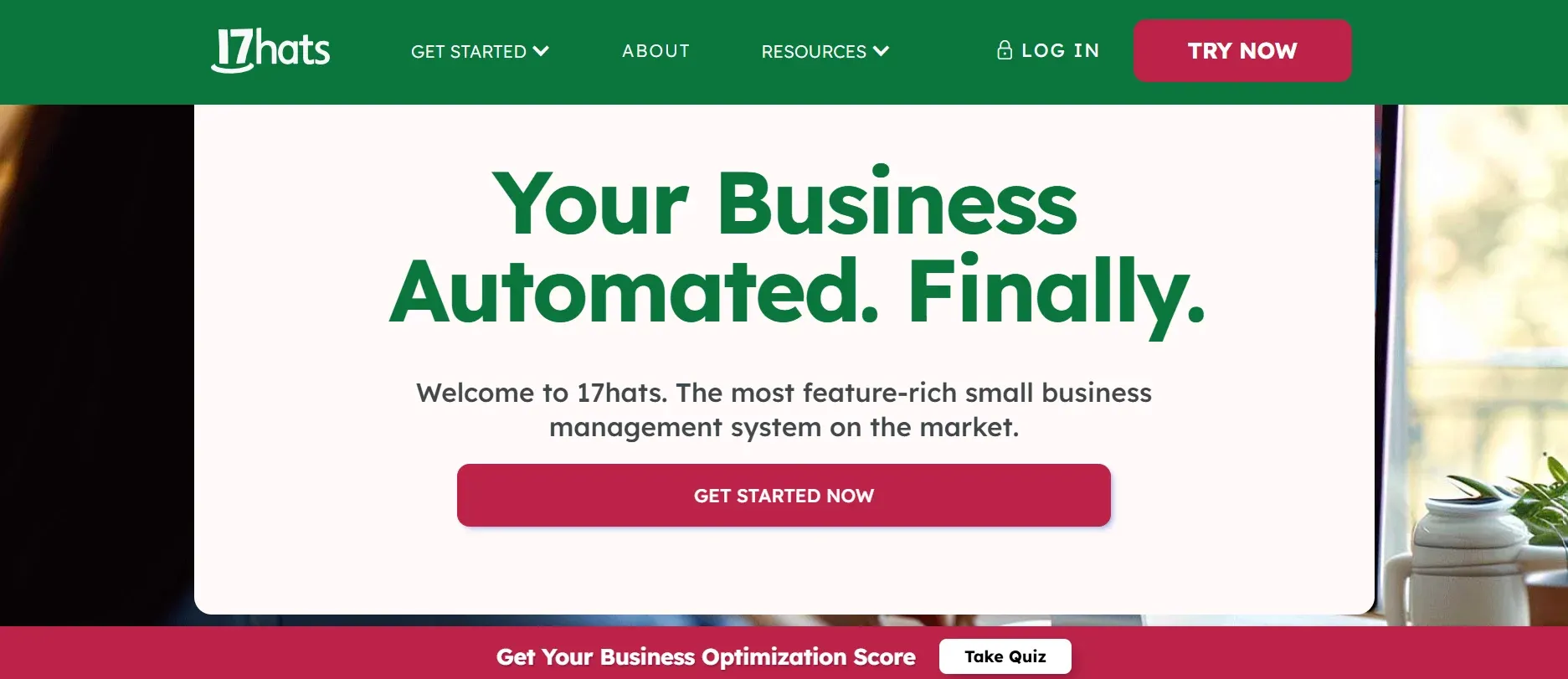
17hats is aimed at solo operators and small event teams who want contracts, invoicing, and task tracking in one app. Its workflow is simple: create projects, send proposals, track tasks, and bill clients. 17hats is not built for catering specifically, so menu management, delivery, and kitchen workflows are absent. Instead, it excels as a lightweight business management tool for freelancers and gig-based event professionals.
Migration consists of importing contacts and simple project data, there are no tools for menus or event-specific logistics. Integration options are limited: you can connect with QuickBooks, Google Calendar, and Gmail, but not with advanced catering or delivery tools. Support is primarily self-service, with email and knowledge base assistance.
Pricing: Starts at $15/month (17hats Pricing). Higher plans offer more automation and document templates, but all are affordable for solo operators.
- Simple and quick to learn, minimal setup time.
- Low monthly price, ideal for small budgets.
- Good for contracts, basic billing, and task management.
- No catering-specific features (menus, delivery, kitchen).
- Not designed for larger teams or complex workflows.
- Limited integrations and reporting.
8. Flex Catering (Best for cloud-based operations)
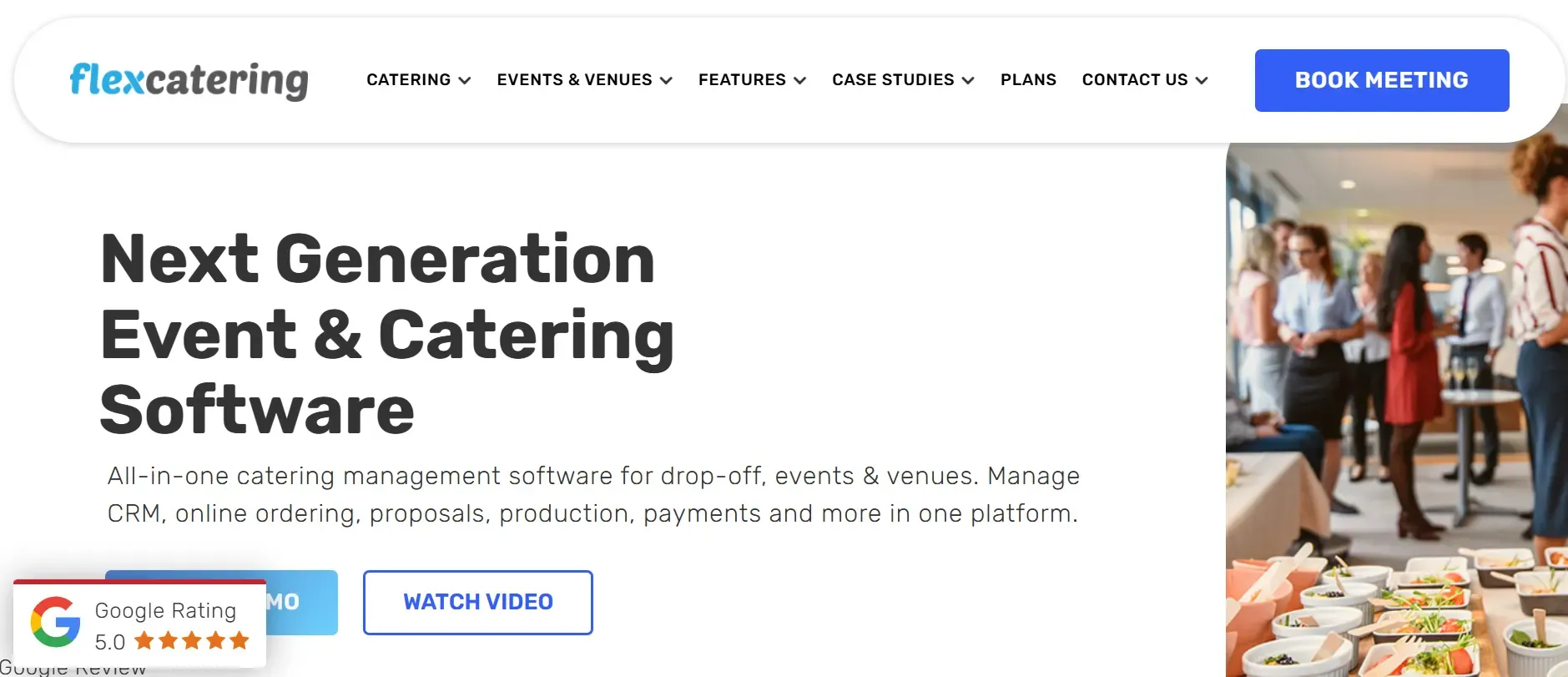
Flex Catering is a cloud-first platform for caterers who want to run everything online: menus, orders, invoices, and delivery. Its UI is modern and mobile-friendly, with drag-and-drop menu builders, order tracking, and online payment support. Flex Catering integrates with Stripe, Xero, QuickBooks, and Zapier, making it easy to automate accounting and notifications.
Flex Catering’s standout feature is online ordering: you can embed menus on your website, accept orders, and process payments directly. For remote or distributed teams, the platform supports user permissions, task assignment, and real-time collaboration. Migration is supported via spreadsheet import for clients and menus, but advanced workflows or custom data may require manual setup.
Pricing: Starts at $99/month (Flex Catering Pricing). Pricing increases with user count, add-on features, and higher order volumes. Annual contracts are standard, with discounts for multi-year commitments.
- Modern cloud interface and mobile access.
- Strong online ordering tools, embed menus and accept payments.
- Good for remote and distributed teams.
- Pricing rises as you add users or features.
- Annual contracts required.
- Some advanced reports are only in premium tiers.
9. Devaims (Best for owning your catering platform)
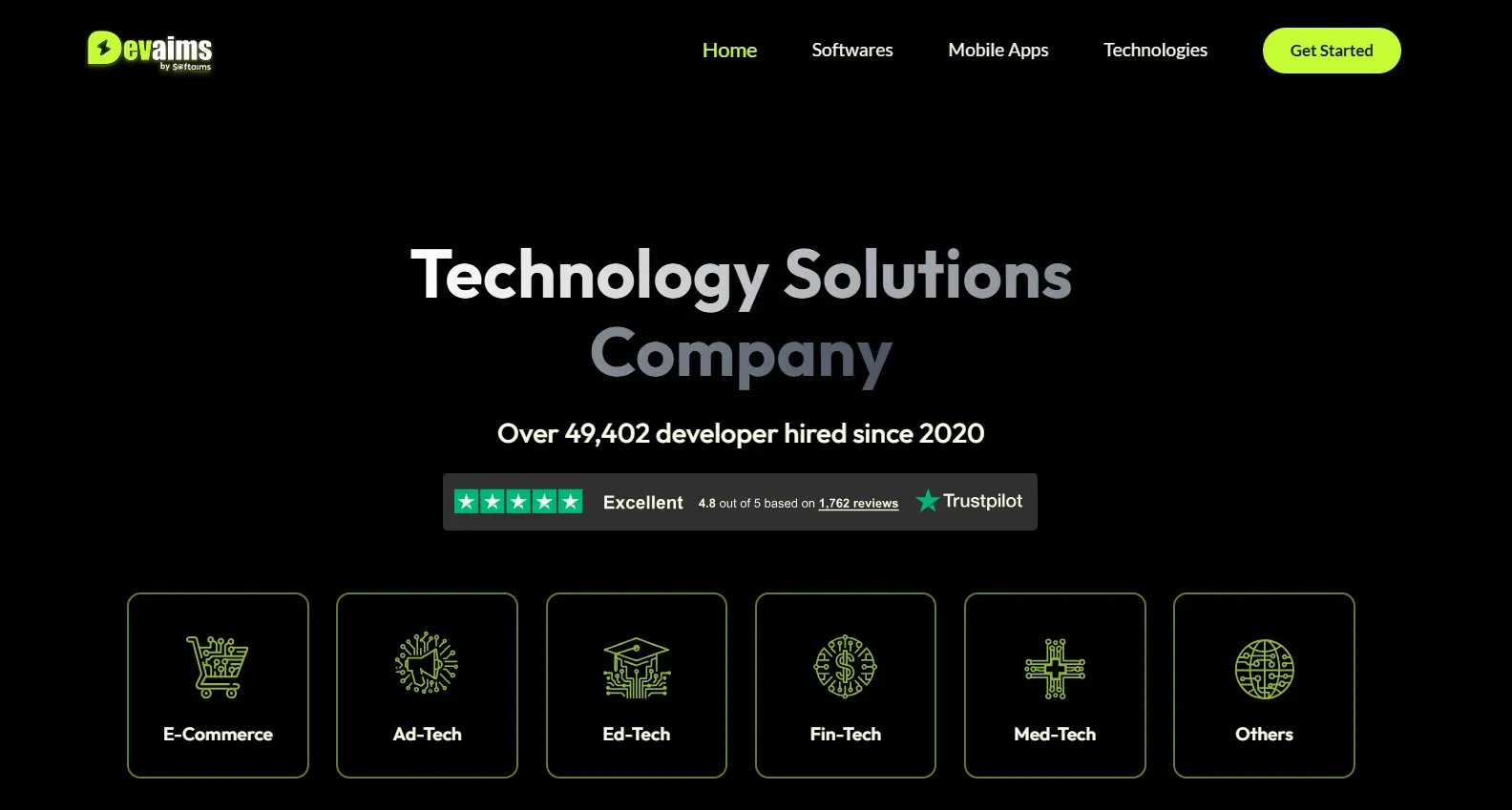
Devaims builds custom software for catering businesses, web, mobile, and workflow tools you own outright. Unlike every other option here, you get the source code, full control, and no per-user or per-project billing. What you pay is a one-time build cost, then flat maintenance if you want it. You keep your data, your processes, and your business logic, forever.
- Fully custom fit: every workflow, every field, every report built for you.
- No recurring SaaS fees: one-time build, then flat, optional maintenance.
- You own your code, data, and roadmap, no lock-in, ever.
- Adapt and scale as your catering business grows.
Migration friction is minimal: Devaims handles the entire migration process, including data mapping, import, and integration setup. If you have unique workflows or legacy data, the platform is built around your requirements, not the other way around. Integrations are limited only by your needs: QuickBooks, Stripe, custom delivery apps, SMS, and more.
Use cases: Established catering companies with unique workflows, proprietary menus, or complex event management needs. If you want to future-proof your business and stop paying rent for a system you cannot change, Devaims is the only path to true ownership.
Other Curate alternatives worth knowing
- Total Party Planner: Aimed at party and event planners; more niche than full-service catering management. Its focus is on event logistics and guest management rather than deep catering workflows.
- Spiffy: Good for online bookings and basic event management, but lacks catering-specific depth such as kitchen production or detailed delivery routing.
- CaterXpert: Powerful for enterprise, with advanced analytics and multi-location support, but overkill for most SMBs due to complexity and cost.
These tools can fill gaps for certain operators but are less catering-focused or require major workarounds for core workflows. Always trial before you commit, and ask about data export and integration options up front.
How to choose the right Curate alternative
- Budget: Calculate not just the monthly price but setup fees, add-ons, and annual contract risks over 3 to 5 years. Some platforms appear cheap up front but become costly as you scale or need advanced features.
- Feature set: Do you need deep menu, delivery, or staffing management, or just proposals and billing? List your non-negotiable features and compare each tool’s core strengths.
- Team size: Per-user pricing can kill value as you scale, watch for hidden costs, especially if you have seasonal staff or multiple venues.
- Customization: If you want your own workflows or unique client experience, rented SaaS may always fall short. Custom builds give you control, but require more planning up front.
- Data ownership: Decide if you are willing to have your data and processes tied to a subscription forever. Consider what happens if you outgrow your platform or need to migrate in the future.
If you are pricing out Curate alternatives and finding every option still means renting, it might be time to consider owning your stack.
Stop paying rent on software you could own
Every SaaS catering platform shares a core issue: you rent, they own. It is monthly or annual contracts, onboarding fees, and rising per-user or per-project costs, year after year. Even if you switch from Curate to another tool, you are still paying rent for a system that will never be yours. Devaims changes that.
Devaims is a custom software development agency that builds exactly what your catering business needs, from event booking to menu management to delivery tracking. You get the source code, full data ownership, and a roadmap that is yours to set. No more paying for features you do not use, no more waiting for a vendor update, no more lock-in. You pay for the build, own the system, and keep your data forever.
- No per-user or per-project fees: Add staff, venues, or events at no extra cost.
- No annual contracts or auto-renewals: You decide when and how to update.
- Full control over features and integrations: Build exactly what you need, skip what you do not.
- Data and workflow ownership: Your recipes, schedules, and client lists stay yours, always.
| Tool | Ownership | Contract | 5-year cost (est.) |
|---|---|---|---|
| Curate | Rented | Annual auto-renew | $25,000+ |
| Caterease | Rented | Annual auto-renew | $32,000+ |
| HoneyBook | Rented | Annual | $6,500+ |
| Devaims | Owned | None | $32,000 (build + 5 yrs maint.) |
5-year cost breakdown (scaled catering team, 6 users):
| Year | Rent (Caterease) | Own (Devaims) |
|---|---|---|
| 1 | $9,000 | $29,000 |
| 2 | $18,000 | $31,760 |
| 3 | $27,000 | $34,520 (break-even) |
| 4 | $36,000 | $37,280 |
| 5 | $45,000 | $40,040 |
Most catering businesses break even in year 3 or 4, then save thousands as the gap widens. If your staff or event count is higher, owning gets ahead even faster. Want to see your real numbers? We will run the math for you, no pitch, just clarity.
How to switch from Curate
- Export your current data from Curate (clients, menus, calendar, invoices). Review Curate’s export tools and support documentation; some data may need to be requested from their support team.
- Pick your alternative and set up your new account or build. For SaaS, sign up and configure user roles; for custom builds, work with your developer to define workflows and integrations.
- Import data into the new system, using migration tools or support. Some platforms offer automated importers; for complex data, manual entry or CSV upload may be required.
- Reconnect payment processing and integrations (QuickBooks, email, SMS, delivery apps, etc.). Test each integration to ensure data flows correctly.
- Train your team on the new workflows and interface. Schedule onboarding sessions and create documentation for reference.
- Test new bookings and orders in parallel before going live. Run a few events through both systems to catch any data or workflow issues.
- Cancel your Curate contract, minding the renewal window. Document any remaining data or features you need, and ensure you have full access before your account closes.
With a custom Devaims build, the migration is handled as part of the project, data mapping, import, and integration setup are included in the scope.
Frequently asked questions
What is the best Curate alternative for large catering teams?
Caterease is strong for large, complex catering operations, thanks to its deep features, multi-venue support, and scalable user management. Its reporting and kitchen production tools are unmatched among SaaS options. However, per-user fees and onboarding costs add up as your team grows. For teams that want to own their system and skip per-user fees, Devaims is the top pick, your costs stay flat as you add staff, and you control the roadmap.
Which Curate alternative is cheapest for solo caterers?
17hats and HoneyBook both offer low starting prices for solo operators. HoneyBook has no setup fees and starts at $29/month, while 17hats is just $15/month. Both are lighter on catering features than Curate, so weigh functionality against cost. Consider your growth plans: if you plan to add staff or expand, switching later may require another migration and more training.
Is there a free Curate alternative?
Curate has a limited free tier, but most serious alternatives are paid. Some, like HoneyBook, offer free trials or discounts for new users. Open-source options exist (like Odoo or ERPNext with catering modules), but require technical skills to set up and maintain. If you want to own your system, Devaims consults are free, but a custom build is a one-time investment, not a free solution.
Which Curate alternative has the best delivery and logistics tools?
CaterZen stands out for high-volume delivery and repeat order workflows, with driver dispatch, SMS notifications, and delivery confirmation. Flex Catering is also strong for cloud-based operations with online ordering and payment. Caterease offers detailed kitchen and delivery reporting but is more complex. For fully custom delivery features, such as integrating with local courier APIs or building advanced routing, Devaims lets you build exactly what you need, with no feature gaps.
When should a catering company switch from Curate?
If you are hitting project limits, frustrated with annual contracts, or watching your bill climb as you grow, it is time to look at Curate alternatives. Other signs: you need features locked behind higher tiers, your workflows are too unique for off-the-shelf tools, or you want to own your data and processes. If you want to stop renting and start owning your platform, Devaims is the path.
Can I keep my data if I leave Curate?
Curate allows data exports, but you may lose access to features and reporting after your contract ends. Some data, like custom reports, menu templates, or client notes, may not export cleanly. Always backup your data before canceling. With Devaims, your data, workflows, and code are yours to keep and control, always, with no risk of vendor lock-in or access loss.
The bottom line
Curate alternatives do not fix the core problem: you are always renting. The only way to break the cycle is to build a system you own. Here is the test: add up what each tool will cost you over the next five years. If that number would have built you something you own, you already have your answer.
For more insights, visit the Devaims blog. You might also like HoneyBook alternatives, Tripleseat alternatives, and Caterease alternatives. For industry trends and further SaaS comparisons, see resources from Catersource and Restaurant Technology News.