


Every funeral home operator faces a harsh reality: most software solutions are designed to keep you paying, not to help you build lasting value. You sign up for a system like Bereave, pay the per-employee fees, and after years of loyal use, you still do not own your process, your data, or the technology that keeps your business moving. As the industry shifts and grows, more owners are looking for Bereave alternatives that offer better control, lower long-term costs, and the flexibility to truly run their operation their way.
This guide is your deep dive into the top 10 Bereave alternatives trusted by funeral homes in 2026. We break down not only features and pricing, but also the crucial trade-offs: ownership, migration, integrations, and whether you are building equity in your tech or just paying rent forever.
Why funeral homes look for Bereave alternatives
Software is the backbone of every modern funeral home, but Bereave and its peers have a business model that puts the vendor in control. Here are the core reasons more directors are looking elsewhere:
- Climbing per-employee pricing: Bereave typically charges between $0.75 and $1.15 per staff member per month. For a team of 30, that is $22.50 to $34.50 per month, or $270-$414 per year. But as you add locations, seasonal staff, or grow through acquisition, these costs scale linearly. Over five years, that adds up to $2,000+ per staff member, money that could have gone into your business, not a subscription.
- No ownership, always a rental: You do not own the software, the source code, or even the process. Your client records, workflow notes, and even compliance data live in someone else’s cloud, and you are subject to their backup policies, downtime, and privacy controls.
- Features locked to pricing tiers: Bereave and most alternatives limit access to advanced features, custom reporting, integrations, or workflow automation, to higher-priced plans. You might start out with a basic plan, but as your needs change, you are forced to upgrade or pay for add-ons.
- Limited integrations and customization: Many funeral homes have unique processes, local regulations, religious traditions, or family preferences. Bereave’s one-size-fits-all approach means you often have to conform your workflow to the software, not the other way around. Integrating with local printers, QuickBooks, or niche payment processors is rarely possible without extra fees or workarounds.
- Contract inertia and no exit value: After years of payments, you have no asset to show for it. If you want to switch, you face migration headaches, retraining, and the risk of data loss. Most platforms offer little or no export capability, and you are at their mercy for data portability.
As more funeral homes modernize, these pain points become impossible to ignore. Operators want control over their tech, predictable costs, and a system that adapts to them, not the other way around.
Quick comparison of the best Bereave alternatives
| Tool | Best for | Starting price | You own it? |
|---|---|---|---|
| FrontRunner Professional | All-in-one funeral management | Quote-based | No |
| CRäKN | Case workflow compliance | Quote-based | No |
| Osiris | Scheduling and document handling | Quote-based | No |
| FuneralTech | Digital arrangements | Quote-based | No |
| FDMS | Reporting and payables | Quote-based | No |
| FuneralHQ | QuickBooks sync | $99/mo | No |
| Cypress | Simple case management | $149.99 one-time | No |
| PassageQuest | Workflow automation | Quote-based | No |
| Devaims (custom build) | Full ownership, tailored to you | One-time build, you own it | Yes |
Always confirm up-to-date pricing and terms, many providers change their models and discounts based on your size, state, or feature requests.
The 10 best Bereave alternatives
1. FrontRunner Professional (all-in-one funeral management)
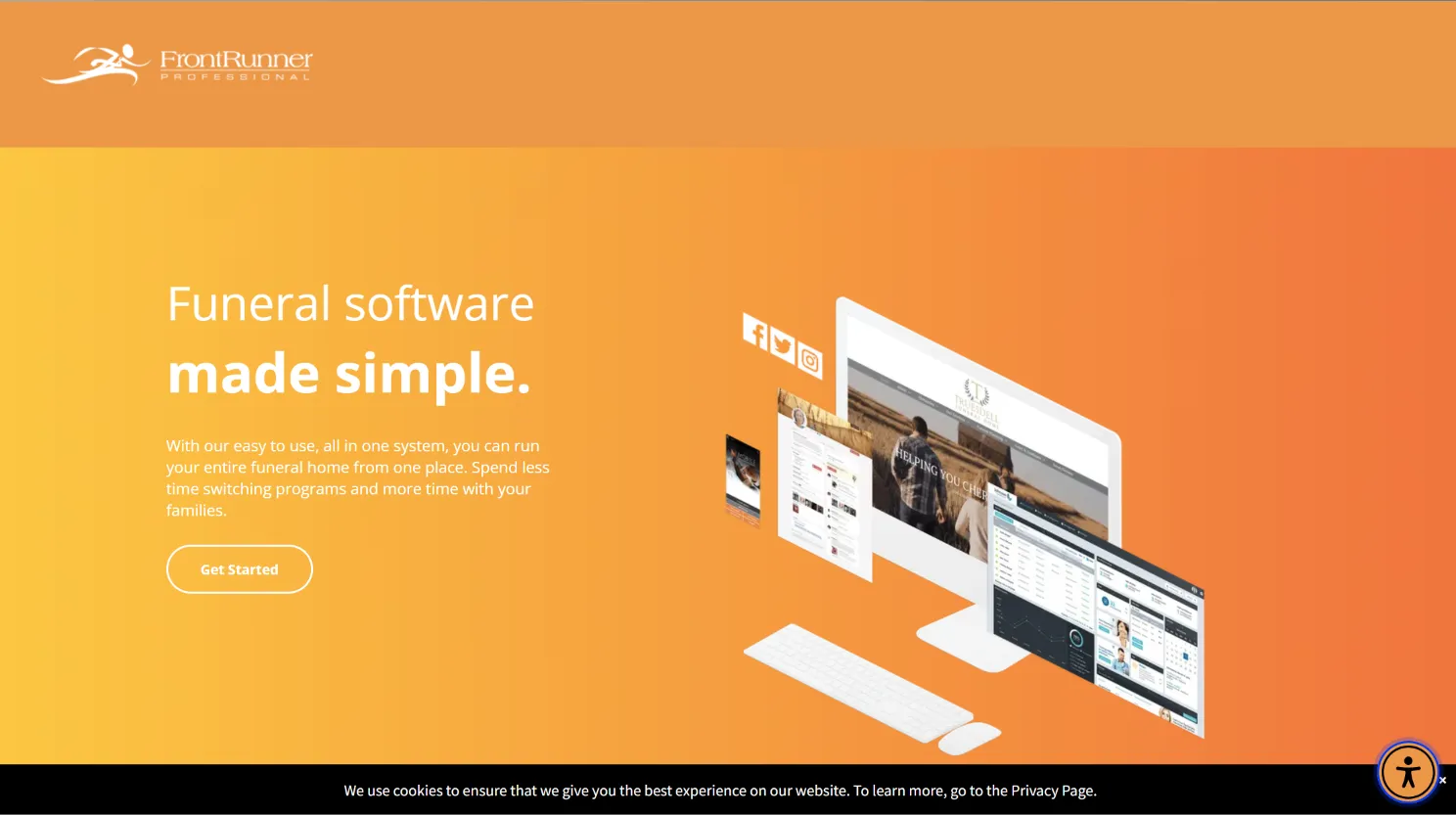
FrontRunner Professional is one of the industry’s most established platforms, serving thousands of funeral homes across North America. Its Pulse Business System is designed as an all-in-one suite: website CMS, arrangement tools, case management, forms, obituary hosting, and even e-commerce for memorial products. This makes it attractive for firms wanting everything in one place without juggling multiple vendors.
Notable features:
- Integrated website builder with tribute pages
- Digital arrangement and contract tools
- Case tracking, scheduling, and family communication
- Automated obituary distribution to press and social media
- Merchandise catalog and e-commerce integration
- Reporting and analytics dashboard
Integrations: FrontRunner connects with some accounting systems, payment gateways, and select CRM tools. However, integrations outside their partner network require custom work and may incur additional fees. Data export is limited and typically requires vendor assistance.
Migration friction: Moving to FrontRunner often means a full website rebuild and data import, which can take weeks. Custom forms and unique workflows may not port directly, and you may need to retrain staff on new processes.
Concrete use cases: Firms looking to unify website, digital arrangements, and records in one dashboard; operators wanting to automate obituary publishing and merchandise sales.
Trade-offs: You never own the code or database. Changes to features or pricing are outside your control, and your business is tied to their product roadmap and support cycles. If you leave, you may lose access to historical data or face export fees.
Pricing: All pricing is quote-based and varies by location, number of users, and selected modules (see analysis). Expect annual contracts and onboarding fees.
With a Devaims build, you get a flat project fee, source code ownership, and full control over integrations and branding.
2. CRäKN (case workflow compliance)
CRäKN targets funeral homes where compliance, documentation, and audit trails are mission-critical. It centralizes all case information, service details, forms, signatures, and communication, in a secure, cloud-based platform designed to keep you ready for state or federal audits at any time.
Notable features:
- Customizable checklists and workflow automation for every case type
- Secure document storage and e-signature capture
- Automated compliance reminders and audit logs
- Real-time dashboard for staff task management
- Detailed reporting for licensing and regulatory bodies
Integrations: CRäKN offers API-based connections with select accounting tools and can export data for use in other systems. However, deep integration with legacy tools or niche applications may require custom development or additional fees.
Migration friction: Migrating from Bereave or another legacy platform to CRäKN can be complex, especially if your historical records are not in a standardized format. Expect at least several weeks for data mapping, testing, and staff training.
Concrete use cases: Multi-branch funeral homes needing standardized workflows, audit-proof records, and centralized compliance management; firms with frequent state inspections or complex licensing requirements.
Trade-offs: CRäKN is SaaS-only, so you cannot host it on your servers or access the underlying code. Customization is limited to what the platform supports. You pay per user, and costs can rise quickly with larger teams.
Pricing: Only available by quote (source). Contracts are annual and typically require onboarding fees.
With custom ownership, compliance and workflow automation are built to your exact process, with no recurring per-user fees.
3. Osiris (scheduling and document handling)
Osiris is focused on practical, day-to-day case management, scheduling, and digital document handling. It is known for its reliability and is often chosen by firms with a steady volume of cases who want to streamline operations and reduce paperwork errors.
Notable features:
- Case and event scheduling with calendar integration
- Template-based document creation and e-signature support
- Centralized case records with permission-based access
- Activity logging and case status tracking
- Automated reminders for staff and families
Integrations: Osiris integrates with Microsoft Outlook and Google Calendar to keep staff and family appointments in sync. It offers some export tools for data migration but does not provide open API access for custom integrations.
Migration friction: Importing historical case data can require significant mapping, especially if your legacy system has custom fields or non-standard document formats. Expect downtime during transition and the need for parallel operations for at least a week.
Concrete use cases: Small to mid-sized funeral homes needing to centralize scheduling and document workflows; operators wanting to reduce manual errors and improve staff coordination.
Trade-offs: Osiris is a rented platform. Feature upgrades are controlled by the vendor, and any custom workflow may not be possible within the standard product. Data extraction for future migration can be challenging.
Pricing: Not publicly disclosed (G2 pricing). All plans are subscription-based.
4. FuneralTech (digital arrangements)
FuneralTech specializes in digitizing the arrangement process. Its focus is on streamlining paperwork and enabling families to complete arrangements, select products, and sign contracts from anywhere, crucial for serving modern families and remote decision-makers.
Notable features:
- Digital arrangement forms and e-signatures
- Integrated obituary publishing
- Family portals for document review and uploads
- Real-time collaboration between staff and families
- Secure payment processing and contract management
Integrations: Connects with select payment processors, obituary syndication services, and some accounting platforms. API access is limited, and custom integrations require vendor approval and additional fees.
Migration friction: Most migration effort is on re-creating your forms and templates. Importing historical digital arrangements can be difficult, and some data may need to be entered manually.
Concrete use cases: Funeral homes wanting to offer remote arrangements, minimize in-person paperwork, and provide a seamless digital experience for tech-savvy families.
Trade-offs: Subscription model with per-location or per-user fees. Customization is limited to the platform’s arrangement flow; unique family traditions or document requirements may not be fully supported.
Pricing: Not public (Capterra). Expect onboarding and support charges.
With Devaims, you define every field and family interaction, and own the entire digital arrangement process.
5. FDMS (Funeral Director's Management System, reporting and payables)
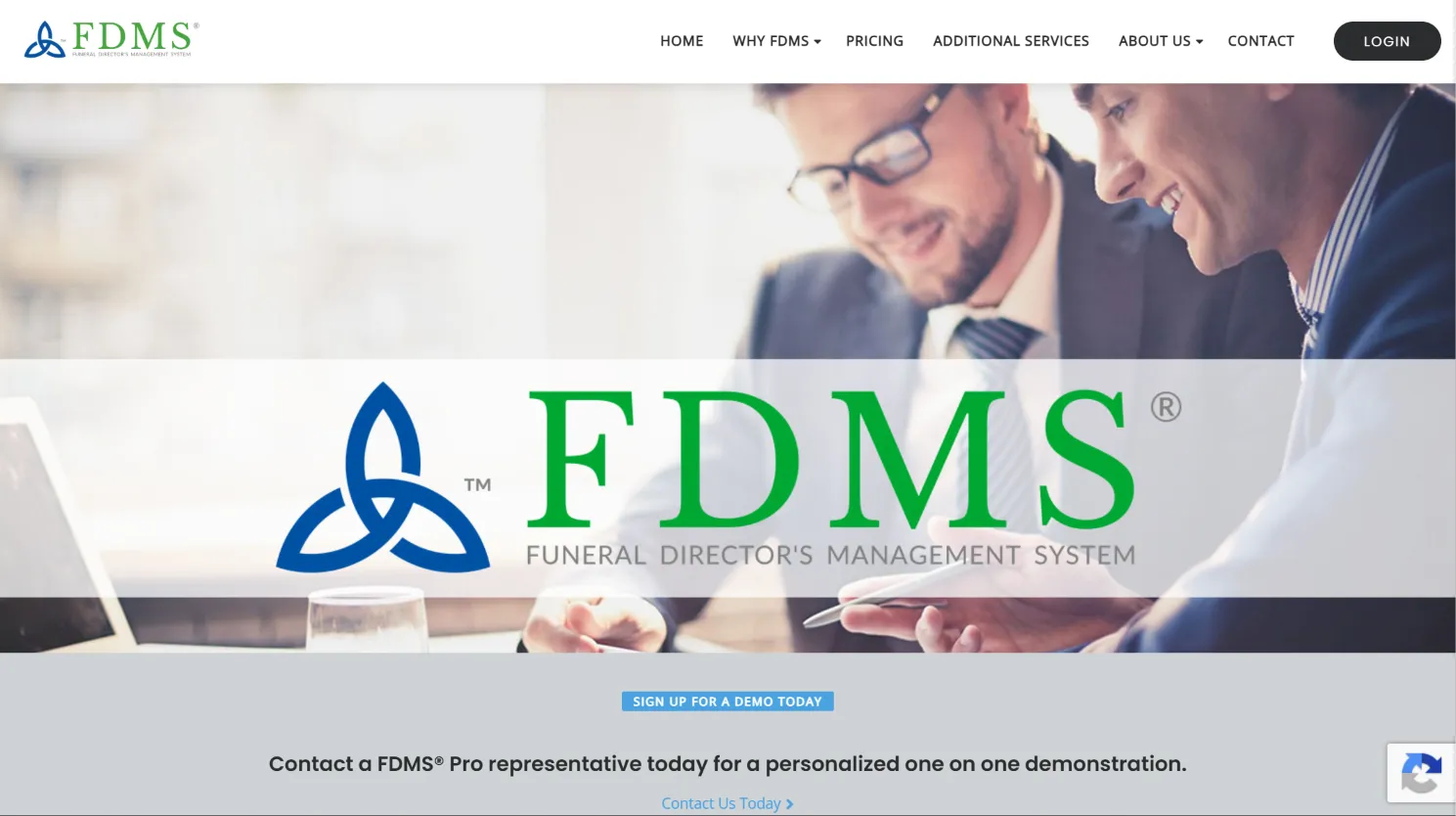
FDMS is a long-standing player focused on the business side of funeral home management: reporting, accounting, payables, and compliance. Its tools are built to help operators get a full financial picture, manage vendor payments, and streamline the back office.
Notable features:
- Comprehensive business reporting (sales, expenses, profit)
- Accounts payable and receivable tracking
- Vendor management and inventory control
- Regulatory compliance documentation
- Integrations with QuickBooks and other accounting software
Integrations: FDMS offers strong accounting connections, but integrating with newer cloud tools or custom business intelligence dashboards can be costly or unsupported. Data extraction is possible but may require vendor assistance.
Migration friction: Moving your financial records and mapping historical transactions is complex. Expect a multi-week process with careful parallel accounting to ensure no data is lost or duplicated.
Concrete use cases: Operators who need robust financial reporting, multi-branch payables, or have outgrown Bereave’s basic reporting capabilities.
Trade-offs: All features are tied to your subscription level. Adding new business analysis or custom reports usually means an upcharge or waiting for the vendor’s development cycle.
Pricing: Not public (FDMS website). Contracts are annual and often require a setup fee.
With a custom solution, every report, export, and compliance document can be tailored and owned outright.
6. FuneralHQ (QuickBooks sync)
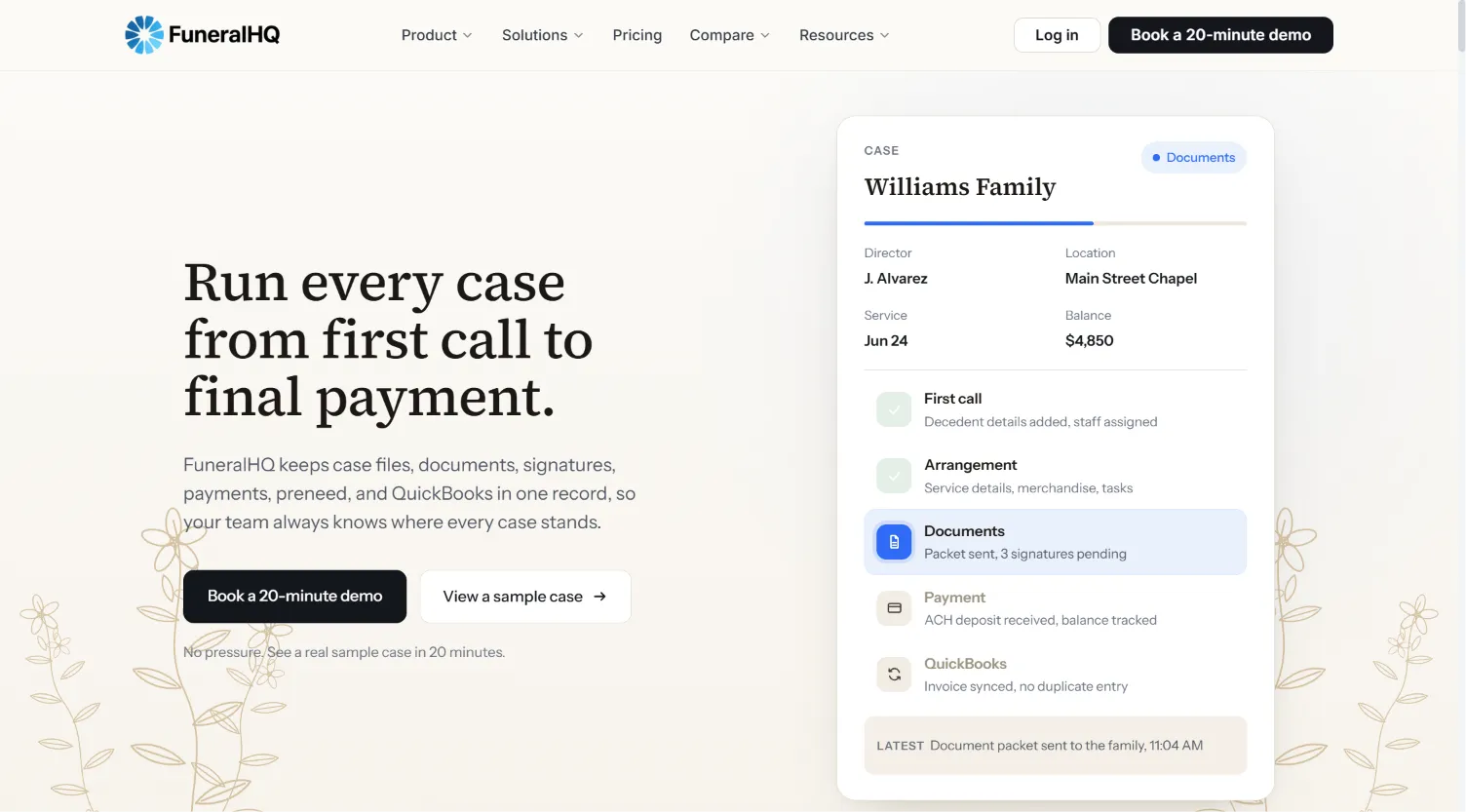
FuneralHQ is a modern SaaS platform built around ease of use and tight integration with QuickBooks. It brings together case management, e-signatures, payments, and family communications in a cloud dashboard. Unlike Bereave, FuneralHQ publishes its pricing, so you know costs up front.
Notable features:
- QuickBooks Online integration for real-time accounting sync
- Digital case files and document management
- E-signature tools for contracts and forms
- Online payments and invoicing
- Automated reminders and task tracking
Integrations: Strong with QuickBooks, plus some payment gateways (Stripe, PayPal). No open API, so connecting to niche tools or legacy systems requires vendor involvement.
Migration friction: Importing existing case data is possible via CSV, but forms, contracts, and document templates often need to be recreated in their system. Staff retraining is usually minimal due to the modern interface.
Concrete use cases: Small to mid-sized funeral homes looking for simple, predictable pricing and seamless accounting integration.
Trade-offs: Monthly plans limit features by tier. For advanced reporting, automation, or branding, you may need higher plans or custom work. You do not own the platform, so long-term costs add up.
Pricing: Starter $99/mo, Professional $249/mo, Business $399/mo, Enterprise $699/mo (FuneralHQ pricing).
7. Cypress (simple case management)
Cypress is a rare outlier among Bereave alternatives: it charges a one-time fee of $149.99 for basic funeral home case management. You get case tracking, billing, and a family portal in a clean, simple interface. For small firms or those just starting out, Cypress is an affordable, no-commitment option.
Notable features:
- Basic case management (decedent records, service scheduling)
- Simple billing and payment tracking
- Family portal for document sharing
- Cloud-based access, no install required
- Quick setup, most firms go live in under a day
Integrations: Cypress is intentionally basic. No API, and only limited export functionality. Sync with accounting or other tools is not natively supported.
Migration friction: Minimal if you are starting from spreadsheets or paper. Upgrading from a full-featured system will require manual data entry for anything but the simplest records.
Concrete use cases: New funeral homes, budget-conscious operators, or firms with very simple workflows who want to avoid monthly fees.
Trade-offs: No advanced features, workflow automation, or integrations. You do not own the code, and roadmap changes are at the vendor’s discretion. Outgrowing the platform will require a full migration later.
Pricing: $149.99 one-time (Cypress pricing).
Owned custom software is more expensive up front, but can grow with you as your needs expand.
8. PassageQuest (workflow automation)

PassageQuest is built for funeral homes that want to automate repetitive administrative tasks and free up staff time. It offers a range of workflow templates, from intake and case creation to follow-up and compliance reminders.
Notable features:
- Automated task assignment and reminders
- Template-based workflow automation
- Case notes and document management
- Staff performance tracking
- Integration with select scheduling and payment tools
Integrations: PassageQuest connects to some scheduling apps and payment processors, but does not offer open API access. Advanced integrations may be available for enterprise clients, but at a premium.
Migration friction: Bringing over historical data is possible, but automations and workflows will need to be recreated in their template system. Staff training is needed to adapt to the automated processes.
Concrete use cases: Medium to large funeral homes aiming to reduce manual admin, enforce consistent workflows, and improve staff efficiency across locations.
Trade-offs: Per-user pricing can become expensive as your team grows. Workflow automation is limited to what the vendor provides; custom processes may not be fully supported. You do not own the system.
Pricing: Quote-based; must contact for details. Expect onboarding and per-seat fees.
With software you own, automation can be as flexible as your imagination and business needs.
9. MiMS (multi-location management)
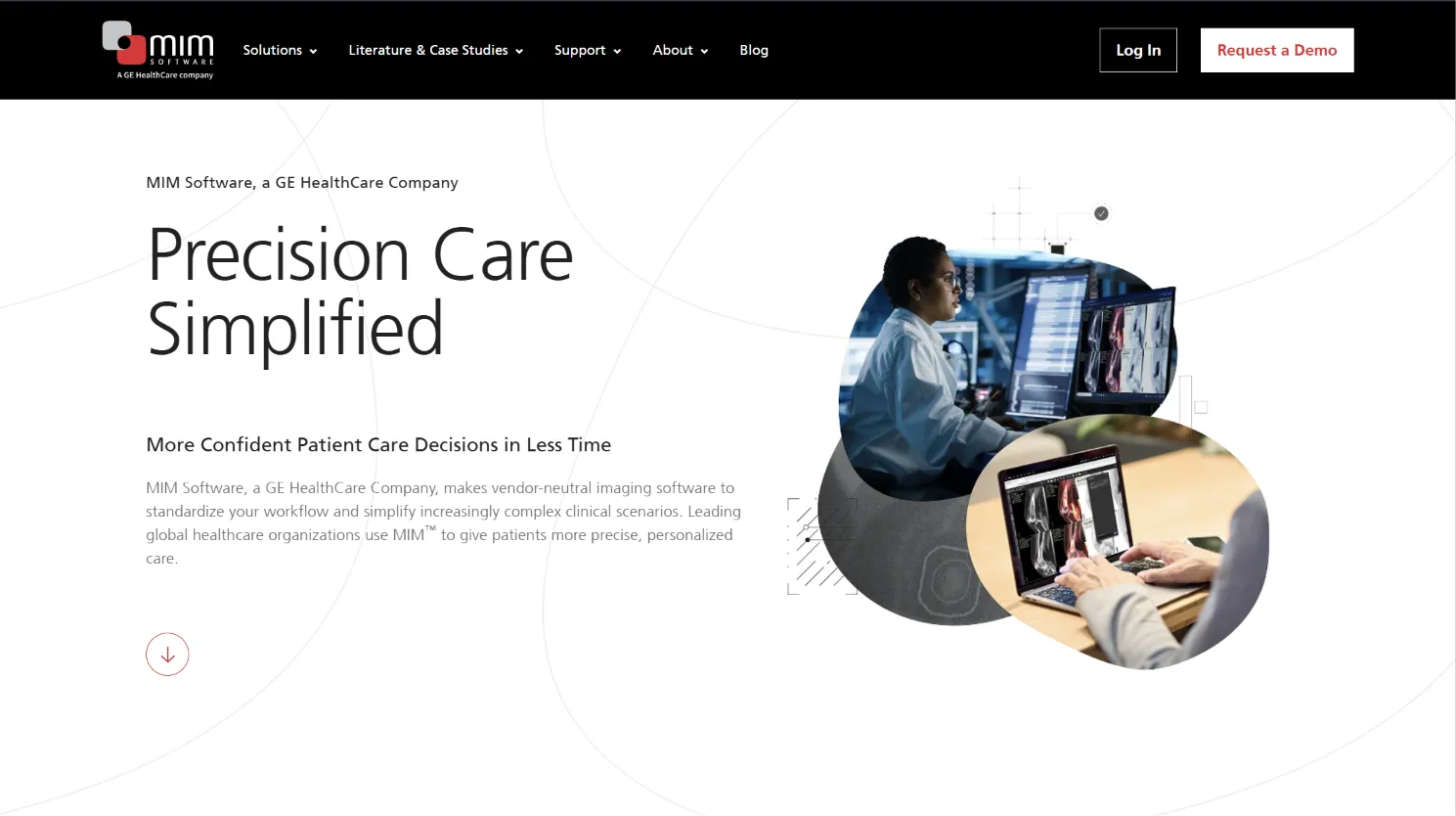
MiMS is tailored for funeral homes operating across several sites or branches. It brings together case management, scheduling, staff permissions, and reporting for multi-location oversight.
Notable features:
- Centralized dashboard for all locations
- Multi-branch scheduling and resource allocation
- Detailed branch-level and consolidated reporting
- Staff permissions by branch or role
- Document management and compliance tracking
Integrations: MiMS offers some accounting and payment connections, but most advanced integrations require vendor involvement or are only available on higher-priced plans.
Migration friction: Migrating multi-branch data is complex and often requires vendor-led data mapping and import. Plan for a phased rollout and dedicated project management.
Concrete use cases: Funeral home groups, regional operators, or firms expanding through acquisition who need oversight of multiple locations.
Trade-offs: No code ownership. Pricing is opaque and can escalate with more branches or users. Custom workflows or integrations may incur significant extra costs.
Pricing: Quote-based (Capterra). Annual contracts and onboarding required.
10. Devaims (custom build, full ownership, tailored to you)
Devaims by Softaims is fundamentally different from every other Bereave alternative. Instead of renting, you commission a custom platform, built to your unique workflow, branding, and compliance needs. You receive the full source code and documentation, can host it wherever you want (cloud, on-prem, hybrid), and add features or integrations as your business evolves. With Devaims, you own your technology asset for life.
Notable features (all fully customizable):
- Case management with unlimited custom fields and workflow automations
- Digital arrangements, e-signatures, and family portals
- Advanced reporting, analytics, and compliance tools
- Seamless integrations with accounting, payments, printers, or any third-party API
- Role-based permissions, multi-branch support, and audit trails
- Custom branding, client-facing portals, and mobile access
Integrations: Unlimited, anything with an API can be connected. You decide what tools your platform talks to, and can adapt as new technologies emerge.
Migration friction: Devaims handles data export, mapping, and import as part of the build. You get a dedicated project team to ensure every record, document, and workflow migrates cleanly, with parallel testing to prevent downtime.
Concrete use cases: Any funeral home (single-site or multi-site) wanting to control costs, own their platform, and adapt technology to fit their evolving business. Especially valuable for operators with complex workflows, unique compliance needs, or a desire to build long-term equity in their tech stack.
Trade-offs: Upfront investment is higher than SaaS, but there are no per-user or per-case fees, and you build a lasting asset. Maintenance is flat and predictable. Feature upgrades are on your schedule, not a vendor’s.
Pricing: One-time build cost plus optional flat-rate maintenance. You own the code, data, and all intellectual property.
Other Bereave alternatives worth knowing
- Aurora Funeral Solutions: Focused on casket and merchandise management. It can complement your case management system but does not replace Bereave for full operations. Still vendor-locked, so no true ownership.
- Tribute Management: Specializes in online memorials and tribute pages. Can be a strong add-on for digital-first firms but lacks full workflow, compliance, or business management features.
- CIMS (funeral): Primarily for cemetery and plot management, not funeral home operations. Useful for hybrid businesses but not a Bereave replacement.
- Epitaphe: Popular in parts of Europe, with strong obituary and document tools. Less visible in the North American market and may lack local compliance features.
These niche tools can fill gaps, but none offer the full suite of case, compliance, reporting, and ownership most funeral homes require.
How to choose the right Bereave alternative
- By budget: If you want to cap costs, look for one-time-fee options like Cypress, or compare the five-year total cost of a custom build versus SaaS subscriptions. Remember to factor in onboarding, support, and upgrade fees.
- By features: List your must-haves: advanced reporting, digital arrangements, family portals, or specific integrations. Many SaaS tools require upgrading to access premium features.
- By team size: Per-user or per-case pricing can quickly outpace custom ownership as your staff grows. Flat-fee or owned options scale better for larger teams.
- By data control: If you handle sensitive client records, pre-need contracts, or wish to comply with strict privacy regulations, consider platforms that allow on-prem or private cloud hosting and full data export.
- By workflow fit: Only custom software, built for your unique process, truly adapts to your business instead of forcing you to fit a vendor’s mold.
If recurring fees, feature gates, and lack of control are slowing you down, owning your platform with Devaims is the next step.
Stop paying rent on software you could own
The central truth of Bereave and its alternatives: you pay, every month, with no equity or asset to show for it. Every per-user fee and contract renewal is money spent to rent your own process from a vendor. The only way out is to build a platform you own, where every feature, report, and workflow is yours, and every dollar invested stays in your business.
Devaims by Softaims builds custom platforms for funeral homes: web, mobile, and business systems where you call the shots. You get a system tailored to your workflow, hosted anywhere, with full source code and documentation. There are no per-employee or per-case fees, no forced upgrades, and no contracts that keep your data hostage. You own it, period.
- No more rising per-user costs: Add staff, locations, or features without watching your bill climb. Growth does not mean higher monthly fees.
- Every feature is yours: Reports, integrations, and branding designed for your exact needs, not a "close enough" SaaS tier or a future roadmap item.
- Full data control: Your records, your servers, your compliance, always accessible, never locked away, and fully exportable as needed.
- Future-proof: When regulations shift or your business grows, you update your own software. No ticket queues, no vendor delays.
| Tool | Ownership | Contract? | Customization | Cost structure |
|---|---|---|---|---|
| Bereave | No | Annual | Limited | Per-employee |
| FrontRunner | No | Annual | Some | Quote-based |
| Cypress | No | No | None | One-time |
| Devaims (owned) | Yes | No | Full | One-time build, flat maint |
Here is the five-year cost math for a 30-person funeral home, using real-world average pricing:
| Year | Rent (Bereave, $1,080/mo) | Own (Devaims, $29,000 build + $180/mo) |
|---|---|---|
| 1 | $12,960 | $31,160 |
| 2 | $25,920 | $33,320 |
| 3 | $38,880 | $35,480 |
| 4 | $51,840 | $37,640 |
| 5 | $64,800 | $39,800 (now ahead) |
By year five, owning is nearly $25,000 ahead, and the longer you run, the further you pull ahead. If you have 30 employees, that $1,080 per month ($36 per day) never stops. With Devaims, you pay once, then a flat maintenance, no surprises, and the system is yours forever.
How to switch from Bereave
- Export your current data: Use Bereave’s export tools (if available) to download all cases, staff records, documents, and contacts. For best results, request a full data export from their support team.
- Choose your new platform: Decide whether you want to rent (SaaS) or own (custom build). Get demos, compare features, and confirm migration support.
- Import data into the new system: Map your exported data to the new platform’s fields. Clean up duplicates and check for data loss. If you are building custom, this process is handled for you.
- Reconnect payments, integrations, and reporting tools: Set up payment processors, accounting links, and any third-party integrations. Test each connection to ensure data flows correctly.
- Train your team: Hold training sessions to walk staff through new workflows, permissions, and features. Use test cases before going live.
- Parallel testing: Run both systems side-by-side for at least a week. Process real cases in both to ensure nothing is missed and staff are comfortable.
- Review and terminate: Once you are confident in the new system, review your Bereave contract for notice periods and data retention policies. Terminate your contract and confirm all data is exported and accessible.
With a Devaims build, migration is included. You receive a dedicated project manager to guide each step and ensure your team is fully supported throughout the transition.
Frequently asked questions
What is the best Bereave alternative for full case management?
FrontRunner Professional and CRäKN both offer robust case management, from intake through disposition and follow-up. However, both are rental platforms, meaning you are always subject to their pricing, feature changes, and support cycles. For full ownership and the ability to customize every aspect of your workflow (including compliance, reporting, and integrations), a Devaims build is the only solution that puts you in total control.
What is the cheapest Bereave alternative?
Cypress is the lowest up-front cost at $149.99 one-time, making it ideal for very small or new funeral homes with basic needs. However, it is limited in features and cannot scale with complex operations. For larger operators, the long-term math usually favors building with Devaims, especially as per-user SaaS fees add up over time.
Are there any free Bereave alternatives?
There are no truly free platforms with the robust workflows, compliance, and support funeral homes require. Some vendors may offer limited-time trials or "freemium" versions with heavy restrictions, but these are not suitable for real-world operations. Cypress’s one-time fee is the closest to free, but it has significant limitations and no ownership.
What is the best Bereave alternative for multi-location funeral homes?
MiMS is designed for multi-branch coordination, with centralized dashboards and permissions. However, pricing is opaque and you remain a renter. With Devaims, your multi-site features are built to your structure, with unlimited users, custom permissions, and reporting that matches your business, not a vendor’s template.
When should I switch from Bereave to an alternative?
If per-employee fees are eating into your margin, you need features that Bereave does not offer, or you want to own your workflow and data, it is time to explore alternatives. For most growing firms, the break-even point for ownership versus renting is typically around the third year, but the strategic value of full control can be even more important than the cost savings.
Can I keep my existing data if I move from Bereave?
Most platforms allow data export, but the quality and completeness vary. Mapping your data into a new system can be complex, especially for custom fields or historical documents. If you build with Devaims, your migration is handled by experts, ensuring every case, note, and document makes the move safely and completely.
How does Devaims compare to Bereave for compliance and reporting?
With Devaims, compliance and reporting are built for your jurisdiction and workflow. You define what needs to be tracked, how reports are generated, and how data is stored or archived. As regulations change, your platform can be updated immediately, no waiting for vendor updates or paying for new modules. Full audit trails, e-signatures, and regulatory exports are standard, not add-ons.
The bottom line
The right Bereave alternative depends on your priorities: lowest monthly bill, breadth of features, or full ownership and control. But the real test is the five-year cost and value. Add up your subscription fees, onboarding costs, and lost flexibility, then compare that to owning a system built for your business. If the numbers (and the control) favor ownership, the choice is clear.
Owning your funeral home software is about more than saving money, it is about building an asset, staying agile as your business grows, and keeping your data and workflow under your control.
Read more on the Devaims blog, or see our deep-dives on FrontRunner Professional alternatives, FDMS alternatives, and FuneralTech alternatives.