

The moment you realize your "all-in-one" dental software is really a rental with a contract you can’t escape, it stings. Lighthouse 360 promises to automate patient reminders and scheduling, but between opaque pricing and the treadmill of monthly fees, many clinics start looking for better options. You’re not alone if you’ve wondered: what will this really cost me over five years, and do I ever actually own anything?
If you’re searching for Lighthouse 360 alternatives, you’re probably after one of three things: lower cost, more control, or finally owning the tech that runs your clinic. The top picks: Open Dental for control and transparency, Curve Dental for cloud simplicity, and Devaims for a system that’s yours to keep. Let’s break down the real numbers, the catch with every rental, and how "owning" changes the math for good.
Here’s what you need to know about the best Lighthouse 360 alternatives, and why renting forever may be the most expensive move you can make.
Why dental clinics look for Lighthouse 360 alternatives
Opaque pricing and unpredictable bills: With Lighthouse 360, you often have to contact sales just to get a quote, and your true annual cost is a moving target when add-ons and usage fees stack up. For example, some clinics report price increases after their first contract term, and the lack of a public price list makes budgeting difficult. You may also be surprised by costs for bulk messaging, extra users, or integrations down the road.
No way to own your software: Every month you pay, but you never build equity in your tech. The second you stop paying, access vanishes along with your customizations. This means even if you invest in training, custom reports, or integrations, you’re renting those capabilities. Stop paying, and it’s all gone.
Contract lock-in and migration headaches: Multi-year contracts, steep onboarding fees, and data migration roadblocks make switching harder than it needs to be. Many clinics underestimate the friction of leaving: data export formats are often proprietary, and you may face fees or delays in getting your patient records, appointment history, and billing data out.
Scaling gets expensive fast: Add another provider or location, and per-seat or per-location pricing means your bill jumps, sometimes by hundreds per month for each new chair. This is a big pain point for clinics planning to grow, since the recurring costs can outpace revenue gains from expansion.
Feature walls and forced upgrades: The features you want often live in higher tiers or behind extra fees. Reports, custom fields, or integrations often require “enterprise” pricing. For example, you might need to pay for API access, advanced analytics, or custom communications. This can restrict your ability to adapt the software to your exact needs.
The search for Lighthouse 360 alternatives starts when the rent to own math stops making sense. Most clinics realize that after a few years, they could have invested the same money into a platform they actually control, with the flexibility to evolve as their practice grows.
Quick comparison of the best Lighthouse 360 alternatives
| Tool | Best for | Starting price | You own it? |
|---|---|---|---|
| Dentrix | Large group practices | Mid-hundreds to low-thousands/year | No |
| Eaglesoft | Integrated imaging | $350 to $1,000/month | No |
| Open Dental | Clinics wanting control | Free + $169/month support | No (open source, but not owned custom) |
| Curve Dental | Cloud convenience | $350 to $600/provider/month | No |
| Carestream Dental | Enterprise clinics | $800 to $2,500/month | No |
| Weave | Patient communication | $279 to $349/month | No |
| Denticon (Planet DDS) | Multi-location DSOs | Contact sales | No |
| Sensei Cloud | Cloud-based management | Contact sales | No |
| Devaims | Clinics ready to own it | One-time build, you own it | Yes |
Pricing and contract terms can change rapidly. Confirm current pricing before you decide. Always ask for a detailed quote, including onboarding, migration, and support, to avoid surprises.
The 9 best Lighthouse 360 alternatives
1. Dentrix (Best for large group practices)
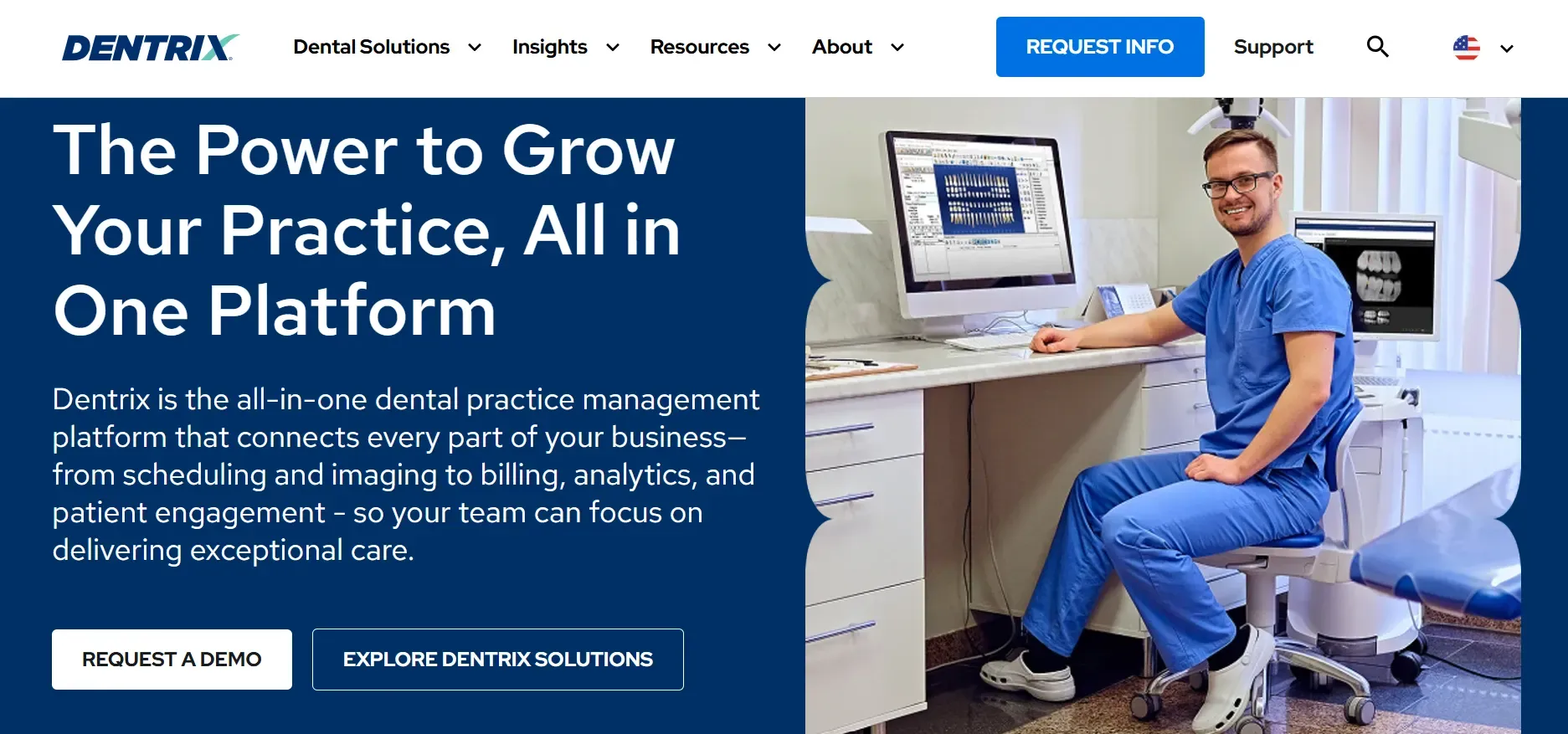
Dentrix is a flagship dental practice management platform from Henry Schein, purpose-built for large, multi-provider clinics and group practices. Dentrix is known for its comprehensive suite of features, including patient scheduling, digital charting, billing, insurance claims, treatment planning, recall management, and strong reporting. Its deep integration with other Henry Schein products (like Dexis imaging) enables efficient clinical workflows, making it a natural fit for clinics invested in that ecosystem.
Integrations and Features: Dentrix offers an extensive marketplace of third-party add-ons, from payment processors and imaging to patient communication tools (e.g., Demandforce, Solutionreach). The Dentrix Smart Image module links imaging devices directly to patient records. Dentrix also supports ePrescribing, digital consent forms, and customizable templates for clinical notes. It offers a web-based patient portal for appointment requests and forms, but the main platform is still server-based, requiring local IT infrastructure.
Migration Friction: Moving to or from Dentrix can be challenging. Data is stored in proprietary formats, and migrating historical clinical notes, images, and billing records often requires professional data conversion services. Expect downtime for installation, and consider the IT costs of maintaining secure, HIPAA-compliant servers.
Concrete Use Cases: Large DSOs (Dental Service Organizations), multi-site practices, and clinics with complex insurance billing needs. Dentrix is also a common choice for clinics that require advanced reporting and analytics for operational oversight.
Trade-offs: Dentrix is powerful but resource-intensive. The IT overhead is significant: server maintenance, backup, and periodic forced upgrades (such as Windows 11 migration) are part of the package. The licensing model means you never own the system, and recurring support or maintenance fees are required for updates or premium features. Customization is possible, but within vendor-defined boundaries.
Pricing: Not publicly posted. Estimates run from mid-hundreds to low-thousands per year for license and support. Contact sales.
- Comprehensive, feature-rich, widely adopted, strong integrations, large talent pool for hiring.
- Key limitations: High IT requirements, ongoing license fees, forced upgrade cycles, no true ownership.
On a system you actually own, that forced upgrade cycle just doesn’t exist.
2. Eaglesoft (Best for integrated imaging)
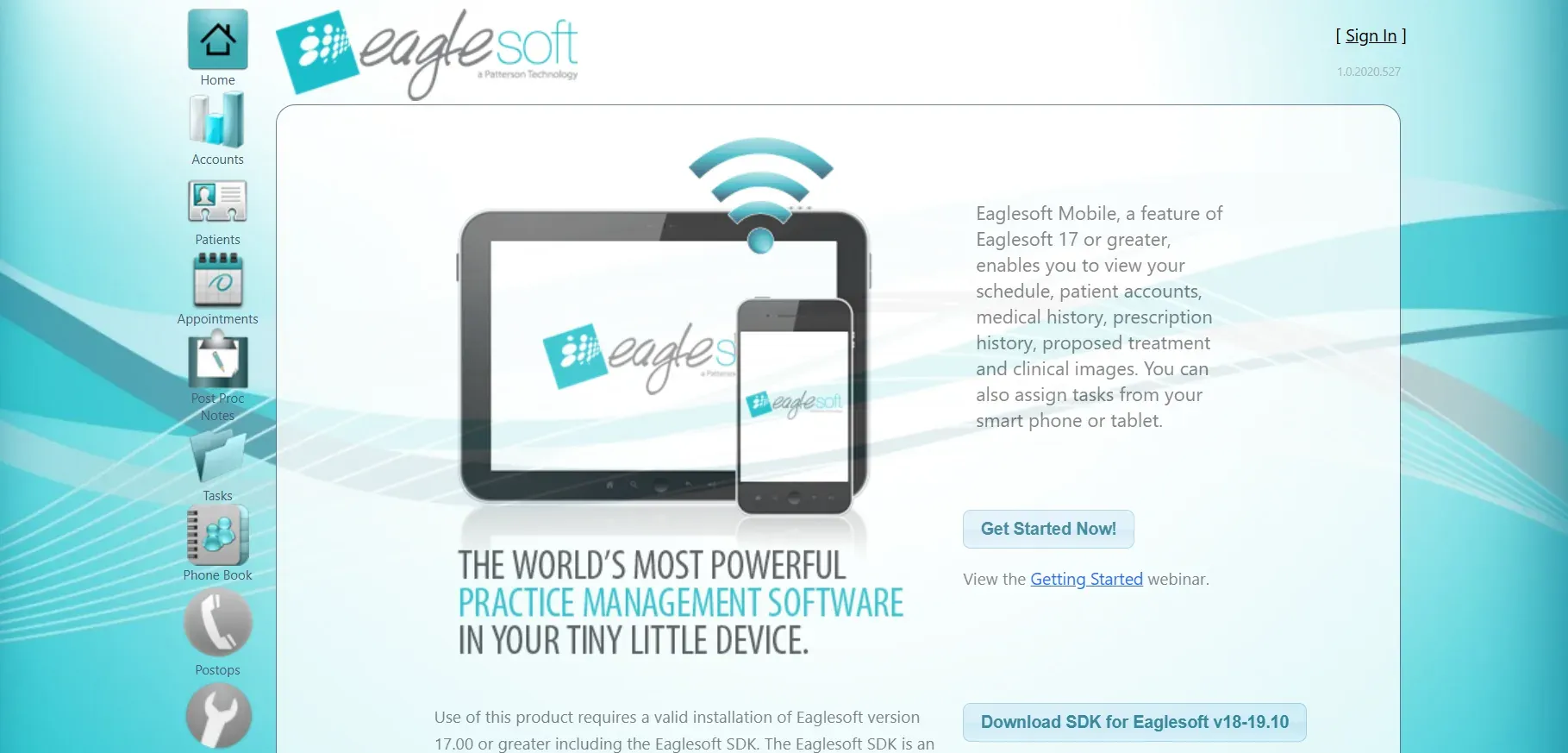
Eaglesoft is Patterson Dental’s flagship practice management solution, with a reputation for strong imaging integration and clinical charting. Eaglesoft’s clinical modules are tailored for practices that rely heavily on digital radiography and want a unified workflow from imaging to billing.
Integrations and Features: Eaglesoft’s strength is its tight integration with Patterson’s imaging hardware (such as Schick sensors), allowing clinicians to capture, view, and annotate images directly in the patient chart. Eaglesoft also includes treatment planning, eClaims, online forms, and recall automation. The built-in SmartDoc module manages scanned documents and X-rays. The platform supports add-ons for electronic prescriptions and patient communications, though many advanced features require enabling (and paying for) additional modules.
Migration Friction: Like Dentrix, Eaglesoft stores data in proprietary formats, and migration to or from the system can be time-consuming. Practices often need specialized services to transfer images and chart notes, and there may be compatibility issues with third-party imaging hardware.
Concrete Use Cases: General dental practices with significant imaging needs, offices using Patterson hardware, and clinics that want a single-vendor solution for both clinical and administrative tasks.
Trade-offs: Eaglesoft’s server-based nature means ongoing IT management, including backups, updates, and hardware troubleshooting. Pricing is opaque, and many practices report surprise costs for onboarding, support, or additional modules. Customization is limited to what the vendor provides, and you never truly own the code or database.
Pricing: $350 to $1,000/month estimated. Contact sales for a quote.
- Imaging integration, clinical charting, established in the U.S. dental market.
- Key limitations: Requires server upkeep, opaque pricing, proprietary data, no ownership.
3. Open Dental (Best for clinics wanting control)
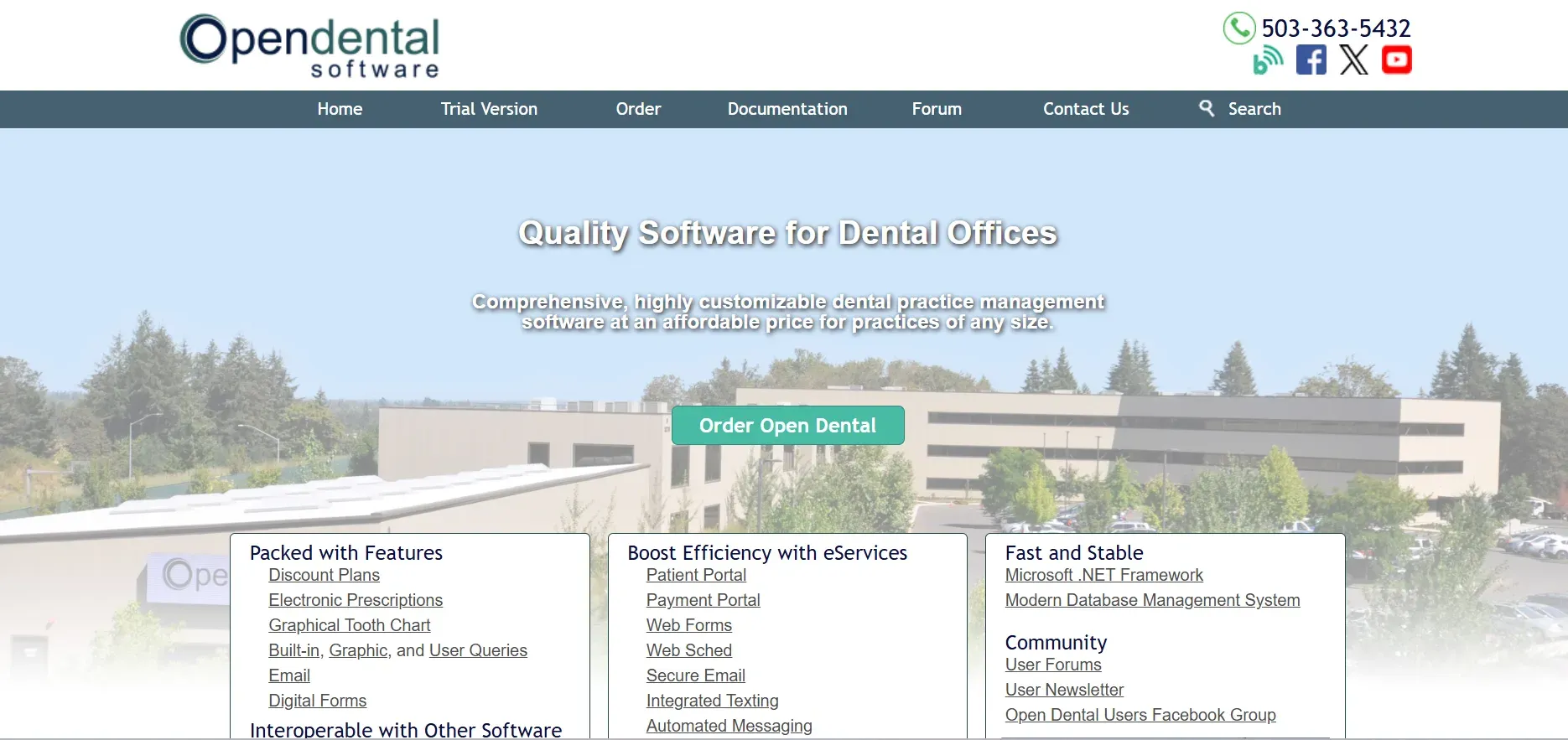
Open Dental is unique: it’s open source, meaning you can download, inspect, and modify the code. For clinics with IT expertise, Open Dental is the most transparent and customizable alternative on this list. It supports all core practice management functions, scheduling, billing, clinical charting, eClaims, and patient communications, along with an open API for integrating imaging, payments, or third-party tools.
Integrations and Features: Open Dental supports a wide range of third-party integrations, including imaging (DEXIS, Schick, Planmeca), text or email reminders (via plugins), and cloud backup solutions. Its reporting engine is highly customizable, and the open-source model allows advanced users to build custom workflows, forms, and interfaces. Open Dental’s community and vendor support ecosystem is strong, with frequent updates and a large user forum.
Migration Friction: Migration into Open Dental is well-supported, with import tools for many legacy platforms (including Lighthouse 360, Dentrix, and Eaglesoft). However, migrating out may be more complex if you rely on custom plugins or deep integrations. Self-hosting means you’re responsible for backups, security, and compliance unless you opt for Open Dental’s cloud hosting (which adds cost and still does not confer ownership).
Concrete Use Cases: Independent clinics that want full control over their software stack, multi-location groups with IT staff, and practices seeking to avoid vendor lock-in. Open Dental is also popular for clinics wanting to automate unique workflows or integrate with in-house systems.
Trade-offs: Flexibility comes with responsibility. You’ll need IT support for setup, maintenance, and security. While the software itself is free, most clinics pay for support ($169/month) and may incur additional costs for cloud hosting ($430/location/month), third-party add-ons, and custom development.
Pricing: Free download, $169/month for support. Cloud hosting is $430/location/month. See pricing.
- Open source, transparent, highly customizable, large community, affordable support.
- Key limitations: IT expertise required, cloud costs add up, no true custom ownership (changes are shared back to the community unless you fork your own build).
On an owned system, you define what "customization" means, and keep it forever.
4. Curve Dental (Best for cloud convenience)
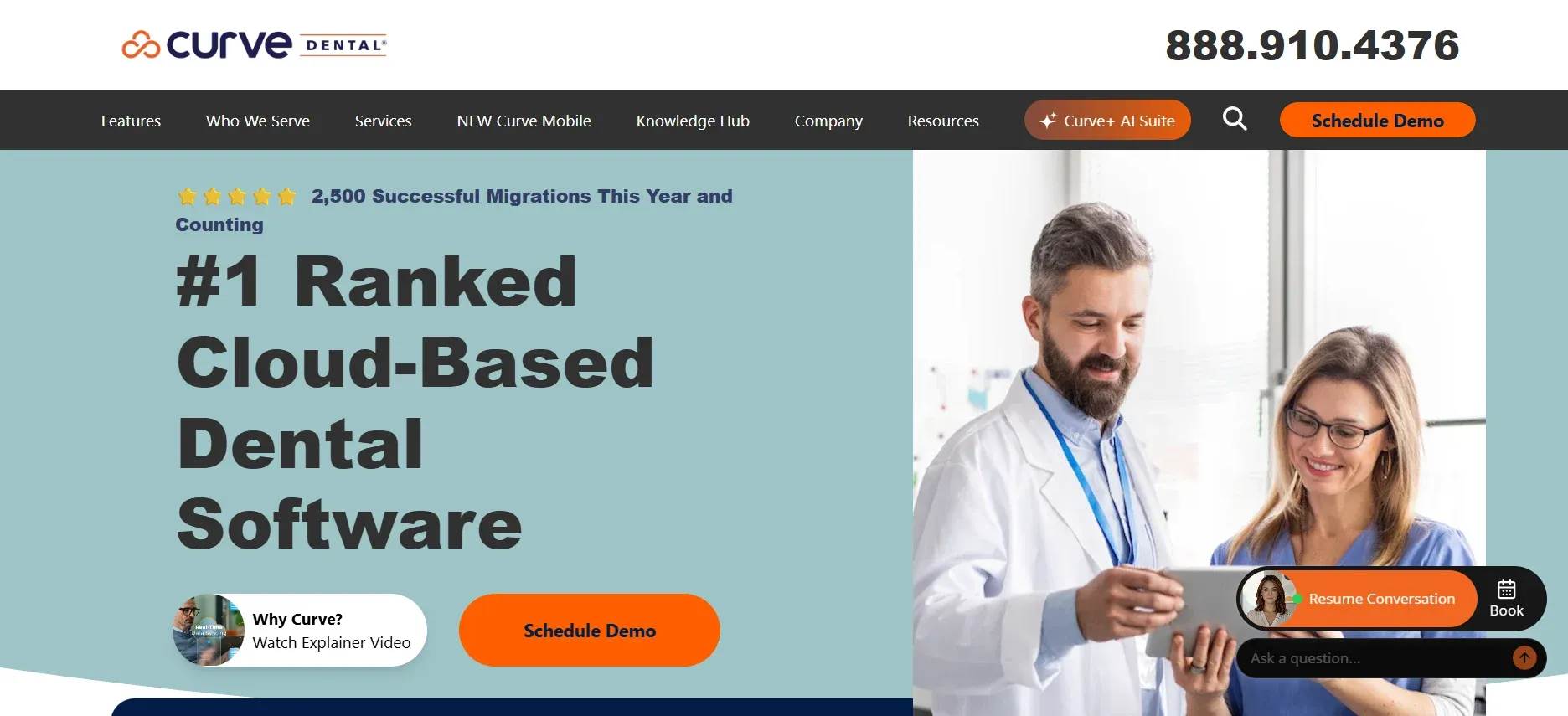
Curve Dental is a modern, fully cloud-based dental software platform. Its appeal is simplicity: no local servers, automatic updates, and access from any device with a browser. Curve Dental covers all core practice management needs, scheduling, billing, charting, imaging, and patient communications, through a clean, intuitive interface.
Integrations and Features: Curve Dental integrates with a range of imaging devices (including Planmeca, Dexis, and others), payment processors, and patient communication platforms. The built-in Curve Hero module enables digital charting, and the software includes eClaims, online forms, and recall automation. Curve’s cloud architecture means updates and backups are handled automatically, and support is included in the subscription.
Migration Friction: Curve Dental offers migration services for new clients, but exporting data out of Curve can be challenging, especially for imaging and custom reports. Data is stored in cloud databases, and clinics must request exports in standardized formats when leaving.
Concrete Use Cases: Single-location and multi-location clinics that want to avoid on-premise IT, practices with remote or hybrid staff, and clinics seeking rapid onboarding with minimal technical setup.
Trade-offs: Per-provider pricing adds up quickly as you grow. Internet outages or slowdowns can severely impact productivity, as all clinical and administrative functions depend on cloud access. Customization is limited to what Curve supports, and there is no option to own your system or codebase.
Pricing: $350 to $600 per provider per month. Onboarding $500 to $2,000. Contact sales.
- No servers to manage, modern UI, easy onboarding, regular updates, strong support.
- Key limitations: Expensive for larger teams, dependence on internet, limited customization, no ownership.
If you owned the system, adding another provider wouldn’t cost a penny more.
5. Carestream Dental (Best for enterprise clinics)
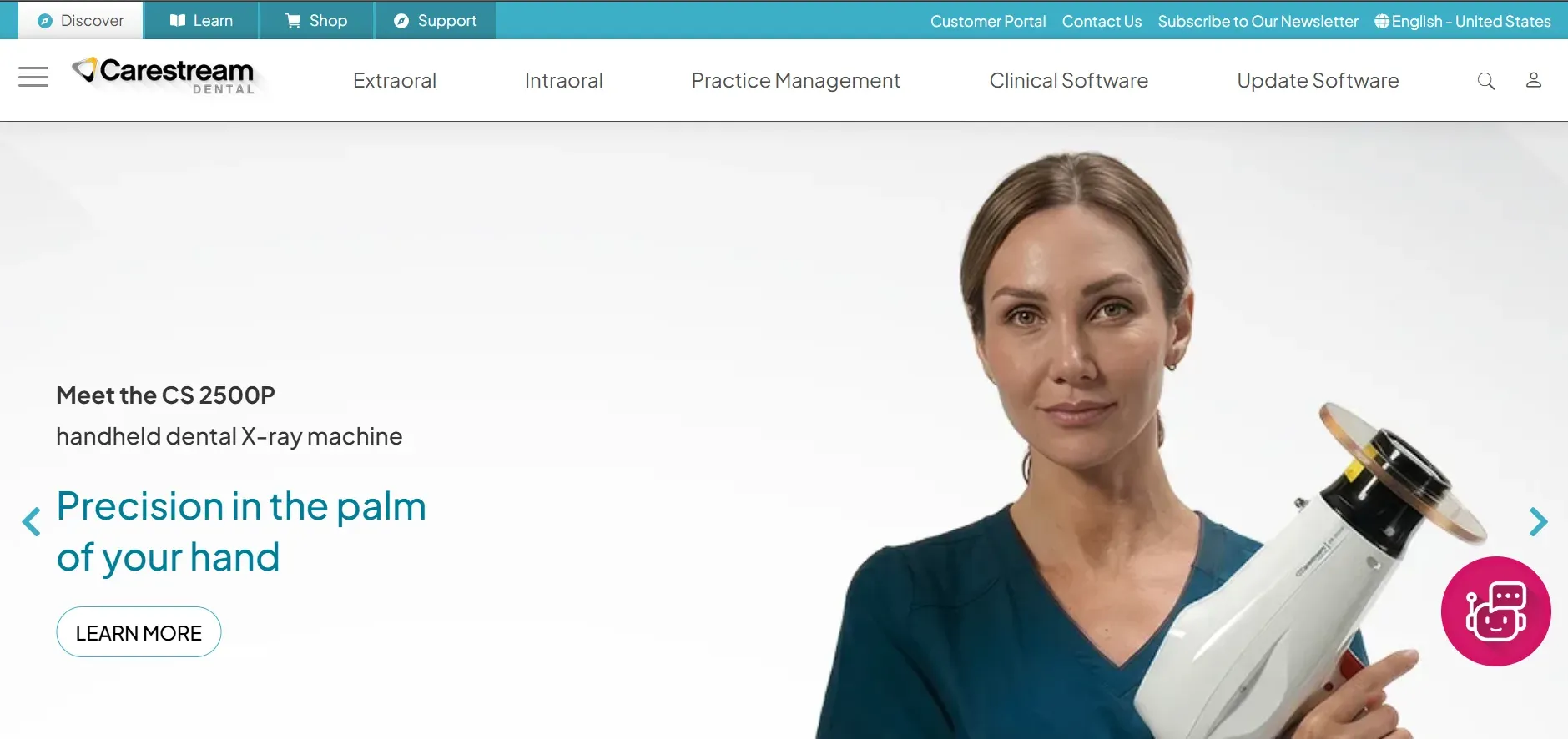
Carestream Dental targets large, enterprise-level dental operations with complex needs. Its product suite includes both server-based (CS SoftDent, WinOMS) and cloud-based (Sensei Cloud) solutions, but the flagship offering for big clinics is known for deep imaging integration, advanced analytics, and enterprise-grade security.
Integrations and Features: Carestream Dental platforms integrate natively with Carestream imaging devices, CBCT, and 3D imaging, plus third-party hardware. They include advanced treatment planning, insurance verification, eClaims, and customizable reporting. Many features are modular, so clinics can tailor the platform to their specialty, orthodontics, oral surgery, or general dentistry. The enterprise support model includes dedicated account managers and custom workflow design.
Migration Friction: Onboarding is a major project, often requiring weeks of planning, professional data conversion, and staff training. Migrating away from Carestream can be equally involved, with proprietary data formats and high-volume imaging files to convert.
Concrete Use Cases: DSOs, large clinics with in-house IT, multi-specialty practices, and those needing advanced imaging, analytics, and compliance features.
Trade-offs: High upfront and recurring costs. Onboarding can reach $50,000 or more, with monthly fees in the thousands. Customization is possible but typically at extra cost, and you remain dependent on Carestream for updates, support, and integrations. True ownership is not an option.
Pricing: $800 to $2,500/month. Onboarding $5,000 to $50,000. Contact sales.
- Enterprise-grade features, deep imaging integration, strong support, compliance focus.
- Key limitations: High cost, complex migration, always rented, contracts required.
6. Weave (Best for patient communication)
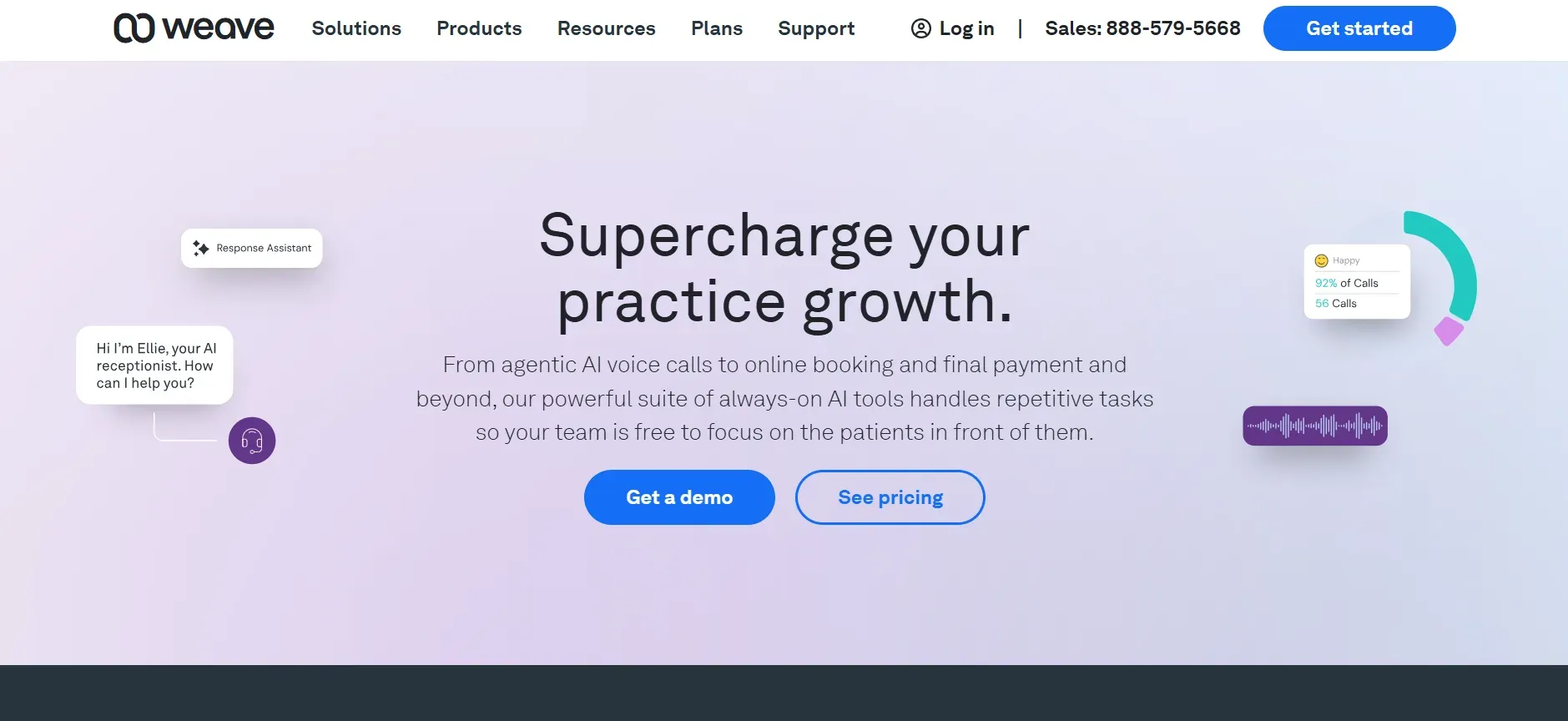
Weave is a communications platform designed for dental and medical offices, focusing on patient engagement through calls, texts, emails, and appointment reminders. While not a full practice management suite, Weave excels at automating communications, two-way texting, VoIP phone integration, and patient recall campaigns.
Integrations and Features: Weave integrates with major practice management systems (including Dentrix, Eaglesoft, Open Dental, and Curve), pulling appointment and patient data for automated reminders and marketing. It includes a unified inbox, call analytics, online review requests, and payment collection via text. The mobile app supports remote communication and scheduling.
Migration Friction: Since Weave is an add-on, not a replacement for core practice management, switching is straightforward. However, data is synced with your main system, so changing your practice management software may require re-integrating Weave or switching to a new communications provider.
Concrete Use Cases: Small to mid-sized clinics looking to improve patient recall, reduce no-shows, and centralize communications. Clinics wanting to modernize their phone and texting system without overhauling their entire platform.
Trade-offs: Weave is not a standalone practice management platform. You’ll still need a main system for scheduling, billing, and clinical charting. Support response times can vary, particularly during high-volume periods, and the recurring fee structure means long-term costs add up.
Pricing: $279 to $349/month, plus $750 setup. Contact sales.
- Communication automation, broad integrations, modern user experience.
- Key limitations: Not a full PMS, recurring fees, support variability, no ownership.
The kind of messaging you’d just have if your platform was built for you.
7. Denticon (Planet DDS) (Best for multi-location DSOs)
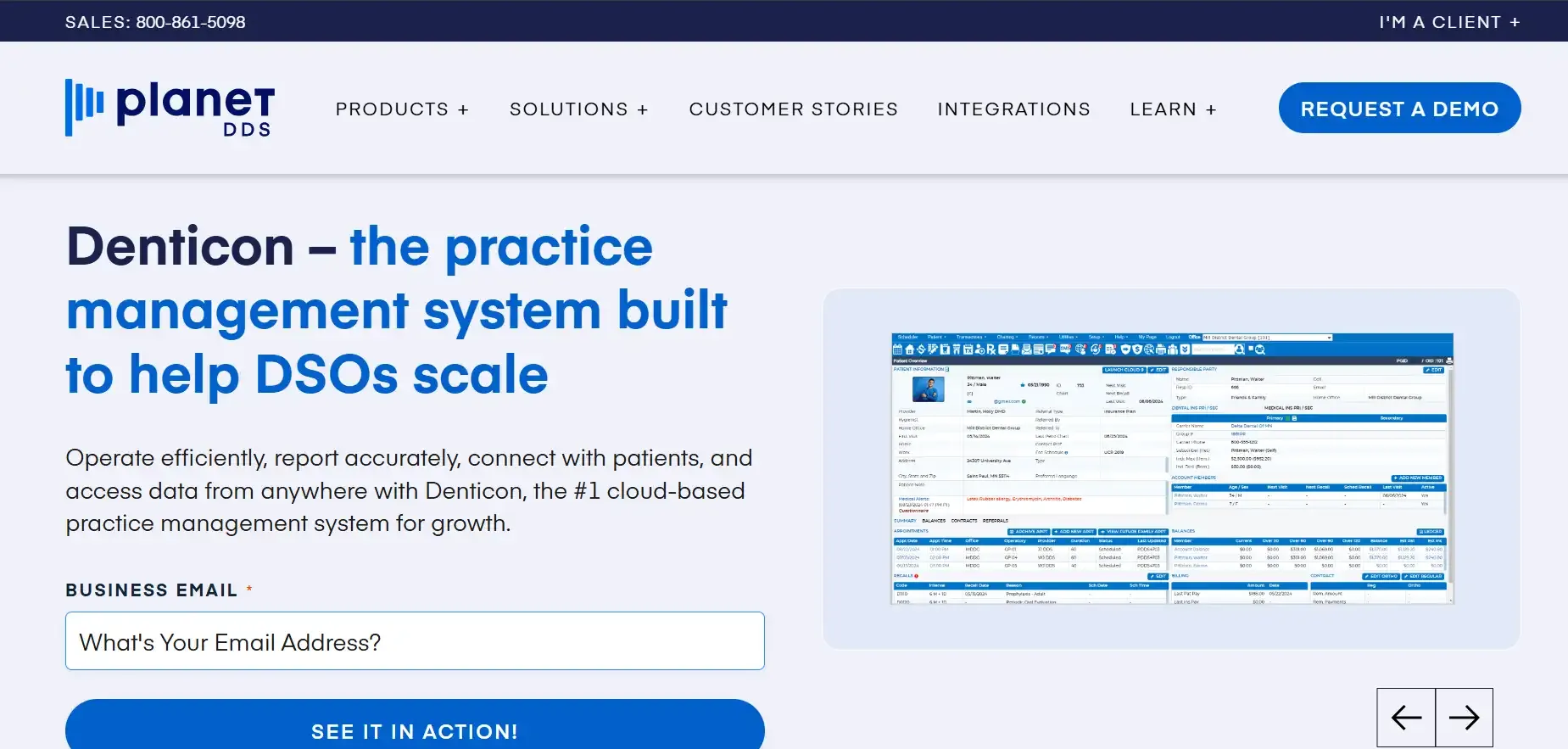
Denticon is a cloud-based, enterprise-grade practice management platform from Planet DDS. Its architecture is designed for DSOs (Dental Service Organizations) and multi-site groups needing centralized scheduling, reporting, and analytics across multiple locations and providers.
Integrations and Features: Denticon covers the full clinical and administrative stack: scheduling, charting, billing, insurance, imaging, ePrescribing, and patient communications. It offers role-based access control, centralized data management, and advanced analytics dashboards for executive oversight. Denticon supports integrations with imaging and payment platforms, as well as open APIs for custom workflows.
Migration Friction: Denticon provides professional onboarding and migration services, but as with most enterprise platforms, exporting all data (especially imaging and custom fields) can be complex. Multi-location reporting and centralization are strengths, but you remain dependent on Planet DDS for updates and support.
Concrete Use Cases: DSOs, group practices with centralized billing, organizations needing multi-location scheduling and analytics, and clinics planning to scale regionally or nationally.
Trade-offs: Pricing is not transparent, and per-location and per-provider fees can escalate as your organization grows. Feature access may depend on contract tier, and you do not own the code or database. Custom integrations and workflow changes may require professional services and additional costs.
Pricing: Not publicly disclosed. Contact sales.
- Centralized management, cloud access, strong for multi-site and DSO models.
- Key limitations: Opaque pricing, recurring fees, no ownership, migration complexity.
8. Sensei Cloud (Best for cloud-based management)

Sensei Cloud is Carestream’s answer to the trend toward cloud-based practice management. It aims to combine the depth of enterprise systems with the convenience of true cloud access, offering scheduling, charting, billing, imaging, and analytics accessible from any device.
Integrations and Features: Sensei Cloud integrates with Carestream imaging hardware, supports ePrescribing, and includes a patient portal for appointments and forms. It offers analytics dashboards, customizable workflows, and multi-location support. Frequent updates and cloud-based backups are included in the subscription.
Migration Friction: Moving to Sensei Cloud requires professional migration services, especially if you have years of clinical and imaging data. Exporting data out for future migrations can be complex, as with most cloud vendors. You’ll also need to retrain staff used to traditional on-premise systems.
Concrete Use Cases: Practices wanting to eliminate local servers, clinics with distributed teams, and those seeking modern cloud interfaces with robust imaging integration.
Trade-offs: Subscription pricing with no path to ownership, and feature access may require higher-tier contracts. Customization is limited to what Carestream supports, and migration away from the platform can be costly and time-consuming.
Pricing: Not publicly disclosed. Contact sales.
- Cloud-based, device agnostic, integrated imaging, frequent updates.
- Key limitations: Recurring fees, limited customization, migration friction, no ownership.
9. Devaims (Best for clinics ready to own it)
Devaims is the only alternative in this list where you actually own the software. Devaims builds your clinic a custom web, mobile, or business platform from the ground up, tailored to your workflows, branding, and integration needs. You get all the source code, no per-seat fees, no contract lock-in, and you decide how your system evolves. It is a true "build to own" approach, giving you the same control as building your own house, rather than renting an apartment.
Integrations and Features: Devaims custom-builds your platform to integrate with any imaging hardware, payment processor, analytics, or communications tool you use. Need a patient portal, online forms, or two-way texting? Want to automate insurance verification or tie into your accounting software? It’s all possible, because you define the requirements. Reporting, analytics, and workflow automations are built for your specific needs, not a generic template.
With Devaims, the migration from Lighthouse 360 (or any other platform) is handled as part of the project. The team manages data extraction, cleaning, and import, ensuring your patient, appointment, and billing history are preserved. Once your new system is live, you’re not tied to Devaims, you own the source code and database, so future migrations are entirely in your control.
Growing clinics tired of per-seat fees, multi-location practices who want to control costs, specialty clinics with unique workflows, and any dental group ready to invest in long-term equity rather than endless rent all benefit from Devaims. It is also ideal for clinics who want to integrate with custom hardware, advanced analytics, or non-standard business systems.
- You own the system and the source code, no monthly per-user or per-location fees, fully customized to your workflows and branding, integrates with anything you need, no forced upgrades, no surprise hikes, no contract lock-in.
Other Lighthouse 360 alternatives worth knowing
- NovaSom: Offers patient communication (reminders, confirmations) but lacks full practice management features. Suitable for clinics wanting to supplement their existing PMS, not replace it.
- Planet DDS: Denticon is already covered above, but their cloud imaging and additional specialty modules may fit enterprise clinics with complex requirements.
- Fuse (Henry Schein): Another cloud-based solution with growing adoption, especially among large DSOs. Not as widely used as Dentrix, and feature maturity varies by region.
Some niche tools handle reminders, imaging, or specialty workflows only, not the full practice management stack. Always verify whether a tool covers your core needs or is best as an add-on.
How to choose the right Lighthouse 360 alternative
- Budget: Add up all onboarding, per-user, and monthly fees, not just the sticker price. Look for hidden costs in data migration, support, and premium features.
- Ownership: Decide whether you want to keep renting or finally own your solution. Consider the value of building equity in your tech and avoiding vendor lock-in.
- IT resources: If you have in-house expertise, open source or self-hosted may work. Otherwise, a managed or custom build could be safer and more predictable.
- Practice size: Some tools scale by location or provider, check how fast costs rise as you grow. For fast-growing groups, renting can become a massive financial drag.
- Specialty needs: Ortho, multi-location, and enterprise clinics often need features not available in entry-level SaaS. Make sure your chosen platform supports your clinical and business workflows.
For clinics who are tired of paying rent and want to build equity in their tech, a custom Devaims build is worth a serious look.
Stop paying rent on software you could own
Every tool above is rented, monthly, per-provider, per-location, or by the feature. The contract might be 12 months, 36 months, or month to month, but the math is the same: after five years, you’ve paid tens of thousands and still own nothing. That’s where Devaims is different. We build you a custom dental platform, hand you the source code, and you own it outright. No more surprise hikes, forced upgrades, or add-on lock-ins.
With Devaims, you keep the code, control the data, and decide how your system evolves. Want to integrate with your imaging hardware? Add a new patient portal? You’re not waiting on a vendor’s roadmap. You decide.
- Per-seat and per-location fees end: With your own system, adding another dentist or clinic is just a settings change, not a new bill.
- No forced upgrades: You choose when and how to upgrade, not the vendor.
- True data ownership: You own your data, your workflow, and your brand. No migration ransom.
- Long-term cost control: A one-time build and predictable flat maintenance, not a forever subscription.
| Tool | Ownership | Contract | Per-seat/location fees |
|---|---|---|---|
| Lighthouse 360 | No | Recurring | Yes |
| Dentrix | No | Recurring | Yes |
| Curve Dental | No | Recurring | Yes |
| Open Dental | No (open source) | Support contract | Depends |
| Devaims | Yes, you own it | No contract | No |
| Year | Rented (Curve Dental, 4 providers) | Owned (Devaims build) |
|---|---|---|
| Year 1 | $28,800 | $30,000 |
| Year 2 | $57,600 | $32,760 |
| Year 3 | $86,400 | $35,520 |
| Year 4 | $115,200 | $38,280 |
| Year 5 | $144,000 | $41,040 (now ahead) |
For clinics with more than three providers or multiple locations, owning pulls ahead even faster. We’ll run your real numbers for free.
How to switch from Lighthouse 360
- Export your patient, appointment, and billing data from Lighthouse 360. Confirm which formats are available (CSV, XML, proprietary), and request all historical records if possible.
- Choose your new platform and confirm migration support or services. Ask about field mapping, data validation, and whether custom scripts or manual review are needed.
- Import your data into the new system, checking field mapping carefully. Test with a sample before full import, especially for critical fields like insurance, appointments, and clinical notes.
- Reconnect payment processors, imaging, and other integrations. This may require re-authorizing API connections or installing new bridge software.
- Train your staff on the new workflows and interface. Consider hands-on sessions and quick-reference guides to minimize disruption.
- Test in parallel for a week or two to catch any missed data or workflow glitches. Run both systems side by side, if possible, to ensure nothing is lost during the transition.
- Review your Lighthouse 360 contract for cancellation terms and finalize the switch. Watch for early termination fees or minimum notice periods.
With a custom Devaims build, the migration is handled as part of the project, including data cleaning, validation, and staff onboarding.
Frequently asked questions
What is the best alternative to Lighthouse 360 for a growing dental clinic?
Open Dental and Curve Dental are top picks for clinics that want flexibility, transparency, and strong support for integrations. Open Dental is best if you have IT resources and want maximum control. Curve Dental is better for those who want cloud simplicity and minimal IT overhead. For clinics ready to stop renting and invest in a platform they own, Devaims is the only true ownership model, custom-built, scalable, and free from per-seat fees.
Which Lighthouse 360 alternative is cheapest for small practices?
Weave and Open Dental offer the lowest entry costs for small clinics. Open Dental’s support plan is $169/month, and Weave’s communication suite starts at $279/month. However, keep an eye on add-on fees for imaging, extra users, and messaging as your practice grows. For clinics with more than two providers, the cumulative cost of SaaS rental often exceeds the cost of building your own platform in just a few years.
Is there a free Lighthouse 360 alternative?
Open Dental can be used free if you self-support, but most clinics pay for support and updates. True "free" practice management is rare, unless you build your own with Devaims and avoid recurring rent entirely. Open-source tools reduce cost, but you still need to invest in IT and support.
Which platform is best for orthodontic clinics?
Dolphin Dental is purpose-built for orthodontic specialists, offering advanced imaging, cephalometric analysis, and treatment simulation not found in general dental PMS. Some ortho clinics also use Open Dental or Carestream Dental with ortho-specific modules, but Dolphin remains the market leader for complex ortho workflows.
When should I switch from Lighthouse 360?
If your monthly costs are rising with every new provider, you’re hitting feature walls, or you want more control over data and workflows, it’s time to compare Lighthouse 360 alternatives. The earlier you switch, the more you save in the long run. Consider switching before your contract auto-renews to avoid penalties, and plan migration for a slow period in your clinic’s calendar.
Can I keep my patient data when I leave Lighthouse 360?
Yes, but expect extra steps. You’ll need to export your data in the formats provided (often CSV, XML, or proprietary), then import into your new system or a Devaims-built platform. Be sure to request all historical data, including attachments and imaging, and allocate time for data cleaning and validation. Some vendors may charge for full data exports or impose delays, so plan ahead.
How does Devaims compare to the other Lighthouse 360 alternatives?
Devaims is the only alternative that builds you a dental platform you own outright, no rent, no contract, no forced upgrades. The others are recurring rentals with ownership and customization limits. With Devaims, you define your workflows, integrations, and branding, and you control your data forever. For growing clinics or those with specialty needs, the long-term cost and flexibility advantages are significant.
The bottom line
Renting dental software works, until the bills add up and you realize you’ll never own a thing. Every Lighthouse 360 alternative on the market is a different flavor of rental, except Devaims, which builds you a system to keep.
Here’s the test: add up what your current or proposed software will cost over five years. If that number could have built you something you own, you already have your answer. The future of dental software isn’t just cloud or on-premise, it’s ownership. Ready to break the cycle?
See more on the Devaims blog, and check out our guides to Dentrix alternatives, Eaglesoft alternatives, and Open Dental alternatives. For broader context, see in-depth industry reviews at Capterra and Software Advice.